VPLU1 Bluetooth Speaker
Product Information
Model: VPLU1
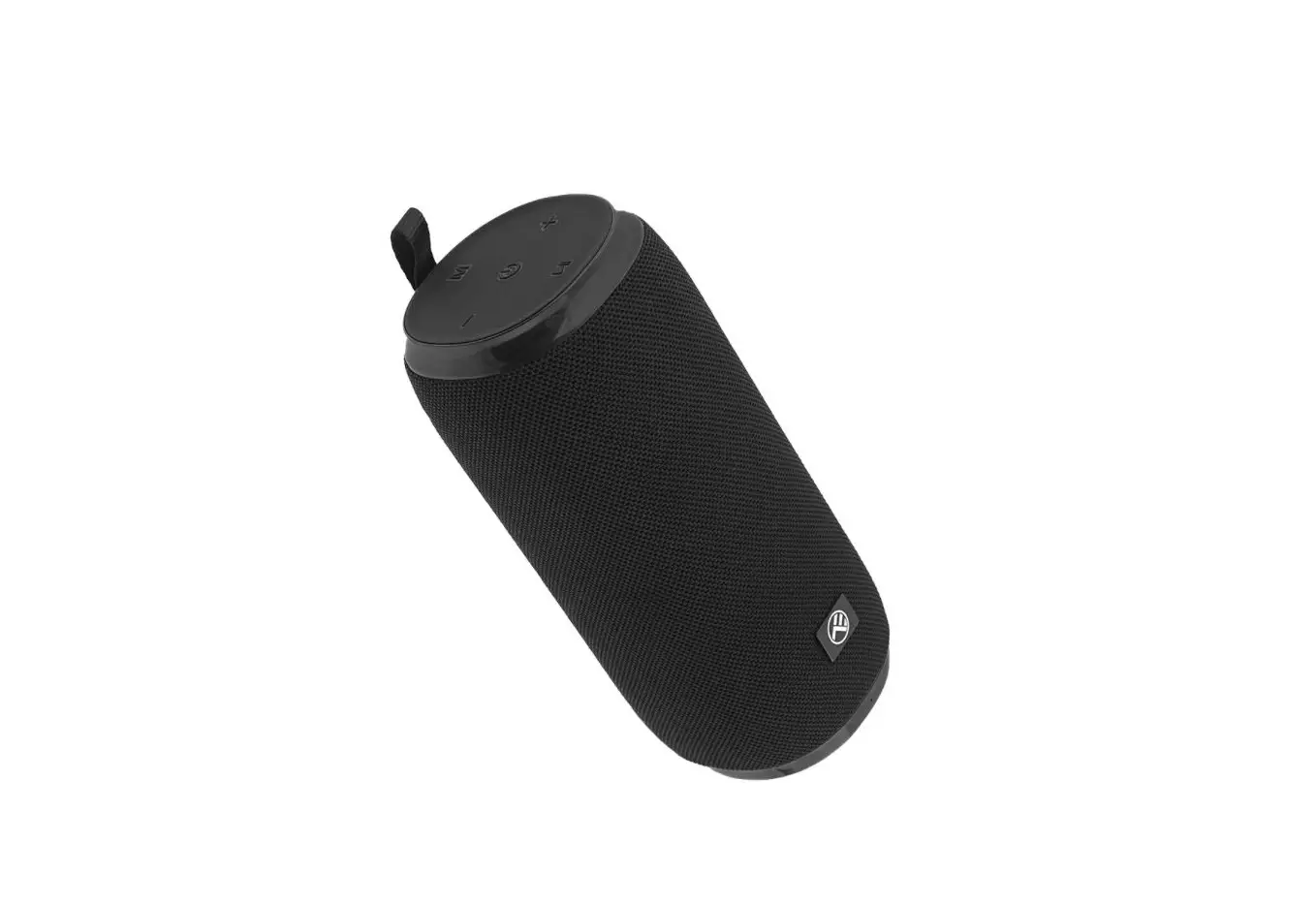
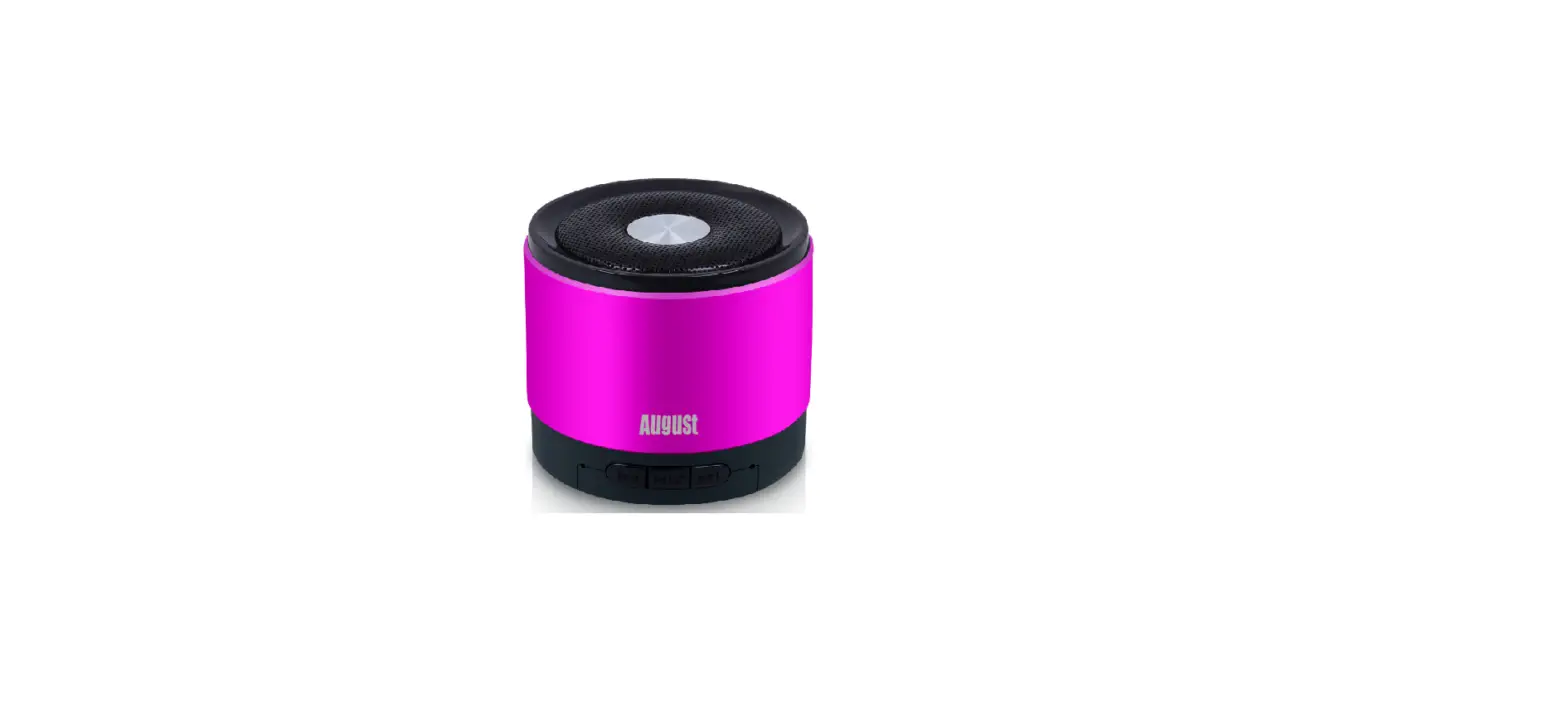
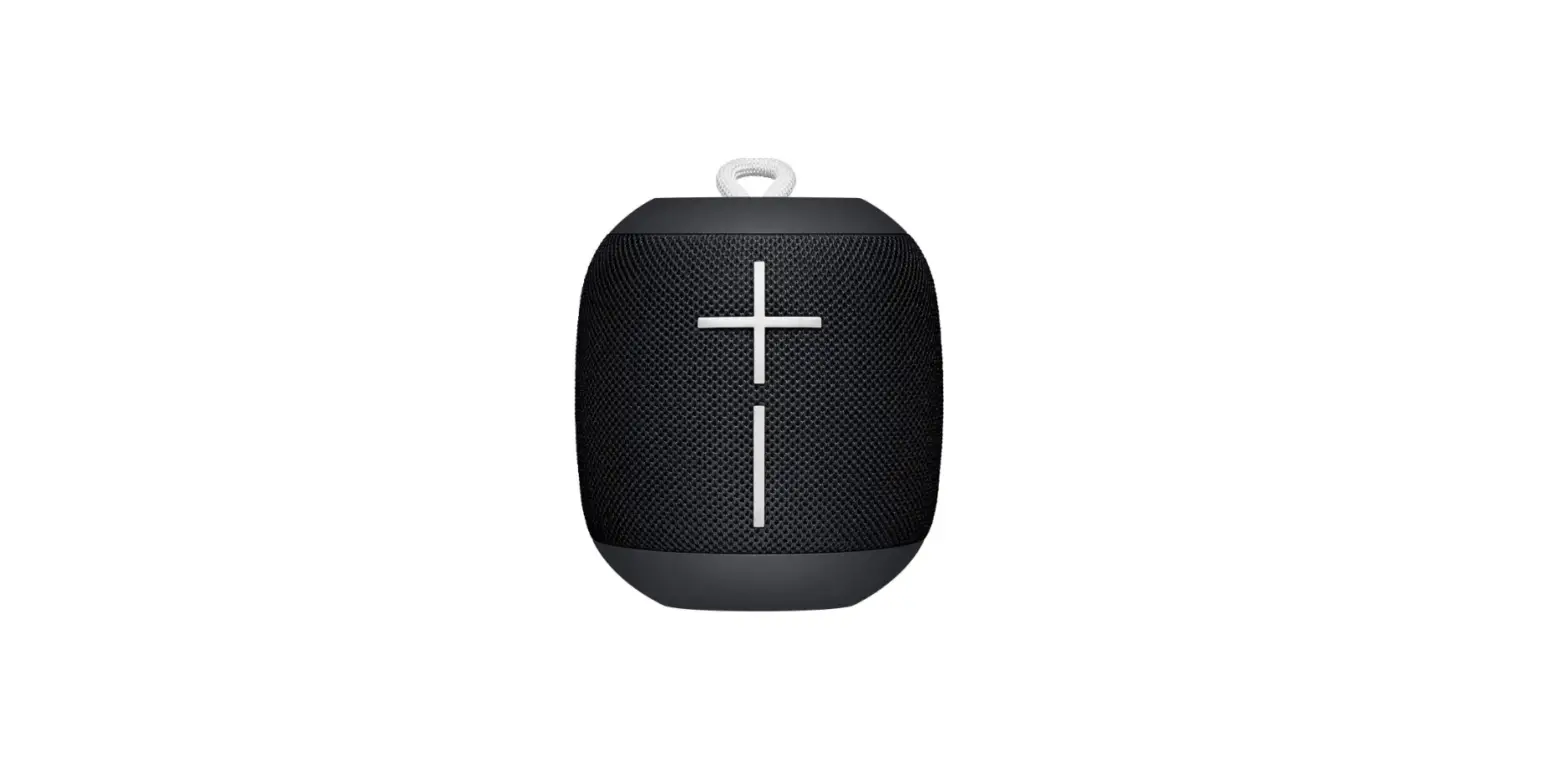
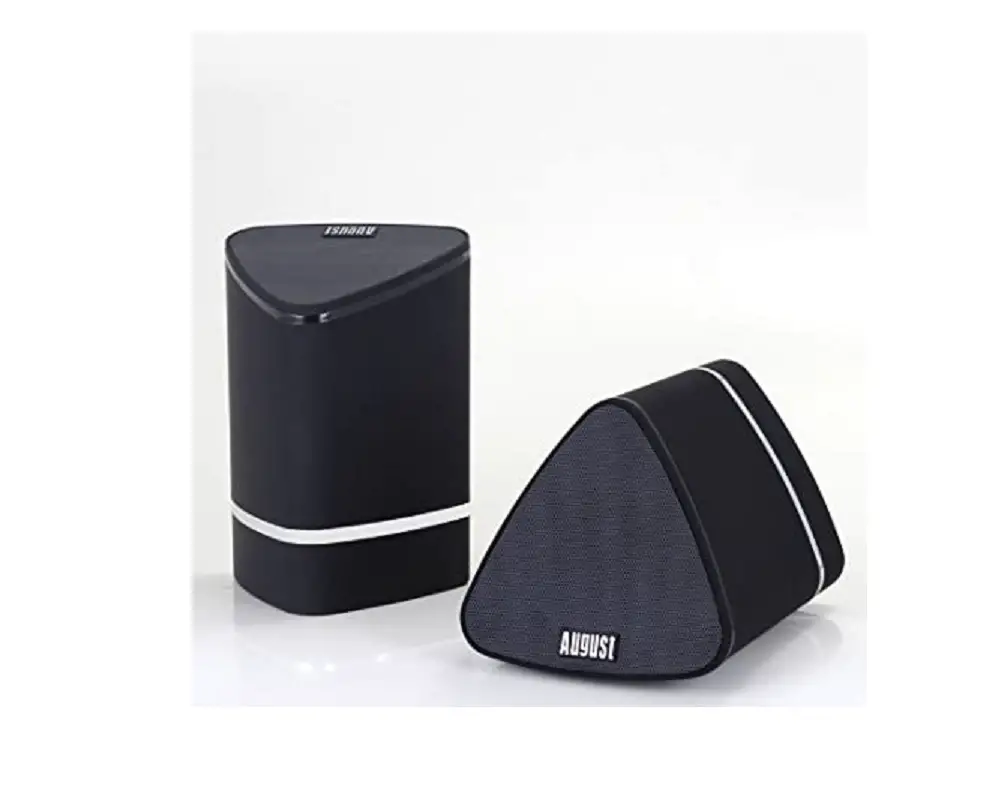
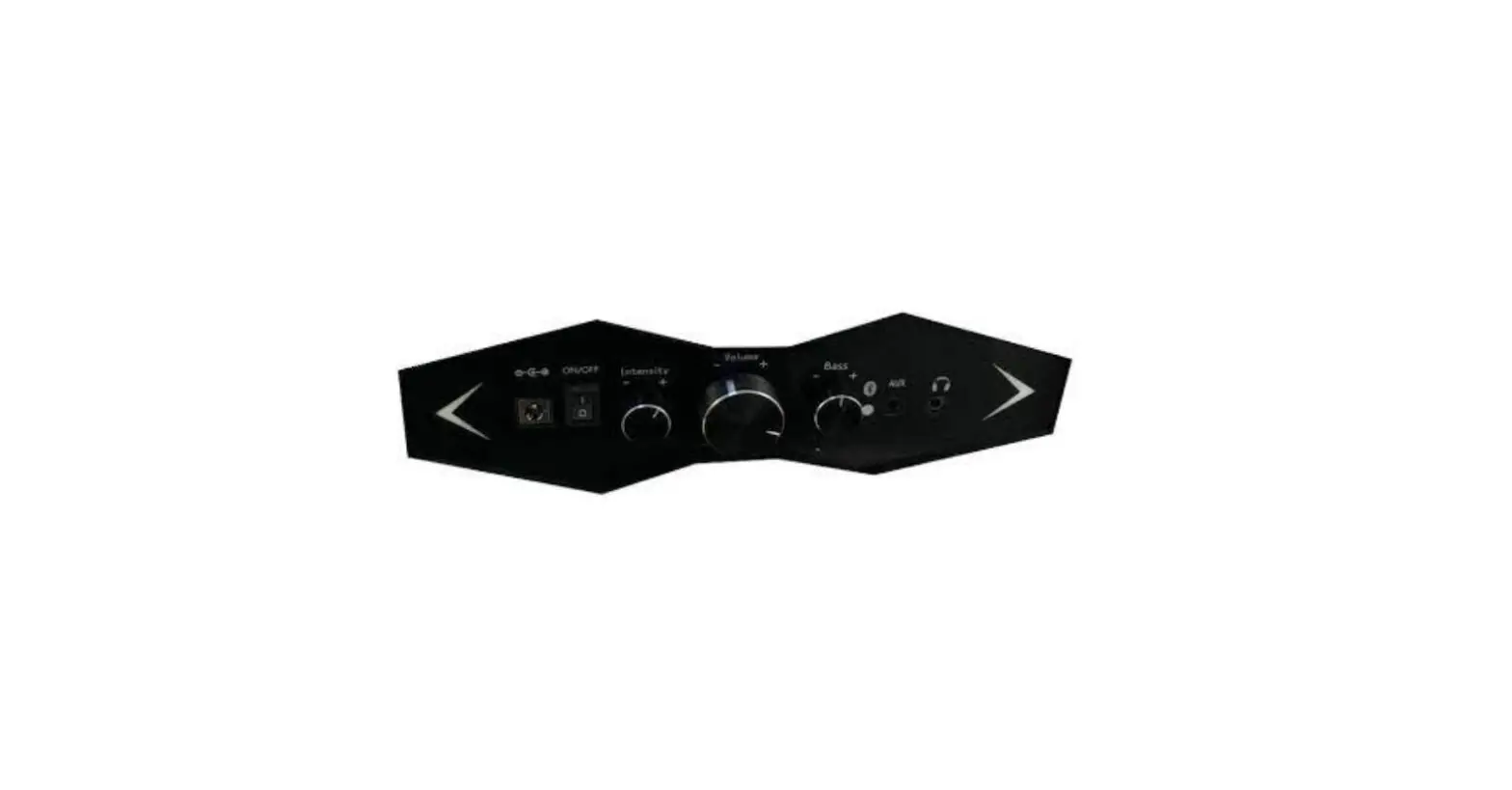
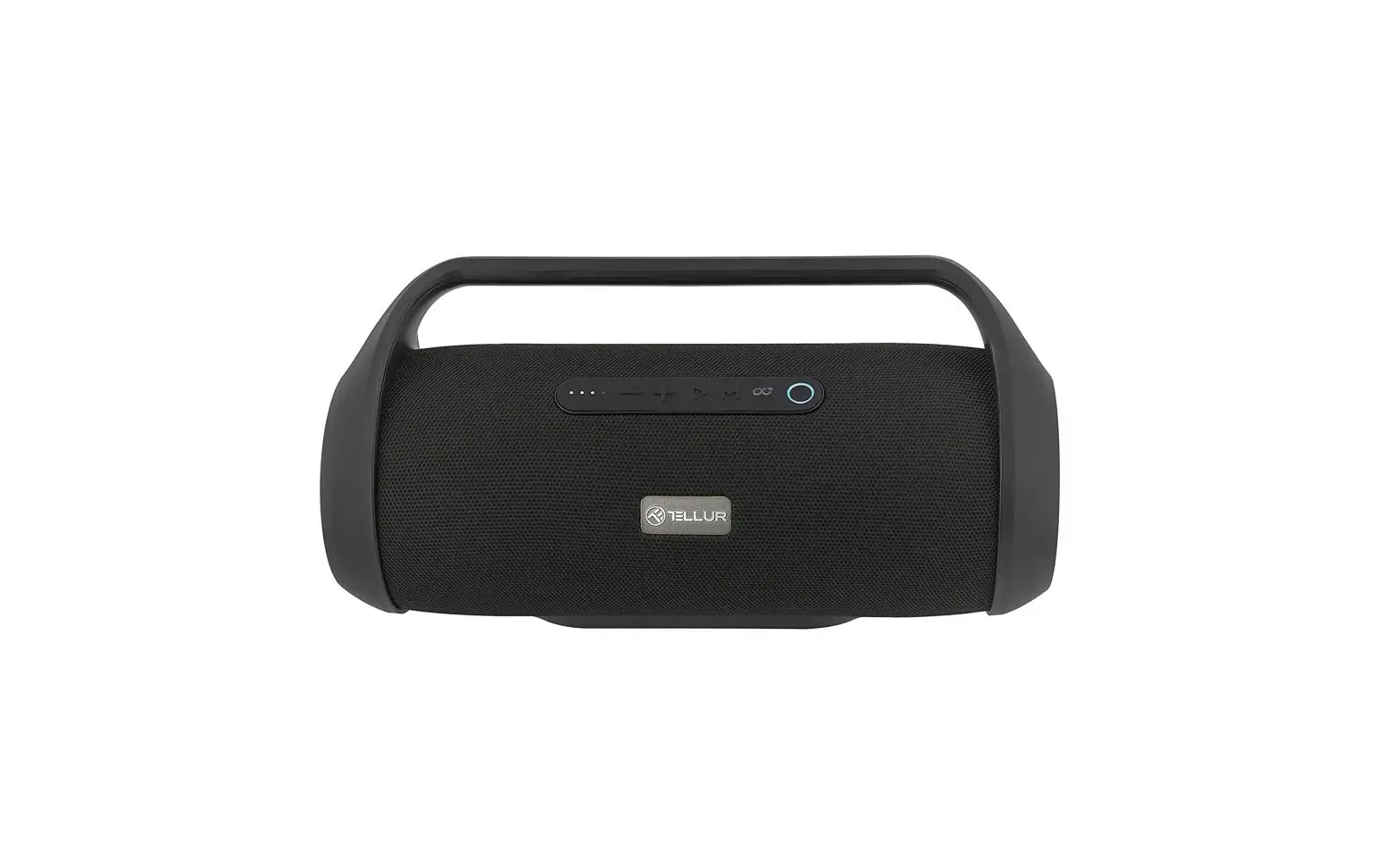
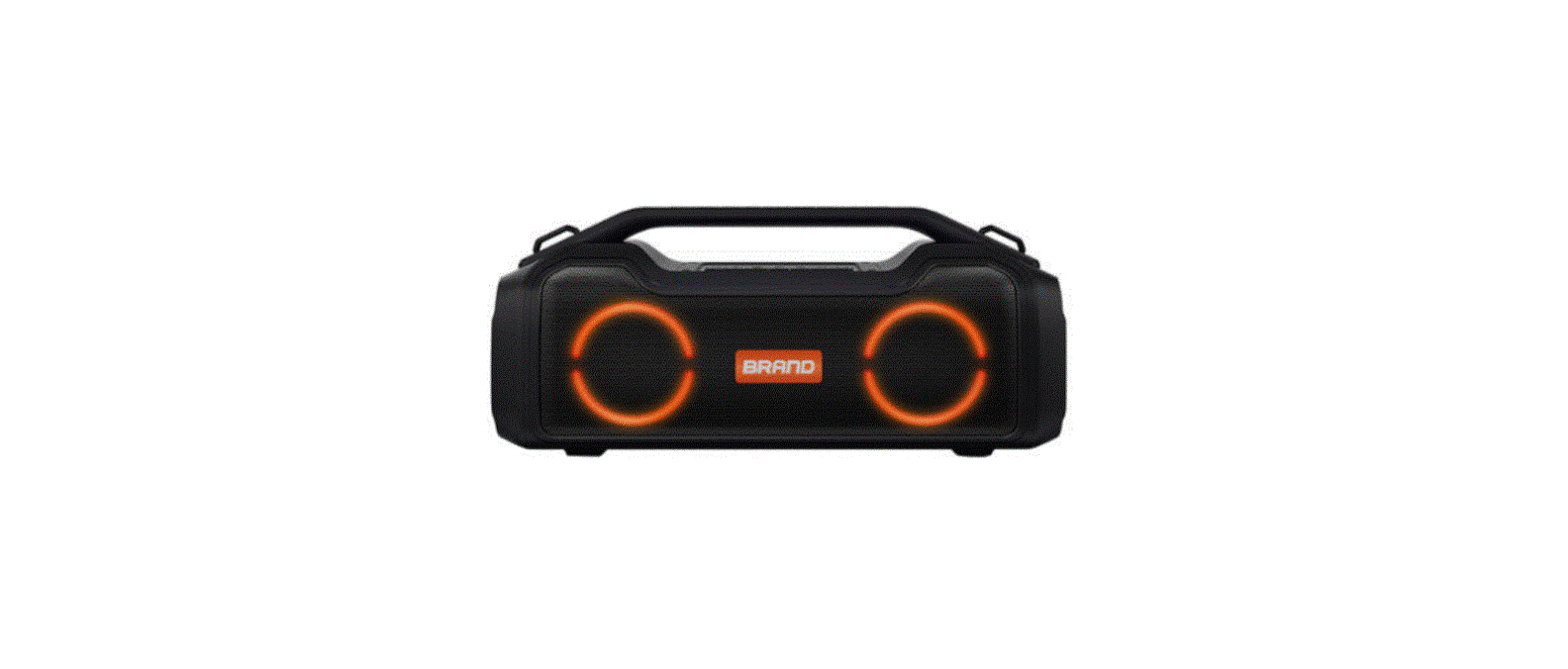
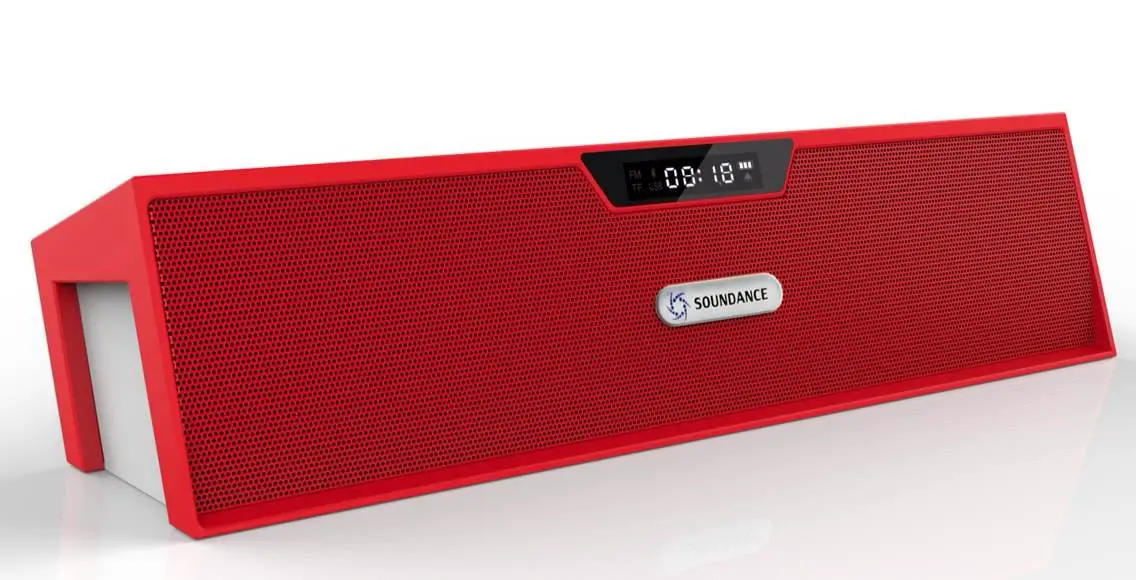
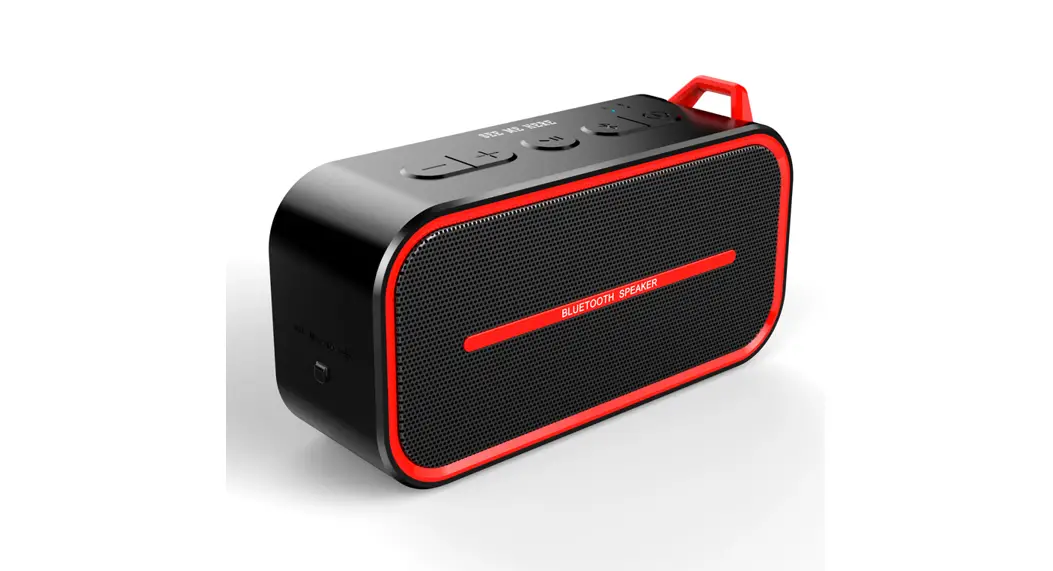
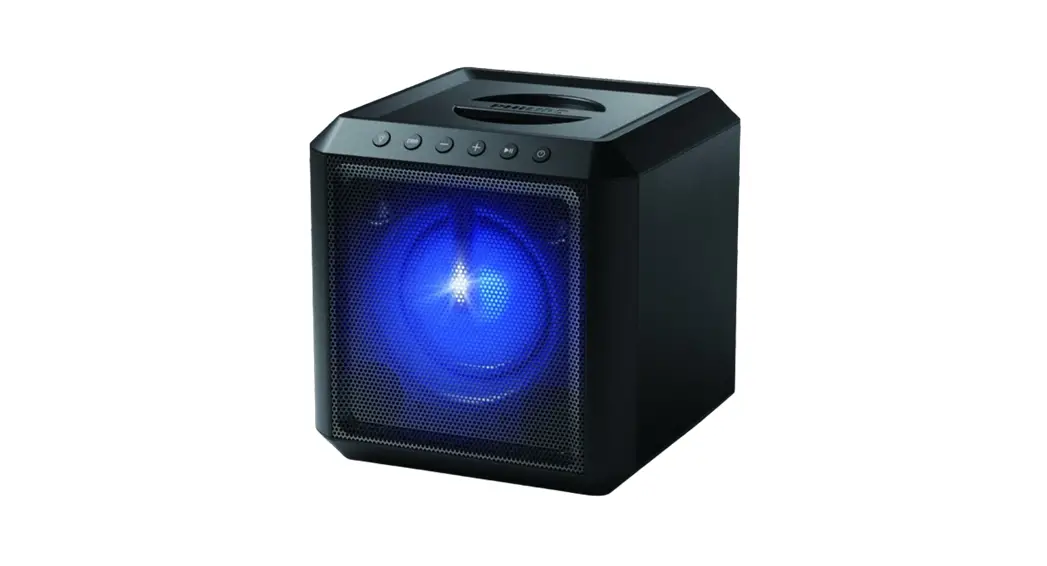
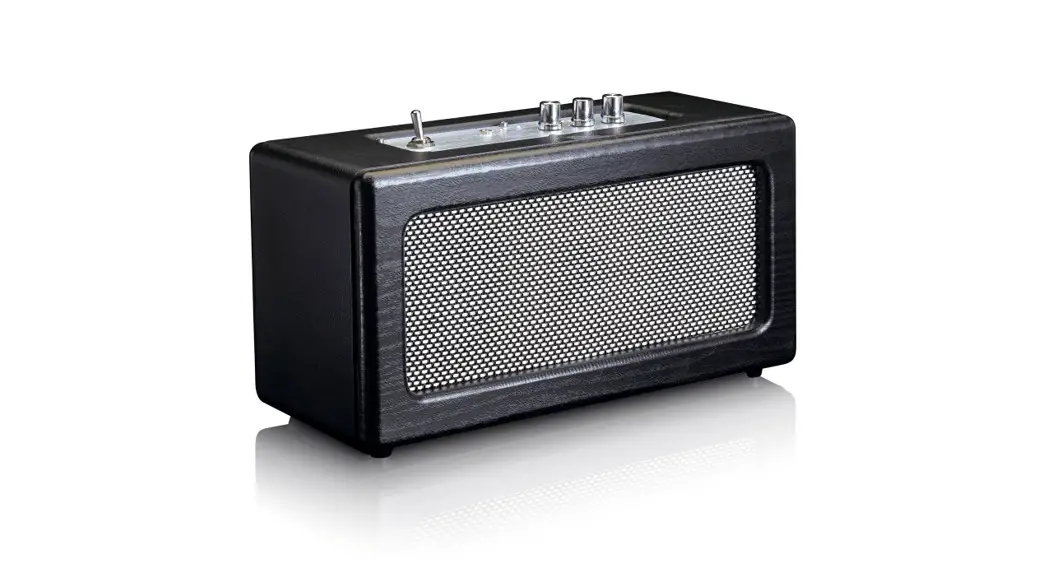
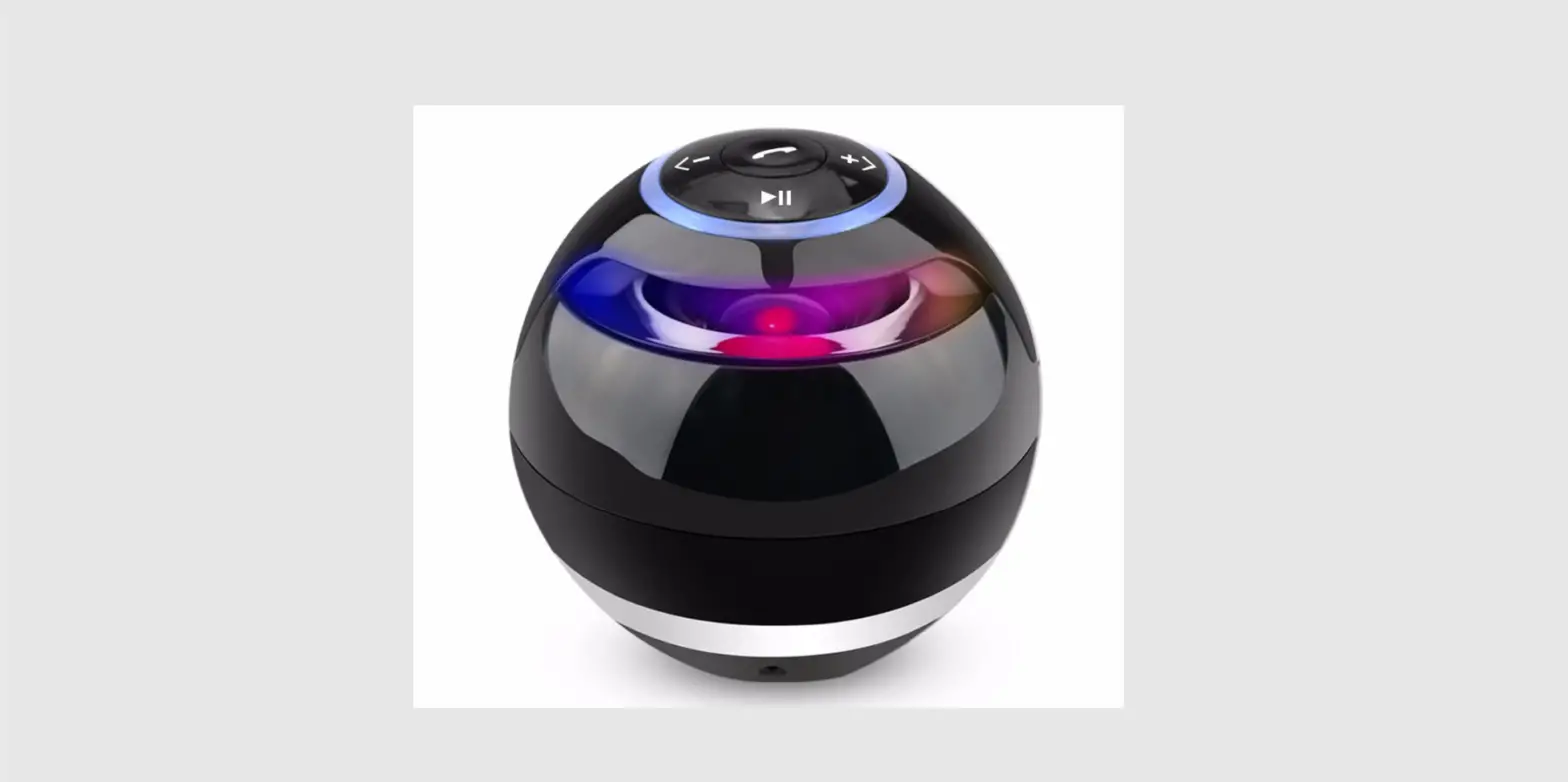
Picture:
- Bluetooth version: ATS 5.0
- Power supplier: DC5V
- Output power: 12W(6W * 2)
- Lithium battery: 3.7V 2000mAh
- Speaker Unit: 45mm
- Case Material: TPU+metal
- Dimensions: 20×6.6×7.7cm
- Weight: 600g
- Play time: 10 hours
- Charging time: 3-4 hours
Product Usage Instructions
To use the VPLU1 Bluetooth speaker, follow these steps:
- Charge the device fully before first use. This takes
approximately 3-4 hours. - Turn on the speaker by pressing and holding the power button
until the LED light turns on. - To connect your Bluetooth device, press and hold the Bluetooth
button until the LED light flashes. Search for available devices on
your Bluetooth-enabled device and select “VPLU1” to connect. - You can also connect your device using the AUX input or NFC
function. - The VPLU1 also features a built-in microphone for hands-free
calling. - The speaker can also be used as a power bank to charge your
other devices. - For an even bigger sound, you can pair two VPLU1 speakers
together using the TWS function. - The LED light button can be used to turn the light on and
off. - You can also play music directly from a USB device using the
USB play function. - The VPLU1 is waterproof with an IP66 rating, making it suitable
for use in wet or damp environments.
MODEL VPLU1
PICTURE
Bluetooth version: Power supplier: Output power:
Lithium battery : Speaker Unit: Case Material: Dimensions: Weight: Play time: Charging time:
SPECIFICATION
ATS 5.0 DC5V 12W(6W * 2
3.7V 2000mAh 45mm TPU+metal 20×6.6×7.7cm 600g 10 hours 3-4 hours
SUPPORT &
ADVANTAGE
Function and Features 1)waterproof IP66 2) AUX input 3) Microphone 4) Powerbank 5) NFC 6) LED light button 7) TWS 8) USB play