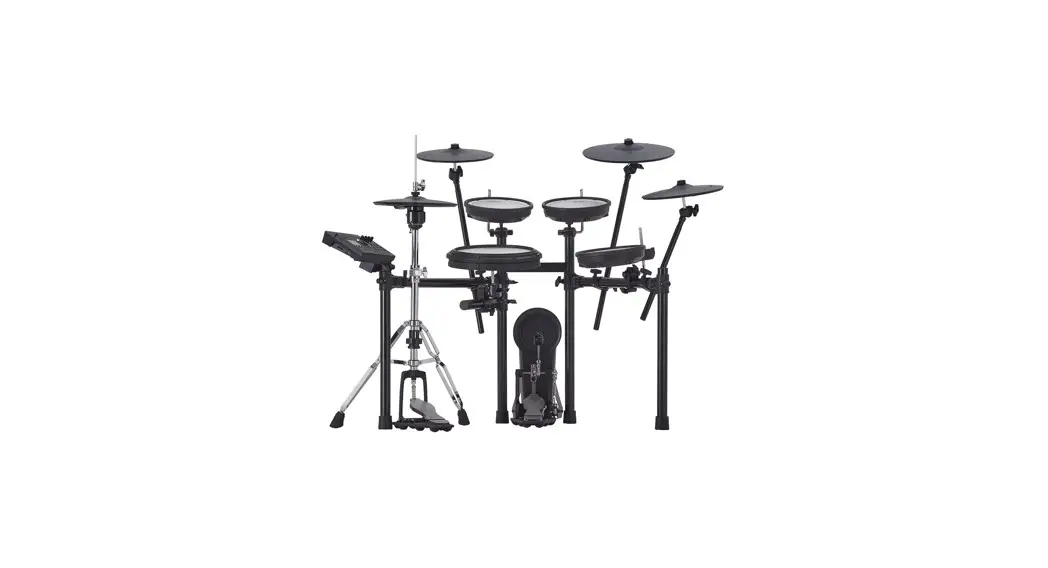
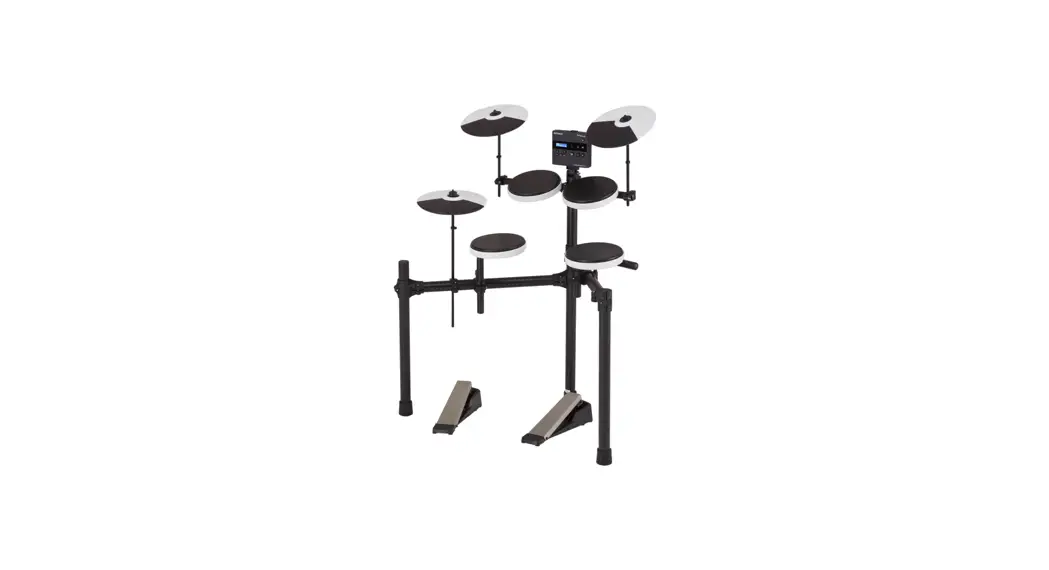
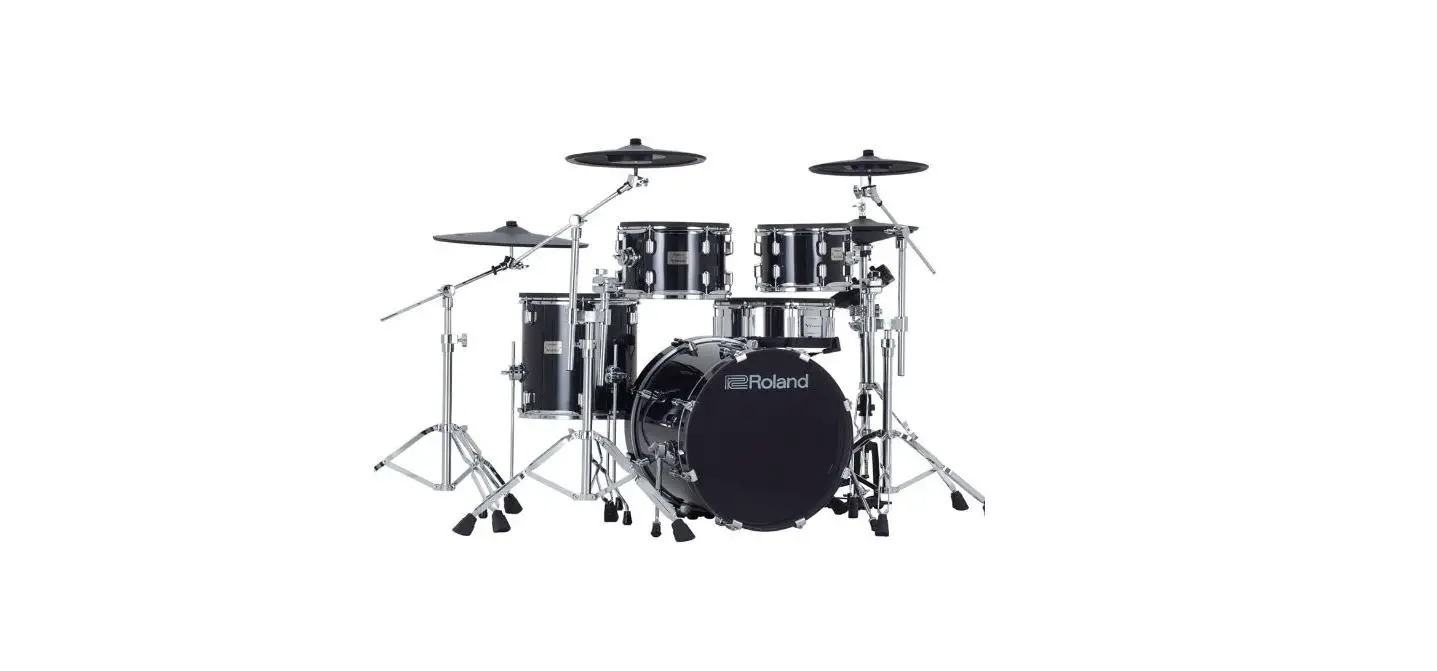
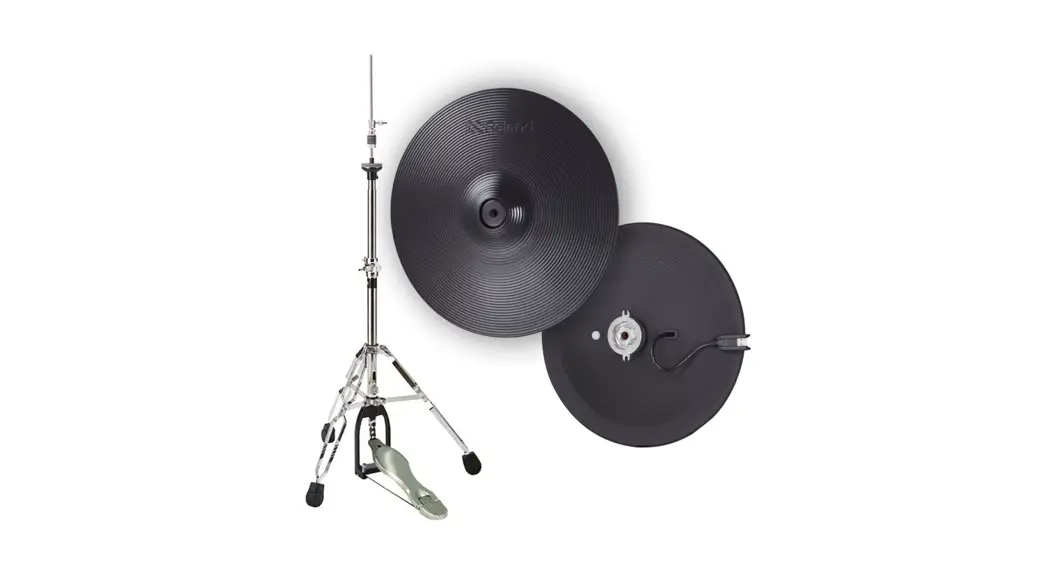
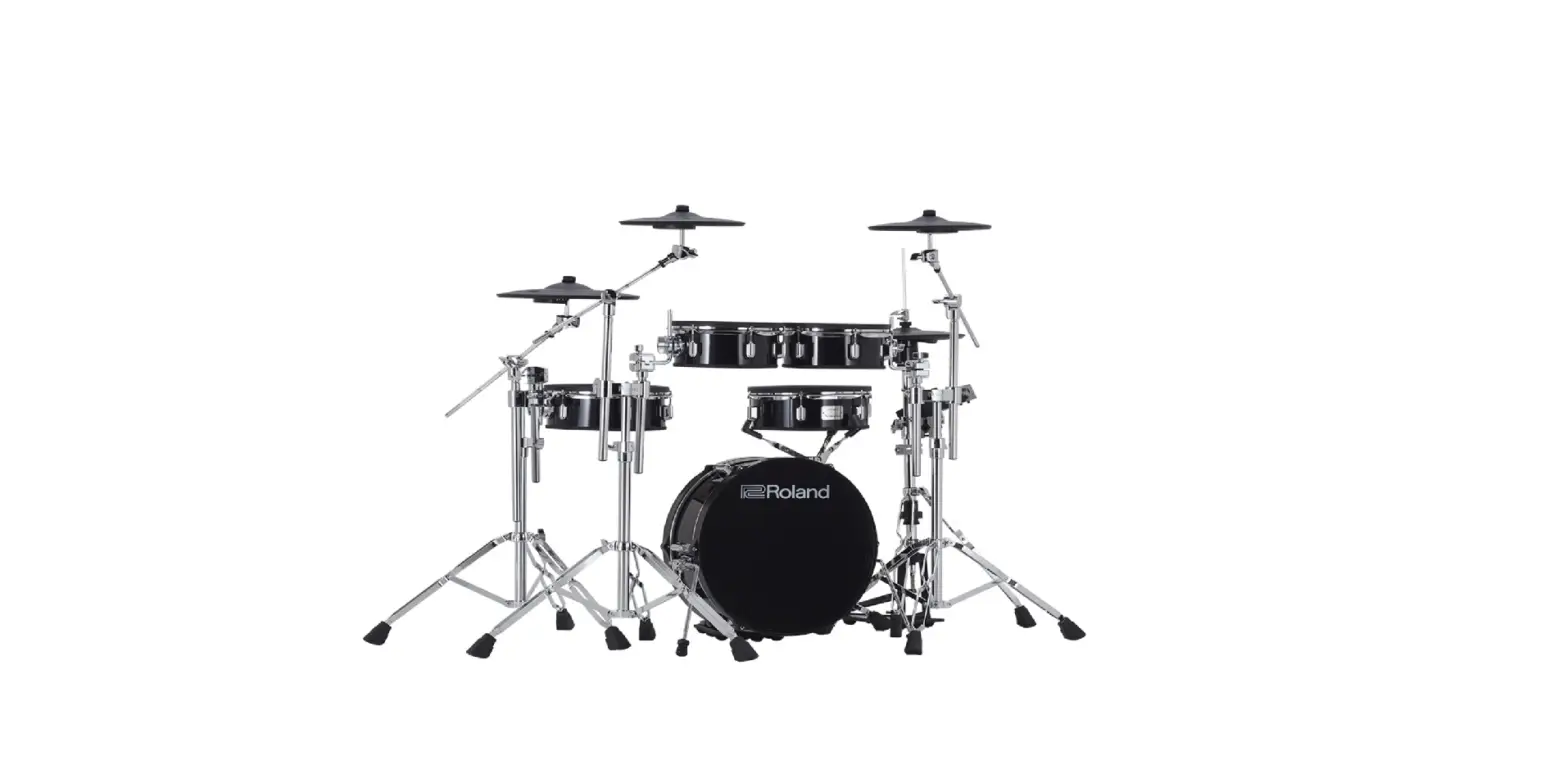
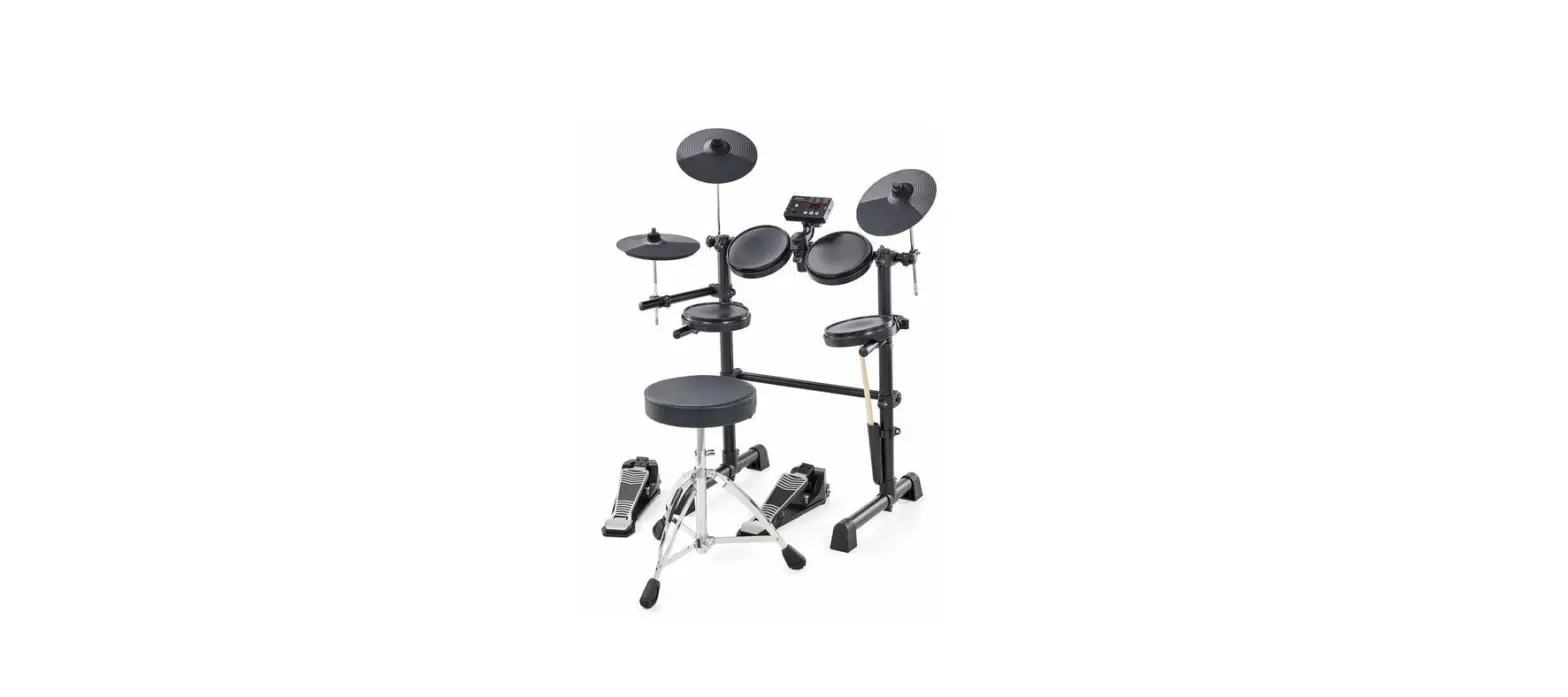
TD-17KV2 (Gen 2) 10 Piece Electronic V Drums
Product Information: Product Name: TD-17KV2 Product Type:
Drum Set Included Items: MDS-Compact stand Additional Required
Items: Kick pedal (not included in the package) Product Usage
Instructions: 1. Check the included items: – Refer to the
owner’s manual for the items included with the MDS-Compact stand. –
Upon opening the package, ensure that all items are included. If
anything is missing, contact your dealer. – Note: The kick pedal is
not included. You will need to use a commercially available kick
pedal. 2. Assemble the stand: – Be cautious of the sharp tip of the
mount and handle it with care. – Take care not to pinch your
fingers when setting up or storing the stand. – Follow the assembly
procedure described in the owner’s manual to assemble the stand as
type A (for hi-hat). 3. Attach the parts: – Attach the hi-hat
(CY-5): – Place the Roland logo on the farther side. – Use the
included cymbal nut and felt washer to tighten it enough to prevent
wobbling when struck. – Attach the sound module (TD): 1. Align the
protrusions of the sound module mount with the rails of the TD and
slide it in until you hear a click. – Attach the crash cymbal
(CY-12C-T) and ride cymbal (CY-14R-T): – Place the Roland logo on
the farther side. – Use the included cymbal nut and felt washer to
tighten it enough to allow an appropriate amount of sway. 4. Adjust
the stand height and position: – If the stand wobbles, loosen the
hand knob and adjust the height. – Do not spread the stand wider
than 1.2 meters (47 inches) for safety reasons. – Adjust the angle
of the TD and tighten the hand knob. – Adjust the location of the
KD-10 (kick pedal) for comfortable playing. – Place the hi-hat
control pedal (FD-9). 5. Secure the unit: – If using the unit on a
V-Drums mat, noise eater (NE-10), or carpet, extend the anchor
bolts to secure it in place. – Note that the tips of the anchor
bolts are sharp, so handle with care. – When using on flooring, the
anchor bolts may damage the floor. 6. Attach the kick pedal
(KD-10): – Install the kick pedal securely. 7. Adjust the position
of the cymbal: – Adjust the height of the rod so that the highest
point of the cymbal is less than 1.2 meters. – Attach the cymbal in
a way that its center does not extend toward the back beyond the
pipes of the stand. 8. Attach the snare (PDX-12) and toms (PDX-8):
– Use the provided rods to tighten or loosen the attachments as
needed. 9. Connect the pads to TD: – Follow the connection
procedure illustrated in the manual. – Insert the cable connector
fully and secure it by turning the knobs.
TD-17KV2 Setup Guide
In order to use this device correctly, please carefully read “Using the Unit Safely” and “Important Notes” (included in each owner’s manual) before use.
*5100079481-01*
© 2022 Roland Corporation
01
Check the included items
MDS-Compact
* For the items included with the stand (MDS-Compact), refer to the owner’s manual when checking that all items are included.
· Hi-hat control pedal (FD-9)
As soon as you open the package, check to see that all items are included. If anything is missing, please contact your dealer.
* This package does not include a kick pedal. Use with a commercially available kick pedal.
Parts of the TD-17KV
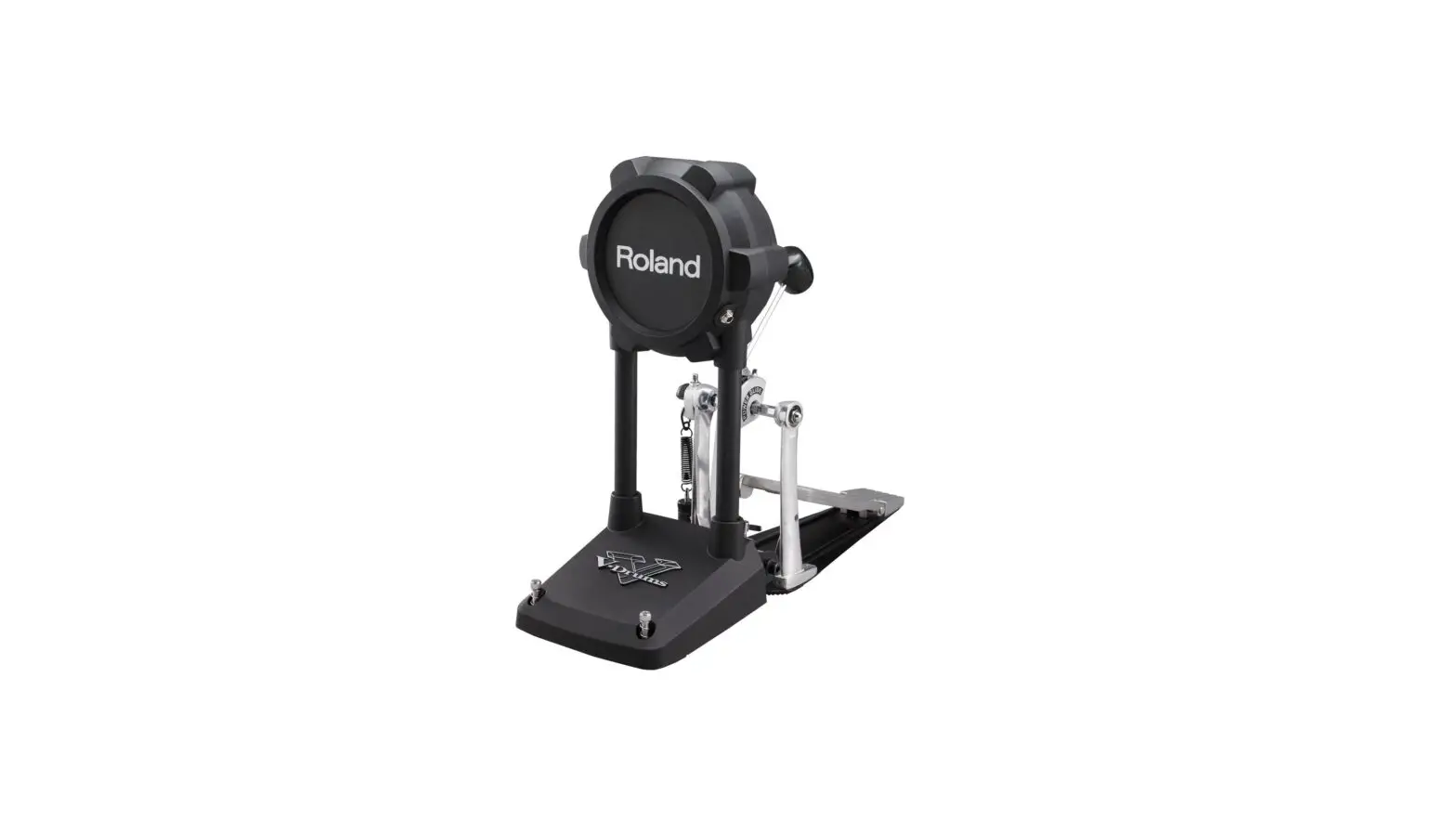
· Kick pad (KD-10)
· Cymbal pad for hi-hat (CY-5)
· V-Cymbal for crash (CY-12C-T) · V-Cymbal for ride (CY-14R-T)
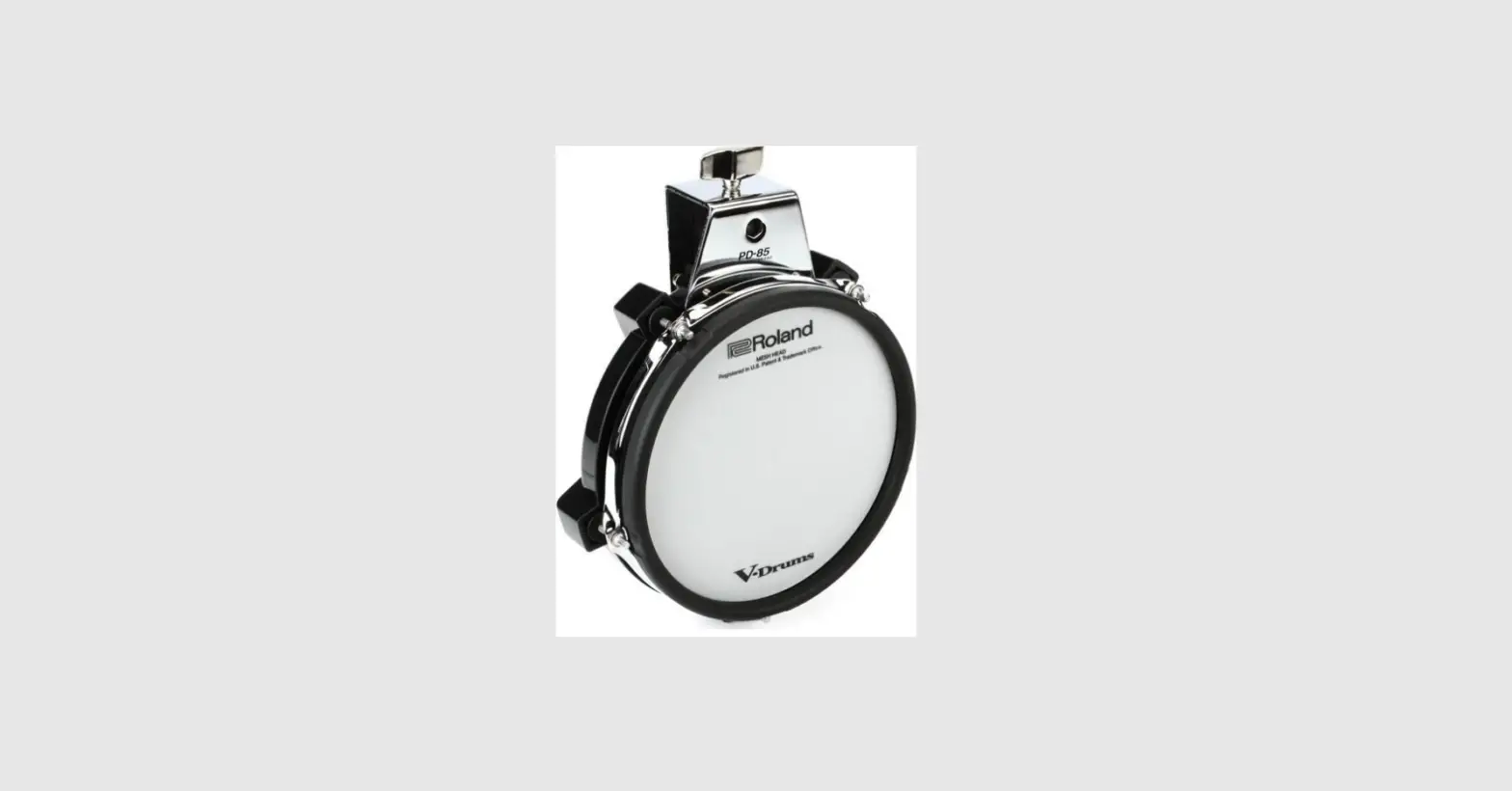
· V-Pad for snare (PDX-12)
· V-Pad for tom (PDX-8 x 3)
· Drum sound module (TD) (TD-17)
· Connection cable (special for TD)
· AC adaptor
· Setup Guide (this document) · Owner’s manual set · Drum key
02
Assemble the stand
* The tip of the mount is sharp. Handle it with care. * When setting up or storing the stand, be careful not to pinch the fingers you use to
handle the stand.
Assembly procedure
Assemble the stand (MDS-Compact) as type A (for hi-hat) following the procedure described in the owner’s manual.
Loosen this hand knob, and rotate the mount holder (L) 90 degrees in the direction of the arrow.
Cymbal mount
Cymbal mounts Pad mounts
Pad mounts
03 Attach the parts
Attach the hi-hat (CY-5)
“Roland” logo on the farther side
Cymbal nut
Felt washer
Tighten the cymbal nut enough to prevent the pad from wobbling when you strike it. Use the cymbal nut and felt washer that are included with the stand.
Attach the TD
1. Align the protrusions of the
sound module mount with the rails of the TD, and slide it in until you hear it click.
Attach the crash cymbal (CY-12C-T) and ride cymbal (CY-14R-T)
“Roland” logo on the farther side
Cymbal nut Felt washer
Tighten the cymbal nut enough to allow an appropriate amount of sway. Use the cymbal nut and felt washer that are included with the stand.
CY-12C-T
CY-14R-T
TD-17
PDX-8 CY-5
PDX-12
PDX-8 PDX-8
KD-10
If the stand wobbles, loosen this hand knob and adjust the height.
* For reasons of safety, do not spread the stand wider than 1.2 meters (47 inches). 1.2 m
2. Loosen the hand knob of the
mount holder, and insert the sound module mount.
3. Adjust the angle of the TD, and
then tighten the hand knob.
FD-9
Adjust the location at which the KD-10 is installed so that it’s at a comfortable position for playing.
Place the hi-hat control pedal (FD-9)
If you’re using this unit on a V-Drums mat, on a noise eater (NE-10), or on carpet, extending the anchor bolts will secure the unit in place, making it easier for you to perform.
Anchor bolts
* The tips of the anchor bolts are sharp. Handle with care.
* When used on flooring, the anchor bolts may damage the floor.
When using on the V-Drums mat, noise eater, or carpet
When using on the floor
Attach the kick pedal (KD-10)
Install the kick pedal securely.
Adjusting the position of the cymbal
Adjust the height of the rod so that the highest point of the cymbal is less than 1.2 meters.
Attach the cymbal so that its center does not
OK
extend toward the back beyond the pipes of
the stand (the pipes at the back of the stand).
1.2 m
Not OK
Attach the snare (PDX-12) and toms ( PDX-8)
Tighten
Loosen Rod
Tighten Loosen
Rod
04 Connect the pads to TD
Connection procedure
1. Connect the cable to TD as shown in the
illustration.
Insert the connector all the way, then turn the knobs to fasten it securely.
2. Labels indicating the pad to be connected
are attached to the cable. Connect the cable to the OUTPUT jack of each pad as shown in the illustration.
* Insert the plug firmly,
making sure it’s all the
Knob
way in.
* Fasten the cables so that they will not obstruct your playing; use cable clips and cable ties.
Make sure to wrap the cable ties around the pipes.
RDB RD
As seen from the back
CR1
T2 T1
HH TD-17
T3
SNR
KIK HHC
05 Connect the AC adaptor and speakers
Connect the AC adaptor, speakers, or headphones as described in the owner’s manual of the TD.
* To prevent malfunction and equipment failure, always turn down the volume, and turn off all the units before making any connections.
For a left-handed setup
The setup described in this guide is for right-handed players. To set up for a left-handed player, reattach the components as follows.
¹ Exchange curved pipes (L) and (R), and straight pipes (L) and (R), left-for-right. ¹ Attach holder (C) and the snare pipe to the right side. ¹ Attach the mount holder (L) to the curved pipe (L). ¹ Exchange the pads and cymbals with their attachment mounts left-for-right. ¹ Exchange the TD with its sound module mount left-for-right.
After exchanging the curved pipes, attach
Mark
the holders so that the marks on the pipes
are visible through the gaps of the holders.
Remove the caps, remove holder (C) and the snare pipe, and reattach them to the right side.
(RD) (RDB) CY-14R-T
(T2) PDX-8
(T3) PDX-8
(CR1) CY-12C-T
(T1) PDX-8
(SNR) PDX-12
(HH) CY-5
TD-17
Curved pipe R (including the pad mount)
Straight pipe R (short)
(KIK) KD-10
Curved pipe L
Straight pipe L (long)
(HHC) FD-9
Connect the cables as shown in the illustration.
As seen from the back
CR1
RD RDB
HH
T1 T2
TD-17 SNR
T3
KIK HHC
This completes assembly and connections.
à When you’ve finished making connections, turn on the power as described in the TD-17/17-L Owner’s Manual, and verify that you can hear sound.
Detailed explanation of each part
à KD-10 (Kick)
01 Attach the kick pedal.
Position the beater so that it strikes the center of the head, then secure the kick pedal and KD-10 firmly in place.
* A variety of commercially available beaters can be used, including felt, plastic, or wood types. However if a felt beater is used, the felt may leave marks on the striking surface.
Beater
When Using a Twin Pedal
Position the two beaters equally apart from the center of the pad as shown in the figure at left. If one of the beater is further away from the center than the other, the sound from the further beater will be lower in volume, or will not sound as desired.
If you’re using twin pedals, the sensitivity will be lower than when a single pedal is used. Raise the sensitivity on the sound module.
For details, refer to the TD’s owner’s manual.
Correct positioning
Incorrect positioning
Install the kick pedal securely.
03 Adjusting the Anchor Bolts.
If you’re using this unit on a V-Drums mat, on a noise eater (NE-10), or on carpet, extending the anchor bolts will secure the unit in place.
However, if that’s not enough to keep the KD-10 in a fixed position, you can adjust things so that the tips of the anchor bolts protrude through the base. That should keep it in place and make it easier for you to play.
When using on the V-Drums mat, noise eater, or carpet
When using on the floor
NOTE
* When used on flooring, the anchor bolts may damage the floor. Adjust the anchor bolts correctly.
* The tips of the anchor bolts are sharp. Handle with care.
02 Step on the kick pedal and make sure that it’s properly attached
and in a stable position.
Check to make sure that the base of the KD-10 and the kick pedal both make contact with the floor.
NOTE
* Attach the KD-10 and the kick pedal securely.
* Take care not to pinch your fingers.
* Depending on how you’re using the unit, the bolts that attach the pedal to the plate could become loose, causing the pedal to rattle during performance. In such cases, use commercially available tools to tighten the bolts.
Check to be sure they’re making contact with the floor
Component names
Head
Mounting plate for the kick pedal
OUTPUT jack
Anchor bolts Slip-prevention tape
à FD-9 (Hi-hat control pedal)
Adjusting the feeling
You can lighten the feeling by removing either the left or the right spring.
Take care not to pinch your finger when removing or installing a spring.
1. Detach lower hook.
Component names
Spring
Remove one or the other.
2. Detach upper hook.
To reinstall the spring, attach the upper hook first.
Link Toe stopper
Anchor bolt
Sensor OUTPUT jack
à CY-5 (Hi-hat)
à CY-12C-T (Crash)
à CY-14R-T (Ride)
CY-5 component names
CY-12C-T component names
Pad face Bow Edge
Pad face Bow Edge
OUTPUT jack
BOW/EDGE OUTPUT jack
CY-14R-T component names
Pad face Bell Bow Edge
BELL OUTPUT jack BOW/EDGE OUTPUT jack
Fixing the cables (CY-14R-T/CY-12C-T)
Leave some slack in the cables
Secure the cable in place with the cable tie
Be sure to make this small plastic hook visible from you.
Wind a cable tie around the pipe and tighten it in order to not to slip.
NOTE Continuous playing may cause dis-coloration of the pad, but this will not affect the Pad’s function.
Wind a cable tie around a cable.
Insert the small plastic hook to a hole to secure the cable to the cymbal arm.
à PDX-12 (Snare)
Component names
Hoop rubber
Tuning bolts
Shell
Knob bolt
Head sensor Head
Holder
OUTPUT jack Rim sensor
When the unit is shipped from the factory, this is adjusted fairly loosely. Before use, adjust the head to a fairly high tension.
Loosen
Adjusting the head tension
Tighten
8
1
6
3
4 2
5 7
1. Adjust each tuning bolt a little at a time, moving in order from one side to
the opposite side as shown in the illustration.
2. Fine-tune the adjustment while continuing to check the pad feel and
response.
* Do not firmly tighten a single tuning bolt by itself. Doing so will make it impossible to tension the head evenly, and will cause malfunctions.
à PDX-8 (Tom)
Component names
Hoop rubber
Tuning bolts
Head sensor
Knob bolt
OUTPUT jack
Head Shell
Holder
Rim sensor
Suitable position for rim shots
Player
NOTE Be sure to adjust the head tension of the pad before use.
Adjusting the head tension
61
4
3
25
1. Adjust each tuning bolt a little at a time, moving in order from
one side to the opposite side as shown in the illustration.
The appropriate amount of tension is one that will provide approximately the same striking response as on an acoustic drum.
2. Use the drum key to adjust the tension as needed.