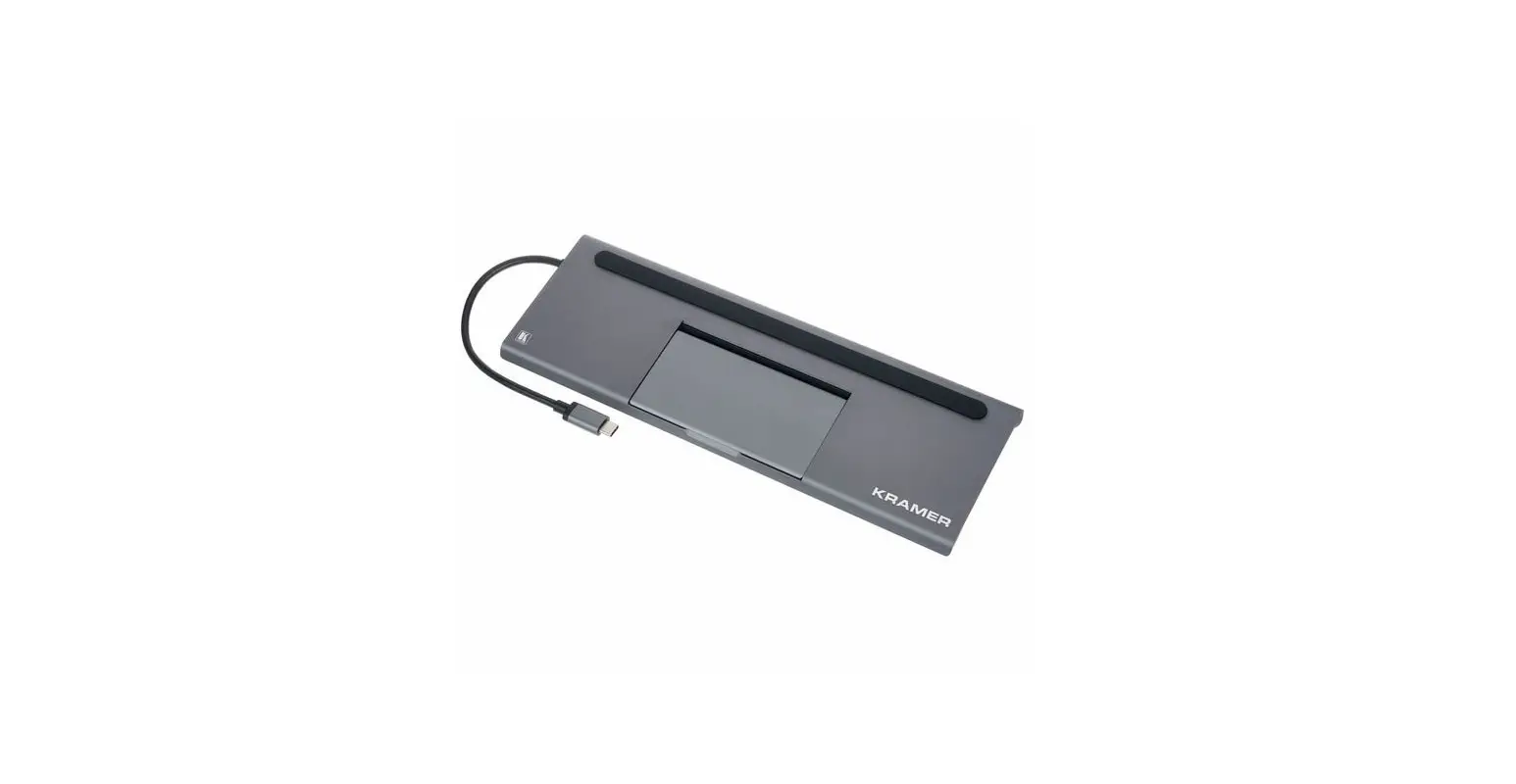
 Slim Multi-Port Adapter with Ethernet
Instruction Manual
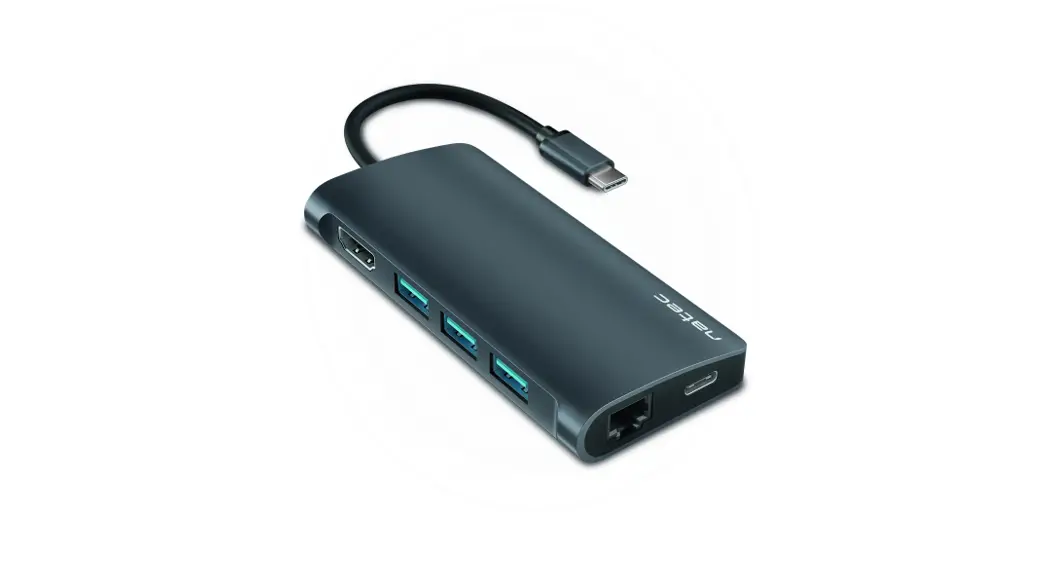
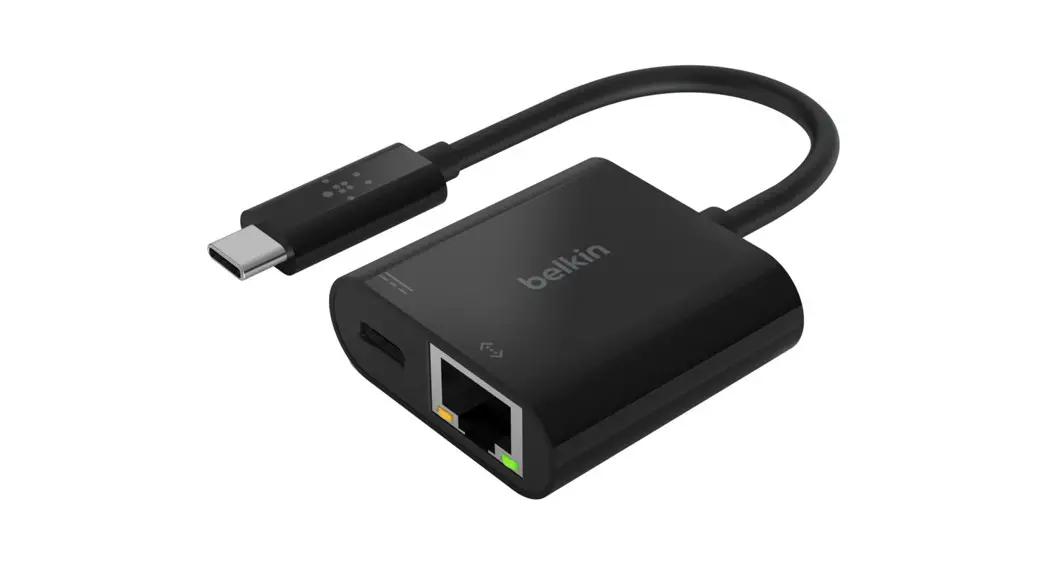
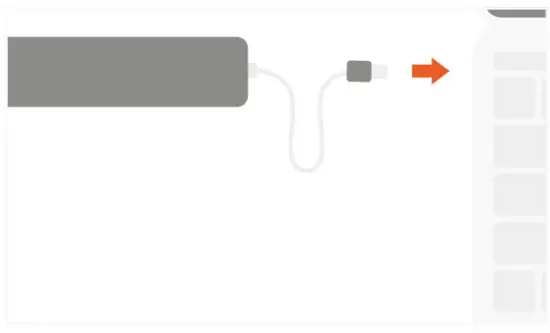
- Connect the Slim Multi-Port with Ethernet to your device’s USB-C port.

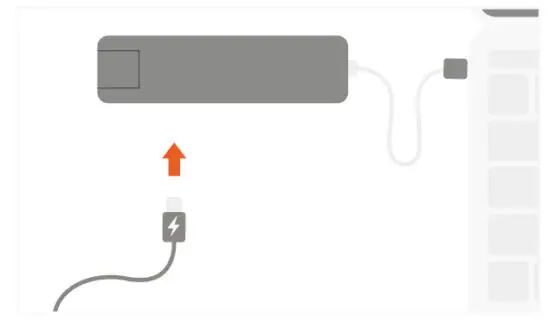
- Connect a USB-C charging cable to the adapter’s USB-C PD charging port.
Max output 60W Does not support video/data
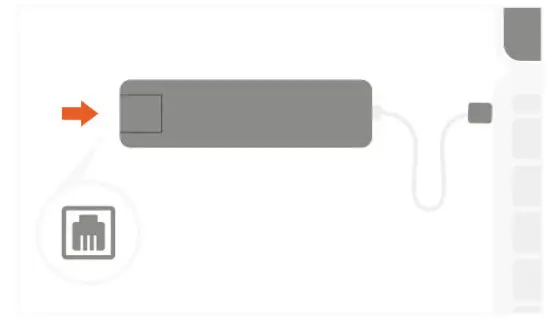
- Insert Ethernet cable to the adapter’s port.
Supports up to 1 Gbps
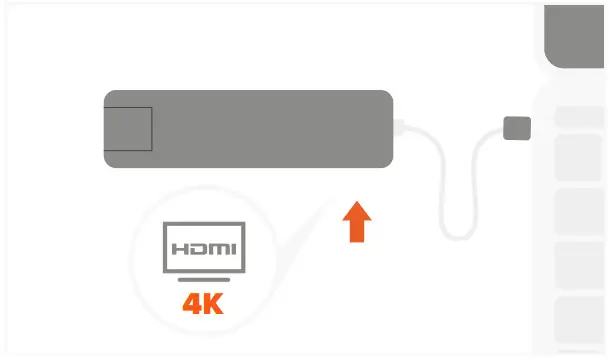
- Connect an HDMI cable from the adapter to a 4K HDMI-enabled monitor.
Supports only a direct HDMI connection
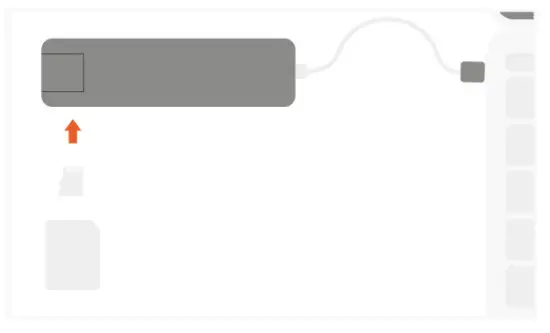
- Insert micro and SD cards into the adapter’s card reader slots.
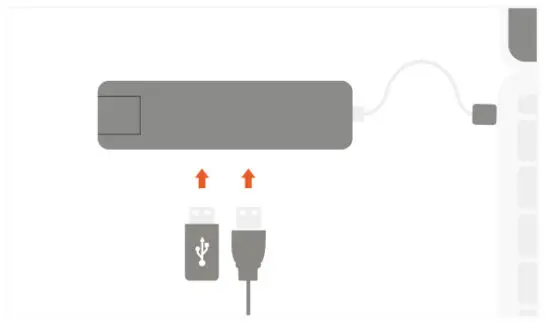
Can be used simultaneously - Connect up to two data USB devices to the adapter’s USB-A ports. Max output per port 5V/1A.
Does not support Apple SuperDrive or multiple hard drives
PLUG AND PLAY DESIGN – NO DRIVERS REQUIRED