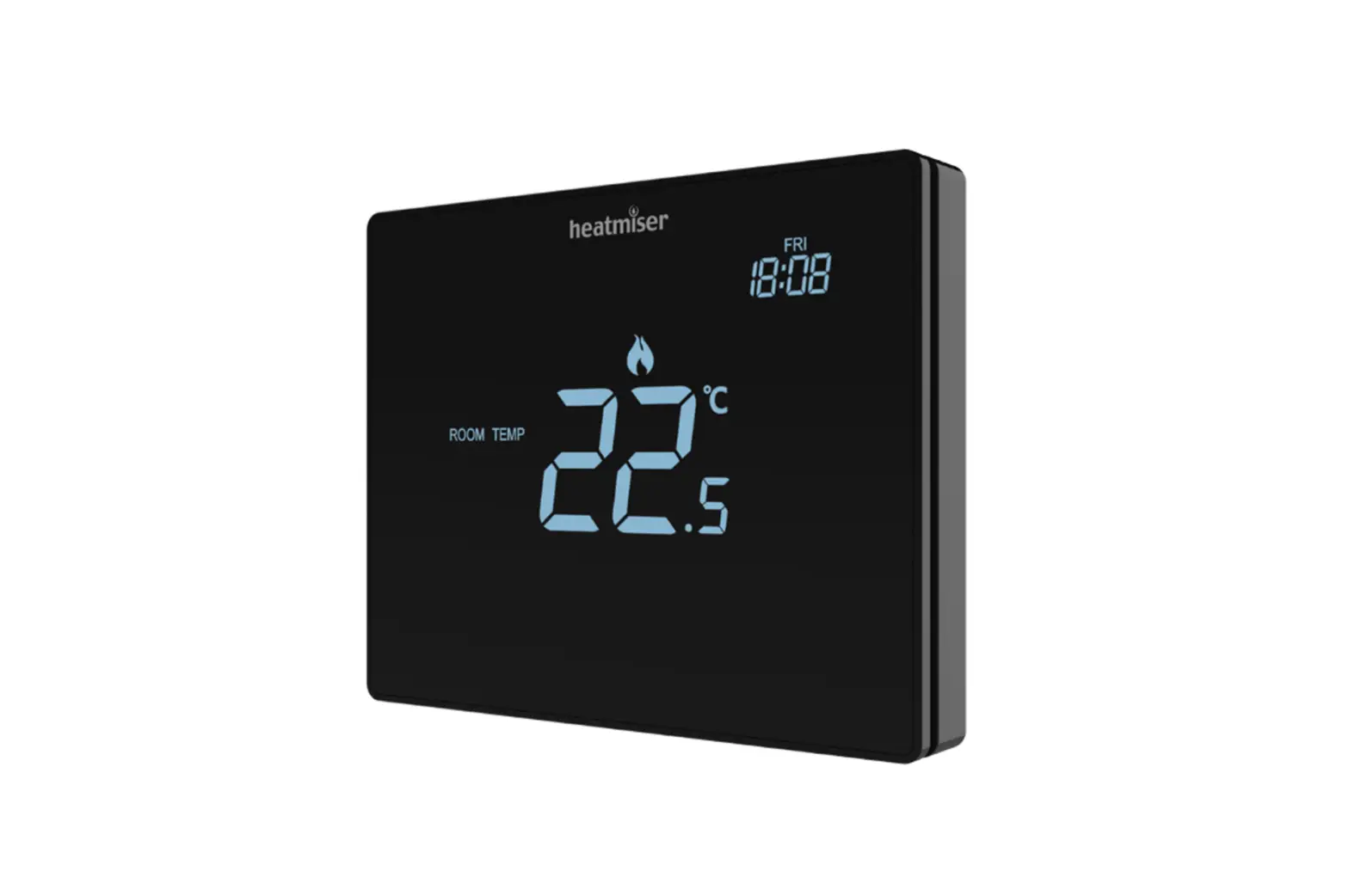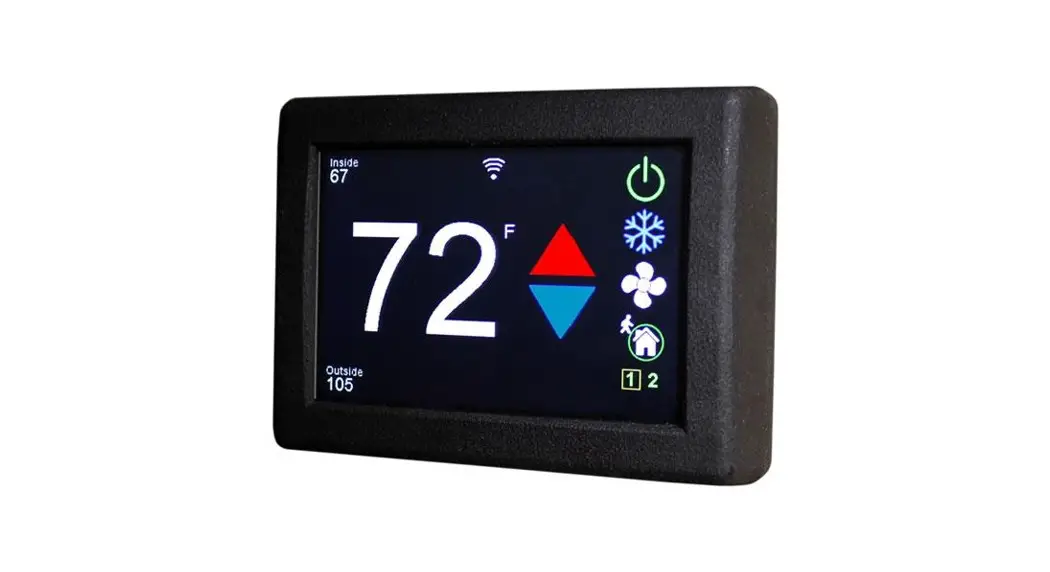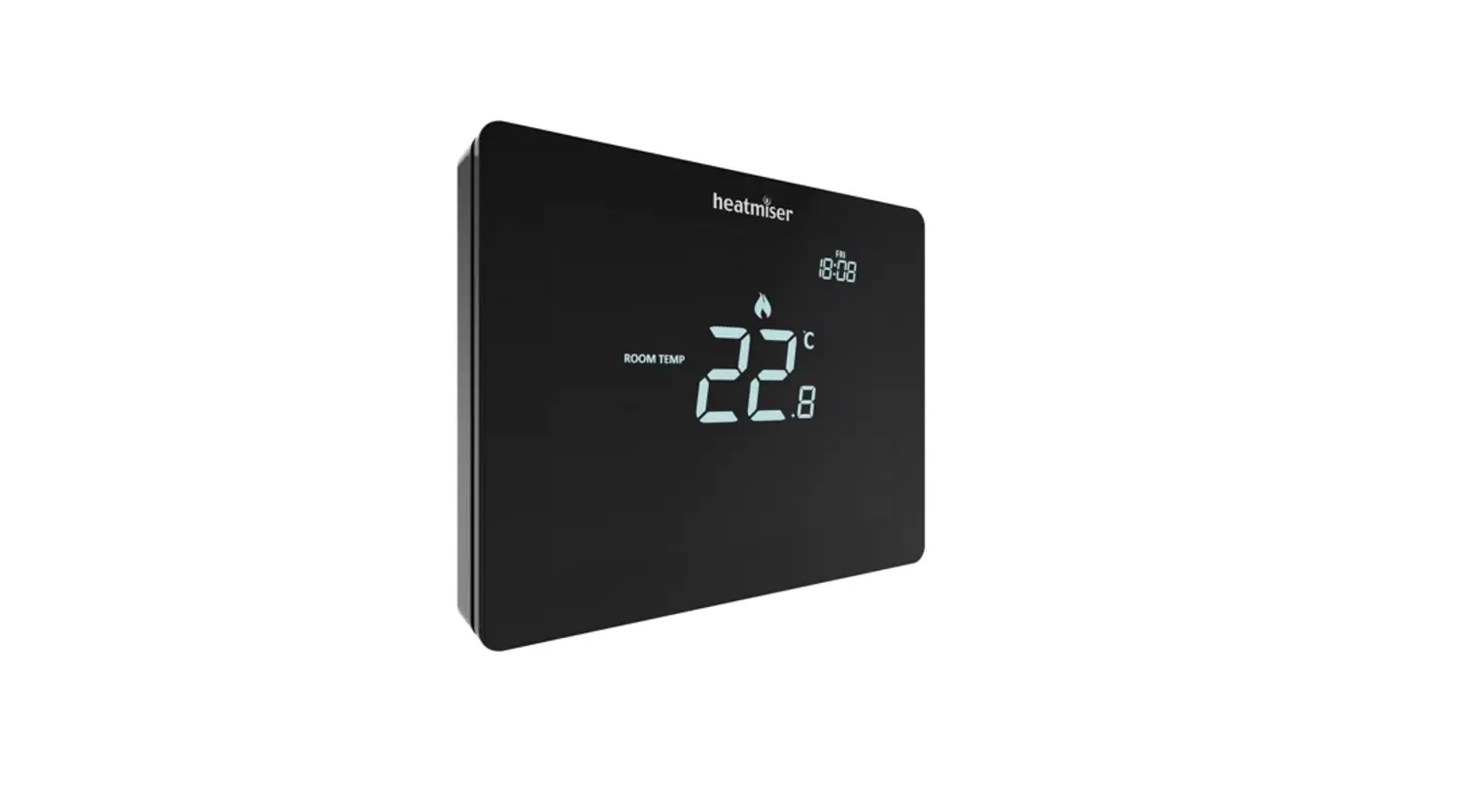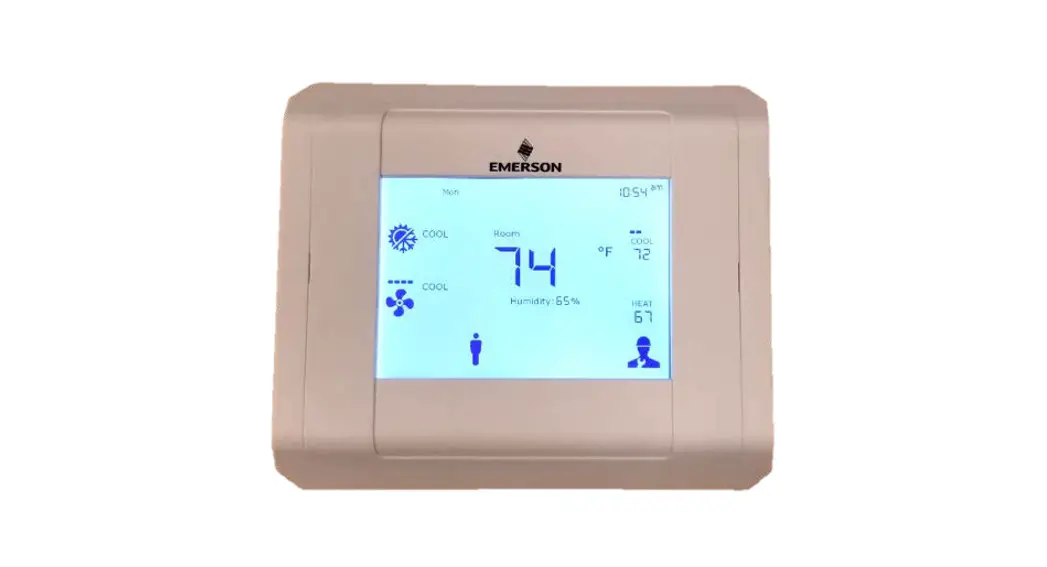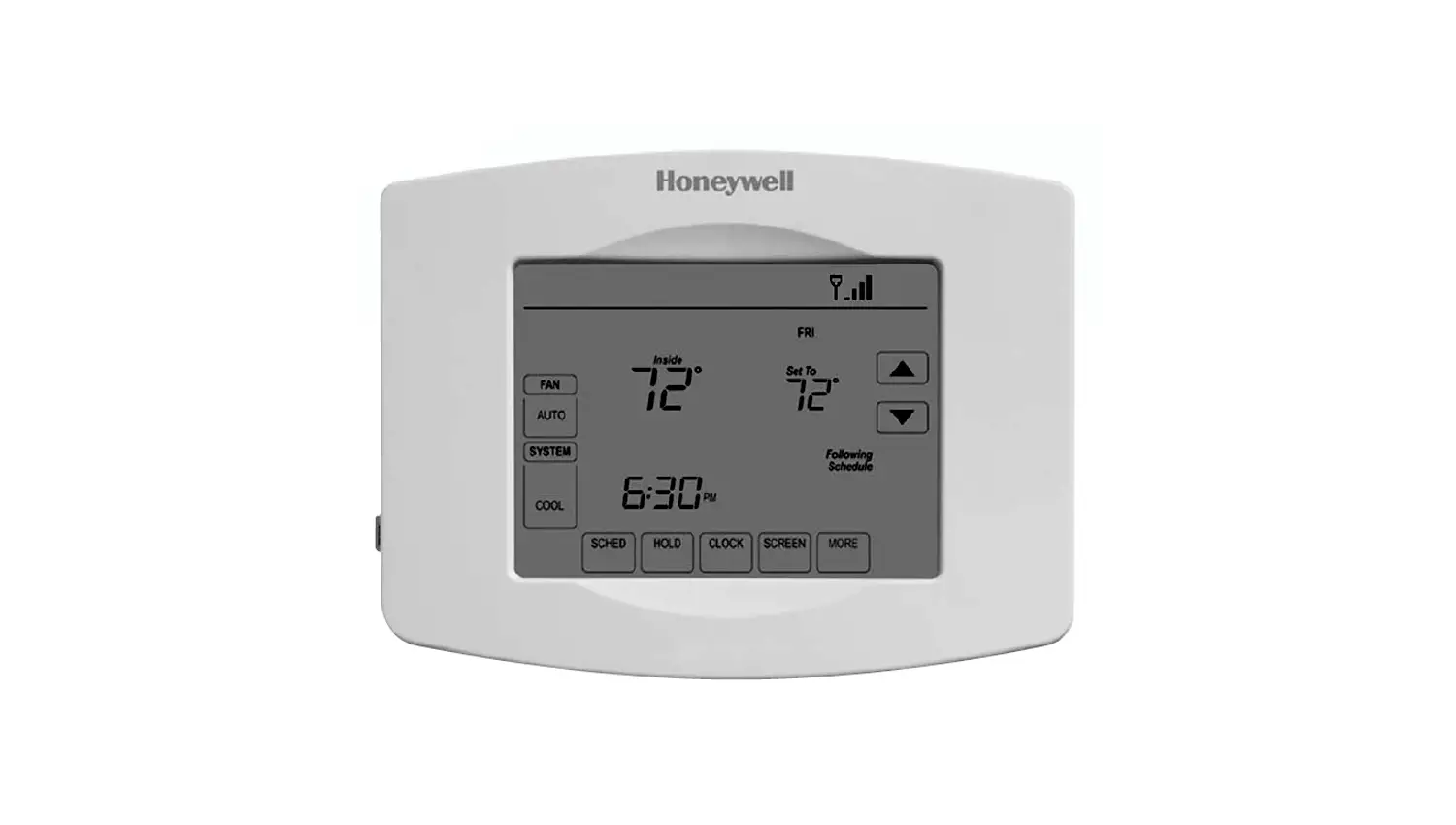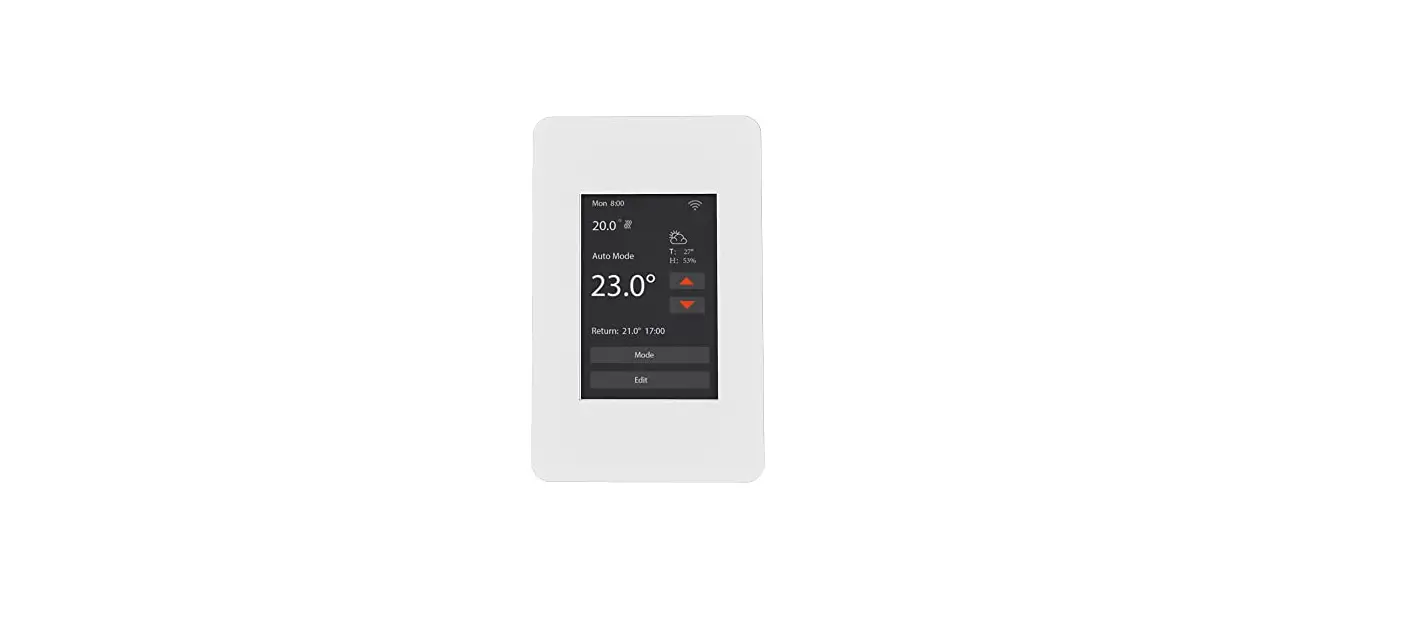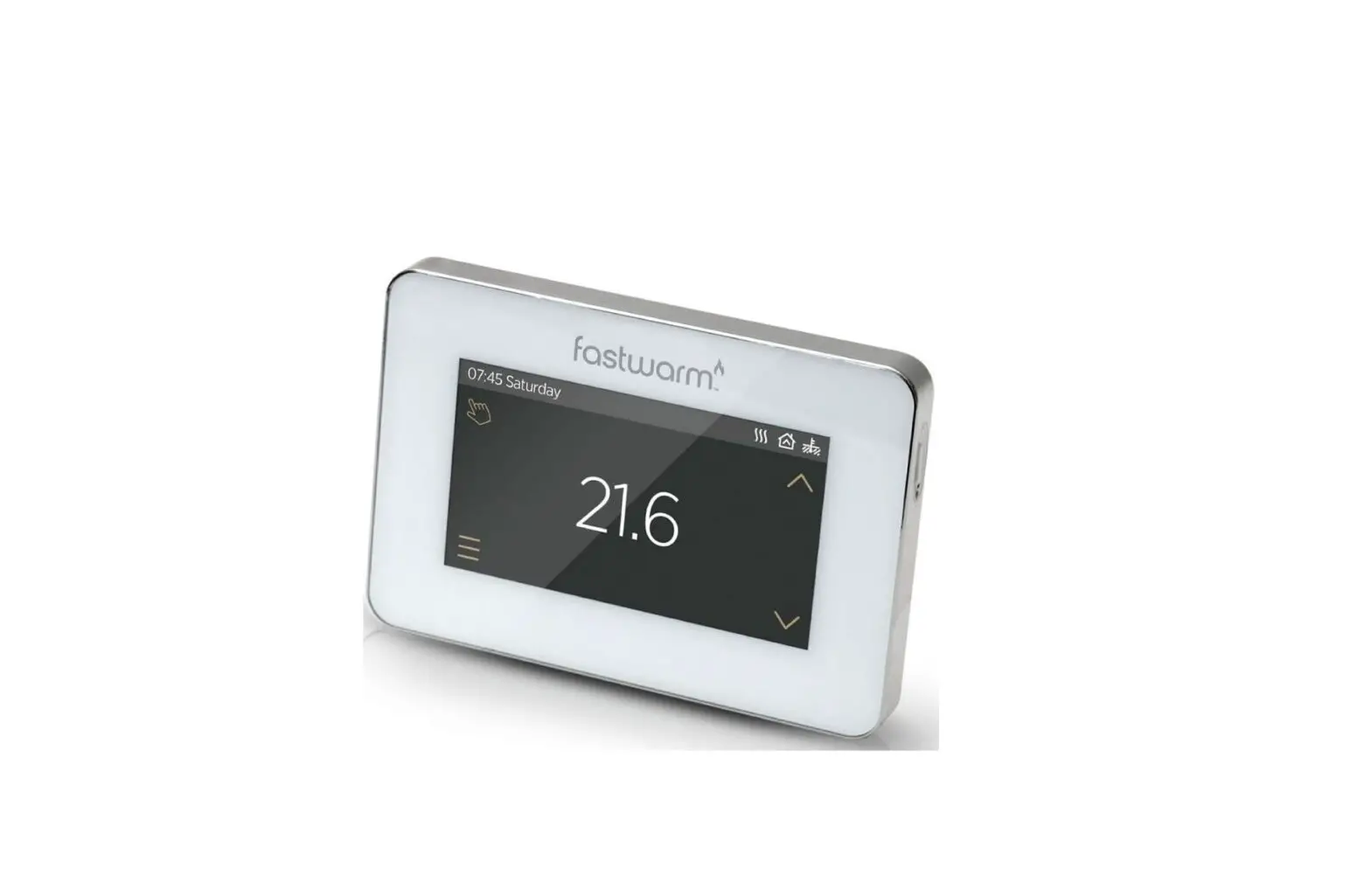

fastwarm 16AMP Touchscreen Thermostat
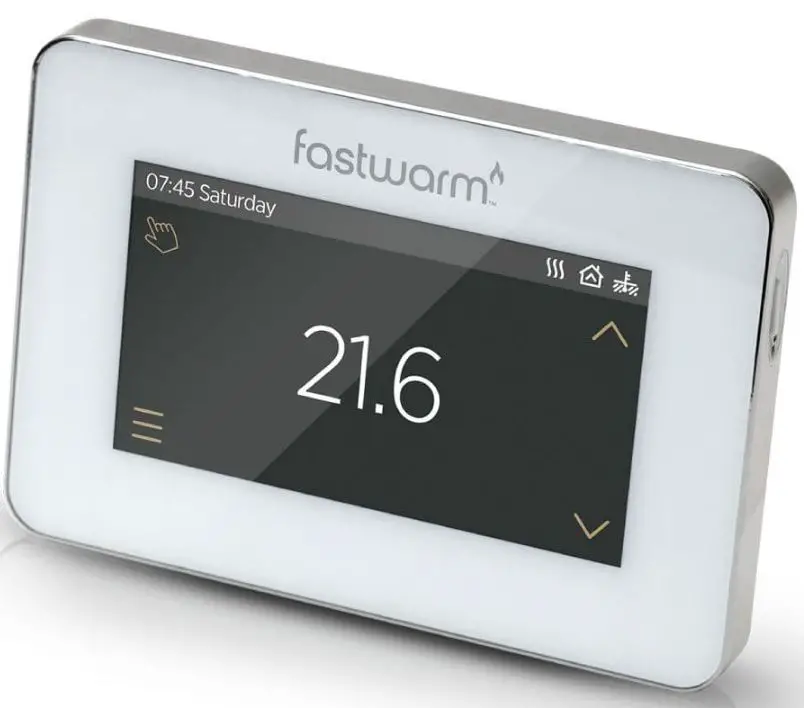
Touchscreen Thermostat
Product Introduction
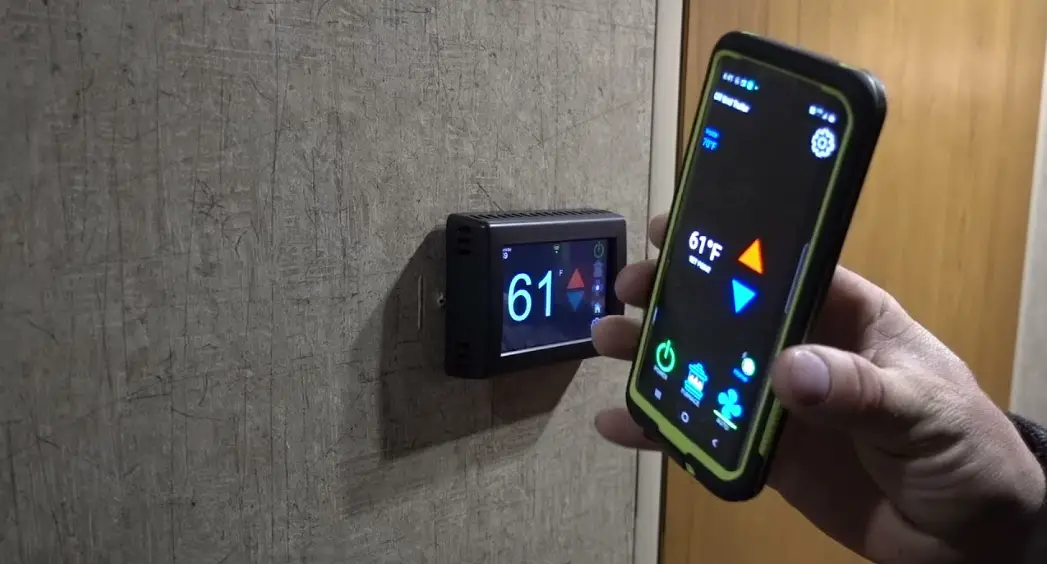
The FastwarmTM touch smart thermostat series is a smart thermostat used to control your electric floor heating system or water heating system. It will keep your home at comfortable temperature whilst minimizing energy use. Install the app on your smart phone to control your electric heating system remotely with the WiFi thermostat.
Product Main Functions
- Auto mode
- Hold Mode
- Holiday mode
- Anti-frozen function
- Floor temperature limit
- Open window detection function
- Key-lock
- Brightness
- Sensor selection
- Adaptive function
Product Technical Specifications
- Supply voltage: 85-265Vac 50/60Hz
- Standby power:
Product Installation
Please follow these instructions for installation:
- Turn off the power supply to your heating system.
- Remove the old thermostat from the wall.
- Install the mounting plate for the new thermostat.
- Connect the wiring to the new thermostat following the wiring instructions provided in this manual.
- Attach the thermostat to the mounting plate.
- Turn on the power supply and test the thermostat to ensure it is working properly.
Product Function and Operation
To use the FastwarmTM touch smart thermostat, follow these instructions:
- Press the power button to turn on the thermostat.
- Select the desired mode (Auto, Hold, or Holiday) using the touchscreen.
- Set the desired temperature using the touchscreen.
- Use the Open Window Detection function to detect when a window is open and adjust the temperature accordingly.
- Use the Key-lock function to prevent unauthorized access to the thermostat.
- Use the Adaptive function to learn your heating preferences and adjust the temperature accordingly.
Product Troubleshooting
If you experience any issues with your FastwarmTM touch smart thermostat, please refer to the troubleshooting section in this manual for assistance.
Product Dimensions
The dimensions of the FastwarmTM touch smart thermostat are:
- Width:
- Height:
- Depth:
Introduction
The Fastwarm™ touch smart thermostat series is a smart thermostat used to control your electric floor heating system or water heating system.
It will keep your home at comfortable temperature whilst minimizing energy use. Install the app on your smart phone to control your electric heating system remotely with the WiFi thermostat.
Main Functions
- Auto mode
- Hold Mode
- Holiday mode
- Anti-frozen function
- Floor temperature limit
- Open window detection function
- Key-lock
- Brightness
- Sensor selection
- Adaptive function
TECHNICAL SPECIFICATIONS
Supply voltage:
85-265Vac 50/60Hz
Standby power:
<2W
Max load:
16A(electric heating)
3A(water heating)
IP Rating:
IP20
Wire Diameter:
≤2.5mm²
Installation
Step 1
Separate the panel from the back section: insert the screwdriver into two holes under the thermostat and pry it like the picture.
Step 2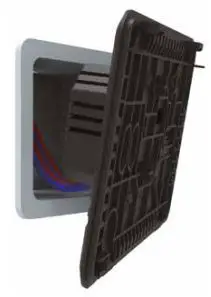
Connect the wire as shown in the wiring instruction.
Step 3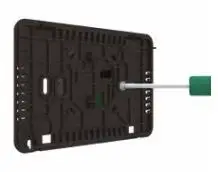
Fix the back section to switch box with screws provided.
Step 4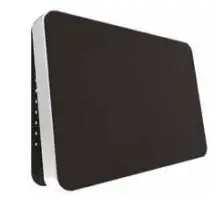
Re-install front panel whilst ensuring the pins engage properly in the circuit board socket.
IMPORTANT: The thermostat should be mounted in a standard 86 type switch box.
Wiring Instructions
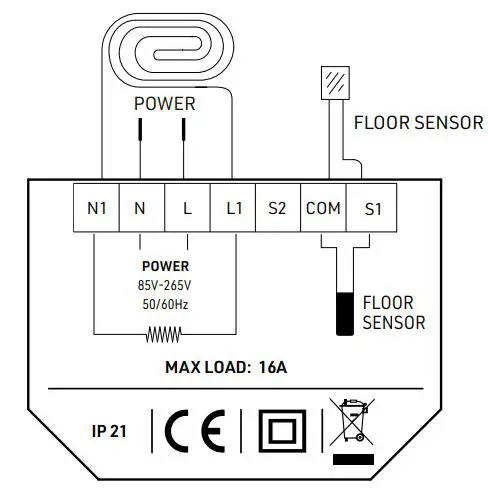
Suggestion: Please keep the max load around 90% of 16A to prolong the lifetime.
CAUTION: Ensure power is disconnected when wiring!
Thermostat Symbols
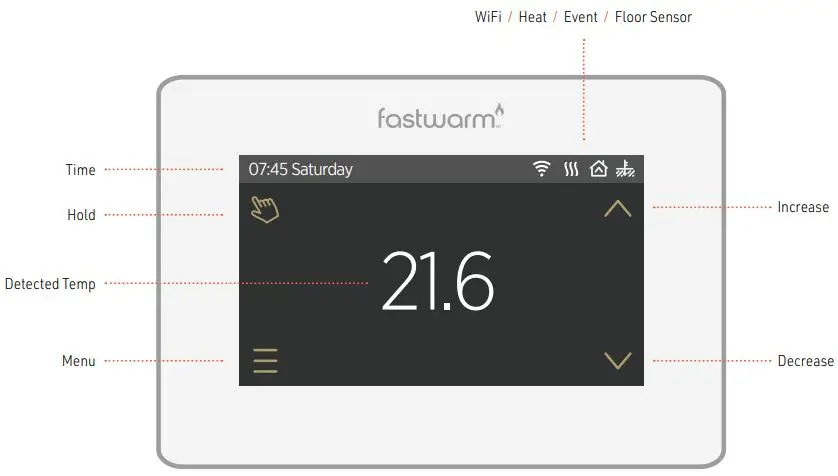
Function & Operation
ON/OFF
Press the button on the right side of the thermostat to turn on/off.
Note: When anti-frozen function is active, the thermostat will maintain the anti-frozen temperature when power off.
TEMPORARY OVERRIDE TEMPERATURE
In the page of detected temperature, press or
or to change the current event temperature setting. The thermostat will revert to the parameters of schedule at the start-time of the next event in auto mode.
MODE SELECTION
In the page of detected temperature, press the key in the up left corner to select the mode. There are 3 modes:
Auto Mode
This is the thermostats default mode.
- Thermostat will run according to event parameters set within the Edit Setting section.
- Press Auto Mode to confirm and revert to home screen.
Manual Mode
Will remain at the set temperature until changed.
- Press Manual Mode to enter temperature setting.
- Press
 or
or to set the temperature.
 - Press
 to confirm and revert to home screen.
 to confirm and revert to home screen.
Holiday Mode
Thermostat will run with the set temperature until the holiday time ends.
- Press Holiday Mode to enter holiday setting.
- Press or to set the days of holiday.
- Press to confirm and enter holiday temperature setting.
- Press or to set the temperature.
- Press 8 to confirm and enter the page of detected temperature.
In the page of detected temperature, press the key to enter Menu.
There are 5 parameter settings.
- TIME
- The day and clock are set here.
- Press Time to enter day setting.
- Press the day you want to enter hour setting.
- Press or to set hour.
- Press to confirm and enter minute setting.
- Press or to set minute.
- Press to confirm and go back to the menu.
- Press
 to back to the home screen.
If the thermostat is WiFi version, it will update time automatically after connecting to WiFi.
- KEY LOCK
- Lock all keys to prevent the settings from being changed.
- Press Key Lock to enter key lock setting.
- Press or to select lock.
- Press to confirm and back to the home screen.
To unlock - In the page of detected temperature, press any key then
 (in the down right corner) will flash 3 times.
 - Press and hold for 3 seconds to unlock.
- BRIGHTNESS
- This option allows you to change the brightness of the display.
- Press Brightness to enter brightness setting.
- Press
 to move up/down or touch any part of the line to set the brightness.
 - Press to confirm and back to Menu.
- EDIT SETTING
- Edit setting can set and change the parameters. If you don’t choose Holiday Mode or
- Hold Mode. The thermostat runs according to the parameters of Edit.
- Press Edit Setting to enter days selection.
- Press the day you want to set.
- Press to enter event selection.
- Press the event you want to set and enter the start time hour setting.
- Press or to set start time hour.
- Press to confirm and enter the start time minute setting.
- Press or to set start time minute.
- Press to confirm and enter temperature setting.
- Press or to set temperature.
- Press to confirm and back to event selection.
- Press to back to the home screen
DEFAULT PARAMETERSDay Wake Leave Back Sleep Mon-Fri 07:00 22.0°C 08:30 19.0°C 17:00 22.0°C 22:00 19.0°C Sat/Sun 08:00 22.0°C 08:30 22.0°C 17:00 22.0°C 22:00 19.0°C
- ADVANCED SETTING
- The thermostat provides advanced settings to suit various special situations.
- These are normally set by technicians during initial installation.
- Press Advanced Setting to enter the page of warning.
- Press to enter the page of advanced setting.
- Press or to switch page.
- Press the item to set its parameters
 to back to the home screen.
 (in the down right corner) will flash 3 times.
 to move up/down or touch any part of the line to set the brightness.
| No. | Name | Default | Ranges |
| 1 | Room Temperature Calibration | 0.0°C | -5.0°C — 5.0°C |
| 2 | Floor Temperature Calibration | 0.0°C | -5.0°C — 5.0°C |
| 3 | Anti-Frozen Function | ON | OF(OFF) ON |
| 4 | Anti-Frozen Temperature | 5.0°C | 5.0°C — 15.0°C |
| 5 | Floor Temperature Limit | 30.0°C | 20.0°C — 50.0°C |
| 6 | Temperature Tolerance | 1°C | 0.5°C/1°C/2°C/3°C |
| 7 | Temperature Unit | °C | °C/ °F |
| 8 | Sensor Selection | Floor | Room/Floor/Both |
| 9 | Schedule | 5+1+1 | 5+1+1/7 |
| 10 | Output Delay | 0 Sec | 0S/30S/60S/90S |
| 11 | Adaptive Function | OFF | ON/OFF |
| 12 | Open Window | OFF | ON/OFF |
| 13 | Power Set | 0 W | 0W — 4500W |
| 14 | Energy Use | ||
| 15 | Factory Reset | NO | NO/YES |
- Room Temperature calibration: Calibrate the temperature detected by room sensor.
- Floor Temperature calibration: Calibrate the temperature detected by floor sensor.
- Anti-frozen function: If the Anti-frozen function opened, it will keep the room and floor at a lower temperature in order to protect the pets and plants in your house.
- Also, it can protect your pipe against freezing when using the water heating system.
- Floor temperature limit: When choose both sensors, you can set the maximum floor temperature value, system will stop heating if the floor temperature exceed this value.
- Adaptive function: After several days of installation and use, Adaptive function ensures that the required temperature has already been reached when the next event begins.
- Temp unit: °F and °C can be selected.
- Sensor selection
- Room sensor: Run by room sensor.
- Floor sensor: Run by floor sensor.
- Both sensors: Run by room sensor with floor temp limit.
- Schedule: Select a weekly schedule for the event.
7: each day from Mon to Sun can be set individually.
5+1+1: Mon to Fri have the same events, Sat and Sun can be set individually. - Output delay: This option help you avoid inadvertent operation on heating.
- Adaptive function: After several days of installation and use, Adaptive function ensures that the required temp has already been reached when the next event begins.
- Open window: This function only works when room sensor or both sensors is selected.
The thermostat with this function will shut off automatically for 15 min when the window opens, as it can detect that the room temp plummets. - Energy use: This option allows you to enter the various data used to calculate energy use.
- Factory Reset: All parameters are restored to default values
Troubleshooting
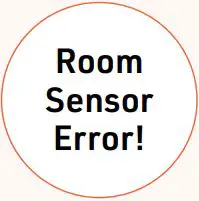
Built-in sensor short-circuit or disconnected.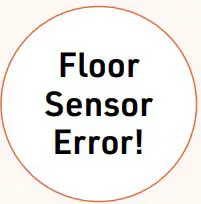
Floor sensor short-circuit or disconnected.
Dimensions

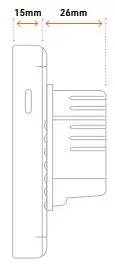
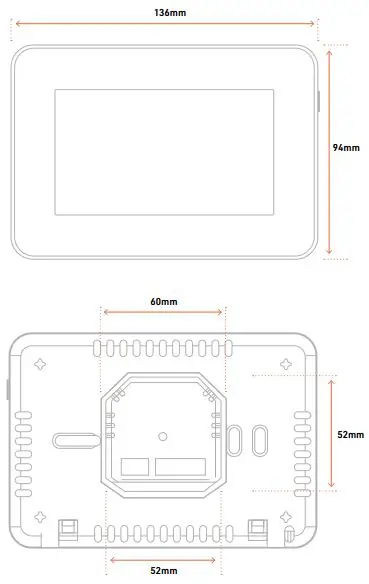
If any products received within this package are damaged or defective, please feel free to contact us and we’ll be happy to assist.
 No.1 Underfloor Heating Company in the UK | FastWarm