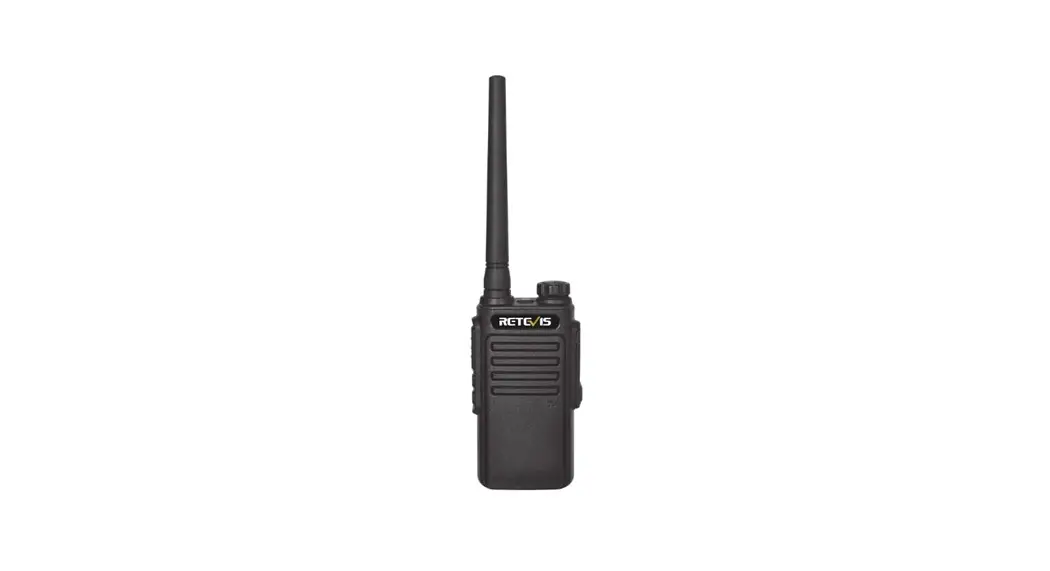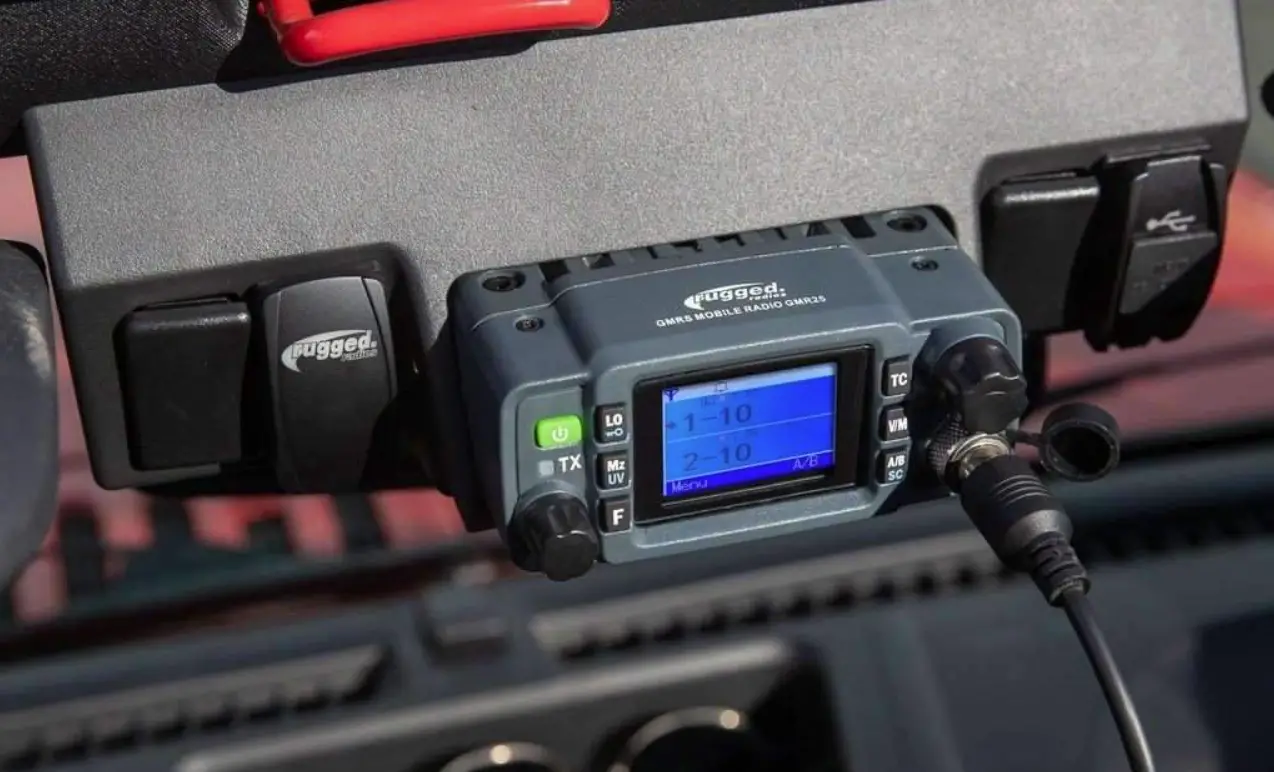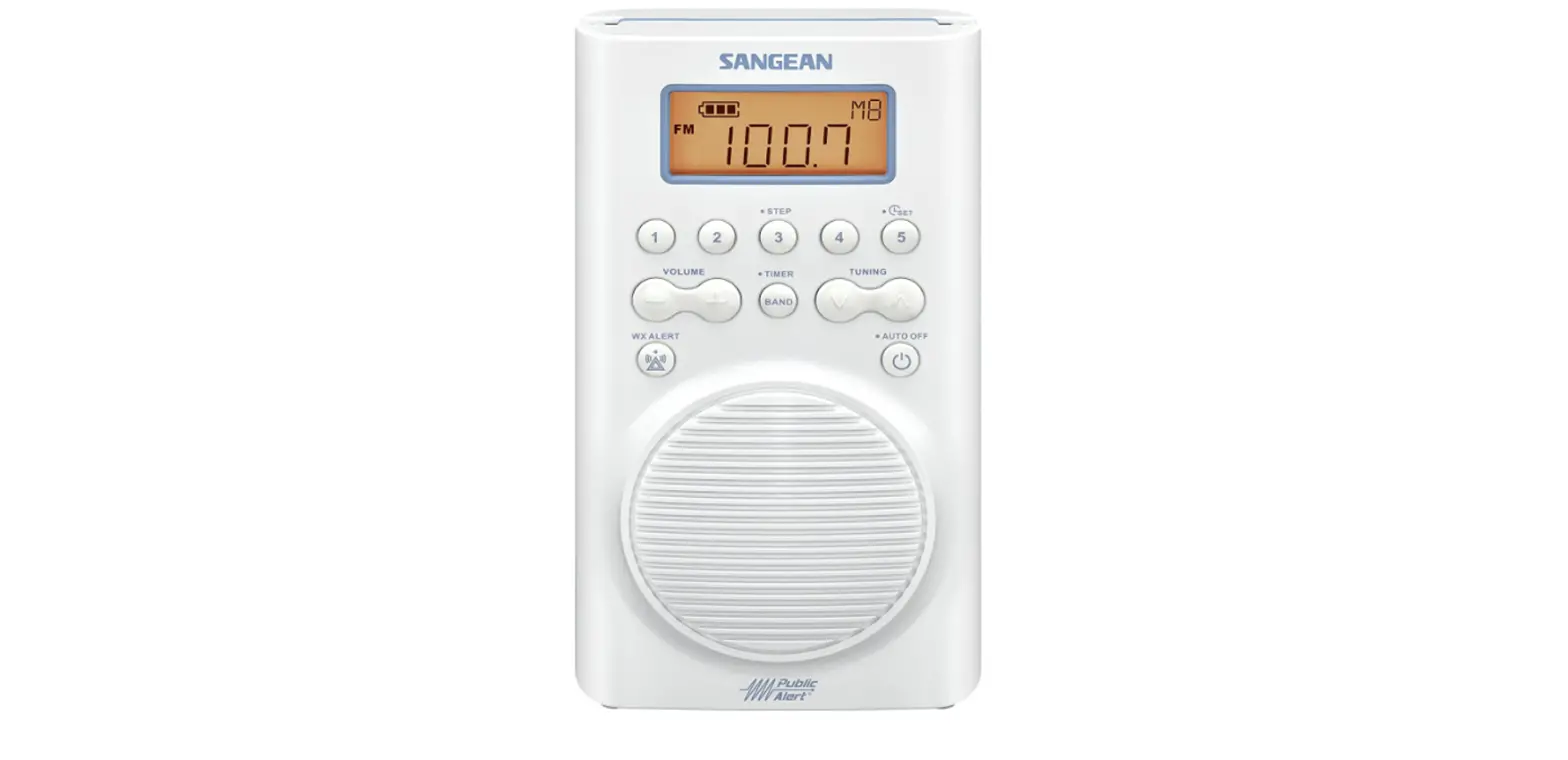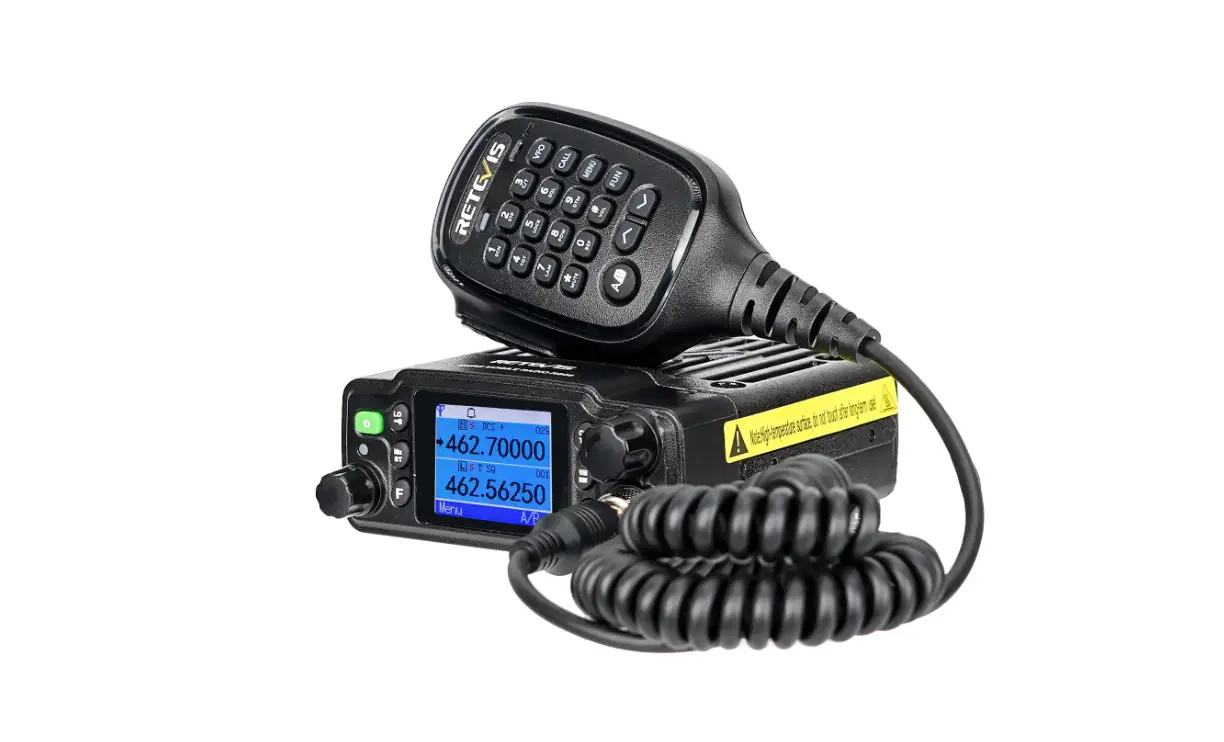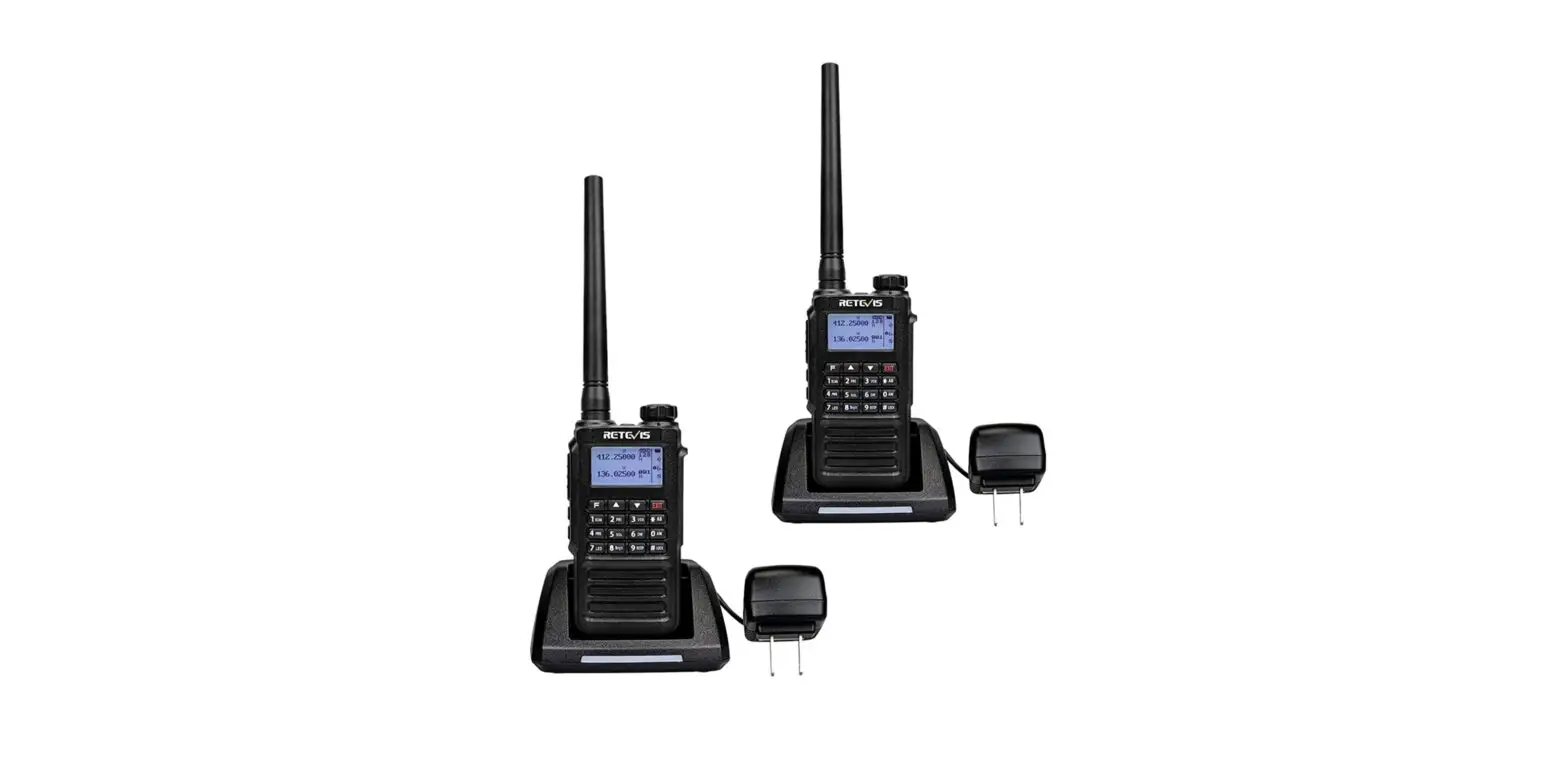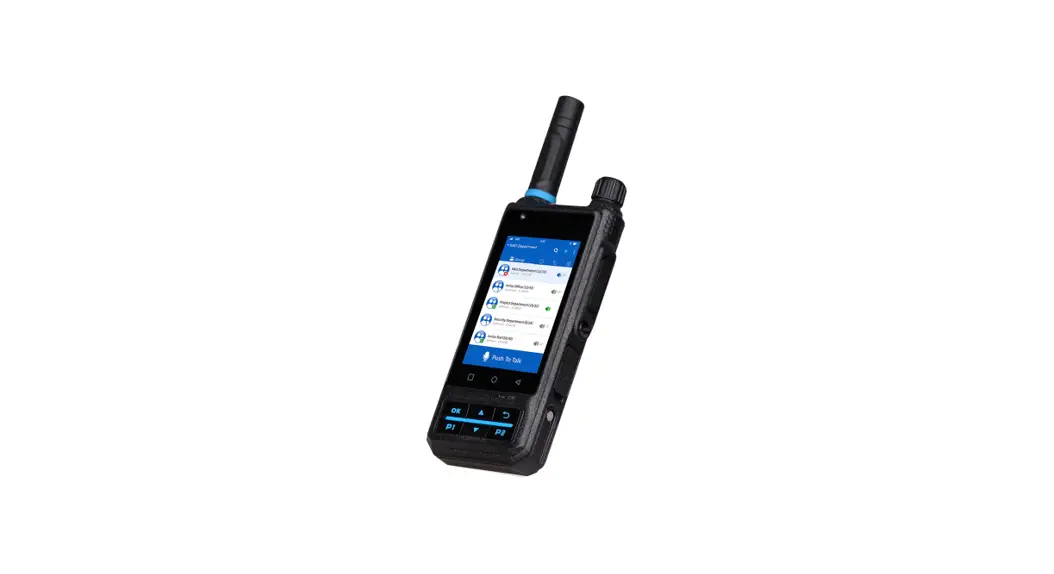
 PROFESSIONAL WATERPROOF RADIO
HIGH POWER OUTPUT/HIGH-CAPACITY LI-ION BATTERY
Built-in CTCSS/DCS Programmable Channels VOX Transmit
USERS MANUAL
Thank you for purchasing this our radio. We believe this easy-to-use radio will provide reliable and dependable communication. our radio incorporates the latest advanced technology. As a result, we know that you will be pleased with the quality and features of this product.
UNPACK AND CHECK EQUIPMENT
Carefully unpack the portable radio. We suggest that you check the following items before you throw away the packing materials
Standard supplied accessories
| ITEM | QTY |
| Antenna | 1 |
| Battery charger kit | 1 |
| Li-ion battery pack | 1 |
| Belt clip | 1 |
| Screws | 1 |
| Hand strap | 1 |
| User manual | 1 |
FAMILIAR WITH THIS MACHINE
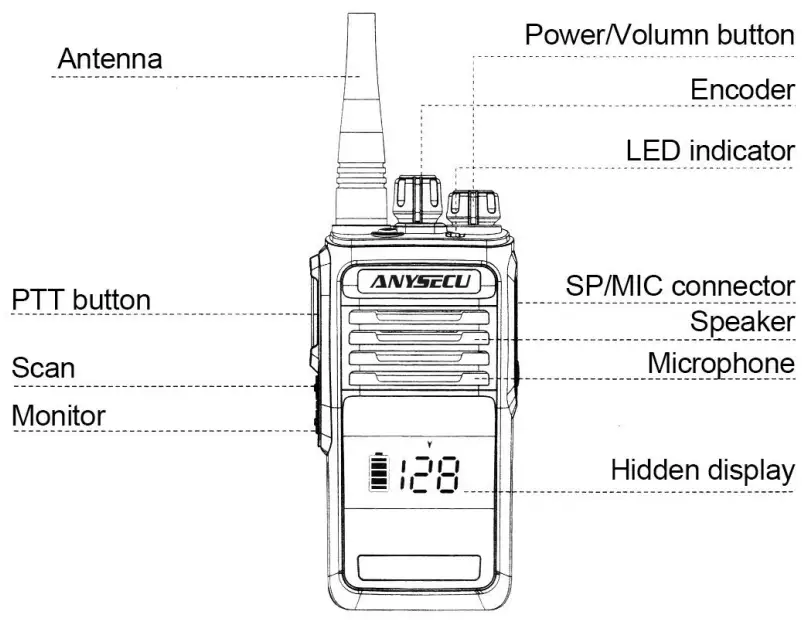
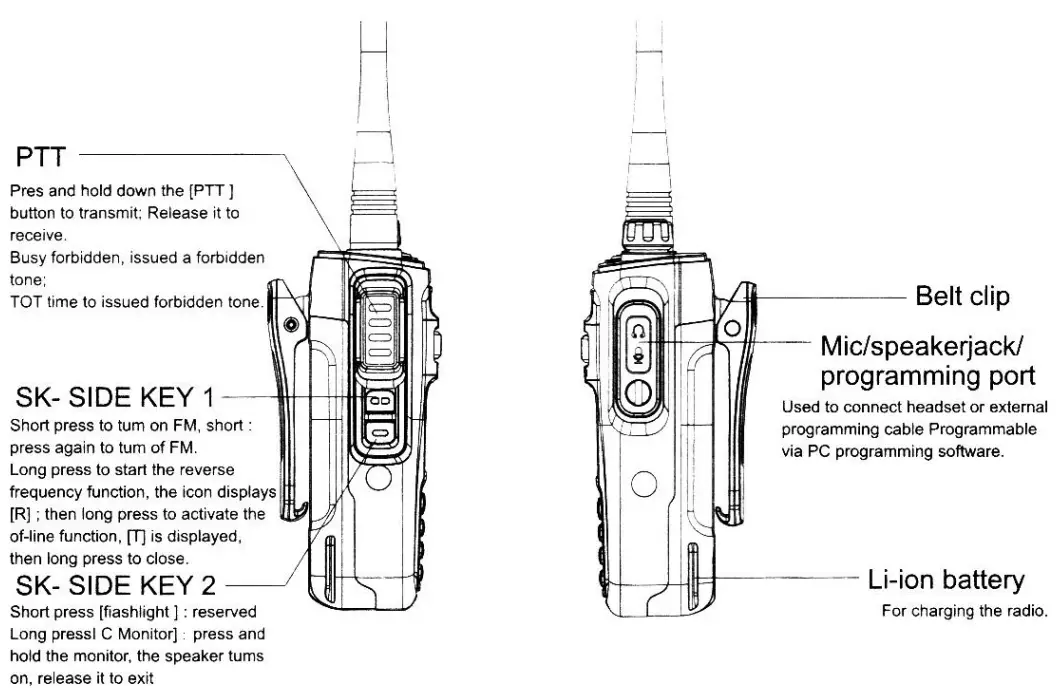
PTT(PUSH-TO-TALK) SWITCH
Press PTT then speak into the microphone to call and the lights are red.
Release PTT to receive signal and lights green.
– Side key: Programmable Side key2: Programmable Speaker/Microphone Jack Jack for speaker mic or Programming cable.
PTT(PUSH-TO-TALK) SWITCH
The radio side key & side key2 (short press/long press) can be programmed to these function
CLOSED, MONITOR, HIGH/LOW POWER, VOX ON/OFF
PREPARATION
Lithium-ion battery charging instructions (applicable to models with lithium-ion batteries)
- Plug the power adapter into the AC power outlet and the charger indicator will turn green.
- Insert the lithium-ion battery pack or the walkie-talkie equipped with the lithium-ion battery pack into the charger, confirm that the battery pack is in good contact with the charging terminal, and the indicator light turns red during charging.
- When the battery is charged to 90%, the indicator light turns orange.
- When the battery is fully charged, the indicator light of the charging stand turns green.
After charging the battery pack for 9 hours, remove it from the charger.
 WARNING If the battery pack is fully charged, do not recharge it again, otherwise, the life of the battery pack will be shortened or damaged. After charging the battery pack, remove it from the battery charger.
Charging the battery pack for more than 5 days will shorten the life of the battery pack due to overcharging.
NOTE The ambient temperature during charging is between 5 and 40 degrees Celsius, Outside this range, the battery pack cannot be fully charged during charging, Please turn off the power of the walkie-talkie equipped with the lithium-ion battery pack before charging. Using the walkie- -talkie while charging will prevent the battery pack from charging correctly,
If the use time does not increase even after the correct charging, the life of the battery pack has expired, please replace the battery pack with a new one,
FUNCTION
Monitor Press it and turn the volume knob to test the speaker volume.
High/Low Power
Press the defined High/Low power function, and the radio output power will be switched between high power and low power.
VOX ON/OFF
Press the defined VOX ON/OFF function to active and close the VOX function.
Busy Channel Lockout
This function can prevent other two-way radio from disturbance. This function can be programmed by PC software to ON or OFF, If this function enables, the radio transmitter function was disabled and there is a “du” beep when pressing PTT, in this case, it will not disturb others’ communication in this channel, If this function disables, it will be talking in normally.
VOX Sensitivity
You can speak to the radio to activate transmitting without pressing the PTT button Vox sensitivity is the sensitivity level that refers to your voice.
PC programming is available to program the sensitivity level. There is a 0-9 levels option, level 1 is less sensitive than level 9.
Squelch Level
It means the signal strength to open receiver, 0-9 levels can be programmed by PC software. Level 9 signal strength is strong than level 1, it will always open squelch if set to level 0
Voice Guide
There is a voice guide when power ON or select channels, you can use PC software to program it in, Chinese, English
Time Out Timer
- This function is to prevent any person from using the channel for an extended period of time. If you continuously transmit for 300 seconds, the radio will stop transmitting and a tone will sound.
- To stop the tone, release PTT and press PTT again to resume transmitting.
- It is OFF 30s/60s/90s/300s and can be programmed by PC software.
CTCSS/DCS
Some channels may have pre-programmed CTCSS/DCS, it is a sub tone that allows you to ignore calls from others who are using the same channel. When you receive a signal that has a tone different from the one set up on your radio, you will not hear the signal. Likewise, signals that you transmit will only be heard by those whose CTCSS/DCS matches the tone set up in your radio.
Wide/Narrow Band
It allows you to select a wide band (25khz) or narrow band (12.5khz) by PC software
Battery Save
The function decreases the power used when a signal is not being received and no operations are being performed ( no keys are being pressed, and no switches are being turned) While the channel is not busy and no operation is performed for 10s, the battery save turns ON. When a signal is received or an operation is performed, battery save turns OFF.
SCAN
The radio can scan in the 16th channel, it will scan the activated channels to talk. There is a Carrier scan or Time scan which can program by PC software,
→ Carrier Scan: the radio will scan and stop at the activated channel until the signal disappeared.
→ Time Scan: the radio will scan and stop at this channel for 5 seconds then continue to scan the next activated channels.
Lower Power Alert If the radio battery power is low, the radio will sound the low power annunciation or sounds the “du.’ (programmed by PC)
Voice Command
This function is used to avoid interference, you can use it when there is too much Disturbed environment You can program it ON/OFF by PC software
ANI Code
The radio uses DTMF sending ANI code, it provides four sending mode which is set by PC software.
- Closed: whatever press PTT or release PTT, it will not send DTMF code
- PRE-ONLY: Press PTT and send the DTMF code at the same time
- POST-ONLY, it sends DTMF code when releasing the PTT button
- BOTH: it sends DTMF code when Press or releasing the PTT button
Programming password
The radio has the function to set a password for reading and writing frequency This will prevent unauthorized people to program the radio.
CTCSS
| 67.0 | 89. | 115. | 151. | 177. | 204. | 250. |
| 69. | 92. | 119. | 157. | 180. | 207. | 254. |
| 72. | 95. | 123.0 | 160. | 184. | 211. | |
| 74. | 97. | 127. | 162. | 186. | 218. | |
| 77.0 | 100.0 | 132. | 166. | 190. | 226. | |
| 80. | 104. | 137. | 168. | 193. | 229. | |
| 83. | 107. | 141. | 171. | 197. | 234. | |
| 85. | 111. | 146. | 174. | 200. | 242. |
DCS
| D023N | D065N | D132N | D205N | D255N | D331N | D413N | D465N | D612N | D723N |
| D025N | D071N | D134N | D212N | D261N | D332N | D423N | D466N | D624N | D731N |
| D026N | D072N | D143N | D223N | D263N | D343N | D431N | D503N | D627N | D732N |
| D031N | D073N | D145N | D225N | D265N | D346N | D432N | D506N | D631N | D734N |
| D032N | D074N | D152N | D226N | D266N | D351N | D445N | D516N | D632N | D743N |
| D036N | D114N | D155N | D243N | D271N | D356N | D446N | D523N | D645N | D754N |
| D043N | D115N | D156N | D244N | D274N | D364N | D452N | D526N | D654N | |
| D047N | D116N | D162N | D245N | D306N | D365N | D454N | D532N | D662N | |
| D051N | D122N | D165N | D246N | D311N | D371N | D455N | D546N | D664N | |
| D053N | D125N | D172N | D251N | D315N | D411N | D462N | D565N | D703N | |
| D054N | D131N | D174N | D252N | D325N | D412N | D464N | D606N | D712N |