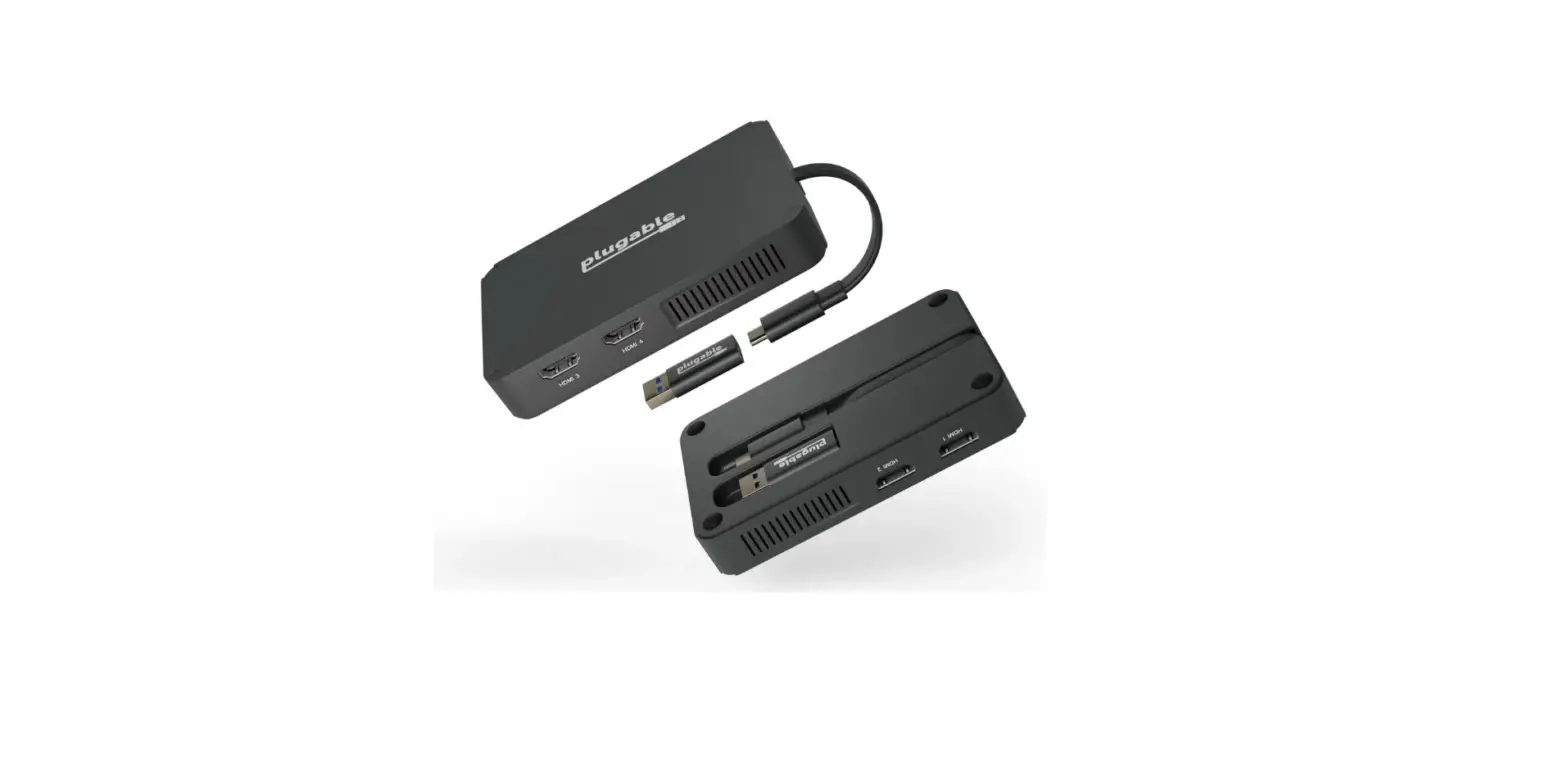
 pluggable USBC-768H4 USB-C to Quad HDMI Adapter
 pluggable USBC-768H4 USB-C to Quad HDMI Adapter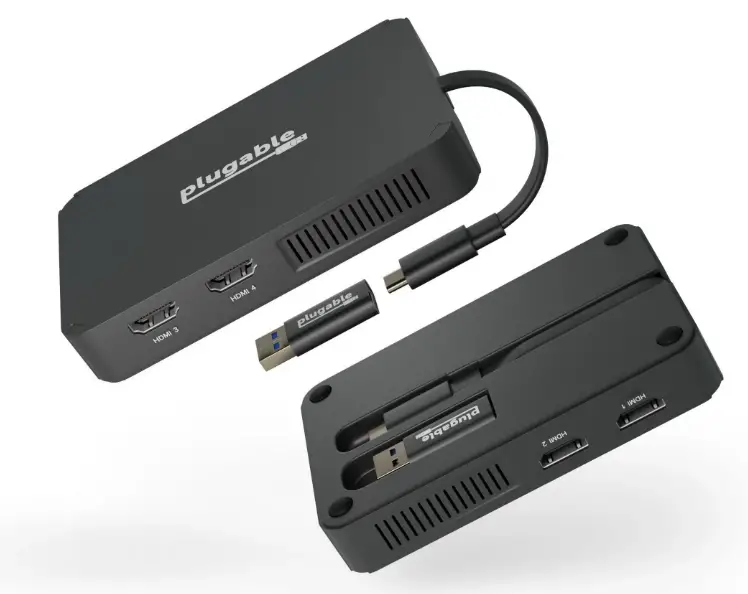
In the Box
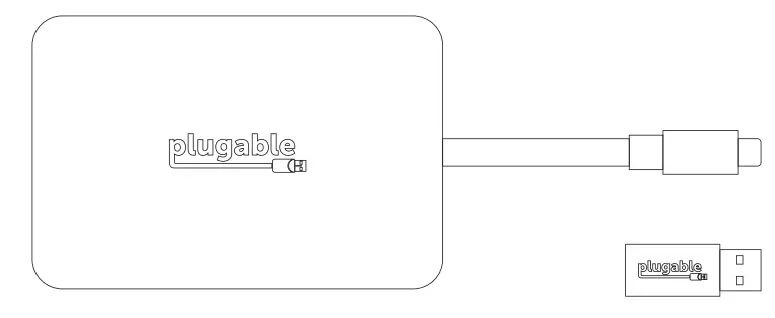
Questions? We’re here to help!
- plugable.com/products/usbc-768h4 [email protected]
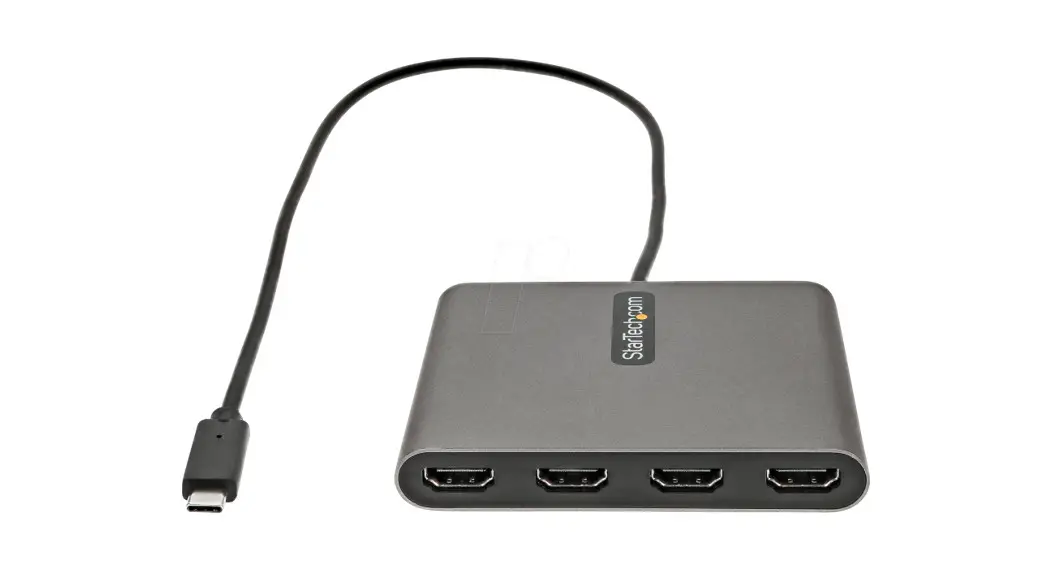
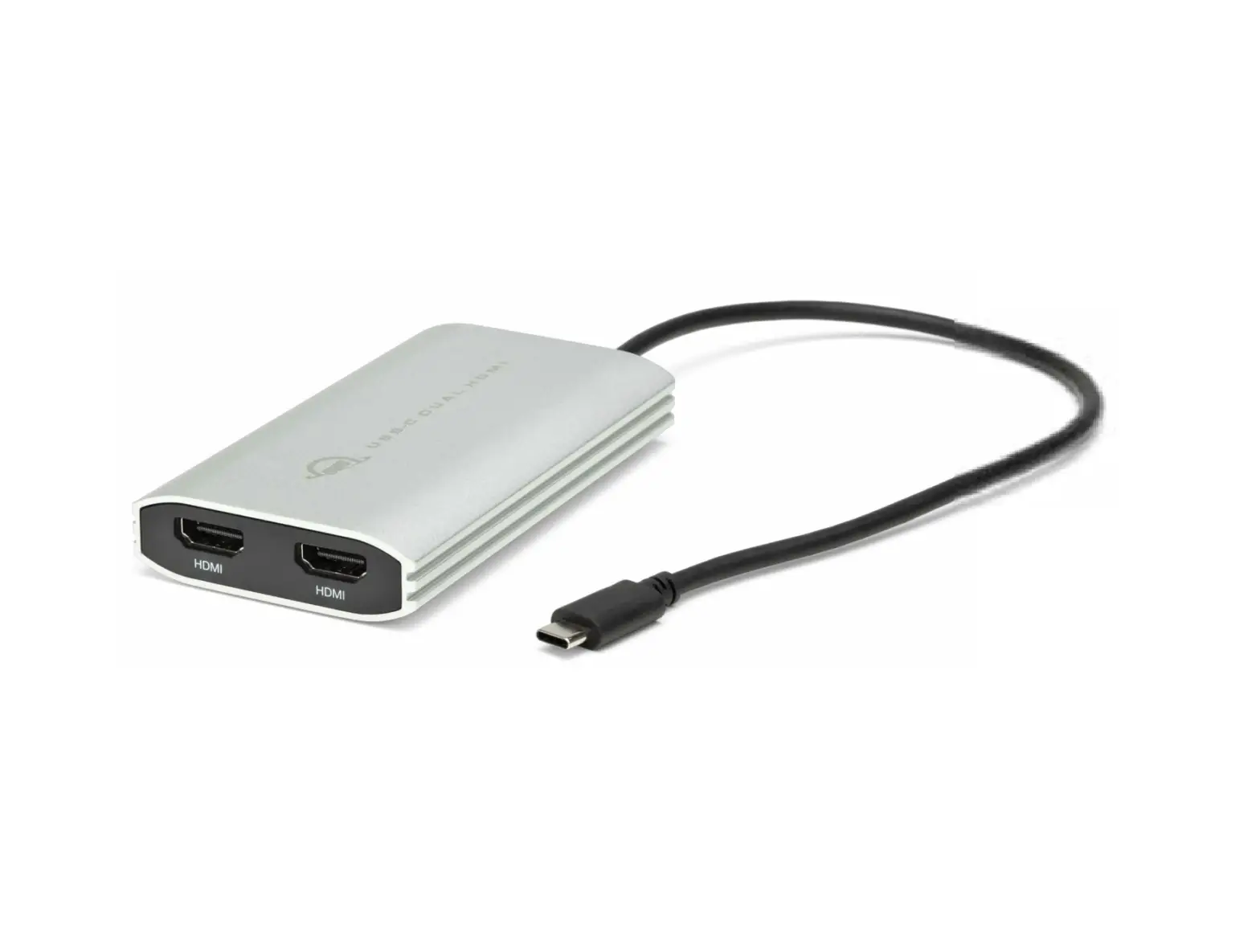
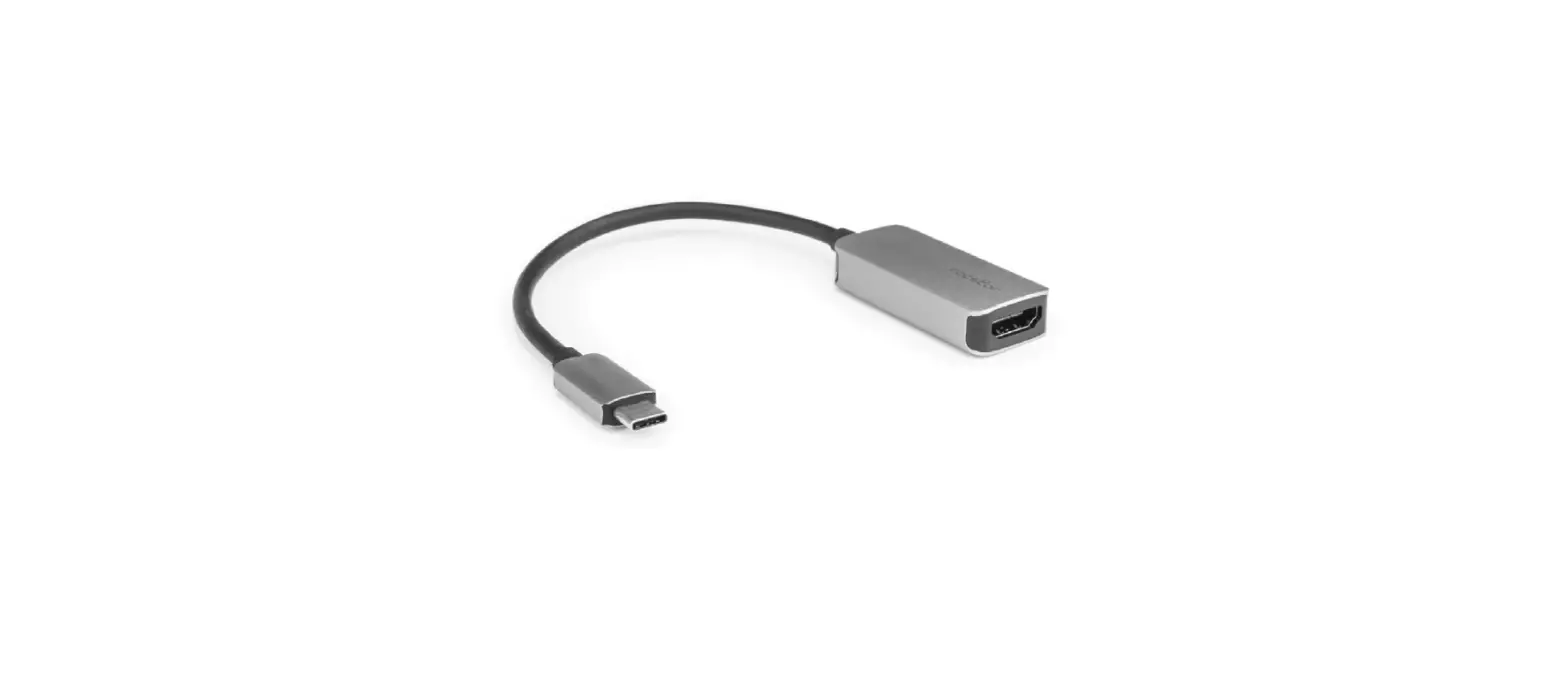
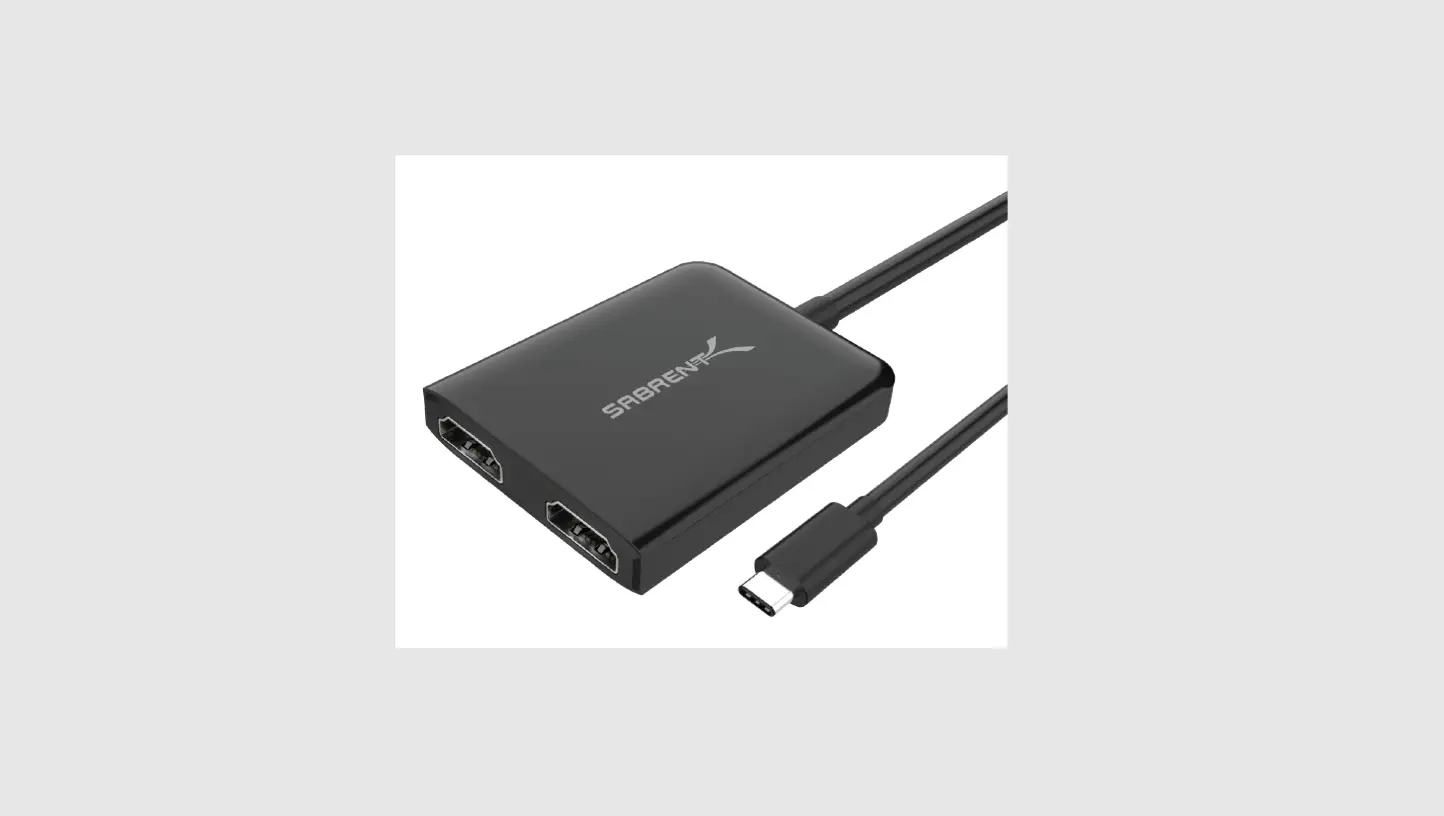
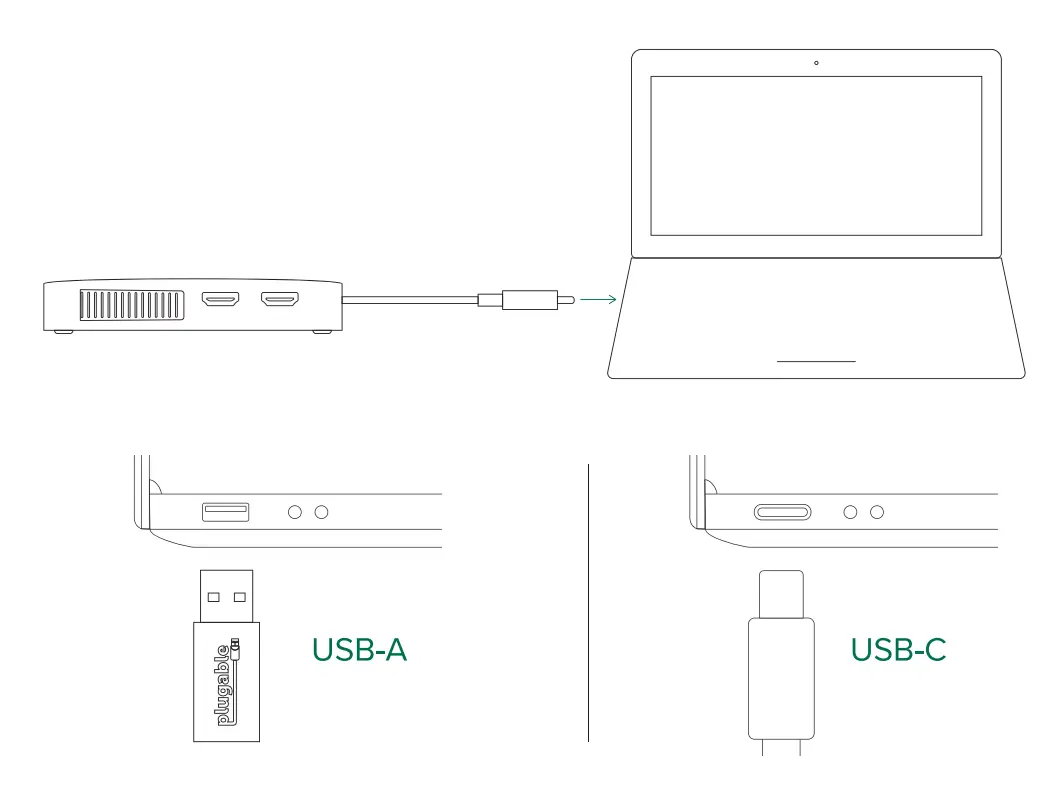
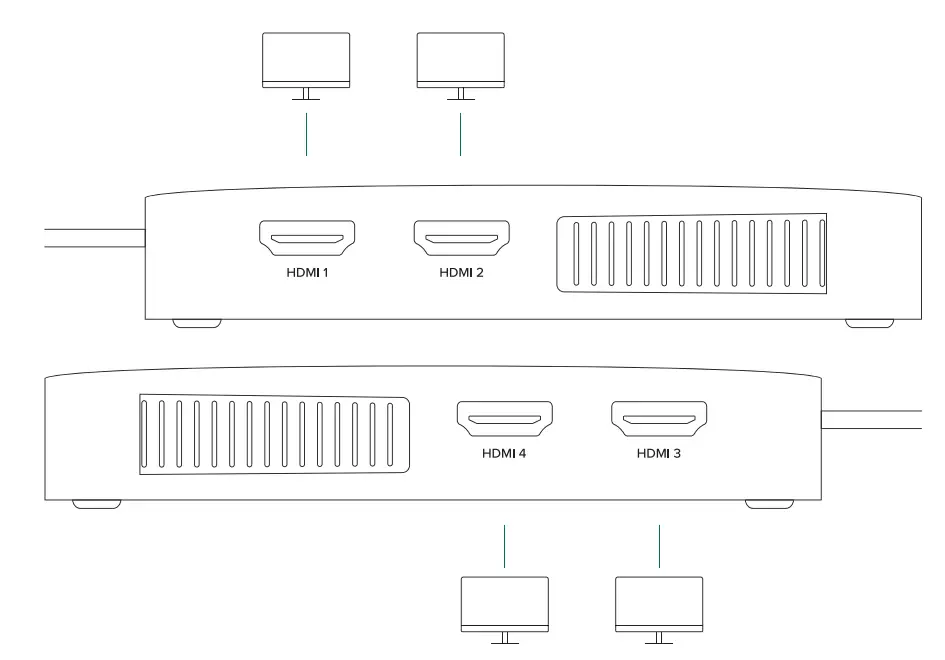
- Thank you for your purchase of the Plugable USBC-768H4 Quad HDMI Graphics Adapter! The Plugable USBC-768H4 adapter connects to a computer via a USB-C or a USB 3.0 adapter and can extend up to four external HDMI monitors up to 1920×1080@60Hz resolution.
Silicon Motion Driver
Installation Required
Our USBC-768H4 graphics adapter is based on Silicon Motion technology that requires the Silicon Motion software to render your external extended displays over USB connections. Please visit our website link below to download the required Silicon Motion driver software for your computer and see system-specific installation steps.
- Download and install the Silicon Motion driver
Descargar e instalar el controlador Plugable.com/products/usbc-768h4
 - Connect the adapter to host
Conectar el adaptador al servidor
- Connect monitors
Conecte los monitored

- © 2022 Plugable Technologies | July 20, 2022
 Plugable USB-C or USB 3.0 Quad HDMI Adapter – Plugable Technologies