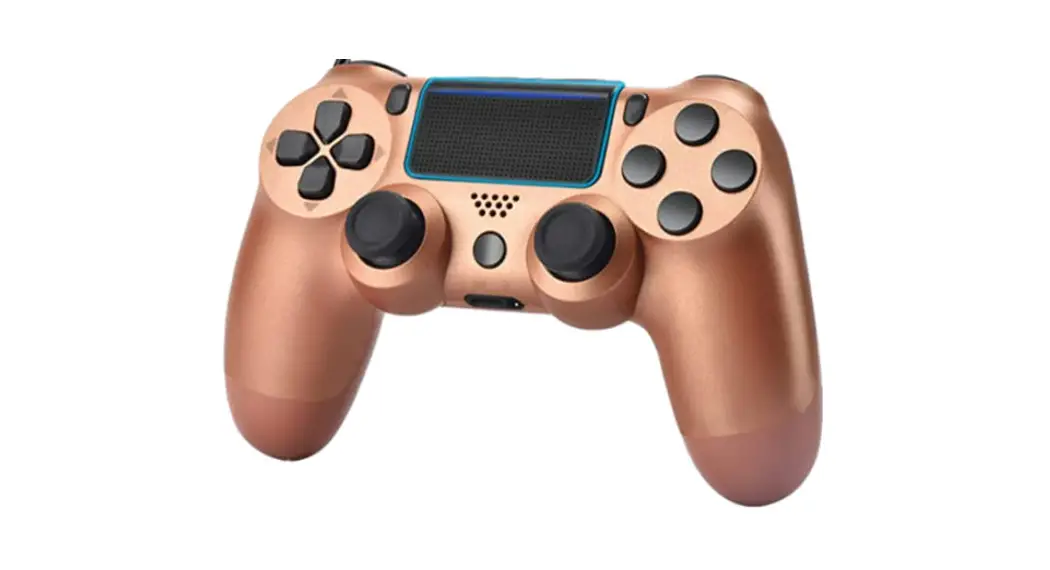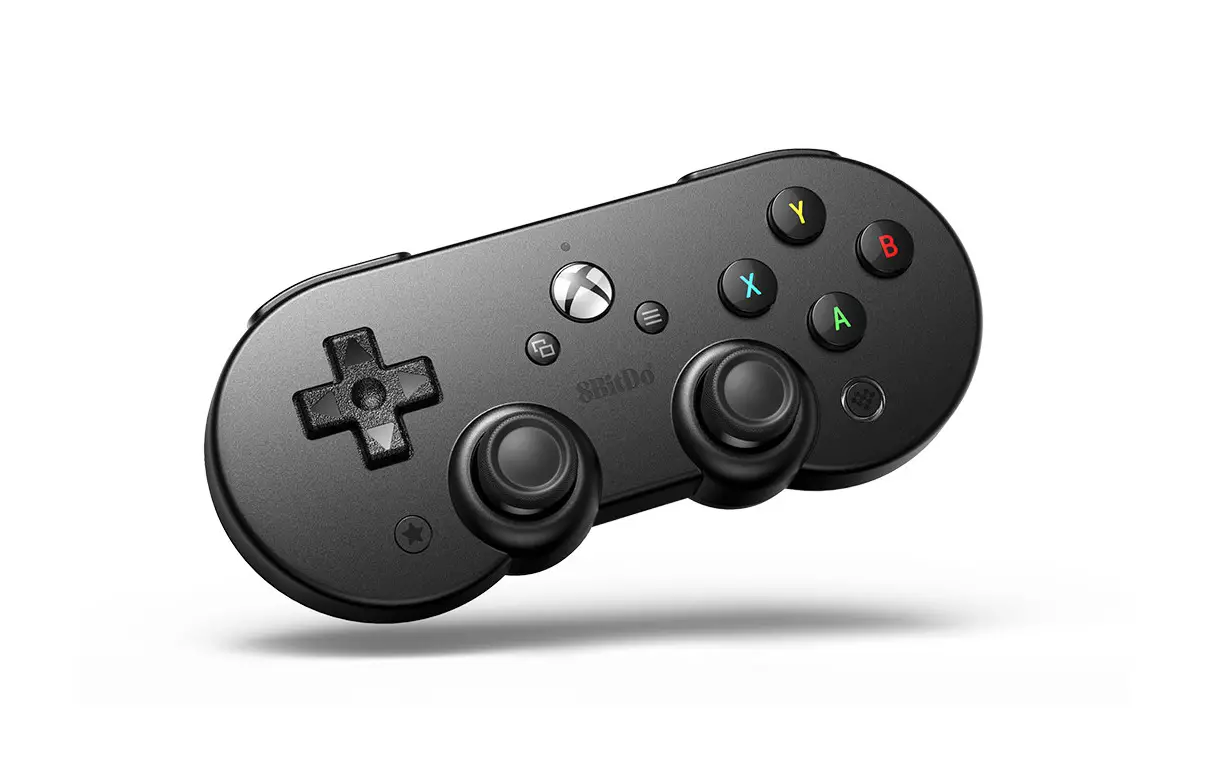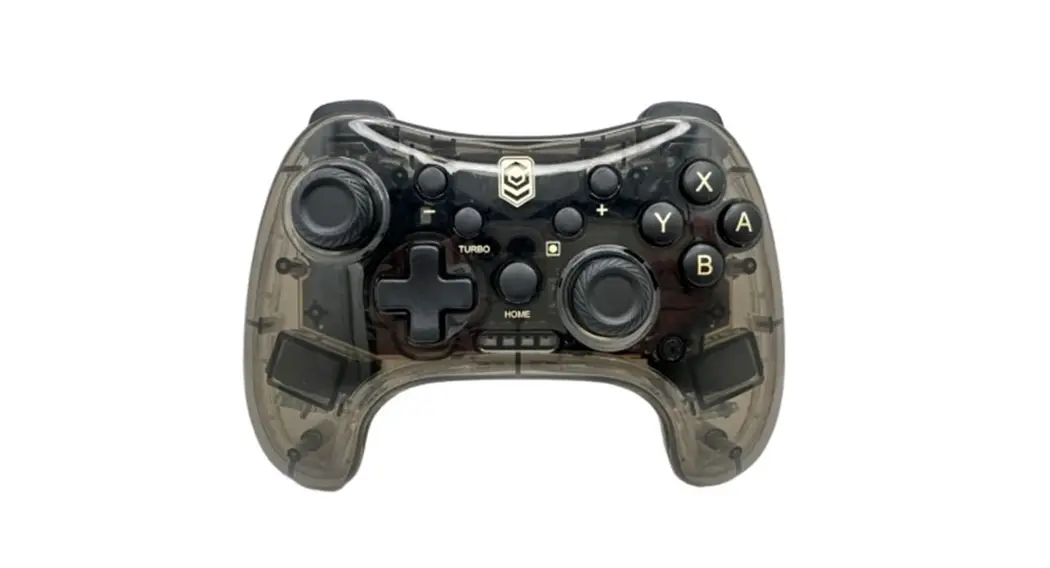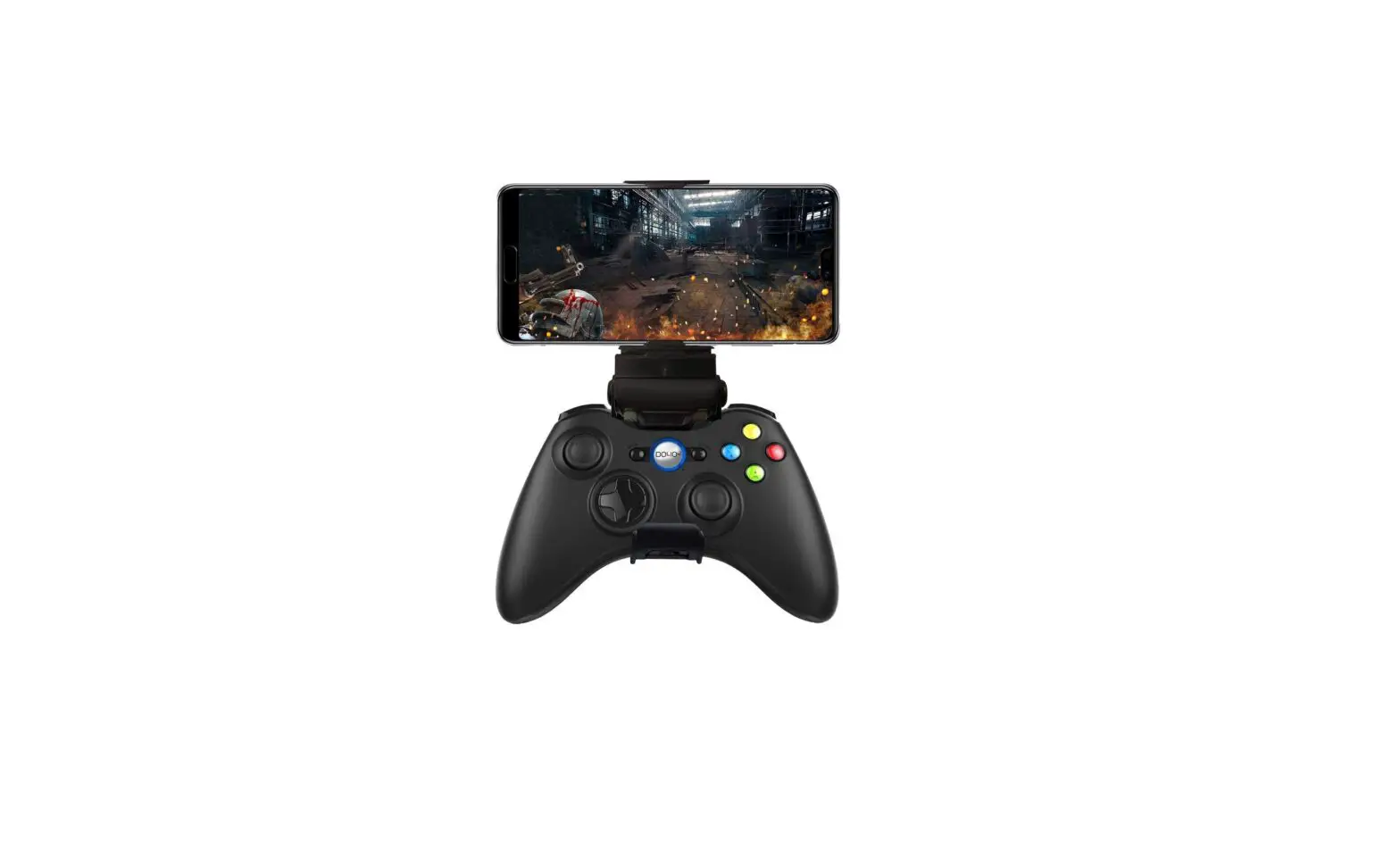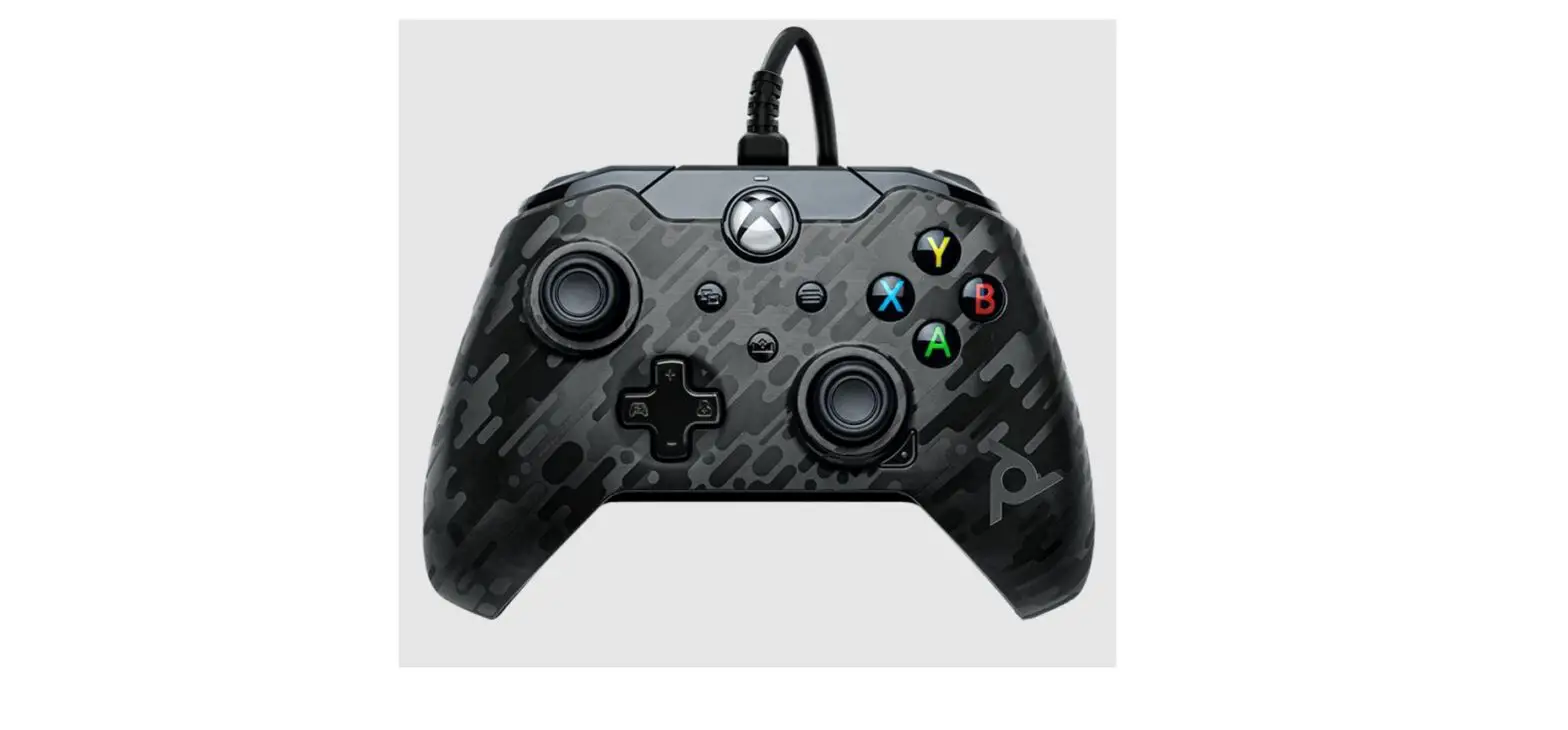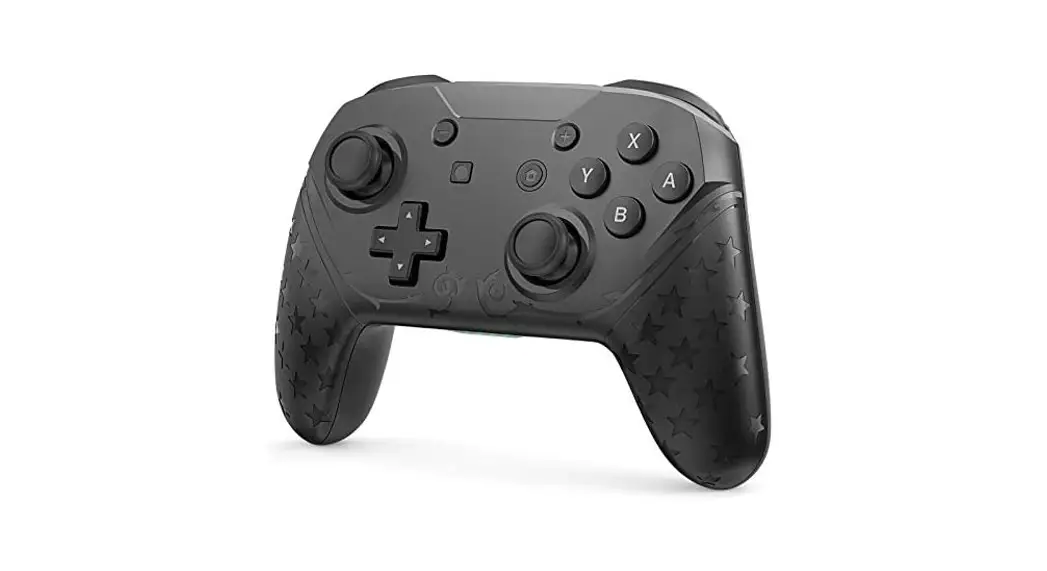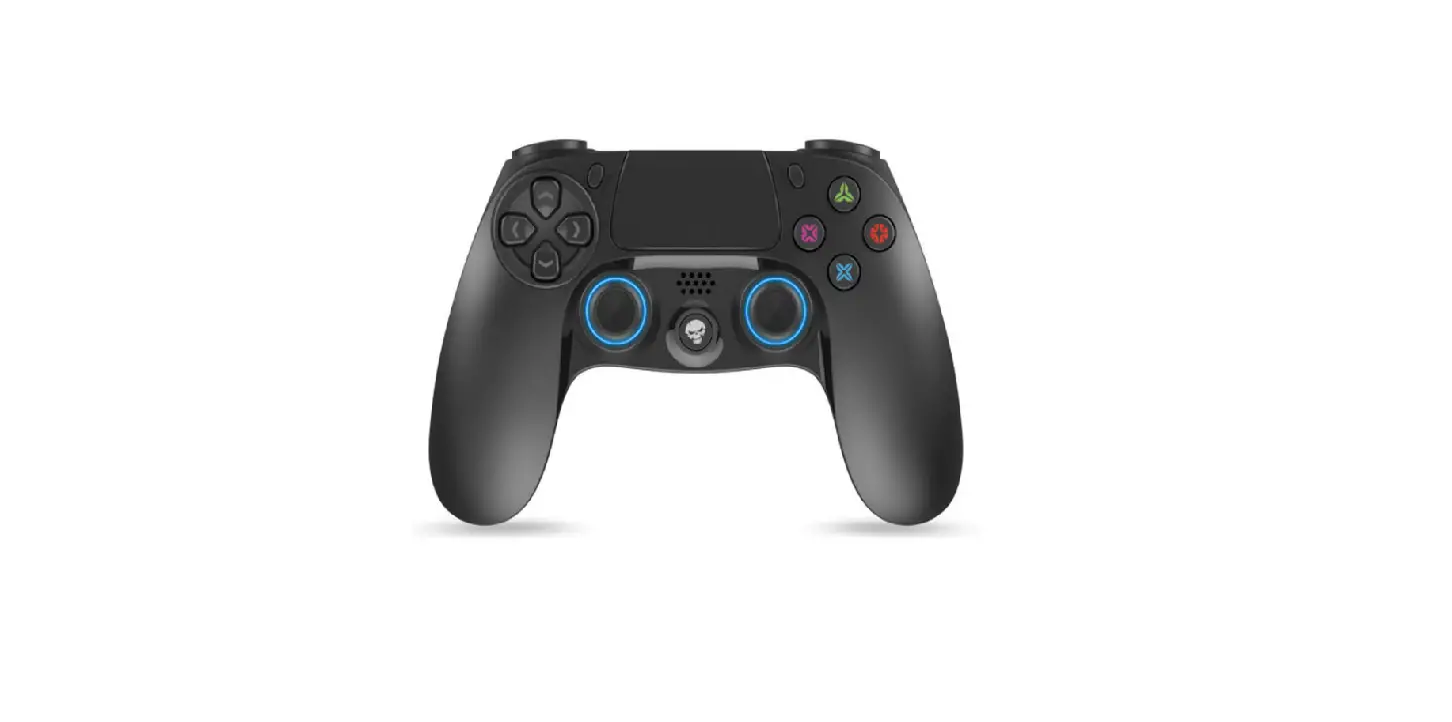

SPIRIT OF GAMER SOG-BTGP41 Pro Gaming Controller 
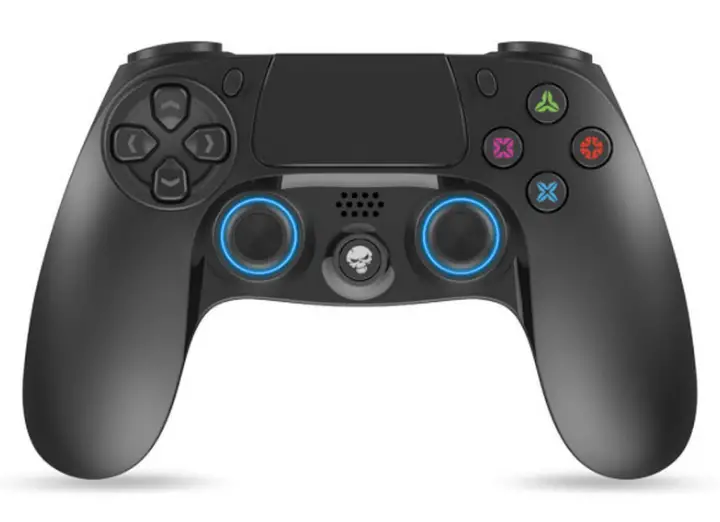
Installing your controller
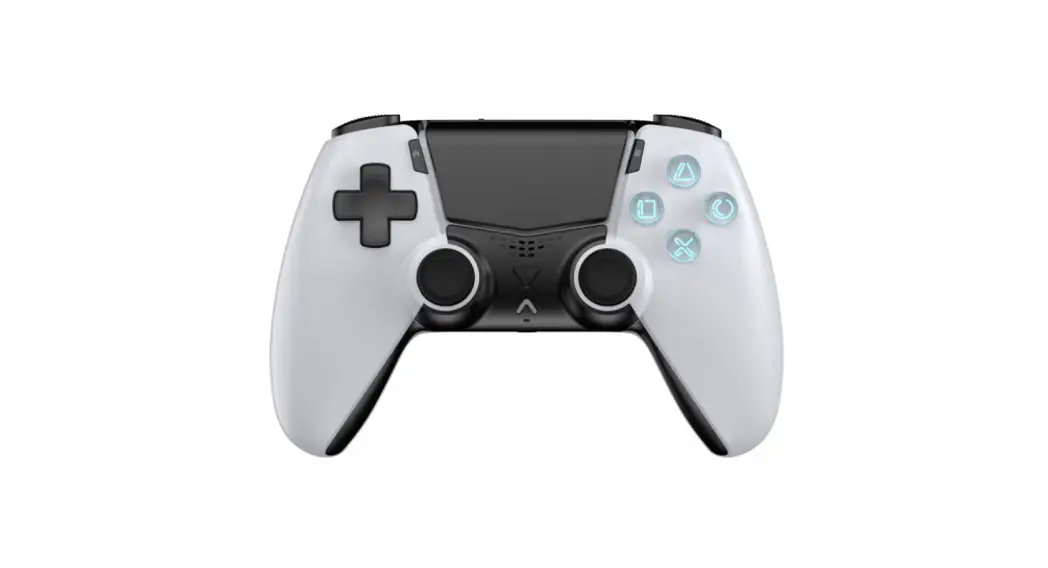
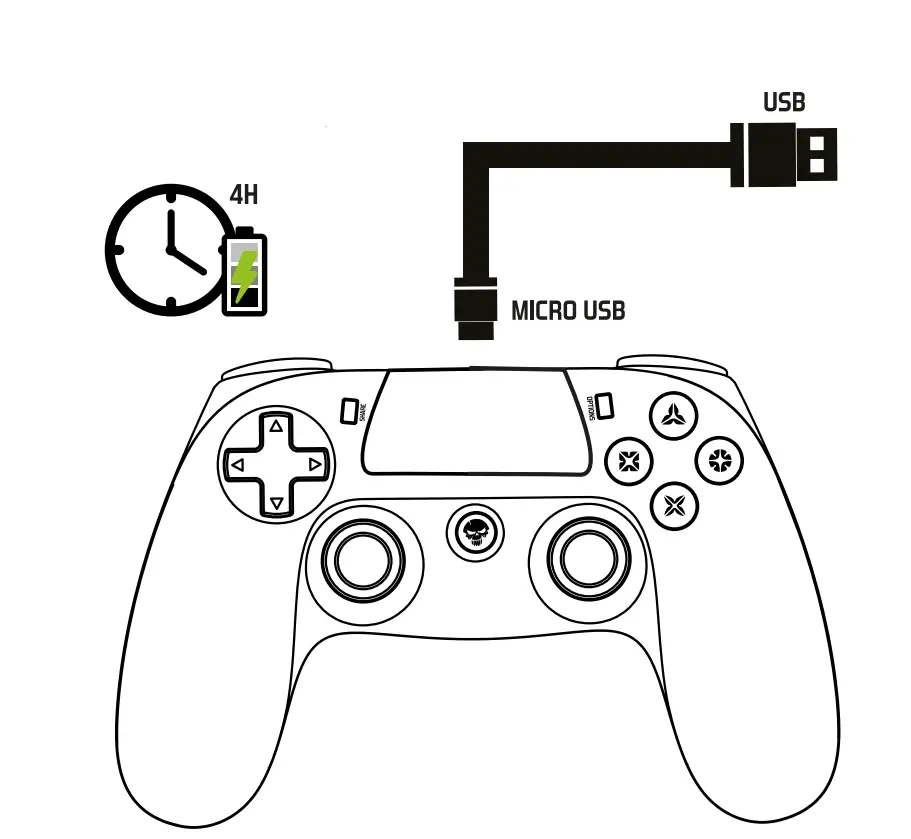
- Connect your SOG controller using the USB cable provided,
- Turn on your P54 console,
- Press the Home button on your controller,
- The Home indicator changes from red to blue,
- Follow the instructions on your screen/TV Remove the USB cable.
- Your controller is configured and ready to use (It can also be used to turn on your console)

- Charging time: 4H
- Charging cable 1.2 meter included
- Temps de chargement: 4H
- Cable de charge 1.2 mètre inclus
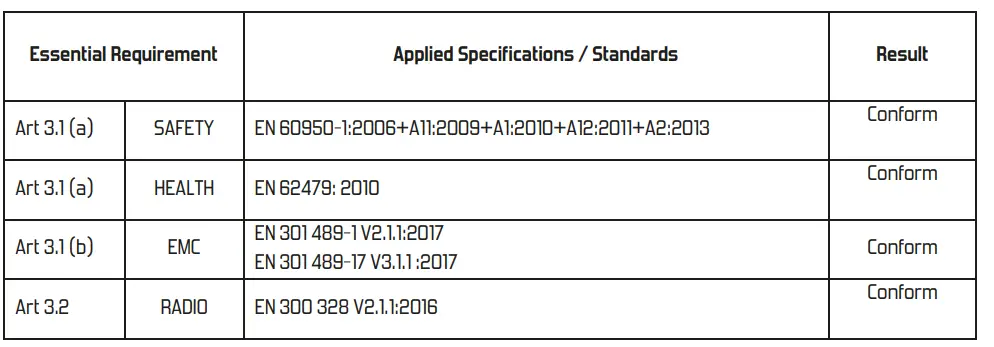
Organisme notifié
SHENZHEN ALPHA PRODUCT TESTING CO.LTD
Notified body:
- Certificate N°: T1890086 0-02-03-04 RED
- CertificateN°: T1890086 05 RoHS
Test Report N°:
- SAFETY
T1890086 04 - HEALTH
T1890086 03 - EMC
T1890086 01 - RADIO
Ti890086 02 - RoHS
T1890086 05
Documentation Technique
SUZA INTERNATIONAL
Technical documentation
Quality Departement
FIRMWARE UPDATE INSTRUCTIONS

At each update of the firmware of your PS4 console, it may be that your controller has malfunctioned, works hard… (example: inadvertent disconnection). We invite you to update the Firmware of your
controller also by logging on: www.spiritofgamer.com heading support, download center, Our technicians remain at your disposal: Sunnortsniritofaamer.com
warning
Precautions and safety instructions: Do not attempt to disassemble, open, repair or modify the product, accessories or power cable! Risk of injury, electric shock … Do not expose to moisture, liquids, cold or heat. […] http://www.spiritofgamer.com/warnings/
Download Center: Download drivers, advanced manuals .. http://www.spiritofgamer.com/downloadcenter/
Environmental protection: WEEE (Waste Electrical and Electronic Equipment): Place this device in a recycling center: Thank you!
Warranty: The warranty of this device is available online! http://www.spiritofgamer.com/warranty/
Support: Need help? Our Gamers technicians are there for you! Online support:
http://www.spiritofgamer.com/support/
Legal information and compliance: Spirit of Gamer declares that this device complies with the essential requirements and other relevant provisions of Directive 1999/5 / EU.