premium product
W40
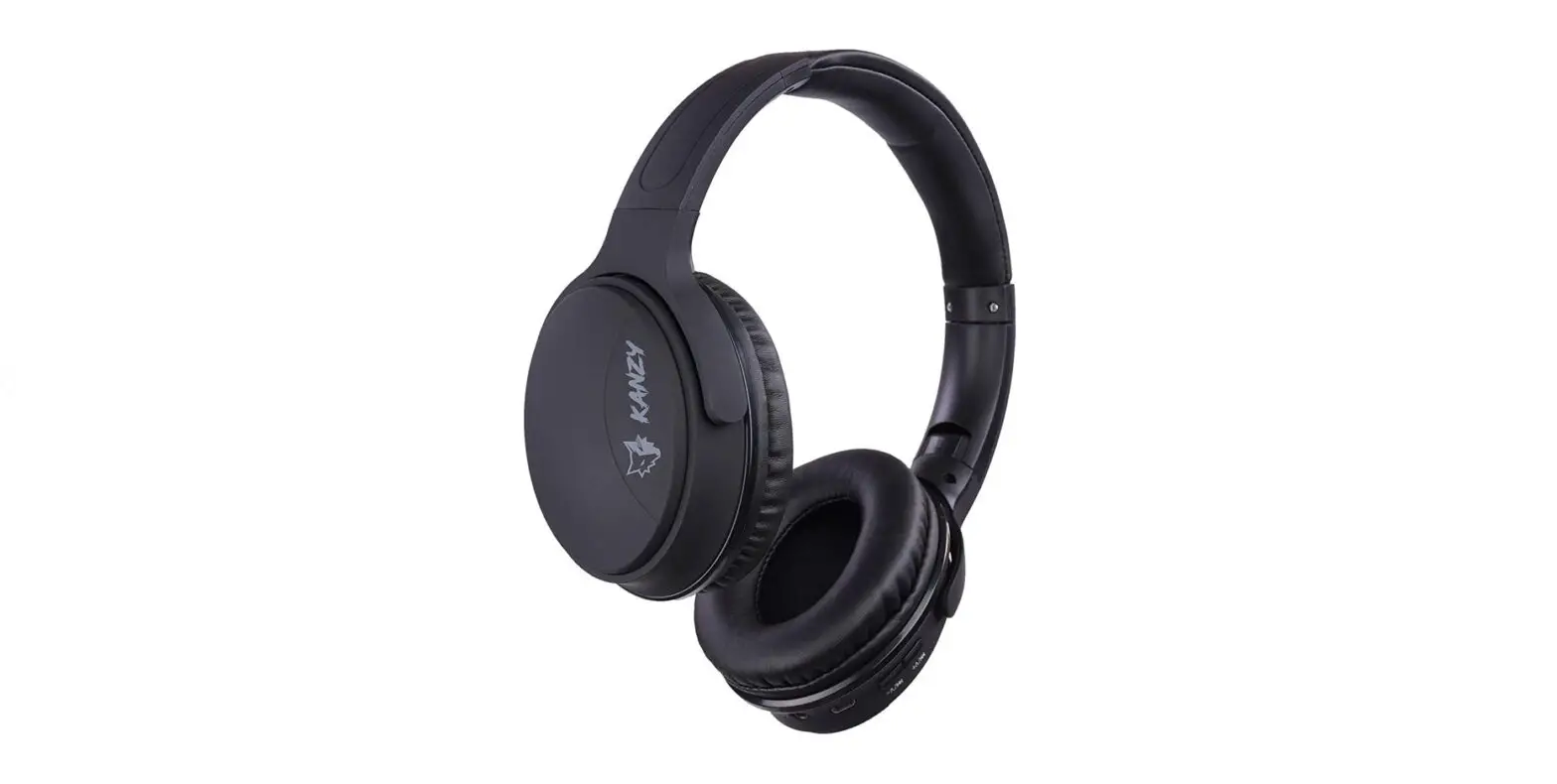
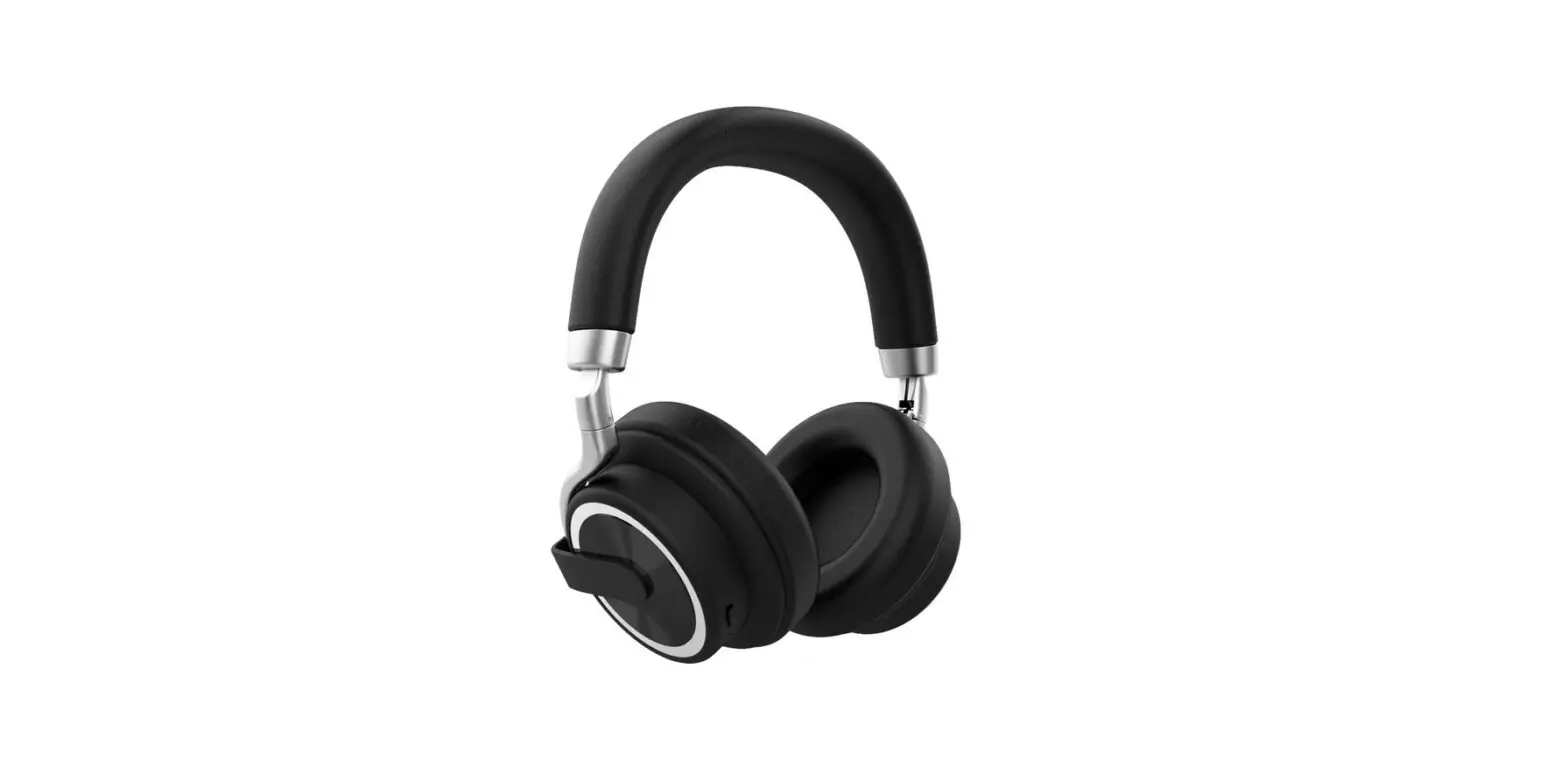
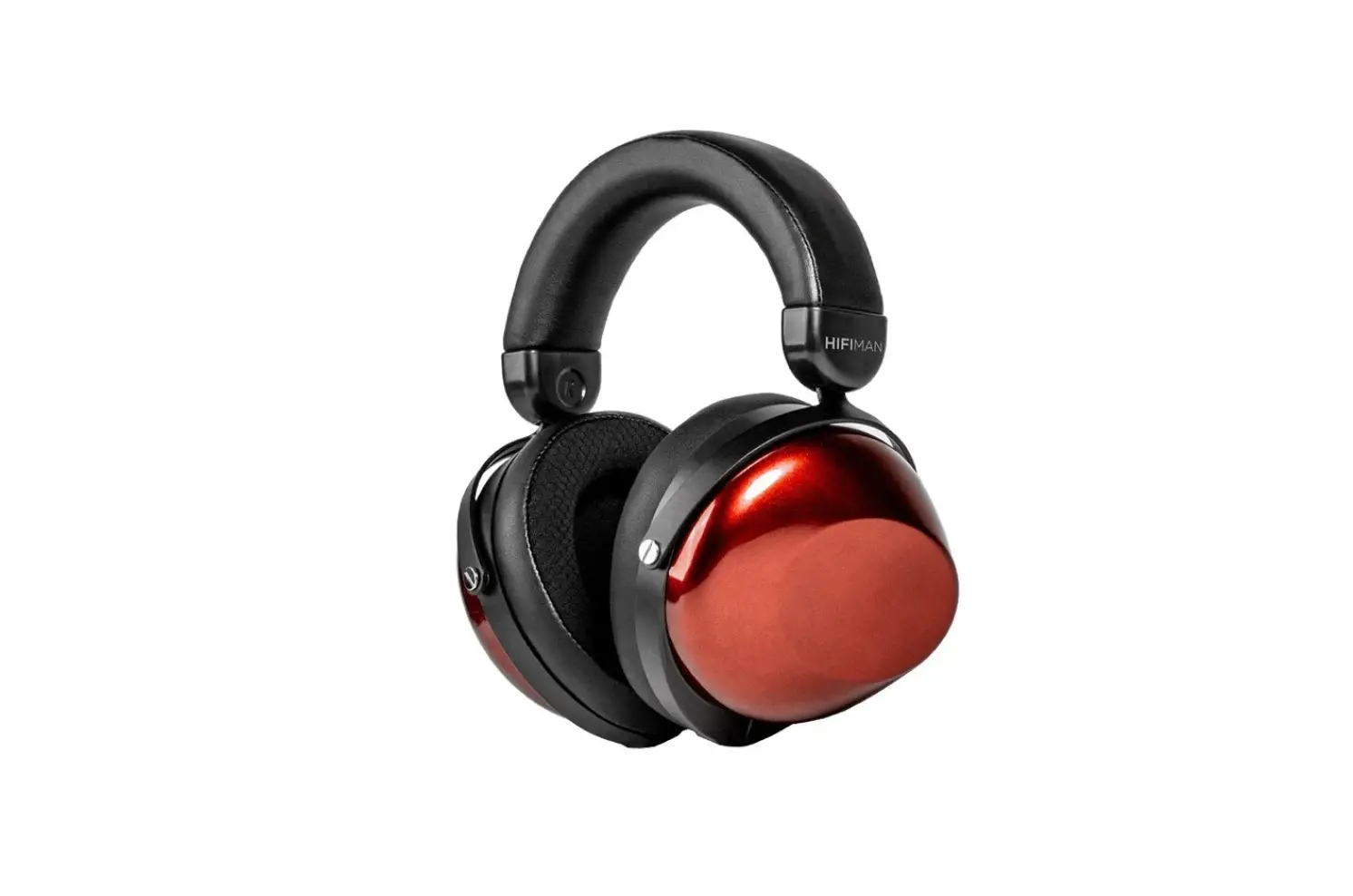
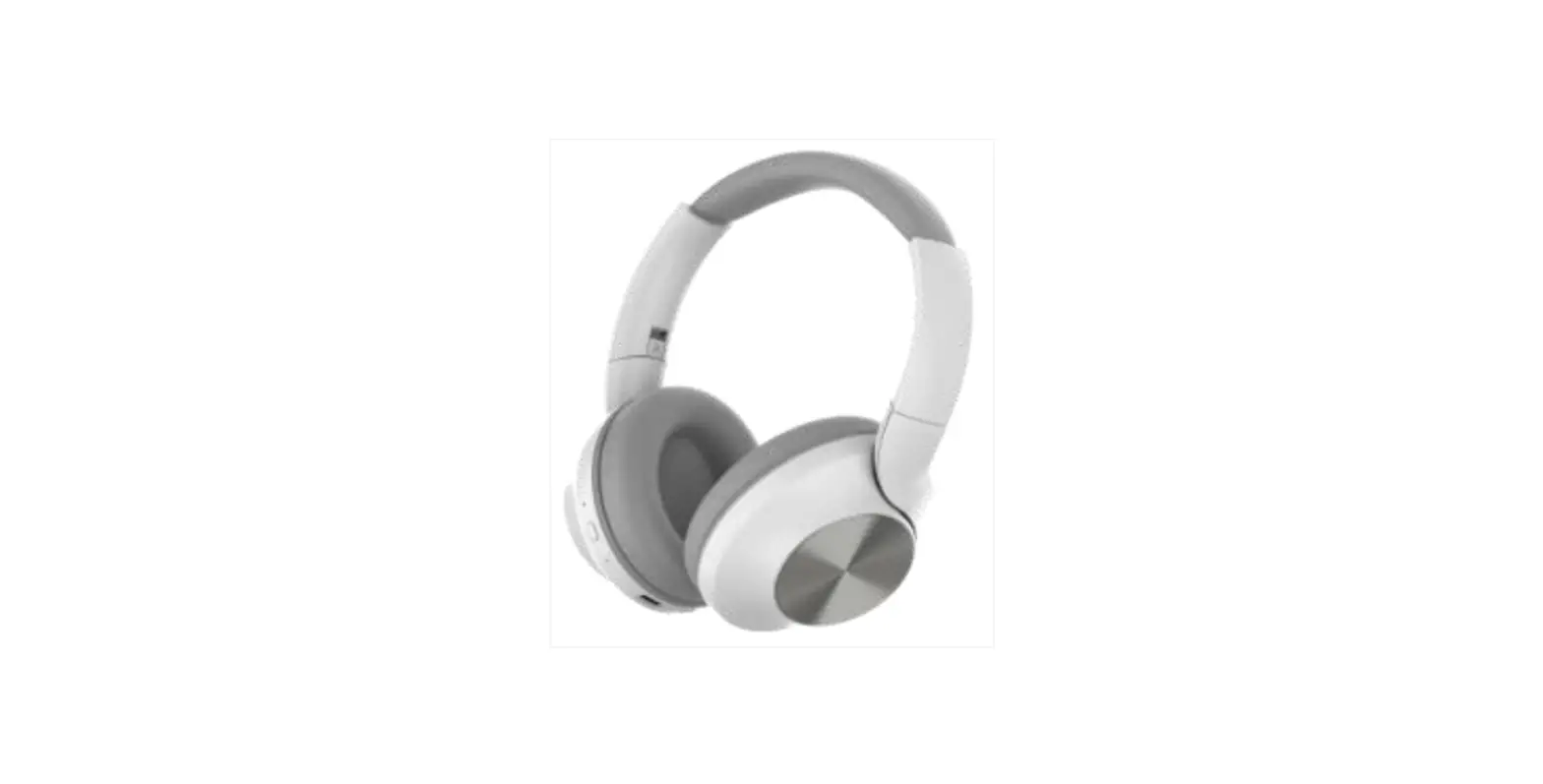
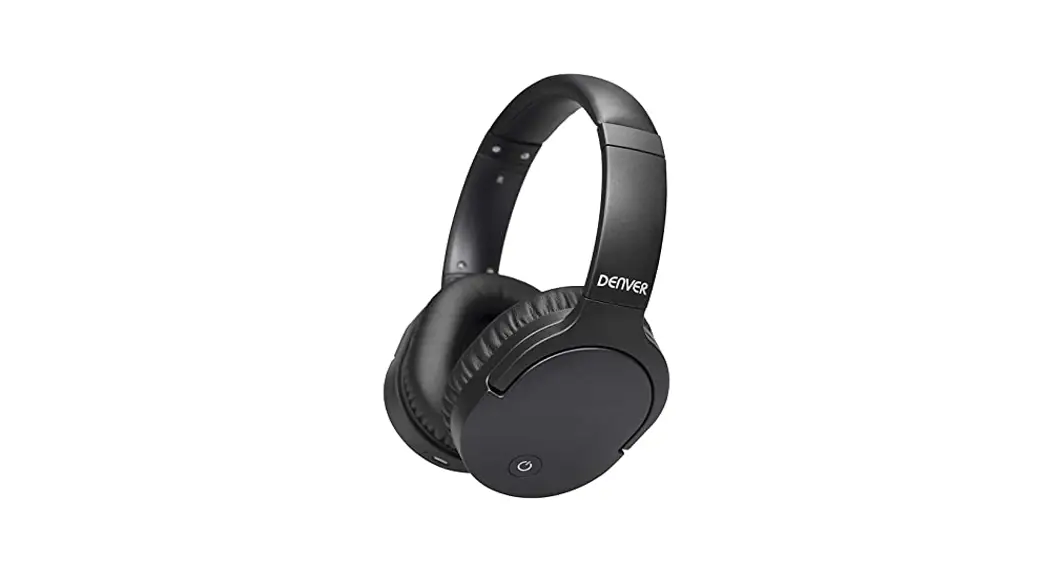
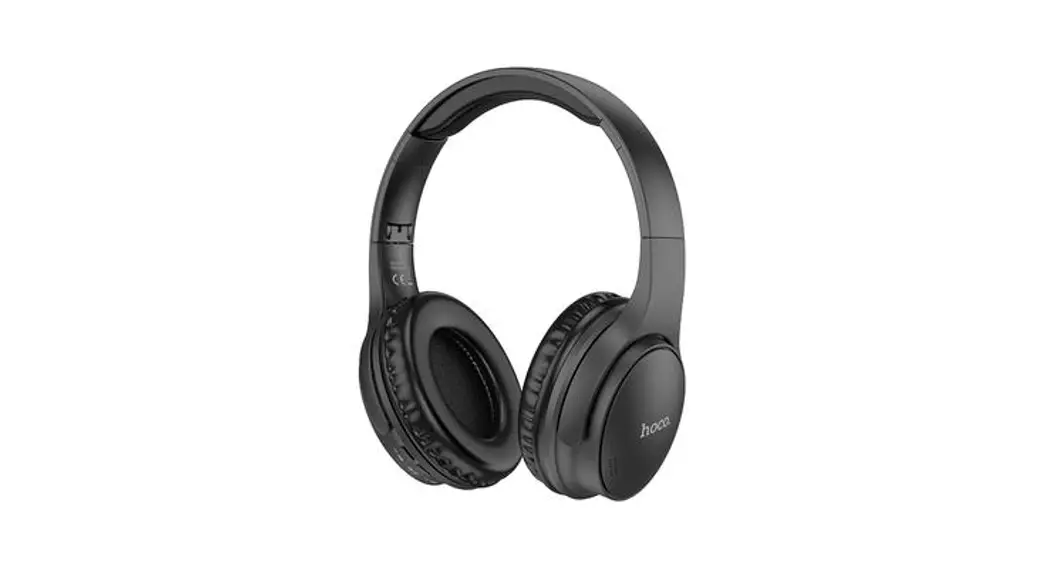
Mighty BT headphones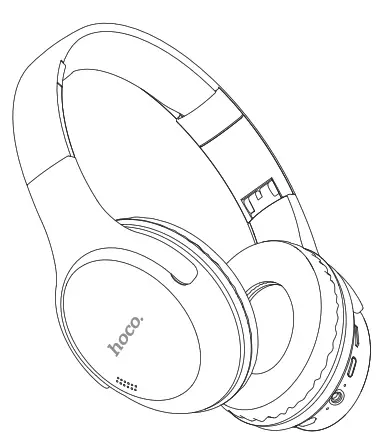
lnstrucign Manual
Thank you for purchasing heed product, Rope you wel have fur using it!
Please read this Leer mancal thoroug aly before 45g, anc <eep it SIO Der
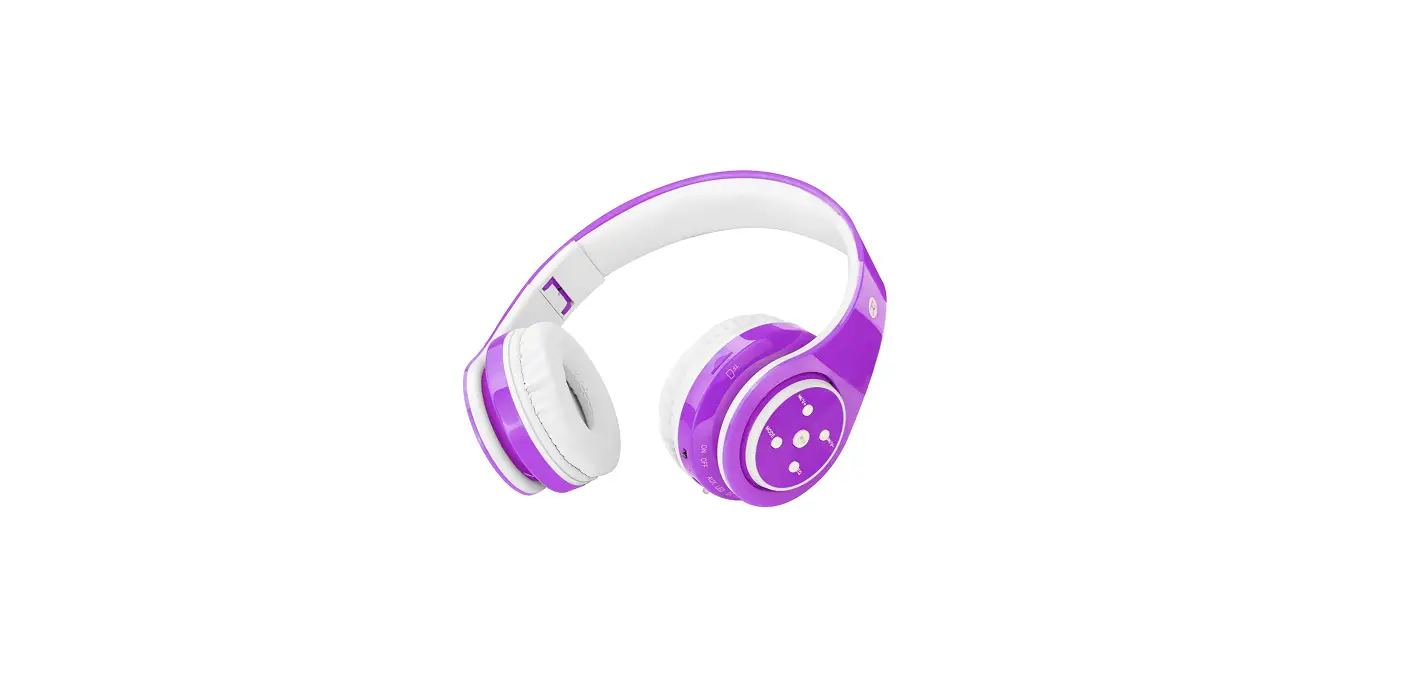
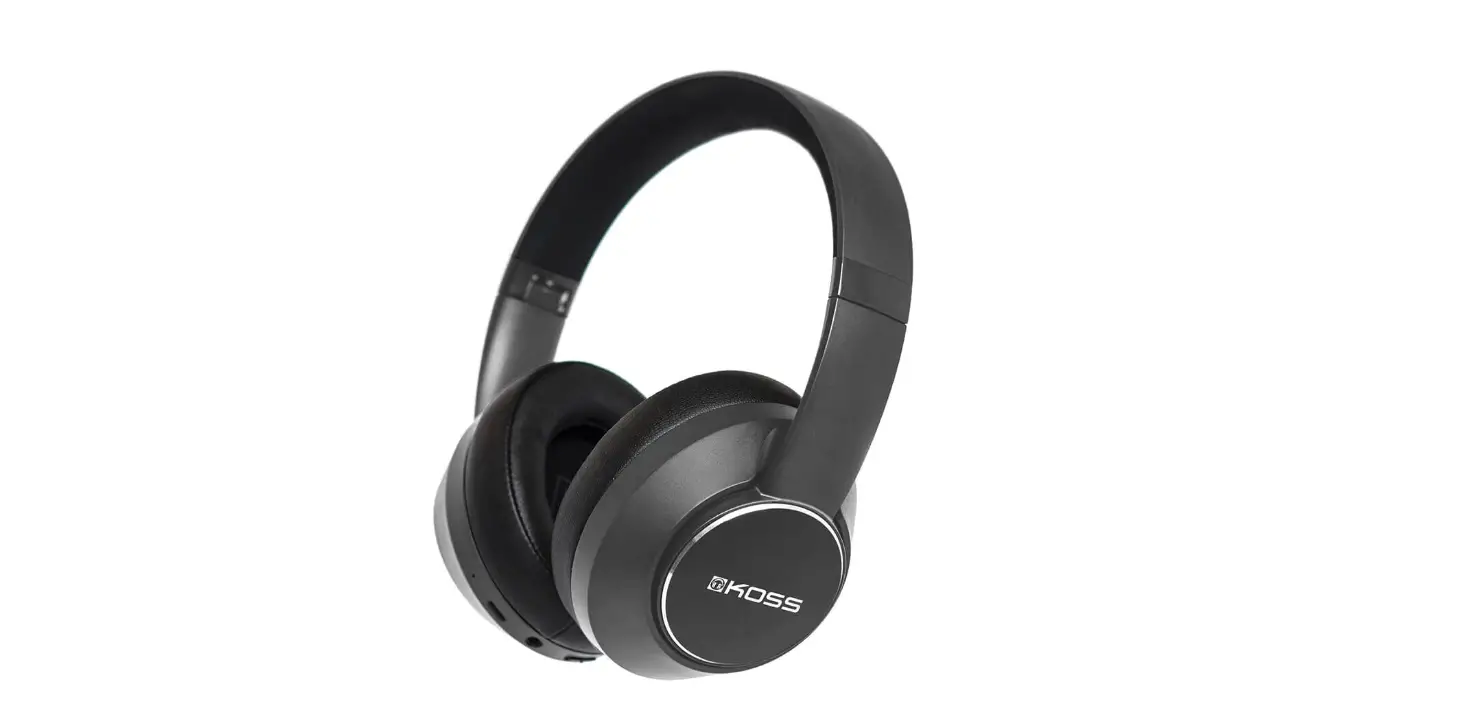
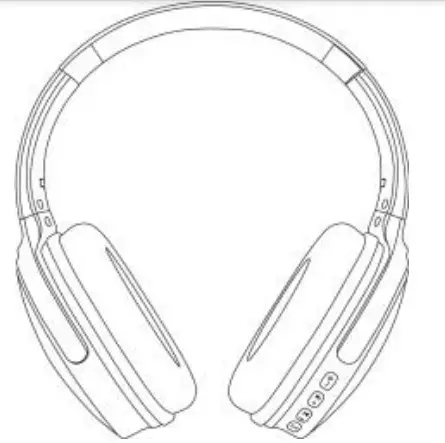
HEADPHONES OVERVIEW
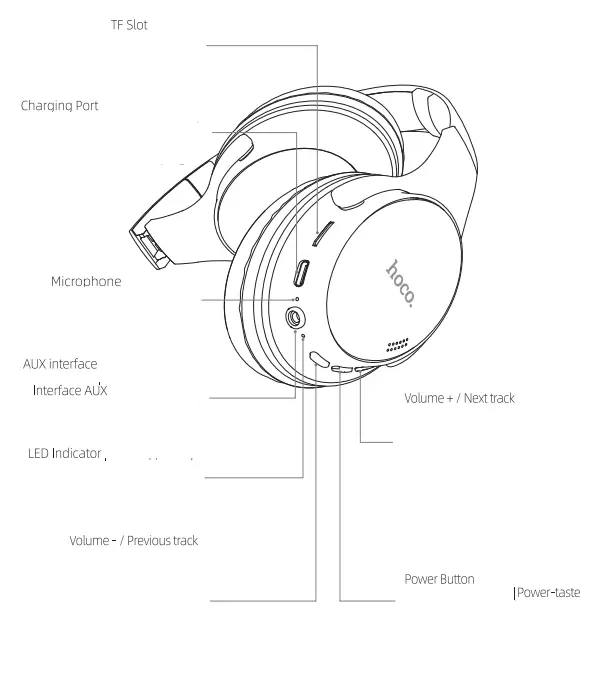
HOW TO USE
- Press and hold the power button for 3 seconds until the LED red and blue lights flash alternately.
- Turn on BT on the phone, search for the BT device “HOCO W40”, and connect the device manually for the first time.
- After the “HOCO W40” is successfully connected, there will be a prompt tone.
| Function | Operation method |
| Power on / off | Long press the power button for 3 seconds |
| Play / Pause | Click the power button |
| Volume + / – | Click [ + ] / [ -] |
| Next / Previous song | Long press [ + ] [ – ] |
| Answer / Hang up | Click the power button |
| Reject call | Long press the power button for 2 seconds |
| Redial | Double-click the power button |
| Switch between Chinese and English | In non-pairing mode, press the power button twice |
| Mode switching | Triple-click the power button |
SPECIFICATIONS
| Product Features | |
| Wireless specification: wireless V5.3 | V5.3 |
| Product net weight: 143g | 143g |
| Protocols supported: | |
| A2DP, AVRCP, HSP, HFP | A2DP, AVRCP, HSP, HFP |
| Transmission range: 10m | 10m |
| Transmission frequency: 2.4GHz | 2.4GHz |
| Charging voltage: DC 5V | DC 5V |
| Charging time: about 2h | 2 |
| Talk time / Music time: 7h | 7 |
| Standby time: above 120h | 120. |
| Battery capacity: 200mAh | 200mAh |
| Size: 182x170x76 mm | 182 x 170 x 76 mm |
WARNING
- Do not expose the product to high temperatures, corrosive or high-pressure environment.
- Do not attempt to disassemble the product, or to replace any electronic components in it.
- If the internal devices have fluid leakage, please stop use.
- Do not expose the battery (battery or combined battery) to excessive heat such as sunlight, fire or similar.
PACKING LIST
Headpnones x 1
Manual x 1
Charging cable x 1
FCC Caution:
This device complies with part 15 of the FCC Rules. Operation is subject to the following two conditions: (1) This device may not cause harmful interference, and (2) this device must accept any interference received, including interference that may cause undesired operation.
Any Changes or modifications not expressly approved by the party responsible for compliance could void the user’s authority to operate the equipment.
Note: This equipment has been tested and found to comply with the limits for a Class B digital device, pursuant to part 15 of the FCC Rules. These limits are designed to provide reasonable protection against harmful interference in a residential installation.
This equipment generates uses and can radiate radio frequency energy and, if not installed and used in accordance with the instructions, may cause harmful interference to radio communications. However, there is no guarantee that interference will not occur in a particular installation. If this equipment does cause harmful interference to radio or television reception, which can be determined by turning the equipment off and on, the user is encouraged to try to correct the interference by one or more of the following measures:
-Reorient or relocate the receiving antenna.
-Increase the separation between the equipment and receiver.
-Connect the equipment into an outlet on a circuit different from that to which the receiver is connected.
-Consult the dealer or an experienced radio/TV technician for help.
The device has been evaluated to meet general RF exposure requirement. The device can be used in portable exposure condition without restriction.