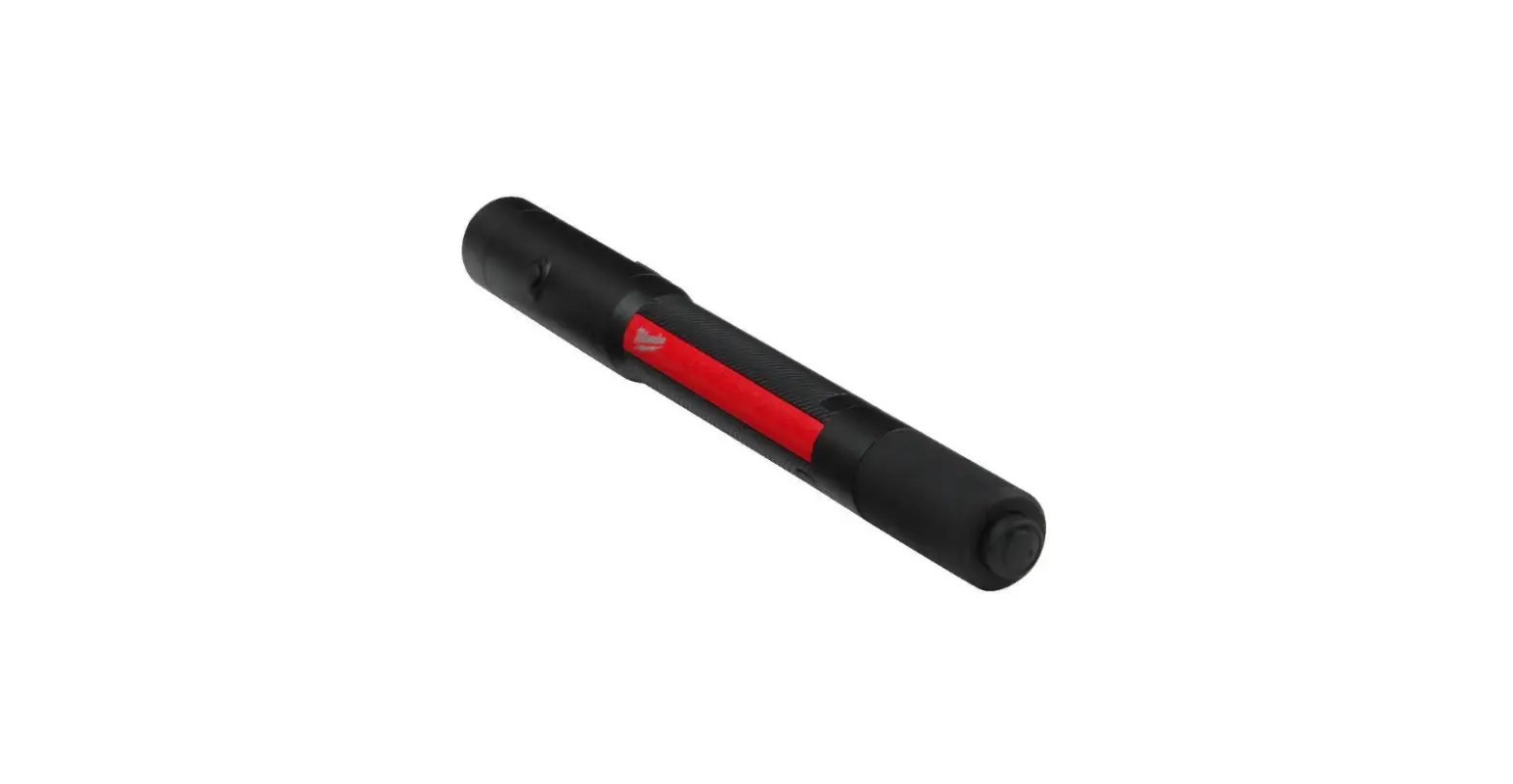
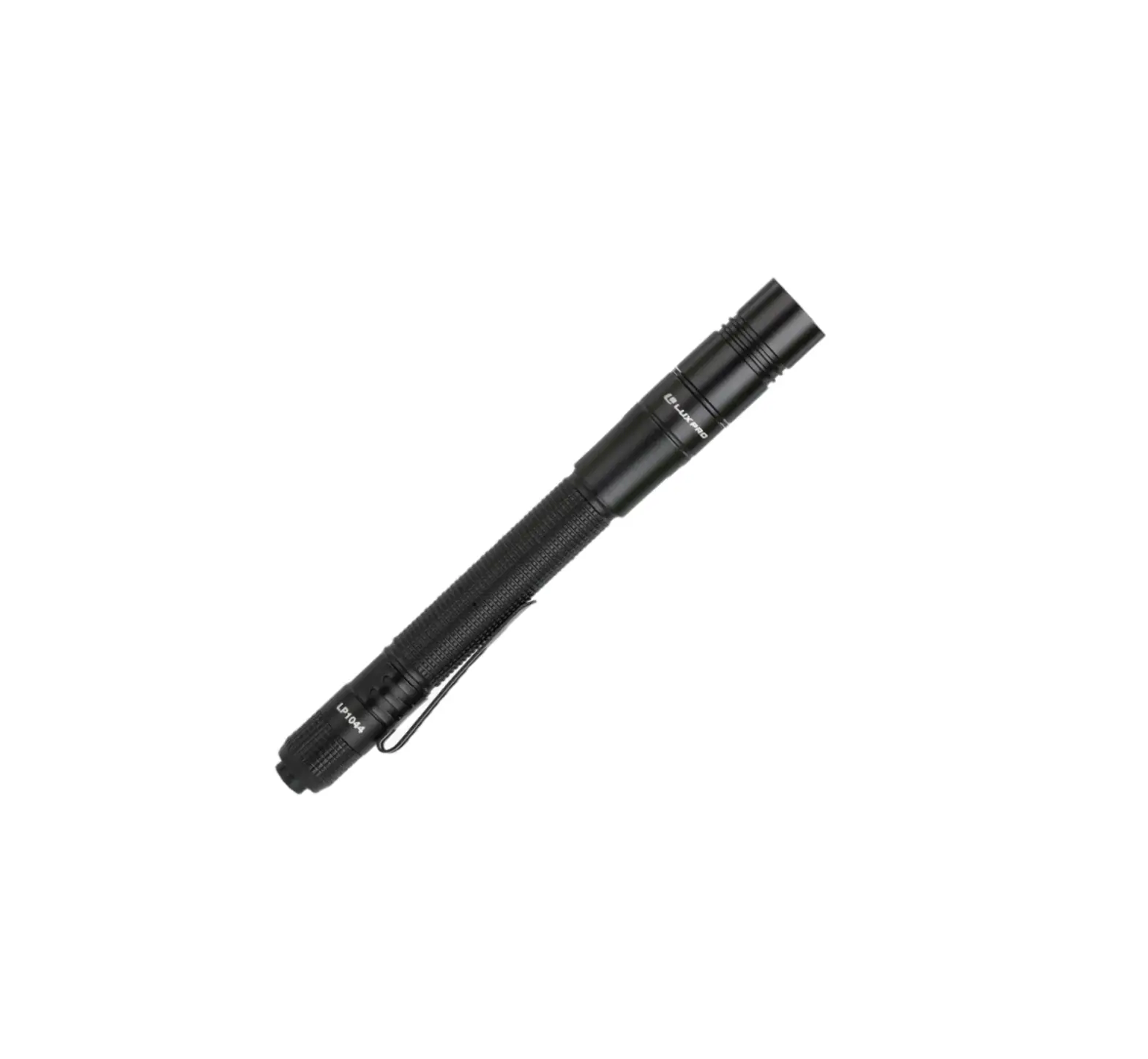
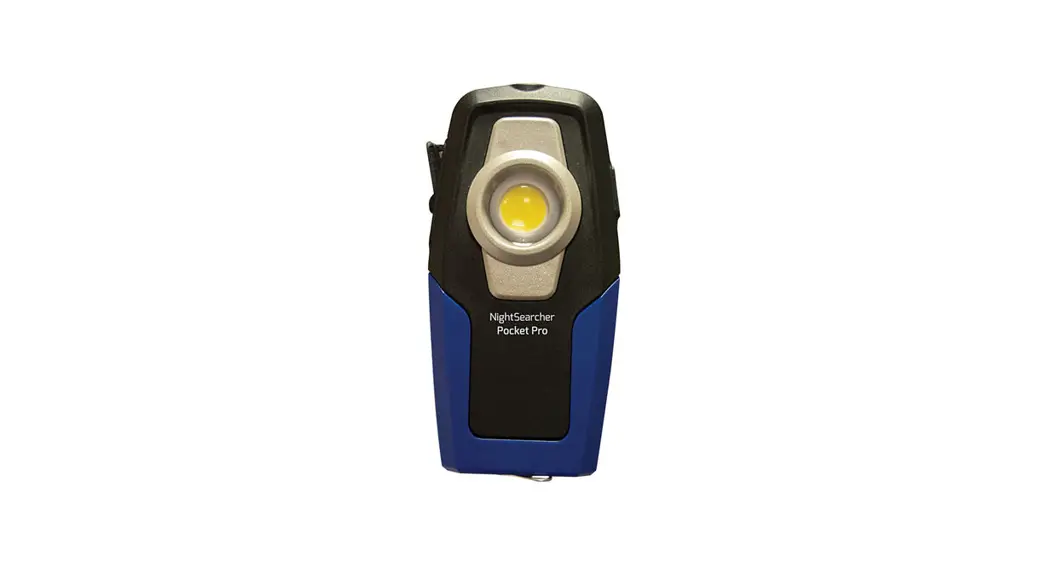
59350 Rechargeable LED Pen Light
Product Information
The product is a rechargeable LED flashlight with two modes,
high and low. It comes with a Li-Ion battery (3.7V, 320mAh 10440
type) and a USB charging cable. The flashlight has a charging jack
and a switch to toggle between high and low modes. The product is
not a toy and should be kept out of reach of children. The Li-Ion
battery must be recycled or disposed of properly.
Specifications
- Input Rating: 5VDC, 0.3A
- Battery Charge Time*: 1 hr 30 min
- Run Time (low mode): 6 hr 30 min
*Note: Charge time will vary depending on the amp rating of the
USB port the cord is attached to.
Important Safety Information
To prevent serious injury, fire, and explosion:
- Keep dry.
- Only use included charging adaptors. Other adaptors may damage
tool or cause fire. - Do not submerge Light.
- Do not operate in explosive atmospheres, such as in the
presence of flammable liquids, gases, or dust. - People with pacemakers should consult their physician(s) before
use. Electromagnetic fields in close proximity to heart pacemaker
could cause pacemaker interference or pacemaker failure. - Not a toy. Keep out of reach of children.
- Contains Li-Ion battery. Battery must be recycled or disposed
of properly. Do not open.
Product Usage Instructions
- When unpacking, make sure that the product is intact and
undamaged. If any parts are missing or broken, please call
1-888-866-5797 as soon as possible. - Write the product’s serial number in the back of the manual
near the assembly diagram (or month and year of purchase if product
has no number). - Before using the Light for the first time, fully charge the
Battery. - To turn on the Light, press the Switch. The Light first
illuminates in high mode. Press the Switch again to turn the Light
off. - After switching off from high mode, press the Switch to turn
the Light on in low mode. Press the Switch again to turn the Light
off. - To toggle between high and low modes, press the Switch to turn
the Light on. Gently press the Switch to toggle between high and
low modes. To turn the Light off, firmly press the Switch until you
hear a click. - When finished with the Light, turn it off and store indoors
away from children. - To charge the Battery, pull Cover back following the direction
of the arrow. Insert one end of the USB Charging Cable (included)
into the Charging Jack. Plug the other end of the USB Charging
Cable into a powered USB port. The Charging Jack will turn Red
during charging. When charging is done, it will turn Green. Unplug
the USB Charging Cable and push Cover over the Charging Jack. - Do not leave the Battery in a discharged state. Charge the
Battery every 3 months if the Light is not in use. This will keep
the Battery from wearing down and add to its life.
Owner’s Manual & Safety Instructions
Save This Manual Keep this manual for the safety warnings and precautions, assembly,
operating, inspection, maintenance and cleaning procedures. Write the product’s serial number in the
back of the manual near the assembly diagram (or month and year of purchase if product has no number).
Keep this manual and the receipt in a safe and dry place for future reference.
22g
Visit our website at: http://www.harborfreight.com Email our technical support at: [email protected]
When unpacking, make sure that the product is intact and undamaged. If any parts are missing or broken,
please call 1-888-866-5797 as soon as possible.
Copyright© 2021 by Harbor Freight Tools®. All rights reserved. No portion of this manual or any artwork contained herein may be reproduced in any shape or form without the express written consent of Harbor Freight Tools. Diagrams within this manual may not be drawn proportionally. Due to continuing
improvements, actual product may differ slightly from the product described herein. Tools required for assembly and service may not be included.
Read this material before using this product. Failure to do so can result in serious injury. SAVE THIS MANUAL.
Specifications
Input Rating Battery Charge Time* Run Time
5VDC, 0.3A Li-Ion 3.7V, 320mAh 10440 type 1 hr 30 min 6 hr 30 min (low mode)
*Note: Charge time will vary depending on the amp rating of the USB port the cord is attached to.
IMPORTANT SAFETY INFORMATION
To prevent serious injury, FIRE, and EXPLOSION:
1. Keep dry.
2. Only use included charging adaptors. Other adaptors may damage tool or cause fire.
5. People with pacemakers should consult their physician(s) before use. Electromagnetic fields in close proximity to heart pacemaker could cause pacemaker interference or pacemaker failure.
3. Do not submerge Light.
6. Not a toy. Keep out of reach of children.
4. Do not operate in explosive atmospheres, such as 7. Contains Li-Ion battery. Battery must be
in the presence of flammable liquids, gases, or dust.
recycled or disposed of properly. Do not open,
crush, heat above 140° F or incinerate.
Page 2
For technical questions, please call 1-888-866-5797.
Item 59350
Operation
Read the ENTIRE IMPORTANT SAFETY INFORMATION section at the beginning of this document including all text under subheadings therein before set up or use of this product.
NOTE: Before using the Light for the first time, fully charge the Battery.
4. When finished with the Light, turn it off and store indoors away from children.
1. Press the Switch to turn on the Light. The Light first illuminates in high mode. Press the Switch again to turn the Light off.
Base
2. After switching off from high mode, press the
Clip
Switch to turn the Light on in low mode. Press
the Switch again to turn the Light off.
3. To toggle between high and low modes, press the Switch to turn the Light on. Gently press the Switch to toggle between high and low modes. To turn the Light off, firmly press the Switch until you hear a click.
Switch
Charging Instructions
1. Pull Cover back following the direction of the arrow. Insert one end of the USB Charging Cable (included) into the Charging Jack.
2. Plug the other end of the USB Charging Cable into a powered USB port.
3. The Charging Jack will turn Red during charging. When charging is done, it will turn Green. Unplug the USB Charging Cable and push Cover over the Charging Jack.
NOTICE: Do not leave the Battery in a discharged state. Charge the Battery every 3 months if the Light is not in use. This will keep the Battery from wearing down and add to its life.
Charging Jack
USB Charging
Cable
Cover
Battery Removal
1. Unscrew the Base of the Light and remove it along with the Clip.
2. Using pliers (sold separately) or similar tool, peel off the protective black cap from the end of the threaded connector.
3. Using tweezers (sold separately) or similar tool, pull out the switch housing.
4. Pull out the spring/battery assembly and cut wires from battery.
5. Contains Li-Ion battery. Battery must be recycled or disposed of properly. Do not open, crush, heat above 140° F or incinerate.
Replacement parts not available for this item. Reference UPC 193175467409
Item 59350
For technical questions, please call 1-888-866-5797.
Page 3
Limited 90 Day Warranty Harbor Freight Tools Co. makes every effort to assure that its products meet high quality and durability standards, and warrants to the original purchaser that this product is free from defects in materials and workmanship for the period of 90 days from the date of purchase. This warranty does not apply to damage due directly or indirectly, to misuse, abuse, negligence or accidents, repairs or alterations outside our facilities, criminal activity, improper installation, normal wear and tear, or to lack of maintenance. We shall in no event be liable for death, injuries to persons or property, or for incidental, contingent, special or consequential damages arising from the use of our product. Some states do not allow the exclusion or limitation of incidental or consequential damages, so the above limitation of exclusion may not apply to you. THIS WARRANTY IS EXPRESSLY IN LIEU OF ALL OTHER WARRANTIES, EXPRESS OR IMPLIED, INCLUDING THE WARRANTIES OF MERCHANTABILITY AND FITNESS. To take advantage of this warranty, the product or part must be returned to us with transportation charges prepaid. Proof of purchase date and an explanation of the complaint must accompany the merchandise. If our inspection verifies the defect, we will either repair or replace the product at our election or we may elect to refund the purchase price if we cannot readily and quickly provide you with a replacement. We will return repaired products at our expense, but if we determine there is no defect, or that the defect resulted from causes not within the scope of our warranty, then you must bear the cost of returning the product. This warranty gives you specific legal rights and you may also have other rights which vary from state to state.
26677 Agoura Road · Calabasas, CA 91302 · 1-888-866-5797