Twelve South BackPack for iMac and Studio Display
Product Information
BackPack
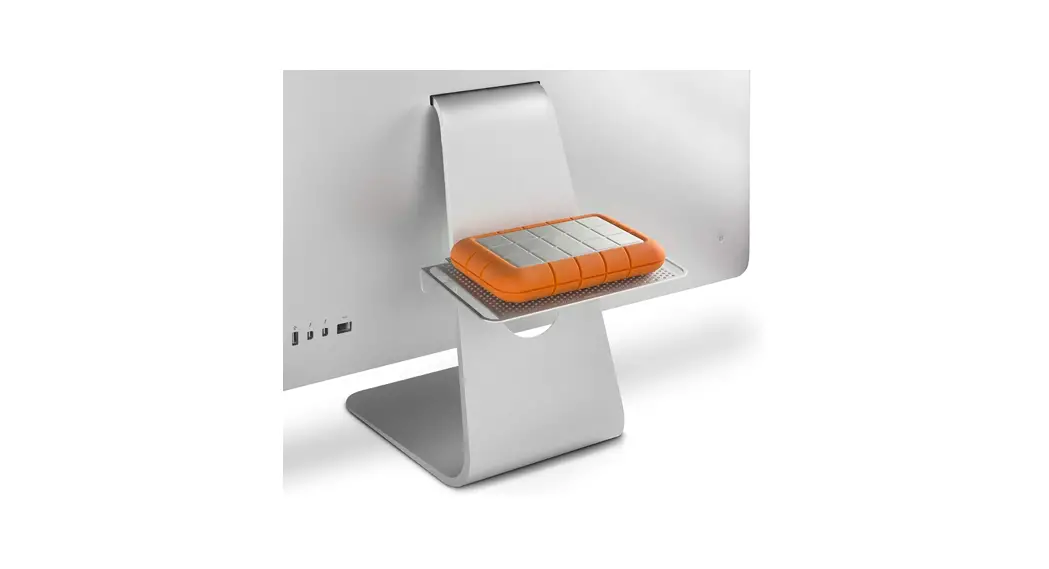
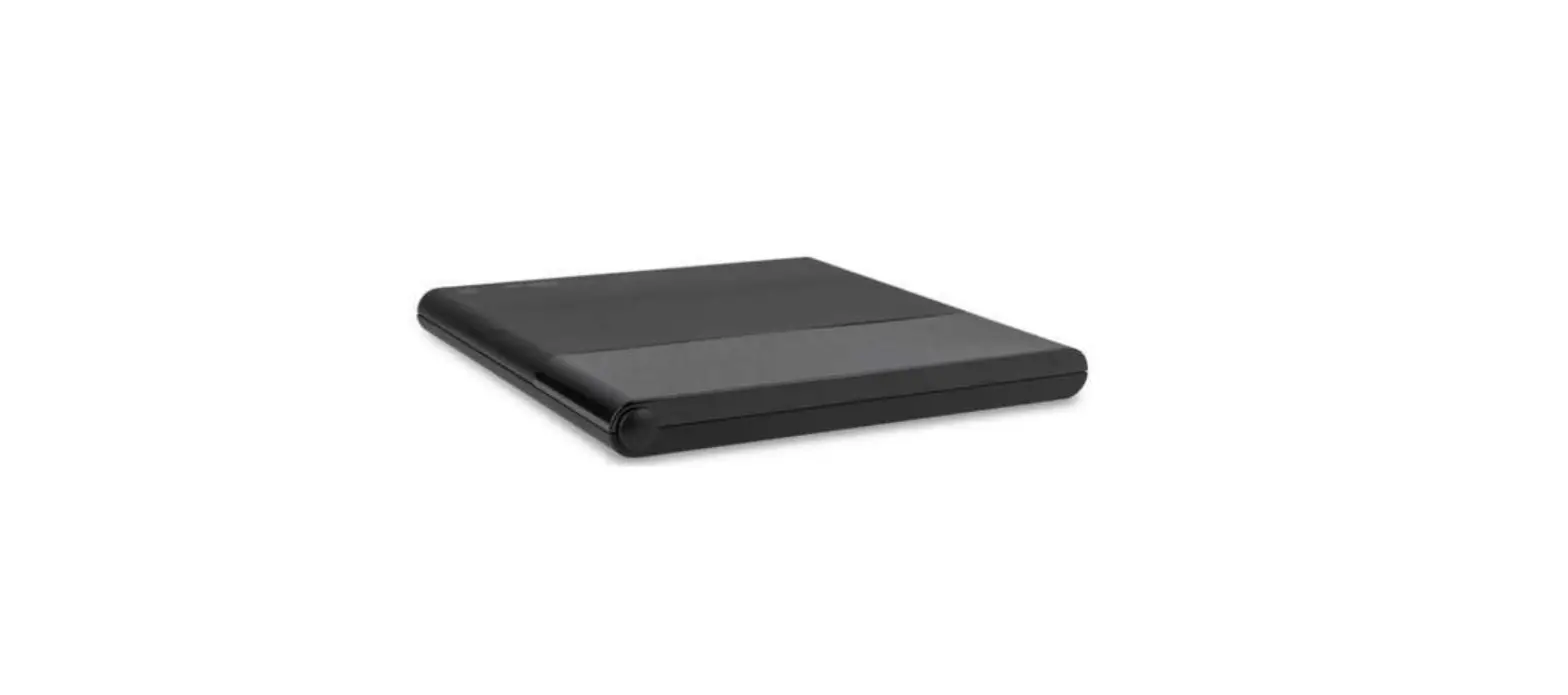
The BackPack is a versatile accessory designed to keep your iMac or Studio Display organized and clutter-free. It allows you to store and secure peripherals, such as USB-C hubs and backup hard drives, out of sight and off your desktop.
The BackPack package includes the following components:
- A. Studio Display Saddle Clip
- B. Studio Display Saddle Lock
- C. iMac Saddle Clip
- D. iMac Saddle Lock
- E. BackPack Shelf
- F. Coated Wire Twists
- G. Adjustable Peripheral Strap
Installation Instructions
Note: Before proceeding with the installation, make sure to power down your iMac (or unplug your Studio Display) and disconnect the power cable.
For iMac:
- Turn your iMac around so you’re looking at the back.
- Temporarily remove the power cable by gently pulling it out.
- Insert the Studio Display Saddle Clip into the cable pass-through hole on your iMac stand, ensuring that the Flat Tab is positioned at the top.
- Align the Studio Display Saddle Lock with the Studio Display Saddle Clip from the back of the cable pass-through hole.
- Pinch the Saddle Clip and Saddle Lock firmly together, ensuring that all tabs fully snap and lock.
- Plug the power cable back into your iMac.
- Place your accessories on the BackPack Shelf, and you’re all set.
For Studio Display:
- Unplug your Studio Display and turn it around so you’re looking at the back.
- Temporarily thread the power cable through the cable hole.
- Insert the iMac Saddle Clip into the cable pass-through hole on your Studio Display stand, ensuring that the Flat Tab is positioned at the top.
- Align the iMac Saddle Lock with the iMac Saddle Clip from the back of the cable pass-through hole.
- Pinch the Saddle Clip and Saddle Lock firmly together, ensuring that all tabs fully snap and lock.
- Thread the power cable back through the cable hole of your Studio Display.
- Place your accessories on the BackPack Shelf, and you’re all set.
Usage Instructions
The BackPack can support up to 2 lbs (1 kilo) of hardware. It allows you to keep your backup hard drives, USB-C hubs, and other peripherals connected to your iMac or Studio Display while keeping them out of sight and off your desktop.
If desired, you can use the included Coated Wire Twists or Adjustable Peripheral Strap to secure your hardware to the BackPack for additional security and stability.
If you have any further questions or need assistance, you can visit our website at twelvesouth.com or contact our support team at [email protected].
 Twelve South