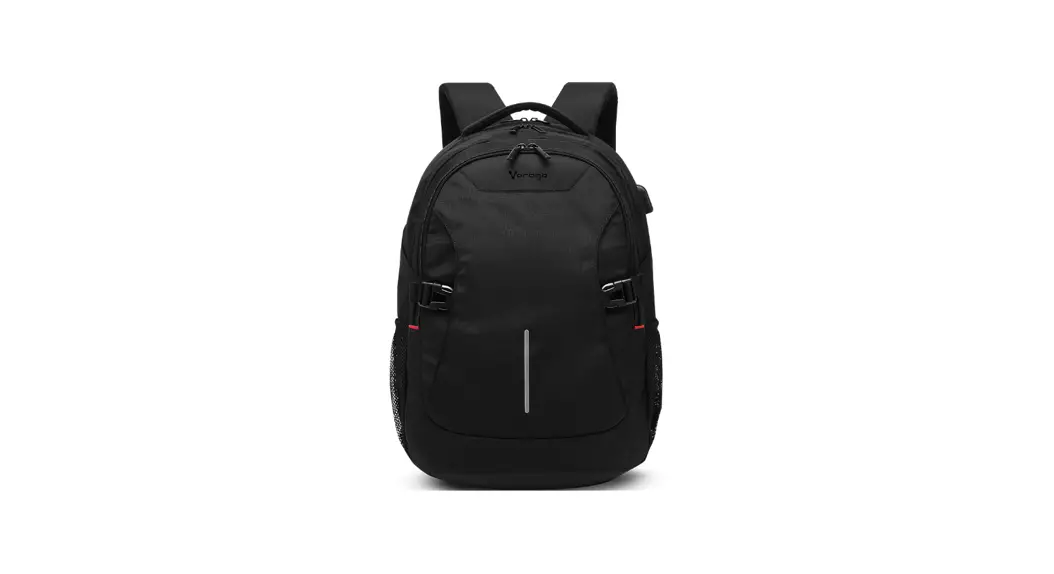
 User Instruction ror aptop Backpack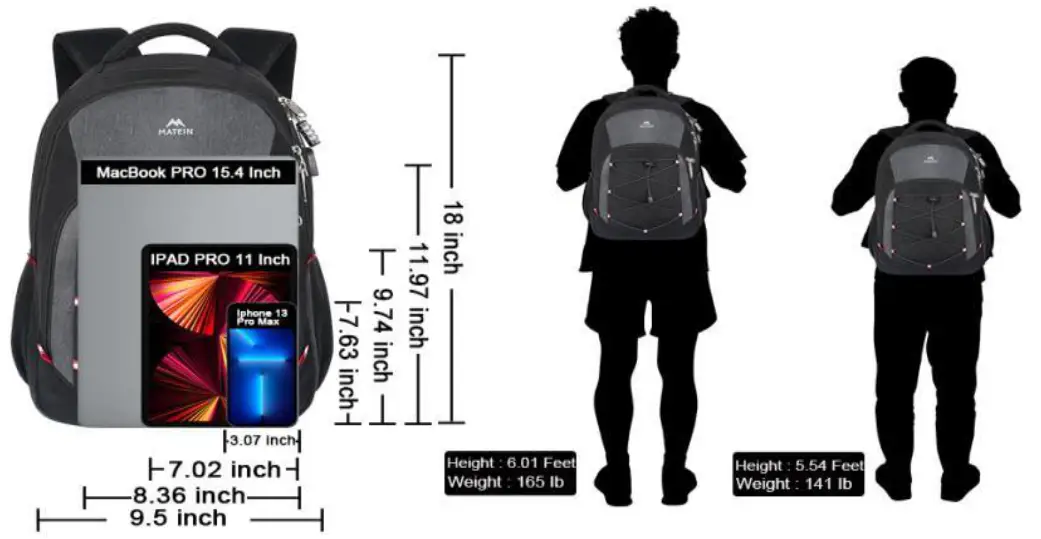
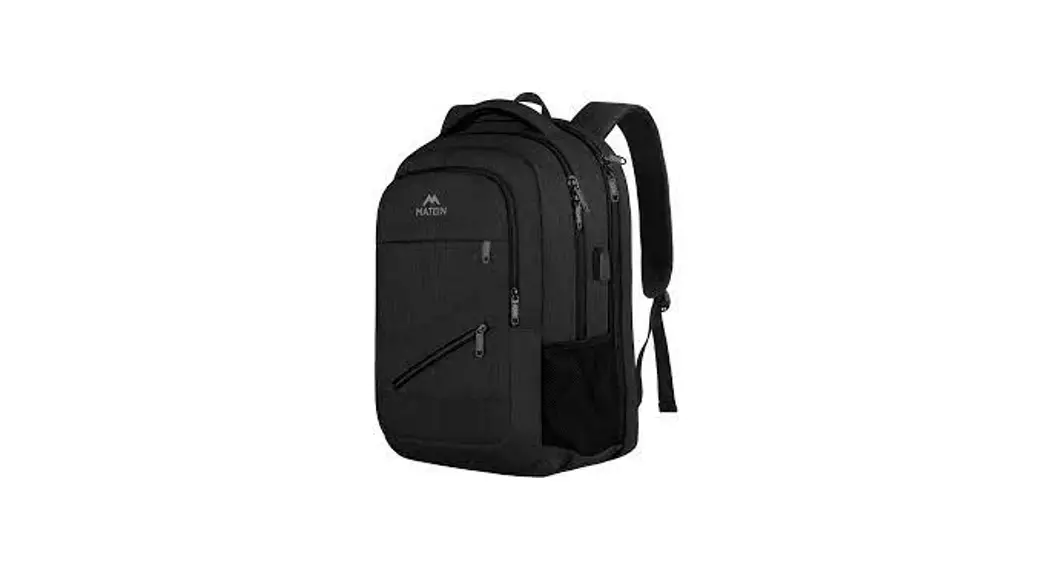
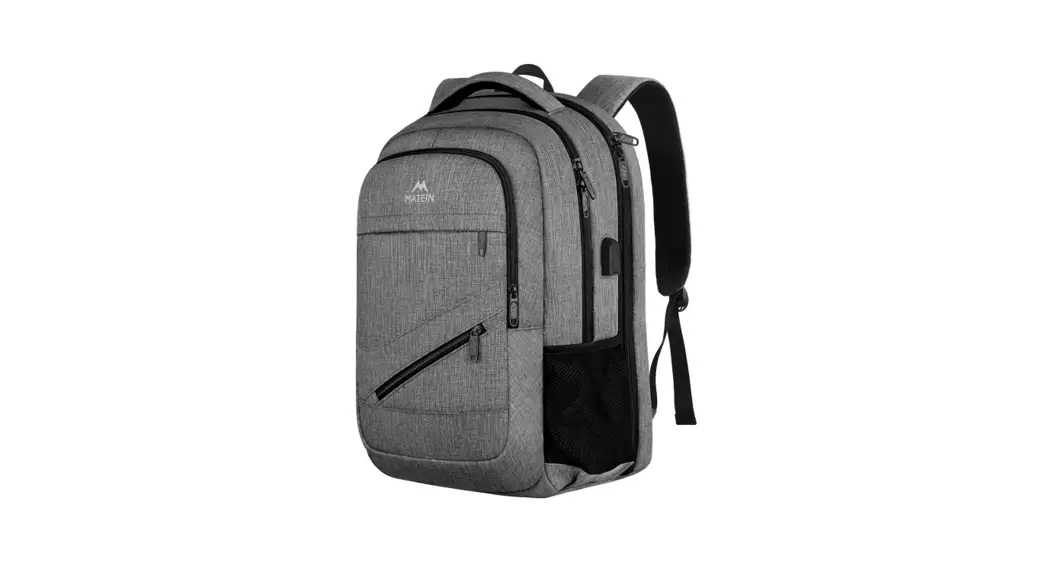
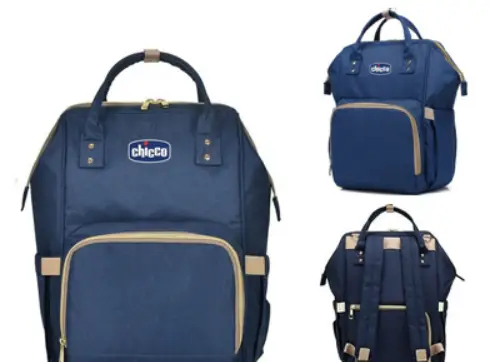
S06KMGM7TO Laptop Backpack
Dimension of the Laptop Backpack: 18 * 13 * 6 inch.
▲Note:1-2cm error of measuring is a reasonable range due to different measurement methods.
Multifunctional Computer Backpack:
SAFETY FUNCTION
ANTI THEFT PASSWORD LOCK
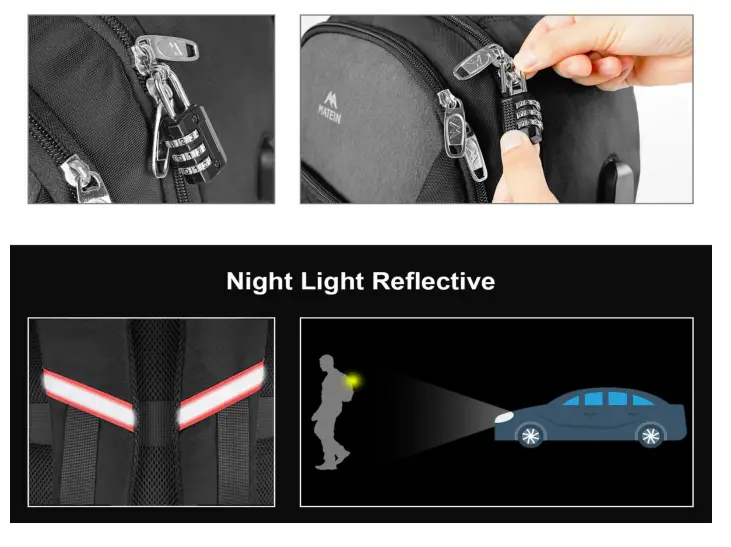
- Anti-theft Combination Lock Double Zip Pocket
- Night backpack with reflective straps
Anti-theft combination lock of Instructions:
(Follow steps 1 to 4 to set up, then remember the new password)
- Pull up the shackle to open the lock
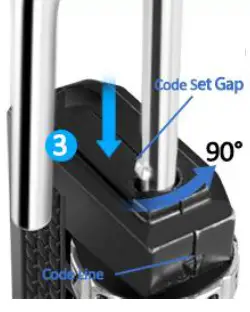
- Rotate the shackle 90° counterclockwise and press all the way down, hold down
- Set your own combination by uming dials
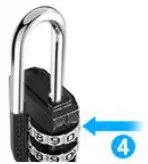
- Tum the shackle back as normal, then the setting is completed, to reset a new combination.
The original number is 0-0-0. To set your own combination, please follow these easy steps:
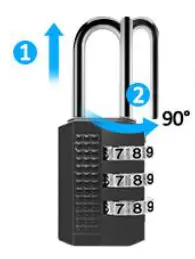
- Pull up the shackle to open the lock(a)
- Rotate the shackle 90° counterclockwise and press all the way down(b). Hold down.

- Set your own combination by urning dials.

- Turn the shackle back as normal. Then the setting is completed. To reset a new combination, please repeat step 1 to 4 above. Please remember your new combination.