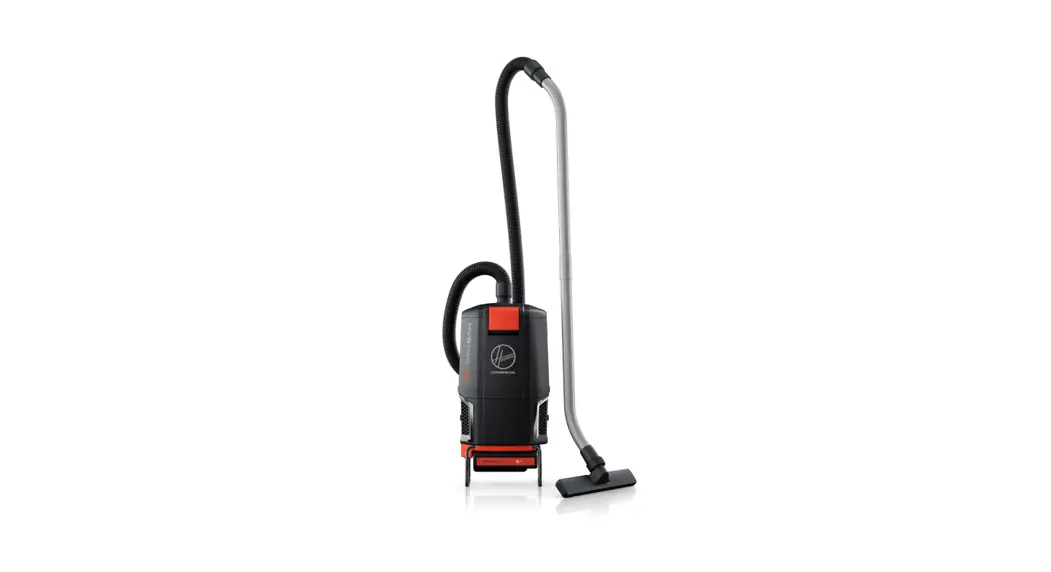

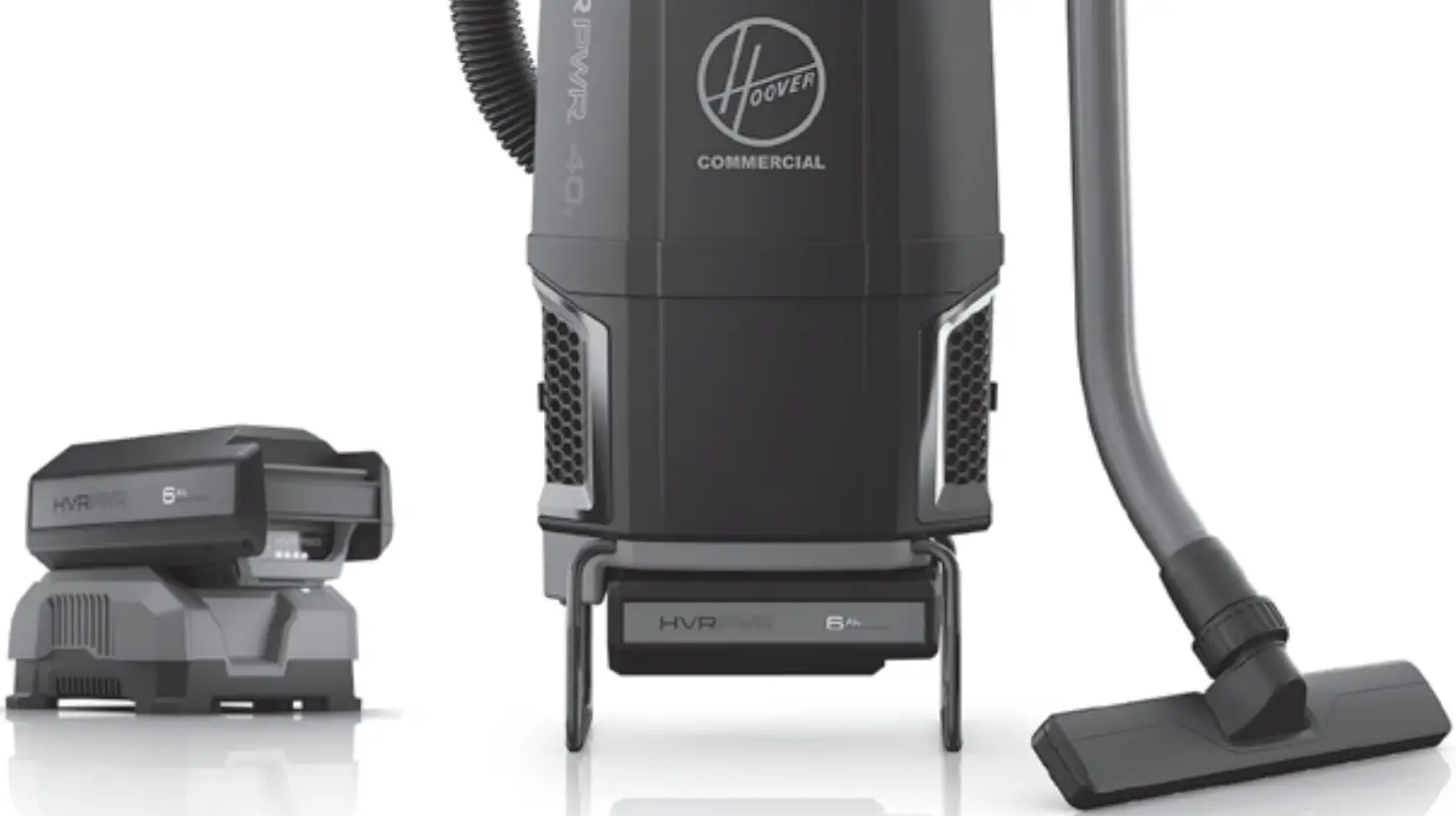
 40V
40V
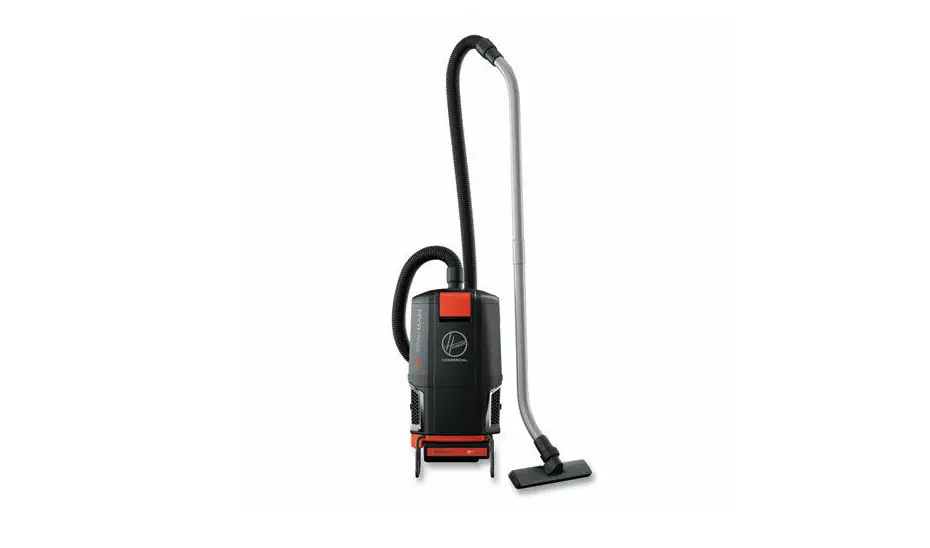
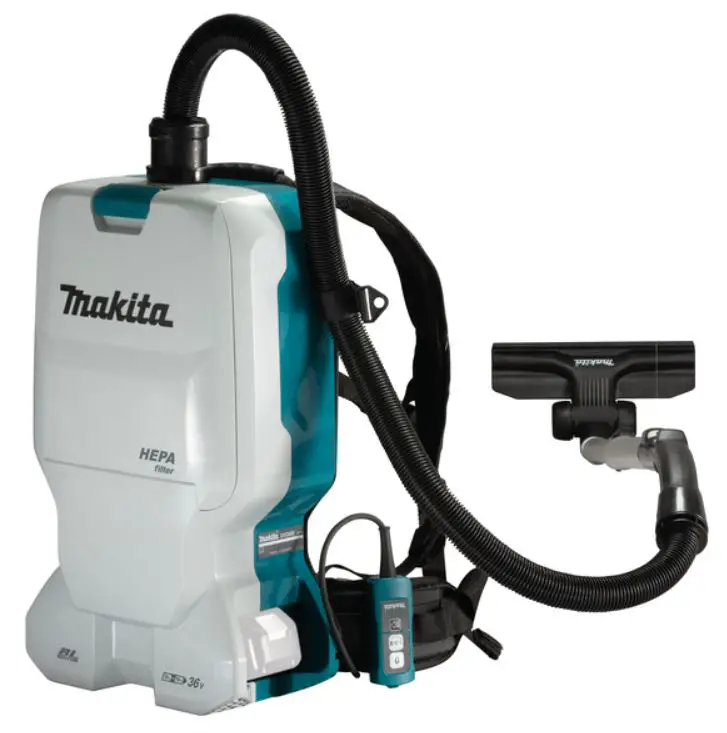
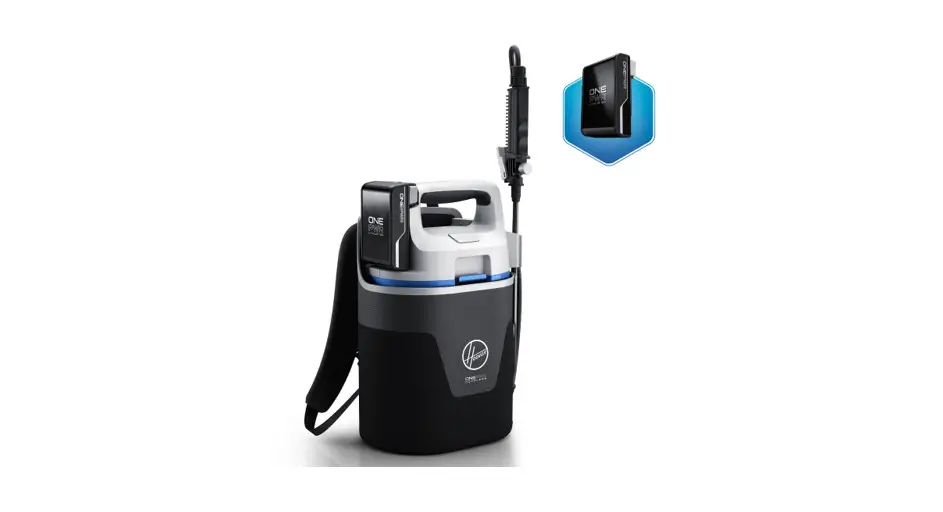
CORDLESS BACKPACK
For use with models CH93619.
Pour utilisation avec les modeles CH93619,
Para usar con los modelos CH93619,
 WARNING ALWAYS REMOVE THE BATTERY PACK from the appliance before making any adjustments, changing accessories, storing product, cleaning, or when not in use.AVERTISSEMENT RETIREZ TOUJOURS LE BLOC-PILES de l’appareil avant d’effectuer des reglages, de changer d’accessoires ou d’entreposer ou de nettoyer le produit ou lorsqu’il n’est pas utilise,ADVERTENCIA SIEMPRE RETIRE EL PAQUETE OE BATERIAS del aparato antes de realizar cuolquier ajuste, cambial- occesorios, almacenar el producto, limpiorlo, o cuando no este en uso.
Daily Operation
Fonctionnement quotidien
Funcionomiento o Dario
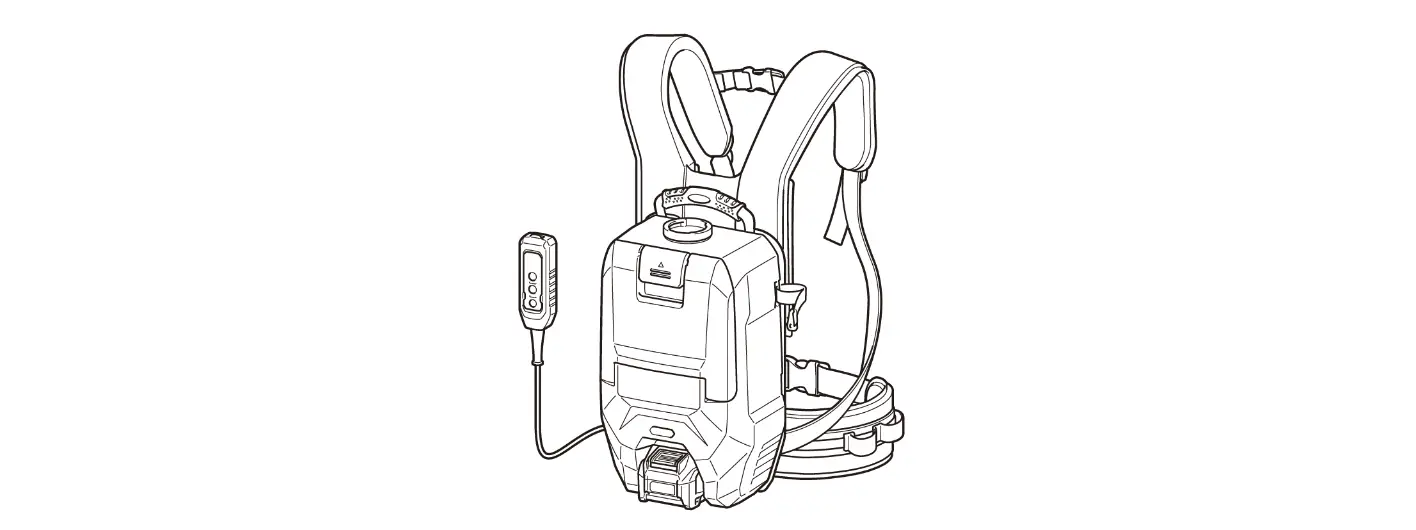
HARNESS ADJUSTMENT
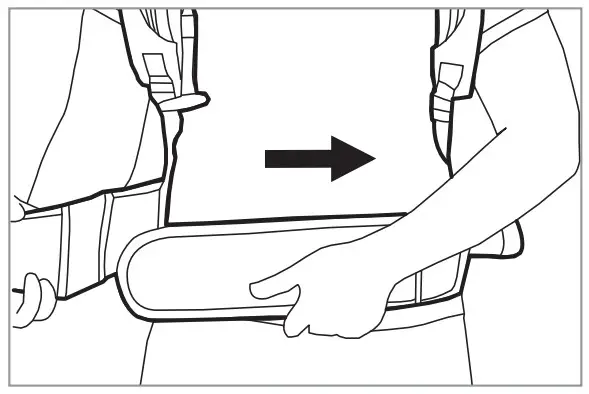 | 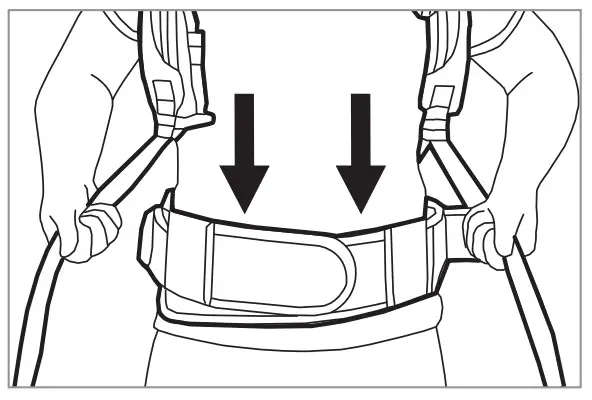 | 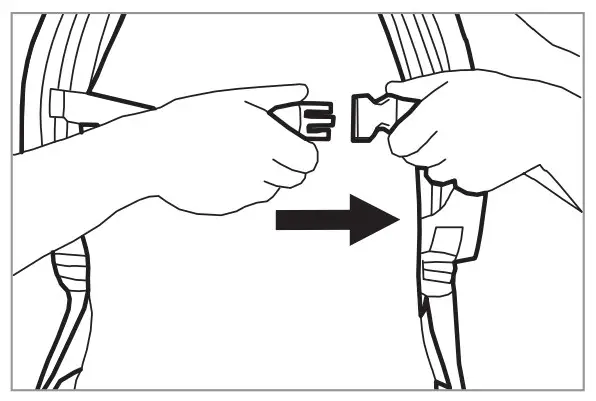 | 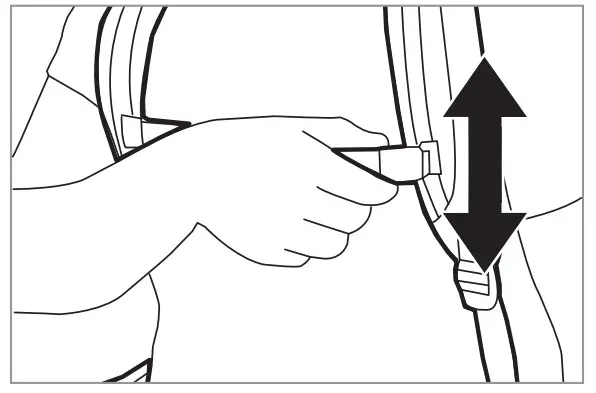 |
| 1. Tighten waist strap until secure and comfortable | 2. Pull down on ends of shoulder straps until upper harness touches shoulder blades. | 3. Connect the sternum strap buckle and tighten or loosen as needed. | 4. Slide sternum straps up or down |
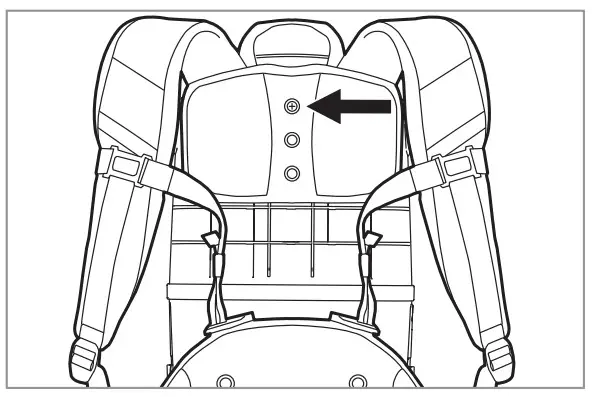 | 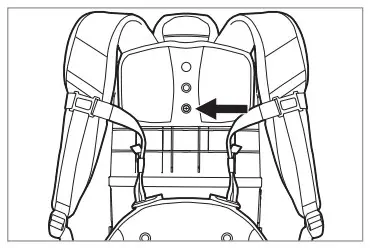 | 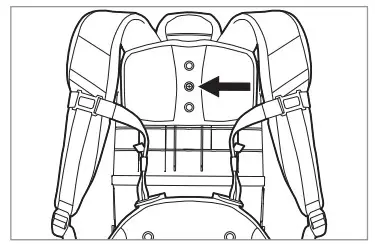 |
| For shorter users move the top for adjustment. adjustment boss downward. | For taller users move the lower adjustment boss upward. | Move the Upper Harness and fully tighten the screw into the correct Height Adjustment Boss. |
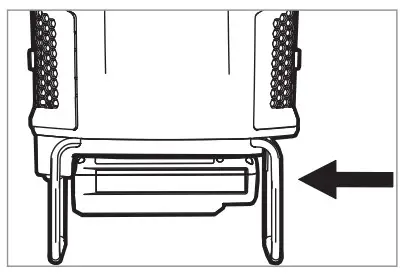 | 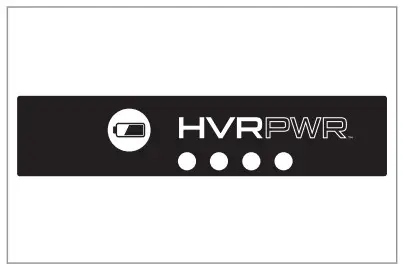 |
| INSERTING BATTERY** Insert battery into housing by grasping the integrated handle and pushing firmly in until battery locks into place. | BATTERY STATUS INDICATOR** Verify power level of the battery with LED status indicator on battery. |
| Setting | User Height | Adjustment |
| Setting 1 | 52″= | Slide top height adjustment boss all the way to the bottom |
| Setting 2 | 5’3″- 5’6″ | Slide top height adjustment boss to the second-lowest setting |
| Setting 3 | 5’7″-510″ | The middle adjustment boss should be directly in the center |
| Setting 4 | 5″I1″- 62″ | Slide bottom height adjustment boss to the second-highest setting |
| Setting 5 | 6’3″> | Slide bottom height adjustment boss all the way to the top |
POWER & CLEANING SETTINGS
Press the orange switch to power up the unit.
I (HUSH): Hush'”‘ mode quiet cleaning,
II (BOOST): High traffic area cleaning. (0)
OFF: Turn off by returning the switch to the center position.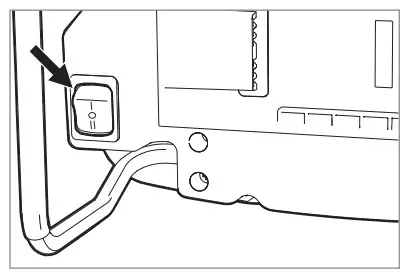
 REPLACEMENT FILTER
Replace HexaGuardTM Filter yearly for optimum performance. Port No. 440009176
REPLACEMENT FILTER
Inspect HEPA Media Final Filter every month, rinsing when necessary. Check for wear of media and replace if pleats are damaged. Change the filter regularly to maintain maximum performance. HEPA Media Final Filter 2 Pack Part No, AH40006
REPLACEMENT BAGS
Allergen Open Collar Bag – AH10231 I Allergen Sealed Collar Bag – AH10232
For all safety precautions, please see the User Manual.
HooverCommercial.com
1-888-768-2014 (v-F 8AM – 5 Pv EST)
**HVRPWR™ 40V ONLY
©2020 Techtronic Floorcare Technology Limited. 964A00250