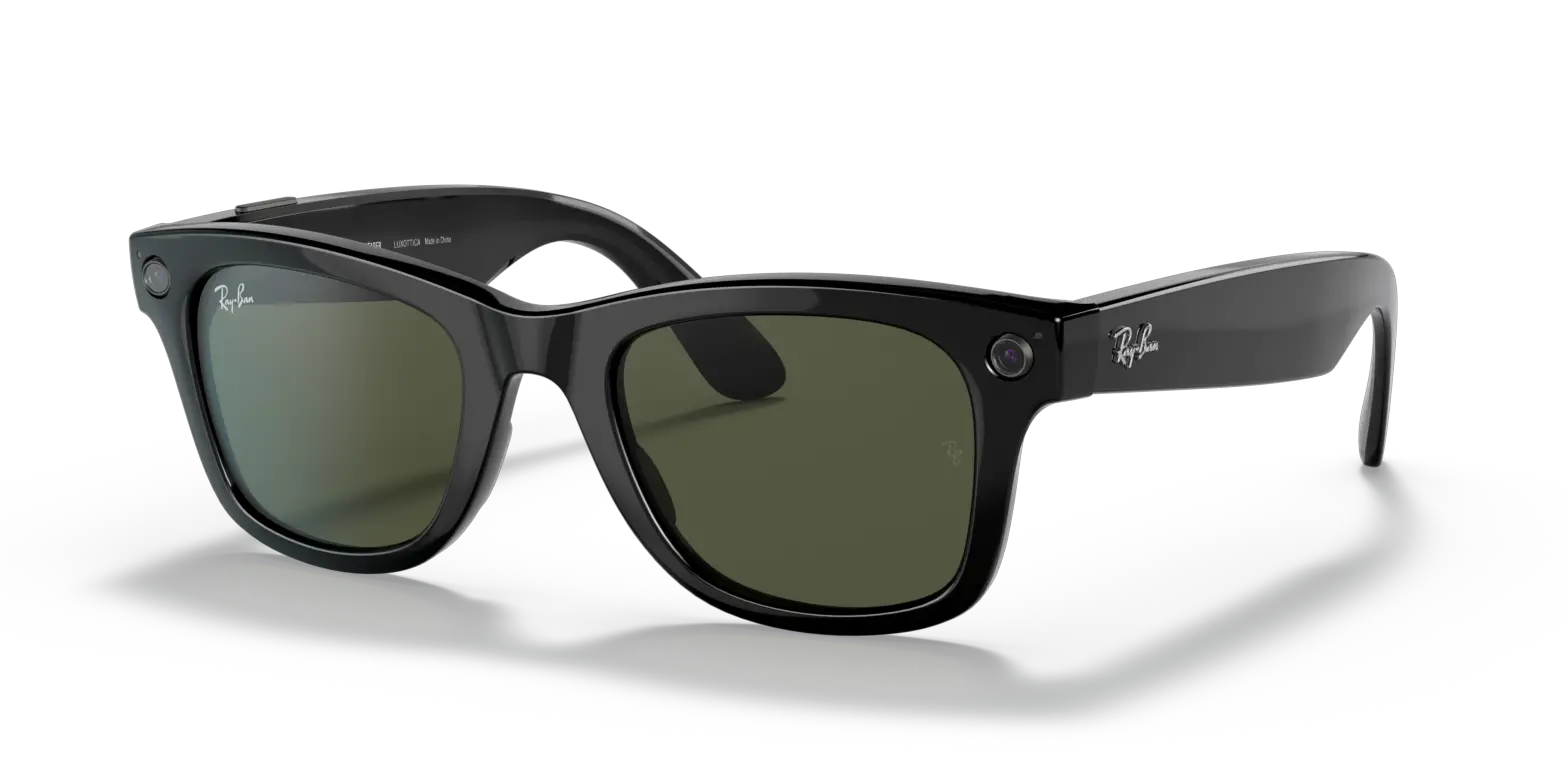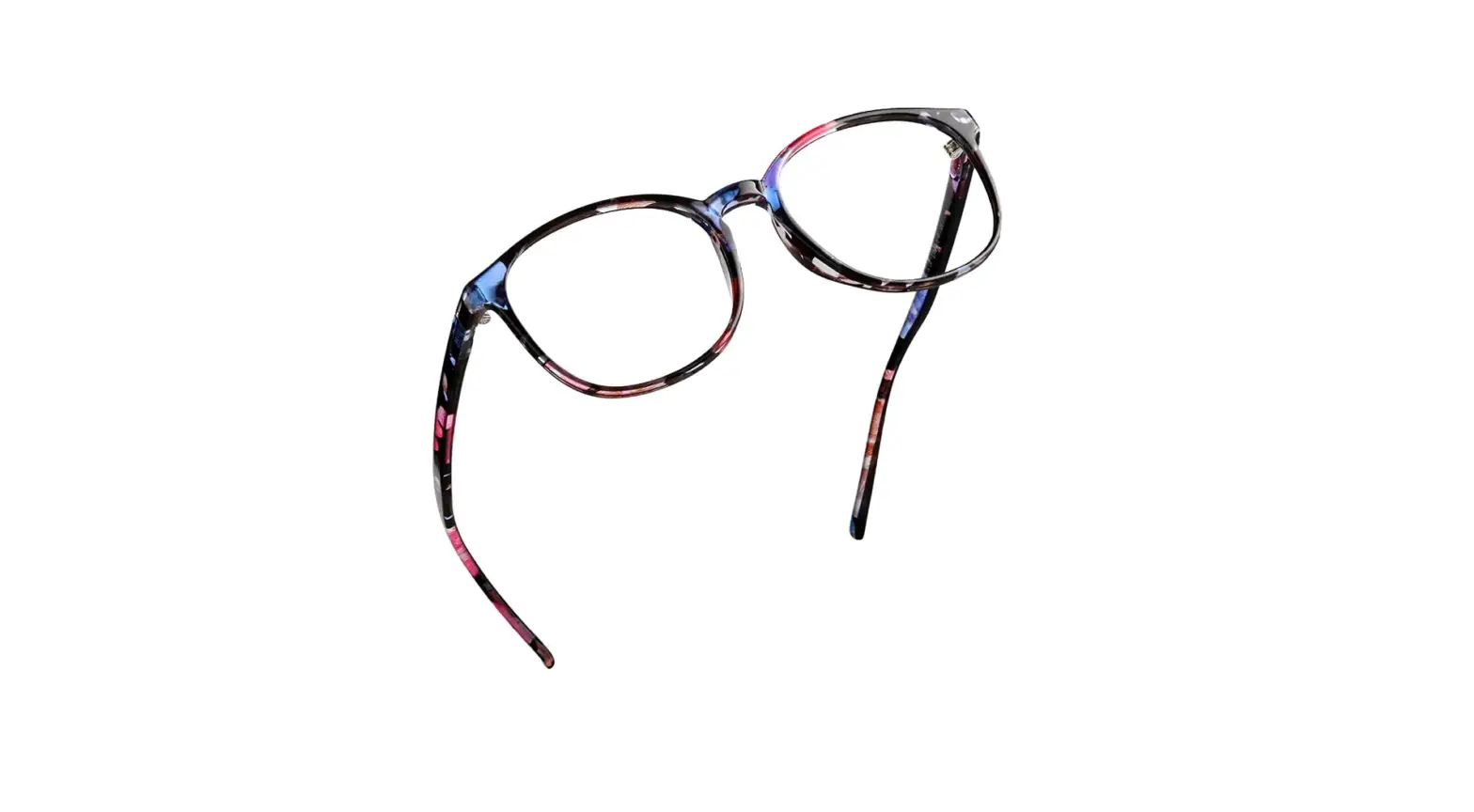

Luxottica Group 4002 Ray-Ban Stories Wayfarer

RAYBAN STORIES
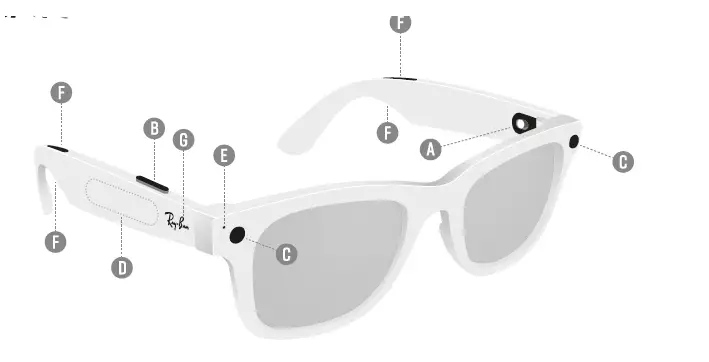
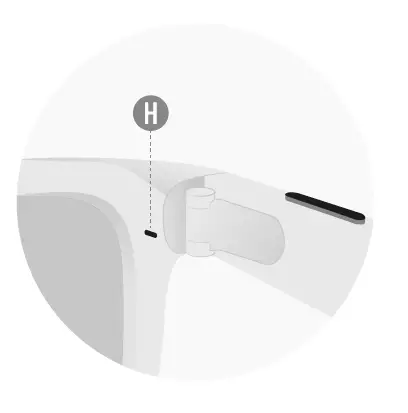
- A. Power switch
- B. Capture button
- C. Cameras
- D. Touchpad
- E. Capture LED
- F. Speakers
- G. Microphone
- H. Notification Led
FACEBOOK VIEW APP
Application Facebook View . App Facebook View
Set up your glasses, see captures and manage settings in the app
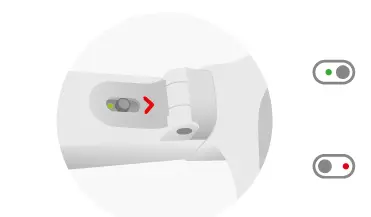
POWER SWITCH
- Slide to the right and release to turn on
- Slide to the left to turn off
Capture
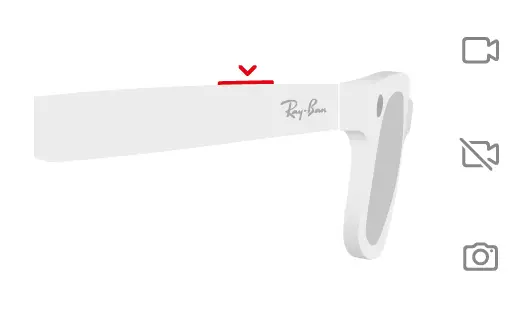
- Press once to record a video
- Press again to stop recording
- Press and hold for photos.
CONTROL PLAYBACK
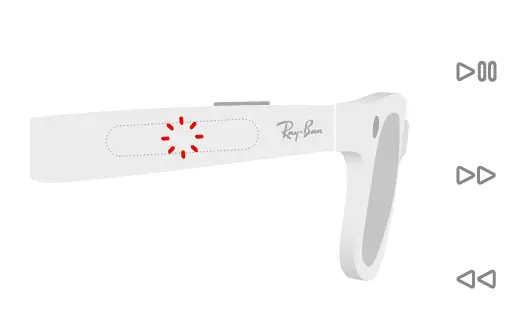
- Tap once to play or pause
- Double-tap to skip forward
- Triple-tap to skip back
ADJUST VOLUME
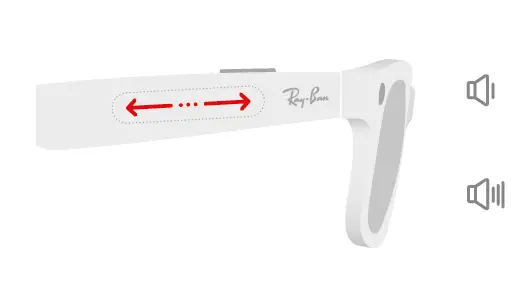
- Swipe back to turn down volume
- Swipe forward to turn up volume
MANAGE CALLS
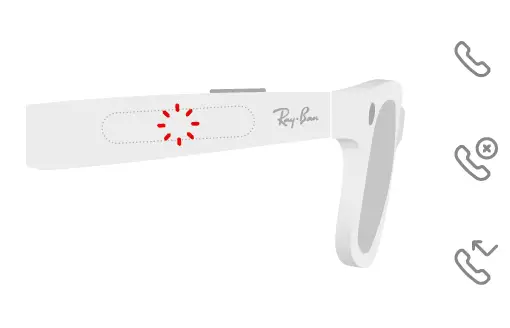
- Double-tap to answer
- Double-tap to end
- Tap and hold to reject
FACEBOOK ASSISTANT
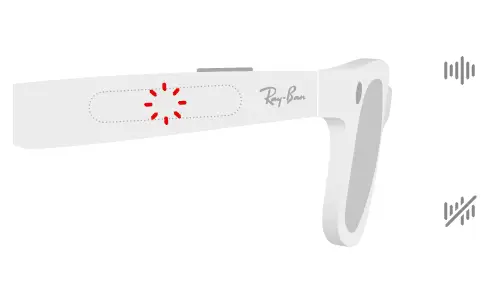
- ACCESS Activation
Tap and hold or say “Hey Facebook” - DISMISS Annulation
Tap again or say “Hey Facebook, Cancel”
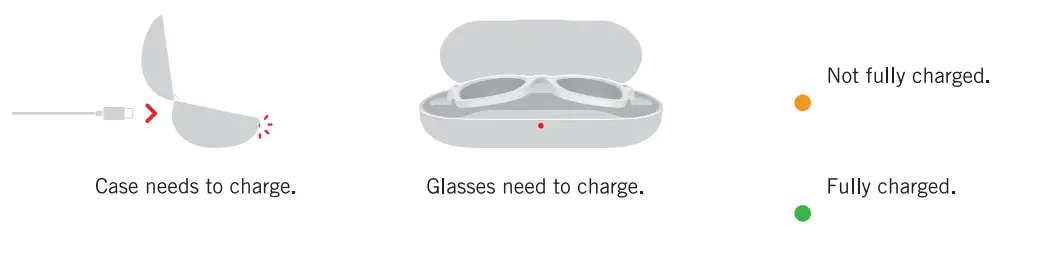
CHARGING CASE LED