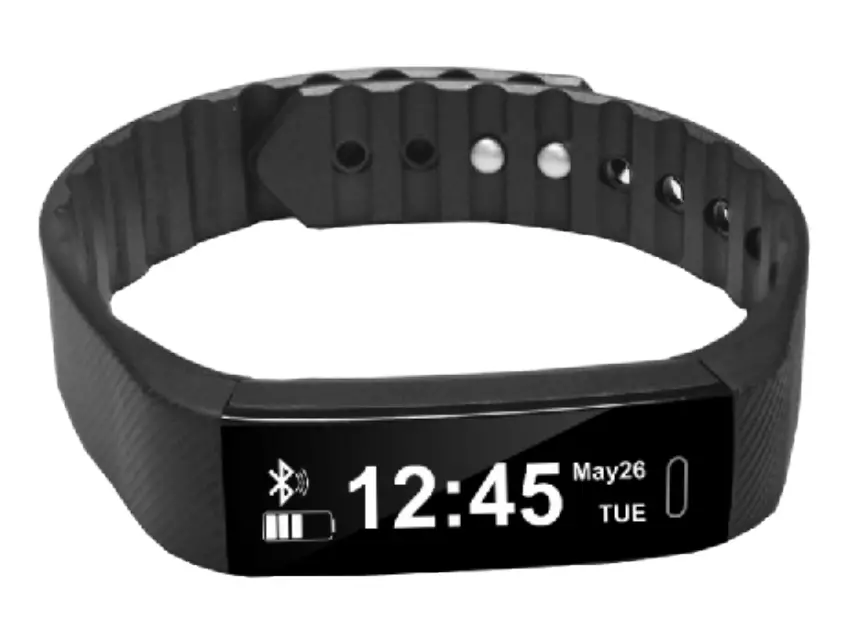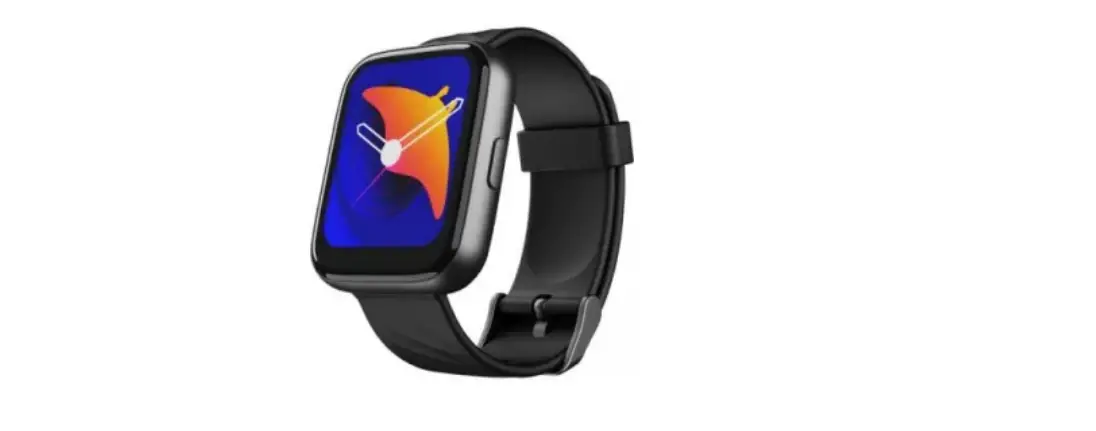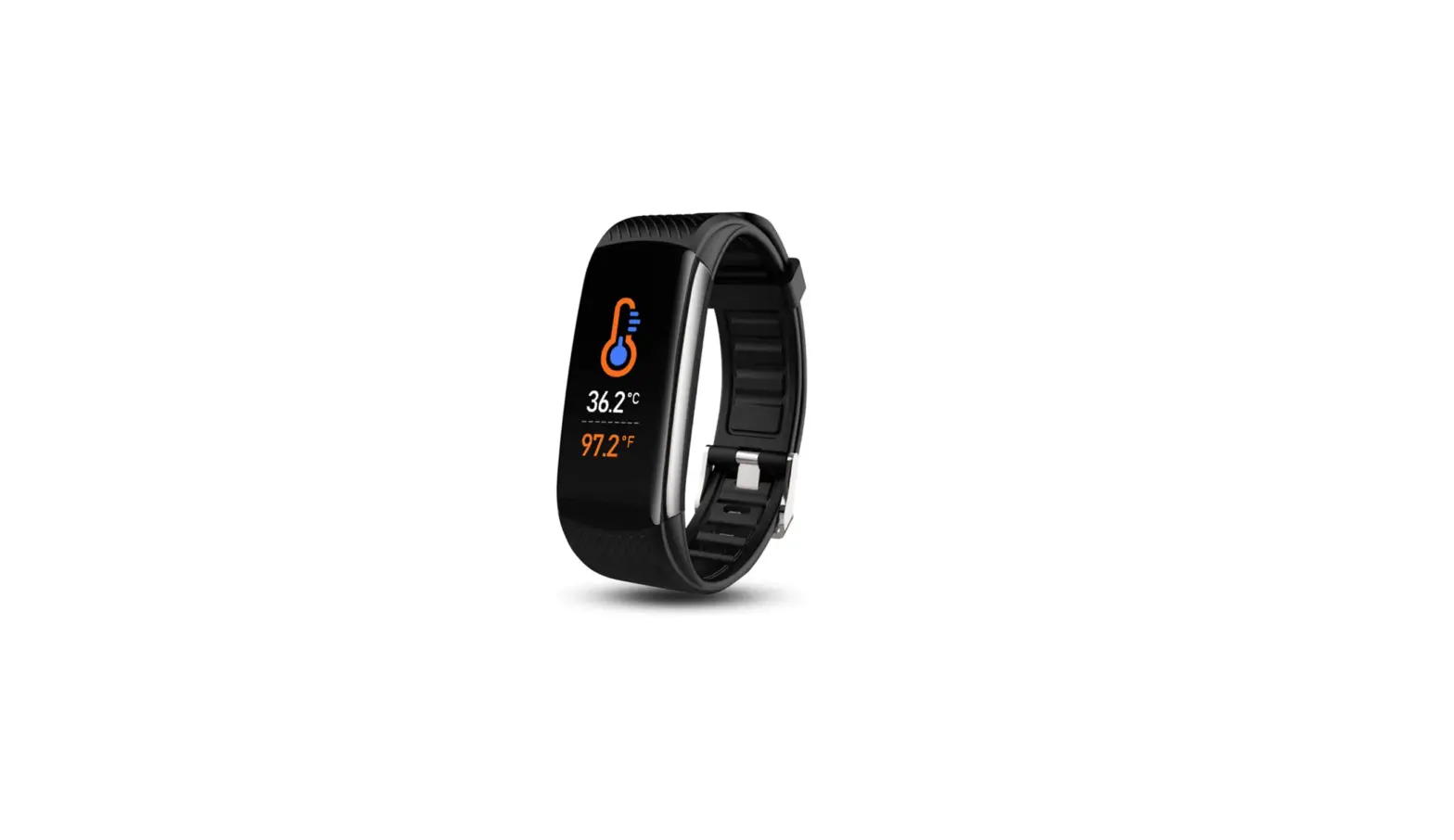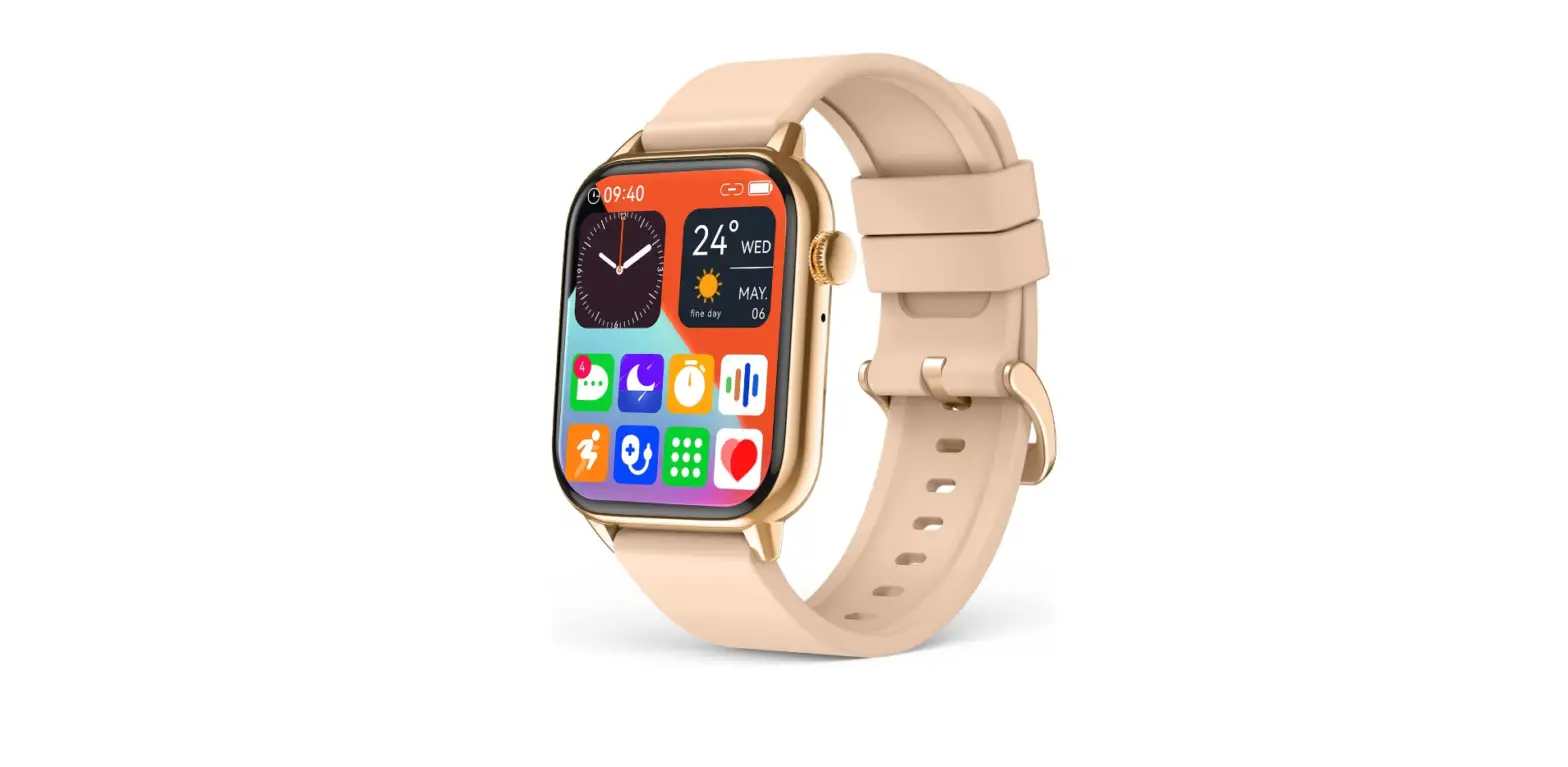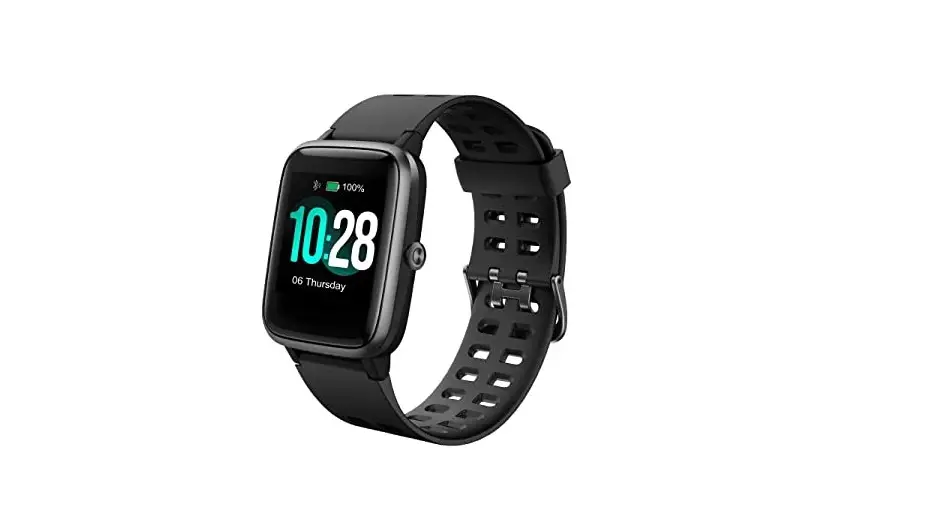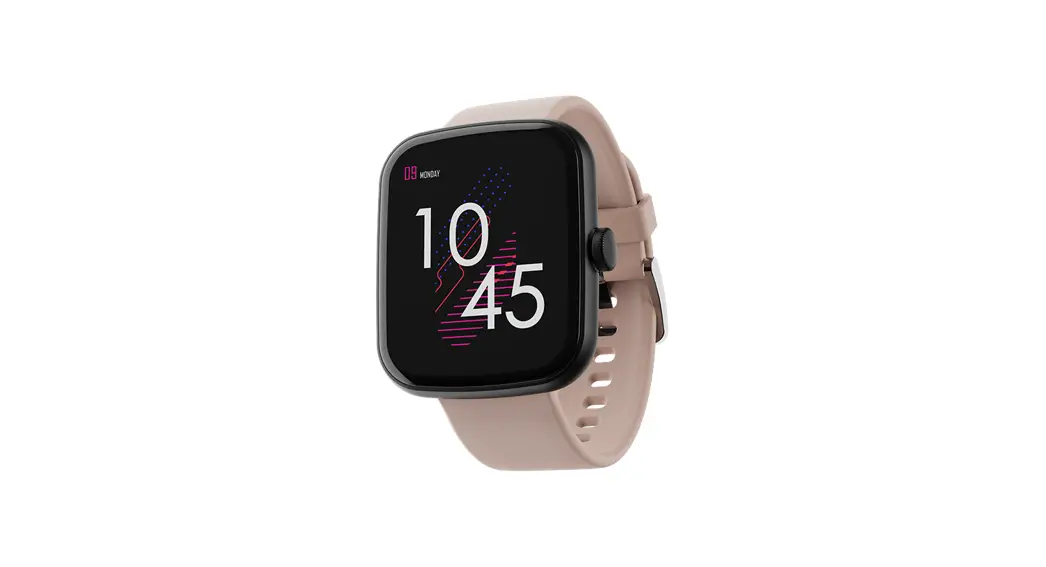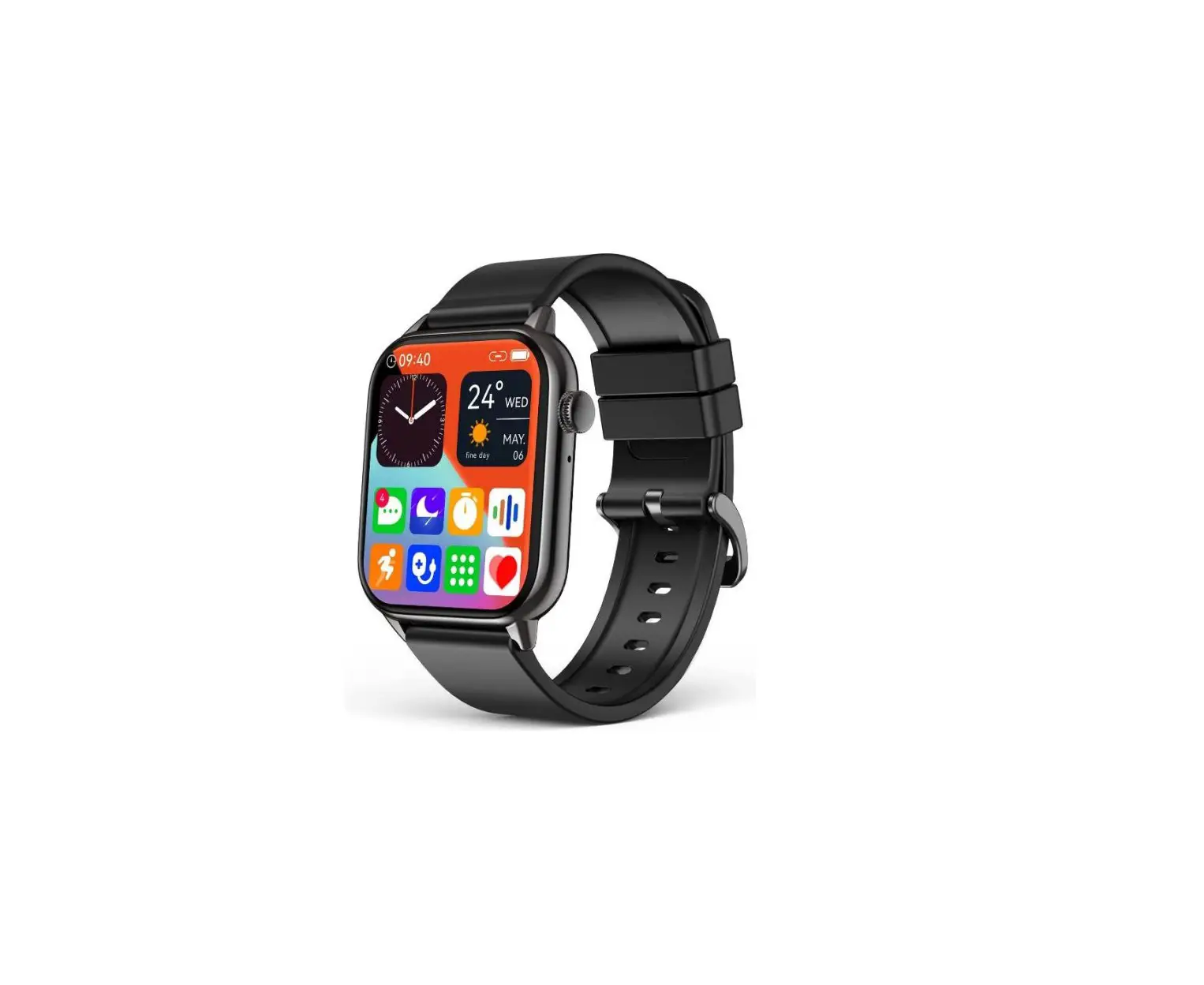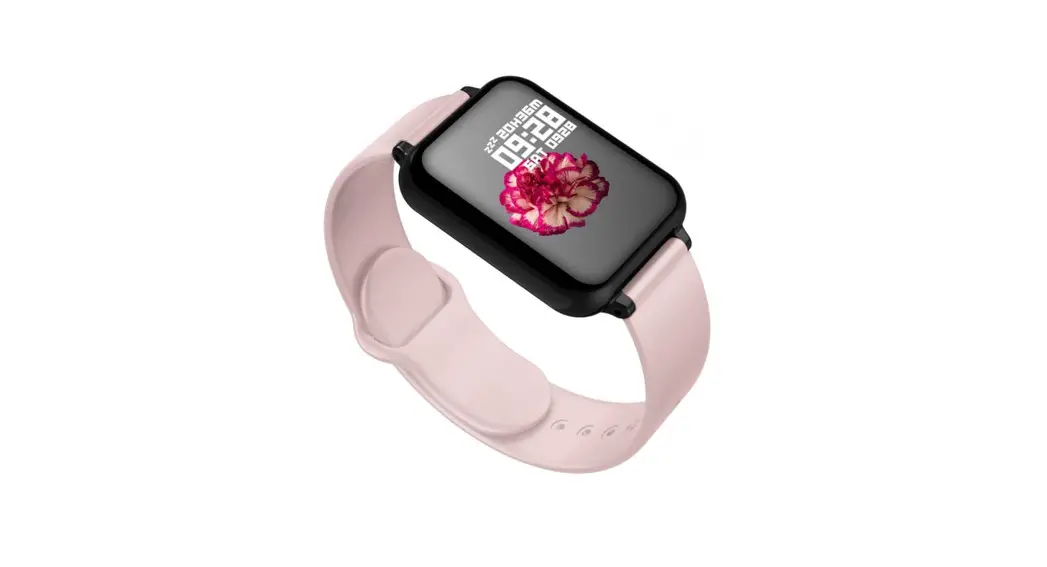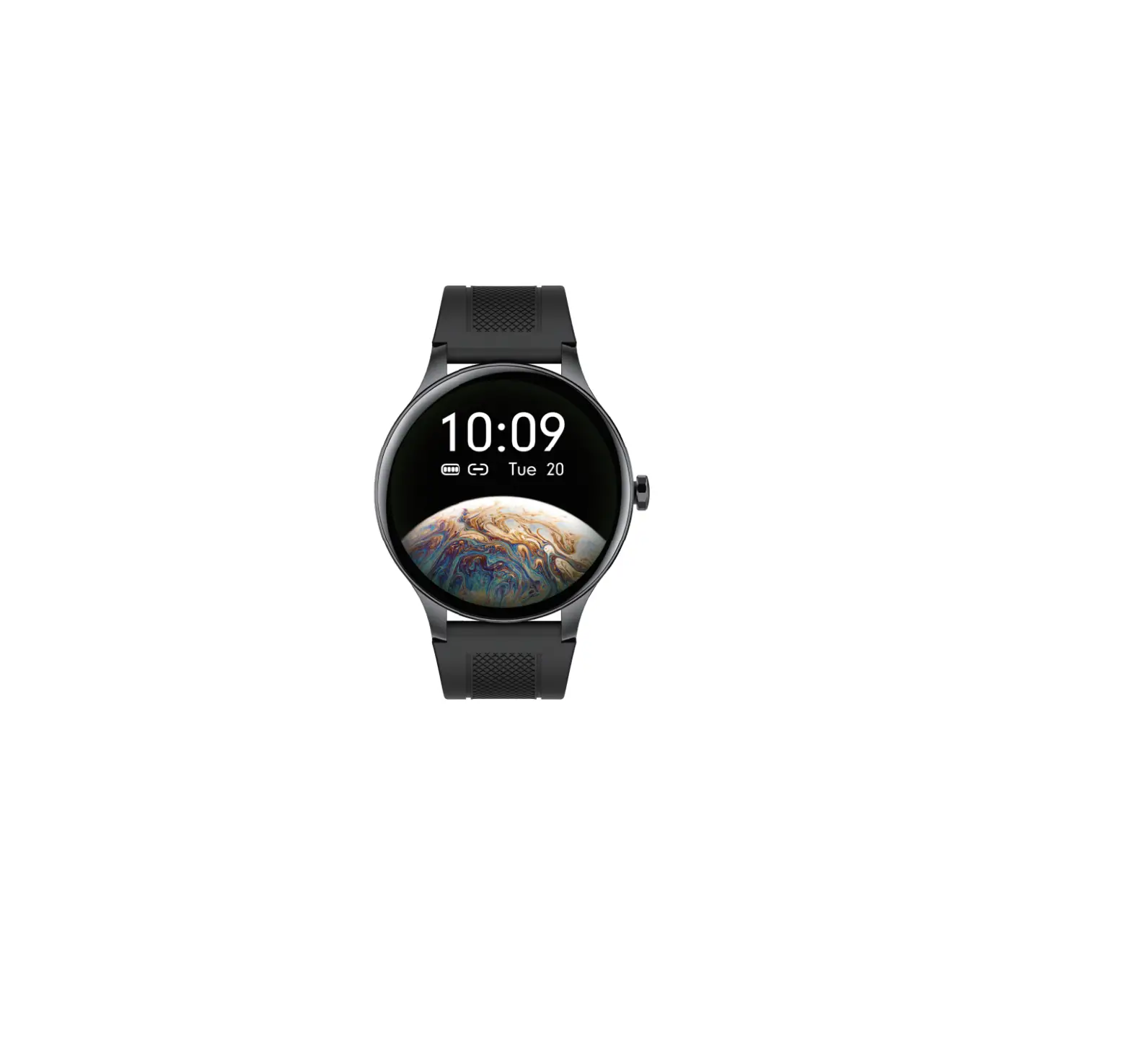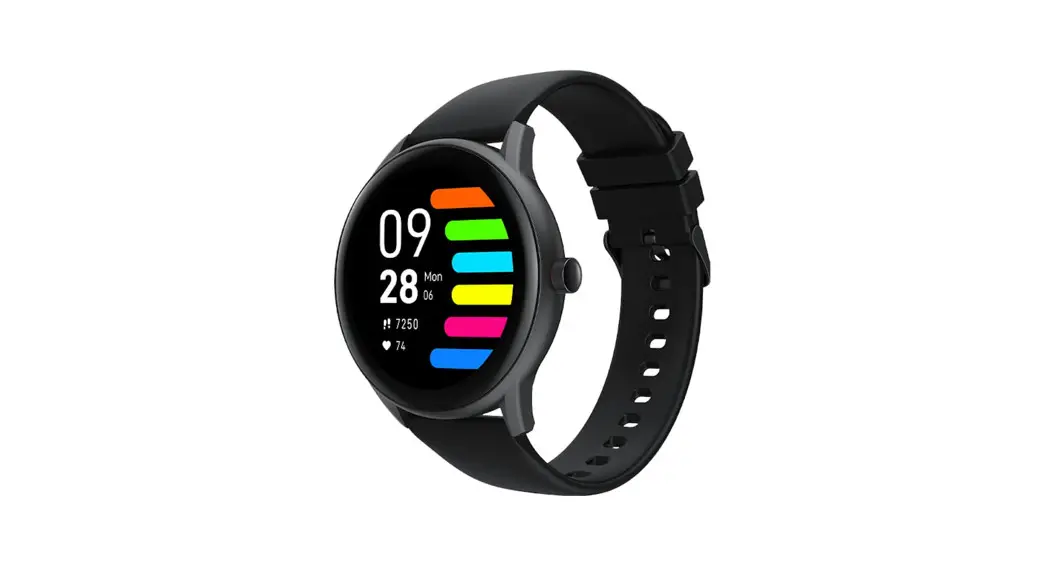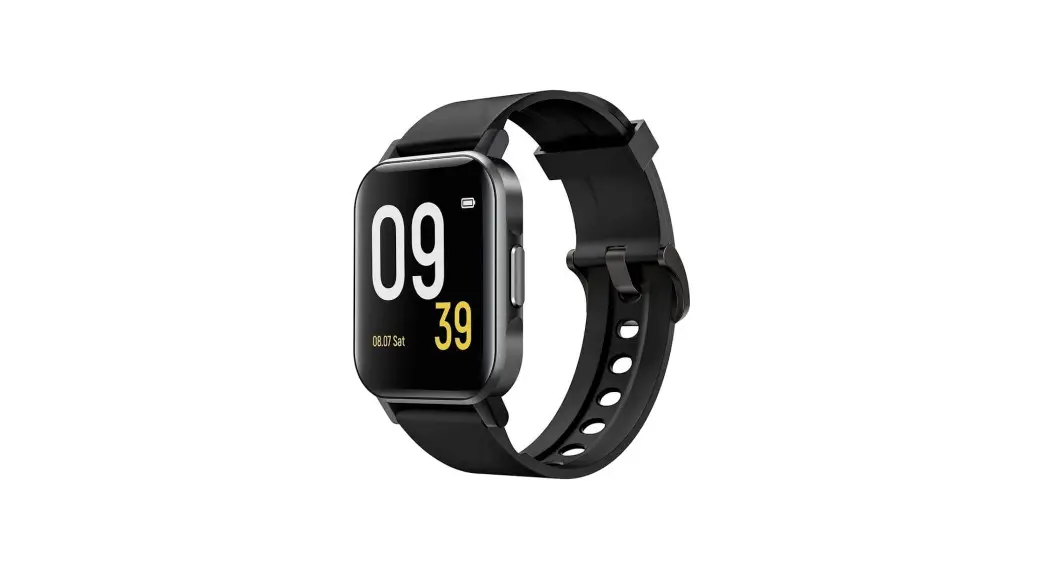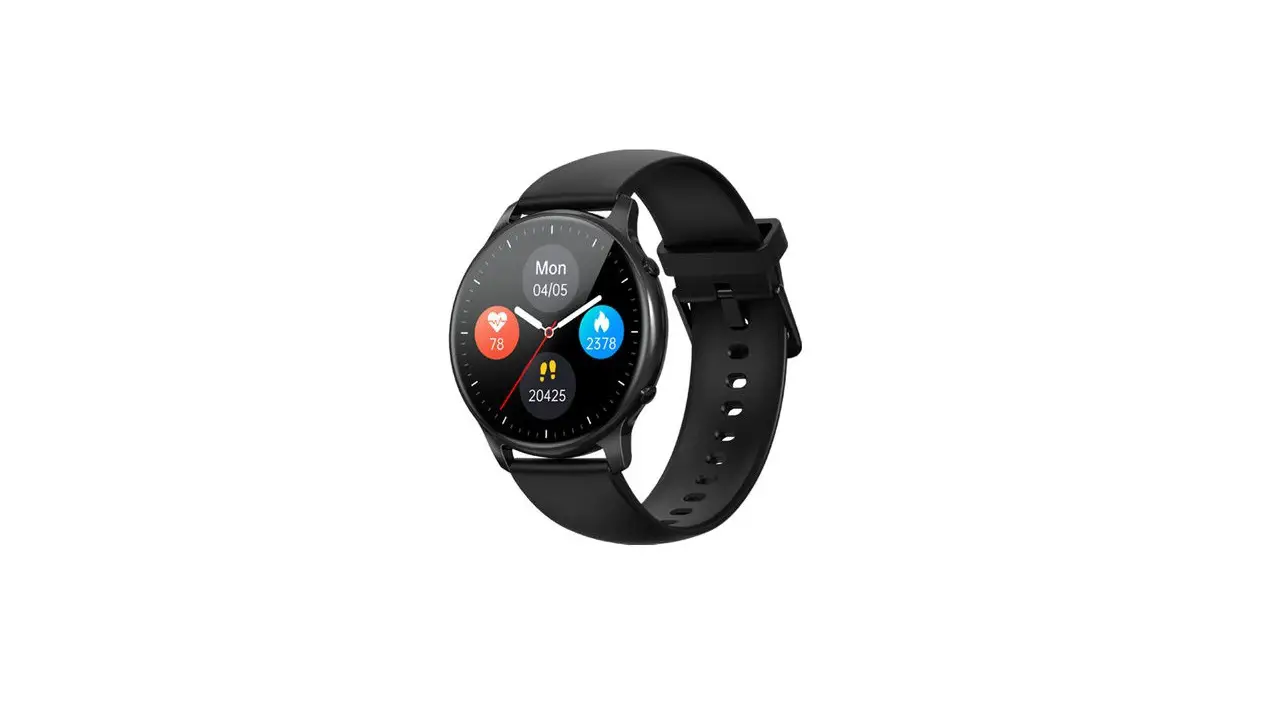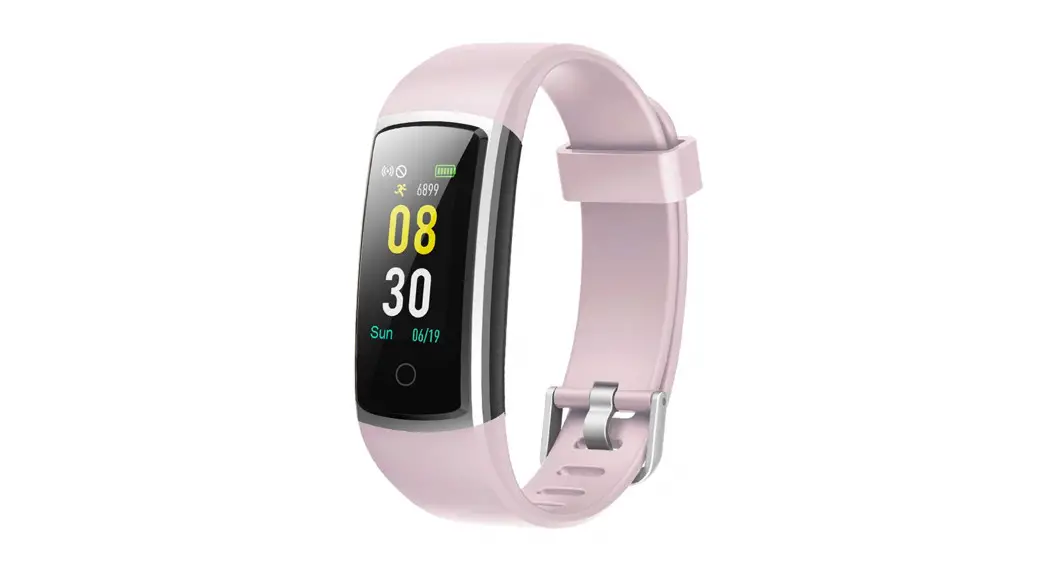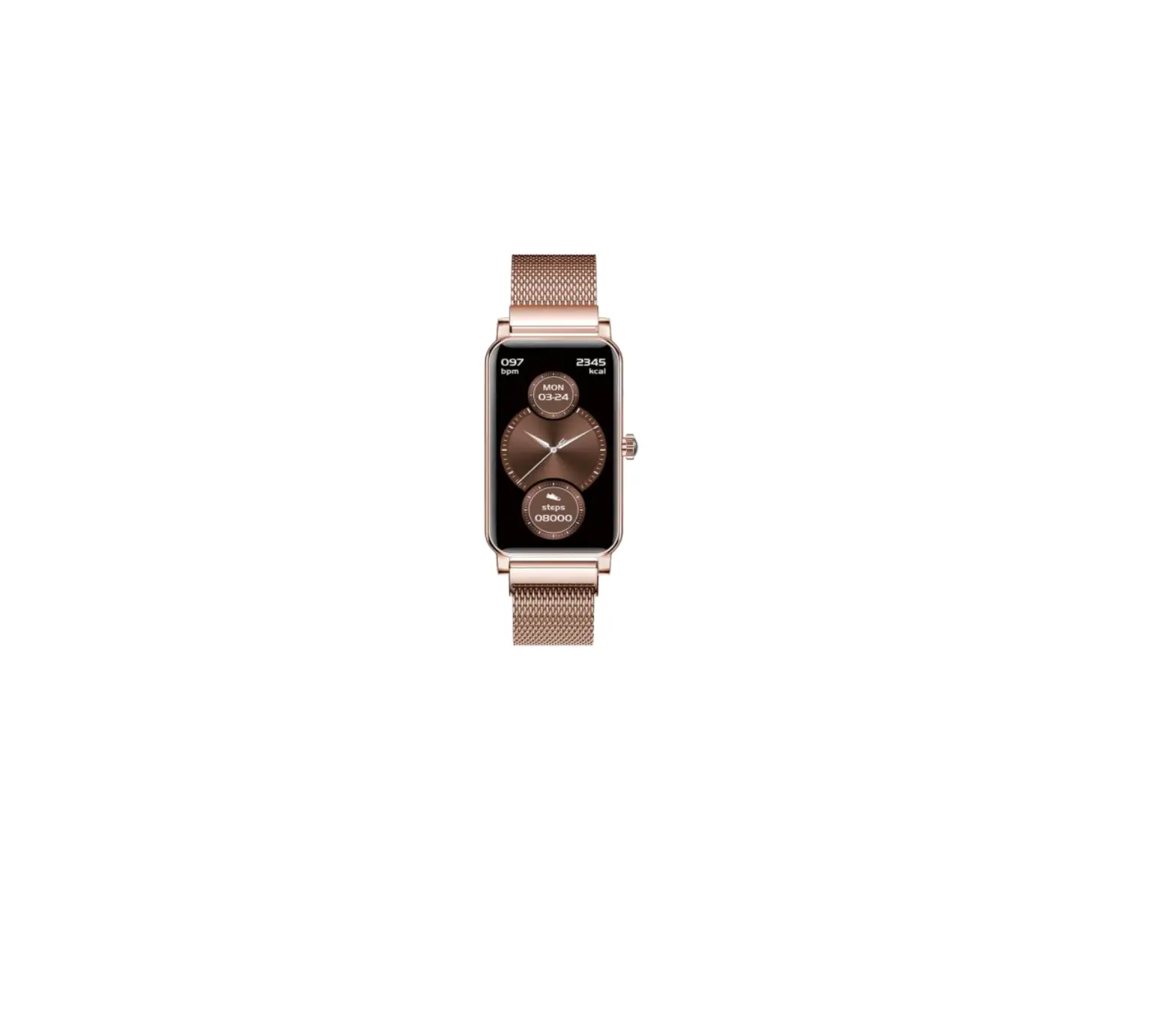
SMART WATCHES BOCLOUD Fitness Tracker with 12 Sport Modes
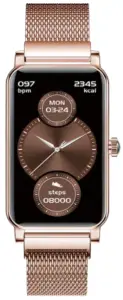
Instructions for Use
- Smartwatch can detect heart rate and blood oxygen, but cannot beused for any medical function;
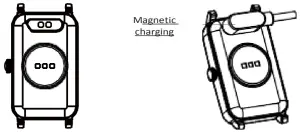
- Charging: Please charge your smartwatch before use and make sureitisfully charged. Please make sure the 2 magnetic charging cable pop pins are aligned with the 2 charging contacts of the main unit, or plug the charging cable into the USB adapter (adapter 5V 1A). Please make sure that the metal contacts are free of dust, oxidation and impurities. When charging, the charging icon appears on the screen of the smartwatch. If you don’t use your smartwatch for a long time, please charge it once a month.
- Donot usea power adapter with an output current of more than 2A to charge; otherwise the smart watch will be damaged.
- Do not shower with hot water or place the smartwatch at high temperature; otherwise the water resistance of the smartwatch will be damaged.
- Do not charge in wet or watery conditions.
Appearance
- Product introduction

- Remove Strap and Charge Mode

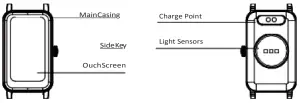
List of Package Contents
A. Packingbox *1
B. Smartwatch *1
C. User’s manual *1
D. Magnetic USB cable *1
Application installation and Bluetooth connection
Please search “Q Watch” in My app and Google Play on Android devices or APP Store on iPhone; or scan the QR code below to down loadand install the application.
Note: Android supports 5.0 and higher; IOS supports 10.0 and higher; Bluetooth hardware 5.0 and higher
Bind the smartwatch. Click on the selection of bind device and then find the device you want to connect to. If there are multiple devices in the vicinity, select the MAC address of the smartwatch you want to bind.If the smartwatch is successfully tied to the phone, the Bluetooth icon will be displayed at the top of the smartwatch.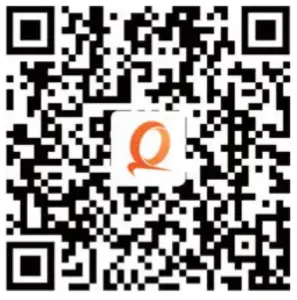
Product Parameters
Main controlchip: NRF52832
Bluetooth: BLE5.0
Screen size: 1.45inches, TFT color screen
Battery capacity: 150mAh
Batterytype: Polymer battery
Usetime: 5-7 days Waterproof level: IP68
Charging method: magnetic USB cable Operating temperature: 0-40°C
Compatibility iOS 10.0 or above Android 5.0 and above Fits most mobile devices on the market
Instructions for Use
Press the side key or raise your hand to wake up the screen, and press it for 3 seconds on the home page to switch the interface. Slide up into the function list. Slide down into the control center.
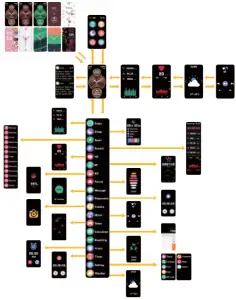
Function Description
- Dial replacement
Long press the home page for 3 seconds to enter the dial replacement.Or download the dial replacement on the APP. - Controlcenter
Slide down into the controlcenter.Forrespectively:wristlifting andbright screen, flashlight, DND mode, brilliance control, shutdown and system settings. - Wrist lifting and bright screen
Slide down into the control center,and click the wrist lifting and bright screen icon to set whether to turn the wrist lifting and bright screen onoroff. - Flashlight
Slide down into the control center, click the flash light icon and turnon the flash light. - DND mode
Slide down into the control center, and click the DND mode icon toset whether to turn the DND mode on or off. - Brilliance control
Slide down into the control center,and click the brilliance control to adjust the brightness of the equipment. - Shut down
Slide down into the control center,and click the shut down icon topop up theselectionof whether to shut down or not. - System settings
Slide down to enter the control center,and clickSettings to enter the system settings. Theme
Theme Language
 Find phoneDate format
 APP
APP Information reminderresetSystem
 - Information
Slide right into the information bar to view the information. - Motion data Slide
left to view the exercise data,and record the number ofsteps,kilometers and calories respectively. - Heart rate
Slide left twice to enter the heart rate interface, and start measuring and displaying heart rate data - Music control
Slide left three times to enter music control. - Step counting
Slide up into the list function, and click step counting to view thenumberof steps,kilometers and calories. - Sleep
Slide up into the list function and click Sleep to view sleep data - Motion pattern
Slide up into the list function,click enter the motion pattern andselect your favorite motion pattern. - Motion record
Slide up into the list function and click motion record - Heart rate
Slide up into the list function and click to enter the heart rate measurement - Blood pressure
Slide up to enter the list function and click to enter blood pressure measurement. - Blood oxygen
Slide up into the list function and click to enter the blood oxygen measurement - Physiological cycle
Slide up into the list function and click enter to view the physiological cycle. - Information
Slide up into the list function and click enter to view information. - Stop watch
Slide up to enter the list function and click to enter the stop watch function. - Photographing
Slide up to enter the list function, click to enter theremote control photo,and open the APP synchronously for operation. - Calculator
Slide up to the list function and click to enter the calculator - Respiratory function
Slide up into the list function and click to enter respiratory training. - Alarm clock
Slide up to enter the list function and click to enter the alarm clock setting. - Timer
Slide up to enter the list function and click to enter timer settings. Alarm clock reminderFind the watch reminderCall reminderDrink water reminderSedentary reminderLow power reminderRemote camera (startfromAPP)Find phone
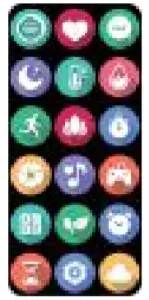 Theme
Theme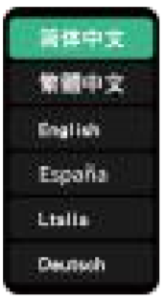 Language
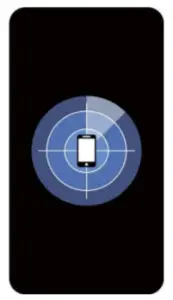 Find phone
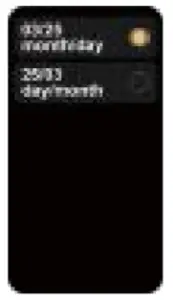 Date format
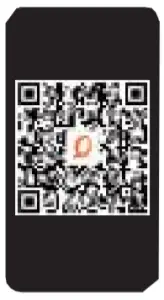 APP
APP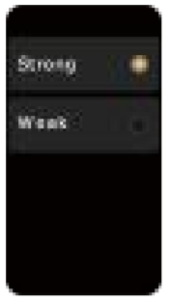 Information reminder
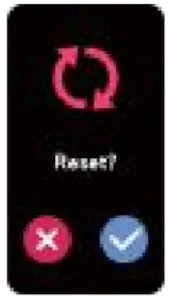 reset
reset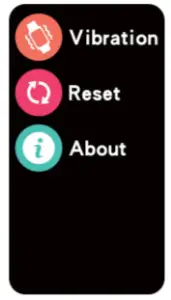 System
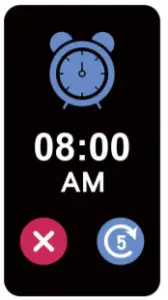 Alarm clock reminder
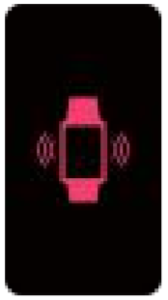 Find the watch reminder
 Call reminder
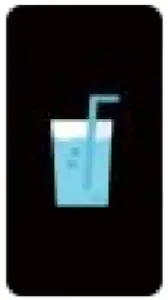 Drink water reminder
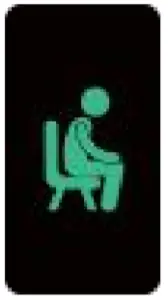 Sedentary reminder
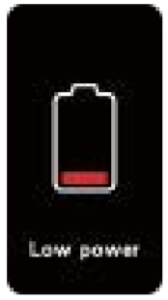 Low power reminder
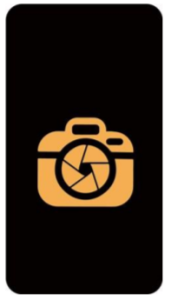 Remote camera (startfromAPP)
 Find phone
Cautions
- Why should I wear my smartwatch tightly when testing myheart rate? By using the principle of light reflection, the smartwatch penetrates the skin with a light source and collects the signal reflected on the sensor to calculate the heart rate, If not worn tightly, ambient light will enter the sensor and affect the measurement accuracy.
- No recommended to wear in a hot bath:the first factor: a hot bath will produce steamdue to the high temperature of the bath water, it is easy to produce a lot of steam. Steam is agas with a small molecule radius, so they can easily penetrate the gap on the intelligent smartwatch casing. When the temperature drops, the water will gradually condense into water droplets, which will cause damage to the circuit board and further damage the smartwatch.
- When connecting Bluetooth. Make sure the Bluetooth of your phone is turned on and the smartwatch is powered on. When doing a Bluetooth search, please make sure the smartwatch is not connected to another account number; when doing a Bluetooth search, please keep the smartwatch and the phone as close aspossible.
- If the user’s phone has installed other software, such as mobilemanager, in order to ensure the normal operation of the background APP, please turn on the phone’s message push and allow background operation, otherwise it can not push messages.
- To ensure the accuracy of the test data, after entering the blood oxygen test mode, stay relaxed and still during the test andmake sure the smartwatch and your heart are at the sameheight. Please do not talk during the test (This function provides data reference for blood oxygen changes before and after human exercise and cannot beused for medical purposes).
Battery Information
| Battery material | Lithium polymer battery |
| Battery model | 481820 |
| Battery power parameter | 0.555wh |
| Nominal Voltage | 3.7V |
| Rated Capacity | 150mAh |
Warning
This product is not a medical device. This smartwatch and its applications are not available for diagnosis, treatment or preventive therapy of diseases. Consult a medical professional before changing your exercise habits and sleep habits to avoid seriousinjury.The manufacturerreservesthe right to modify and improve the functional descriptionsoftheuserguide,aswellasto update the content on an ongoing basis without notice. This user guide is for reference only, for smartwatch sold here, please refer to the final product.