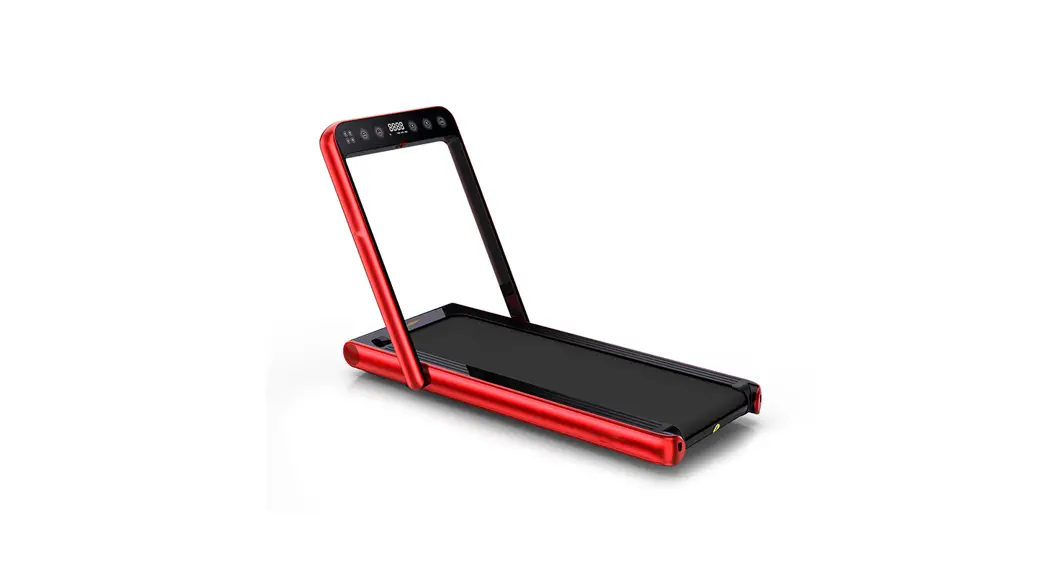
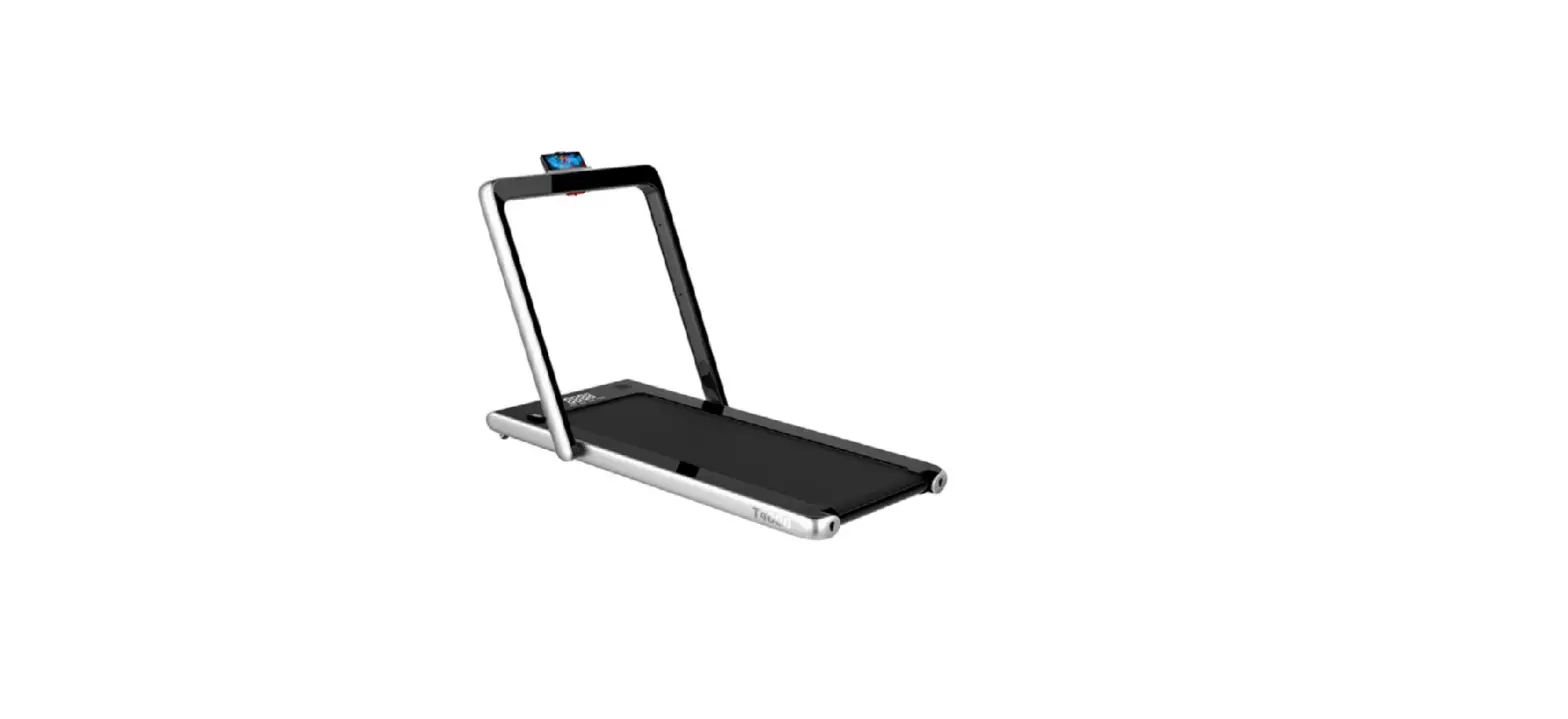
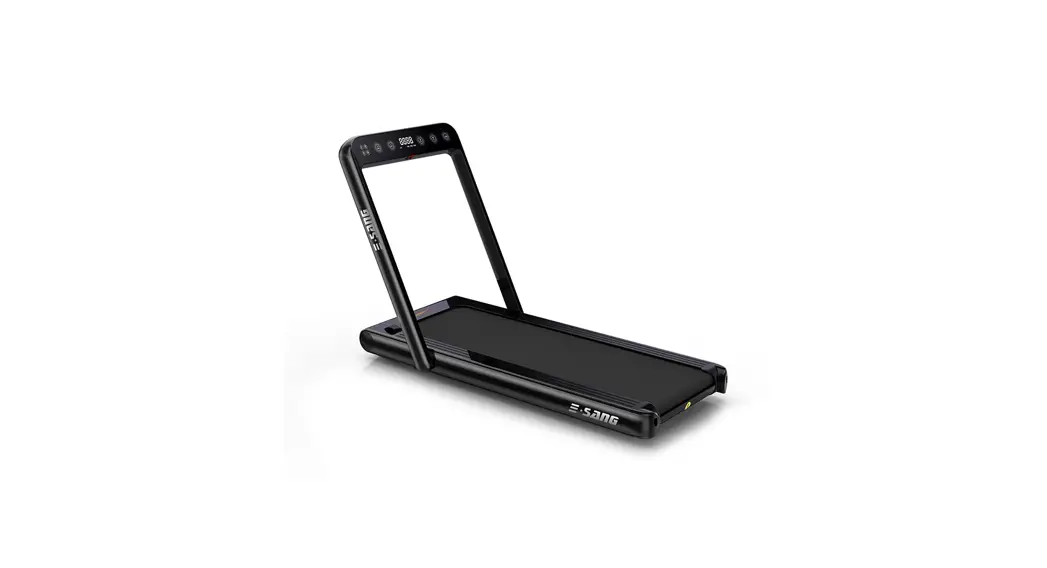
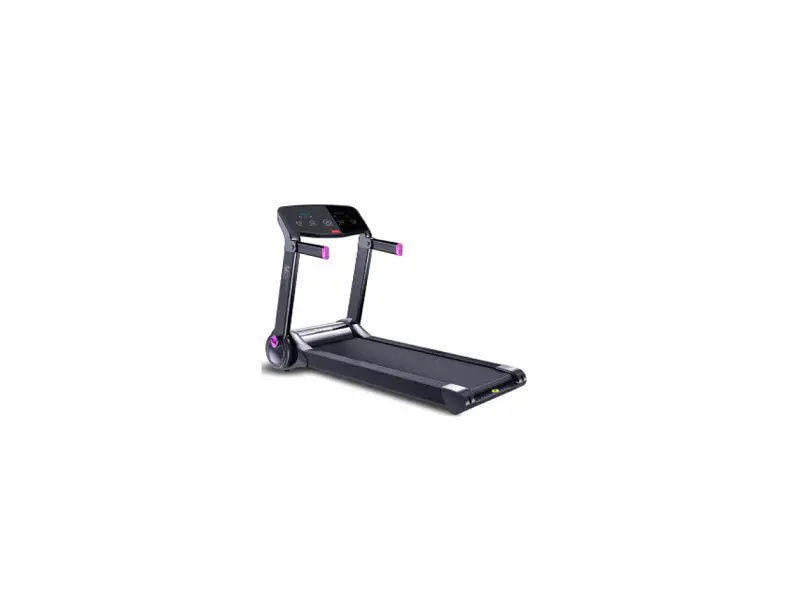
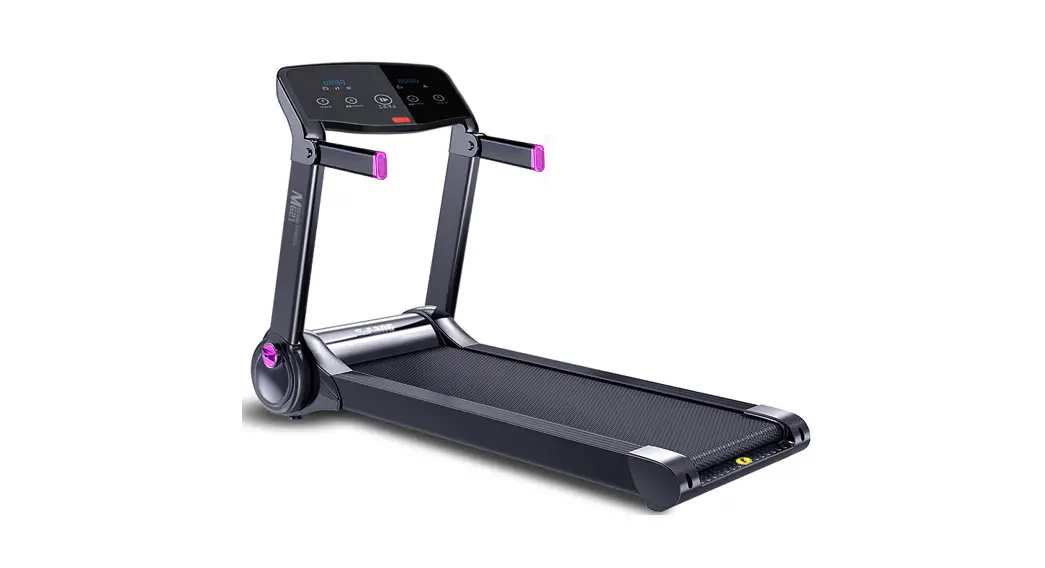
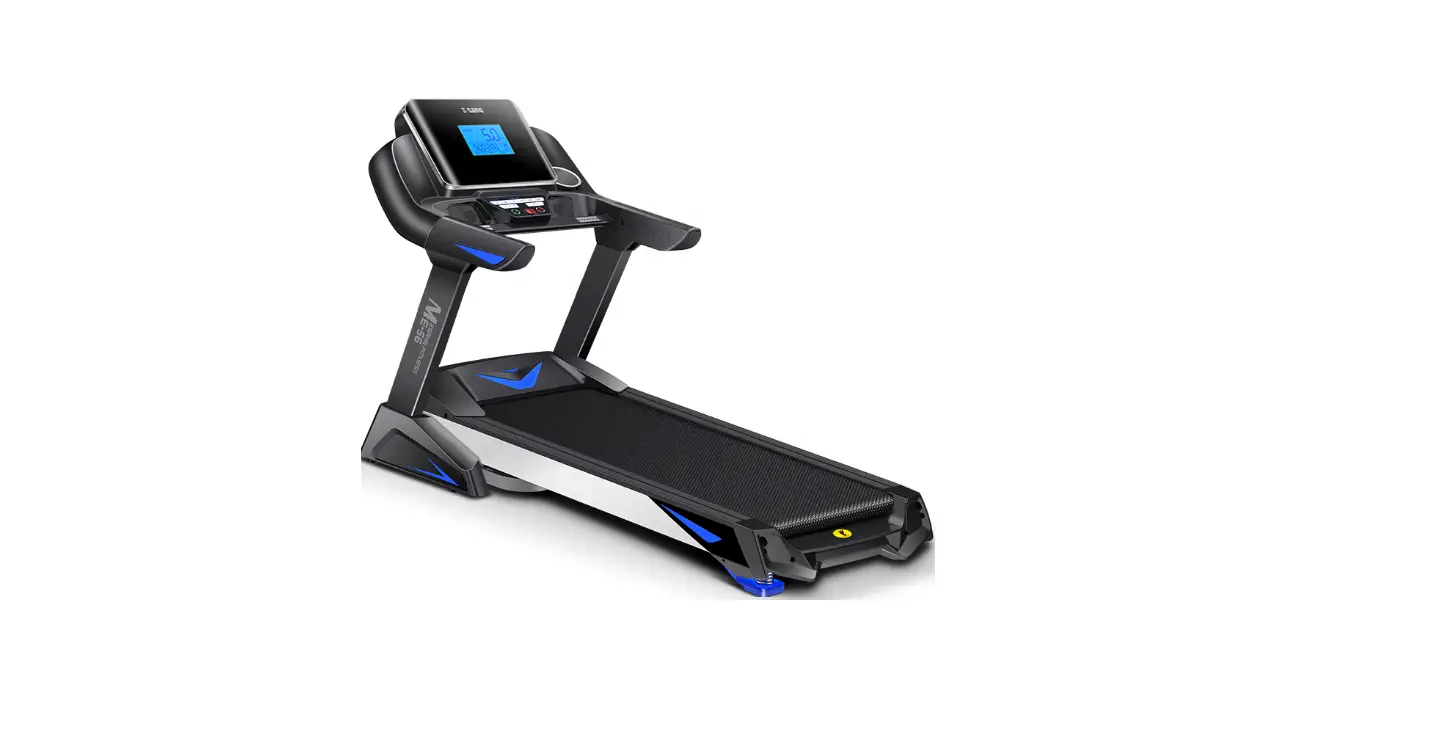
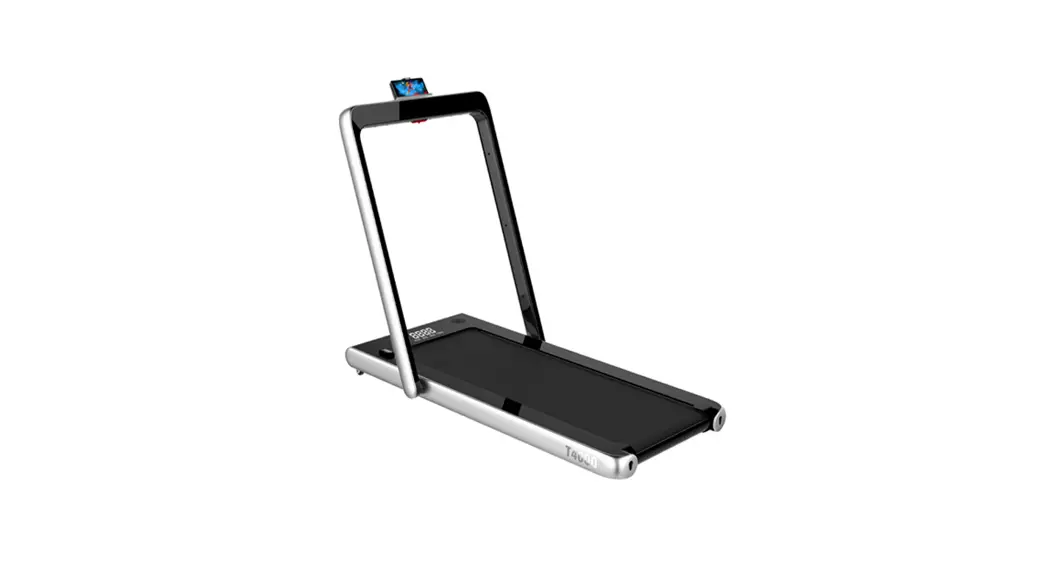
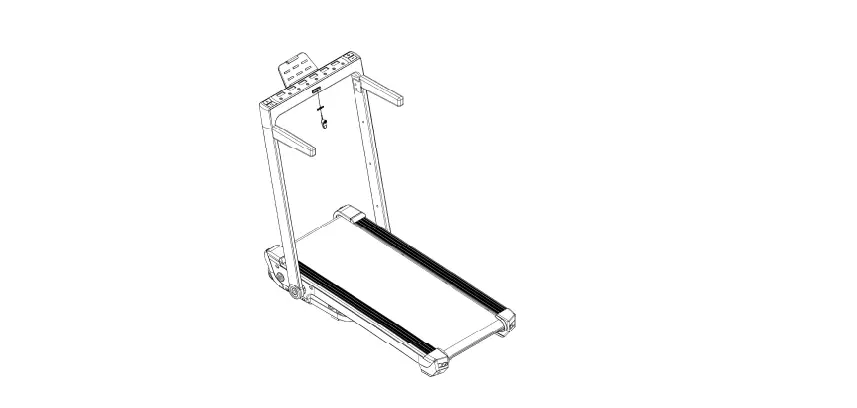
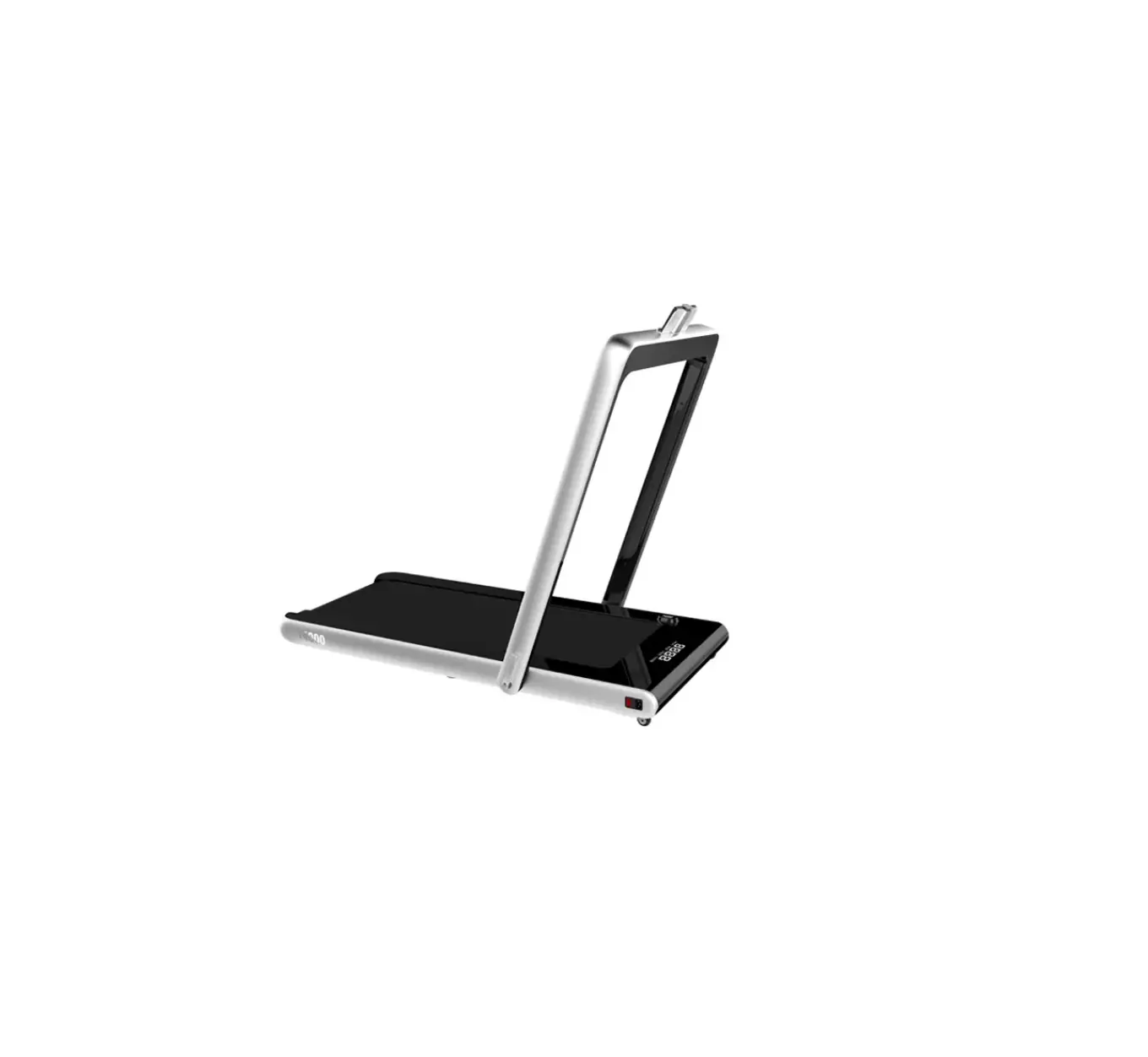
S17 Household Electric Treadmill
Product Information
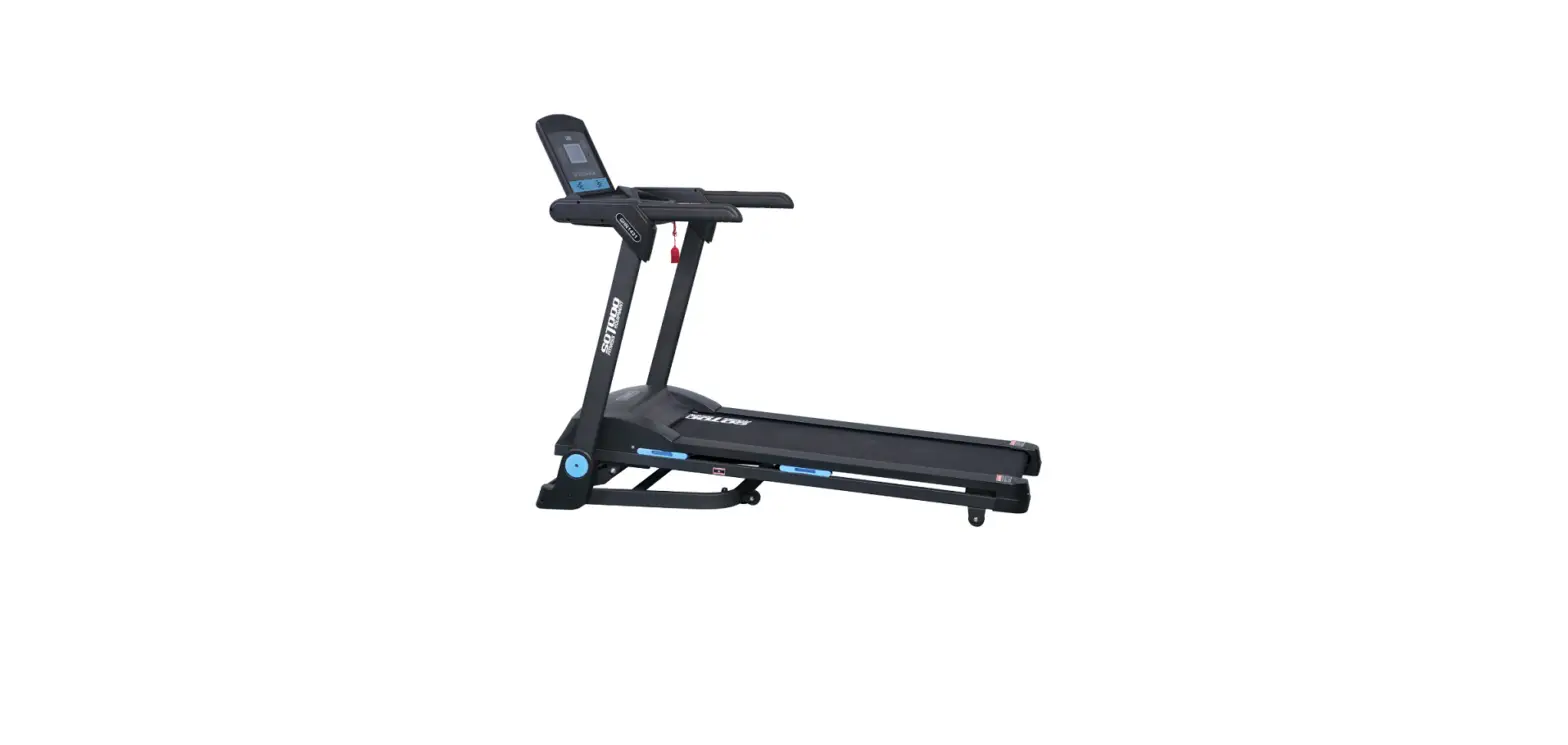
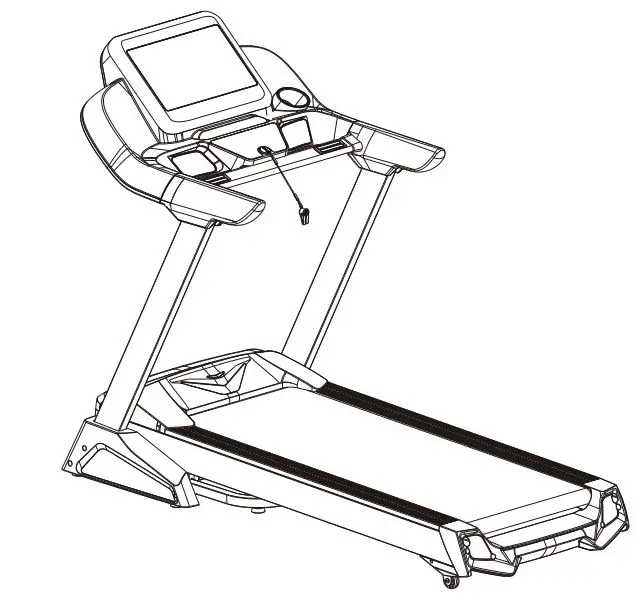
The product is a treadmill designed for indoor use only. It
comes with a display screen that shows information like distance,
speed, time, and stop. The treadmill has an armrest, decorative
cover, safety key, remote control card slot, upright column,
edging, running belt, and right rear cap. It also comes with a
footpad. The treadmill has a safety lock cable clip to prevent
accidents and an emergency jump-off procedure for emergencies.
Product Usage Instructions
- Read the instruction manual carefully before using the
treadmill. - Ensure the treadmill is installed properly by following the
installation procedure outlined in the manual. - Before using the treadmill, wear suitable sportswear and sports
shoes. - Ensure the power plug is properly grounded and the socket is
dedicated to the treadmill only. - Keep children away from the machine to avoid accidents.
- Avoid overloading the treadmill for long periods as this can
damage the motor and controller and accelerate wear of bearings,
running belts, and running boards. - Always turn off the power of the treadmill after use.
- Use the safety lock cable clip by clipping it onto your clothes
when exercising to prevent the machine from shutting down in an
emergency. - Stop exercising immediately and seek medical advice if you
experience discomfort or abnormal symptoms during use. - Store the machine out of reach of children after using silicone
oil on it to avoid accidental ingestion. - Ensure that there is adequate indoor air circulation during
use. - The safety area behind the treadmill should be at least
1000x2000mm. - Use the emergency jump-off procedure by holding the handrails
to support your body, stepping on the sidebars with both feet, and
jumping off the treadmill from one side in case of an
emergency. - Always cut off the power supply before moving the
treadmill. - Only one person is allowed to exercise on the treadmill when it
is in use. - If you feel dizzy or experience chest pain, nausea, or
shortness of breath during exercise, stop immediately. - Avoid wearing clothes that can get caught in the machine.
CAL. SPTAAURSTE
DISTANCE
SPEED
TIME STOP
USER’S MANUAL
Please read the instruction carefully before operating your new treadmill
CONTENT 01
CONTENT
01. NOTICE FOR USE
02
02. PRODUCT INTRODUCTION
03
03. INSTALLATION PROCEDURE
05
04. SPORTS RECOMMENDATIONS AND GUIDELINES 10
05. WARNING
12
06. OPERATING INSTRUCTION
15
07. COMMON FAULTS AND SOLUTIONS
17
08. MAINTENANCE INSTRUCTION
18
09. WARRANTY DESCRIPTION
20
02 NOTICE FOR USE
01. NOTICE FOR USE
Note: Please read the instructions carefully before use, and pay attention to the following safety precautions:
The treadmill is designed for indoor use only to prevent moisture from damaging the machine. Do not splash water on the treadmill or place any foreign objects on it.
Before exercising, please wear suitable sportswear and sports shoes. Exercising barefoot on the treadmill and stretching the whole body is strictly forbidden.
Ensure the power plug is properly grounded and the socket is dedicated to the treadmill to avoid sharing it with other electrical appliances.
Keep children away from the machine to avoid accidents.
Avoid overloading the treadmill for long periods, as this can damage the motor and controller and accelerate the wear of bearings, running belts, and running boards. Regular maintenance is recommended to prevent this.
Reduce indoor dust, maintain a certain humidity level in the room, and avoid strong static electricity, which can interfere with the electronic watches and controllers’ normal operation.
Always turn off the power of the treadmill after use.
Ensure that there is adequate indoor air circulation during use
Use the safety lock cable clip by clipping it onto your clothes when exercising to prevent the machine from shutting down in an emergency.
Stop exercising immediately and seek medical advice if you experience discomfort or abnormal symptoms during use.
After using silicone oil on the machine, store it out of the reach of children to avoid any accidental ingestion.
The safety area behind the treadmill should be at least 1000x2000mm.
Use the emergency jump-off procedure by holding the handrails to support your body, stepping on the sidebars with both feet, and jumping off the treadmill from one side.
WARNING: To reduce accidents or injury to others, please observe the following:
Please check that your clothing is fastened or zipped before using the treadmill.
Avoid wearing clothes that can get caught in the machine.
Keep the power cord away from hot objects.
Keep children away from the treadmill.
Do not use the treadmill outdoors.
Always cut off the power supply before moving the treadmill.
Non-professionals are not authorized to open the upper shield and the left and right rear tailstock.
Only one person is allowed to exercise on the treadmill when it is in use.
If you feel dizzy or experience chest pain, nausea, or shortness of breath during exercise, stop
PRODUCT INTRODUCTION 03
02. PRODUCT INTRODUCTION
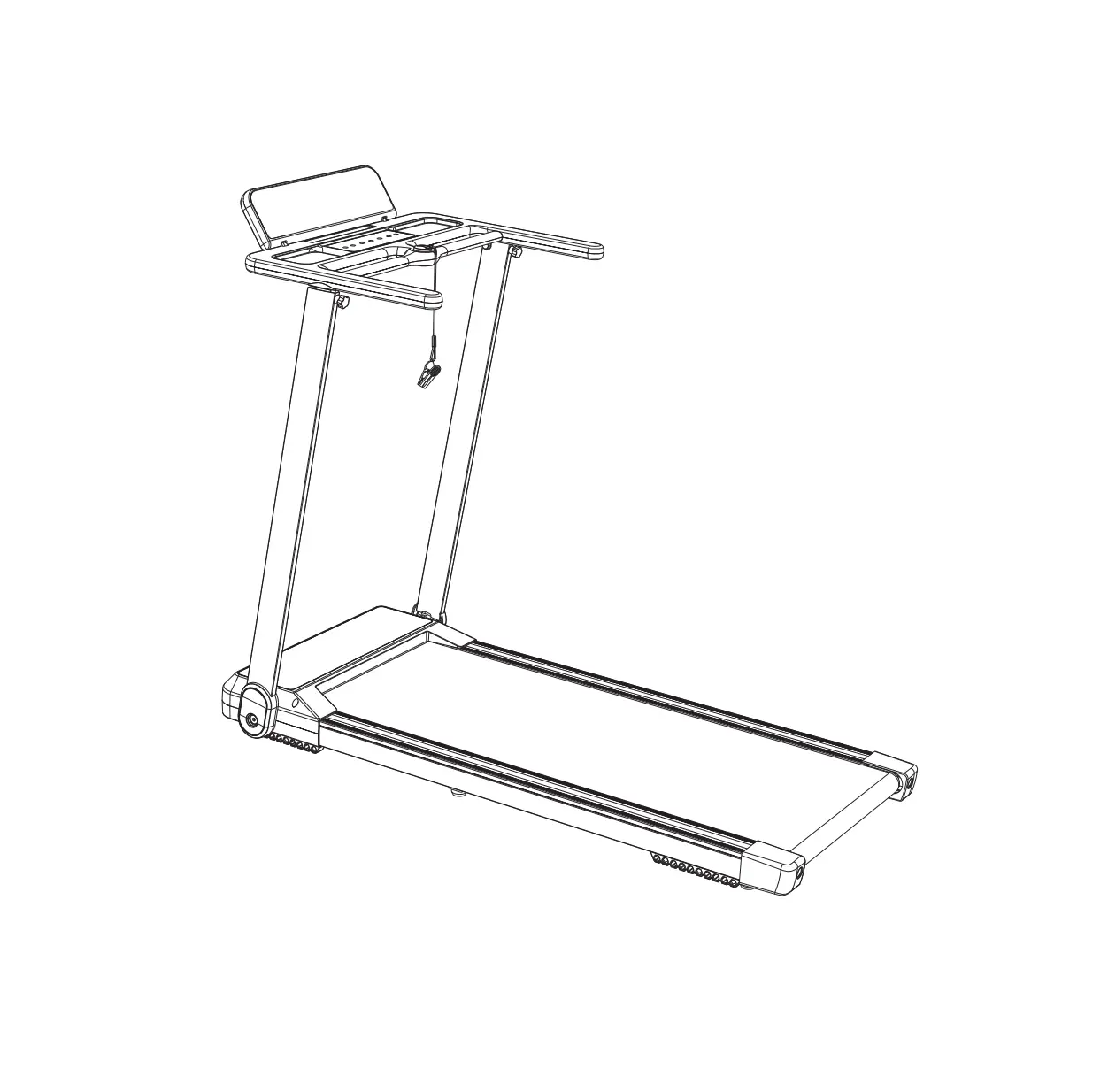
PAD holder Key
Display screen Key
CAL. SPTAAURSTE
DISTANCE
SPEED
TIME STOP
Armrest
Decorative cover
Safety key Remote control card slot
Upright column
Edging Running belt Right rear cap
PACKING LIST
NO.
Footpad
Left rear cap
ITEM
QUANTITY
Accessories box
REMARK
Schedule
04 PRODUCT INTRODUCTION
TECHNICAL SPECIFICATIONS
WORKING VOLTAGE MAXIMUM LOAD PRODUCT SIZE FOLDING SIZE RUNNING AREA MOTOR SPEC(HP) SPEED RANGE CONTROL METHOD
WEIGHT
AC 110V
60Hz
264.55 lbs
52.80*28.31*41.54 inch
52.48*28.31*4.92 inch
16.54*41.34 inch
1.0 HP
0.6-8.7 mph
Electronic meter , Remote control
41 kg
SCHEDULE (ACCESSORIES BOX)
NO.
ITEM
1
5mm Inner Allen key
2
6mm Inner Allen key
3
ST4_2X19 Cross Recessed Pan Head Tapping Screws
4
PAD holder Fixing seat
5
Wrench
6
Socket wrench
7
PAD holder
8
Power cable
9
Remote control
10
Safety key
11
Silicone oil
12
Manual
QUANTITY
1 1 5 1 1 1 1 1 1 1 2 1
REMARK
Other Adjust the running belt
INSTALLATION PROCEDURE 05
03. INSTALLATION PROCEDURE
1.To begin the treadmill installation, carefully remove the main unit from its packing box and below, open the “folding handle” in the direction indicated, and the lower end of the
down on the “folding handle” to lock the upright column in place.
06 INSTALLATION PROCEDURE
safety lock and ensure it is secured in the yellow position under the console. When using the treadmill, make sure to clip the end of the safety lock belt clip to the edge of your clothes.
START PAUSE
STOP
Then, connect the power and turn on the power switch at the bottom of the front of the machine. The treadmill will then enter the standby state.
Note that after the machine is assembled, it is important to double-check whether all the bolts are securely tightened.
5. Finally, as demonstrated in the picture on the right, place the remote control in the card slot under the console.
D
INSTALLATION PROCEDURE 07
FOLDING PROCEDURE
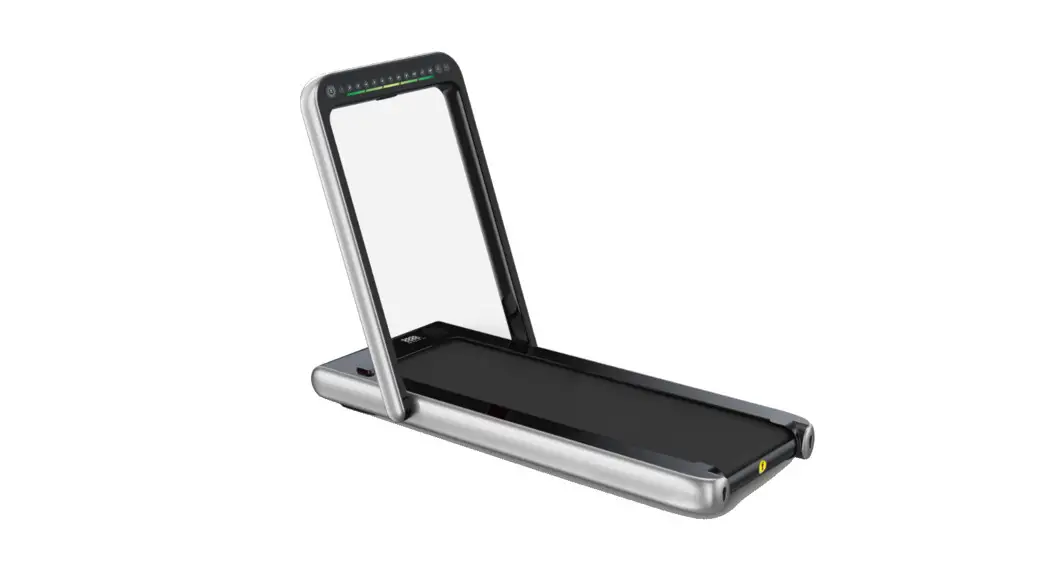
1.After removing the main unit from the tablet support, press the buttons on both sides of parallel to the standpipe.
08 INSTALLATION PROCEDURE
3.As shown in the picture below, the folding is complete.
FOOTPAD ADJUSTMENT
If the ground is uneven or the treadmill shakes, please adjust the four adjustable foot pads
INSTALLATION PROCEDURE 09
ADJUSTMENT OF FOLDING HANDLE FORCE
When the machine leaves the factory, this part has been adjusted to a slightly appropriate tension. However, due to the strength of the individual wrist, users can adjust the folding handle appropriately according to their preferences. Don’t be too loose; too loose will cause the gap between the standpipe and the main unit to be too large to shake. As shown in step
the equipped hex wrench and socket wrench into a labor-saving lever, as shown in step 2 in
the left standpipe and match it with the hex nut, rotate clockwise to clamp, and vice versa to loosen slightly.
10 SPORTS RECOMMENDATIONS AND GUIDELINES
04. SPORTS RECOMMENDATIONS AND GUIDELINES
WARM-UP
Before using the treadmill, it’s important to warm up your body with 5-10 minutes of exercise.
BREATHE
While using the treadmill, avoid holding your breath. Coordinate your breathing with your movements by inhaling through your nose and exhaling forcefully through your mouth
immediately.
FREQUENCY
Resting the same muscle group for at least 48 hours before exercising again is important. This means you can train the same muscle group every other day.
BURDEN
Determine the appropriate level of training based on your physical condition, and gradually increase the intensity according to the principle of “asymptotic load.” It’s normal to experience muscle soreness during initial training, but it will disappear as you continue practicing.
RELAX
Do 5 minutes of recovery after each exercise, especially the stretching and relaxation of the foot muscles, to avoid long-term muscle condensation and maintain muscle elasticity.
DIET
Exercise one hour after meals to protect the digestive system, and eat at least half an hour after training. Drink less water during exercise, especially avoiding drinking much water, not to increase the burden on the heart and kidneys.
SPORTS RECOMMENDATIONS AND GUIDELINES 11
STRETCHING EXERCISES
It’s important to do stretching exercises before using the treadmill, regardless of your walking speed. Warm muscles are easier to stretch, so we recommend walking on the treadmill for 5-10 minutes to warm up your body before doing the stretching exercises. Follow the pictures provided to do the stretching exercises, and do each exercise 5 times per leg for at least 10 seconds each time. You can also hold the stretches for longer if you prefer. body.
1
1.STRETCH DOWN
Bend your knees slightly, slowly bend your body forward, relax your back and shoulders, and touch your toes with your hands as warm as possible. Hold for 10-15 seconds, then relax.
2.HAMSTRING STRETCH
the inside of the straightened leg. Try to touch your toes with your hands. Hold this position
3.CALF AND HEEL STRETCH
Stand with two hands against a wall or tree, one foot behind. Keeping the back leg straight and the heel on the ground, lean toward the wall or tree. Hold this position for 10-15 seconds,
4.QUADRICEPS STRETCH
Balance on a wall or table with your left hand, then reach back with your right hand, grab your right ankle and slowly pull it toward your hip until you feel the tension in the muscles in the front of your thigh. Hold this position for 10-15 seconds, then relax. Repeat this
5.SARTORIUS (INNER THIGH MUSCLE) STRETCH
feet with both hands and pull toward your groin. Hold this position for 10-15 seconds, then
12 WARNING
05. WARNING MANDATORY!
Please consult with a medical professional before using this treadmill if you are under medical treatment or if any of the following conditions apply to you:
pain, numbness in your legs, waist, neck, or hands, or chronic diseases such as intervertebral disc herniation, spondylolisthesis, or cervical spondylosis.
sion, etc.
disorders, or skin infections. caused by diabetes, etc.
Using the treadmill under these circumstances may cause an accident or poor physical condition. Please prioritize your safety and consult with a medical professional before use.
If you experience lower back pain, numb legs and feet, dizziness, abnormal heartbeat, or other unusual pain or coordination sensations during exercise, stop using the product immediately and consult a doctor. Please do not allow children to use or play around with the product, as it may pose a risk of injury. Children’s protectors should be careful not to let children play with this product as it may result in injury. use, when loading and unloading the product, or when sliding it.
PROHIBIT ACTIONS!
Do not use the treadmill if the case is cracked, damaged, or detached; this may expose the internal structure and cause an accident or injury.
WARNING 13
Do not jump up and down while exercising, which may lead to falls and injuries. Do not store or use the treadmill in humid places such as outdoors or near bathrooms, or places exposed to water droplets. Also, avoid using or storing the equipment in places exposed to direct sunlight, around stoves, or on top of heating appliances like electric
Do not use it when the power cord or plug is damaged or the receptacle is loose; this
Do not damage, forcibly bend or twist the power cord, and avoid placing heavy objects on
Do not use the treadmill with two or more people simultaneously, and ensure that people around you do not come too close during use, as this may cause accidents or injuries due to falls. Do not use the treadmill if you cannot express your consciousness or operate it yourself, as an accident or injury may occur. People who do not usually exercise should not engage in vigorous exercise suddenly. Also, avoid using the equipment after eating, when tired, just after exercising, or when your physical condition is abnormal, as this may cause damage to your health. This product is designed for home use only and is not intended for use by many
Do not use the treadmill while eating, drinking, or engaging in other activities or after drinking alcohol and feeling dull, as an accident or injury may occur. Do not use the treadmill with hard objects in trouser pockets, as this may cause an accident or injury. Ensure the power plug does not have pins, garbage, or water adhering, as this may cause
Finally, during use, do not pull out the power plug or switch off the power switch, as this may cause injury.
DO NOT DISASSEMBLE!
Disassembly, repair, and alteration are prohibited. —-There is a risk of injury from mechanical failure.
AVOID WATER!
Do not spray water or other conductive liquids on the main body or operation part.
Do not unplug or insert the power plug with wet hands. —-This may cause an electric shock and injury.
14 WARNING
PULL OUT THE POWER PLUG!
Unplug the power plug from the outlet when the machine is not in use.
When maintaining, pull out the power plug from the outlet. —-Failure to do so may result in electric shock or injury. If it does not start or feels abnormal, stop using it, pull out the power plug immediately, and seek inspection and repair. —-Failure to do so may lead to electric shock or injury. In case of a power outage, pull out the power plug immediately. —-Otherwise, when the power is restored, accidents or injuries may occur. Don’t hold the wire part when pulling out the power plug; you must pull it out with the power plug.
GROUNDING INSTRUCTIONS!
This product must be grounded. In the event of a unit malfunction, grounding will provide
This product has a cord with an equipment grounding conductor and a grounding plug. The plug must be inserted into a suitable outlet that is properly installed and grounded per local codes or ordinances.
DANGER!
Improperly connecting the equipment grounding conductor can result in a shock hazard. If you are unsure about the proper grounding of this product, please have a professional electrician check it. Do not attempt to modify the plug provided with this product, even if it
outlet. Please note that this product is equipped with a grounded plug, and it is crucial to connect it to an outlet with the same shape. Using adapter sockets with this product is not recommended and may result in an electrical hazard.
OPERATING INSTRUCTION 15
06. OPERATING INSTRUCTION
DISPLAY SCREEN AND KEY DESCRIPTION
Calories Distance Speed
Time
Display Screen
1.START
After turning on the switch, the treadmill will be in standby mode, and the display will be turned on.
KEY FUNCTION
KEY
FUNCTION
Speed shortcut key: Press this key during operation to directly adjust the speed to 3mph
Speed shortcut key: Press this key during operation to directly adjust the speed to 6mph
In stop state, pressing the key will start the treadmill. In running state, pressing the key will pause the running of the treadmill.
Press this key in the running state, and the treadmill will stop running
In the running state, press this key to reduce the speed by 0.1mph
In the running state, press this key to increase the speed by O.1mph
Please note that if the safety key becomes dislodged at any time, the treadmill will immediately stop running, and the electronic display will show an “E07” error message. To resume normal operation and allow the treadmill to run, ensure the safety lock is engaged correctly in its corresponding position.
ELECTRONIC METER DISPLAY SCREEN
ITEM SPEED
FUNCTION
1.Display “0.0” in standby mode. 2.When the treadmill is just started, the countdown of “3-2-1” will be displayed in sequence. 3.Display the speed of the movement when it is in motion. 4.When the safety key falls off, the “E07” error code message is displayed.
TIME DISTANCE CALORIES
Display exercise time when exercising. Display exercise distance when exercising. Displays burnt calories when exercising.
16 OPERATING INSTRUCTION
REMOTE CONTROL PAIRING METHOD
Display Screen
Time Distance Speed-
Speed Calories Speed+
Start/Stop
Treadmill: In standby mode, press and hold keys 3 and 6 simultaneously; the electronic watch will display P, the buzzer will ring for 0.5 seconds, and then the treadmill is paired successfully.
Remote control: Long press the start/stop key to start the treadmill. Press and hold “+” and “-” for two seconds as the display of the remote controller displays , the pairing is successful, and the exercise data will be displayed.
FUNCTIONS OF REMOTE CONTROL KEYS
1. Press this button in standby mode, and the treadmill will start running at the lowest speed of 1mph after a 3-second countdown. 2.Press this button in the running state, and the treadmill will stop running.
+ Acceleration: Press the “+” button to increase the speed by 0.1 mph with each press. If you want
to increase the speed more quickly, press and hold the “+” button for continuous acceleration in increments of 0.1 mph.
– Deceleration: Press the “-” button to decrease the speed by 0.1 mph with each press. If you want
to reduce the speed more quickly, press and hold the “-” button for continuous deceleration in steps of 0.1 mph.
Function display: When adjusting the speed, the display will show the speed data. When not adjusting the speed, the display will switch the function menu every 5 seconds and then display time, speed, and calories in a cycle.
PARAMETER DISPLAY AND SETTING RANGE
Time display range: 0:00-99:59 Speed display range: 0.60-8.70
Distance display range: 0.00-99.9 Calories display range: 0.00-999
MODEL
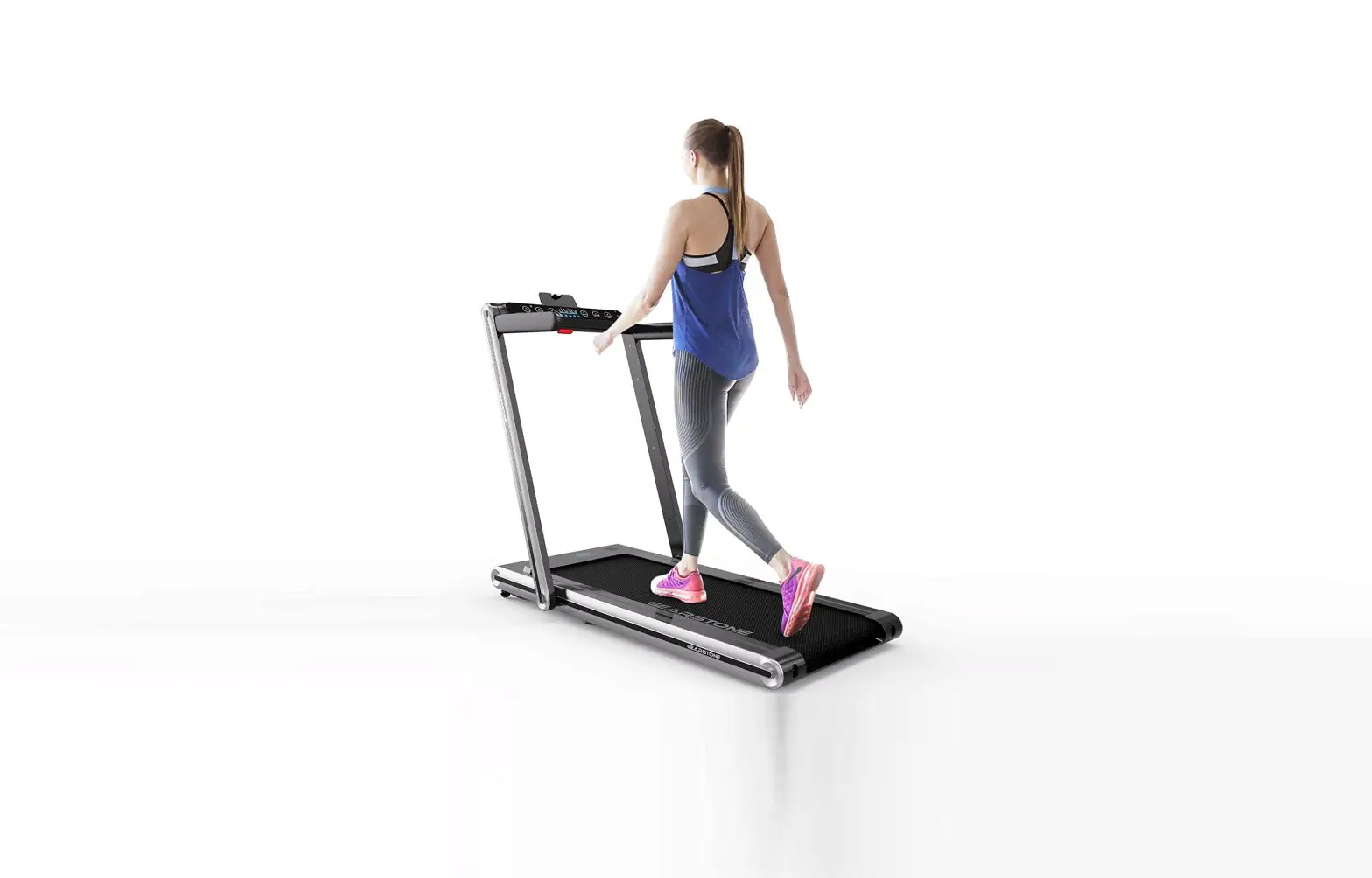
Treadmill mode: When the column is in the unfolded state, the treadmill is in the treadmill mode, and the speed is 0.6-8.7 mph Walking mode: When the column is in the folded state, the treadmill is in walking mode, and the speed of the running belt in this mode is 0.6-3.8 mph.
COMMON FAULTS AND SOLUTIONS 17
07. COMMON FAULTS AND SOLUTIONS
If you have any other questions, please get in touch with the store after-sales service.
QUESTION
POSSIBLE CAUSE
Not connected to power
TREADMILL NOT WORKING
The power is not turned on
The safety key is not sucked in the correct position Circuit signal system open circuit
Blown fuses
THE RUNNING BELT DOES NOT RUN SMOOTHLY Running belt too tight
RUNNING BELT Running belt too loose SLIPPING Belt too loose
MAINTENANCE METHOD
Connect the power supply Put the power switch in the ON position Snap the safety key sucked in the proper position Check controller input and signal lines Replace fuse Add methicone lubricant Adjust the tightness of the running belt Adjust the tightness of the running belt Adjust the tightness of the belt
The Electronic meter displays error messages and troubleshooting methods
QUESTION E01 E02
E03
POSSIBLE CAUSE
Poor communication
The motor wire is loose or falls off, whether the carbon brush is worn out.
MAINTENANCE METHOD
The signal line is not plugged in correctly, plug it in again
Check whether the motor wire is loose or falling off. If it is not falling off, check whether the carbon brush of the motor is worn out. If it is worn out, replace the motor. If it is not worn out, the electric control is damaged. Replace the electric control.
No sensor signal
The induction line is not plugged in; plug it in again
E04
Abnormal controller or motor If the load is too large, replace the controller and motor
E05
Overload protection
The load is too large, replace the electric control
E06
System self-test failed
E07
The safety key is not sucked in the correct position
DISPLAY ABNORMAL External interference
System failure, replace the electric control
Snap the safety key sucked in the correct position Turn off the power switch, and then turn on the power for 1 minute
18 MAINTENANCE INSTRUCTION
08. MAINTENANCE INSTRUCTION
Maintaining your treadmill is crucial to ensure it remains in good condition and lasts as long as possible. Incorrect maintenance, on the other hand, can damage or shorten the lifespan of the treadmill. Here are some tips for proper maintenance: a. Inspect your treadmill frequently for wear or damage, particularly to important components such as the motor, electric controls, power cord, and running belt. If any parts become worn or damaged, have them repaired by a professional to ensure they are safe to use. b. If any parts are defective, replace them immediately or avoid using the equipment until they can be repaired. For example, if the power cord is damaged, it should be replaced by the manufacturer or a professional to avoid potential hazards. c. Pay special attention to components prone to wear, such as the running belt. Regular maintenance of these parts can help extend the lifespan of your treadmill. d. If you need to replace the power supply cord, have it done by the manufacturer, maintenance department, or a similar professional to ensure safety.
1.Lubricating After the running belt has been used for some time, it must be lubricated with specially formulated methyl silicone oil.
SUGGESTION:
If the usage time is less than 3 hours per week If the usage time is between 4~7 hours per week If the usage time is more than 7 hours per week
Lubricate once every 5 months Lubricate once every 2 months Lubricate once every months
It’s important to lubricate your treadmill to ensure it lasts as long as possible. However, it’s important not to over-lubricate. More lubricant does not necessarily mean better results. Remember to use the proper amount of lubricant as recommended in the user manual to avoid any issues with your treadmill.
2.To check whether your treadmill needs to be re-lubricated, follow these steps: grab the running belt and touch your hand as close as possible to the center of the back of the belt. Check whether there is any silicone oil on your hand. If your hand feels slightly damp, the treadmill does not need to be re-lubricated. If there is no silicone oil on your hand and the running board is dry, then it’s time to add lubricant to your treadmill. Remember to refer to the user manual for instructions on adequately lubricating your treadmill.
Stop the operation of the running belt and fold the machine;
To lubricate your treadmill, lift the running belt on the bottom of the main unit. Then, extend the oil pot as much as possible into the middle of the running belt and spray methyl silicone oil on the inner side of the running belt. Make sure to coat both sides of the running belt with the oil. Use about 10ml of methyl silicone oil each time you lubricate your treadmill.
Run the treadmill at a speed of 1 mph to evenly apply the methyl silicone oil, lightly step on the running belt from left to right, and keep the methyl silicone oil completely absorbed by the running belt for about a few minutes.
MAINTENANCE INSTRUCTION 19
3.Adjusting the tightness of the running belt. It’s important to adjust the tightness of the running belt on your treadmill, as it may become loose after a period of use, causing the belt to slip or stop while running. To adjust the running belt, turn the running belt adjustment bolts synchronously from left and right in the clockwise direction with half a turn as the unit. Be careful not to make the belt too tight, as it may increase the load on the motor and damage the motor, running belt, and rollers. Finding the right balance between tightness and looseness is important for optimal performance.
It’s important to adjust the running belt deviation on your treadmill, as it may appear after a period of use and affect your exercise experience. Running belt deviation can be caused by several factors, such as: a. The host may not be stable b. the user’s feet not being in the center of the running belt when exercising c. Uneven exertion on the user’s both feet
comes with the machine to adjust gradually in units of half a circle.
Loose
Tight
Loose
Tight
If the walking belt is skewed to the left: Adjust the left bolt clockwise or the right bolt counterclockwise.
Loose
Tight Loose Tight
Adjust the right bolt clockwise or the left bolt counterclockwise if the walking belt is skewed to the right.
center of the belt.
20 WARRANTY DESCRIPTION
09. WARRANTY DESCRIPTION
If the electric treadmill is used normally within one year and not damaged by human error, the user is eligible to receive free accessories. After the warranty expires, the cost of accessories will be discounted. Please note that this product is intended for household use only. The company is not responsible for any issues that arise from commercial use. If you experience any problems with your product, please get in touch with our customer service team for assistance. When ordering replacement parts, please provide the following information: 1. Order Number
3. Part Number 4. Batch Number 5. Date of Purchase
APPENDIX
APPENDIX 21
This device complies with Part 15 of the FCC Rules. Operation is subject to the following two
any interference received, including interference that may cause undesired operation.
for compliance could void the user authority to operate the equipment. Notes: This equipment has been tested and found to comply with the limits for a Class B digital device, pursuant to Part 15 of the FCC Rules. These limits are designed to provide reasonable protection against harmful interference in a residential installation. This equipment generates, uses and can radiate radio frequency energy and, if not installed and used in accordance with the instructions, may cause harmful interference to radio communications. However, there is no guarantee that interference will not occur in a particular installation. If this equipment does cause harmful interference to radio or television reception, which can be determined by turning the equipment off and on, the user is encouraged to try to correct the interference by one or more of the following measures: –Reorient or relocate the receiving antenna. –Increase the separation between the equipment and receiver. –Connect the equipment into an outlet on a circuit different from that to which the receiver is connected. –Consult the dealer or an experienced radio/TV technician for help. Note: If shielded cables or special accessories are required for compliance, a statement must be included which instructs the user to employ them, for example, shielded cables must be used with this unit to ensure compliance with the Class B FCC limit
FCC Radiation Exposure Statement: This equipment complies with FCC radiation exposure limits set forth for an uncontrolled environment . This transmitter must not be co-located or operating in conjunction with any other antenna or transmitter. This equipment should be installed and operated with minimum distance 20cm between the radiator&you body.