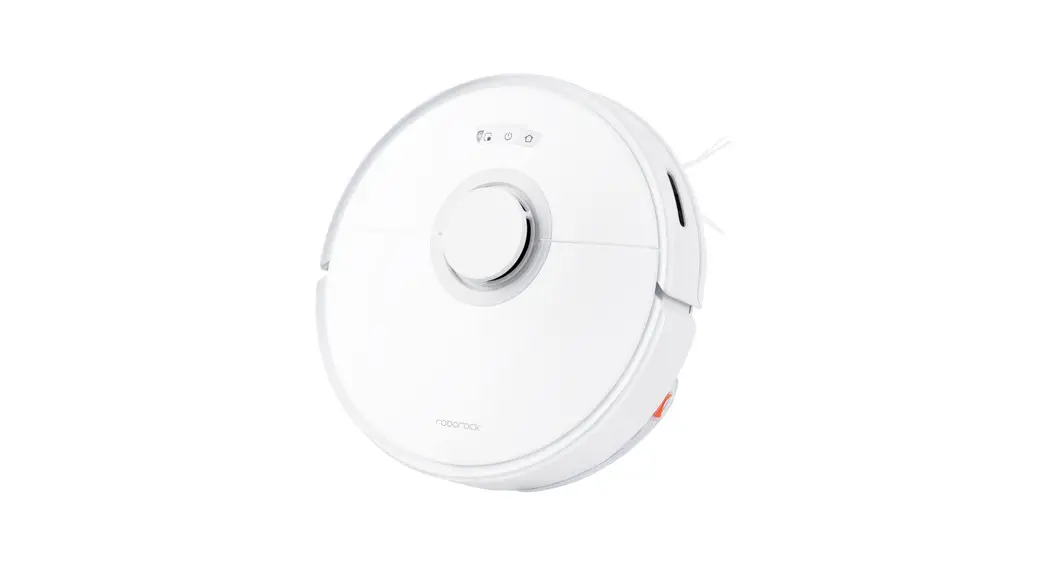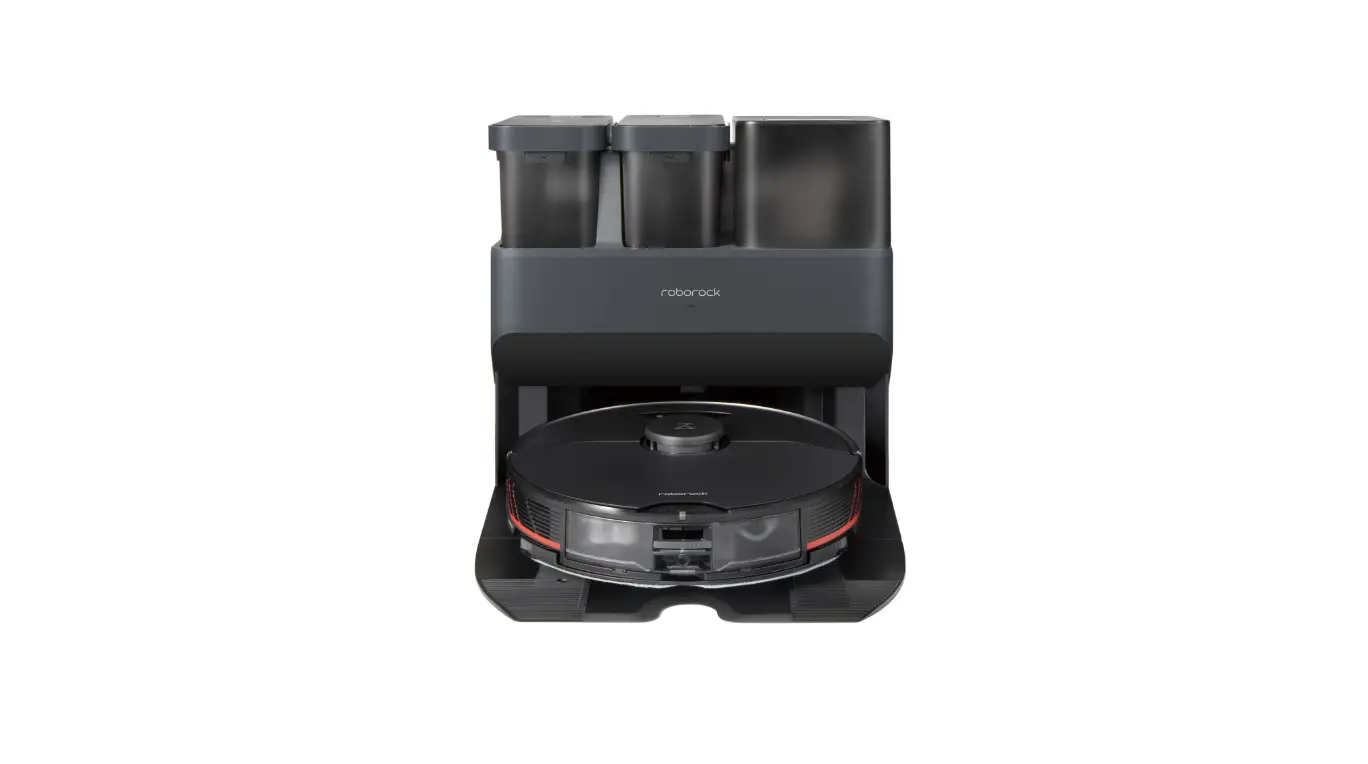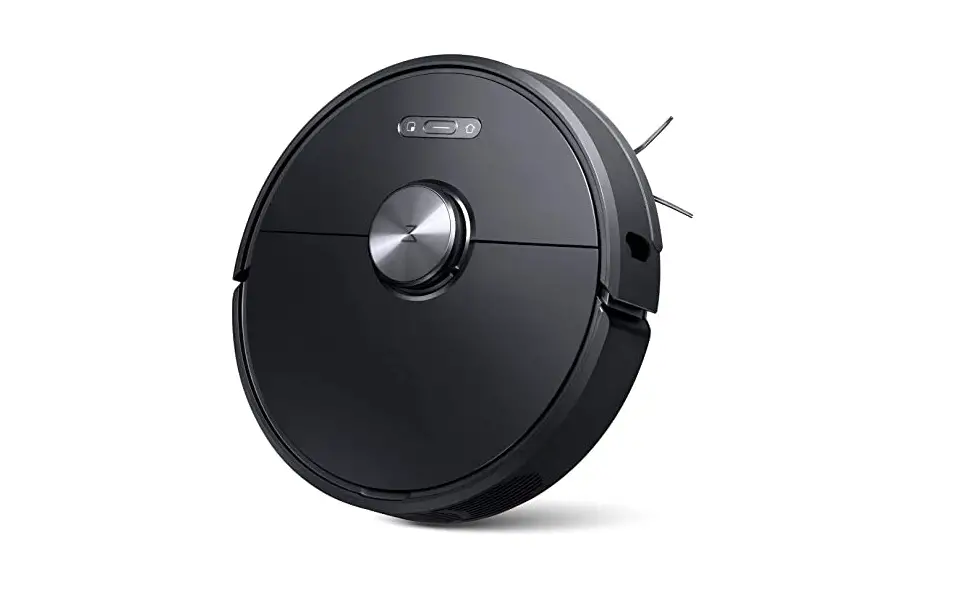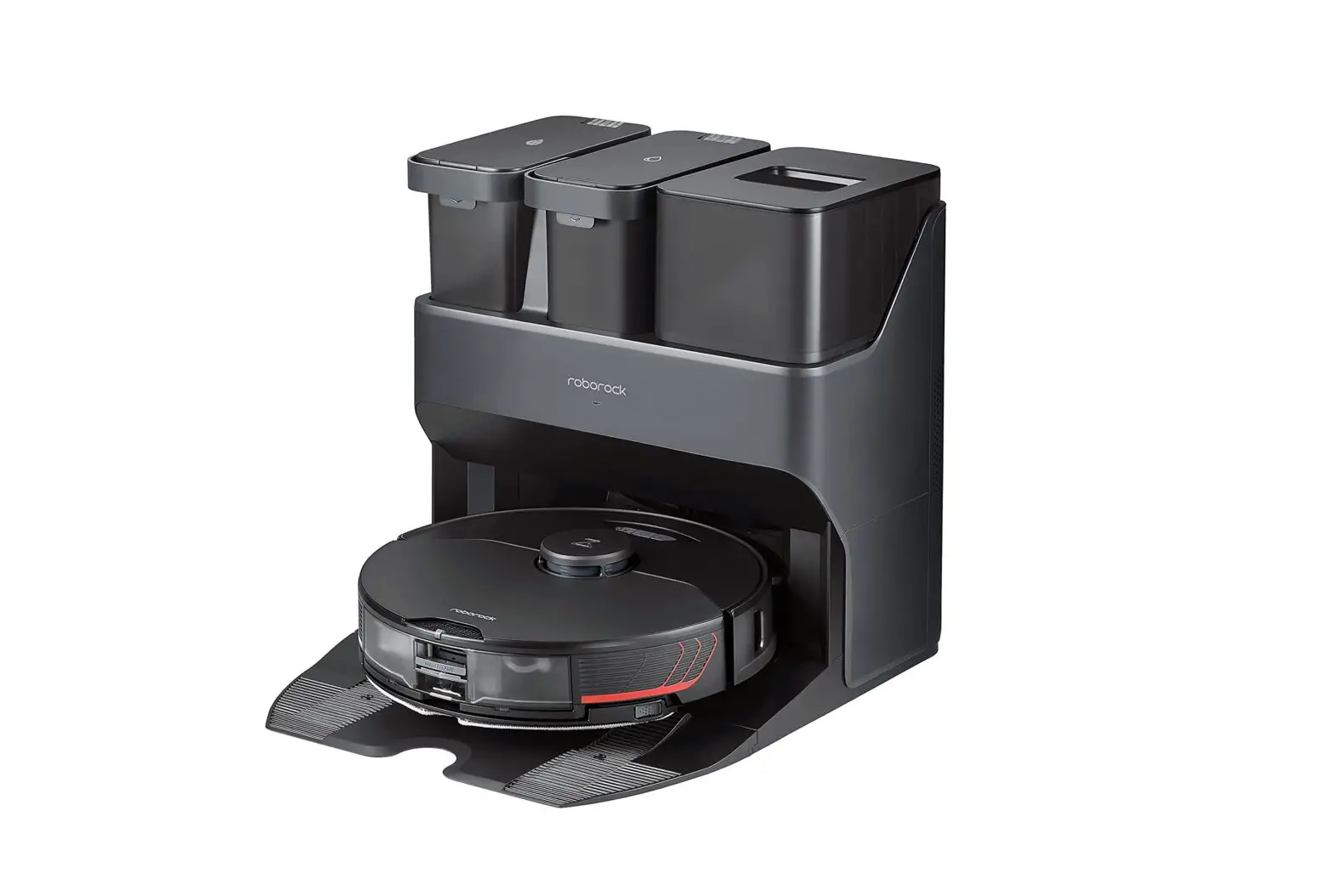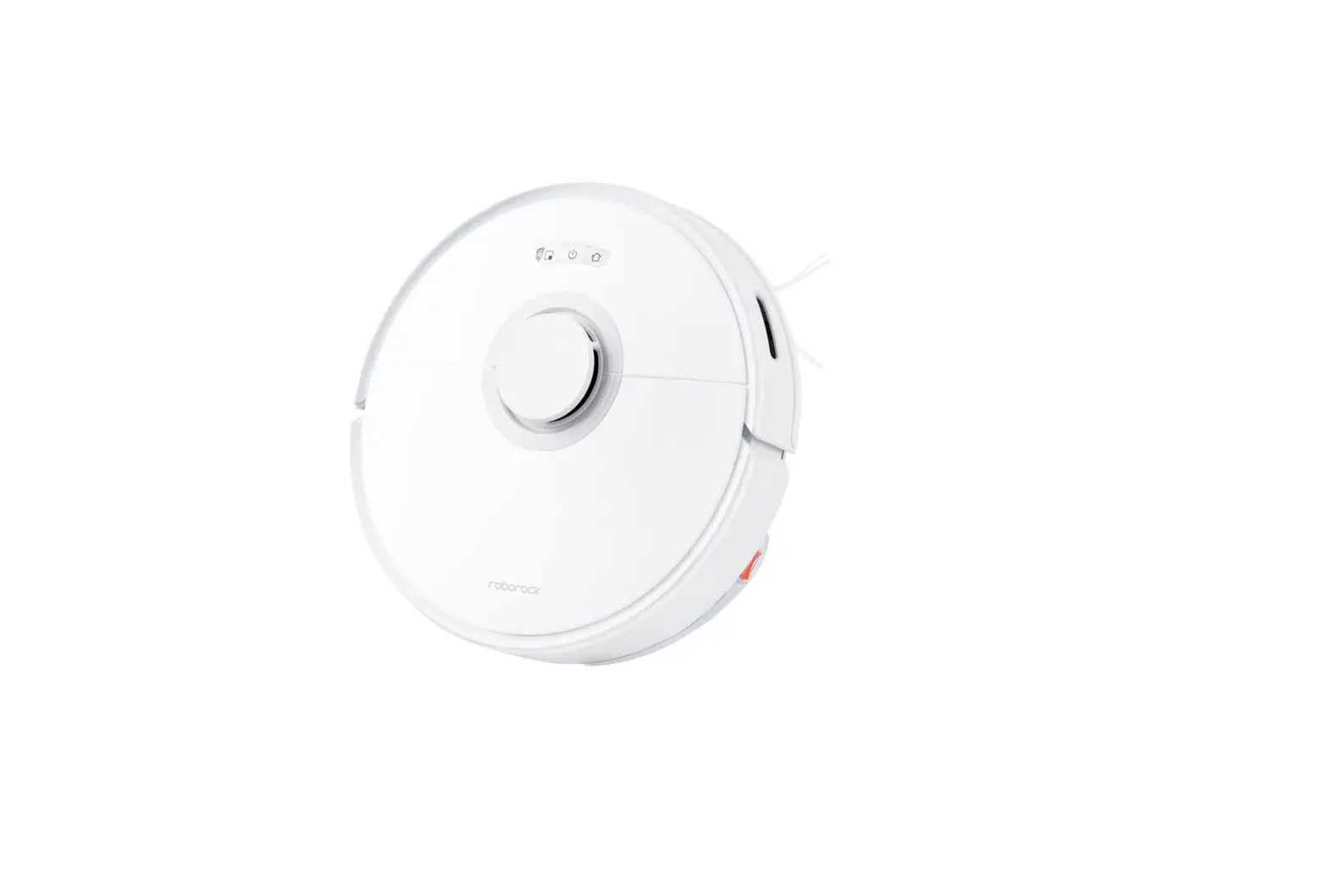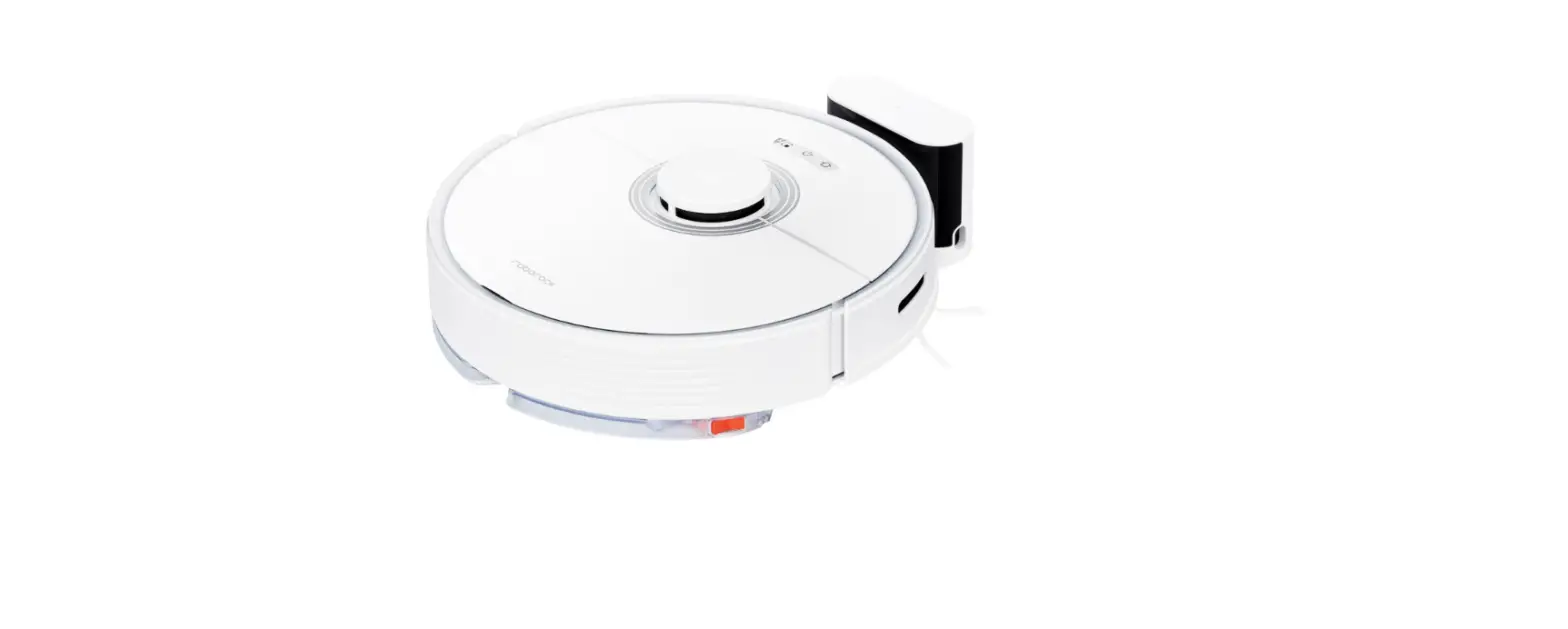
roborock S7 Robot Vacuum and Mop User Manual
How do I connect my robot cleaner to Roborock app on an iOS device?
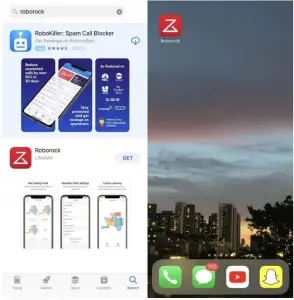
Download the Roborock from the App Store.
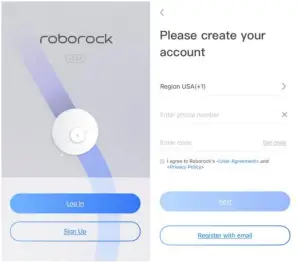
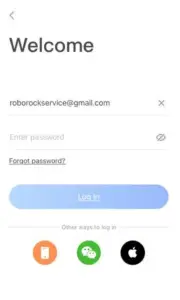
Select your current region and register for a Roborock account by your phone number or e-mail, and then go back to the previous page to log in.
Connect robot cleaner to Roborock app.
Notes:
Make sure your phone is already connected to Wi-Fi; Open the top of your cleaner to see the Wi-Fi indicator light during the connection process.
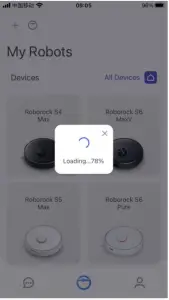
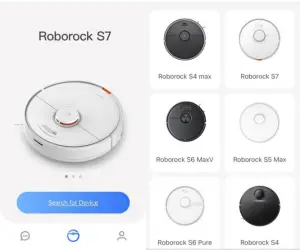
- If you’re a new user, and haven’t added any device under the account. Press the “Search for device” icon to add the device.

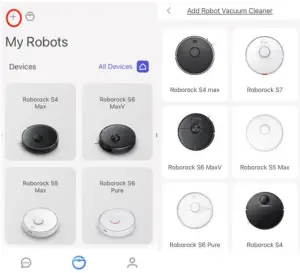
- If you already have one device online in the app, and want to add another roborock device, please tap the “+” icon to add device. Then please choose your own device’s model.

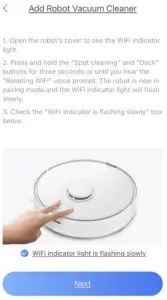
- Press the buttons on top of the robot as instructed by the app to reset wifi.

- Then please tick the circle in front of the “Wifi indicator light is flashing slowly”.
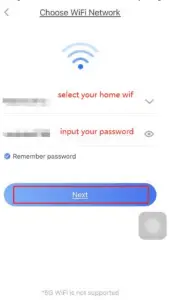
- Select your home Wi-Fi and input your Wi-Fi password.

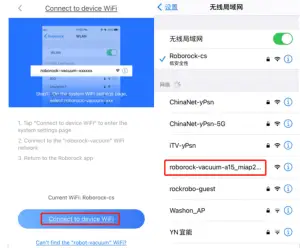
- Tap “Connect to robot Wi-Fi”.
- Select Wi-Fi network named roborock-vacuum-xxxx to connect.

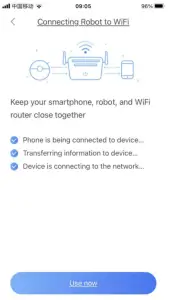
- Go back to the Roborock app and the connection interface will appear. Wait until you get 3 check marks. Then press “Use now”.

Note:
The Wi-Fi indicator on the top of your vacuum will go from flashing to solid if it has connected successfully