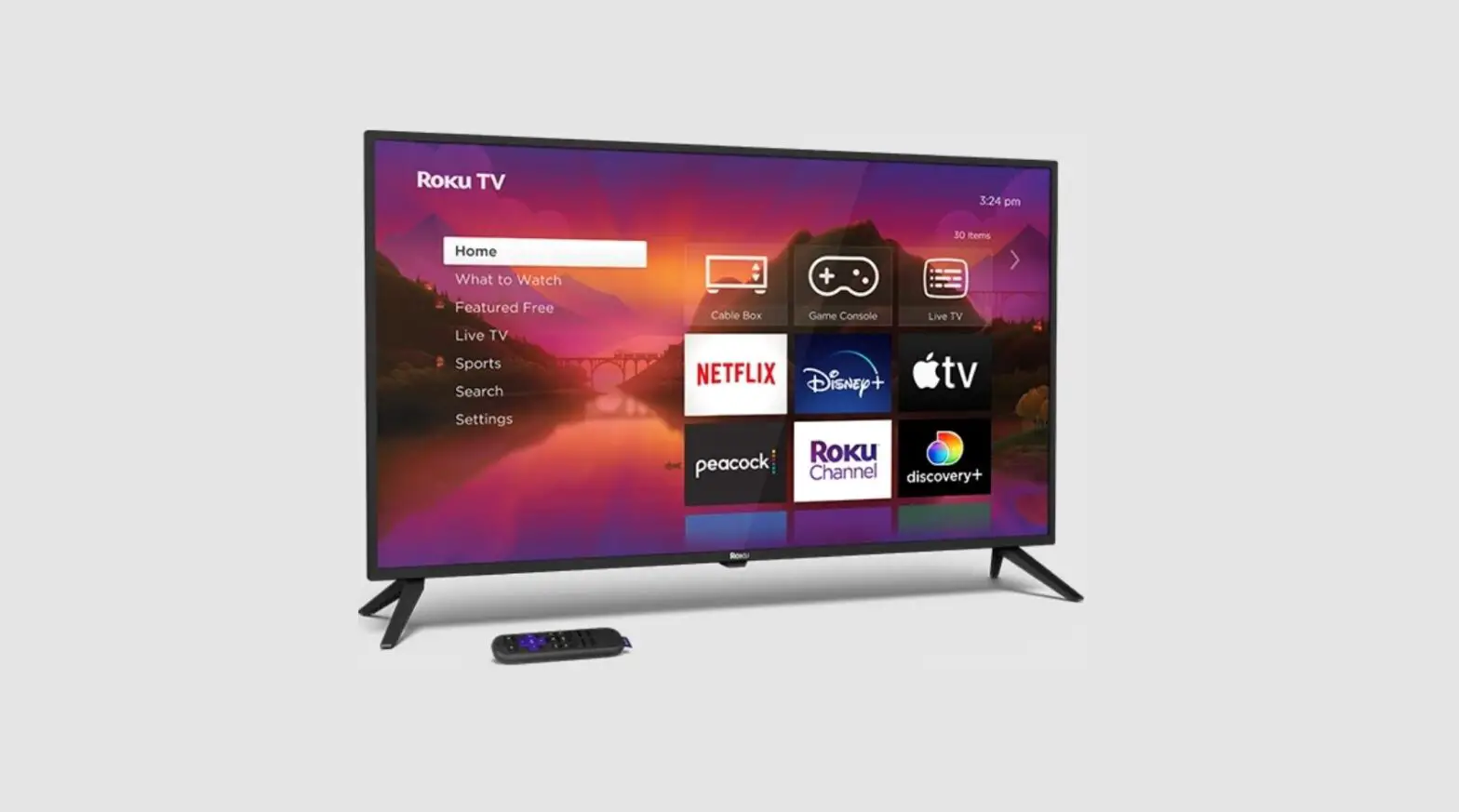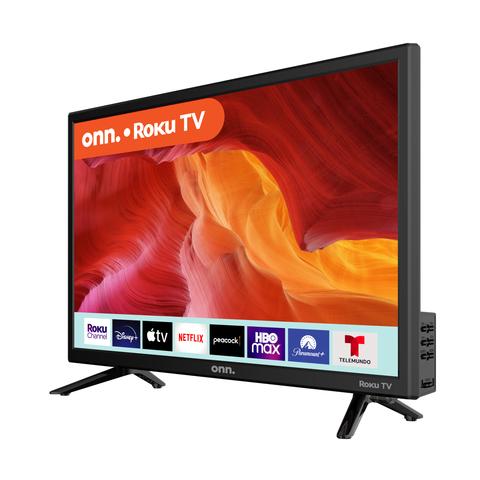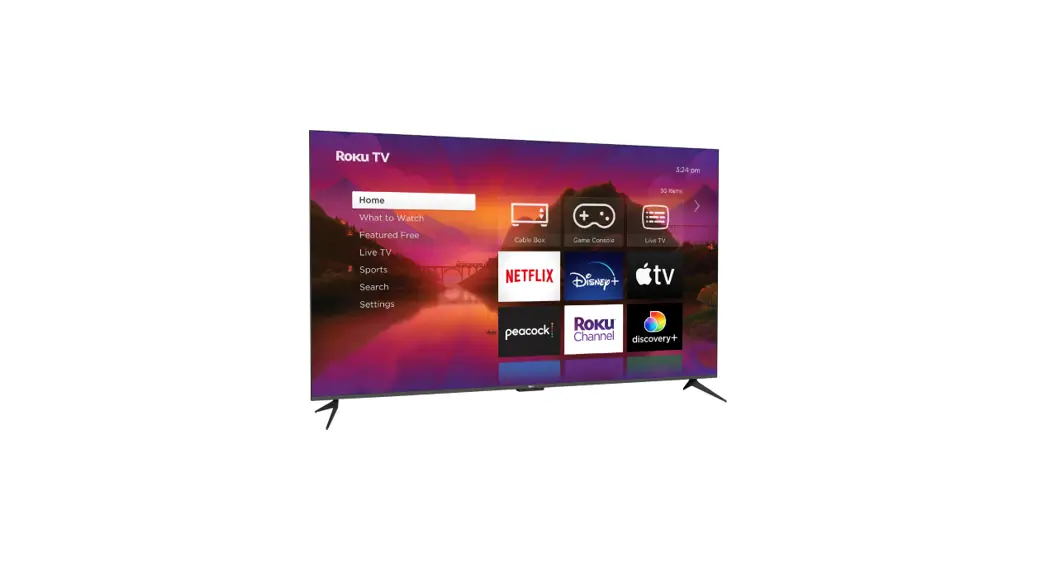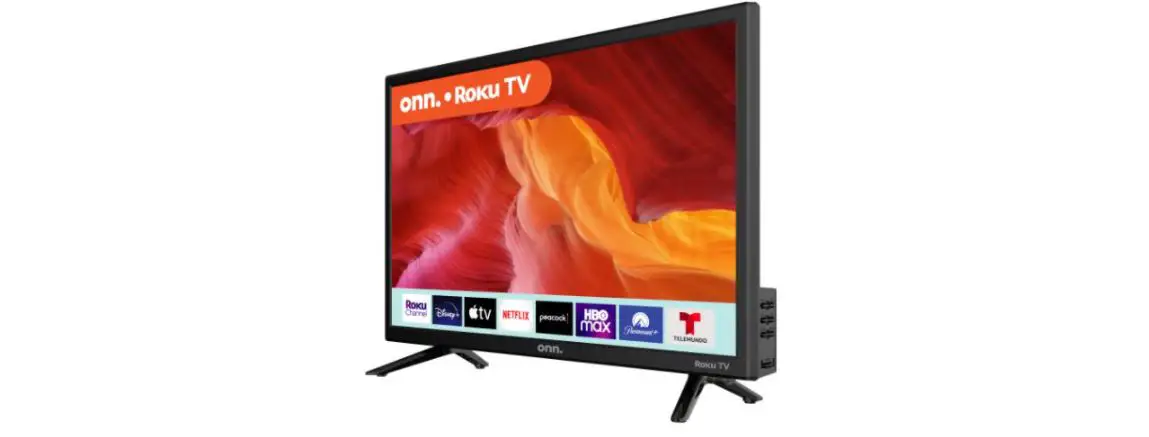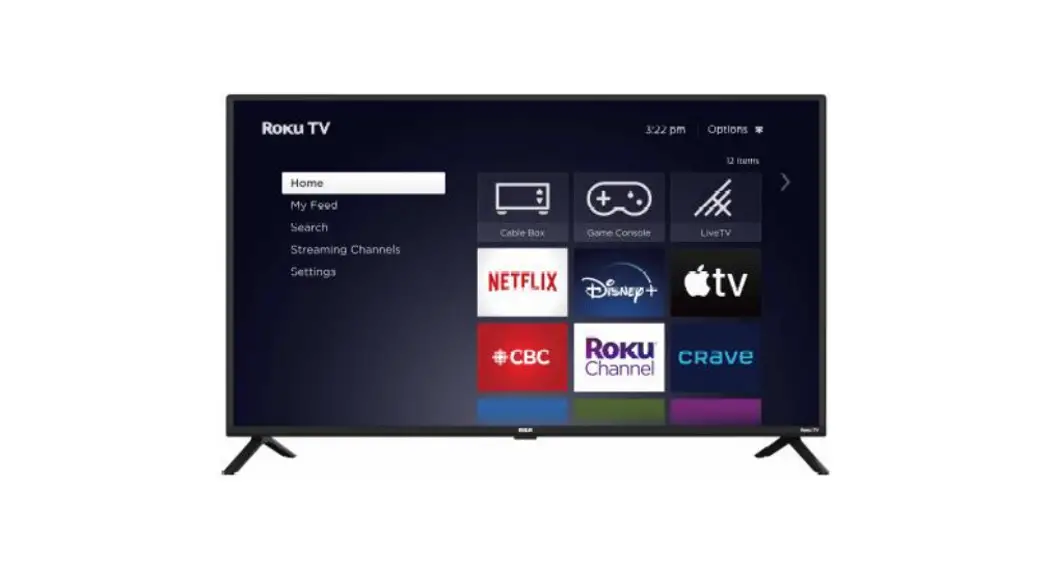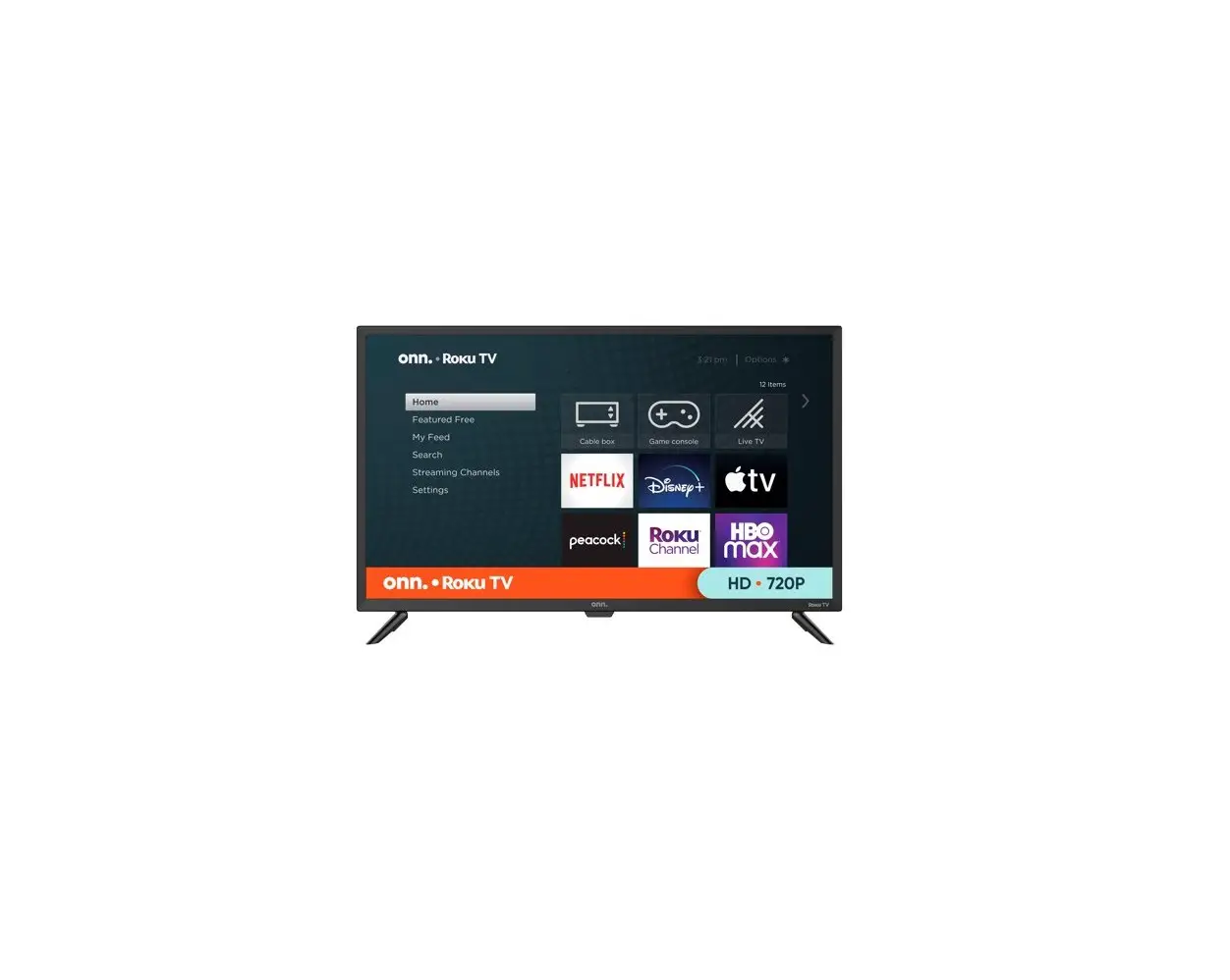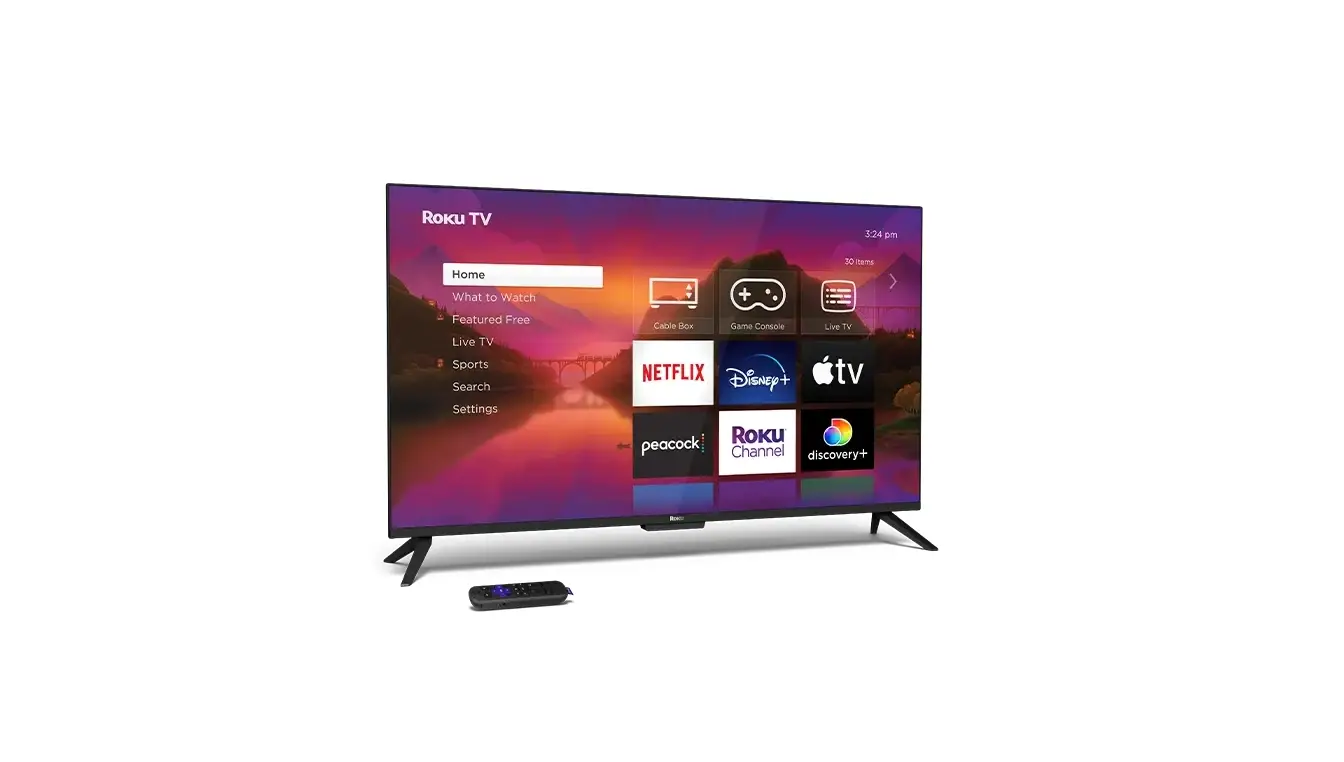
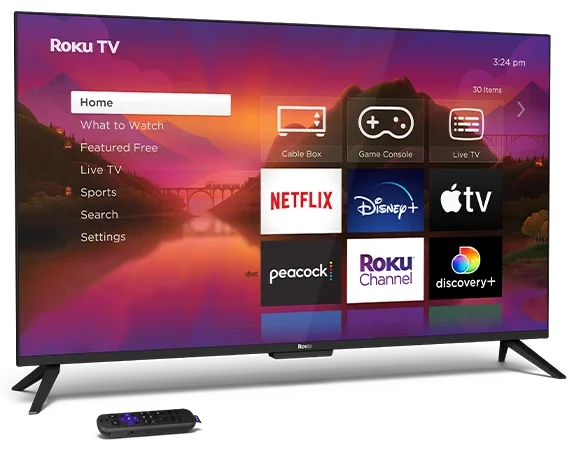
Roku 24R2A5R 24 Inch Class Select Series HD Smart TV
Need help?
Visit go.roku.com/TV or scan QR Code given below
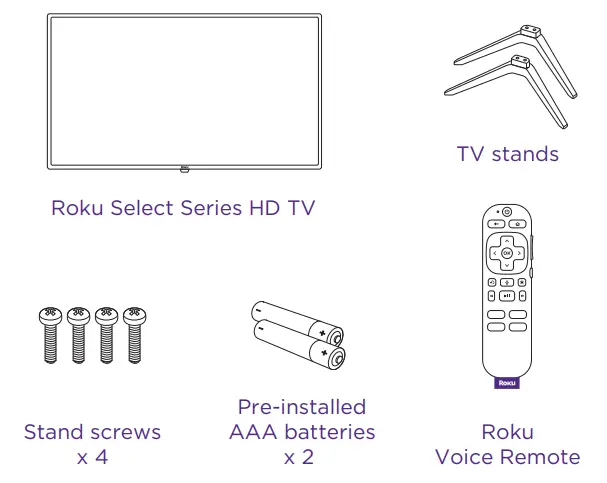
What’s included
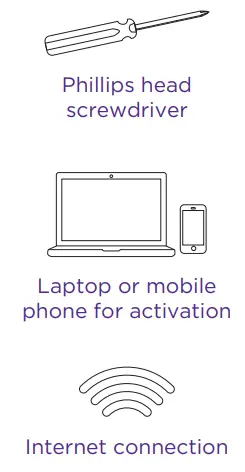
What you need
INSTRUCTION INSTRUCTION
- STEP 1: Set up your TV
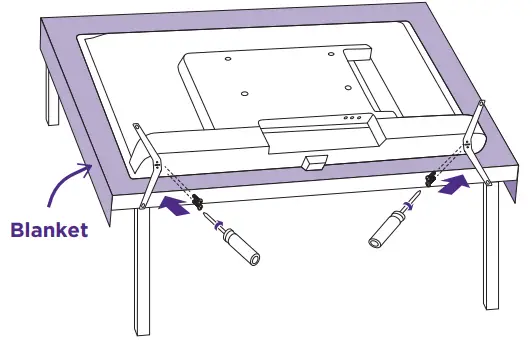
- Prepare a surface
Put a soft covering like a blanket down onto a clean, flat surface (make sure it’s larger than the TV) and place the TV on it. - Attach the stands
Use a screwdriver and included screws to attach the stands. - Set TV upright
Place your TV on a stable, flat surface.
Mounting your TV?
For instructions, skip these steps and visit go.roku.com/TV
- Prepare a surface
- STEP 2: Plug TV in and pair remote
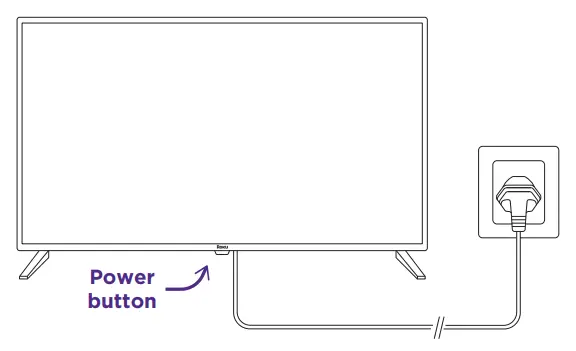
- Connect your TV
- Plug your TV into a power outlet.
- It should turn on automatically. If it doesn’t, press the power button.

- Pair your remote
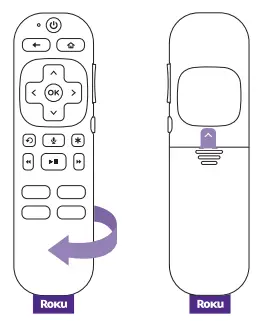
Pull out the battery tab on the back of your remote. It will pair to your TV automatically.
- Connect your TV
- STEP 3: Activate your TV
Connect to internet
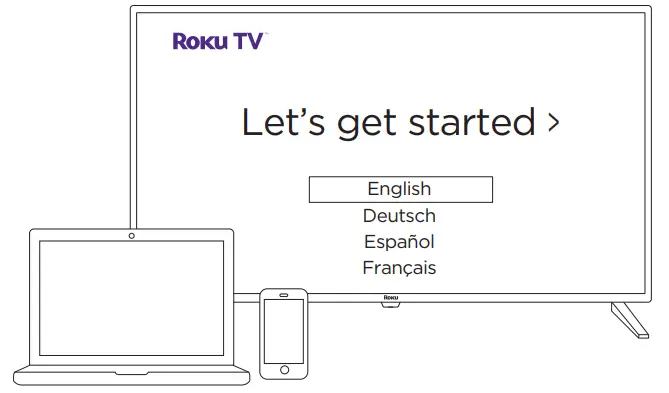
Follow the instructions on your TV screen. Activate your TV by using your computer or smartphone to link a Roku account.
IMPORTANT
Roku never charges for activation support.
Need help?
For help with setup, video tutorials, and more visit go.roku.com/TV
Get to know your TV
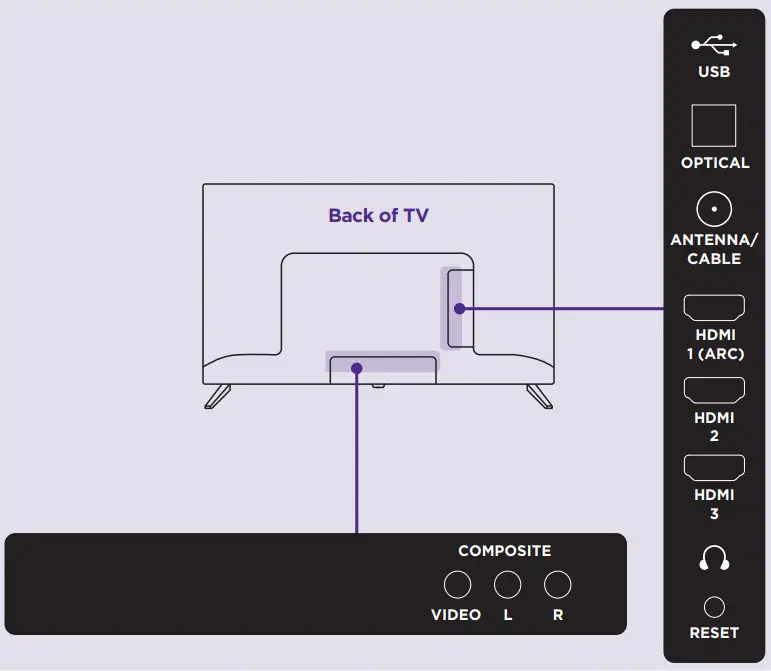
- Video connections
- HDMI – Game consoles, DVD players
- Composite – Analog devices, older game consoles
- Antenna/Cable – Digital antenna, cable connection
- Audio connections
- HDMI ARC – AV receivers, soundbars (recommended)
- Optical (S/PDIF) – AV receivers, soundbars
- Audio Out/Headphone – Wired headphones
- Other connections
- USB – Flash drive

- USB – Flash drive
Remote features
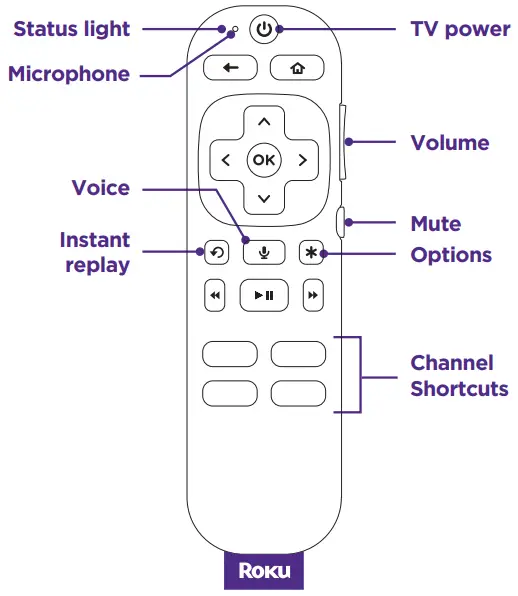
- Voice control
Quickly search across thousands of channels, switch inputs, and control your TV with your voice. - Pre-set channel shortcuts
Launch popular streaming channels in just a press. - Options button
- On the home screen:
Opens the channel settings menu. - While streaming:
Opens sound and picture settings.
- On the home screen:
Frequently asked questions
- Why do I need an internet connection?
You’ll need an internet connection to set up your TV, stream your favorite channels and for automatic software updates. - Having trouble pairing your remote?
If you don’t see a remote pairing alert on your TV screen, press and hold the home and right arrow
  buttons for 5 seconds.
 - Why should I enter a credit card?
Saving a payment method makes it easy to rent or buy movies, subscribe to popular channels, and start free trials in just a click. No charges will be made without your authorization. - What type of voice commands can I use with this remote?
- “Play classic rock”
- “Turn captions on”
- “Launch The Roku Channel”
- “Skip 30 seconds”
- “Show me action movies”
 and right arrow
  buttons for 5 seconds.
 Getting to know your TV|Learn about TV