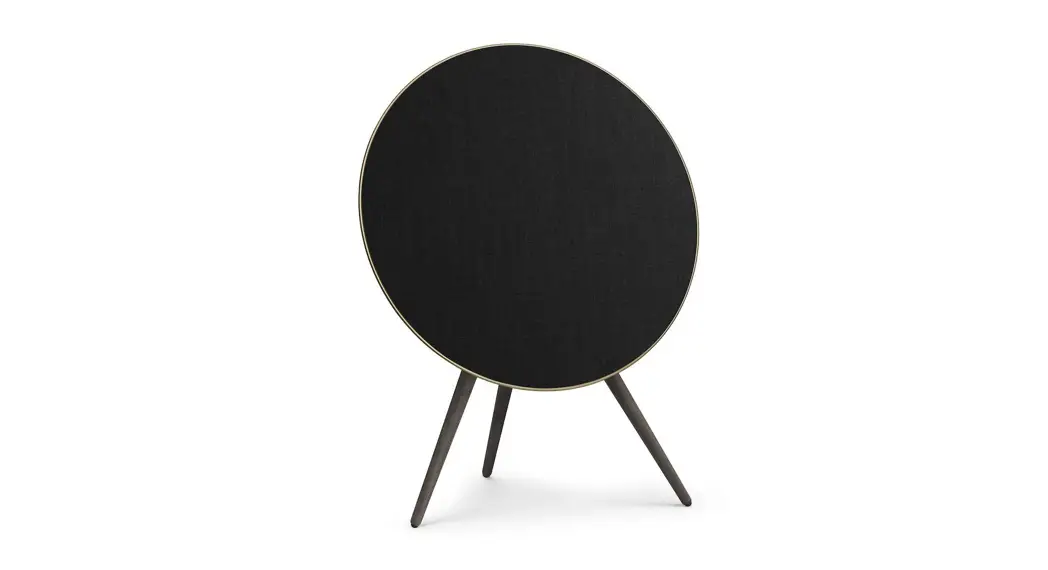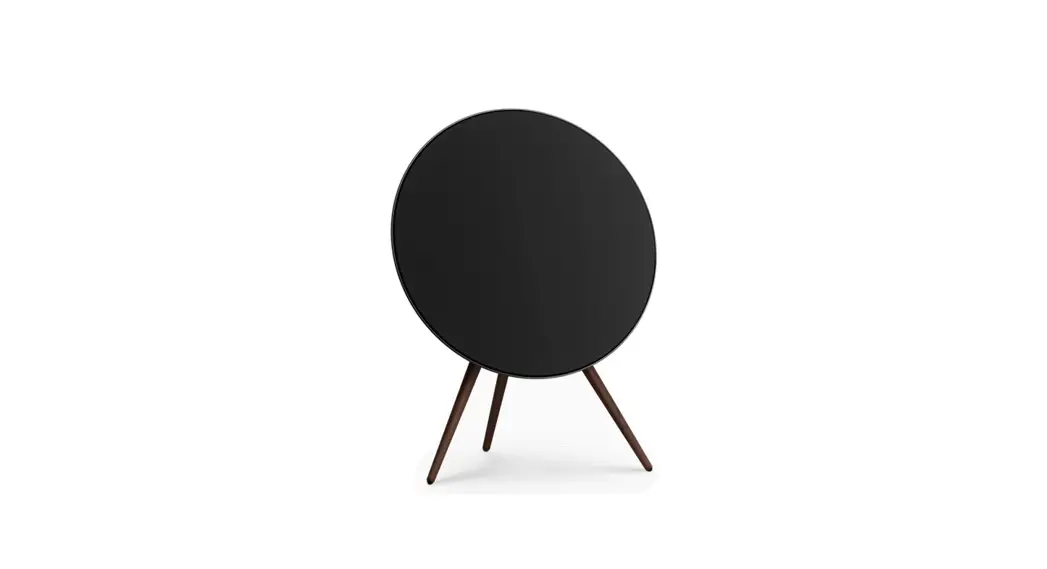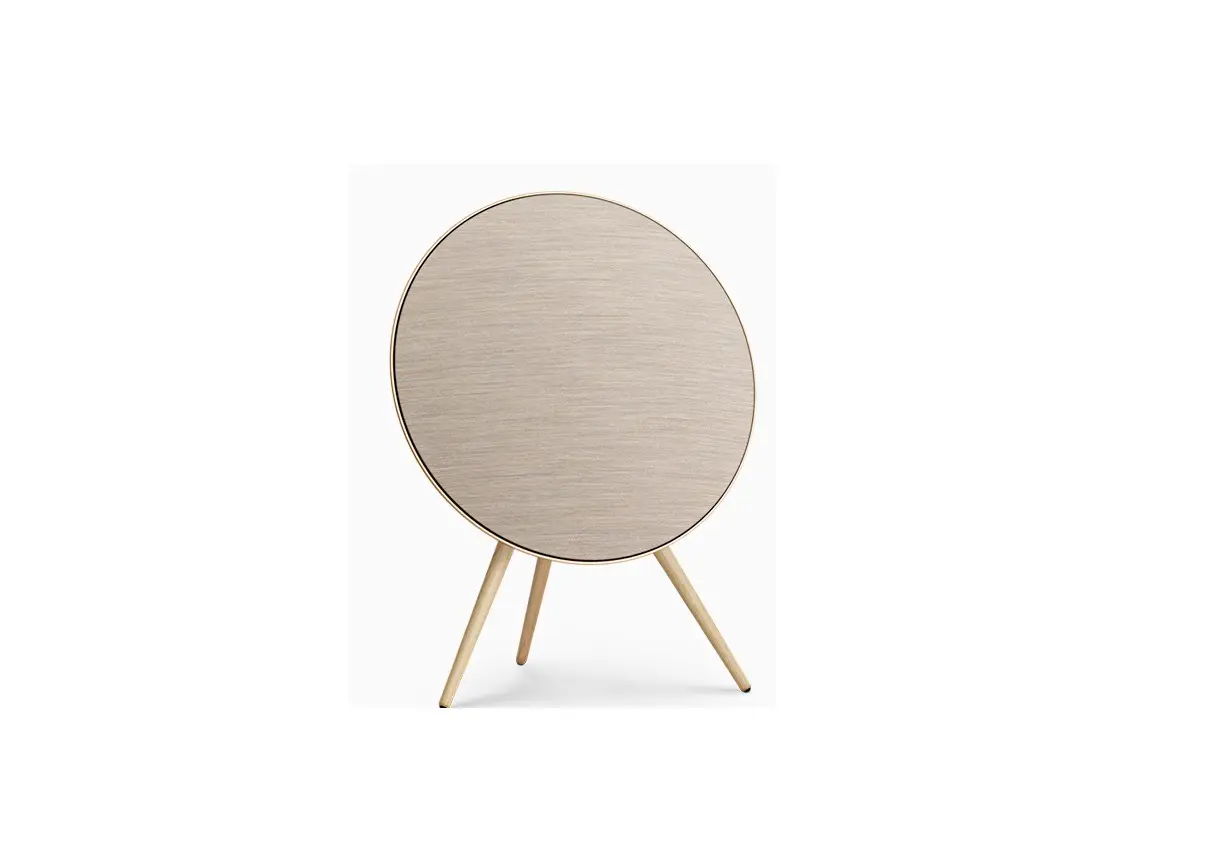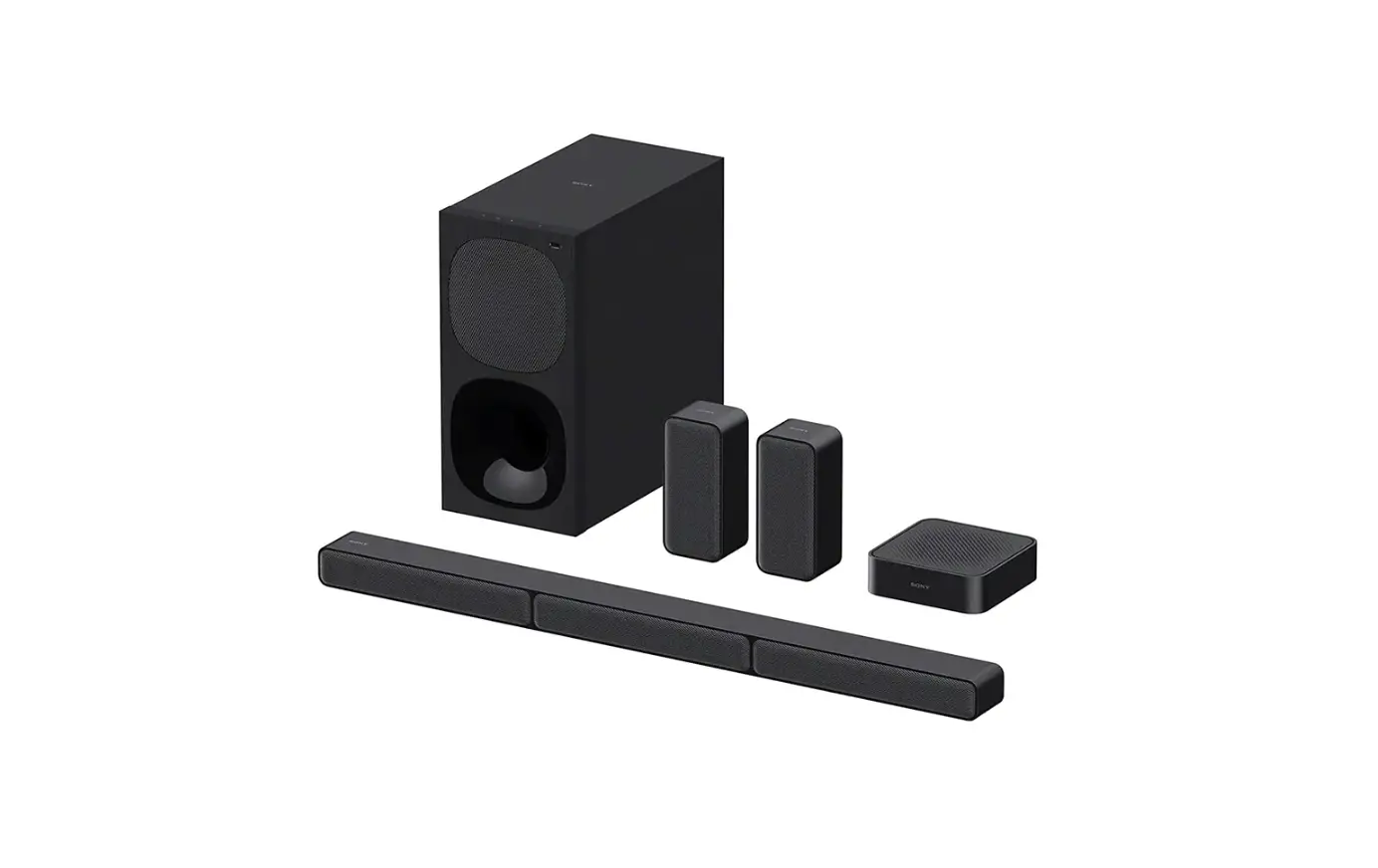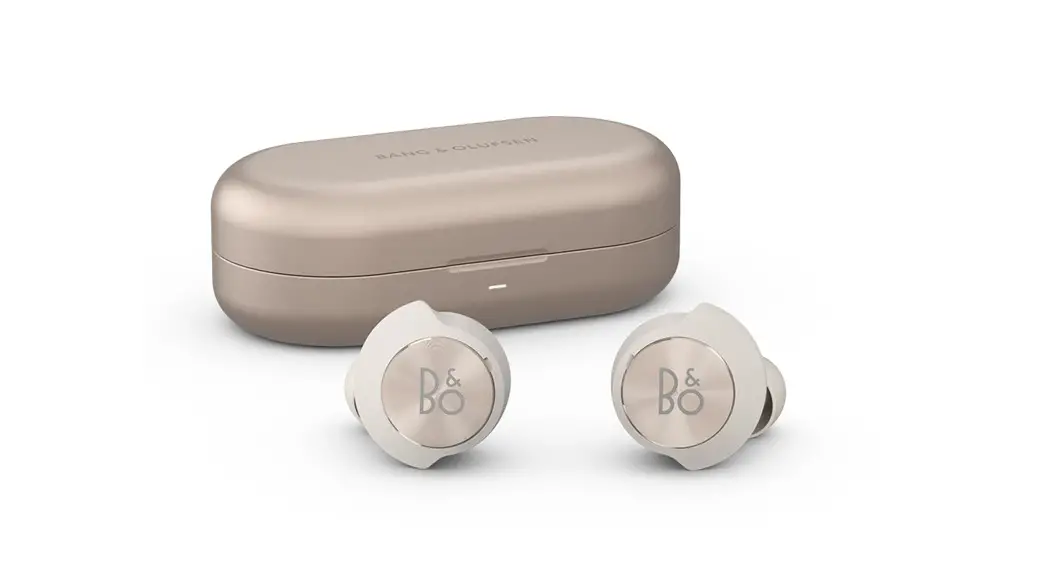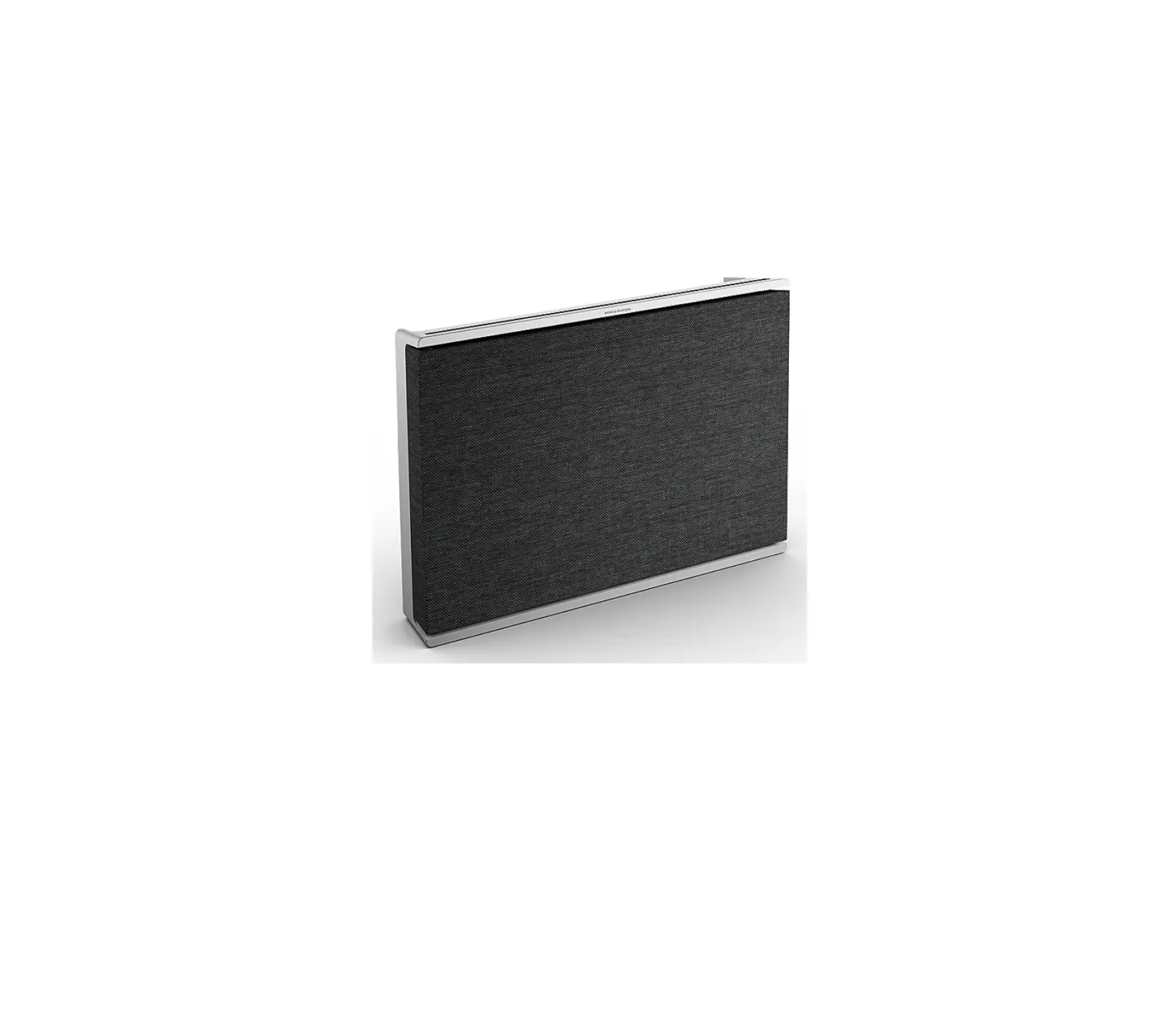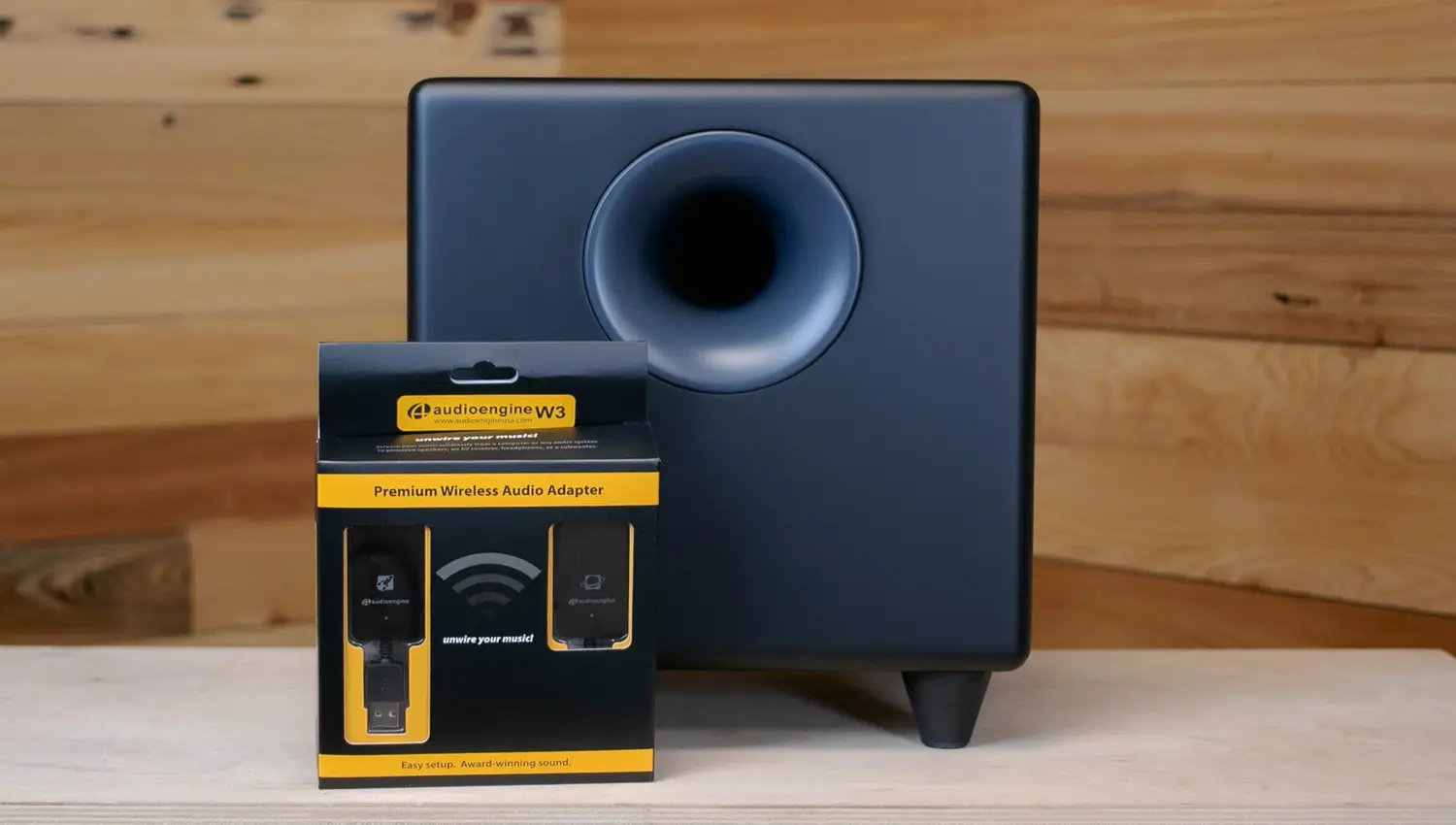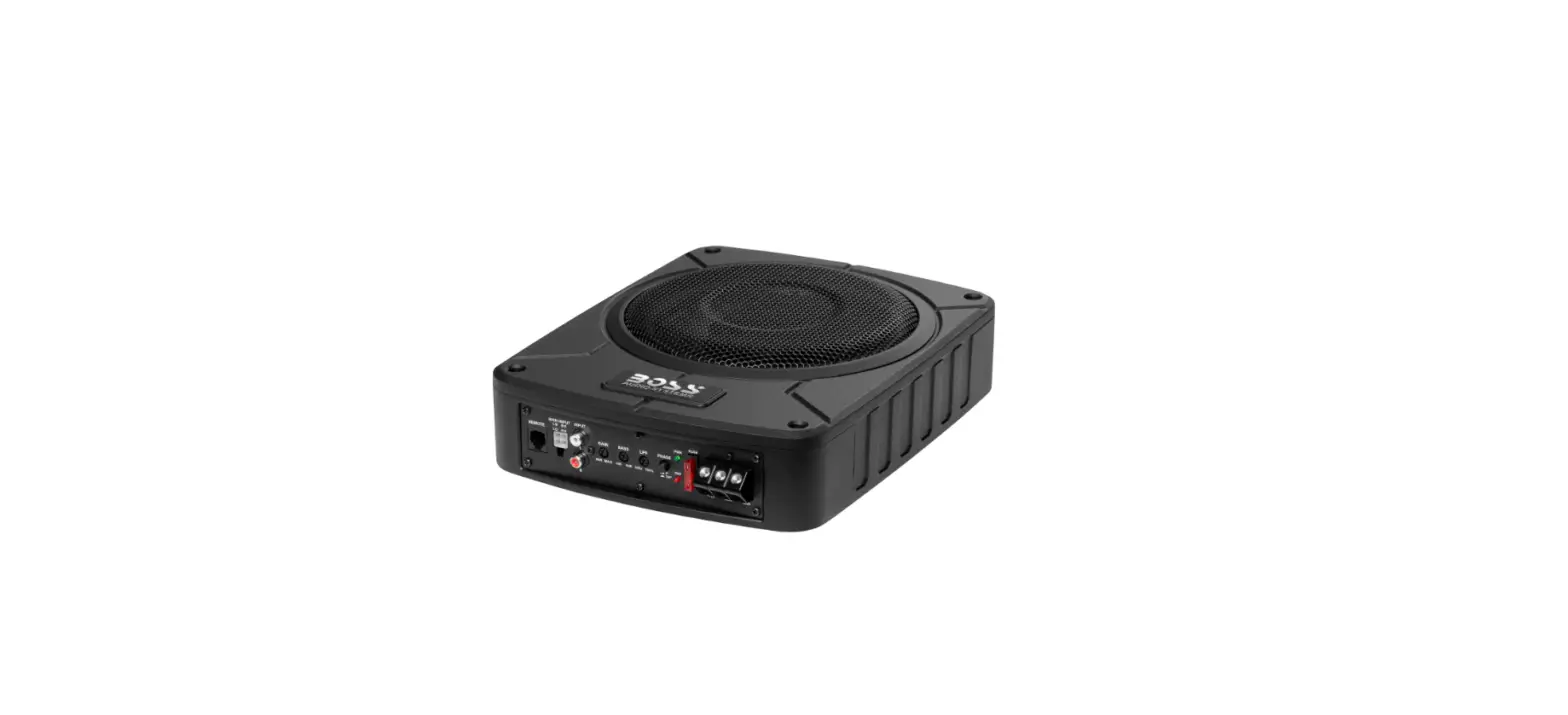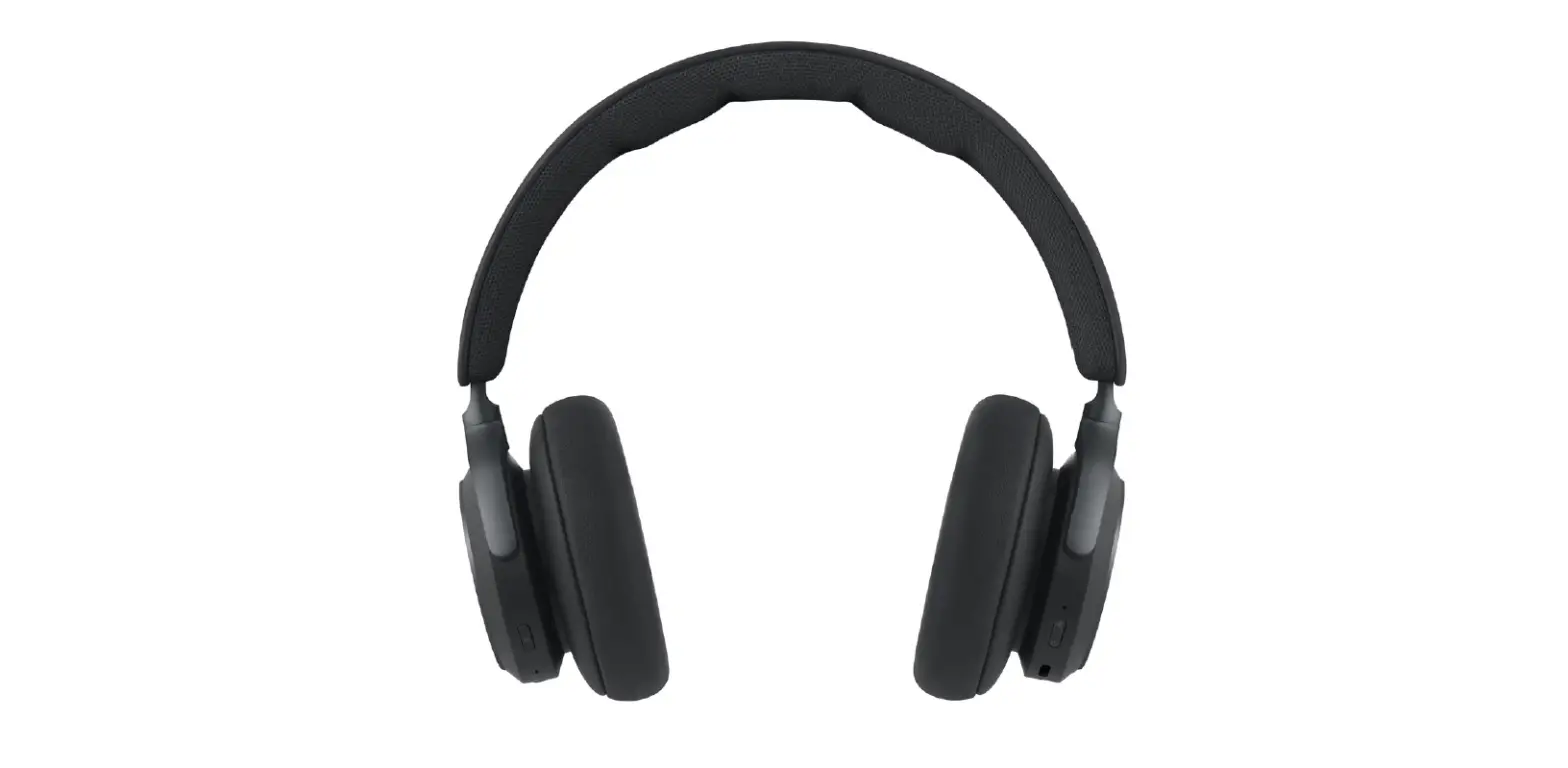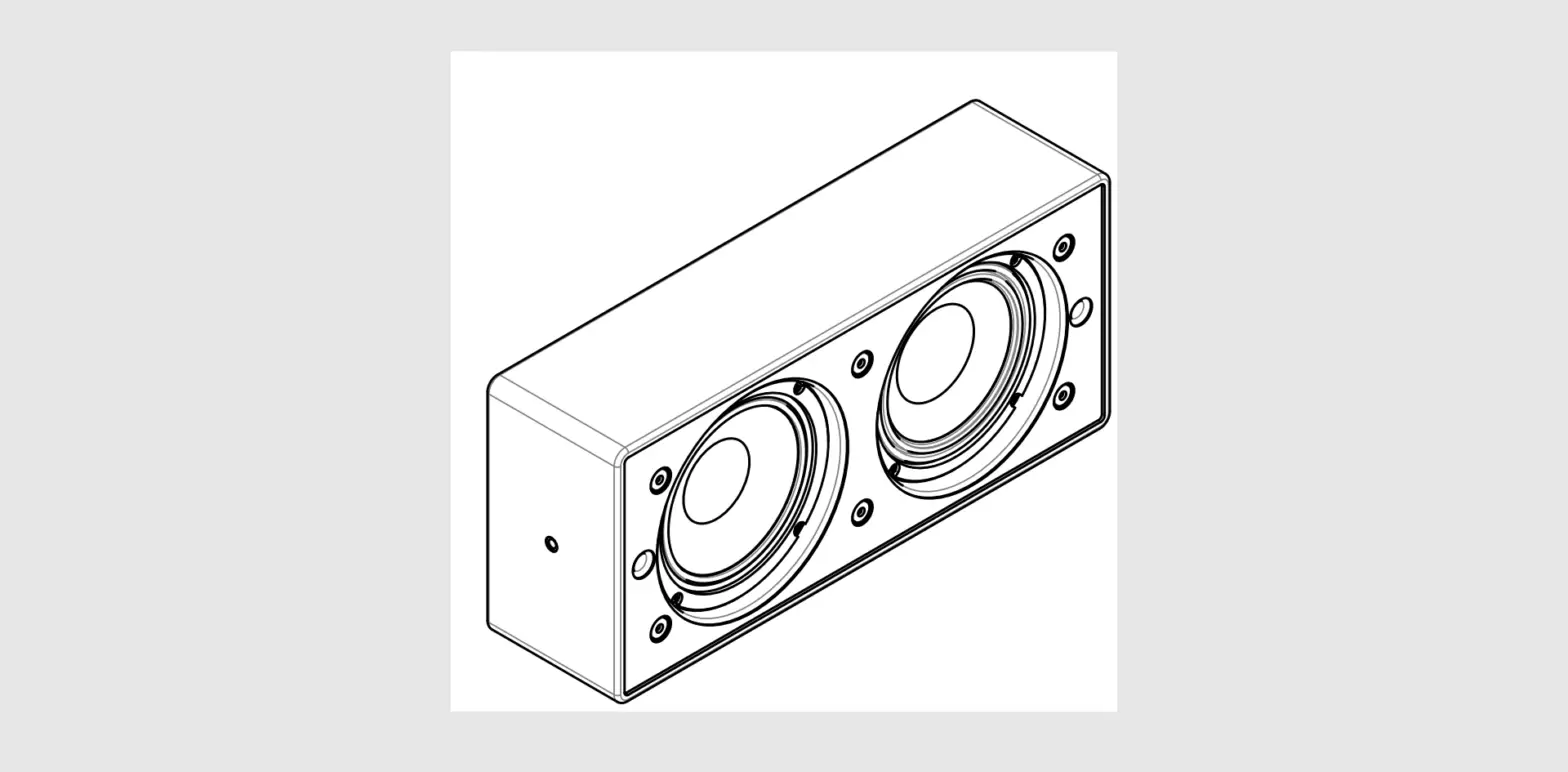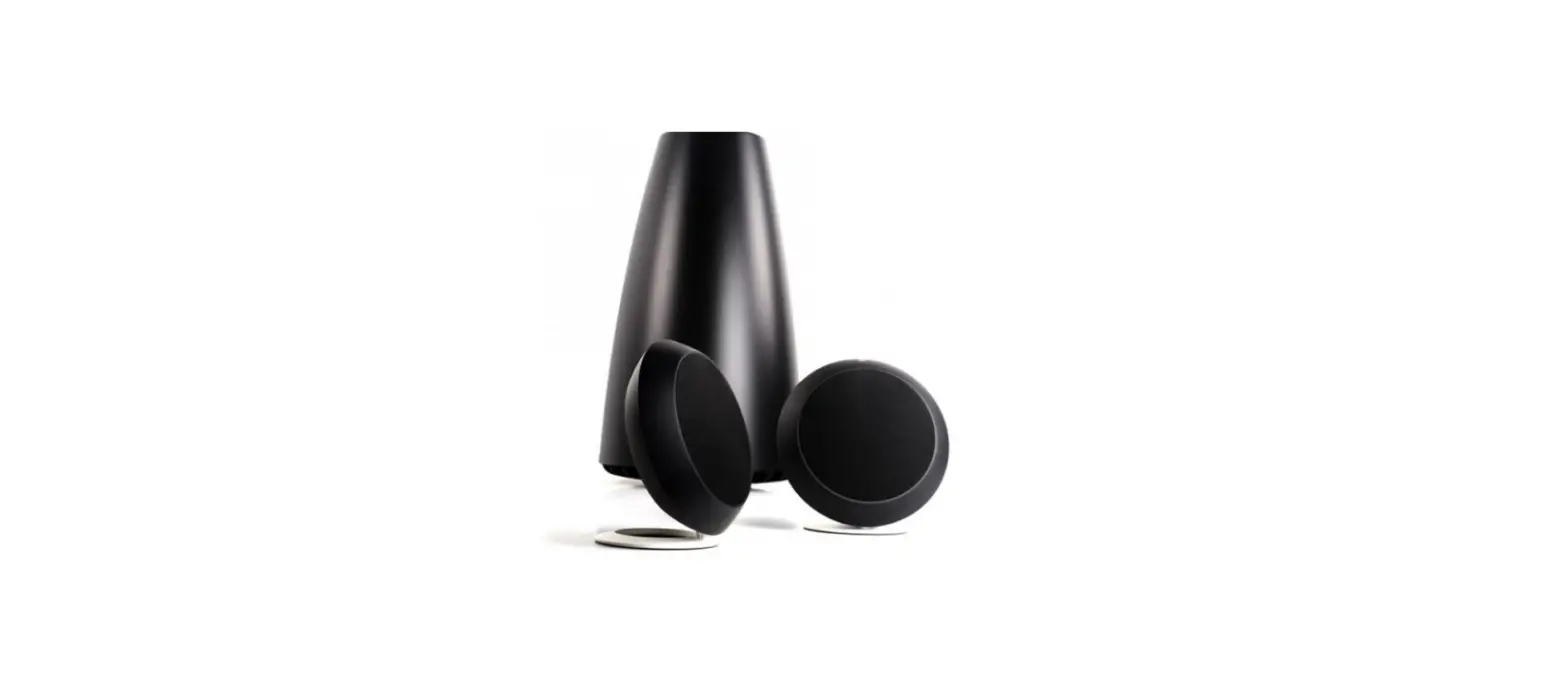

Bang & Olufsen S8 2.1 Beoplay Sound System-Subwoofer
WHAT IS IN THE BOX
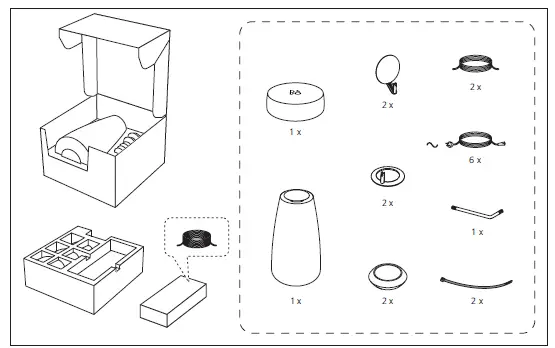
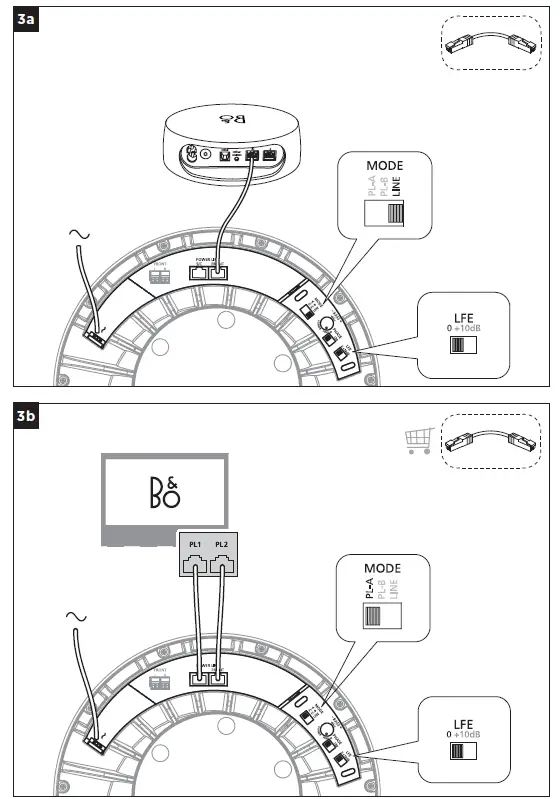
Leave the subwoofer in the box when you connect the cables. The box may contain several mains cords. You only need one mains cord for setup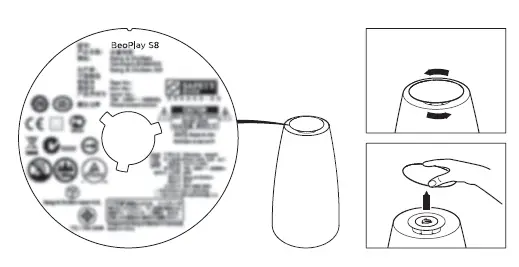
After deciding where to place the satellites and subwoofer, run the cables from each satellite to the subwoofer. Then, run the relevant cables from the subwoofer to the Connection Hub.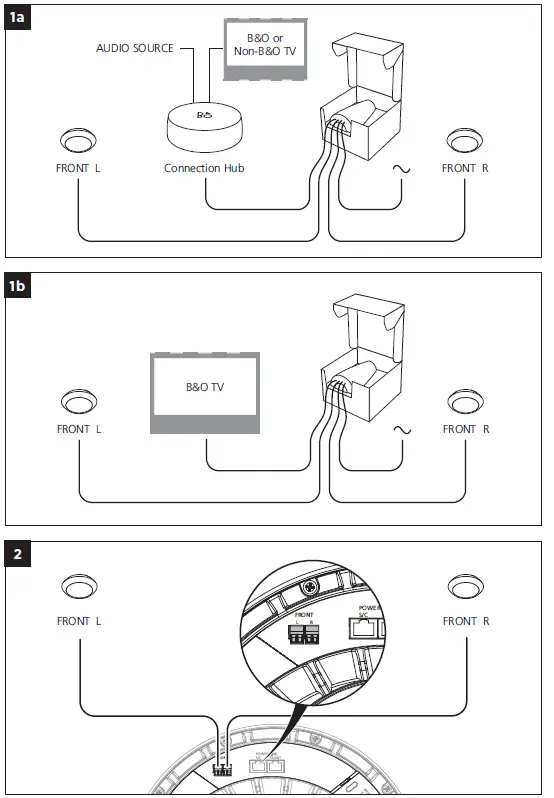
Connection Hub Optical
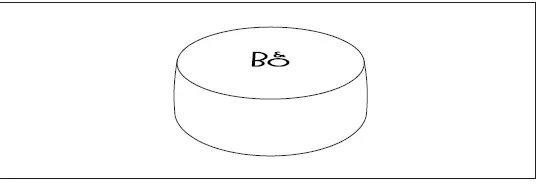
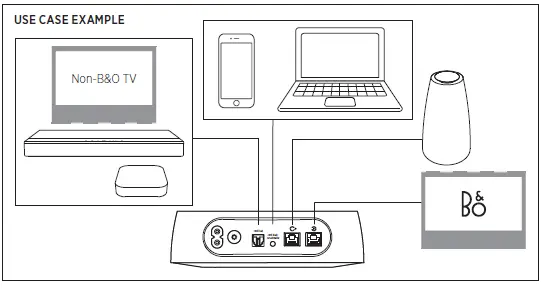
The Connection Hub allows users to connect up to three audio sources (e.g., TV, audio streaming device, and amplifier) depending on how you want to set up your product. You need to purchase the optical cable and analogue cable separately. The Connection Hub enables you to change the volume via IR learning by the remote control. The Connection Hub will automatically switch to an audio source that plays.
IR learning
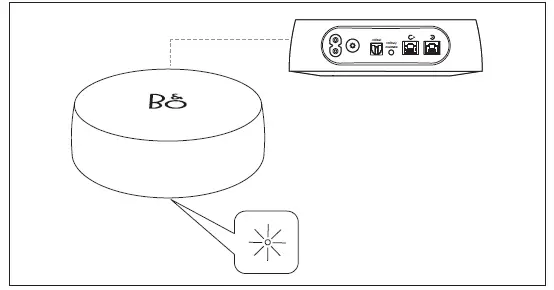
The Connection Hub enables IR learning for three commands (volume up, volume down and mute) from a non-B&O TV remote control. The B&O TV remote control does not support IR learning for this Connection Hub. To perform IR learning, always point your remote control to the front of the product. First switch on the Connection Hub and long press the multi button. The indicator flashes orange, indicating that the Connection Hub is ready to receive an IR command. Then press the volume up button on the remote control, and the indicator flashes once when it receives the IR command. Repeat these steps more than three times. If the command is successfully programmed, the indicator turns solid green for two seconds and then flashes orange to wait for the next IR command (volume down and then mute). When all three IR commands are programmed, the indicator turns solid green for two seconds and then solid white. If any command fails during programming, the indicator turns solid red for two seconds and then flashes orange to indicate it is waiting for an IR command.
PANEL
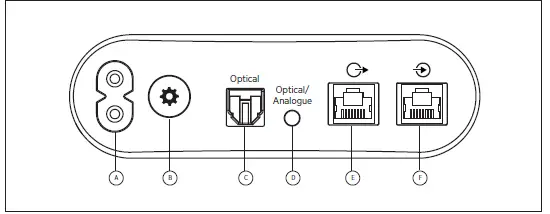
- A Power inlet
- B Multi button
- C Optical input
- D Mini optical + Analogue
- E Powerlink out
- F Powerlink in
Auto-switching source
The Connection Hub will automatically switch to the active input source.
Manual switching source
Short press the multi button to switch between Optical, Optical/Analogue, and Powerlink in.
Fix volume adjustment
Double-press the mute button to disable local volume control. The indicator turns red for the source in this mode. Select LINE when using the Connection Hub, and select PL-A ( ) or PL-B () for Bang & Olufsen products (remember to select speaker type in your TV).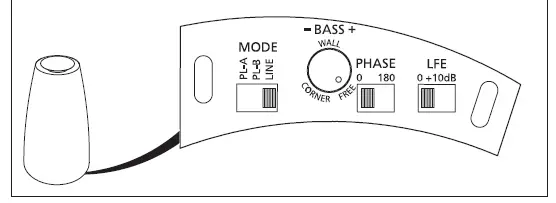
PHASE
Select to change the sound according to the distance between the subwoofer and the satellites. Switch between 0° (default) and 180° until the sound from the satellites and subwoofer is coherent
LFE
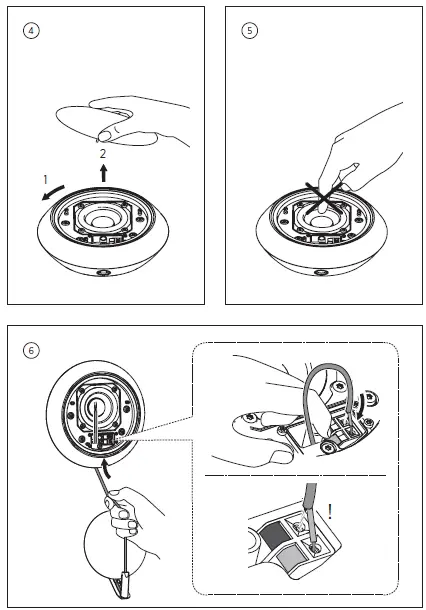
Switch the function for increasing the subwoofer level by +10db ON or OFF (see your connected equipment guide for more information). Use the correct size and type of screws and wall anchors – taking into account the construction and condition of the wall. Use 4 flat-bottom head screws (ø 4 mm – 0.16″) and wall anchors with a minimum load rating of 3.5 kg (7.7 lbs).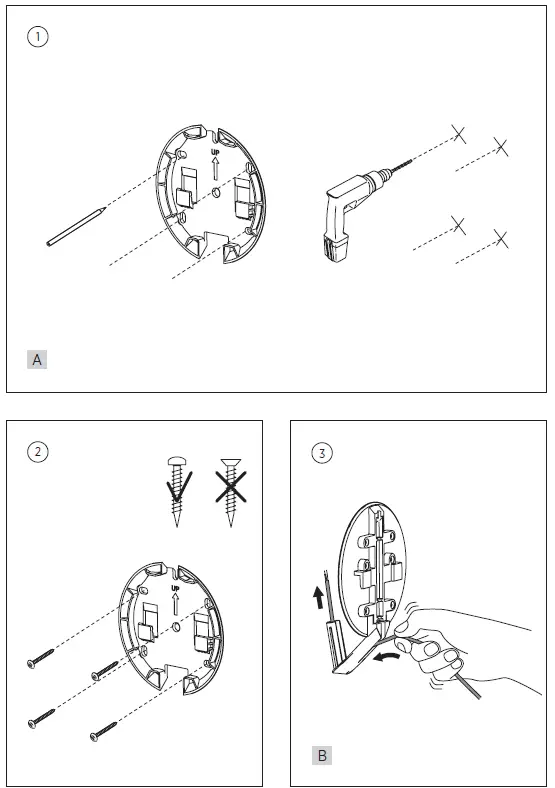

How to Register
Register online at www.beoplay.com/register to receive important information about product and software updates – and to get exciting news and offers from B&O PLAY. If you have purchased your product at a BANG & OLUFSEN store or at www.beoplay.com, you have automatically been registered
FAQS
Yes the S8 in international voltage (100-240)V
However, you can attach Audioengine B1 Bluetooth Music Receiver to the subwoofer, and use bluetooth (search bluetooth in review). BeoPlay A6 has bluetooth function.
MusicTeck fulfill it via FBA, you can try to place an order and see if Amazon ship it to China.
This is NOT a wireless system. It supports Analog and Optical cable to take audio input
No you are not able to add any more speakers to this system. The sub only has enough amps for a 2.1 setup.
There is no remote for hub. You program your existing remote to control volume through hub
We use FBA (Fulfillment By Amazon), and Amazon takes care of shipping. You can go ahead to place an order and see if it ships to China
Yes the system comes with the connection hub
No i use this for tv audio output as well as play music wirelessly to this speaker
You can connect a PC to the Beoplay S8 for audio output, if the computer has an AUX out port, which most do. If your computer doesn’t have one, you’ll need to connect it through the optical port, which usually isn’t on PCs. An auxiliary to auxiliary cable isn’t included, and neither is an optical to optical
It lacks a lot of parts. Mine came extremely damaged and with not B&O plugs and cords.
The Bang & Olufsen supports Dolby Atmos and has more physical inputs that support a wider array of audio formats. It also has outstanding wireless playback options and supports 4k passthrough. However, the Sonos has a better surround performance and offers a room correction feature.
In short, YES. Now an international design icon and recognised internationally, the Bang & Olufsen brand is renowned for its high-end quality speakers, headphones and sound accessories and is loved by athletes, musicians and creators galore.
The Bose Smart Soundbar 700 is a better soundbar than the Bang & Olufsen Beosound Stage. The Bose has a more balanced sound profile, and it offers a room correction feature that automatically adjusts the sound profile to the acoustics of the room
The JBL offers a better-balanced sound profile that can produce a more extended low bass than the Bang & Olufsen. It also has a longer-lasting battery life, though this can vary depending on your usage.