
User Manual
Vertical Mouse
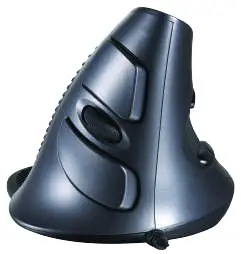
Features
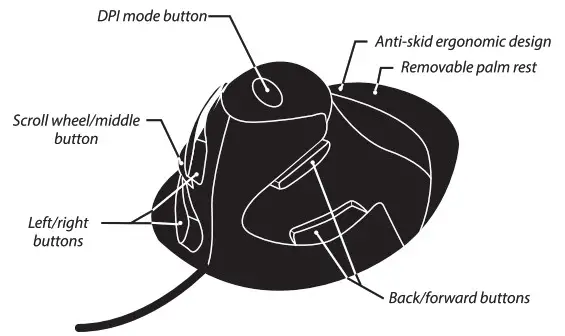
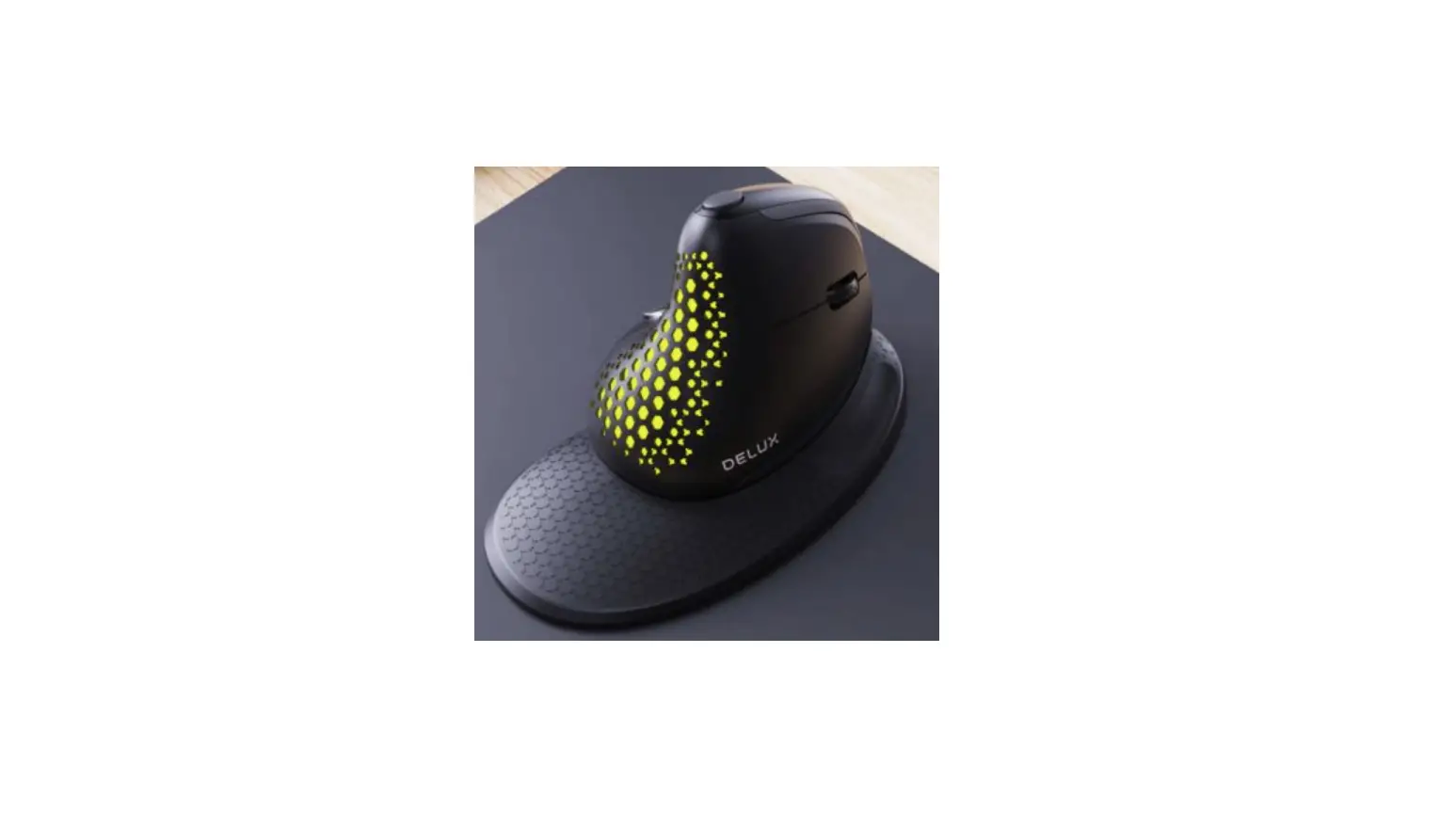
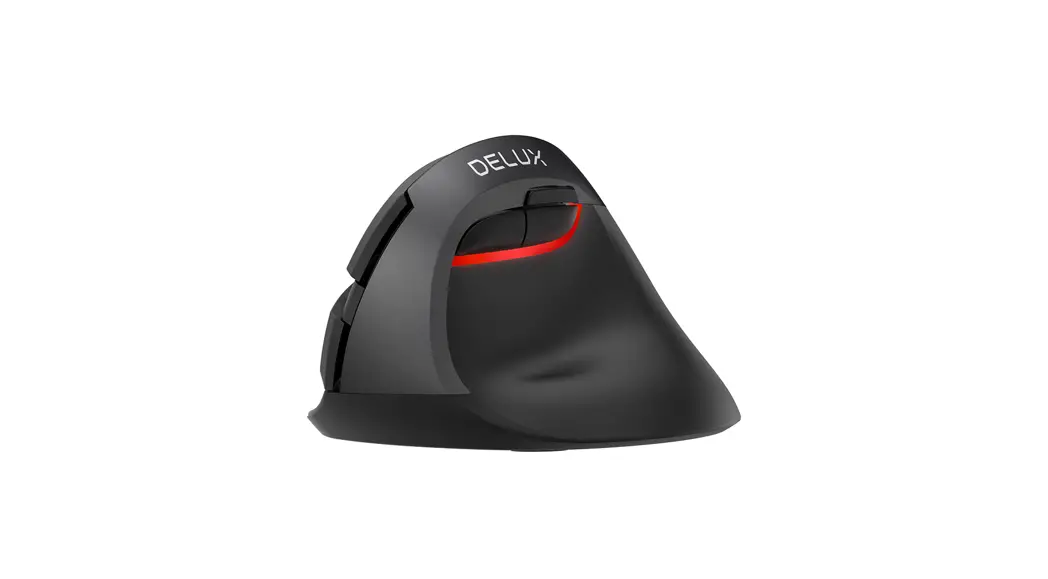
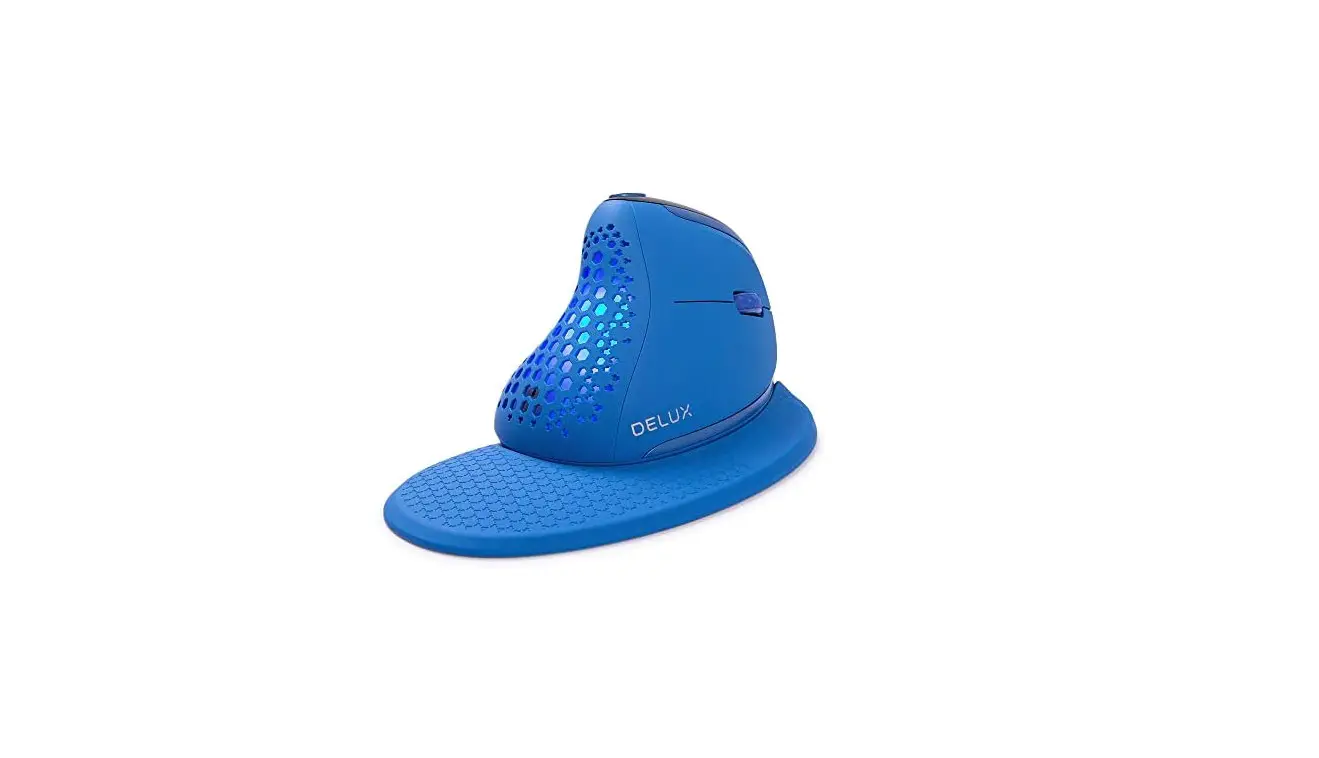
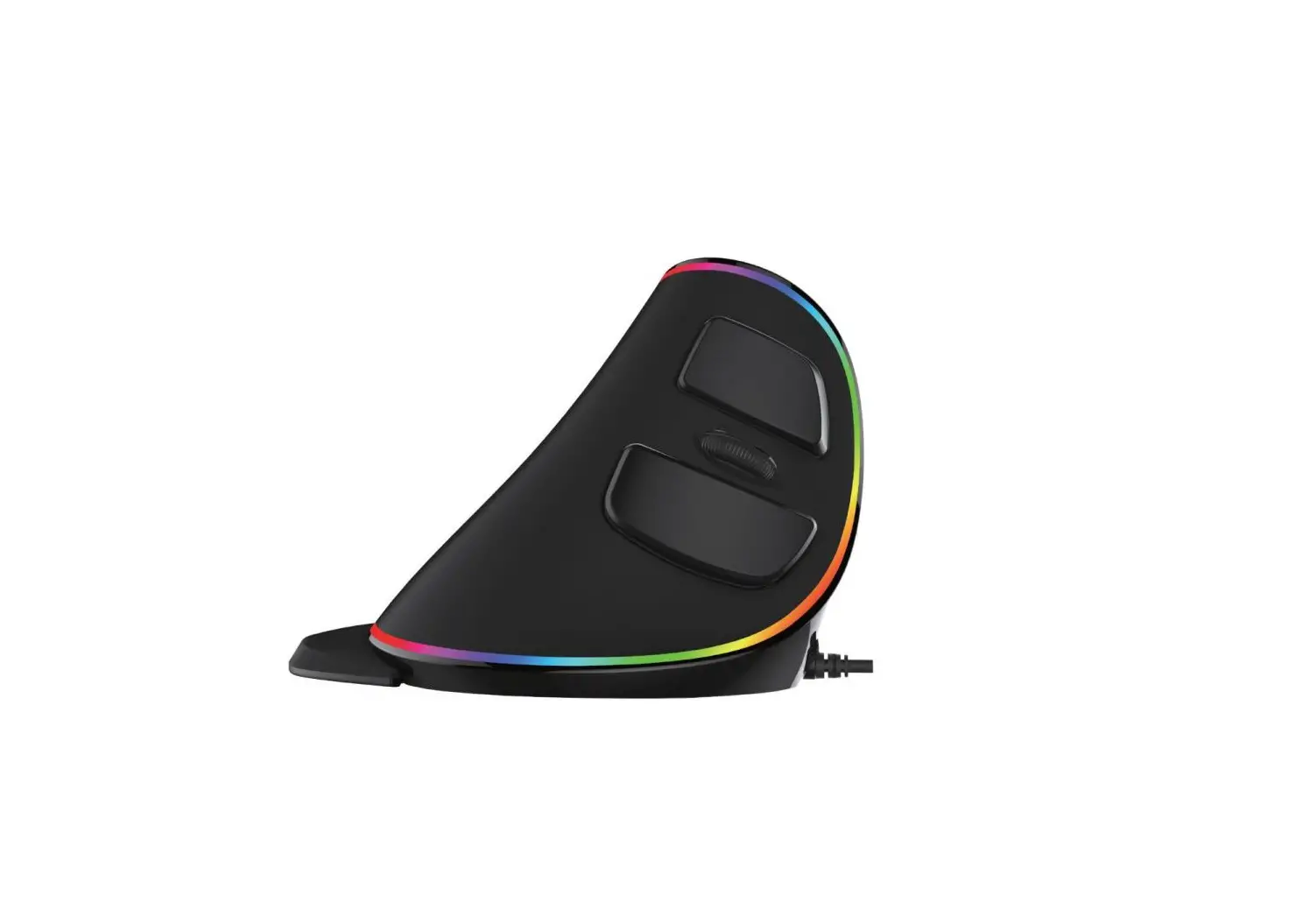
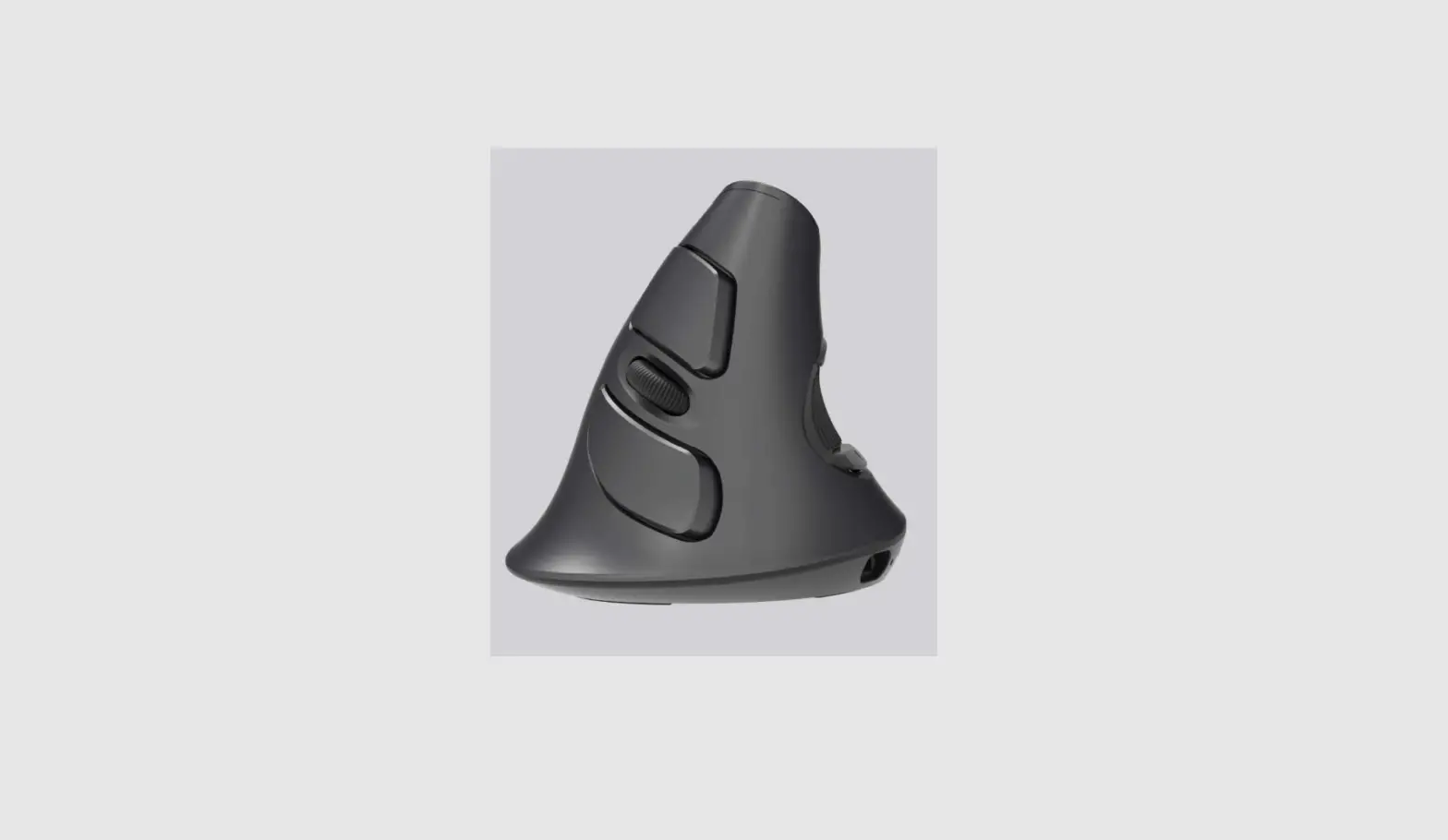
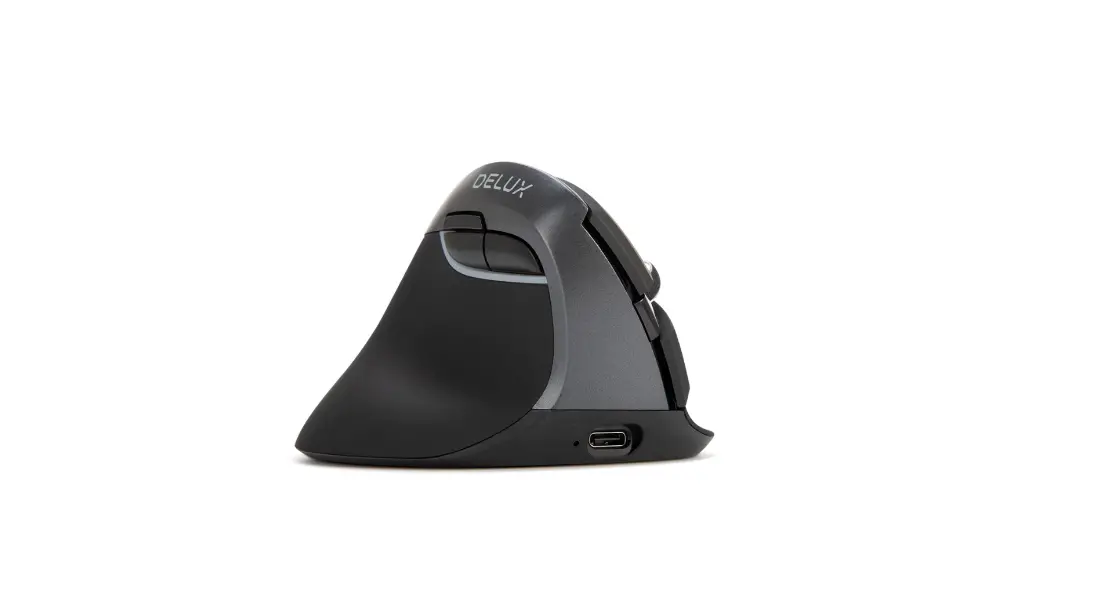
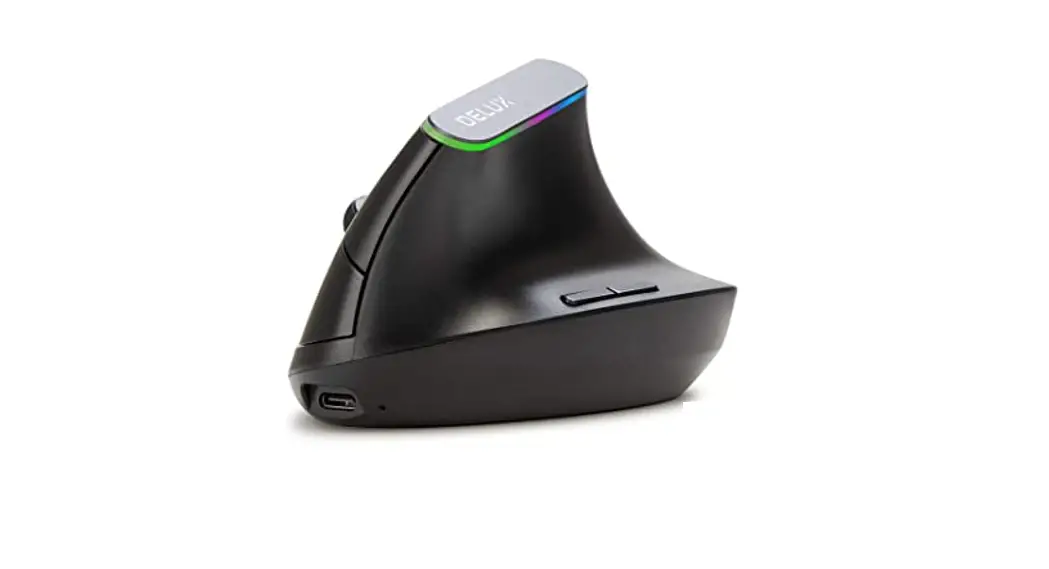
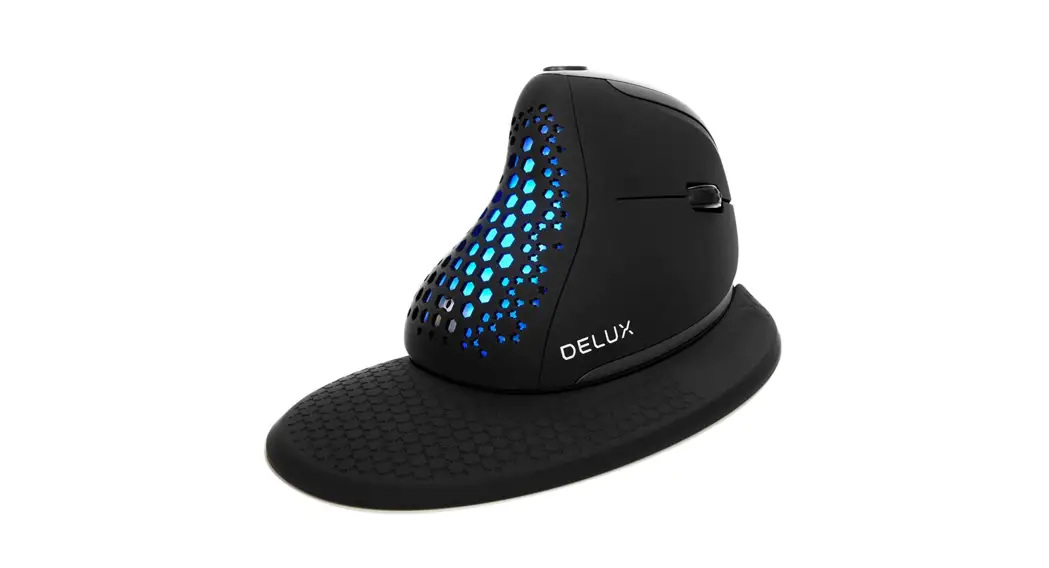
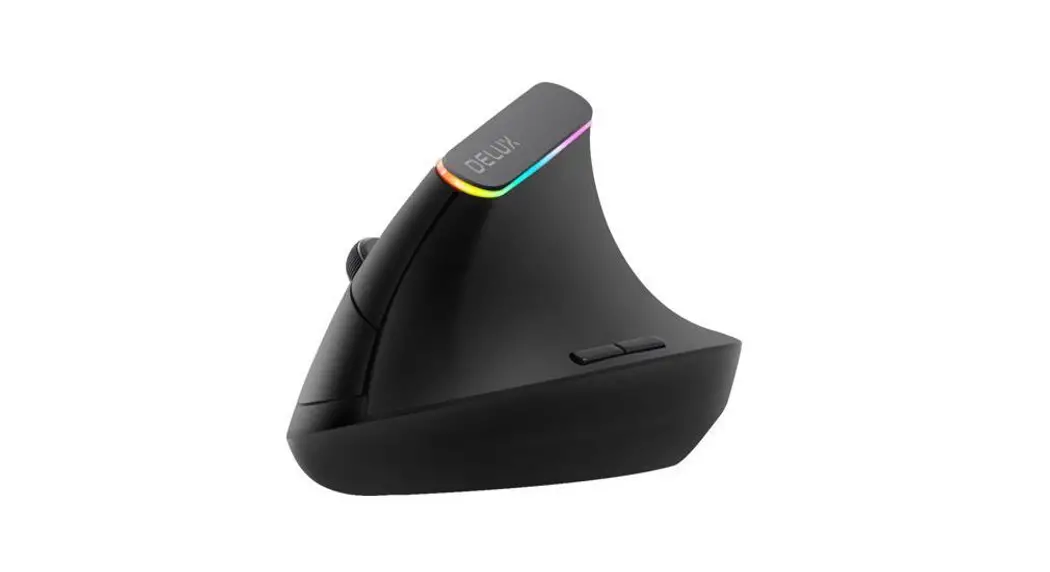
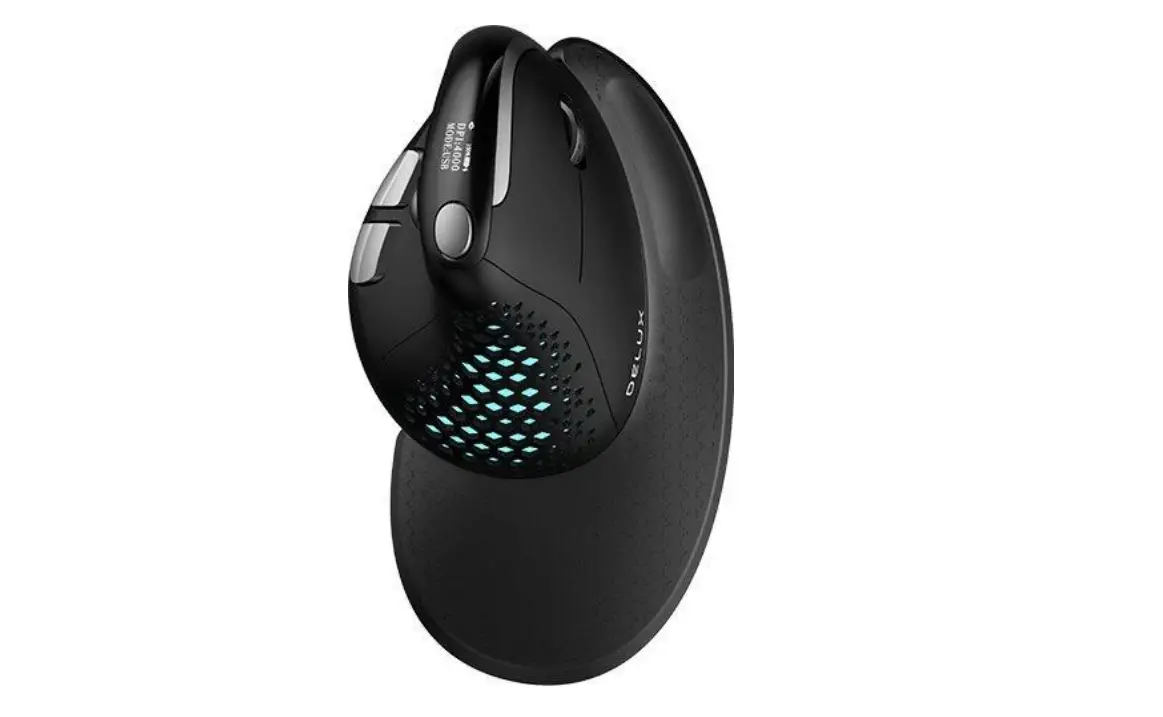
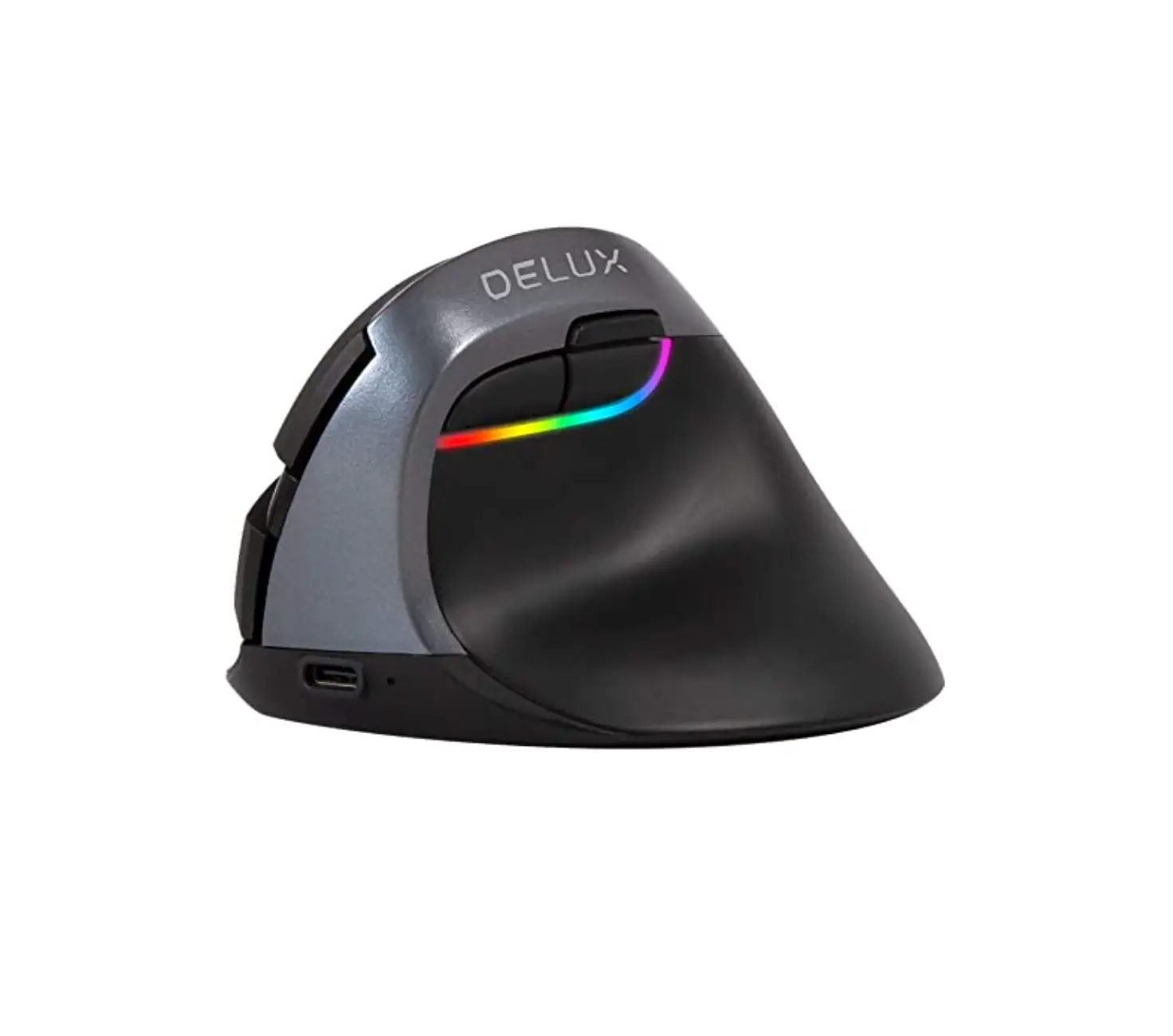
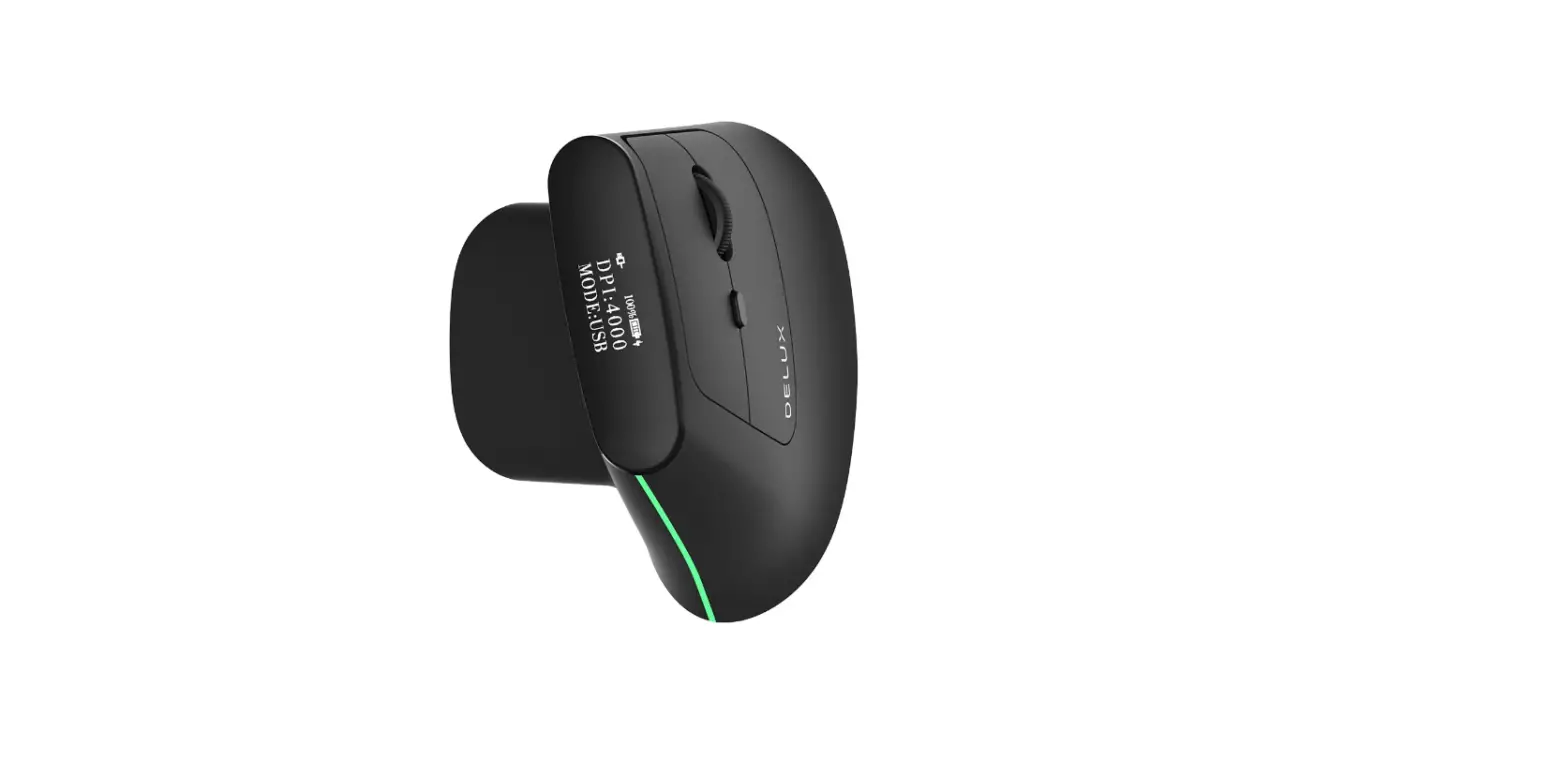
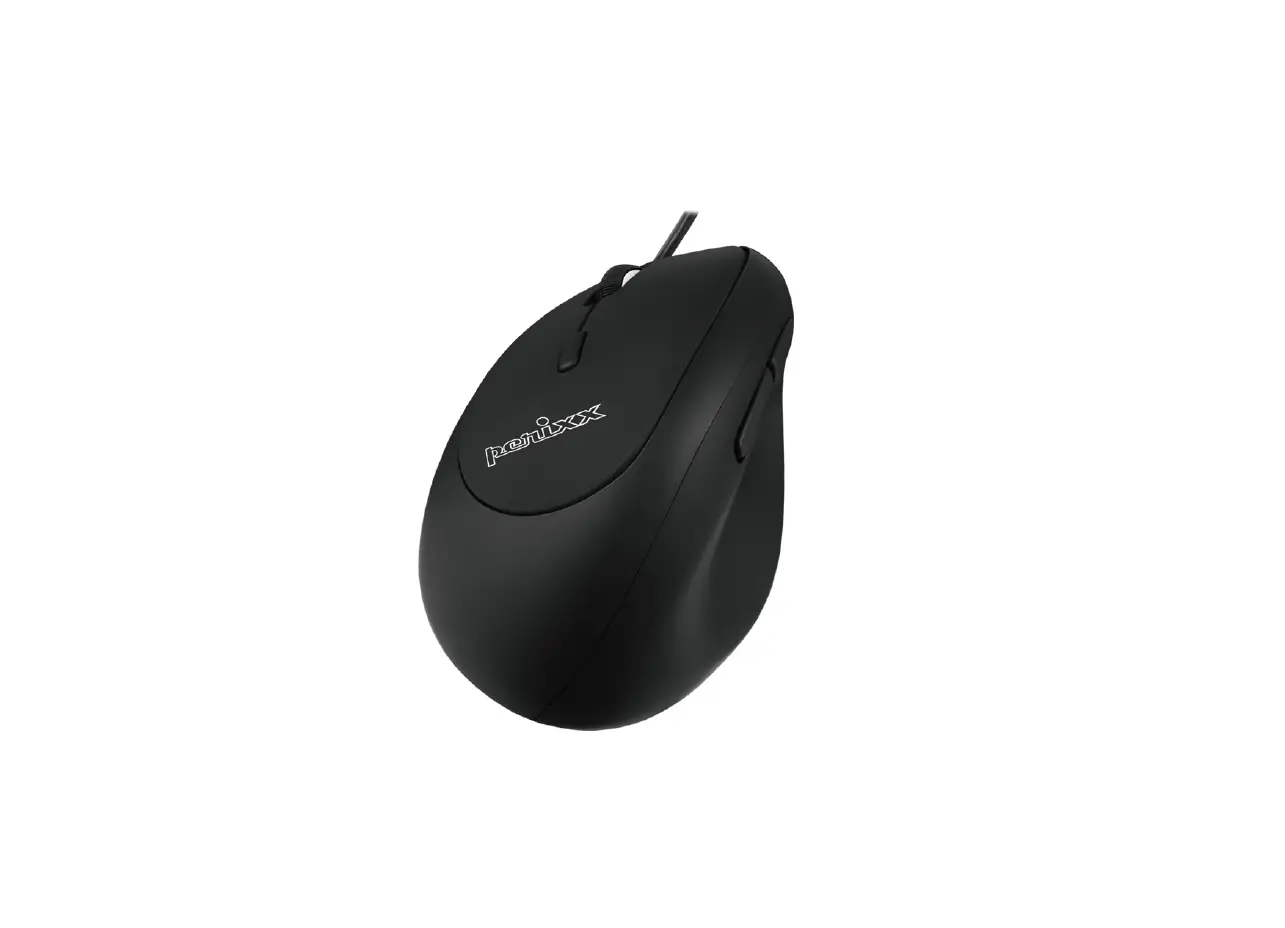
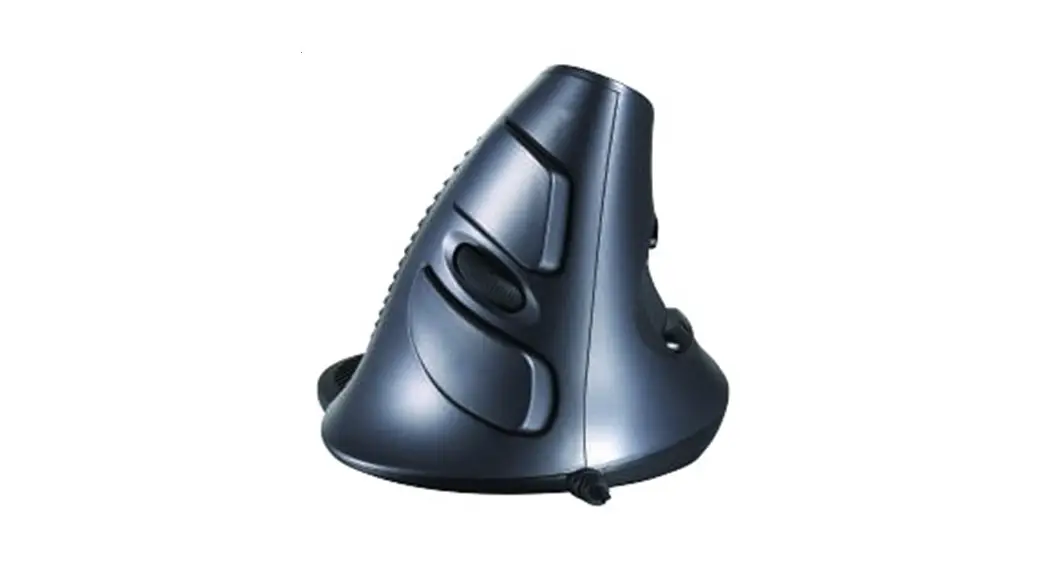
- Unique ergonomic design with removable palm rest to reduce hand and wrist pain
- Two thumb buttons can be used for back/forward browser navigation
- USB interface – plug-and-play installation, compatible with USB 2.0
- Three sensitivity settings: 800/1200(default)/2400/3200 DPI
Package includes
- Vertical Mouse
- Removable Palm Rest
- User’s Manual
Changing the sensitivity
- To change the sensitivity between 800/1200(default)/2400/3200 DPI, press the DPI button on the top of the mouse.
Operating instructions
- Connect the USB plug to any available USB port on your computer.
- Wait until the computer automatically recognizes and installs the mouse.
- That’s it! You should now be able to use your new mouse.