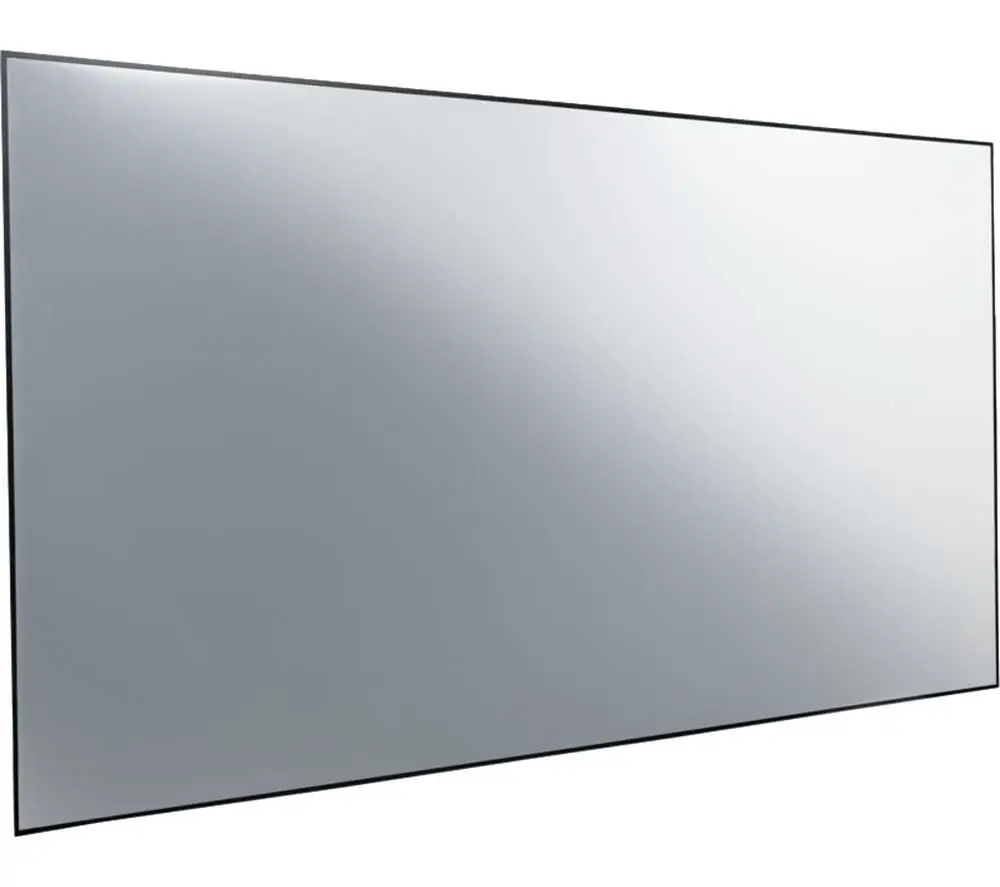
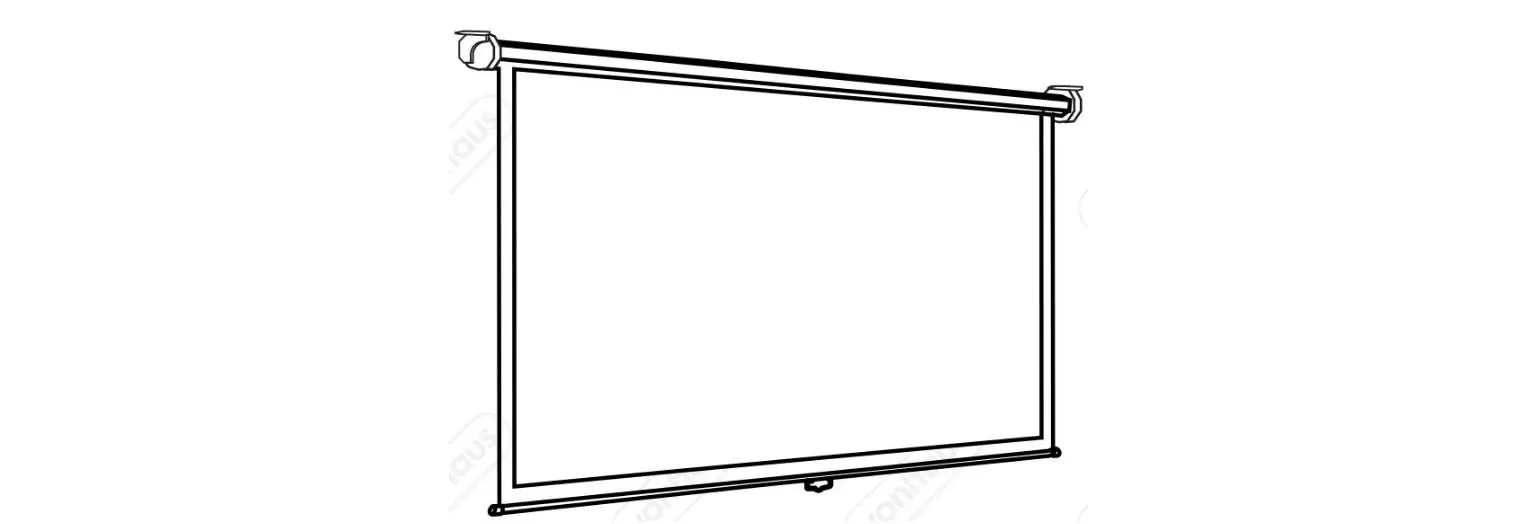
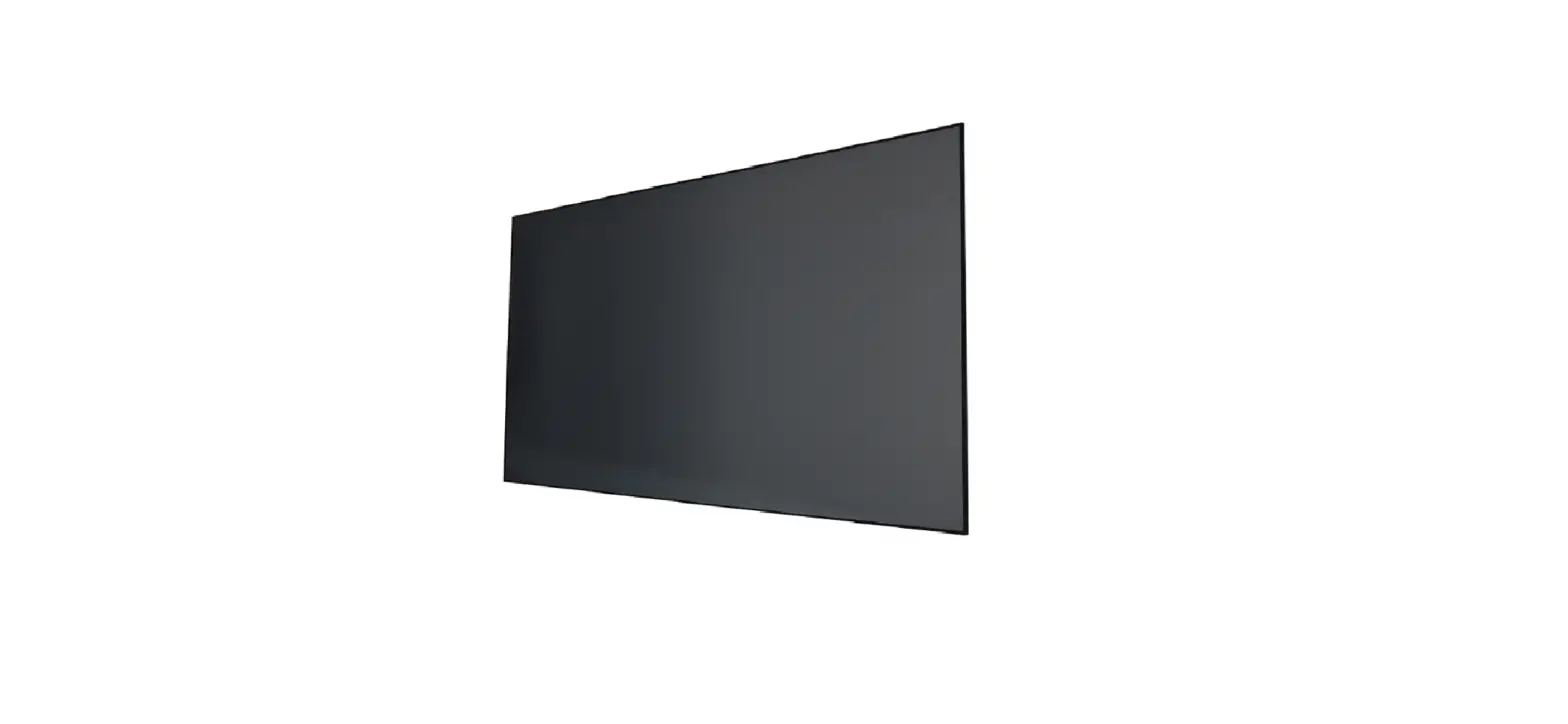
VA-LT030 120 Inch ALR Projector Screen Max
Product Information
Product Name:
ALR Projector Screen Max
Model Number:
VA-LT030
Manufacturer:
VAVA
Website:
Package Contents:
- Inner Frames (4 pieces)
- Inner Frames (2 pieces)
- Cross Screwdriver
- Support Rod (1 piece)
- M4*8 Screws (16 pieces)
- Gloves (2 pairs)
- ALR Screen (1 piece)
- Fiberglass Strips (6 pieces)
- Draw Springs (N pieces)
- Hooks (2 pieces)
- Exterior Frames (4 pieces)
- Exterior Frames (2 pieces)
- Connectors (4 pieces)
- Wall Anchors with Screws (8 sets)
- Level Ruler (1 piece)
- Upper Wall Brackets (2 pieces)
- Lower Wall Brackets (2 pieces)
- User Manual (1 piece)
- Adhesive Tapes (4 pieces)
Specifications:
- Gain: Not specified
- Viewing Angle: Not specified
- Ambient Light Resistance: Not specified
- Projection Size: Not specified
- Projection Ratio: Not specified
- Screen Size: Not specified
- Screen Weight: Not specified
Product Usage Instructions
Assembling Your Screen
Step 1: Assemble the Inner Frames
- Connect the horizontal frames and fasten the M5*7 screws.
- Insert the four corner connectors into the horizontal inner
frames and fix them with M5*7 screws.
Step 2: Assemble the Screen
- Put on gloves and place a clean cloth or use the packaging
material for the screen on a flat, clean, and level surface. - Unroll the screen and place it face down on the cloth.
- Insert the fiberglass strips into the screen sides.
- Put the assembled frames on the back side of the screen. Note:
For short-focus anti-light screen, ensure it is well matched with
the frames. - Fix the screen onto the frame with all the springs in order
(corners, short sides, then long sides). - Hold the screen upright and adjust the springs until no creases
are observed.
Step 3: Assemble the Outer Frames
- Place the outer frames against the inner frames, align the four
corners, and fix them with the included M4*8 screws.
vava.com
120″ ALR Projector Screen Max
User Manual
VA-LT030
CONTENTS
IMPORTANT SAFETY INSTRUCTIONS
00
KNOWING YOUR SCREEN
01
ASSEMBLING YOUR SCREEN
07
WARRANTY AND SERVICE
17
IMPORTANT SAFETY INSTRUCTIONS
READ AND FOLLOW ALL SAFETY INFORMATION AND INSTRUCTIONS. KEEP FOR FUTURE REFERENCE.
CAUTION
For optimal projection, safe installation and long-lasting use of the screen, follow below instructions carefully: · Always handle the screen on a clean, level surface covered with clean
cloth, film, etc. · Gently hold and put down the unit to avoid any damage to the screen surface. · Do not touch the screen surface by hand. Use gloves to avoid fingerprints,
hand sweat, or dust on the screen surface. · Do not poke the screen surface with any sharp or hard objects to avoid
scratches or tears. · It is recommended to clean the screen once every two weeks. · When cleaning, wipe the screen with a soft cloth and lukewarm water. For
general dust, use a soft brush to clean the screen surface (rough towels or cloth may damage the screen). · Do not clean with abrasive detergent, solvent or other coarse chemicals to avoid permanent damage to the screen surface. · You may notice a slight smell during first-time use, which will dissipate over time. If the smell is too strong, open a window to ventilate the room. · Children should be supervised to ensure that they do not play with the screen. · Please contact your local dealer for repair or maintenance. For any questions or concerns, please email us at [email protected] or call us at (877) 969-8282.
READ AND SAVE THESE INSTRUCTIONS
KNOWING YOUR SCREEN
1
1.1 Expanded Overview
7 7-A
10-C 1-C
11 10
1
11
10 10-B
7 7-A
1 1-A
15
16
1 1-B 7 7-B
10 10-A
10 10-A 11
7 7-B 1 1-B
15
1-C 7 7-A 10-C
3
1
10
16
1 1-A
7 7-A
11
10 10-B
02 // ALR Screen for UST Projector
1.2 Package Contents
1-A 1-A 1-B 1-B 1 Inner Frames *4
1-C 1-C
1 Inner Frames *2
2
Cross *2 Screwdriver
3 Support Rod *1
4
M4*8 Screws *16
5
Gloves *2 (pairs)
7-B 7-A
6 ALR Screen *1
7
Fiberglass Strips *6
8
Draw Springs
*N
9 Hooks *2
10 Exterior Frames *4
10-A 10-A 10-B 10-B
10-C 10 Exterior Frames *2
ALR Screen for UST Projector // 03
11 CProortneecrtors*4
12 WTeamllpDlaritlelinsg*1
Wall Anchors 13 with Screws *8
(sets)
14
Level Ruler
*1
15
Upper Wall Brackets *2
16
Lower Wall Brackets *2
17 User Manual *1
18
Adhesive Tapes *4
1.3 Specifications
Model Gain Viewing Angle Ambient Light Resistance Projection Size Projection Ratio Screen Size Screen Weight
VA-LT030 0.6 160° 92% 2676*1514 mm/105.35*59.61 in 16:9 2656×1494 mm/104.57×58.82 in 12 kg / 26.45 lbs
04 // ALR Screen for UST Projector
ALR Screen for UST Projector // 05
ASSEMBLING YOUR SCREEN
2
2.1 Assemble the Inner Frames
1. Connect the horizontal frames and fasten the M5*7 screws. 2. Insert the four corner connectors into the horizontal inner frames,
and fix the corners with M5*7 screws as shown below.
Push
M5*7 Screw
Connecting Rod
Corner Connector
1-A
1-B
Horizontal Frames
1-C Vertical Frame
1-C
1-B
1-A
M5*7 Screw
ALR Screen for UST Projector // 07
3. Install the support rod as shown below.
M4*8 Screw
Support Rod: Vertical to the horizontal frames
2.2 Assemble the Screen
1. Put on gloves and place a clean cloth (or use the packaging material for the screen) on a flat, clean and level surface.
2. Unroll the screen, place it face down on the cloth, then insert the fiberglass strips into the screen sides. Caution: Handle with care. Avoid any creases on the screen.
08 // ALR Screen for UST Projector
Screen side face down
Black side face up
Clean, flat cloth
7-A 7-B
7-B 7-A 7-A
7-A: Long Fiberglass Strip 7-B: Short Fiberglass Strip 7-A
3. Put the assembled frames on the back side of the screen. Note: short-focus anti-light screen is directional and needs to be well matched with the frames.
ALR Screen for UST Projector // 09
60 50
up 40
30 20 10
Corner alignment mark
Screen back side
Cloth
Screen
Screen lower edge mark (for short-focus anti-light screen only)
4. Fix the screen onto the frame with all the springs in order as indicated below (corners, short sides, then long sides).
12
9 11
8
7
5
6
12
10 43
10 // ALR Screen for UST Projector
Hooks Grooves
Fiberglass Strip Spring Inner Frame
Screen
Note: After extended use, the screen may become less taut. Attach the springs to the innermost groove to re-flatten it.
5. Hold the screen upright and ensure that it is taut and flat. Adjust the springs until no creases observed.
ALR Screen for UST Projector // 11
2.3 Assemble the Outer Frames
1. Place the outer frames against the inner frames, align the four corners and fix with the included M4*8 screws.
2. Fix the plastic corner protectors onto the four corners.
10-B
11
10-A
11
2.4 Mount on the Wall
1. Estimate the wall mount area for the screen. The lower edge of the screen should be 60-80cm / 23.6-31.5 in above the ground (as shown below).
2. Measure the distance between the spots where the wall brackets will be mounted with the included level ruler.
Recommended Distance
11.8 in
55.1 in
11.8 in
3.6 in
10-C
10-C
3.0 in
42.7 in
11
10-A
11
10-B
10-A/10-B: Horizontal Outer Frame 11 : Corner Protector
10-C: Vertical Outer Frame
Outer Frame
Inner Frame Screen
12 // ALR Screen for UST Projector
9.8 in
23.631.5 in
ALR Screen for UST Projector // 13
3. Make sure the screen is correctly assembled, then wrap the screen front with the cloth to prevent it from being damaged or scratched.
Cloth
Adhesive Tape
4. Drill holes respectively and install the four wall brackets using the wall anchors with screws. Note: Make sure the brackets are level with the level ruler.
13
12 15
16
12 : Wall Drilling Templates 13 : Wall Anchors with Screws 15 : Upper Wall Brackets 16 : Lower Wall Brackets
14 // ALR Screen for UST Projector
ALR Screen for UST Projector // 15
5. Mount the screen onto the wall as shown below. 1) Insert the lower side of the screen into the lower wall bracket,
then push upwards to compress the spring. 2) Insert the upper side of the screen into the upper wall bracket,
then release.
2
2.5 Screen Height Adjustment
Adjust the upper wall bracket by repositioning the screws and screwing them into the lower holes (adjustable range: 0 – 50mm).
1 16 // ALR Screen for UST Projector
WARRANTY AND SERVICE
We will provide you with after-sales service based on specific local policies. Please contact your local sales representative or after-sales team for more details.For any questions or concerns, please email us at [email protected] or call us at (877) 969-8282 (Monday – Friday, 9:00 a.m. – 5:00 p.m. PST).
ALR Screen for UST Projector // 17
Rev_1.0_EN
www.vava.com
NORTH AMERICA
E-mail: [email protected]
MANUFACTURER
Manufacturer: Shenzhen NearbyExpress Technology Development Co.,Ltd. Address: Floor 7, Building E, Galaxy World Phase II, Shenzhen, China Made in China
100*145mm 157 105
 VAVA Official Site - Evolve
 VAVA Official Site - Evolve