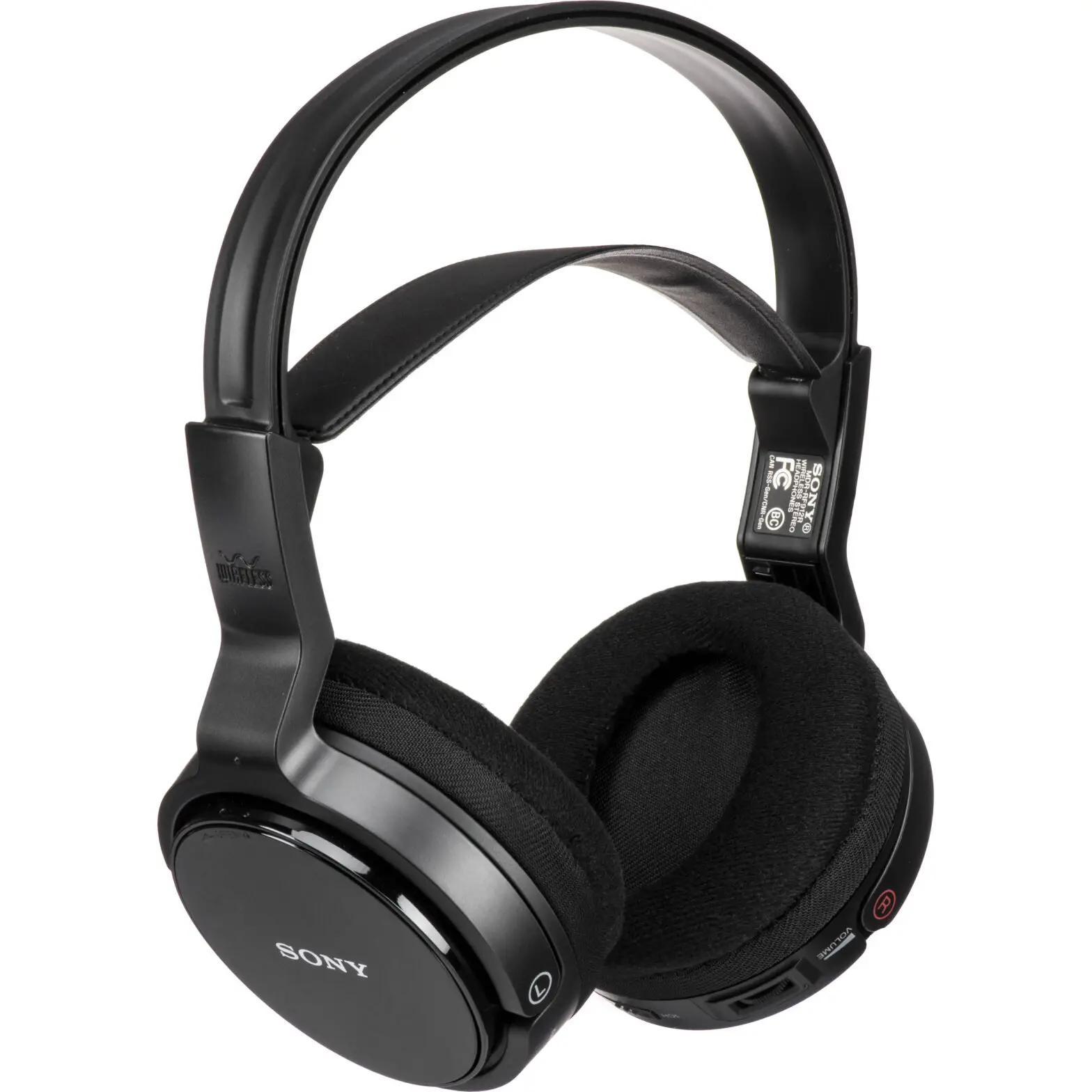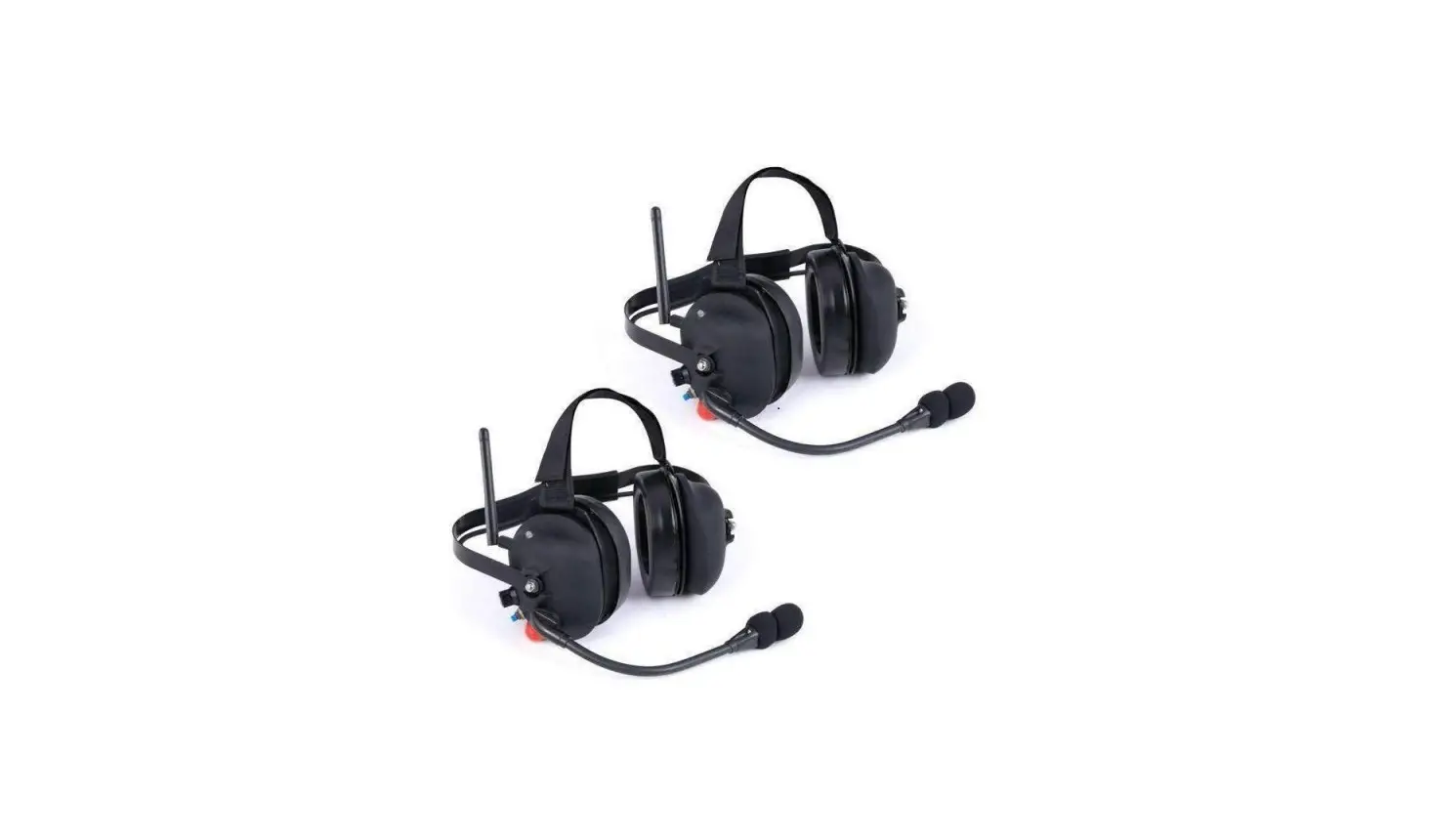
rugged radios RW-H30-DT-PTT Wireless Double Talk Headset User Manual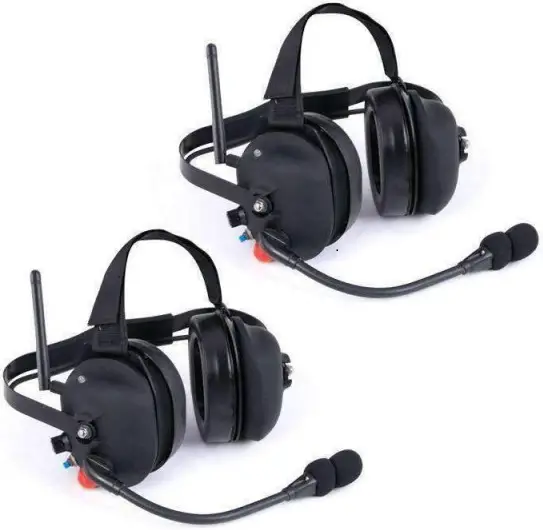
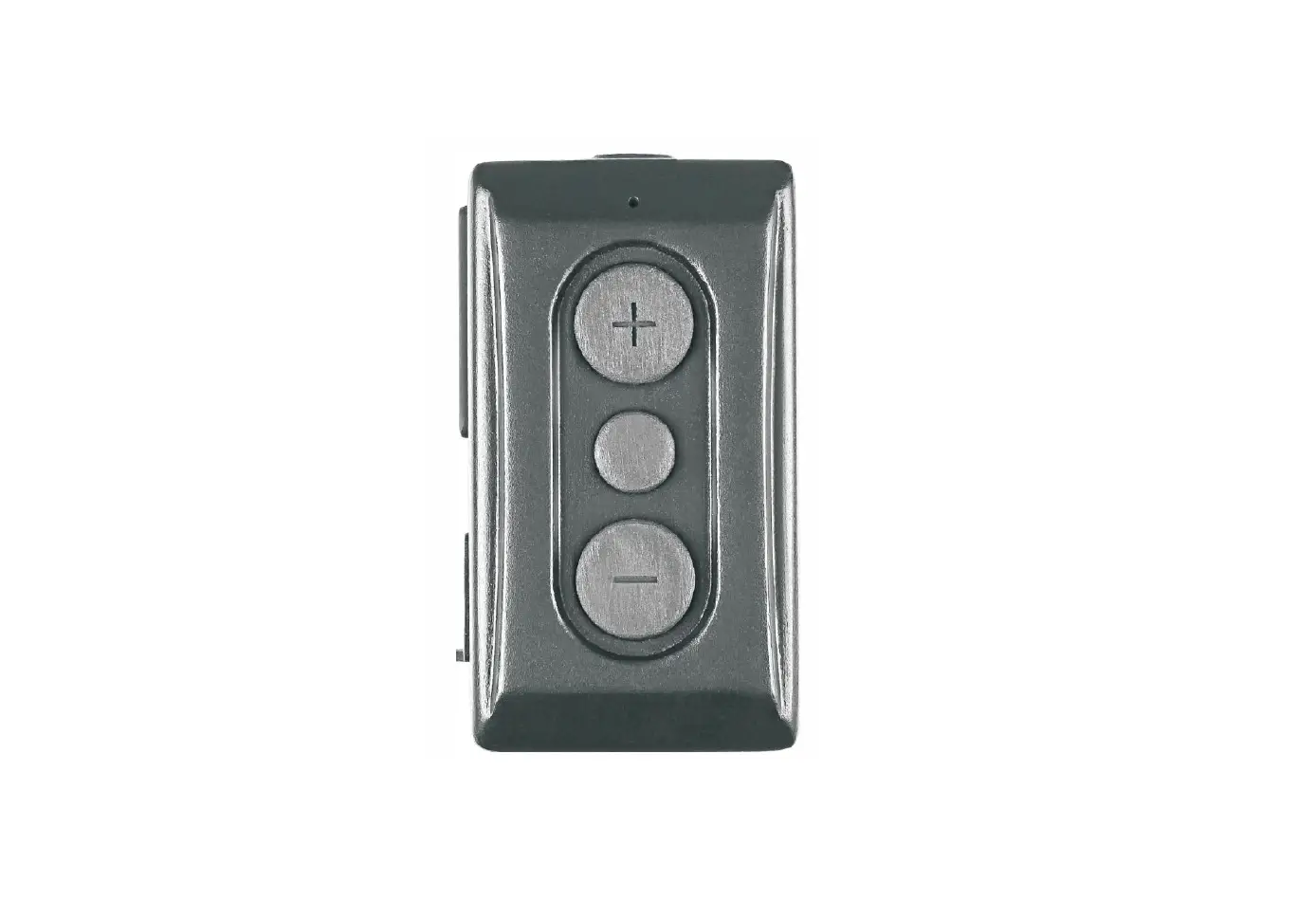
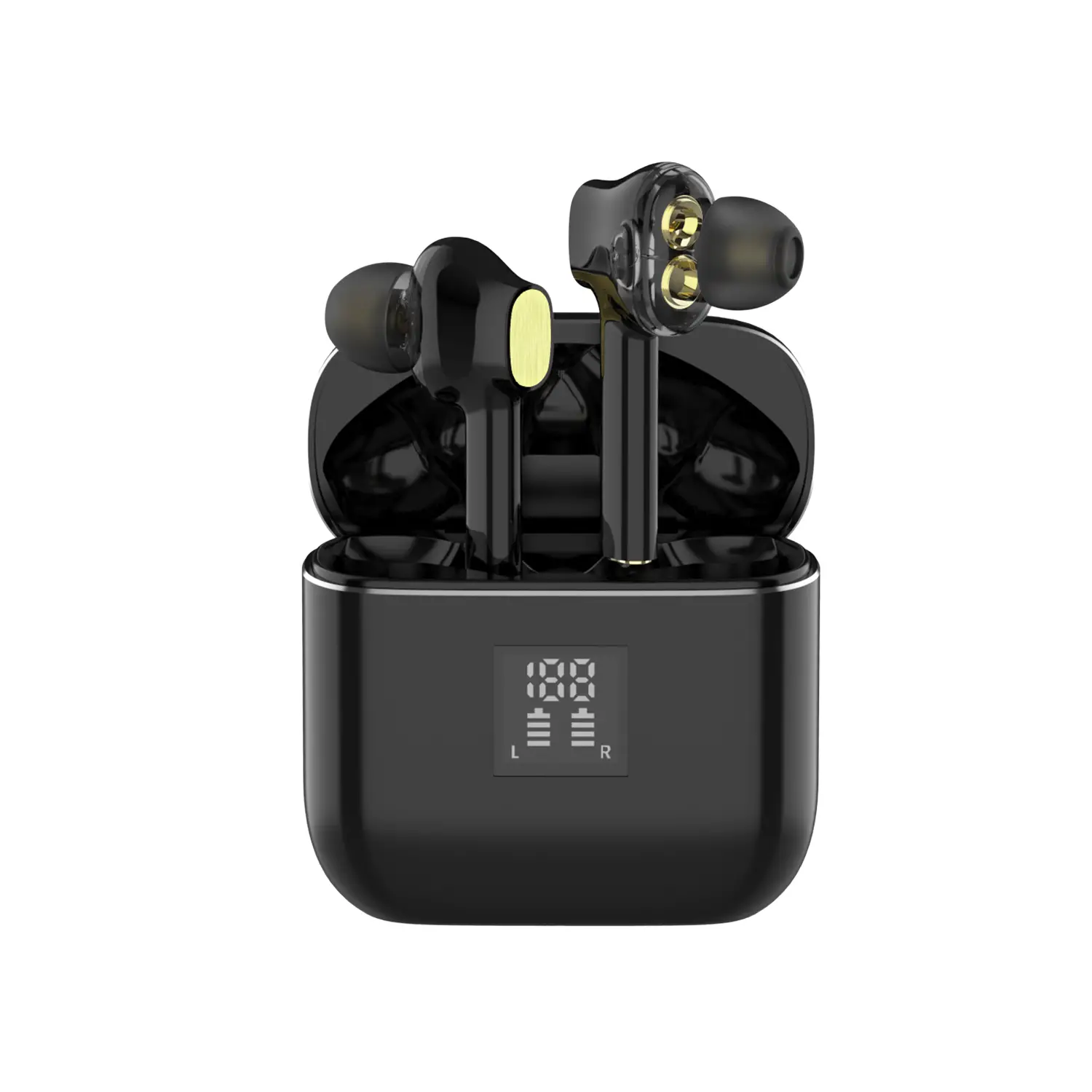
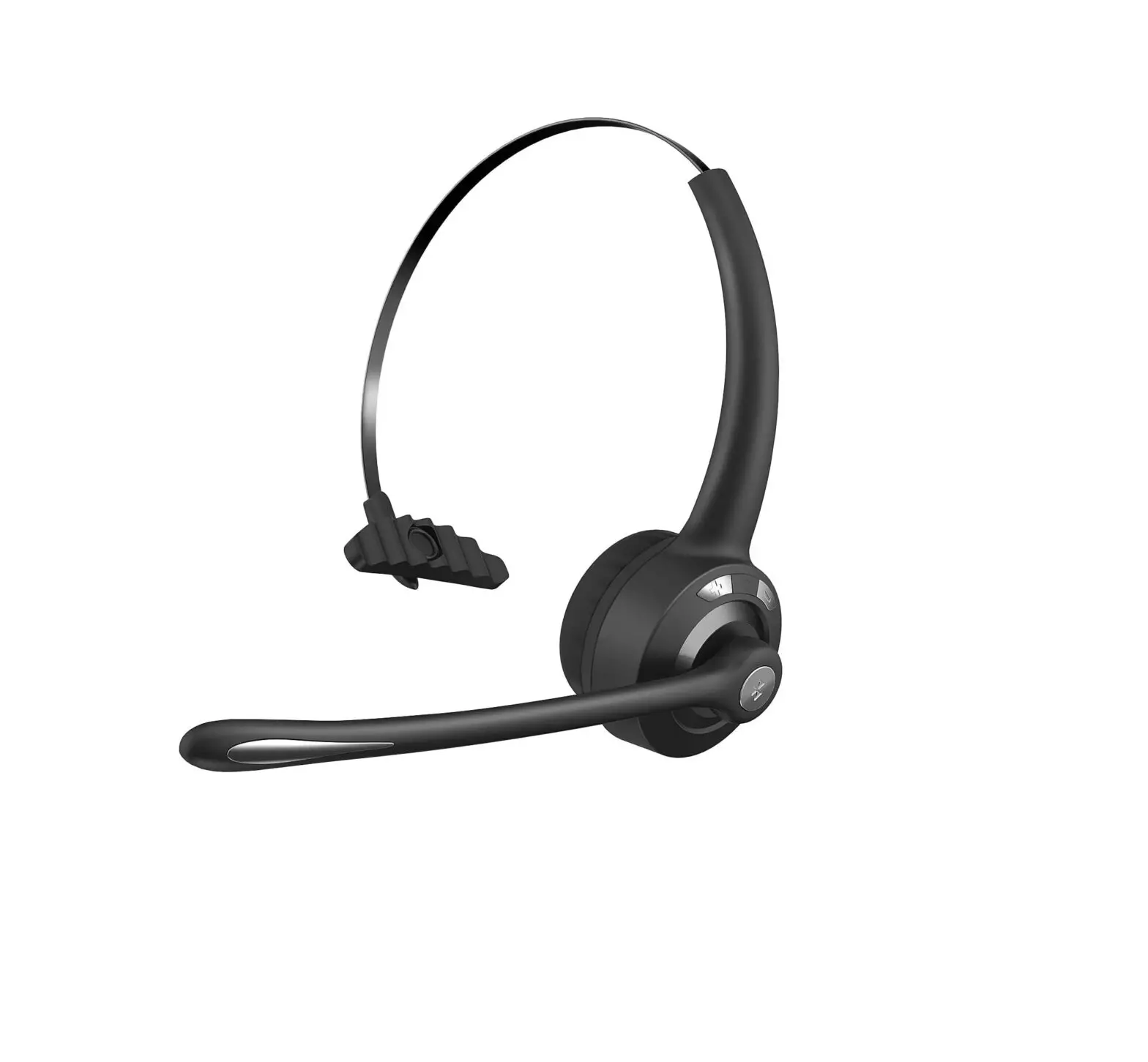
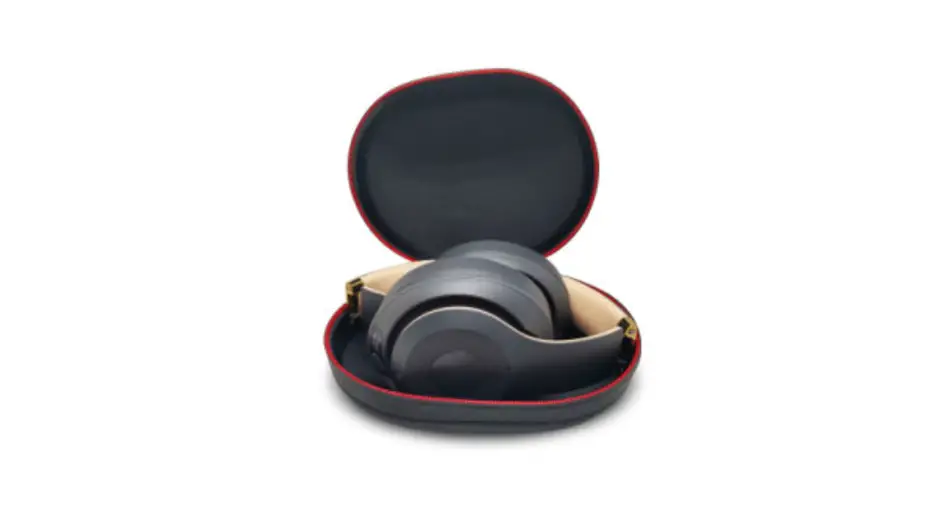
Product Description
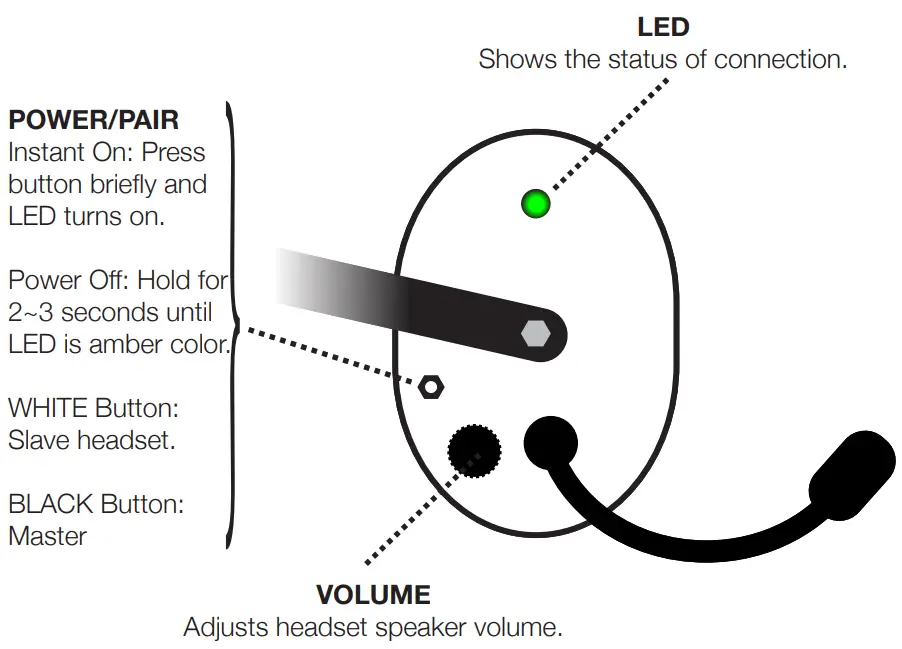
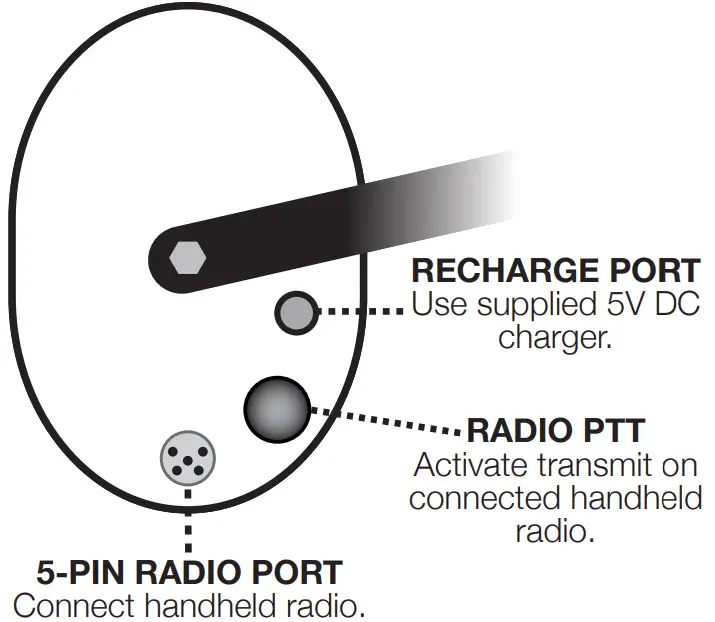
CHECK BATTERY LEVEL
LED : Count the Amber blink at powering up. 3 blinks = +80%, 2 blinks = 30~80%, 1 blink = below 30%.
SOUND : Count the “BEEPS” at power up. 3 beeps = +80%, 2 beeps = 30~80%, 1 beep = below 30%
LOW BATTERY WARNING
If you hear a “BEEP” every 1 min while the headset is active, the headset battery is low and needs to be charged (usually, it takes 4 hours for the full charge).
HOW TO PAIR
The new set is already paired and do not require pairing; Pairing is only required for a replacement unit.
- Make sure the headset power is off.
- Start with the slave unit. Press the Power/Pair button for 7~8 seconds until you hear “beep beep beep” or watch for the LED change from green to amber.The Master unit will beep once every five seconds. Complete pairing and auto-connection takes about 45 ~ 50 seconds. Once the pairing is established, pairing is not required again.
ELECTRICAL SPECIFICATIONS
- RF type: Bluetooth 2.1 Class 1
- Frequency: 2.400 – 2.485 GHz
- Max transmit: +20 dBm
- RF sensitivity: -90 dBm
- Range: 1000 Ft with a line of sight ( external antenna) 500 Ft with a line of sight ( internal antenna)
- Battery: 3.7v Li-Ion 1500mAh
- Charging Voltage: 5V DC only
- Operation life: At least 24 hours with continuous connection after full charge
- Charging time: 3 ~ 5 hours
Contact Us
509 Traffic Way, Arroyo Grande, CA 93420
local (805) 541-1696
toll free (888) 541-7223
fax (805) 541-1679
www.ruggedradios.com

 Rugged Radios • UTV & Off Road Communication Equipment and Accessories