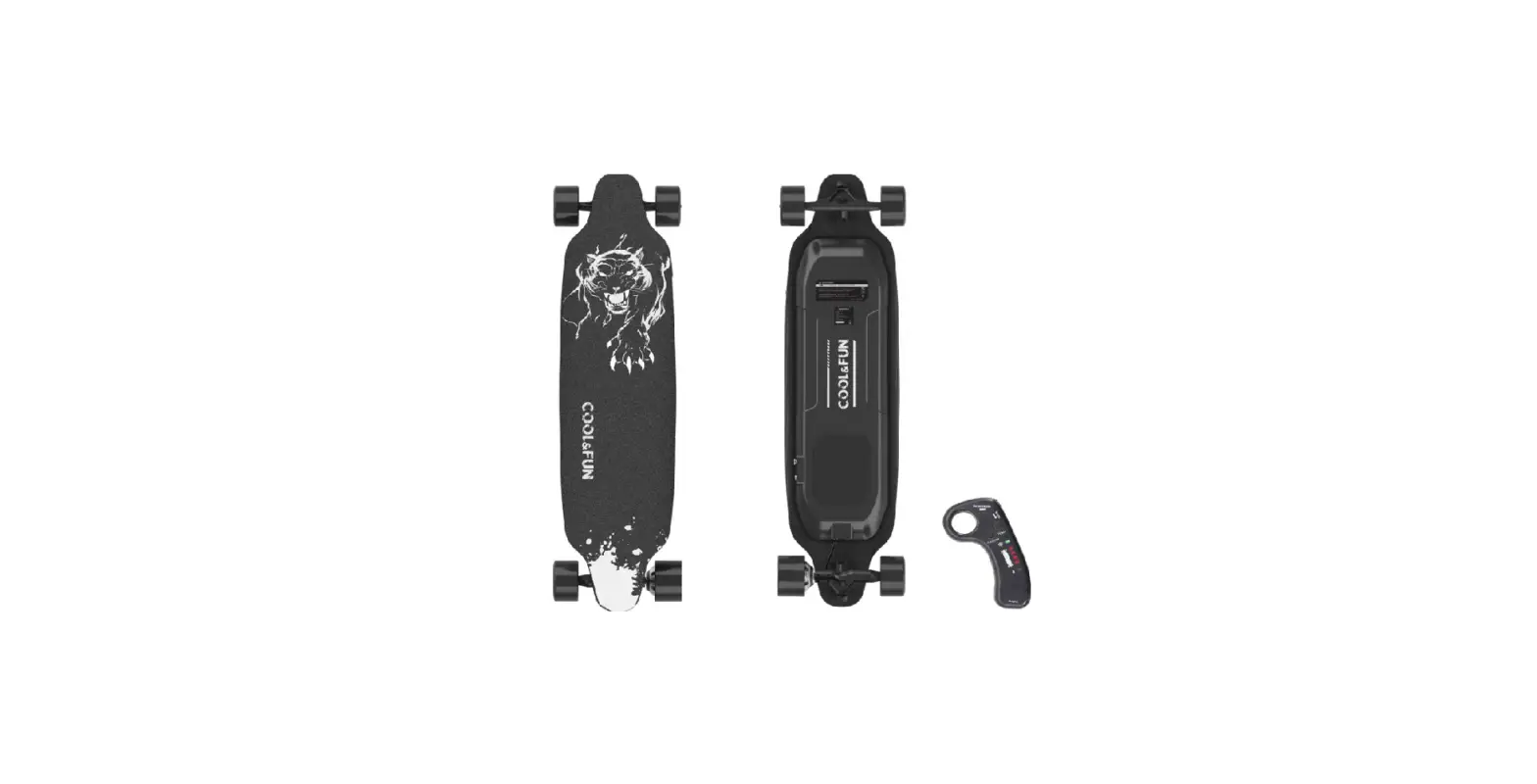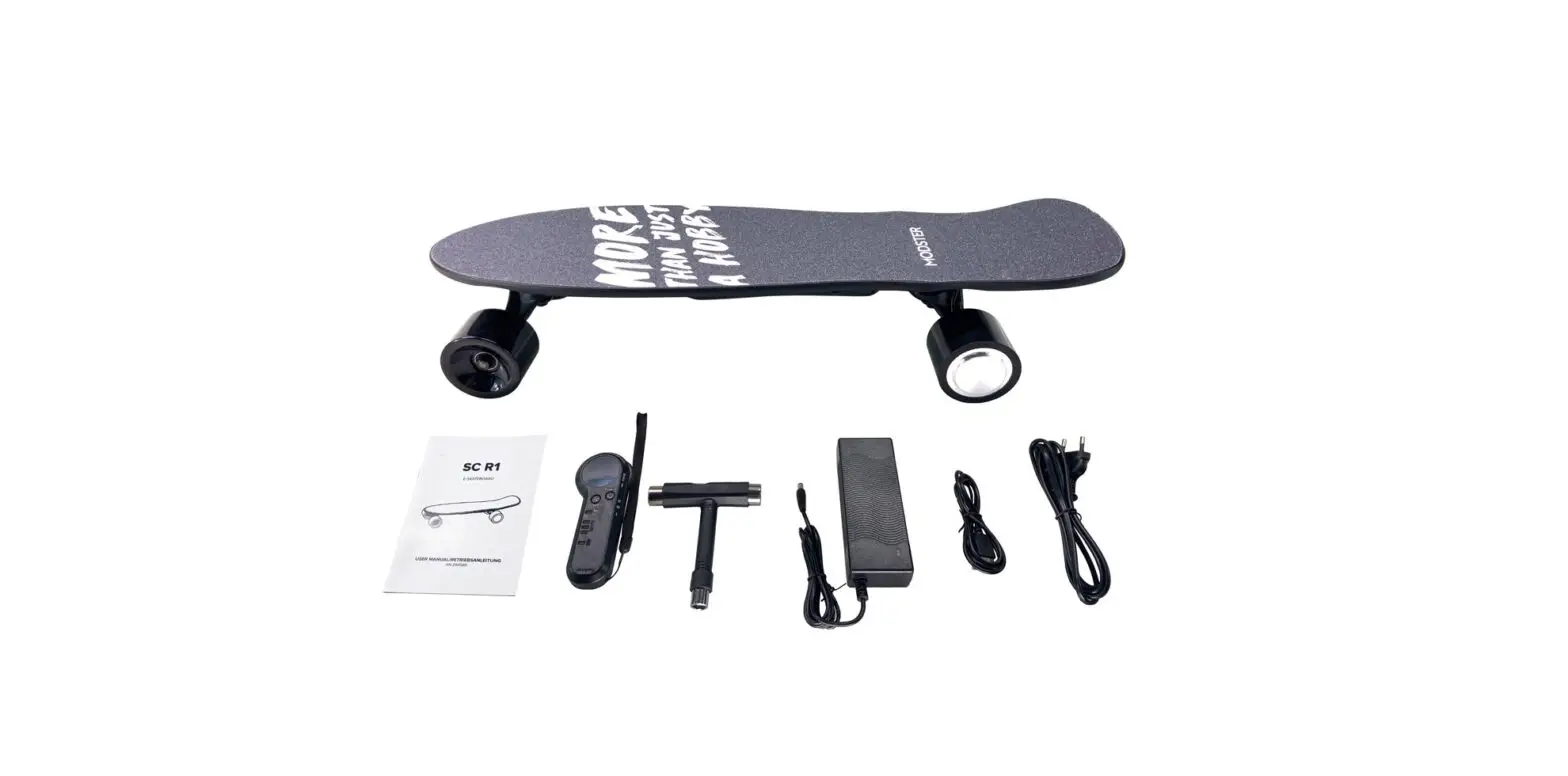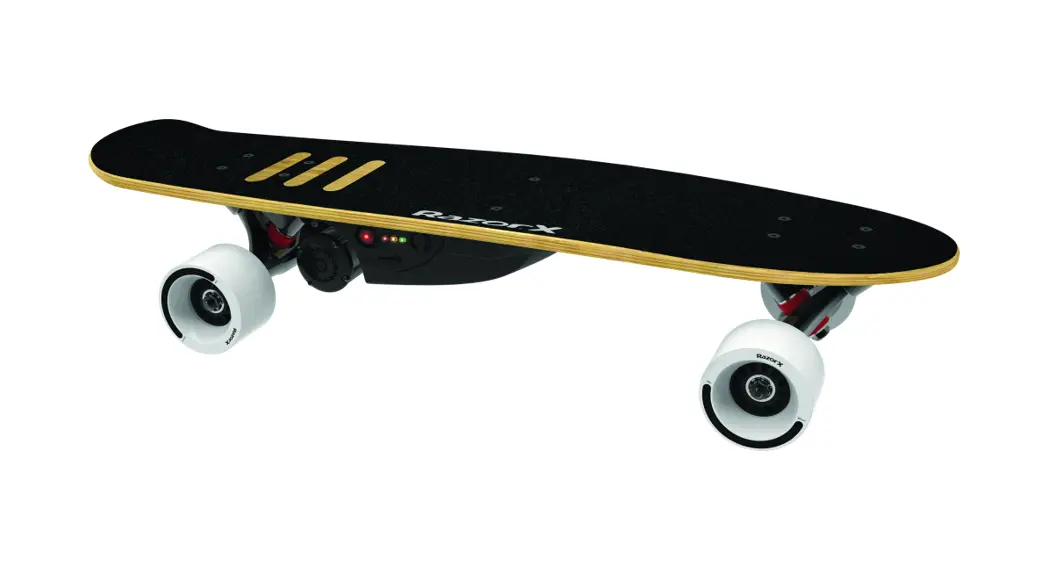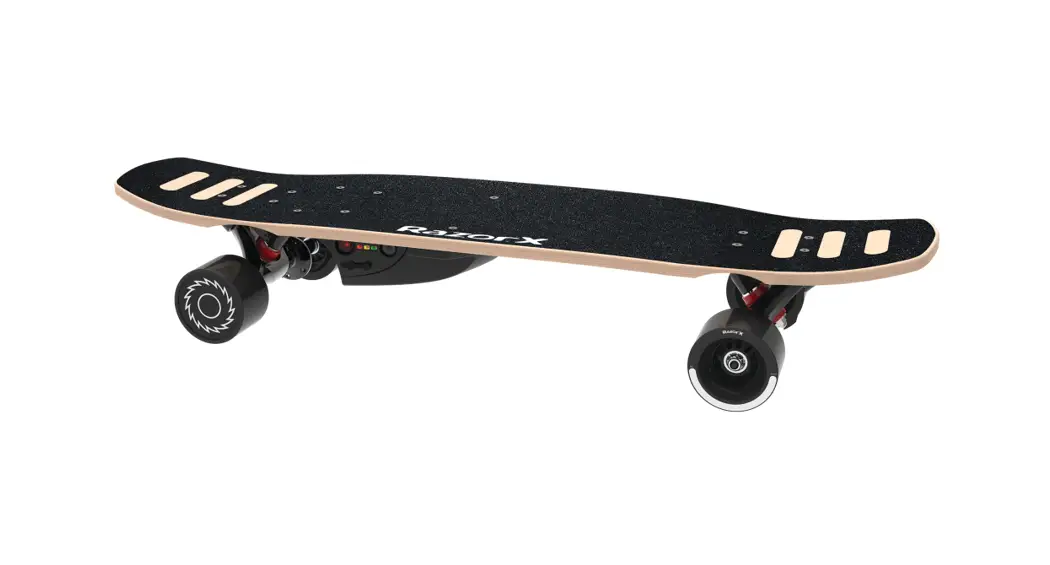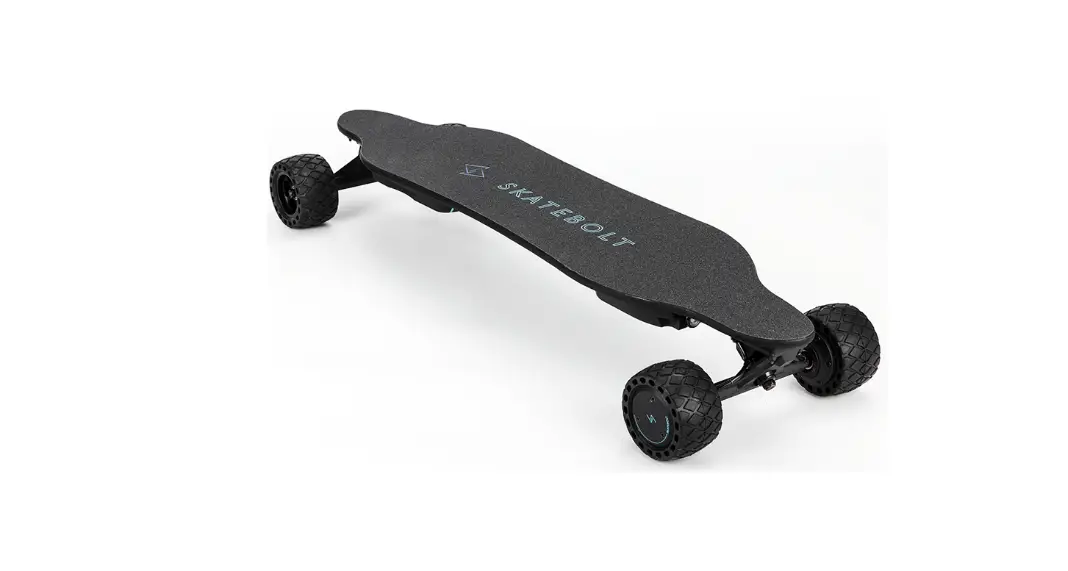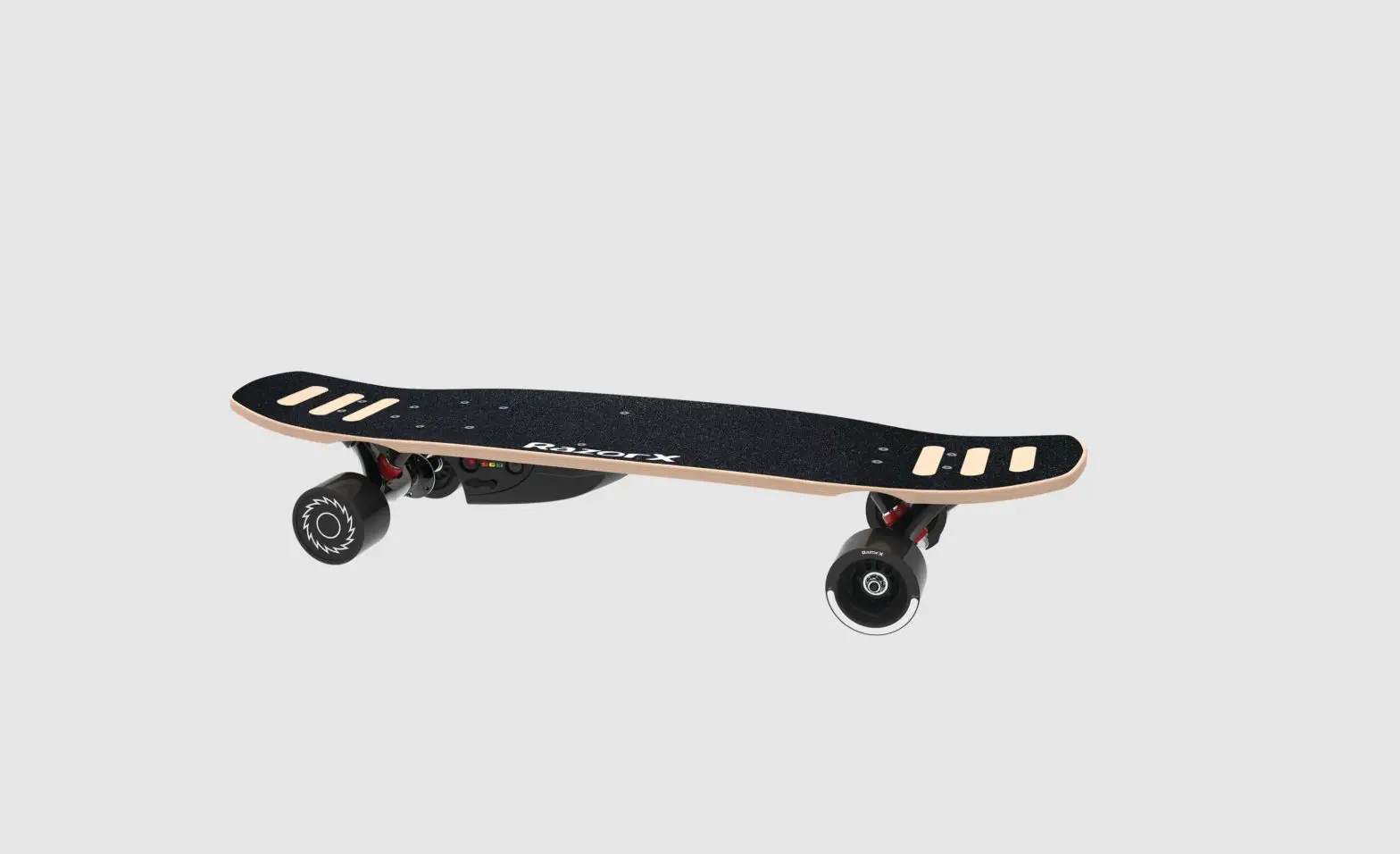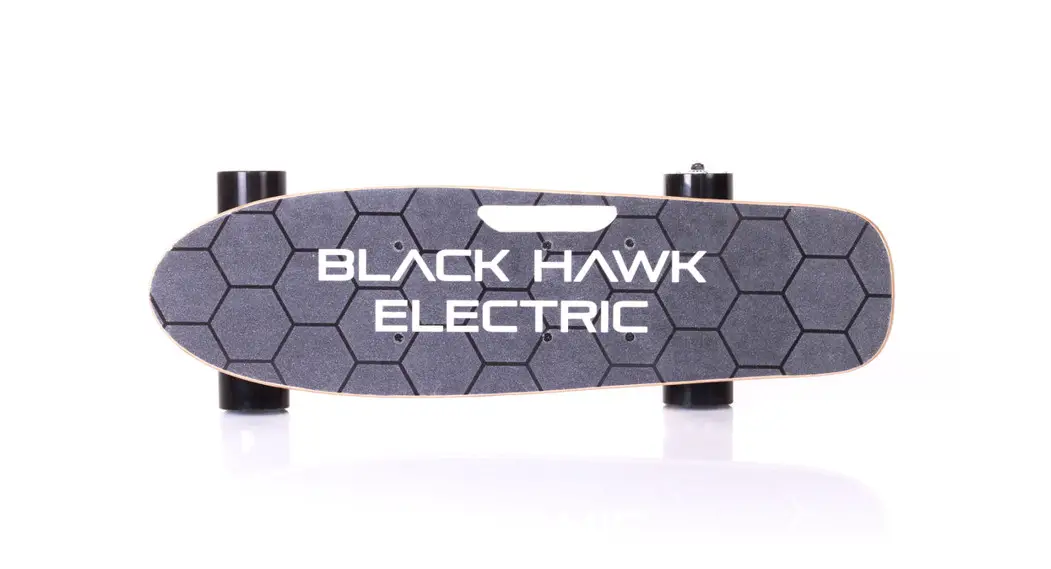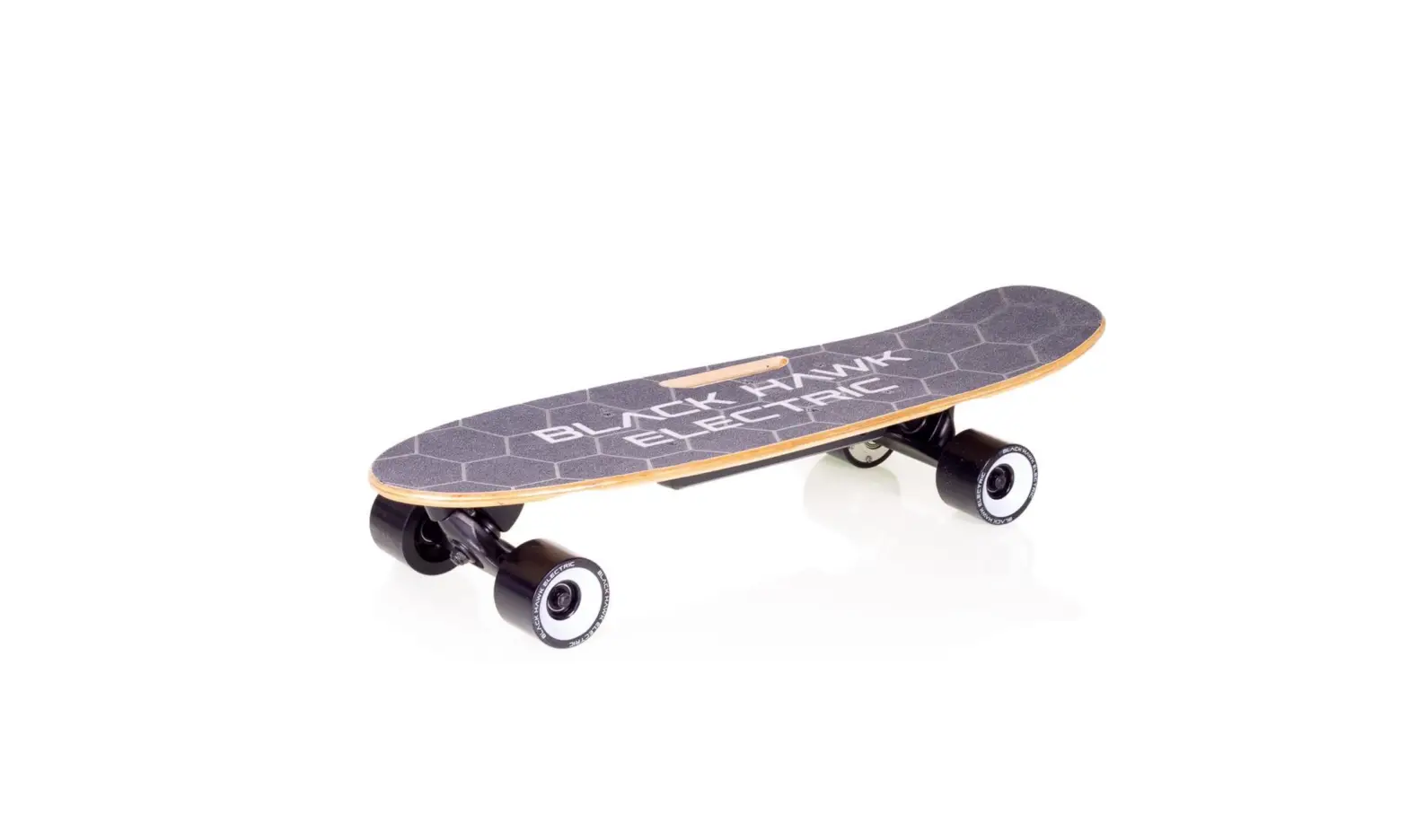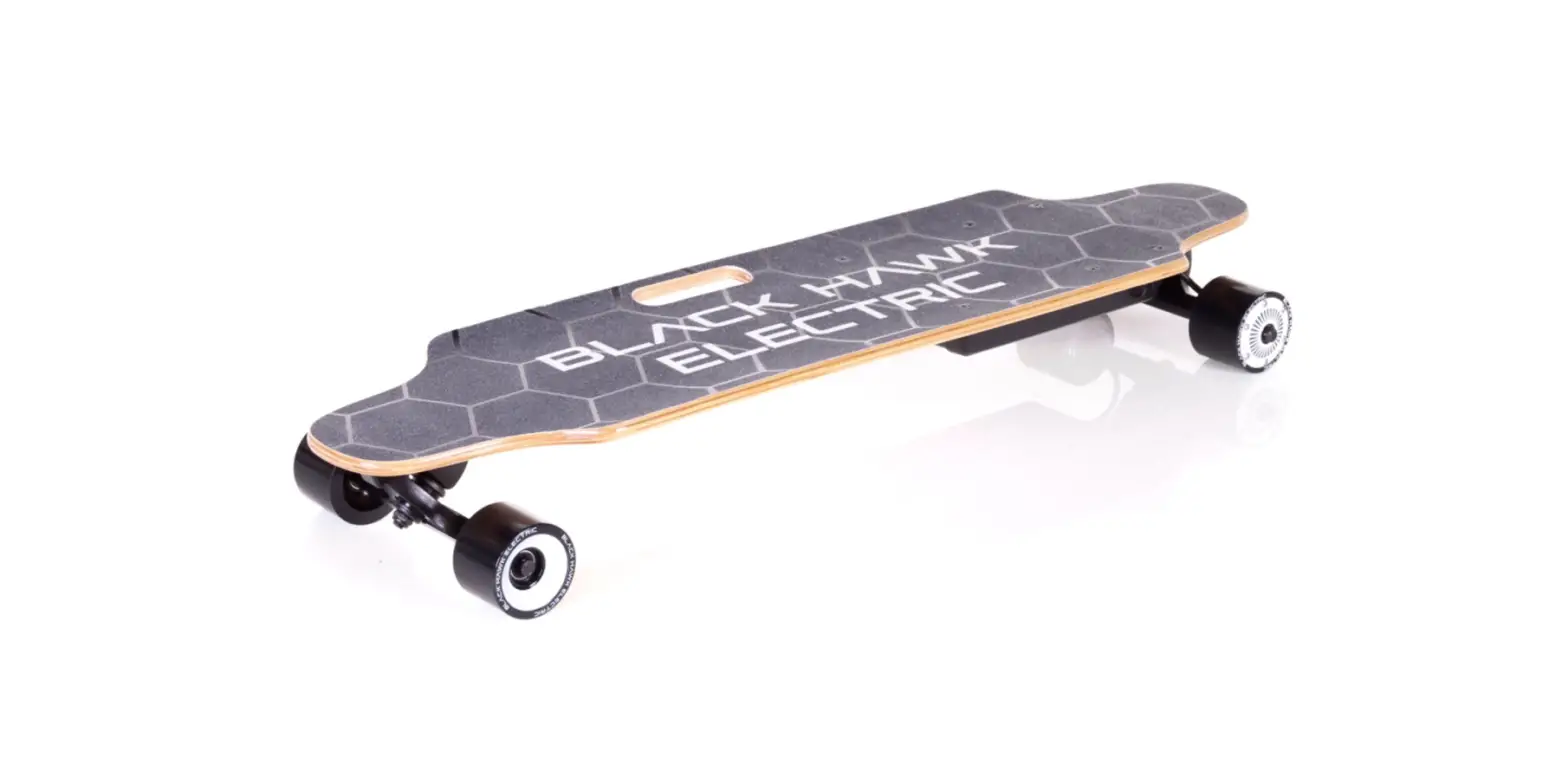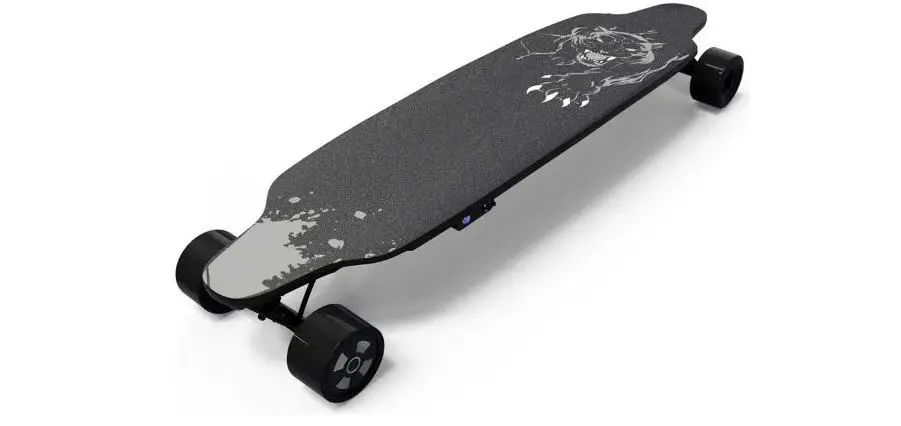

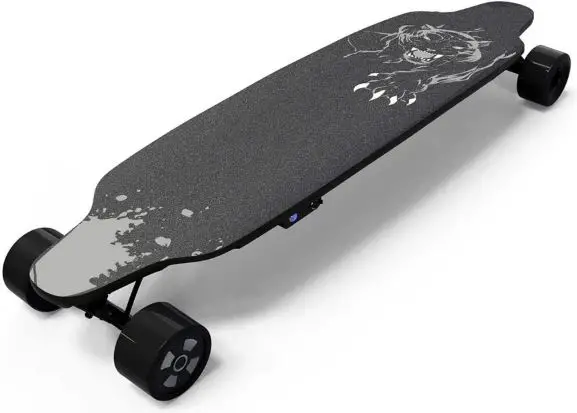
COOL FUN M1-XQJJ-UVKW Electric Skateboard 
- Before using this product, please read this instruction manual carefully and use it properly. Please keep the instruction manual along with your purchase history such as receipts so that you can read it anytime.
- Do not use this product in a dangerous place such as a stand. This may cause damage of the product or injury to yourself.
- This product is a one-seater. It is not possible for multiple people to use.
- You cannot use this product to drive on highways. Please use in a wide area with few people.
- Do not use when visibility is poor due to rain or fog.
- This product is not waterproof. Do not drive in puddle or rain.
- Check the tires for damage and distortion before riding.
- Check that the accelerator and brakes work normally before riding.

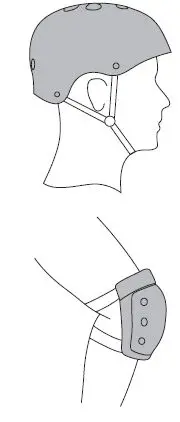
- Please equip helmets and protective devices to ensure safety. Do not disassemble or modify this product.
About driver restrictions
- Please observe the following restrictions to ensure the safety of the driver.
- Weight: 20kg-100kg
- Height: 130cm~180cm
- If you are drunk or unwell, do not drive.
Charging the product
Be careful of the following points when charging this product.
- Charge in a dry place, not a wet place. Input voltage is AC100V to AC240V.
- When charging, please turn off the product power.
- Make sure the AC adapter lamp is lit in green before inserting the charging cable into the connector on the main unit.
- The light on the AC adapter lights red during charging and lights green when charging is complete.
- Disconnect the power cable after charging is completed.
When using for the first time
- Make sure that the switches on the main unit and remote control are set as follows.
- Fully charge the remote control.
- Fully charged.
The names of the parts of the remote control
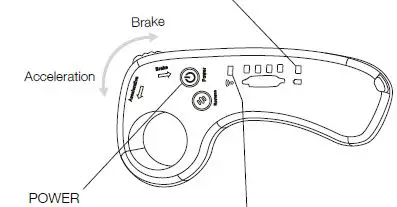
Function 1
- Led lights flashes for 3 seconds, and they indicate the battery left on the remote when they are flashing
Function 2
When remote Is paired to the board, LED tights show battery left In the skateboard Function3 Short press the power button to change ride modes Function 4 Keep the throttle wheel In brake position, short press the power button to change brake modes
Charge
When using this product for the first time, charge the battery. Charge the battery by plugging the included charging cable into the power connector on the skateboard. The connector is on the side of the host battery. (Please remove the waterproof cover when charging.) The LED of the supplied AC adapter lights up red during charging and green when charging is complete. When not in use, please charge the battery for 3 hours a month to maximize battery life.
Note:
Please use the attached charging cable. Please avoid using mobile phones or other charging cables.
Battery
- Use the included lithium battery.
- Do not put the battery near fire or water. Please keep it in a suitable place.
- Please do not use used batteries or batteries with conflicting models.
- Do not put it in a place that is easy to forget.
- If the place is not suitable, please stop charging.
| Specification | size / weight | 700x225mm / 3.8kg |
| Product performance | Compatible weight / maximum speed | Maximum 80kg / About 12-15km/h |
|
Battery | Type Voltage Battery capacity Mileage | Lithium ion 24V 2 Ah Up to 7-10km |
| Motor | Maximum output | 150W |
| AC adapter | Input voltage Output current Charging time | AC100-240V 1A About 2 hours |
| Controller | Communication method | 2.4GHz radio frequency technology |
| Speed | Low speed / High speed | Use the switch to adjust |
| Tires | Material / Size | PU / Diameter 72x51mm |
 Likesporting-Treadmills,walking machines,elliptical machines and other fitness equipment mall-Likesporting.com