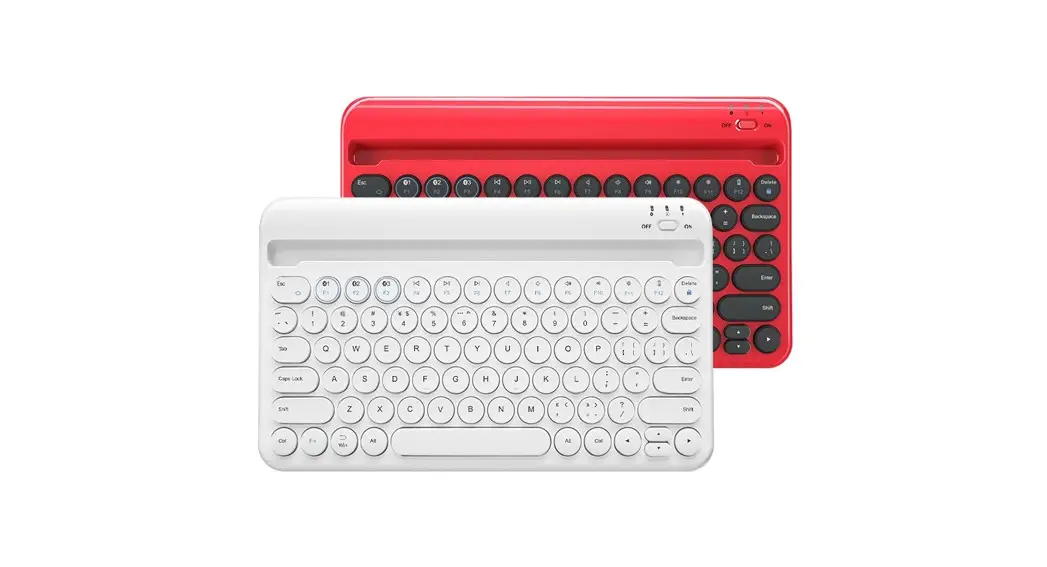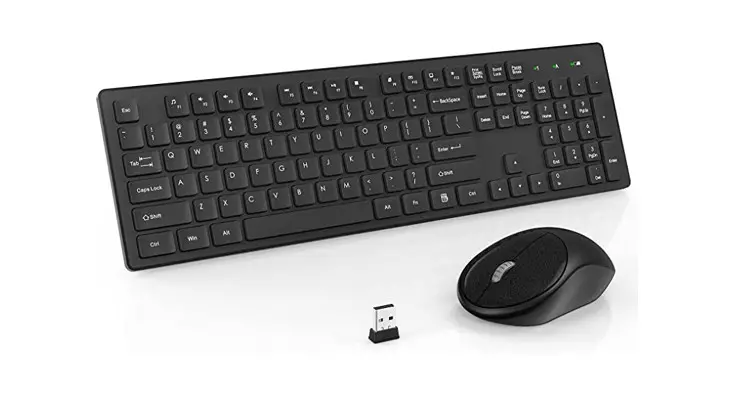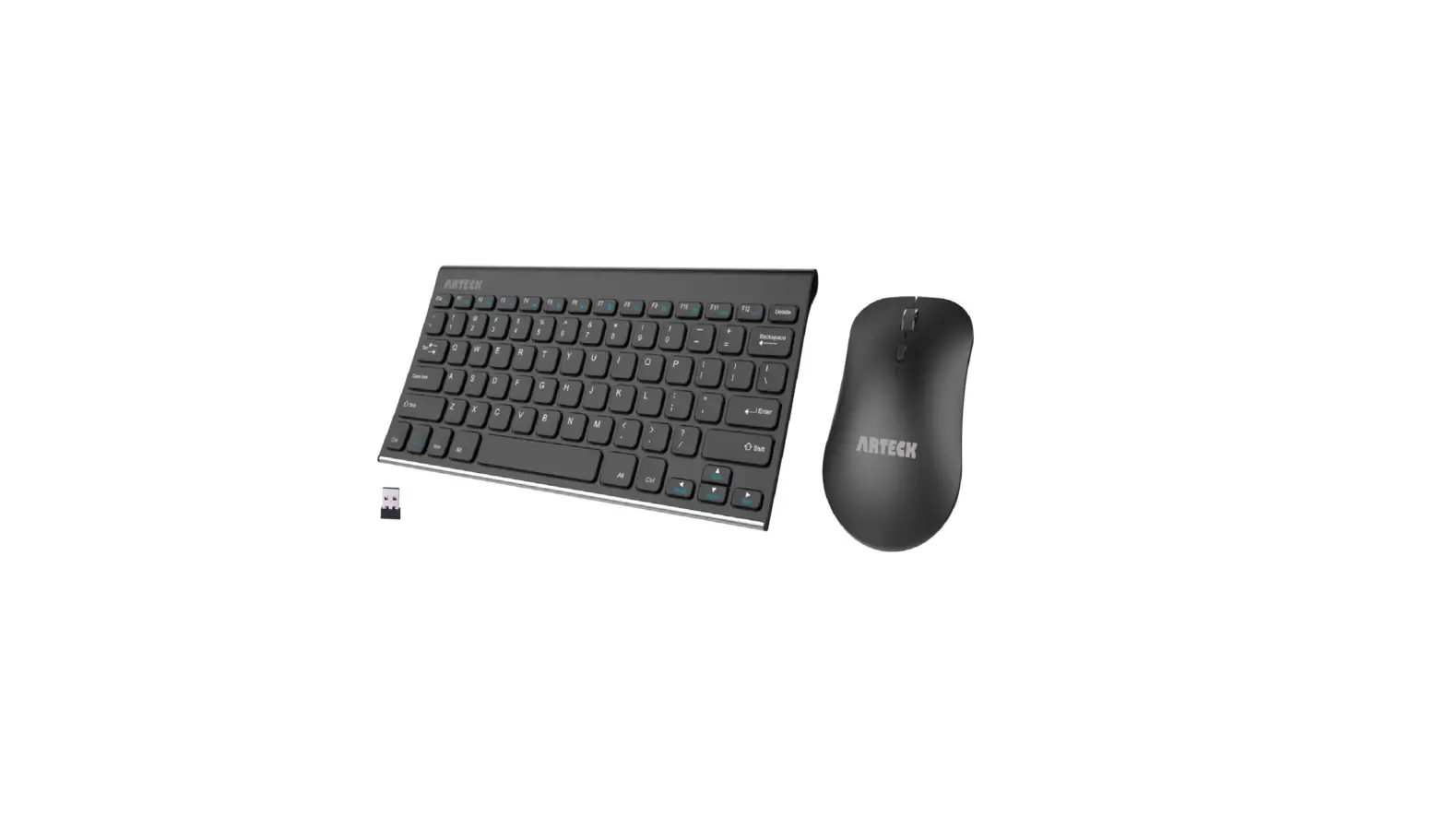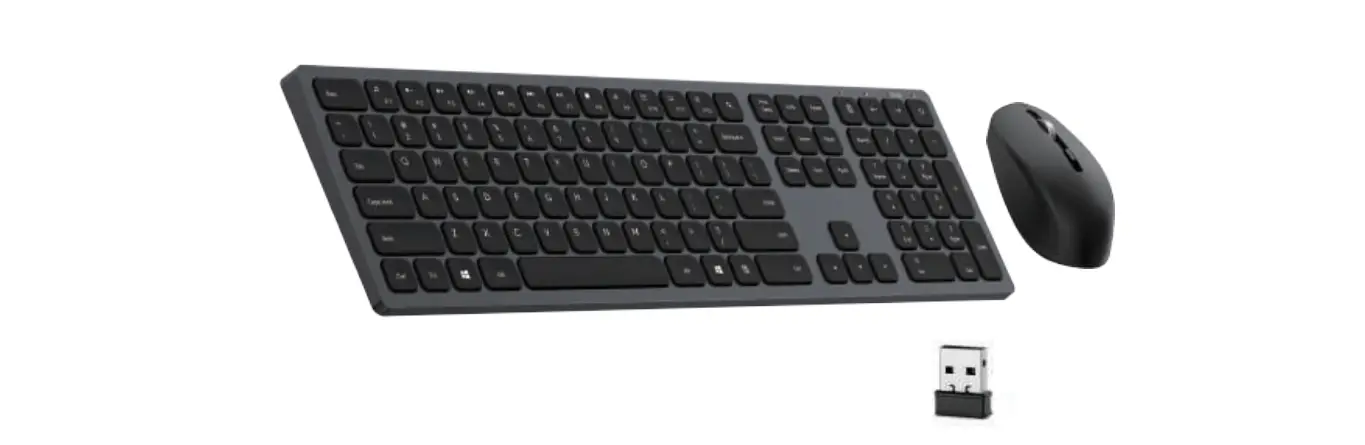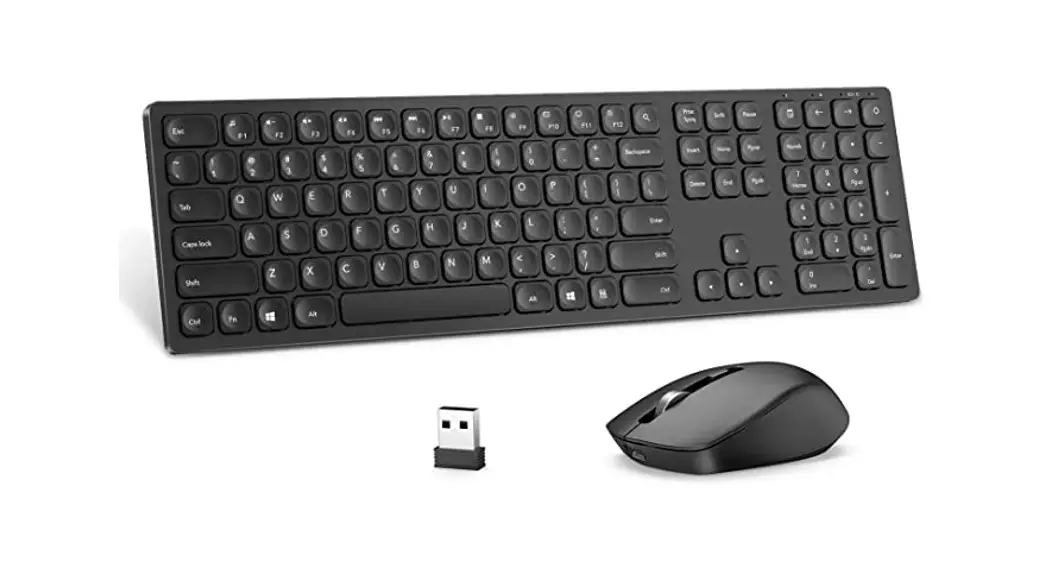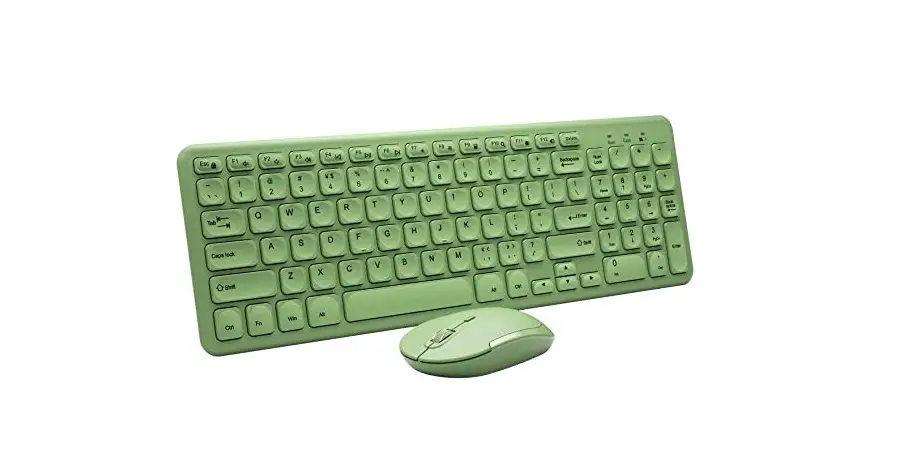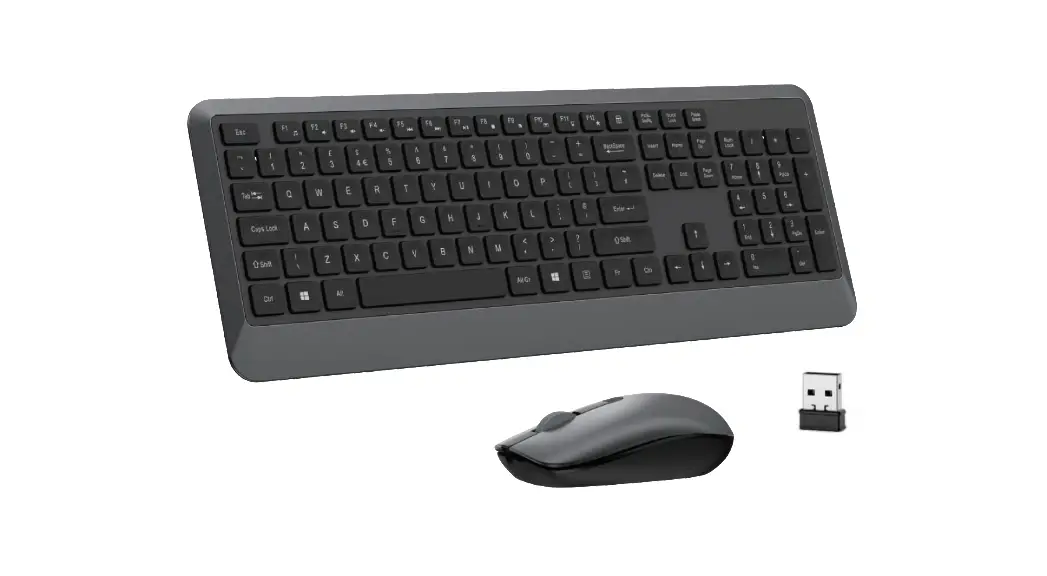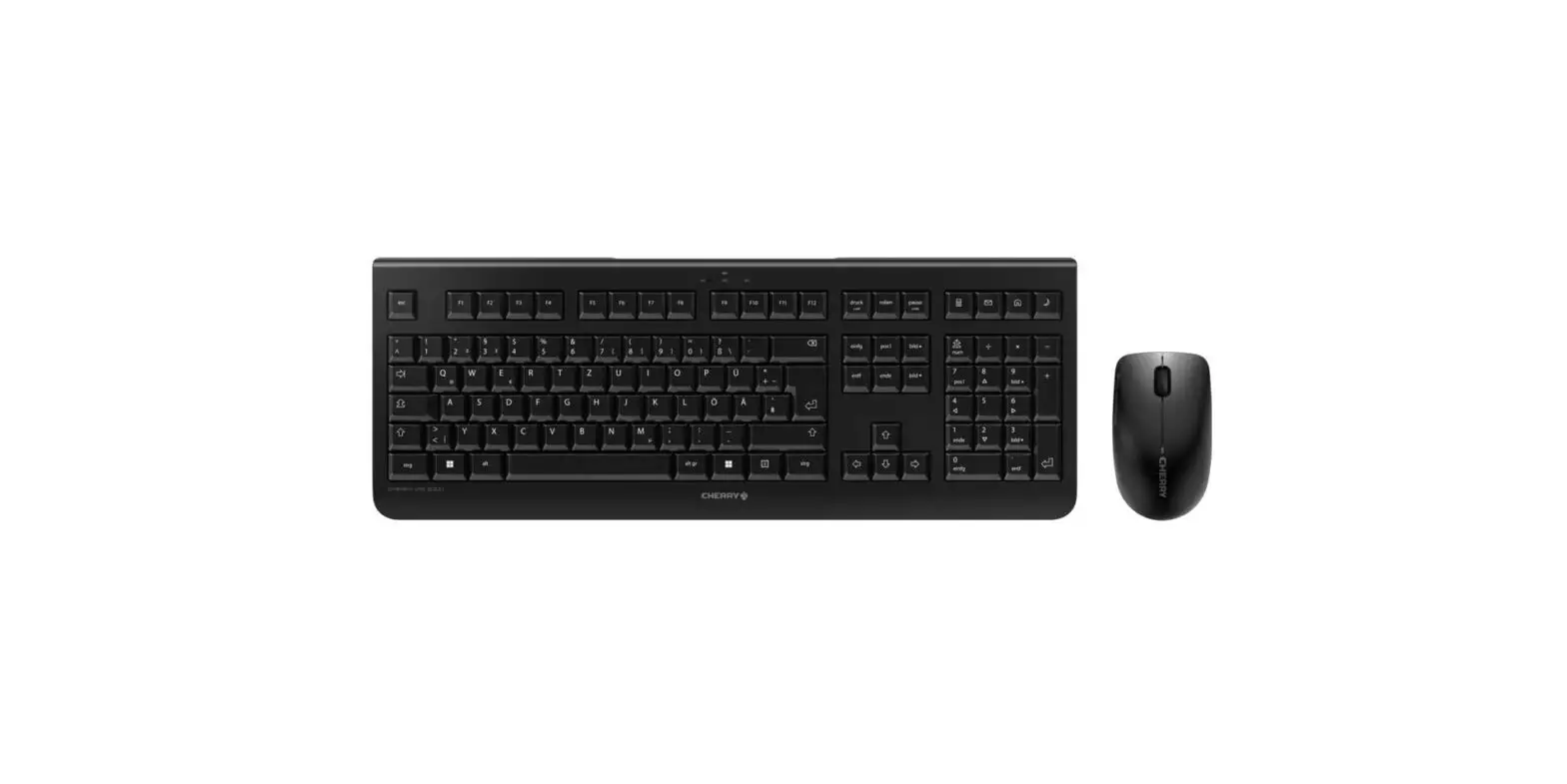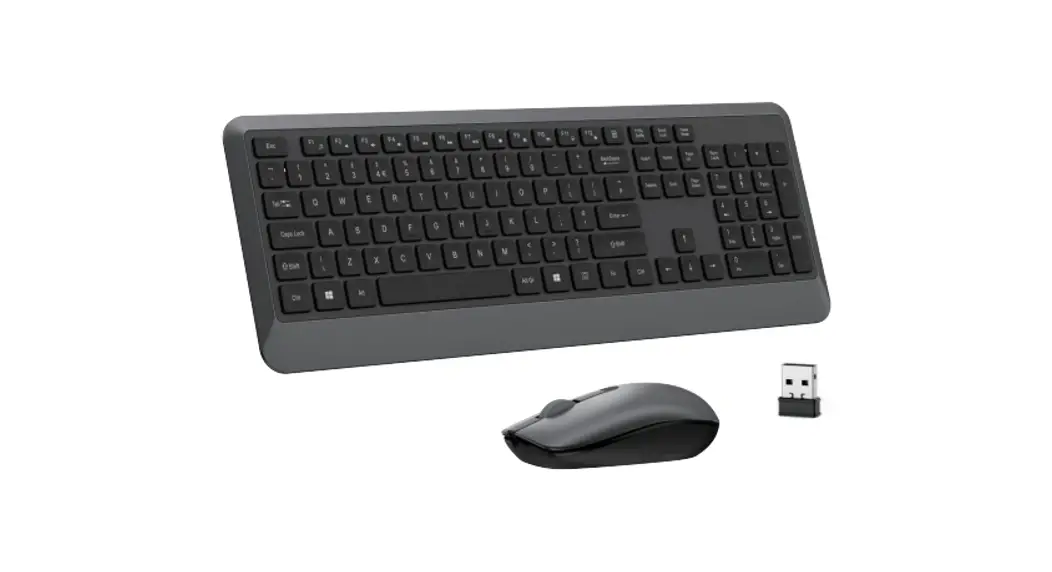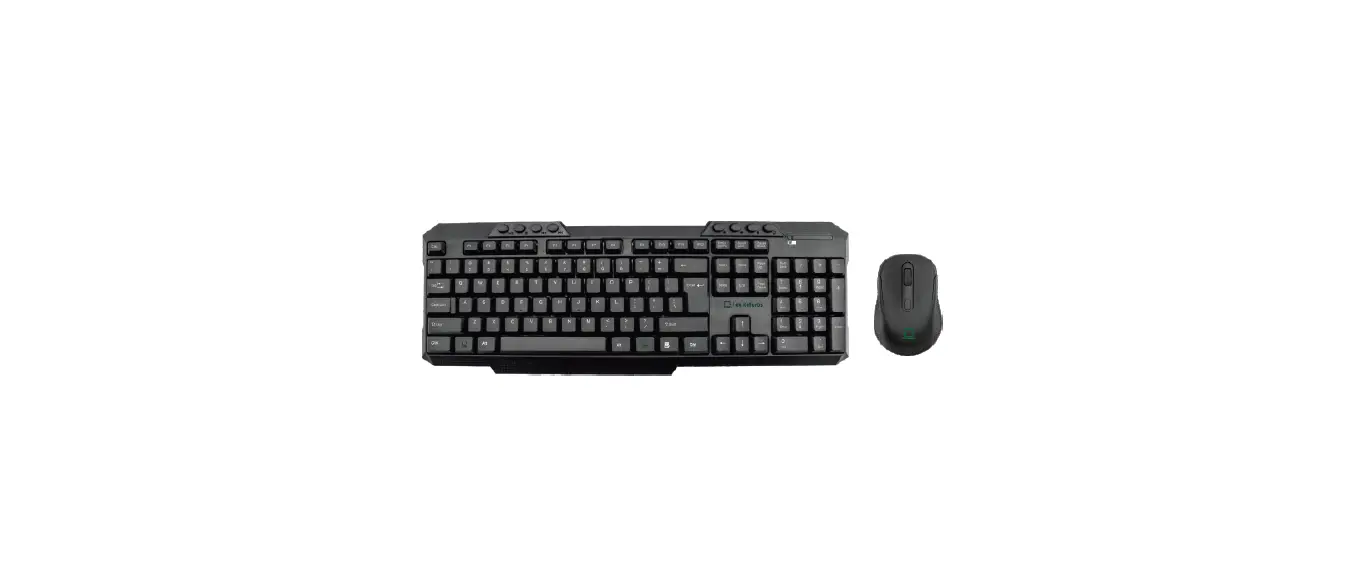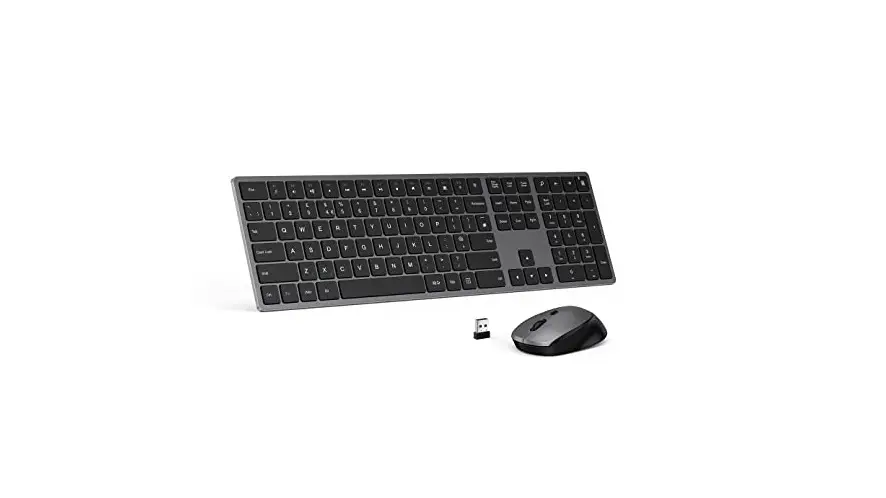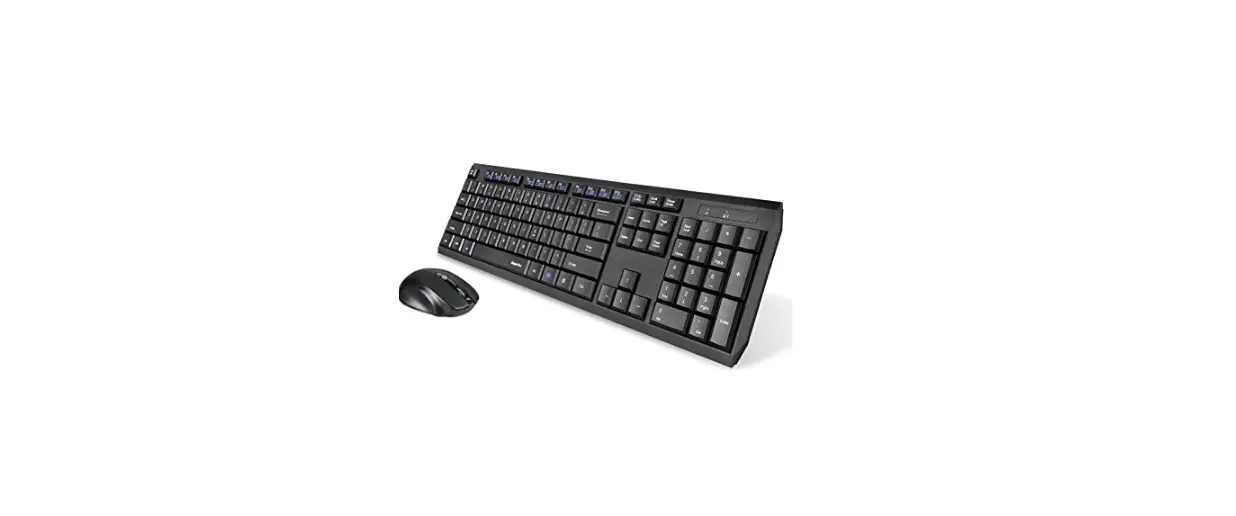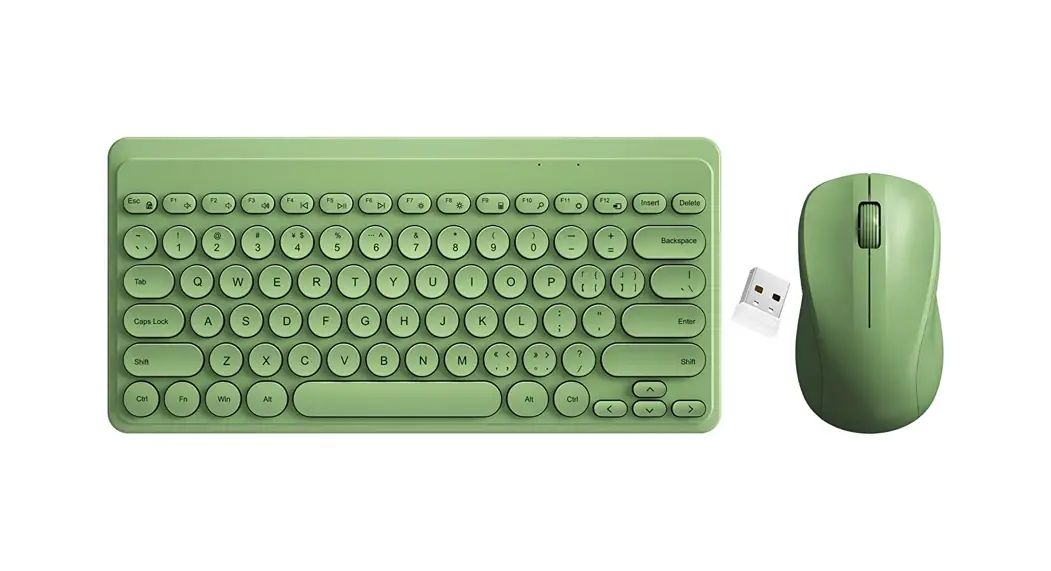
Superbcco HW256
Wireless Keyboard and Mouse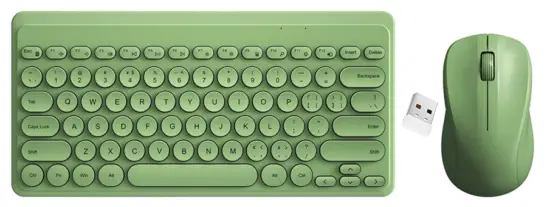 User’s Manual
Thank you for purchasing Superbcco 2.4Ghz Wireless Keyboard and Mouse. Each unit has been manufactured to ensure safety and reliability with life-time warranty. Before using for the first time. please read the instructions carefully and keep them for further reference.
PACKAGE CONTENTS
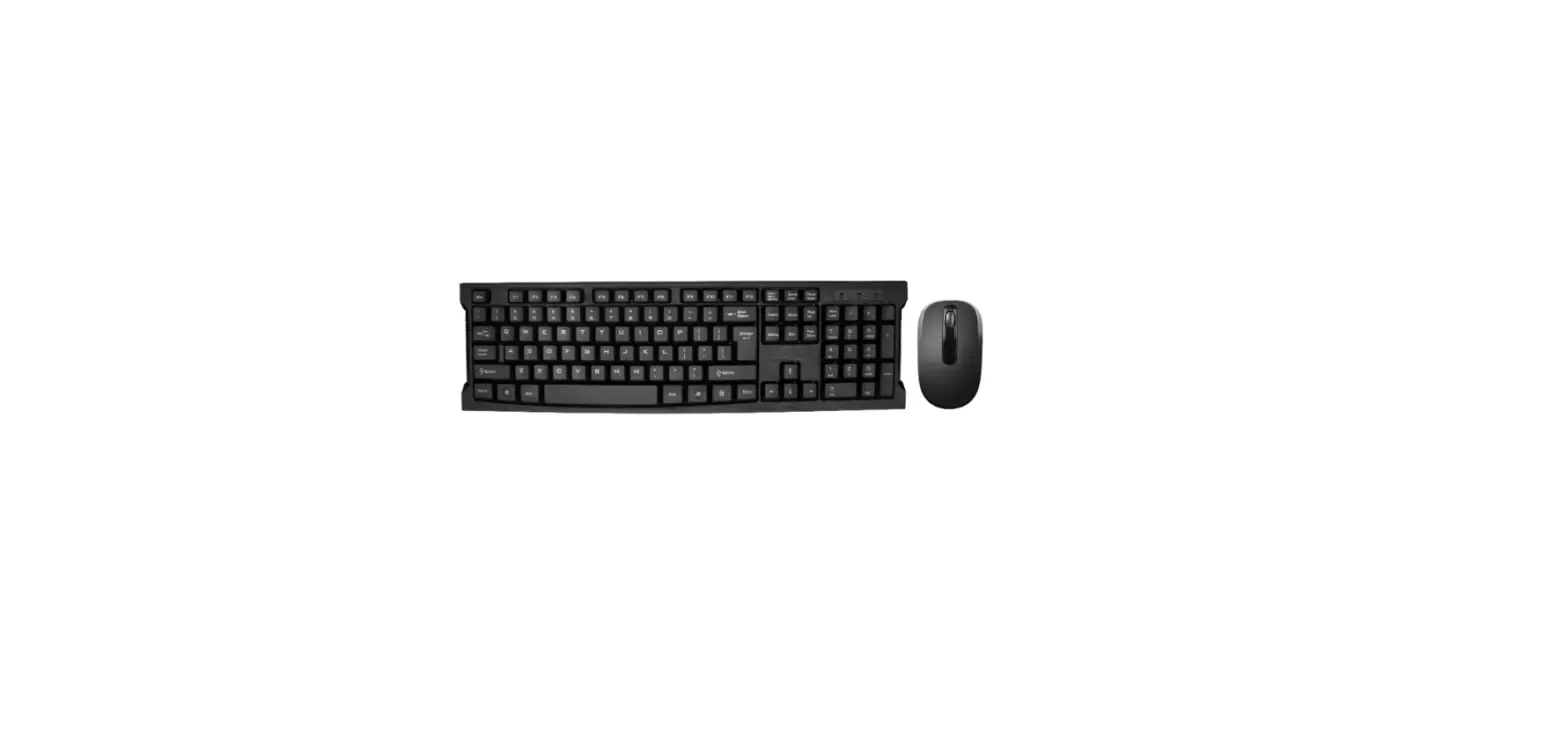
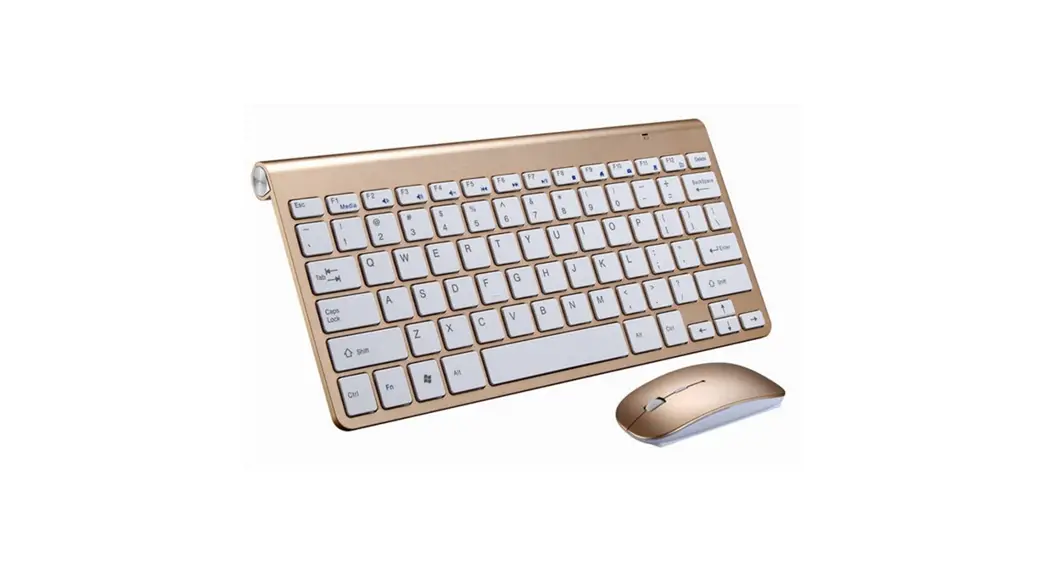
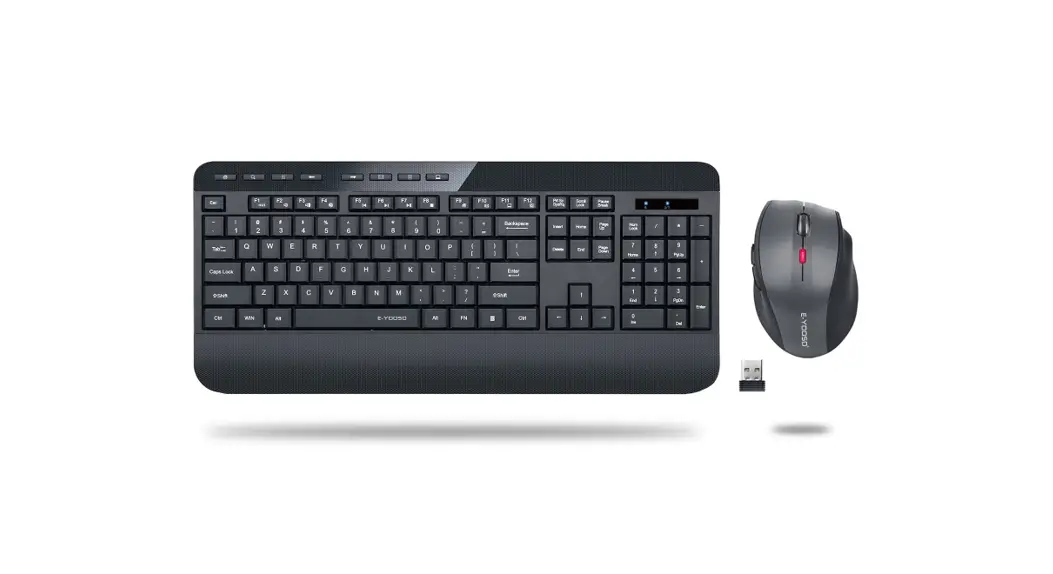
- 1*Wireless Keyboard and Mouse
- 1*USB Receiver (stored inside the keyboard; plug it into your computer
- 2 *AAA-Type Batteries for the Mouse (included)
- 2*AAA-Type Batteries for the Keyboard (included)
- 1*Environment-Friendly Transparent Silicone Keyboard Cover
- 1* User Manual
Note: for Macbook, iPhone, iPad & Android phones, tablets, it can work via a USB dongle/OTG.
HOW TO PAIR
Normally keyboard and mouse have already been paired before delivery. Please follow the below steps in case they are disconnected.
Keyboard Paring: Switch your keyboard off first. pluck the USB receiver out. and then turn your keyboard on and quickly press “Esc’ + “k” or “Esc” + “q”. Plug the USB receiver into your computer when the indicator starts flashing Reconnection is done when the indicator light turns off (Please place keyboard close to USB receiver when paring).
Mouse Paring: Switch your mouse off first. pluck the USB receiver out. and then replug it into your computer. Press and hold “Right Click” first and then keep pressing “Scroll Wheel”. and switch the mouse on. Reconnection is done after 3-5 seconds.
SETTING UP YOUR WIRELESS KEYBOARD AND MOUSE
- Install two AM batteries in your keyboard and two MA batteries in your mouse (Note: batteries+/-ends should follow those indicated on the battery compartment label).
- Connect the 2.4 GHz USB receiver to the computer (Please note that this combo only needs one USB receiver for both keyboard and mouse, and the USB receiver is inserted inside the keyboard, not inside the mouse). Warning: plug the USB receiver into the USB 2.0 port (usually the black one) not the USB 3.0 the blue one; this is due to USB 3.0 radio frequency interfering with the 2.4GHz wireless device, and not properly plug-in may lead to mouse lagging or freezing problems. Sometimes the black one can also be USB 3.0
- Flip the power switches on (Note: keyboard and mouse has their own independent POWER ON/OFF switch, located on their back. Flipping them off for energy saving when not in use. The keyboard and mouse have already been successfully paired before delivery and thus simply plug and play).
INDICATOR LIGHTS
 Low Power Alarm:
 Flashing red 3 times per second.Indicate Whether Caps Lock Is On or Off:
CPS Press Caps Lock once to type all letters as uppercase. Press Caps Lock again to turn it off.Indicate Whether Num Lock Is On or Off:NuM To use the numeric keypad to enter numbers, press Num Lock. When Num Lock is off, the numeric functions as a second set of navigation keys.
KEYBOARD SPECIFICATION
| Transmission Dolance | 10nV3311 | Keystroke Force | 60±10g |
| Modulation Mode | GFSK | Keystroke broom° | 3 Won |
| Wondering Current | 3M | Standby Current | 0.3-1.SrnA |
| Sleep Mode Current | <EVA | Battery | 4 AAA (included) |
| Working Temperable | -10 – •55″0-14 – •122F | ||
FUNCTION KEYS
Key Icon | Windows System Function | Wins FN+Function Keys |
 | ESC | Fn•Key Lock |
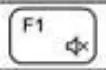 | Fl | Mute |
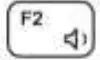 | F2 | Volume Down |
 | F3 | Volume Up |
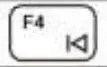 | F4 | Previous Song |
 | F5 | Flay/Pause |
 | F6 | Next Song |
 | F7 | Brightness |
 | F8 | Brightness • |
 | F9 | Calculator |
 | FI 0 | Search |
 | Fr | Setup |
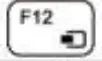 | F12 | Device Sharing |
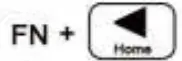 |  | Move to the top of a webpage |
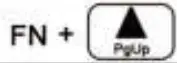 |  | Page up ors wean |
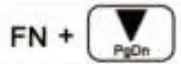 |  | Page down one screen |
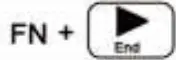 |  | Move to the bottom or a webpage |
DELETE Key: please select the object first and then press delete to make the DELETE key work: Backspace key works as direct delete as well.
Screenshot for MAC: Command Key=Win on this keyboard Full-Screen Shot: Command+Shift+3 Area Screen Shot: Command+Shift+4
TROUBLESHOOTING
| Common Symptoms | What You Experience | Possible Sdubons |
| unable lose Me keyboarcktnouse | No response when elaborating your kedsard or muse |
|
| 2. Cheek; I me keystone or mouses pewter switch is set to | ||
| 3. Remove & redsted batteries | ||
| 4. Remove and reconnect 1158 recent on your computer | ||
| 5. Restart your computer. | ||
| Mouse problems | Mouse lagging ar no response | 6 Battery is out of power and Plena Change the balmy |
| 7. Clean the surface of the mouse sensor. | ||
| 8. Try II on another computer. | ||
| 9. Contact us for renaming the anodized USB reviewer. Scessetunes lapdog due to WIA speed and %pectic computer |
LIFETIME WARRANTY
Superbcco warrants this product to be free from manufacturing defects for a lifetime warranty from the original date of consumer purchase.
This warranty is limited to the repair or replacement of this product only and does not extend to consequential or incidental damage to other products that may be used with this unit.
TECHNICAL SPECIFICATIONS
| Item Name | Wireless Keyboard and Mouse Combo HW2511 | Battery | 4 W Bader ieS included) |
| Material | ABS | Number of Keys | 96 |
| Interlace | US8 2.0 | Hotkeys | 12 |
| Transmission Distance | lOrrV33/1 | Features | %Viceless, Ultra-Slim, Plug, and Play |
| Operation Voltage | Sy | Optical Resolution | 8001120011600 DPI |
| Service Time | <20mA | Mouse Size | 10.1cm x 7.Scam x 2.3 anr2.4″ x 4.2– 2 0.0″ IS) |
| Operation Current | 23 Million Stakes | Keyboard Size | 30cm x 12.1cm x 2.1 an/14.? x 4.6′ x Or (4114,02.) |
| Colors | Avocado Green/Baby Fink/Pearl White/Midnight Black | ||
| Supported operating Systems | Ihaearaft Windows 10/97/xPiVista/Server 2003/Server 2008/ Sewer 2012, Ubuntu, Naokylin. Free DOS. Chrome and Android (for Mac, use a USS dangle to Make it work) | ||
COMPANY ADDRESS
SHAANXI DEPIN TRADING CO., LTD
Room 705, Building No. 2, Internet Industry Land, Weibing South Road
No. 1, Garden Road Zone, Qiaonan Street Work Station, Weibing
District, Baoji City, Shaanxi Province 721000
CONTACT US
Official Website: www.de-pin.com
Email: [email protected]