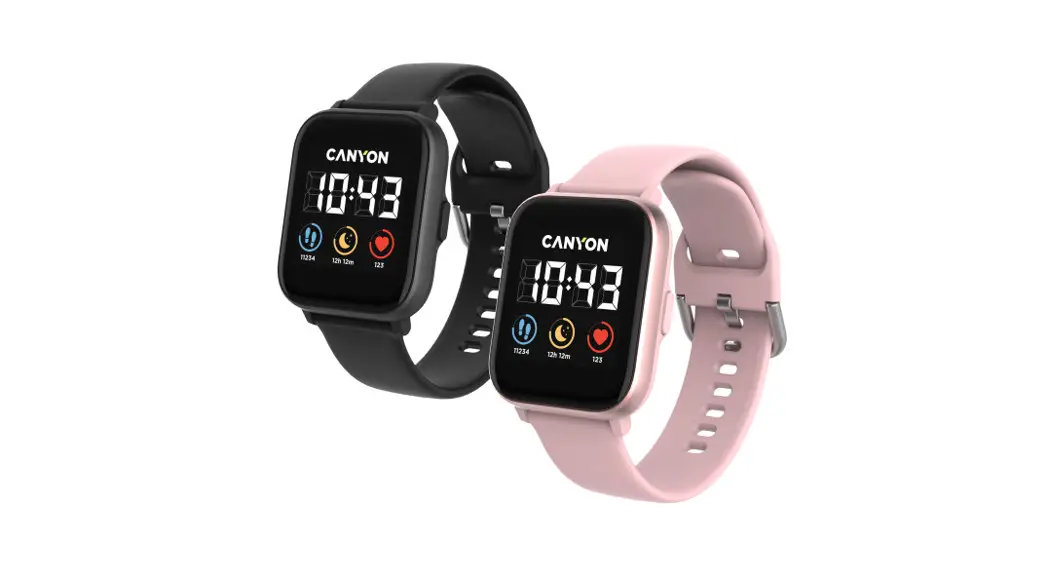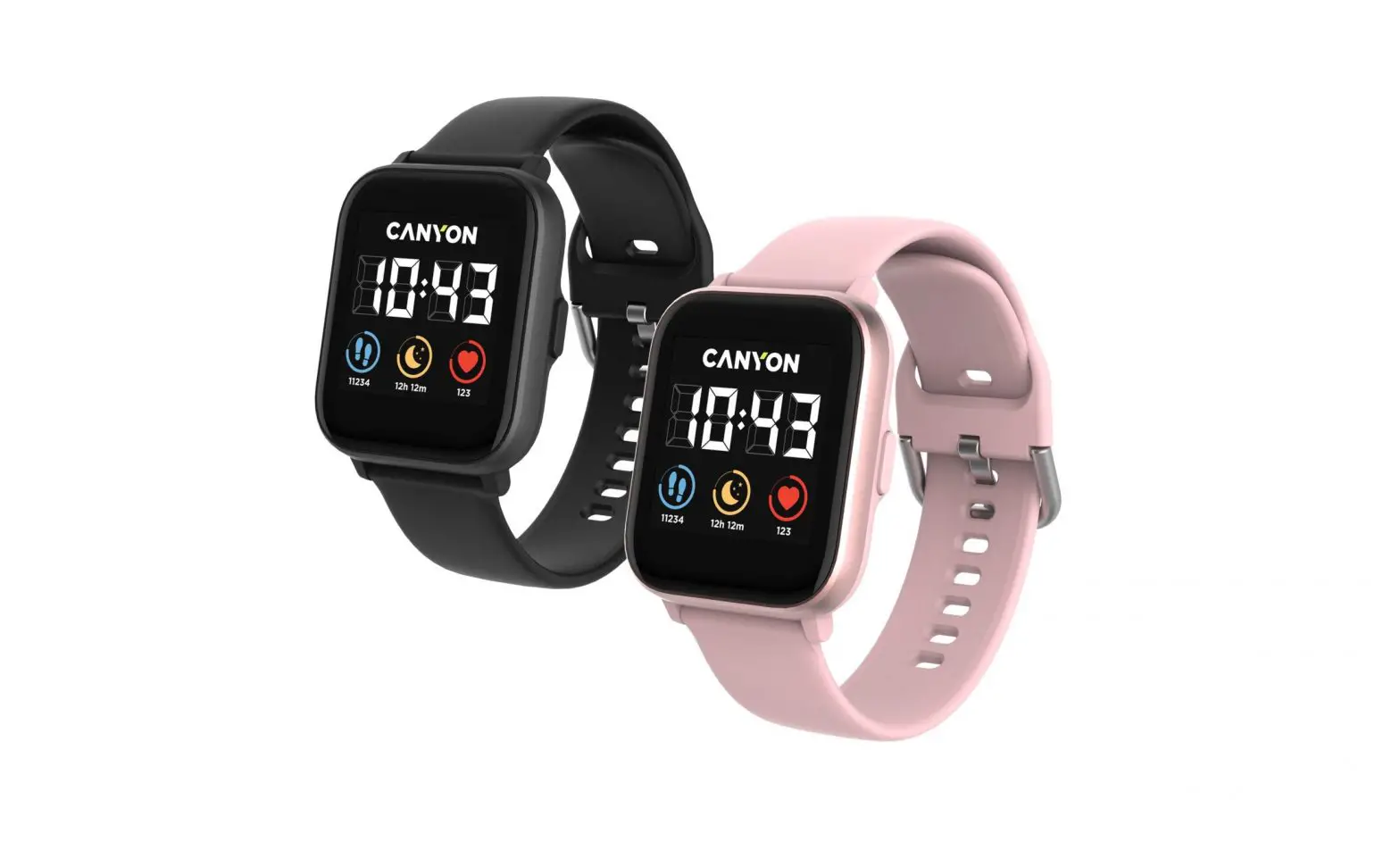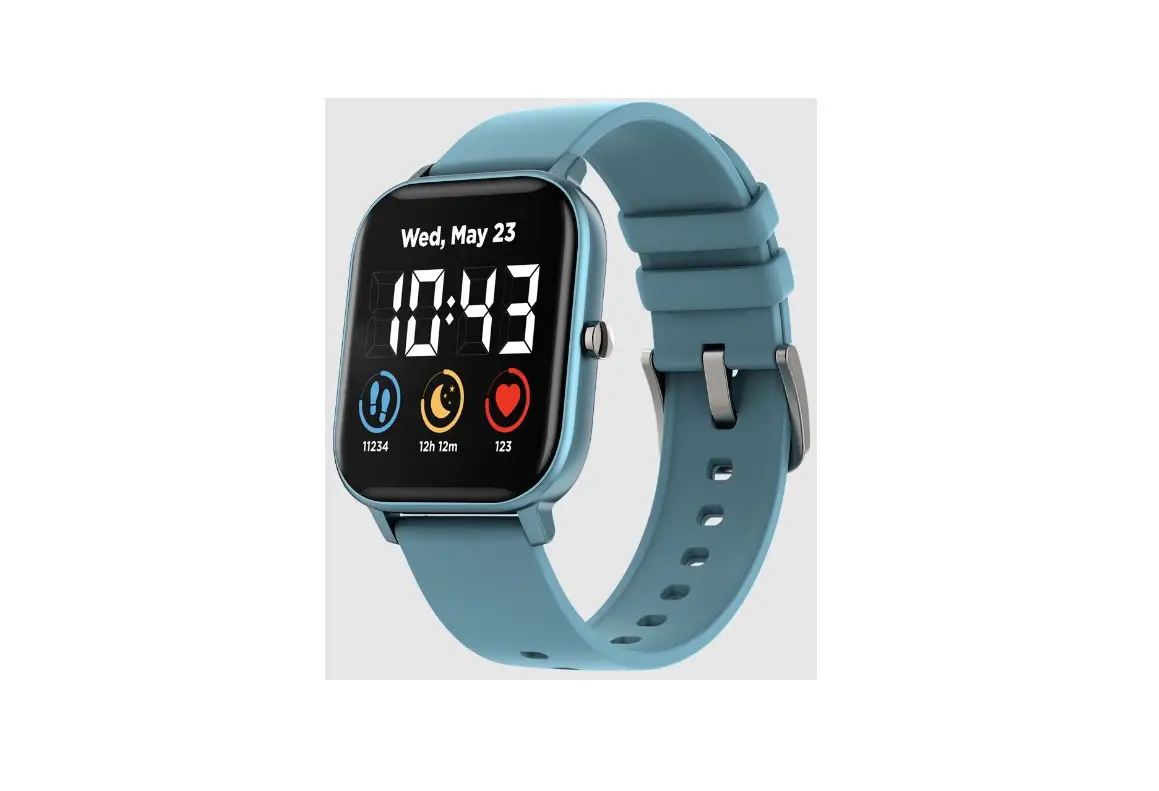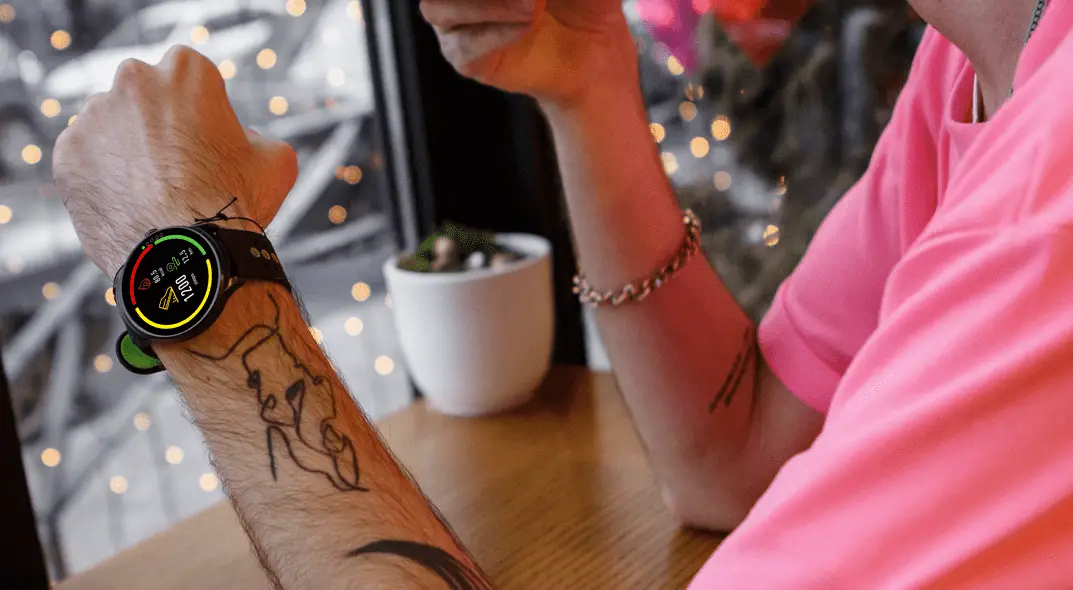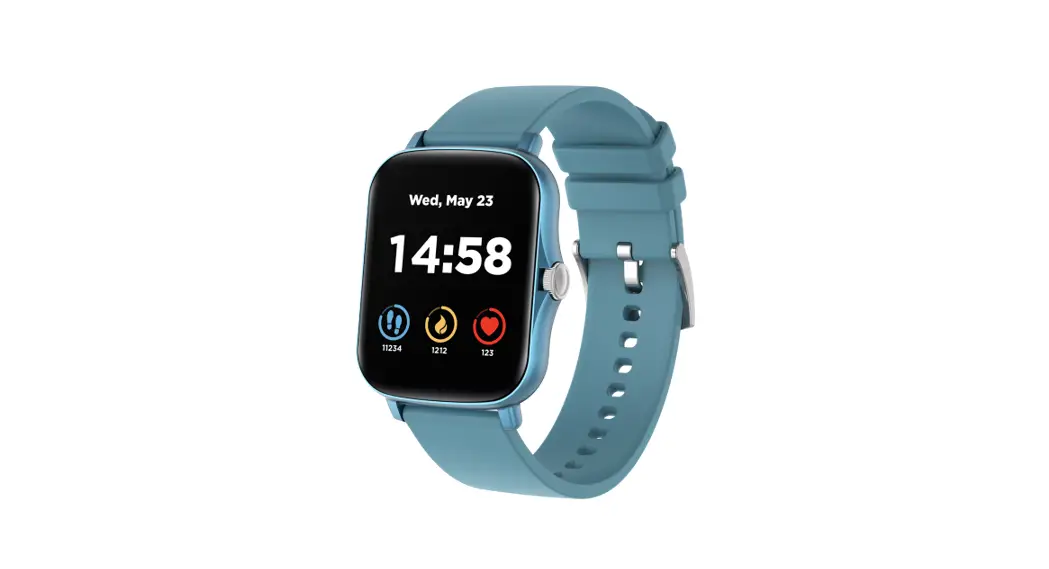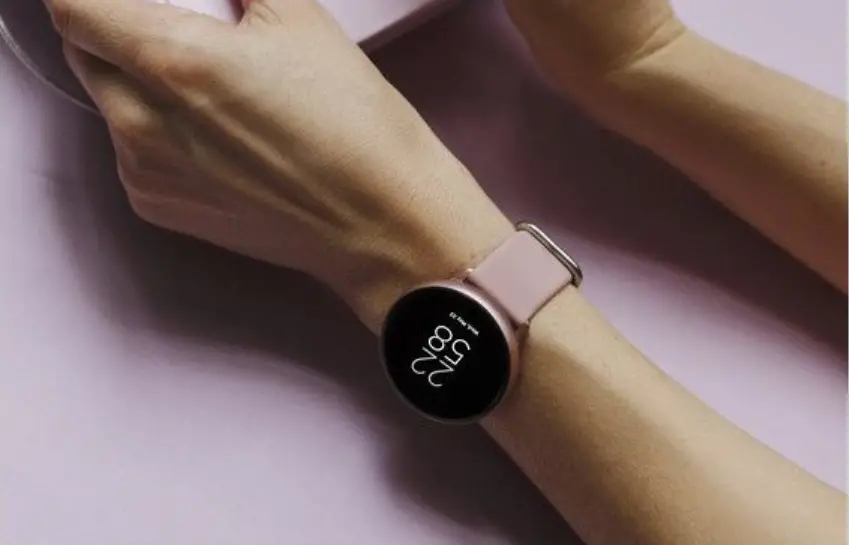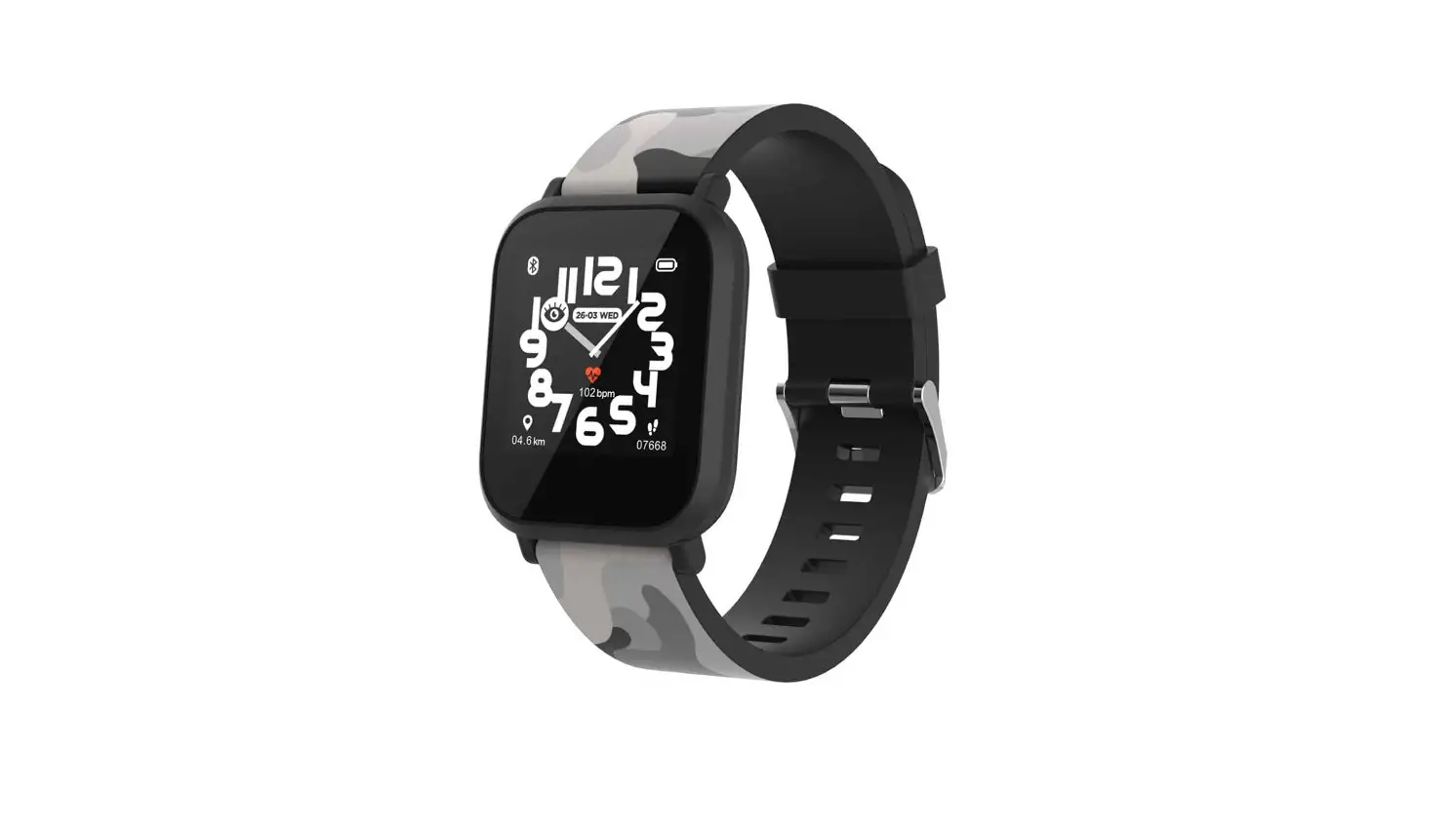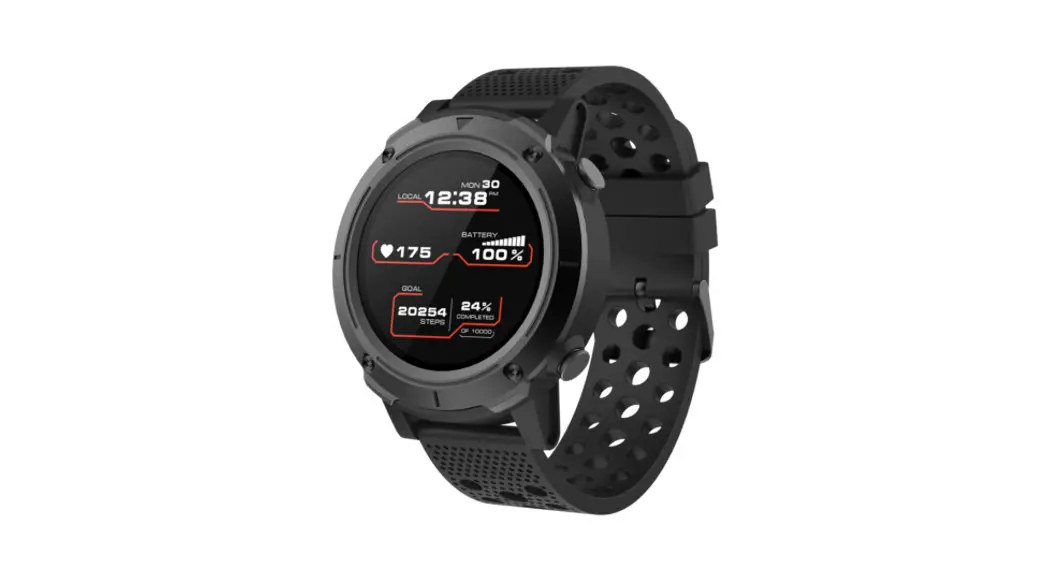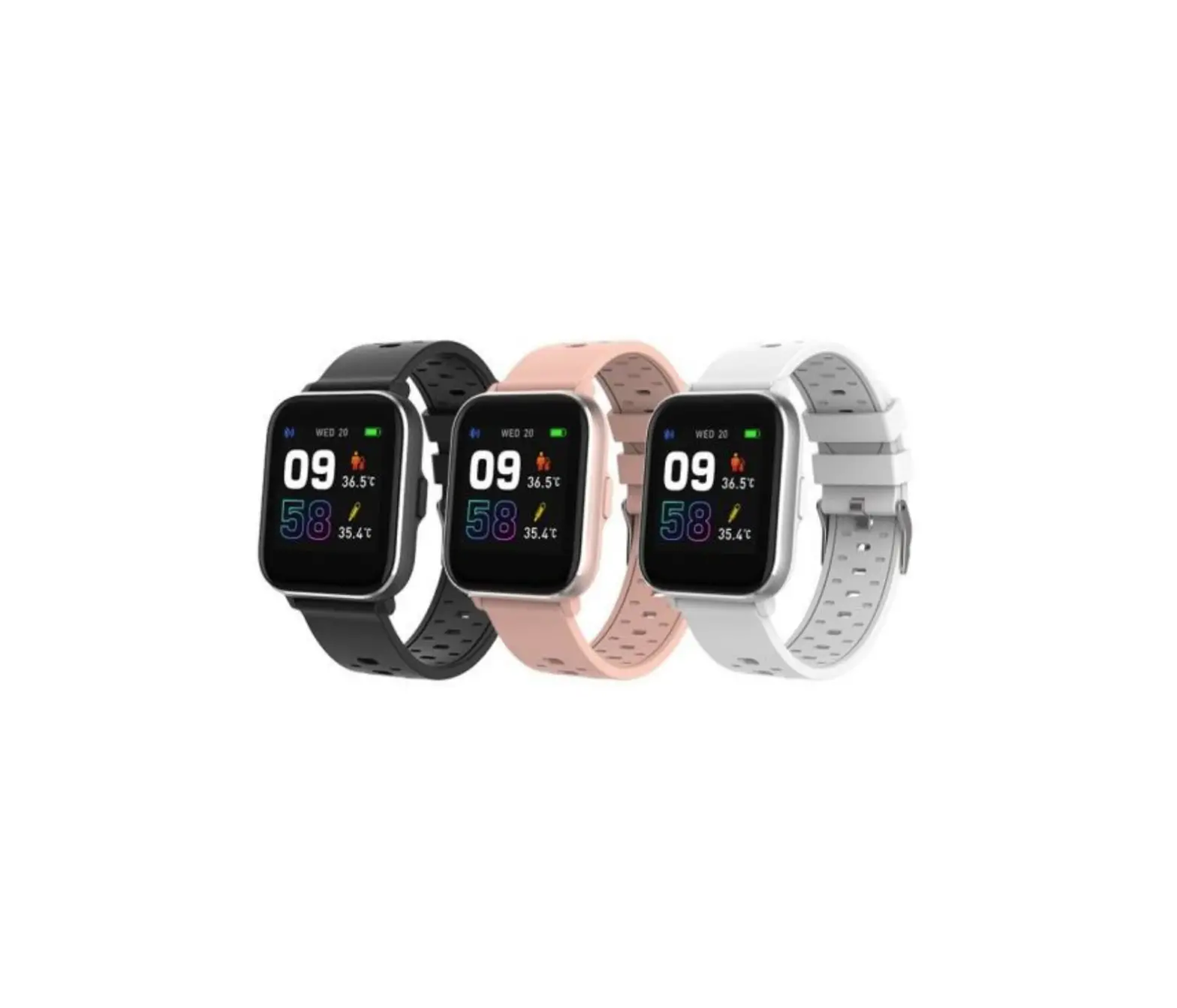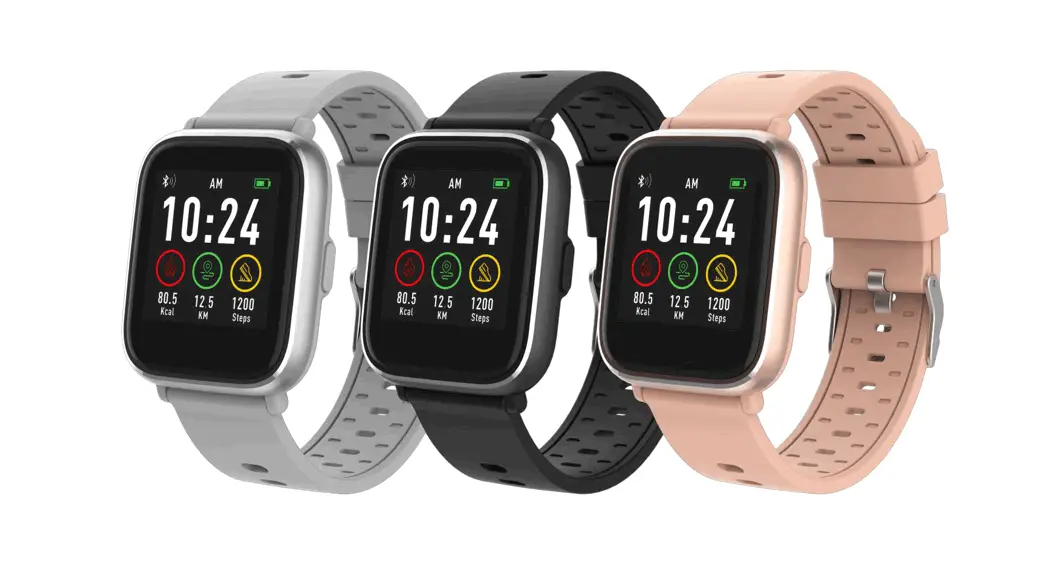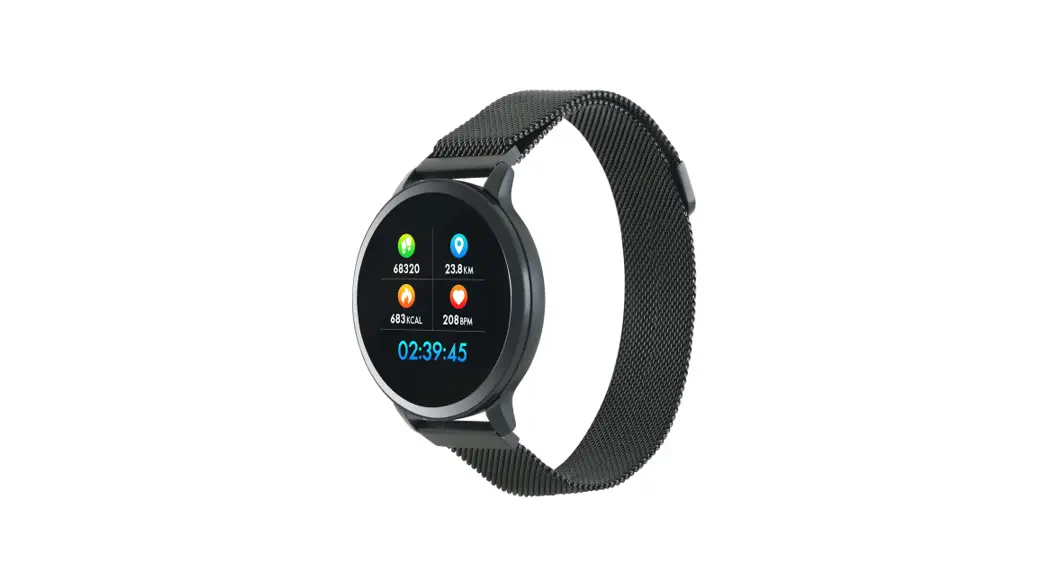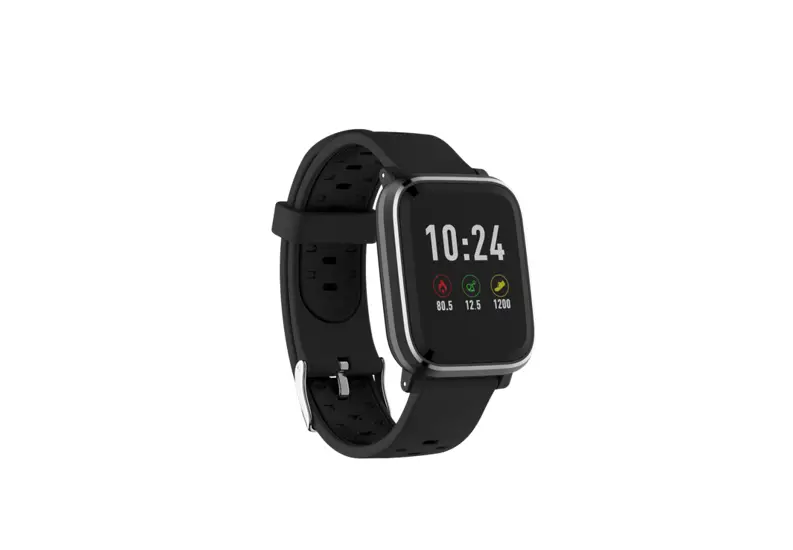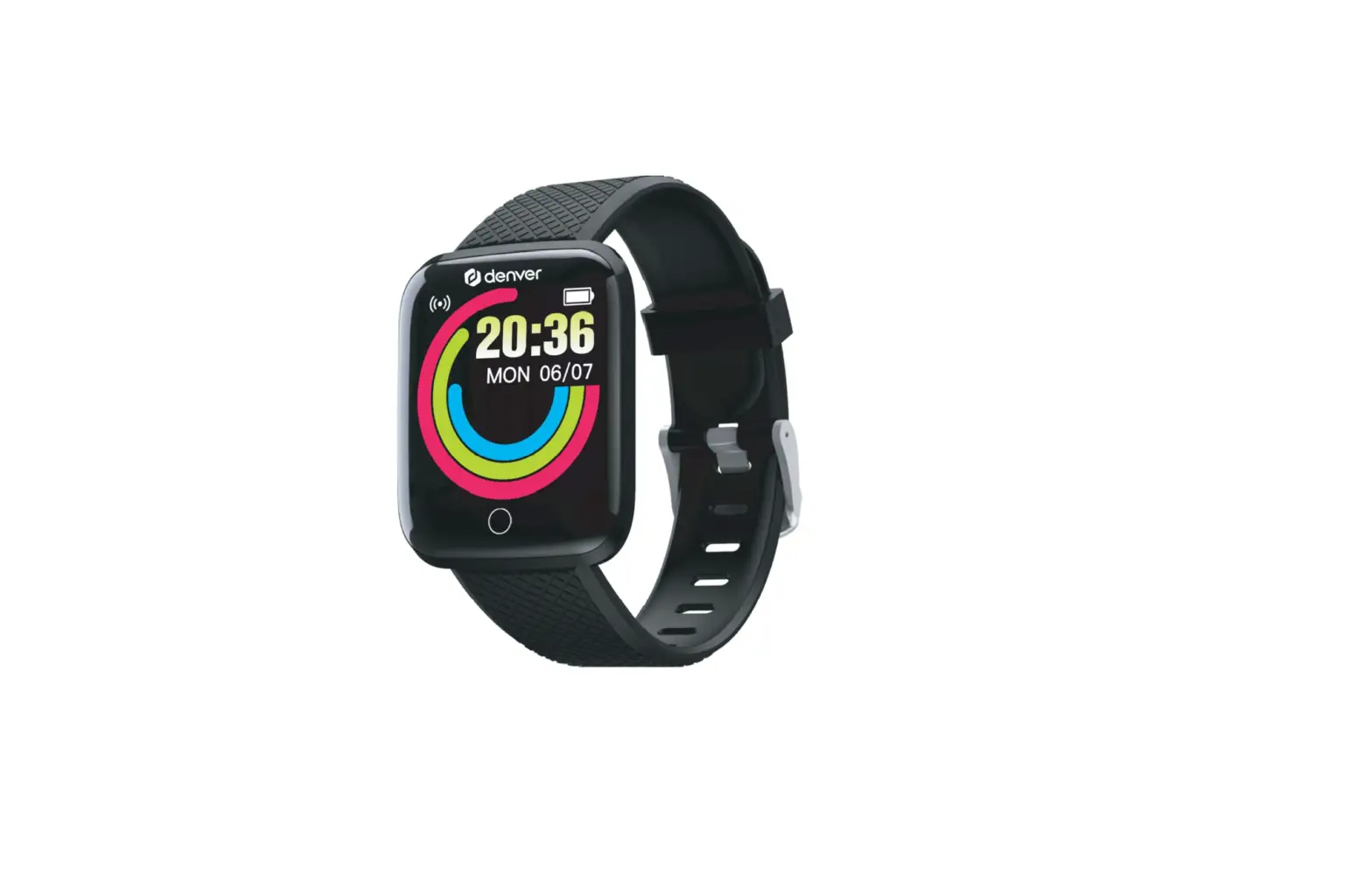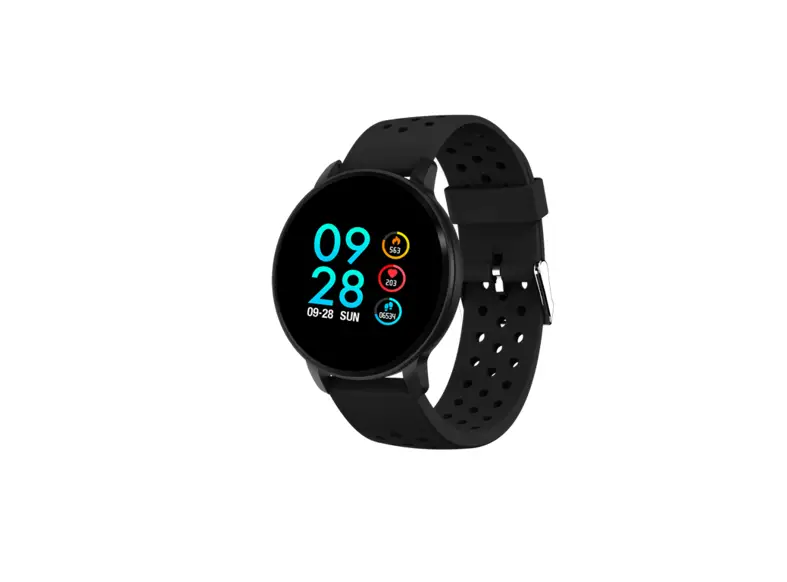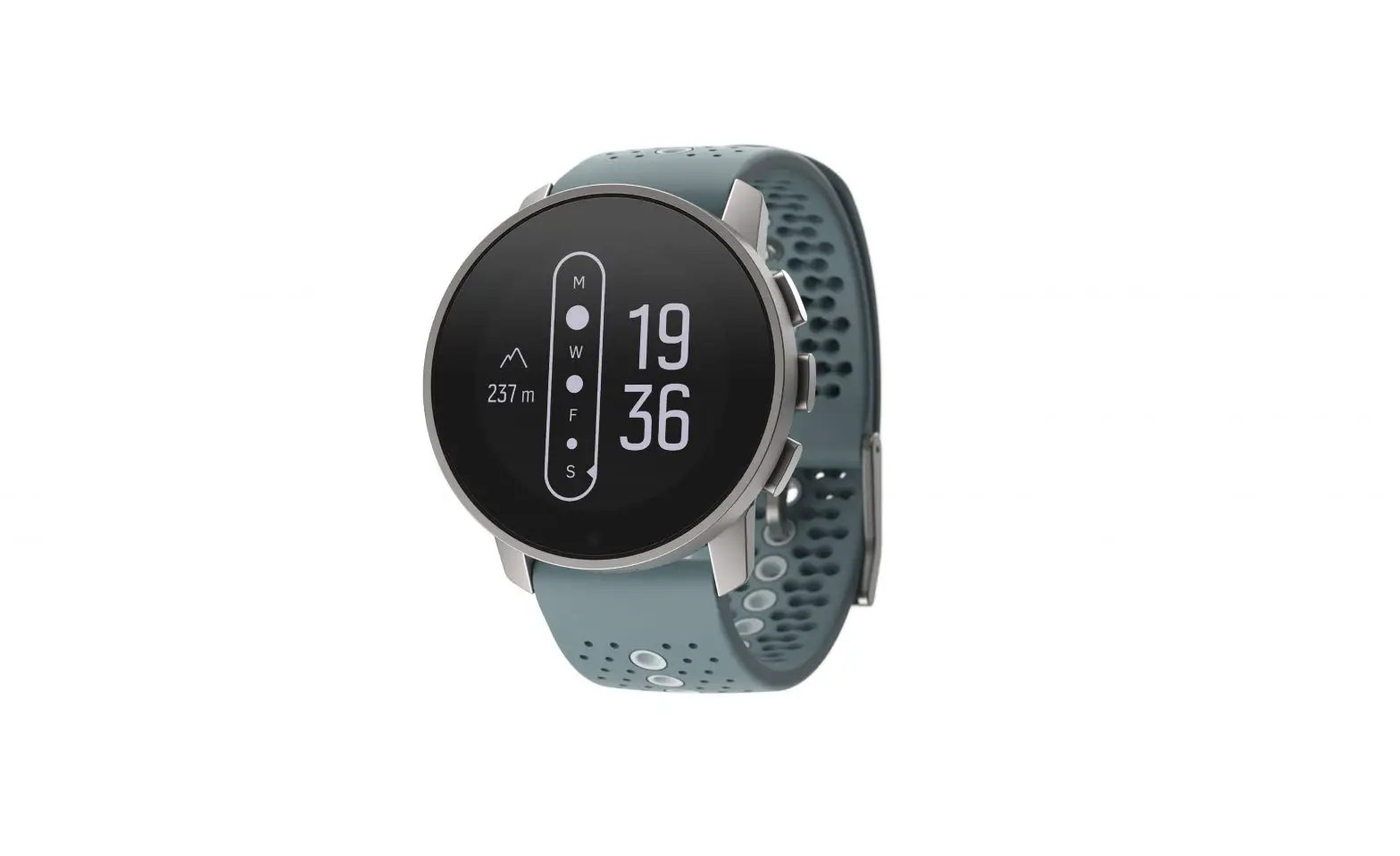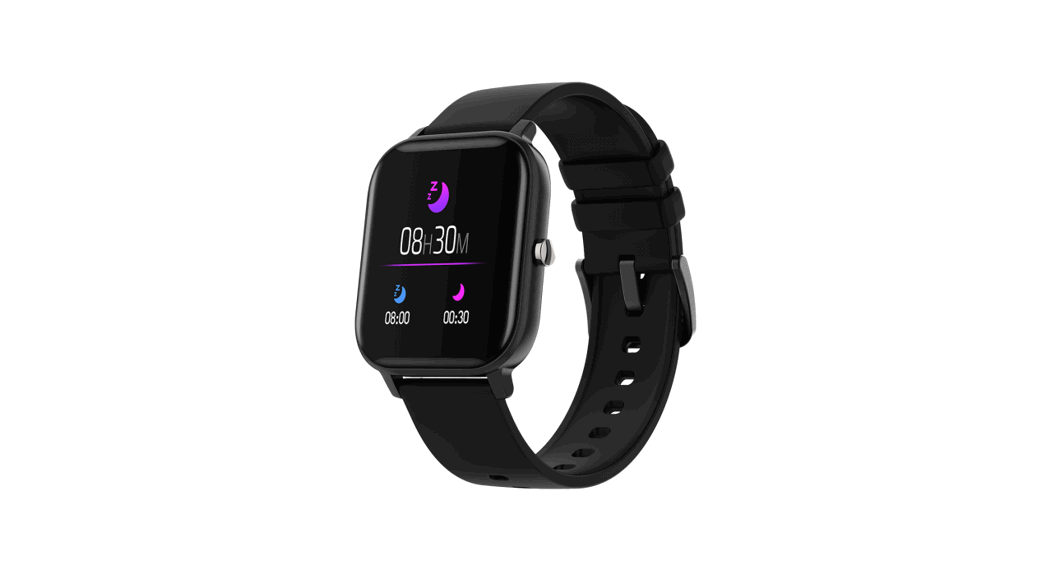
 SW-78 Black Salt Smartwatch
User Guide
INTRODUCTION
Dear customer, thank you for choosing SW-78 Salt! In the model range of all wearable smart devices by Canyon, SW-78 Salt takes a very special place, because this is our first model powered with 2 Bluetooth chips on board. Thanks to this enhancement, we now have 2 types of music player options where you are free to choose how to listen to your favorite songs – by controlling the smartphone’s music player or play the music directly from the watch! And now you can do your favourite sports activities, listen to music and no need to worry where to put your smartphone – with SW-78 Salt you don’t need a smartphone to playback music at all! We have achieved a perfect balance of software and hardware to guarantee that the battery will be enough to use the music player, monitor your daily activities, play sports and get notifications from your smartphone for a very long time on one charge of the battery!
DEVICE SPECIFICATION:
Model: Black Salt SW-78, Pink Salt SW-78
Chip: Nordic 52832, Action 2831
Memory: RAM 64KB, ROM 512KB, Flash 512 Mb
Screen: 1.4″ 240*240px fulltouch IPS screen, single touch
Battery: non-removable Li-Polymer 3.7V 200mAh
Connection type: Bluetooth 4.2
Music player audio formats support: MP3, WMA,AAC, M4A, APE, FLAC, WAV
Working temperature: -10°C to +45°C
Working humidity: 0% to 80%
Waterproof: IP68
Standby time: up to 12 days
Operation time: up to 5 days
BT music play time: up to 5 hrs
Charging cable type: USB Type A adapter cable
Size: body 42.8mm*36.8mm*10.7 mm, belt 20mm*205mm
Weight: 45g
This device is not intended for children under 6 years old
OVERVIEW.
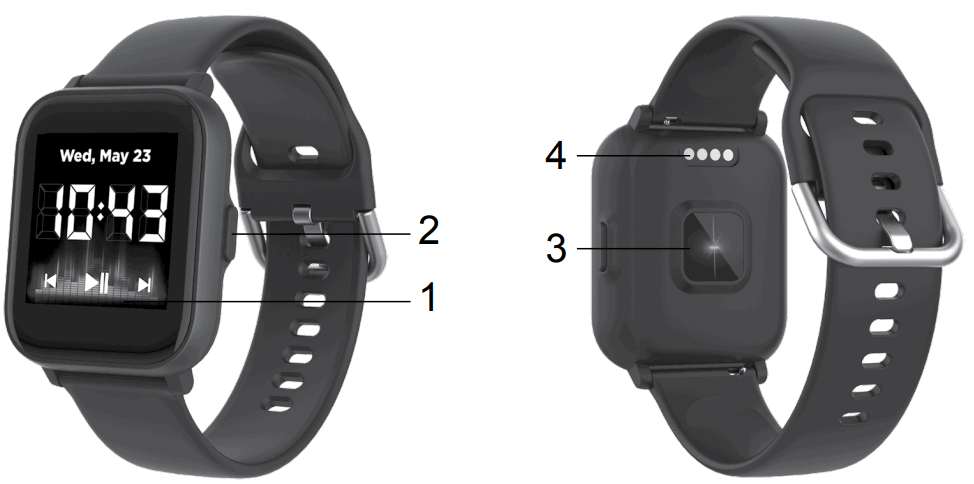
- Touch Screen
- Function button
- Heart rate sensor
- Charging pins
Complete set
- Smartwatch
- Charging cable
- User manual
GENERAL USAGE INSTRUCTIONS
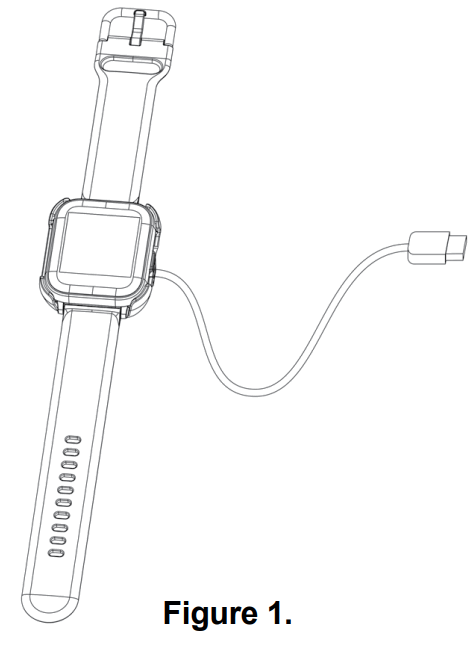
Make sure that your smartwatch is fully charged before using. If you use a power adaptor (not included), power adaptor voltage limit is: 5V, 1A (5V 500mA adaptor recommended). It takes up to 2 hours to be fully charged.
- Make sure the charging pins on the charging cable fit correctly onto the charging terminals on the back of the smartwatch, as shown in figure 1:

- Plug the USB-cable to a power source. For better charging compatibility, it is advisable to use a Power Bank or wall charger produced by Canyon. Do not use a fast charging device as it could result in a short circuit and risk of fire.
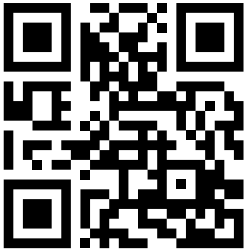
Connecting to a smartphone: charge the smartwatch, turn it on, activate Bluetooth on your smartphone, download and install the Canyon smartwatch application Canyon Life by scanning the QR code below.
Open Canyon Life app-> “Bluetooth Devices”->”Start”-> choose your watch from the Pair Device list (SW78) -> press ”ADD DEVICE” and you will see Device successfully connected. Use the app to apply the settings you need, for example you can: turn on sedentary reminder, select apps that you want to receive notifications from, etc.
Unpair smartwatch from mobile phone:
- Open “Canyon Life” on your smartphone
- Open “Setup – Bluetooth devices” and click “Unpair device.
- Click “OK” to confirm
HOW TO USE
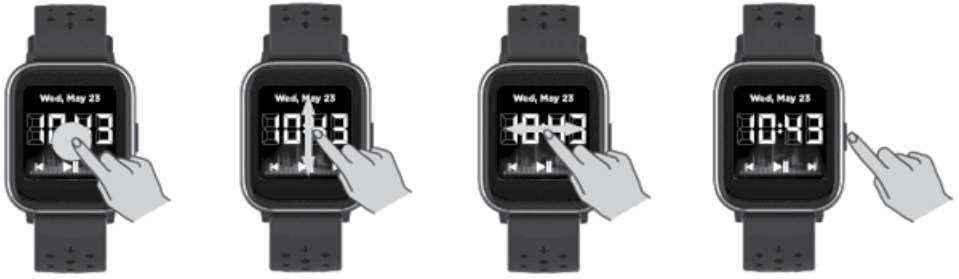
- Turn on: press and hold the function button for 3 seconds
- Turn off: press and hold the function button for 3 seconds, then press Confirm icon
- Go to the main menu: swipe up on watch face interface
- Switch main menu interface: swipe up/down
- Select item: tap the icon
- Return to the watch face interface: briefly press the function button on any interface
- Check activity results: swipe left from main menu interface
- Open music player: swipe right on watch face interface
- Open shortcut: swipe down on watch face interface

MAIN MENU
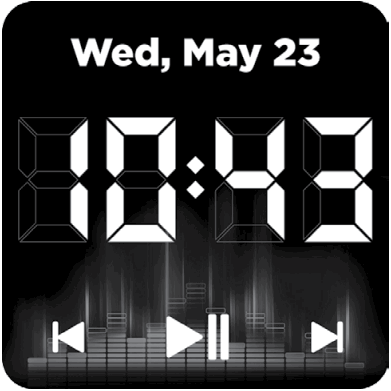
After switching on the smartwatch, you will see the watch face interface.
From watch face:
Swipe up to enter the main menu pages.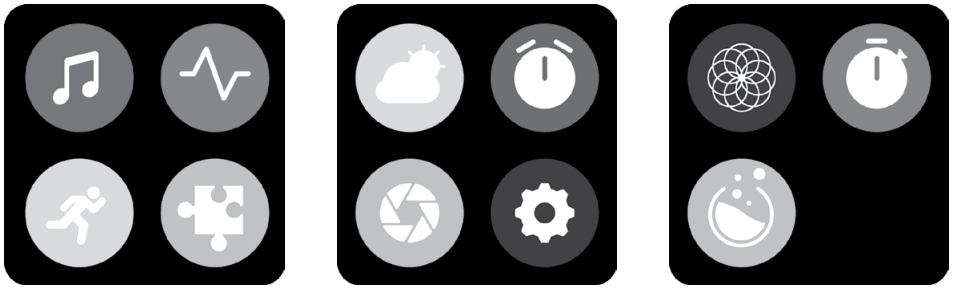
Click the icon to select the corresponding menu function. Slide from left to right to return to the previous menu.
 Heart rate
Tap to the icon to measure your heart rate. Press start to start measurement.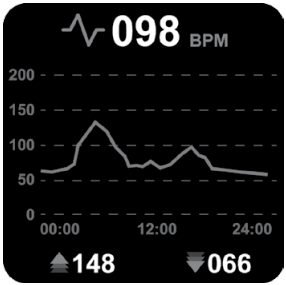
Check the result and statistics on the HR screen. After sync with Canyon Life app, you can check your heart rate data on your smartphone.
 Oxygenation
Tap the icon to measure your oxygenation.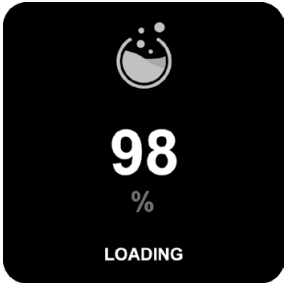
Press start to begin measurement.
Check the result on the SPO2 screen.
 Sport
Sport
Click on the sports icon to enter the training interface.
There are 11 sport modes: walking, treadmill, running, hiking, cycling, swimming, basketball, football, badminton, skipping and yoga. You can select the desired mode, and then start the selected exercise; the smartwatch will record the exercise data. At the same time, you can use the Bluetooth music function to connect to the Bluetooth headset to play music during exercise. Tap this icon to go to music player screen.
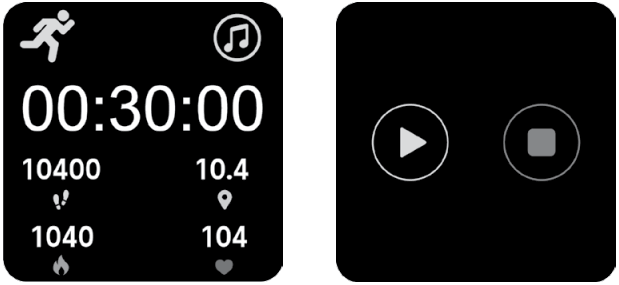
When you want to end the sport, swipe the screen from left to right, then click the Stop icon to stop your sport and save it. After synchronizing with Canyon Life app, you can view your sport data. PS: If the sport time is less than 2 minutes, the distance is less than 0.1 kilometer, and the calorie value is less than 1, the data will not be saved.
Music player
SW-78 has 2 types of music player:
- Phone music player. This function allows you to control your smartphone’s music player

- Watch music player. Play music from internal memory to any external Bluetooth devices (TWS, speaker, etc)
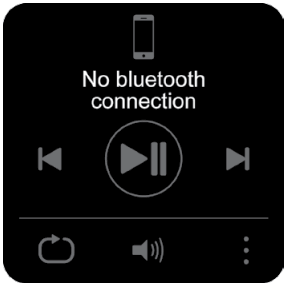
Click the icon to select the music player type.
Phone music player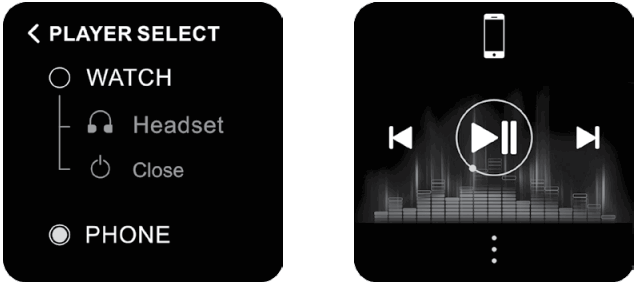
“Phone” type allows you to control your smartphone’s music player.
You can start/stop the music, switch tracks.
Notes: Your smartwatch should be paired to the smartphone; music player should be activated on the smartphone before use.
Watch music player
“Watch” type allows you to playback audio files from internal watch memory to any BT audio device.
For proper use of this function, please follow these steps:
- Tap to open BT connecting menu

- After searching choose and select the BT device that you want to pair . To choose another BT device, tap “Unpair” and select a device from the list one more time. Tap “search” to refresh the list of visible devices.

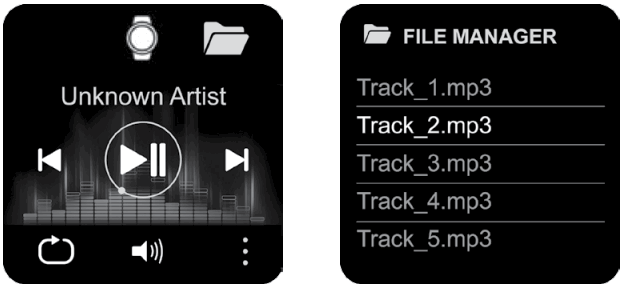
- Go back to the main player screen to select an audio file. Select the icon below to open the file manager and select audio files.
Put the watch on the charger, connect the USB to the computer, the computer will recognize your watch as an external drive, copy the required songs to the external drive. Please note: the built-in files cannot be and should not be deleted.
Supports MP3, WMA, AAC, M4A, APE, FLAC, WAV audio format files. - Select audio file to start playback
- Use these buttons to start/stop music and switch tracks


- Tap this icon to choose playback tracks mode (shuffle or direct)
- Tap this icon to control the volume
- Tap this icon to close the BT connection, remove pairing or to switch to the “Phone player”



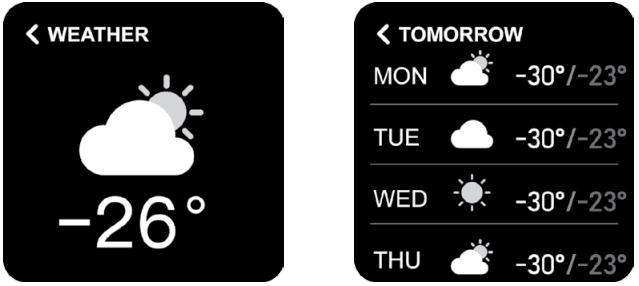
 Weather forecast
Click on the weather icon to enter the weather main screen. Swipe down to see the forecast for next few days.
 Breathing training
Click on the breath icon to enter the breathing training to calm down and restore your breathing patterns. Click “Start” to start training. Inhales and exhale, follow the command on the screen.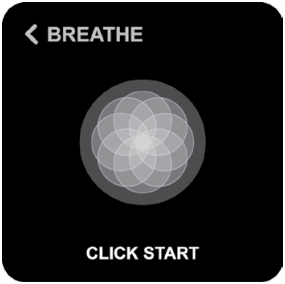
 Camera control (shutter)
Click on the shutter icon to activate the camera of your smartphone.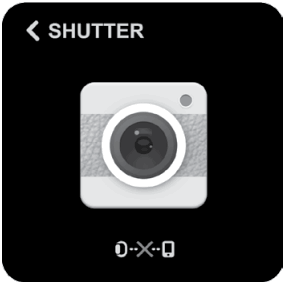
Tap the screen to make a remote photo.
Note: Your smartwatch should be paired with the smartphone and the take photo screen in the Canyon Life App should be opened for using this function.
 Notifications (messages)
Click the notifications icon to go to the notification menu If there are no messages, it will show as in the screen below. In the Canyon life App you may set up a list of applications that will show notifications.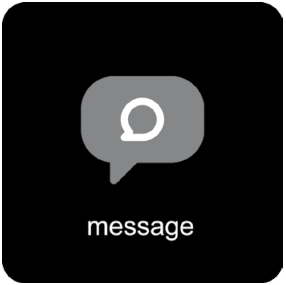
Tap the notification to see detailed information.
 Stopwatch
Click the stopwatch icon to go to the stopwatch function.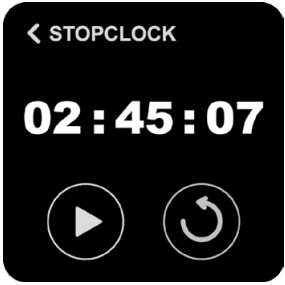
 Timer
Timer
Click the timer icon to go to the timer function. You can set the timer and then start timer countdown.
Settings
Click the settings icon to go to the settings menu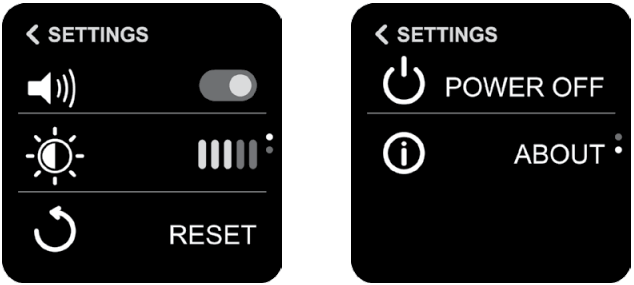
Here you can switch off vibration alerts, set up the brightness level, restart or turn off the device and check technical information (firmware version, BT name and mac address).
WATCH FACE
You can press and hold on the main screen to change the watch face theme. Swipe left or right to change theme, click on screen to apply. 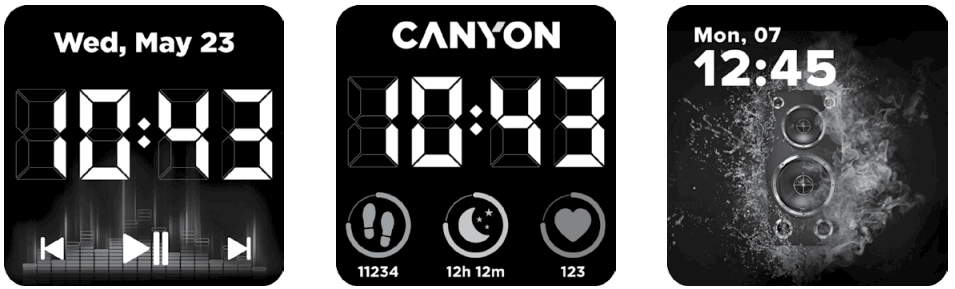
SHORTCUT
Swipe down from watch face to enter the shortcut menu.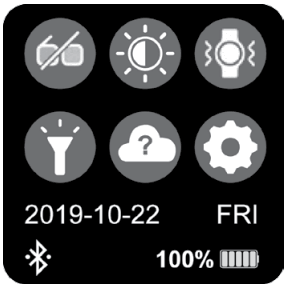
 Brightness
Click the icon to adjust the display brightness.
 Vibrating icon
Click the icon to switch vibration on/off.
 Theater mode
Click the icon to activate the Theater mode – switch off vibration and reduce brightness.
 Flashlight
Click the icon to activate flashlight mode screen will turn white with maximum brightness level. Swipe left to right to exit.
 Weather
Click the icon to go to the weather interface.
 Settings
Click the icon to open the settings interface.
DAILY ACTIVITIES
Swipe left from watch face to enter the daily activities menu. First screen shows total exercises time and burned calories for the current day. Swipe left one more time to check detailed activities statistics for the current day.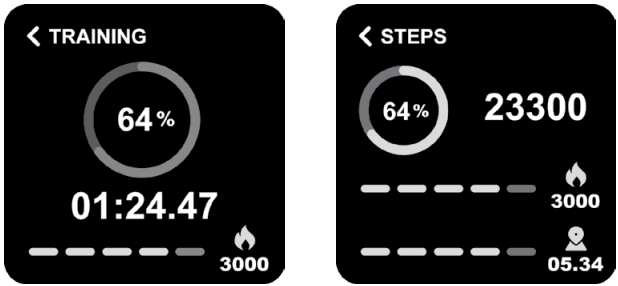
Same information you may see using this WF 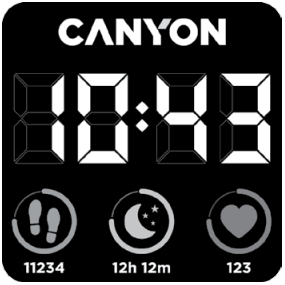
After sync with Canyon Life app, you can check your statistics on your smartphone.
Also, you may set up a daily activity target in the App. After reaching this target, you will get the following notification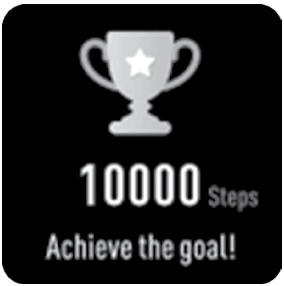
SLEEP MONITOR
Swipe left from Daily activities to enter the sleep monitoring screen.
The smartwatch will monitor your sleep automatically.
When you wake up the smartwatch will show the sleep report with the time of total sleep, light sleep, deep sleep times and the target percentage of sleep time.
After sync with Canyon Life app, you can check a more detailed sleep report in your smartphone.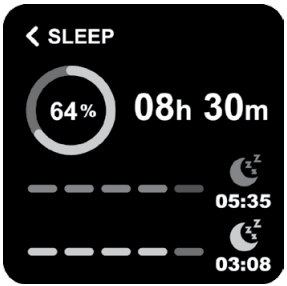
ADDITIONAL FUNCTIONS
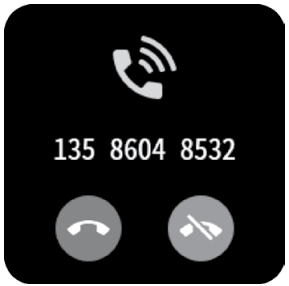
Rejection of incoming call
Tap “Hang up” icon while incoming call to reject it. Tap “Ignore” icon to hide notification.

Water balance reminder
Activate this function in Canyon Life app to get this notification on the watch. When it’s time to drinkwater, watch will remind you.
Sedentary reminder
Activate this function in Canyon Life app to get this notification on the watch. When it’s time to moveor warm-up, watch will remind you.
TROUBLESHOOTING
| Problem | Solution |
| Your smart- watch doesn’t turn on | Connect your watch via a USB connector to a USB port or a socket adapter and wait for a few seconds. |
| Your smart- watch isn’t detected by a smartphone | Make sure that Bluetooth and GPS high accuracy are active on your smartphone. Make sure the watch is not connected to another smartphone. |
| Your smart-watch is detected by a smartphone, but fails to connect | Turn the smartwatch off and then turn it back on. Turn Bluetooth and off on your phone. Reboot your phone. |
| The smartwatch is connected, but many of the functions are not working. | (Android only) Make sure that the smartwatch is connected to to the smartphone via the Canyon Life app only and not paired via the Android Bluetooth setting. |
| The smartphone constantly dis- connects from the app. | You must give permission for the app to run in the back-ground on your phone. Read the detailed instructions on the official Canyon website. |
| Phone player doesn’t work | Check the connection with the smartphone. Activate music player in smartphone and start payback any song. Start control via smartwatch |
| Local player doesn’t play songs | Check if there’s audio files (“.mp3, way, etc) in internal memory. Upload at least one file. Check the BT connection with BT device (TWS, speaker, etc). Without external BT device it can’t playback the music. Check if the external BT device has enough battery level. Check the volume. Increase it’s level. |
| Your smartwatch isn`t connected to the smartphone | Please make sure that your smartwatch isn`t connected to another smartphone. If you have changed the phone, please unpair the smartwatch from the old phone. |
If the actions from above-mentioned list do not help, please contact support service at Canyon web-site: http://support.canyon.eu/
SAFETY INSTRUCTIONS
Read and follow all instructions before usage of this device.
- Protect the device from excessive amount of water: this smartwatch can be immersed in water for up to a maximum depth of 1,5m underwater for up to 30 minutes. It’s forbidden to use it for diving.
- Protect the device from heat: do not place hot appliances or hot objects near it and do not expose to direct sunlight during the hot season for a long time, do not use in the sauna.
- Protect the device from breaking: avoid dropping the device from over 0,5m to hard surfaces.
Warning! Do not use in hot water. This can lead to damage to the device!
WARRANTY LIABILITIES
Warranty period starts from the date of the device’s purchase from the Seller, authorized by Canyon.
The date of purchase is indicated in your sales receipt or a waybill. During warranty period, a repair, replacement or refund of payment for goods are performed on discretion.
Manufacturer: Asbisc Enterprises PLC, 43, Diamond Court, Kolonakiou Str, 4103, Limassol, Cyprus, Ayios Athanasios, http://canyon.eu/
Country of origin
Made in China
Date of manufacture: (see at the package)
Warranty card
Product:…………………………………………………….
Model name:…………………………………………….
Serial No.:………………………………………………….
Purchase date:……………………………………………
Dealer:………………………………………………………
www.canyon.eu All other products names and trademarks are property of their respective owners
Smé€rnice 2014/53/EU o www.canyon.eu/certificates
 Canyon | Mobile and Computer Accessories
 Canyon | Мобильные и ПК-акÑеÑÑуары
 Podpora
 Support Center / Canyon User Portal
 Canyon
 Canyon