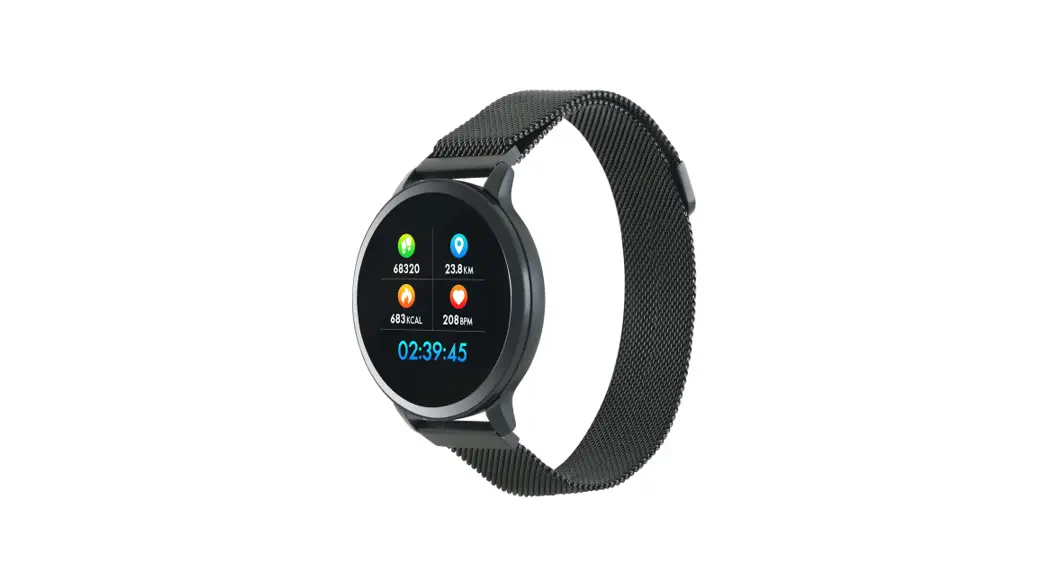

Smartwatch
Metal strap with magnet
buckle
CNS-SW71
Quick Guide v3
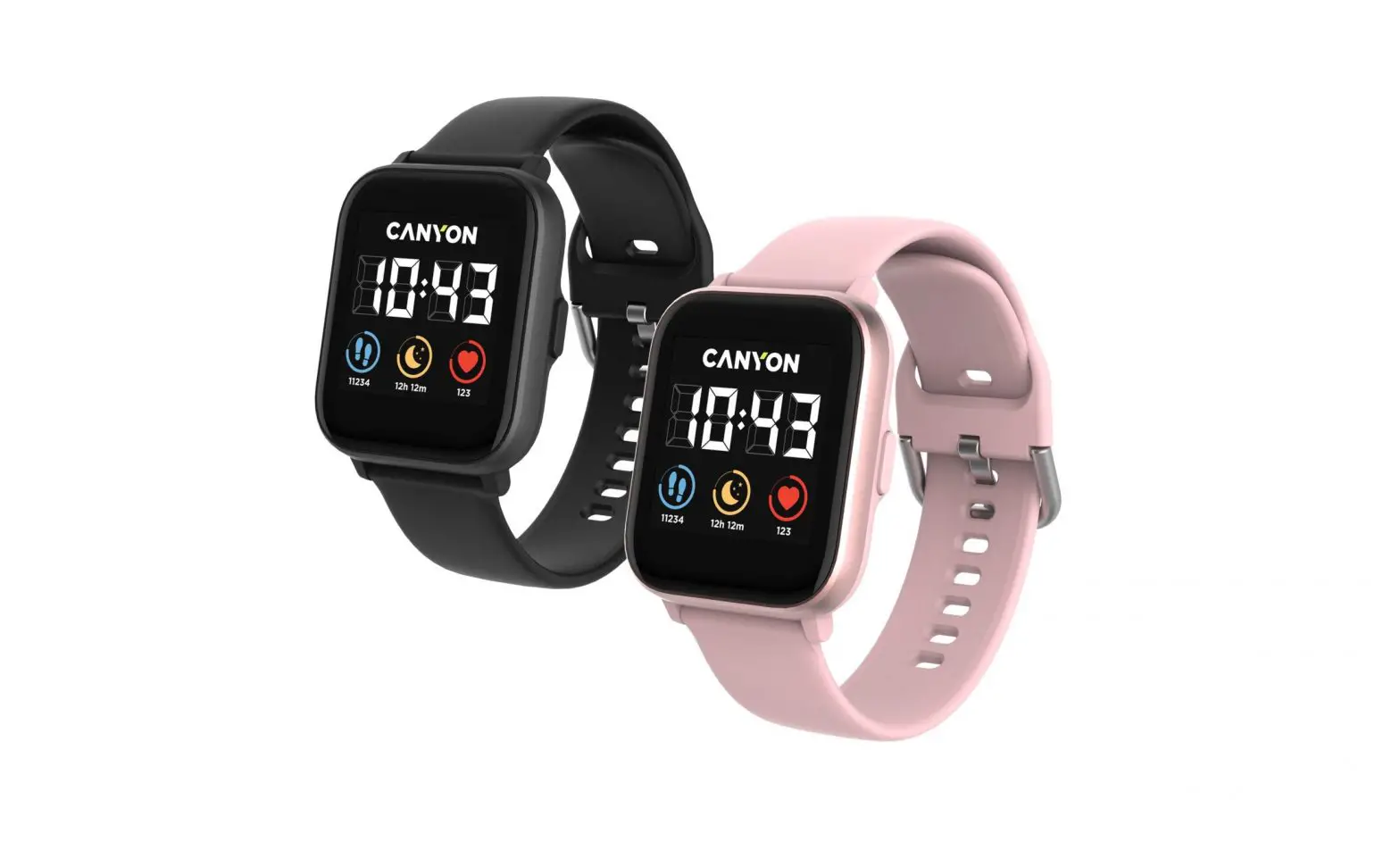
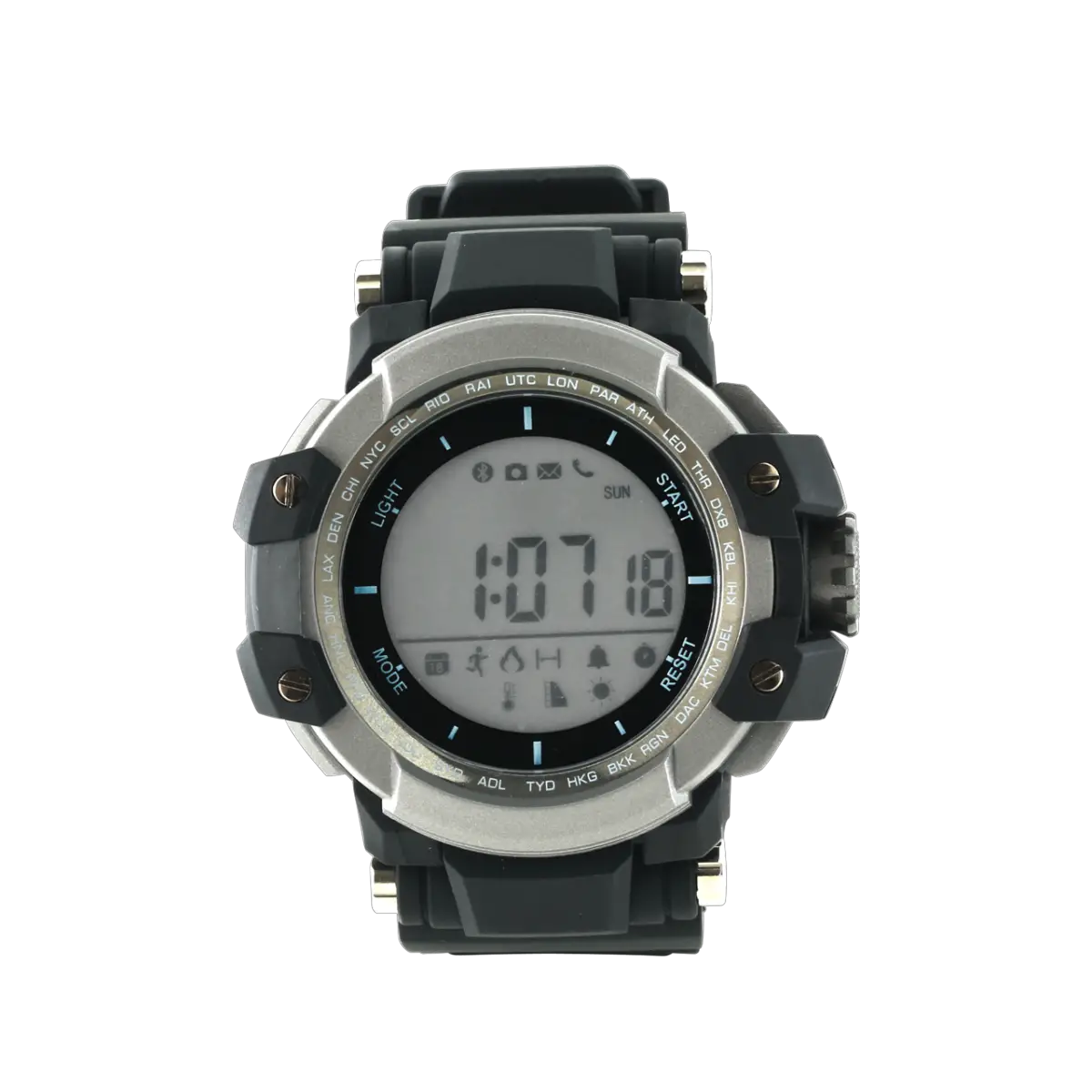
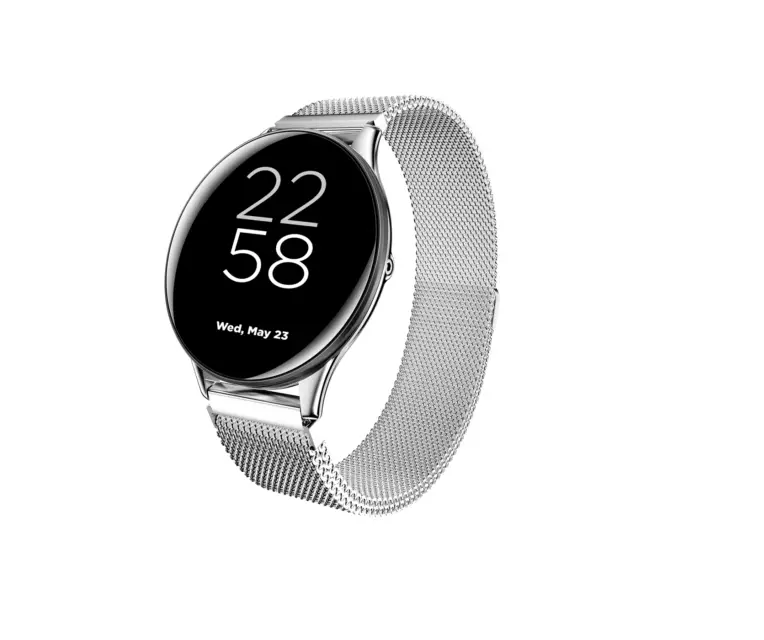
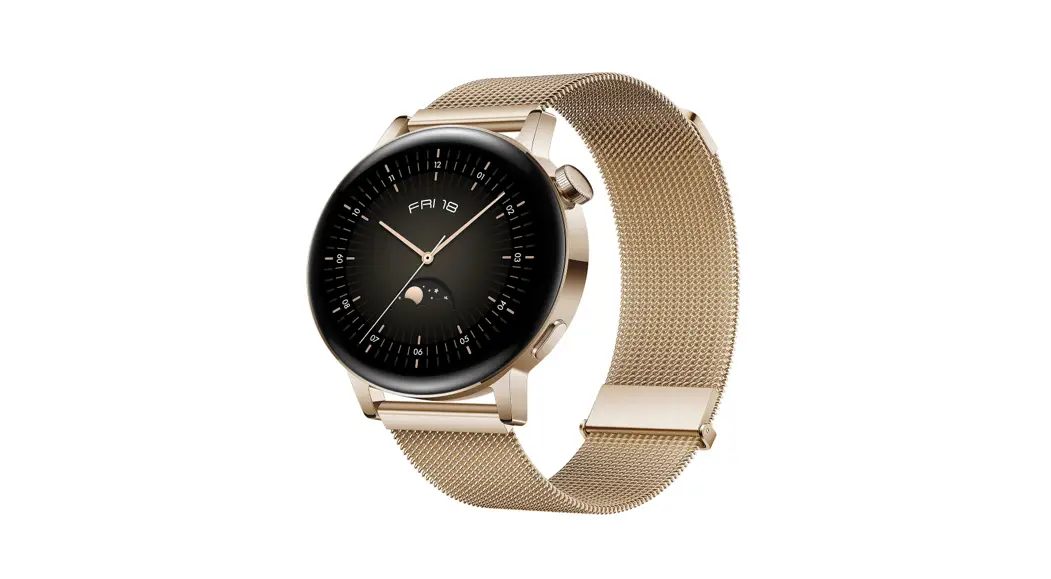
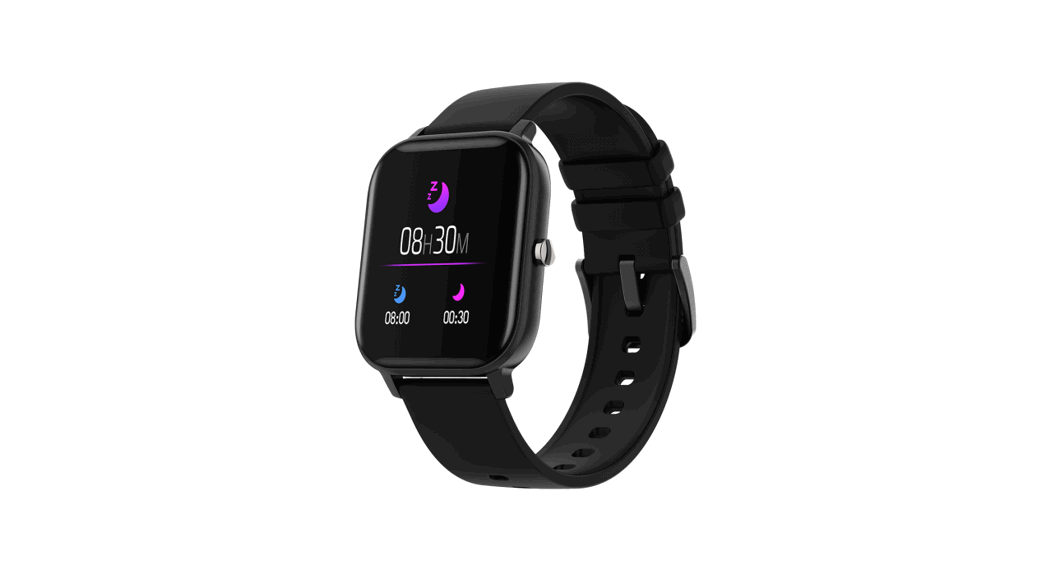
Smartwatch. Metal strap with magnet buckle.
- Durable metal watch-case
- Compatibility with iOS and Android OS
- Multi-sport mode
- Weather display
- IP68 waterproof
- Camera remote
Complete set:
- Smartwatch
- Metal strap
- TPU strap
- Battery (build-in)
- USB magnetic cable
- User manual
Usage
Make sure that your smartwatch is fully charged before usage.
Charging: put the narrow magnetized part of the USB cable to the magnetized slot located on the backside of the watch body. After that, stick the USB plug into the USB port of your computer, a wall socket adapter, or a power bank. Charging progress will be indicated on the screen. For better charging compatibility, it is advisable to use a Power Bank or wall charger produced by Canyon.
Charger requirements: 5V / 1A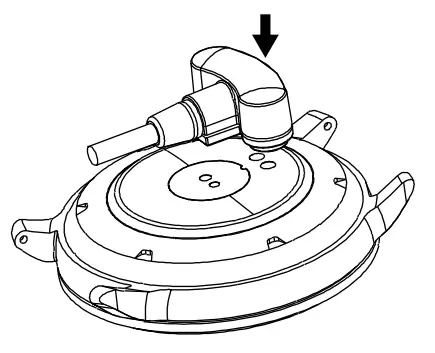
Charging time: 2-5 hours depending on the source of charge.
Disassembling: find little levers located on the backside of the place where the wristband is connected to the watch body. Pull the levers to the center and pull the wristband out.
Assembling: put a part of the wristband to the watch body applying the side with no lever. Press the lever to the center and put this side into the watch body.
Release the lever and the wristband will fix under the pressure of the internal spring.
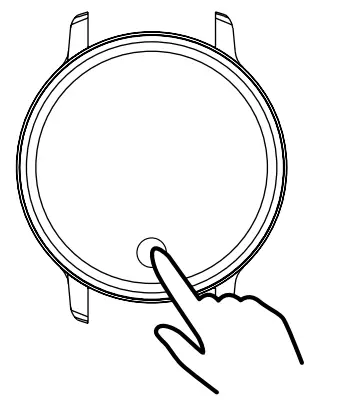
Turning on: press and hold the sensor button on the front side of the watch body. Keep on holding it for at least 3 seconds.
Turning off: tap the sensor button on the front side of the watch body to activate the screen. Only on the main screen (the one where the clock is shown), press and hold to see the information about the watch, press and hold to see the power menu, by short taps select “Power Off” menu item, press and hold the sensor button to turn the device off.
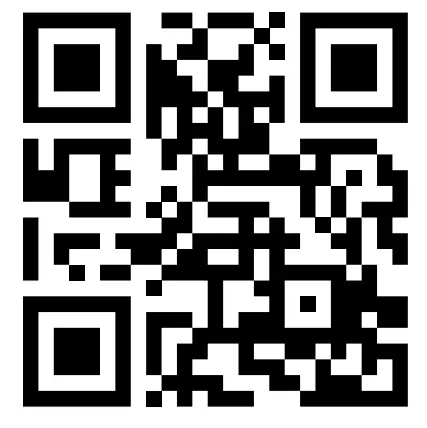
Connecting to a smartphone: charge the smartwatch, turn it on, activate Bluetooth on your smartphone, download and install Canyon Smart Watch
application Canyon Life by scanning the QR code below, open Canyon Life app->press” Setup”->”Pair device”->” Start”-> choose your watch from the pair device list (SW71-Plus) -> press ”ADD DEVICE” and you will see Device successfully connected. Use the application to apply needed settings: turn on periodic heart rate measurement, fill in your body parameters, select apps that you want to receive notifications from, etc.
Scan this QR code to download and install the application Сanyon Life:
Troubleshooting
| Problem | Solution |
| Your smartwatch doesn’t turn on | Connect to charging cable and wait for a few minutes |
| Your smartwatch isn’t detected by a smartphone | Make sure that Bluetooth, GPS Location Services with high presicion is active on your smartphone |
| Your smartwatch is detected by a smartphone but fails to connect | Turn the smartwatch off and then turn it back on. |
If the actions from the above-mentioned list do not help, please contact support service at Canyon website:http://canyon.eu/ask-your-question/
Download extended functional guide by the link:https://canyon.eu/files/manuals/quickquides/smartwatches/functional-guide.pdf
 Safety Instructions
 Safety Instructions
Read and follow all instructions before usage of this device.
- Protect the device from an excessive amount of water: this smartwatch can be immersed into water for up to a maximum depth of 1.5m underwater for up to thirty minutes. It’s forbidden to use it for diving.
- Protect the device from heat: do not install heating devices near it, and do not expose to direct sunlight during the hot season for a long time.
- Protect the device from smashing: avoid dropping the device from over 0,5m to hard surfaces.
Warning! Do not use hot water. This can lead to damage to the device! Avoid contact between the magnetic charger and other metal objects (i.e the metal strap when charging).
Warranty liabilities
The warranty period starts from the date of the device’s purchase from the Seller, authorized by Canyon.
The date of purchase is indicated in your sales receipt or a waybill. During the warranty period, a repair, replacement, or refund of payment for goods is performed at discretion.
Manufacturer: Asbisc Enterprises PLC, 43, Diamond Court, Kolonakiou Str, 4303, Limassol, Cyprus, Agios Athanasios, http://canyon.eu/
Warranty card
Product:—————————————–
Model name————————————
Serial No:—————————————
Purchase date:———————————-
Dealer:——————————————
All other products names and trademarks are property of their respective owners
 Canyon | Mobile and Computer Accessories
 Canyon | Мобильные и ПК-акÑеÑÑуары
 Podmienky záruky - Canyon
 Certificates
 Canyon