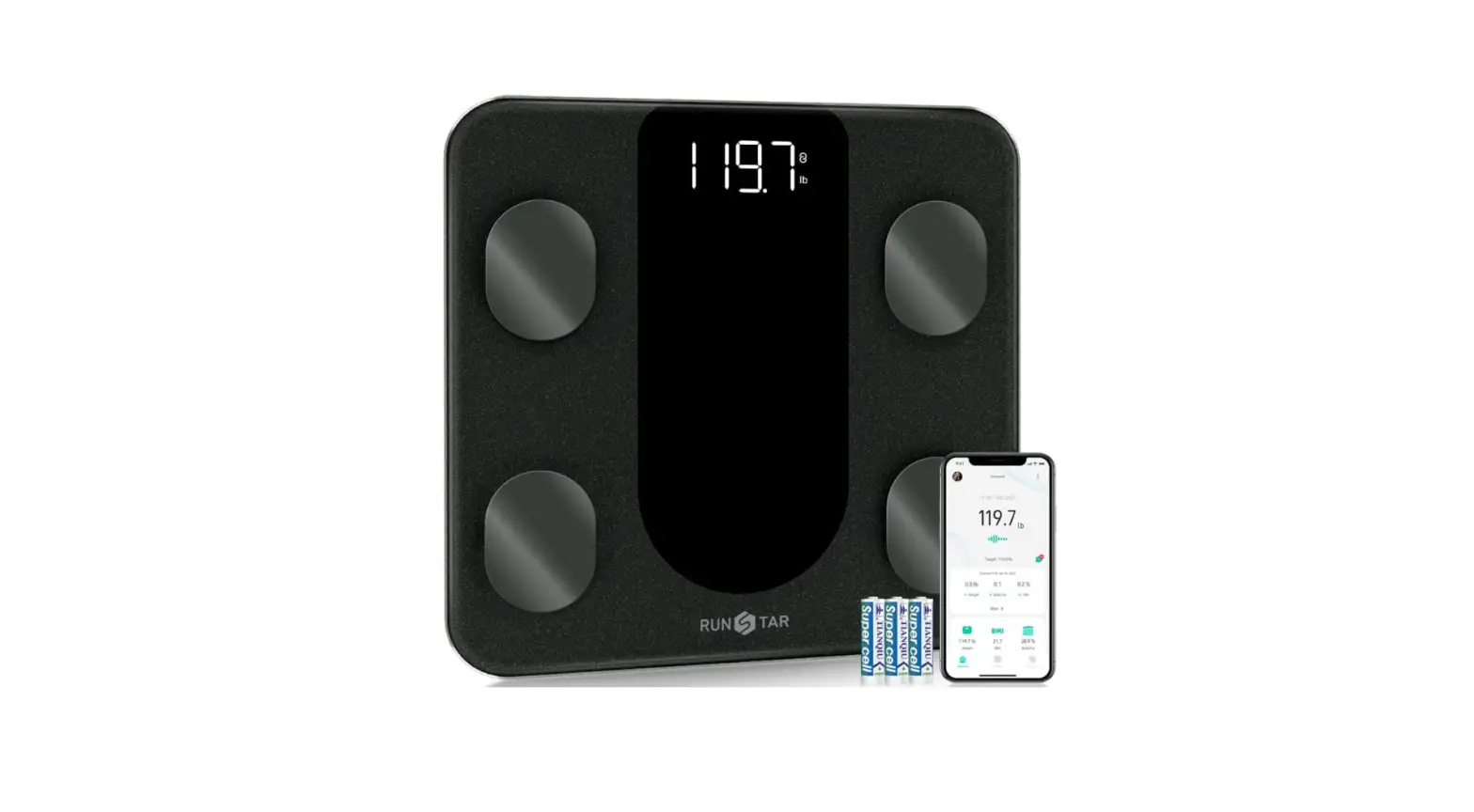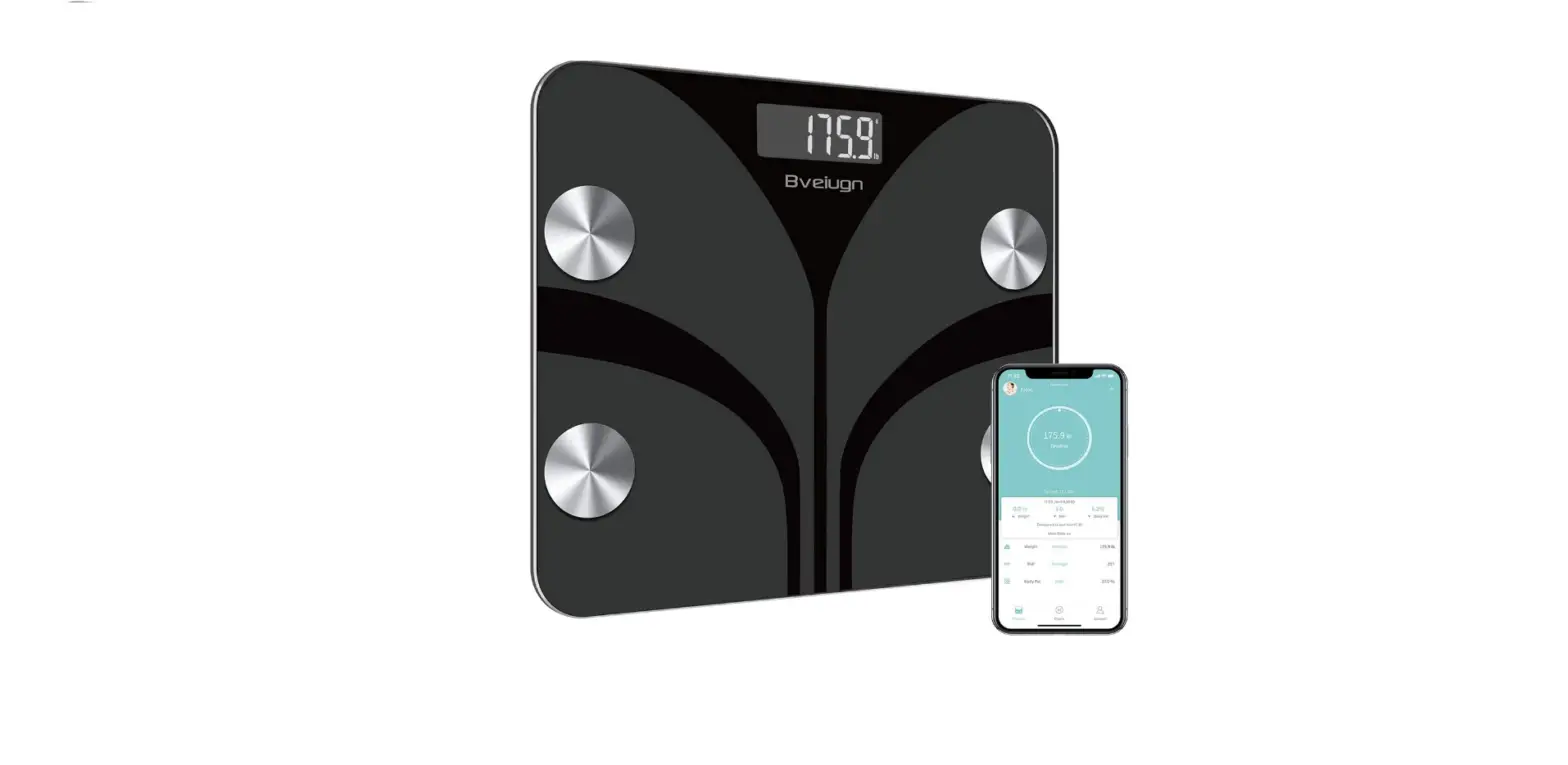
 Bveiugn FG-220 Scale for Body Weight

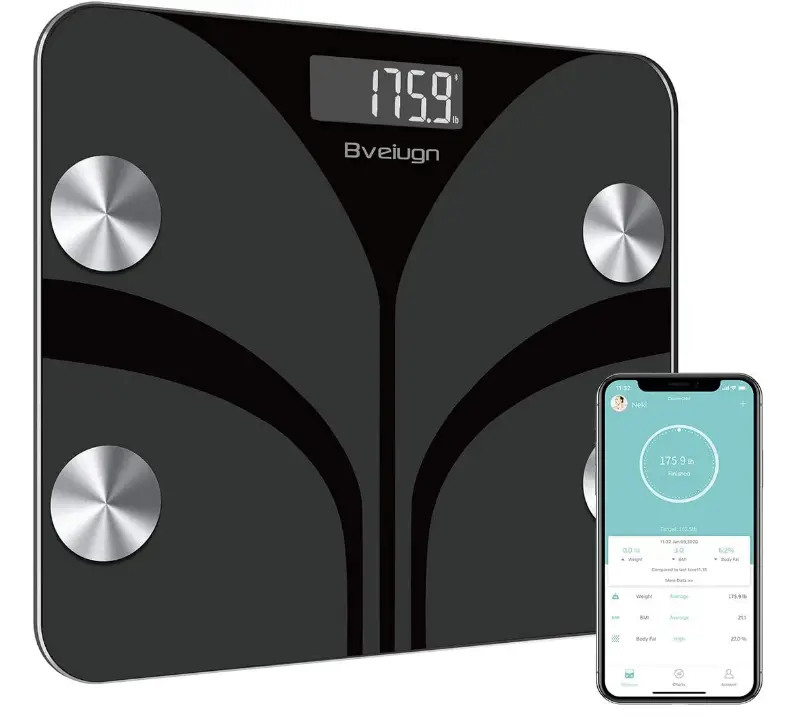
RECORDED PARAMETERS
- BMI
- Body fat rate
- Visceral fat
- Weight
- Body water
- Skeletal Muscle rate
- Muscle mass
- Bone mass
- Protein
- BMR
- Body age
INDICATION SYMBOLS
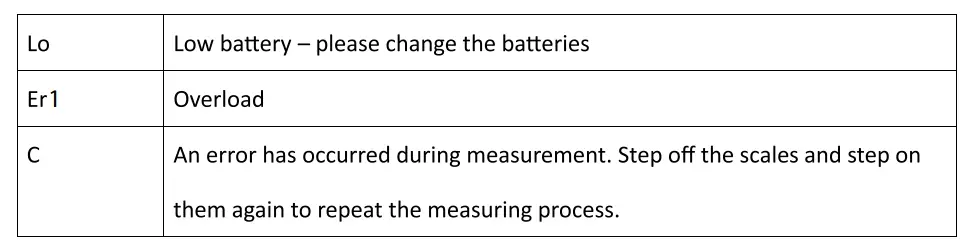
WARNING
- DO NOT use with medical implants such as pacemakers.
- NOT recommended for pregnant women.
- NOT recommended for infants, toddlers, and children under 10 years of age.
- DO NOT immerse the scale in water or use chemical cleaning agents. Clean the scale with slightly damp cloth.
- Any measurement obtained using this devise is for reference only and should not be considered as a medical opinion.
- Always place the scale on a hard, dry and flat surface before measurement.
- The user under 6 years old, only weight function, no BMI and body fat, etc. data.
- The user under 10 years old, only weight & BMI function, no body fat, etc. data.
SPECIFICATION
- LCD display
- Weight unit: lb/kg (switch the units in the bottom of the scale body)
- Weight Limit: 6kg- 180kg (13.21b-400lb)
- Account number: No limitation (each account can add 24 persons)
- Baby mode: Allow you to scale the weight of baby
HOW TO USE THE APP
- Install the batteries from the package or pull out the insulator if the batteries have been inside already.
- Turn on Bluetooth on your smartphone or tablet.
- Resister your own ID by email or social media account.
- Add personal data and confirm OK
Note: Enter the wrong gender, age, height, or improper level may result in measurements being inaccurate. - Tap your foot on the scale to activate the display. Wait until the display shows “0.0”(kg/lb/st)
- Step on the scale with BARE feet to turn the scale on.
- The number on the display is flashing when the scale is weighing and analyzing. Continue to stand on the scale until the circle is stable and shows, your phone has received all the Ndata from the scale.
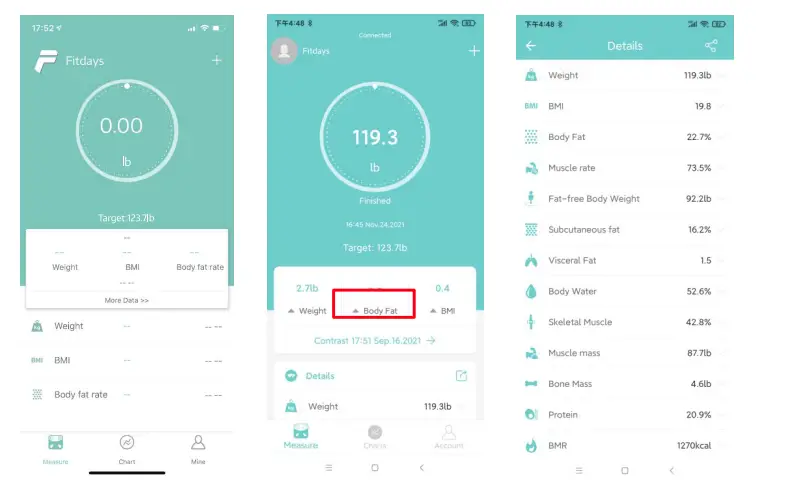
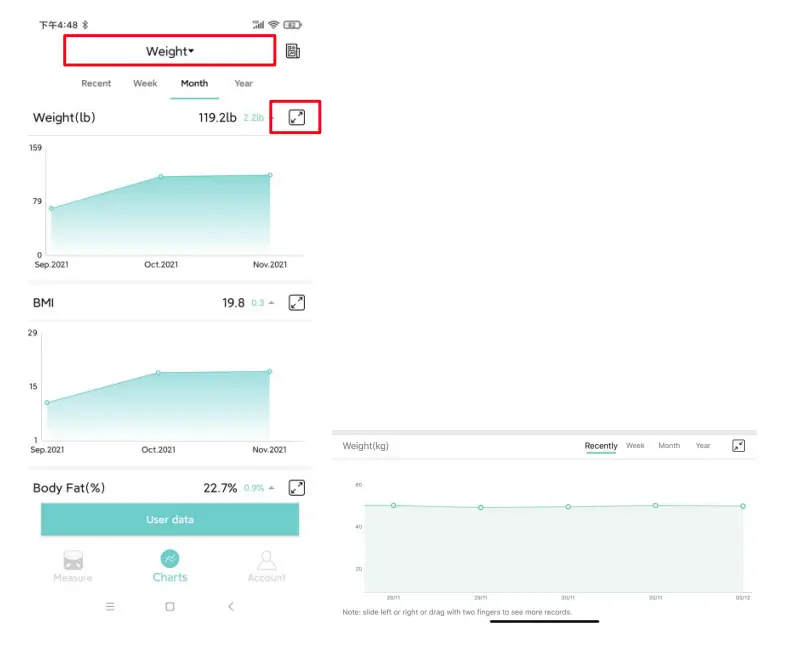
You can find the analyzing report on Body Weight, BMI, BMR, Muscle, Bone Mass, etc. (see full details on More data >>). When you click Record, you can see your long-term track chat form. Fridays supports you to Zoom + the record for every function via the right icon; Fridays also supports records for recently, weeks, month,s and year;
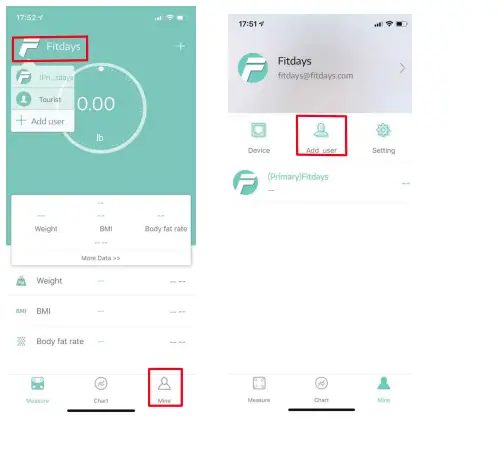
Add, and switch users by clicking or clicking Me–>Manage users, then add personal data. The Smart scale can recognize which user is stepping on it and remind the user to switch the correct user. Each account can support 24 users.
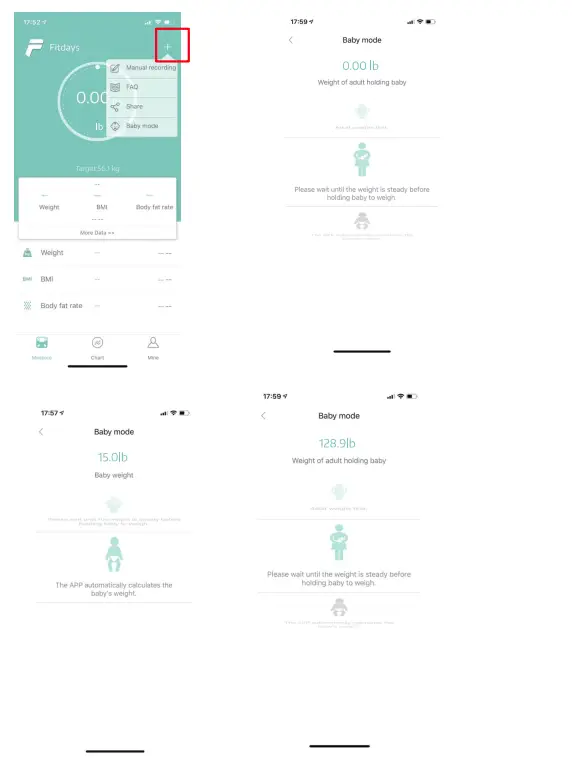
Weighing baby: click +->Baby Mode. Step on the scale by your own, after scale gets your weight, and then hold the baby to get the weight of baby.
 TROUBLESHOOTING GUIDE
 TROUBLESHOOTING GUIDE
Bluetooth not connected
- The scale and smartphone must both have Bluetooth on.
- Check the 1OS version of your smartphone; it must be 10S 8.0 or higher/ Android 5.0 or higher
- Click Me– > device find the scale
No body fat data was measured when weighing
- The user must be barefoot to measure the body fat
- Make sure your feet and the scale are both dry.
- The scale not finishing weighing when the number display is flashing (Keep standing on the scale for around 10 seconds until the number on the display stops flashing).
- Bluetooth is not turned on.
- Bluetooth is paired with a different scale.
The scale is producing inconsistent weights.
- Check whether the scale is on a hard, flat surface.
- Check each sensor foot on the back to make sure nothing is stuck to the bottom of it.
- Remove the batteries to restart the scale.
The App displays the incorrect flat-muscle ratio
The body parameter setting is incorrect, check to make sure that you enter the correct gender, height, and age.
How do I recalibrate the scale after moving it or changing the batteries?
Step on the scale to turn it on. Let is automatically drop to O.0kg/lb to calibrate.
The scale does not turn on.
Remove the batteries and put it back. Make sure to insert the batteries in the correct direction.
How to change the unit?
You need to change the scale unit by the backside button. Then APP will show the same unit with the scale.
Frequently Asked Questions
The FG-120 is a simple scale, while the FG-220 has more functions.
The FG-200 has more functions than the FG-120.
The FG-300 has more functions than the FG-200.
Yes, you can. Please note that it’s not suitable for children under 6 years old.
Yea. On the app, you can view different profiles and switch between them.
You must grant the app complete access to your phone, according to the user handbook. Bluetooth alone will not support a Bluetooth connection. a working location and data access are required.
I believe the weight limit is 380 pounds. Activate the app. An icon for a scale can be found in the lower left corner. Step on the scale after tapping it. The app takes 10–15 seconds to record your weight.
By using electrical Bio-Impedance, the smart scale not only displays weight but also BMI, body fat, subcutaneous fat, body water, protein, BMR, body age, etc.
Yes. Both my sister’s Android and my iOS versions of it, which I use, function flawlessly.
I advise you to swap out the battery. Please get in touch with me for a replacement new scale if the mistake is still being reported.