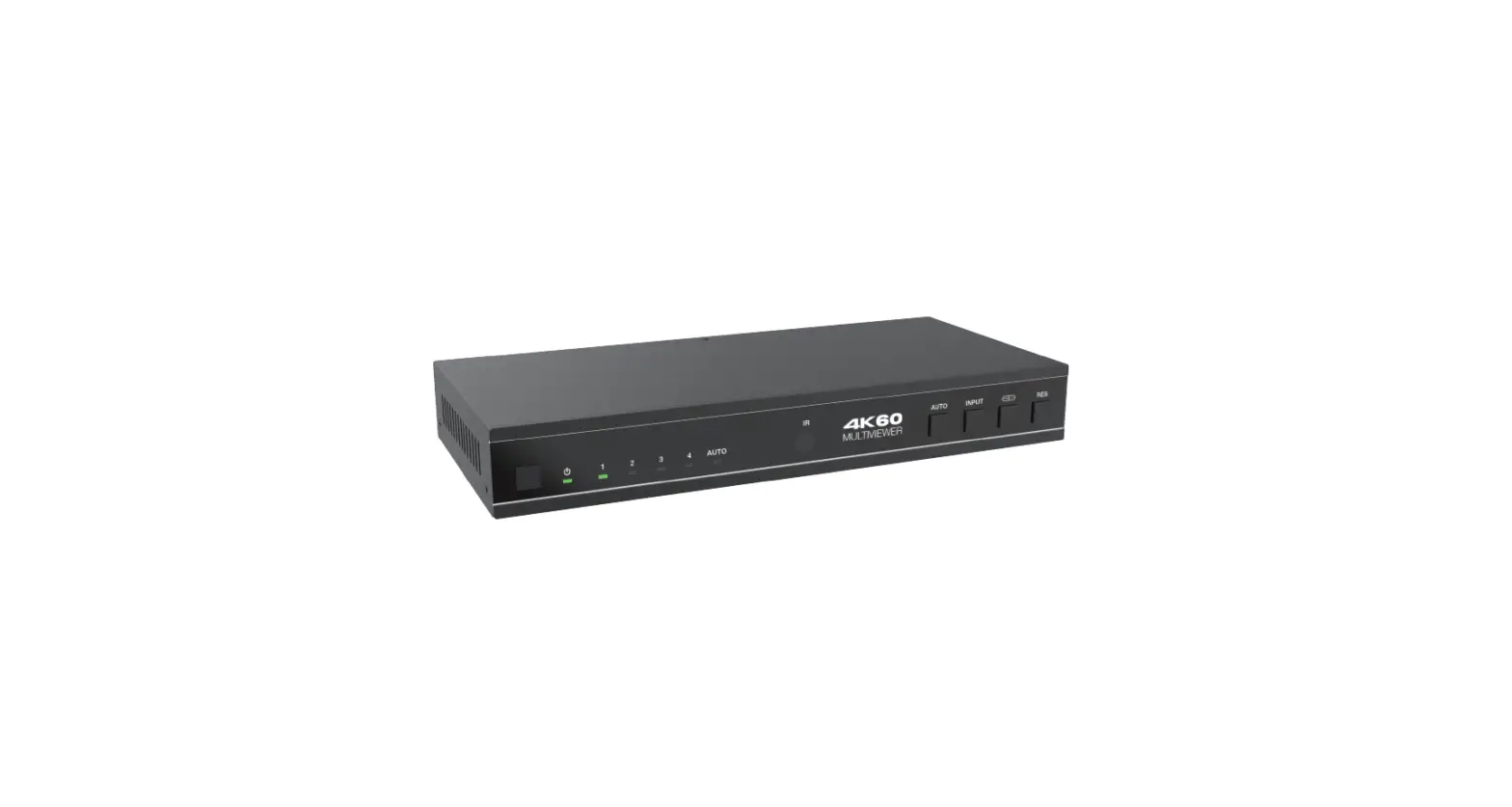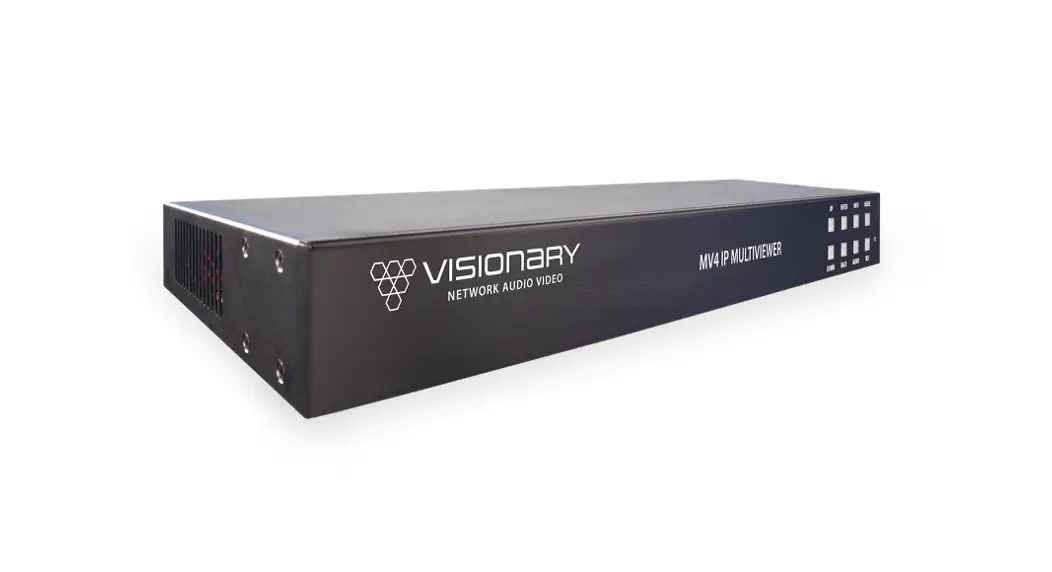
 MV4 IP Multiviewer
User Manual
MV4 IP Multiviewer
The MV4 IP Multiviewer is capable of being controlled from a variety of third-party manufacturers, supported systems include Crestron, Extron, AMX, RTI, QSC and Symterix. The API is a human readable key value pair accessible via, HTTP GET/POST, UDP unicast, and UDP multicast. Please note that although most of the HTTP examples below are shown as GET for simplicity, use of POST for HTTP API is recommended. UDP API is more efficient if your control system supports it.
When using the API, it is important to keep in mind that all changes are volatile. This means that without a save, changes will be lost upon reboot!
All commands start with CMD=START and end with CMD=END to allow multiple key value pairs per command sequence. All keys and values are case sensitive.
Architecture:
| Key Value System | Port/IP Address | Notes |
| HTTP | Port 80 | |
| UDP Socket | Port 8000 | Will listen on unicast and multicast |
| Multicast Address | 226.0.0.19 | |
| HTTP GET | Port 80 | Queries |
| HTTP POST | Port 80 | Set values |
| & | Separates Key Value Pairs | |
| = | Separates Keys and Values | |
| CM D=START | Start of all commands | |
| CMD=END | End of all commands |
HTTP GET:
Require authentication (Default: username=admin, password=admin)
Example Query http://admin:[email protected]/cgibin/wapi.cgi?CMD=START&QUERY.ALL=TRUE&CMD=END
HTTP POST:
Example: Set decoder to connect to the encoder at 192.168.8.101 and display the stream
- URL: http://192.168.8.101/cgi-bin/wapi.cgi
- Request Header: “Content-Type”, “application/x-www-form-urlencoded”
- Request Header: “Authorization”, “Basic “ + Base64EncodedString(“admin:admin”) this evaluates to “Basic YWRtaW46YWRtaW4=”
- Post Data: “CMD=START&UNIT.ID=ALL&STREAM.HOST=192.168.8.101&STREAM.CONNECT=TRUE&CMD=END” Example: Flash Unit LEDs
GET: http://admin:[email protected]/cgi-bin/wapi.cgi?CMD=START&UNIT.ID=ALL&UNIT.FU=TRUE&CMD=END
POST:
- http://192.168.8.101/cgi-bin/wapi.cgi
- Request Header: “Content-type”, “application/x-www-form-urlencoded”
- Request Header: “Authorization”, “Basic “ + Base64EncodedString(“admin:admin”) this evaluates to Basic YWRtaW46YWRtaW4=
- POST Data: “CMD=START&UNIT.ID=ALL&UNIT.FU=TRUE&CMD=END”
| Key | Default Value | Values | Applies To: | Notes |
| AUDIO.MUTE | FALSE | TRUE, FALSE | DECODER | Mute/Unmute the audio in the HDMI output for monitors where the volume may get inadvertently set. |
| AUDIO.VOLUME | 80 | 0-100 | DECODER | Set the analog volume. For ncoders it sets the input volume, for Decoders, the output volume. |
| MV.BORDER_OFF | None | {CHX|MODE} | ENCODER | Used to turn boarder off, per channel. CHX= {1, 2, 3, 4, ALL} MODE= {FULL, QUAD, POP, PIP, ALL} |
| MV.BORDER_ON | None | {CHX|MODE} | ENCODER | Used to turn boarder on, per channel. CHX= {1, 2, 3, 4, ALL} MODE= {FULL, QUAD, POP, PIP, ALL} |
| MV.BUTTON | None | UP, DOWN, ENTER, BACK, RES, INFO, AUDIO, MODE | ENCODER | Used to emulate the front panel buttons of the MV4. |
| MV.CUSTOM_MOV | None | {RES|CHX|HS|VS} | ENCODER | Only available in Custom Mode. Used to set the custom position of a channel. RES={4k,1080p} CHX= 4k:1,2 or 1080p:1,2,3,4} HS=Horz start, VS=Vert start |
| MV.CUSTOM_POS | None | {RES|CHX|HS|VS|HW|VW} | ENCODER | Only available in Custom Mode. Used to set the custom size and position of a channel. RES={4k,1080p} CHX={4k:1,2 or |
| 1080p:1,2,3,4} HS=Horz start, VS=Vert start, HW=Horz Size, VW=Vert Size | ||||
| MV.RESOLUTION | 1080 | 4K, 1080 | ENCODER | Used to set the MV4 encoder/HDMI output resolution. |
| MV.FDEFAULT | None | TRUE | ENCODER | Used to perform factory default. |
| MV.HRESET | None | TRUE | ENCODER | Used to reset/reboot the MV4. |
| STREAM.AUDIO | DECODER_1 | DECODER_1, DECODER_2, DECODER_3, DECODER_4 | ENCODER | Used to select which decoder audio is being sent with AV stream/HDMI output being transmitted by the MV4 encoder. |
| STREAM.HOST | None | Any valid Unicast IP Address of an ENCODER | DECODER | IP address of the encoder that the decoder is tuned in to. |
| STREAM.MODE | multicast | multicast, unicast | ENCODER | Changes steam mode between multicast and unicast. |
| STREAM.VIDEO | QUAD | DECODER_1, DECODER_2, DECODER_3, DECODER_4, QUAD, PIP, POP | ENCODER | Used to set the mode of the AV stream/HDMI output being transmitted by the MV4 encoder. |
| VIDEO.GENLOCK | False | True, False | DECODER | Allows the decoder output to free run and not be genlocked to the source encoder. Useful for some projectors that cannot accommodate wide clock range. Should be set to TRUE for video wall setups. |
| VIDEO.HDCP_FORCE_ON | TRUE for D4X00 | TRUE, FALSE | DECODER | This determines whether a unit forces HDCP for all |
| FALSE for E4X00 | sources or sinks (TRUE) or allows non- ncrypted to go through natively (FALSE). When FALSE switching can be slow if you need to renegotiate the HDMI link. | |||
| VIDEO.INFO_TEXT | TRUE | TRUE, FALSE | DECODER | Enables (TRUE) or Disables (FALSE) the showing of IP addresses and connection information on the splash screen |
| VIDEO.OSD_TEXT | NONE | Text to be displayed on OSD | DECODER | Can be used to put user text onto the screen as an overlay. |
| VIDEO.FORMAT | SOURCE | Source, (Codes from Video Format Table below) | DECODER | This value controls the output scaling of the decoder. See Table 1 for Values to Codes |
| VIDEO.OUTPUT | NORMAL | NORMAL, OFF, STANDBY, LOGO | DECODER | OFF is HDMI output disabled. STANDBY is HDMI output blank screen. LOGO is HDMI output of splash screen. NORMAL is normal operation |
| VIDEO.POWER_SAVE | FALSE | TRUE, FALSE | DECODER | After VIDEO.SOURCE_TIMEOUT when there is no IP Video Stream detected, TRUE sets HDMI output to off, FALSE sets output to display the splash screen |
| VIDEO.SOURCE_TIMEOUT | TRUE | TRUE, FALSE | DECODER | When set to TRUE, decoder output will switch to off or splash screen depending upon setting of VIDEO.POWER_SAVE |
| when there is no IP Video Stream detected |
Example: Set MV4 to quad mode, displaying all 4 sources simultaneously
GET: http://admin:[email protected]/cgi-bin/wapi.cgi?CMD=START&UNIT.ID=ALL&STREAM.VIDEO=QUAD&CMD=END
POST:
- http://192.168.8.101/cgi-bin/wapi.cgi
- Request Header: “Content-type”, “application/x-www-form-urlencoded”
- Request Header: “Authorization”, “Basic “ + Base64EncodedString(“admin:admin”) this evaluates to Basic YWRtaW46YWRtaW4=
- POST Data: “CMD=START&UNIT.ID=ALL&STREAM.VIDEO=QUAD&CMD=END”
Example: Set MV4 to display decoder 1 only
GET: http://admin:[email protected]/cgi-bin/wapi.cgi?CMD=START&UNIT.ID=ALL&STREAM.VIDEO=DECODER_1&CMD=END
POST:
- http://192.168.8.101/cgi-bin/wapi.cgi
- Request Header: “Content-type”, “application/x-www-form-urlencoded”
- Request Header: “Authorization”, “Basic “ + Base64EncodedString(“admin:admin”) this evaluates to Basic YWRtaW46YWRtaW4=
- POST Data: “CMD=START&UNIT.ID=ALL&STREAM.VIDEO=DECODER_1&CMD=END”
Example: Emulate pressing the MV4 front panel Mode button to change the MV4 output mode
GET: http://admin:[email protected]/cgi-bin/wapi.cgi?CMD=START&UNIT.ID=ALL&MV.BUTTON=MODE&CMD=END
POST:
- http://192.168.8.101/cgi-bin/wapi.cgi
- Request Header: “Content-type”, “application/x-www-form-urlencoded”
- Request Header: “Authorization”, “Basic “ + Base64EncodedString(“admin:admin”) this evaluates to Basic YWRtaW46YWRtaW4=
- POST Data: “CMD=START&UNIT.ID=ALL&MV.BUTTON=MODE&CMD=END”
Example: Turn boarder off for channel 2 when in Quad Mode
GET: http://admin:[email protected]/cgi-bin/wapi.cgi?CMD=START&UNIT.ID=ALL&MV.BOARDER_OFF=2|QUAD&CMD=END
POST:
- http://192.168.8.101/cgi-bin/wapi.cgi
- Request Header: “Content-type”, “application/x-www-form-urlencoded”
- Request Header: “Authorization”, “Basic “ + Base64EncodedString(“admin:admin”) this evaluates to Basic YWRtaW46YWRtaW4=
- POST Data: “CMD=START&UNIT.ID=ALL&MV.BOARDER_OFF=2|QUAD&CMD=END”
Example: Turn boarder on for channel 2 when in Quad Mode
GET: http://admin:[email protected]/cgi-bin/wapi.cgi?CMD=START&UNIT.ID=ALL&MV.BOARDER_ON=2|QUAD&CMD=END
POST:
- http://192.168.8.101/cgi-bin/wapi.cgi
- Request Header: “Content-type”, “application/x-www-form-urlencoded”
- Request Header: “Authorization”, “Basic “ + Base64EncodedString(“admin:admin”) this evaluates to Basic YWRtaW46YWRtaW4=
- POST Data: “CMD=START&UNIT.ID=ALL&MV.BOARDER_ON=2|QUAD&CMD=END”
Example: Set the custom size and position for channel 1 in Custom Mode: Resolution
1080P, Position 300×100, Size 1920×1080
GET: http://admin:[email protected]/cgibin/wapi.cgi?CMD=START&UNIT.ID=ALL&MV.CUSTOM_POS=1080p|1|300|100|1920|1080&CMD=END
POST:
- http://192.168.8.101/cgi-bin/wapi.cgi
- Request Header: “Content-type”, “application/x-www-form-urlencoded”
- Request Header: “Authorization”, “Basic “ + Base64EncodedString(“admin:admin”) this evaluates to Basic YWRtaW46YWRtaW4=
- POST Data: “CMD=START&UNIT.ID=ALL&MV.CUSTOM_POS=1080p|1|300|100|1920|1080&CMD=END”
Example: Move channel 1 to a specific position in Custom Mode: Resolution 1080P, Position 300×100
GET: http://admin:[email protected]/cgi-bin/wapi.cgi?CMD=START&UNIT.ID=ALL&MV.CUSTOM_MOV=1080p|1|300|100&CMD=END
POST:
- http://192.168.8.101/cgi-bin/wapi.cgi
- Request Header: “Content-type”, “application/x-www-form-urlencoded”
- Request Header: “Authorization”, “Basic “ + Base64EncodedString(“admin:admin”) this evaluates to Basic YWRtaW46YWRtaW4=
- POST Data: “CMD=START&UNIT.ID=ALL&MV.CUSTOM_MOV=1080p|1|300|100&CMD=END”