
INSTRUCTIONAL GUIDE
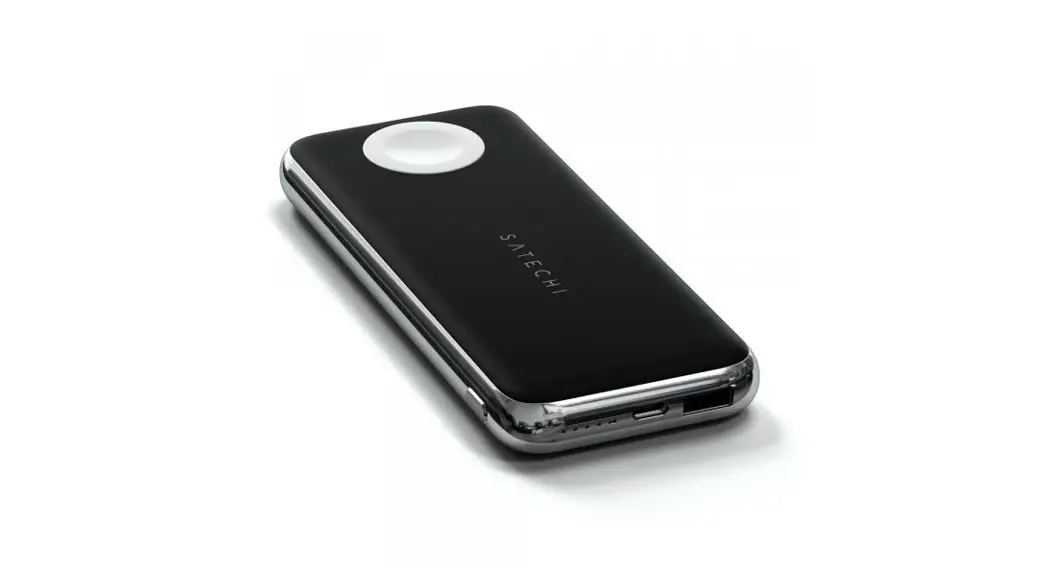
QUATRO WIRELESS POWER BANK
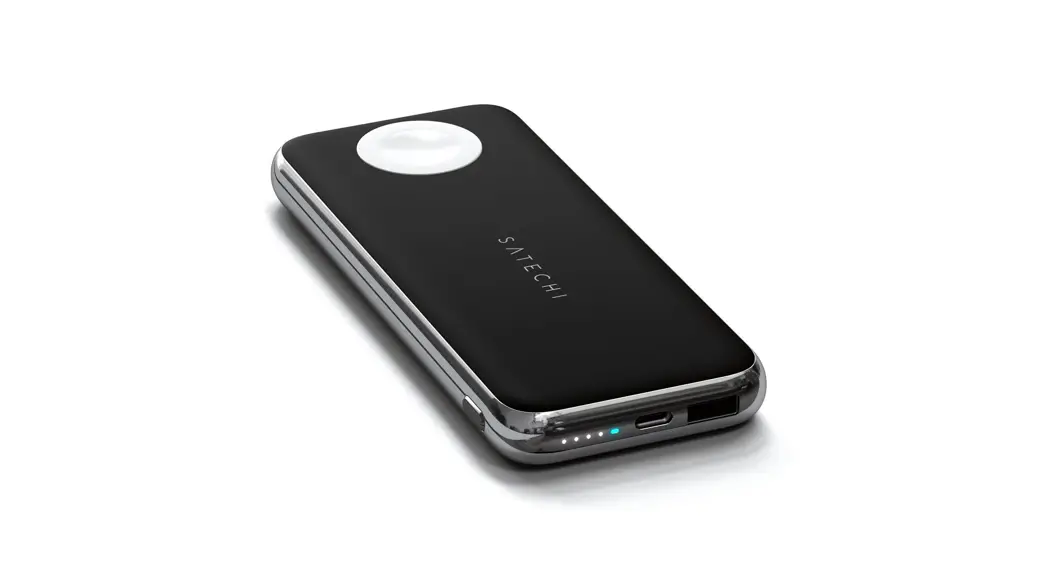
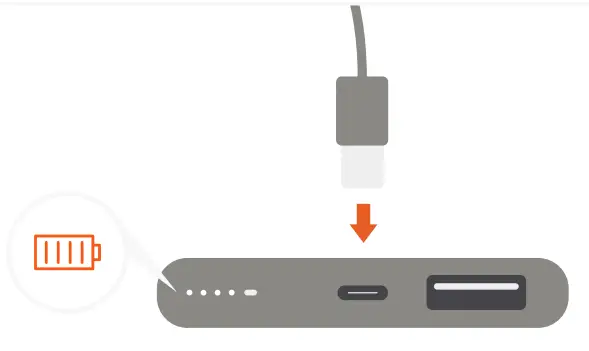
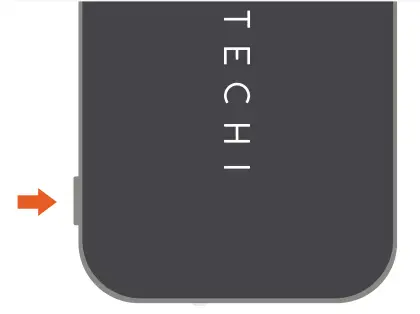
| 1. Before use, please fully charge the Quatro Power Bank via USB-C port using its included cable. Four LED lights will illuminate when fully charged | 2. Turn on the wireless charger by pressing the power button twice. Blue LED light will turn on |
 |  |
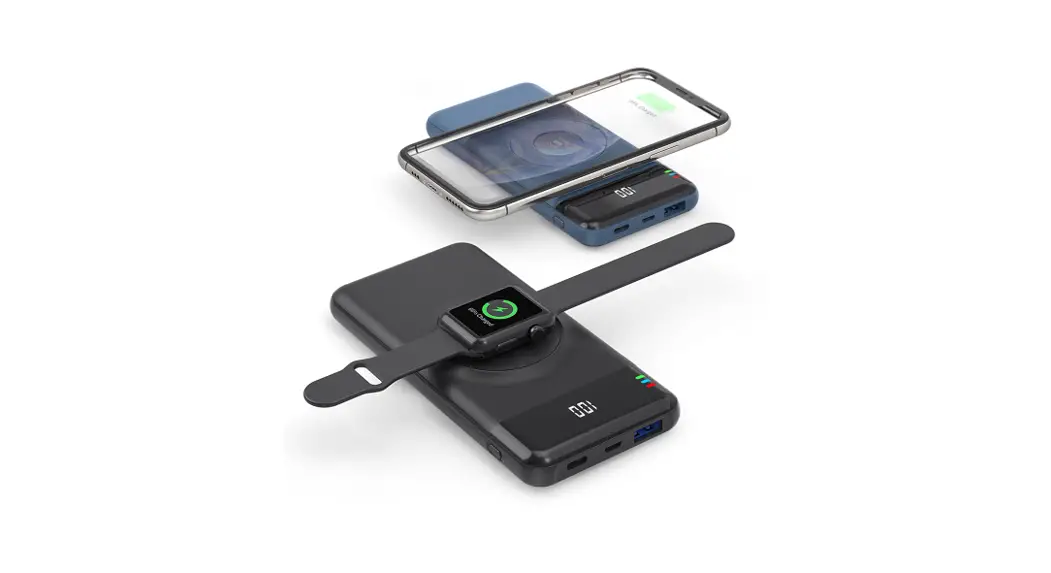
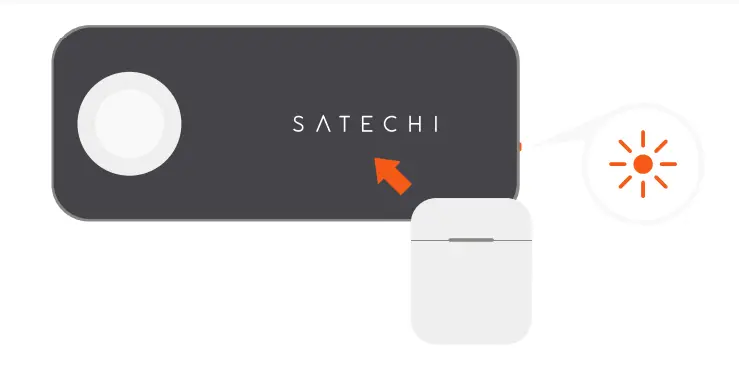
| 3. Place a compatible Qi wireless device on the Satechi logo. The LED light will turn orange when charging begins. Max output 5W | 4. Place an Apple Watch, display-side up, on module 4to begin charging. Max output 2.5W |
 |  |
| 5. Use the USB-C PD port to quickly recharge the power bank, power Type-C tablets, or fast charge compatible devices. Fast charging requires a USB-C to Lightning cable (sold separately). Max output 18W input/output | |
 |  |
| 6. Use the USB-A port to charge an extra USB device – such as an iPhone or AirPods. Max output 12W | 7. After use, power off the device by the press and holding the power button until LED lights turn off. |
 |  |
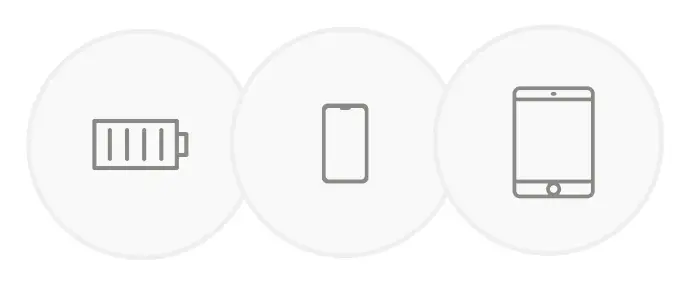
FOR BEST USE, WE RECOMMEND CHARGING UP TO THREE DEVICES AT A TIME.