How To Connect Devices to Sonly Bravia TV
Hi and welcome to this how-to video in this quick video. I’ll be showing you how to connect all your favorite devices to your bravia TV. So that, you can enjoy all your gadgets on a glorious Sony display.
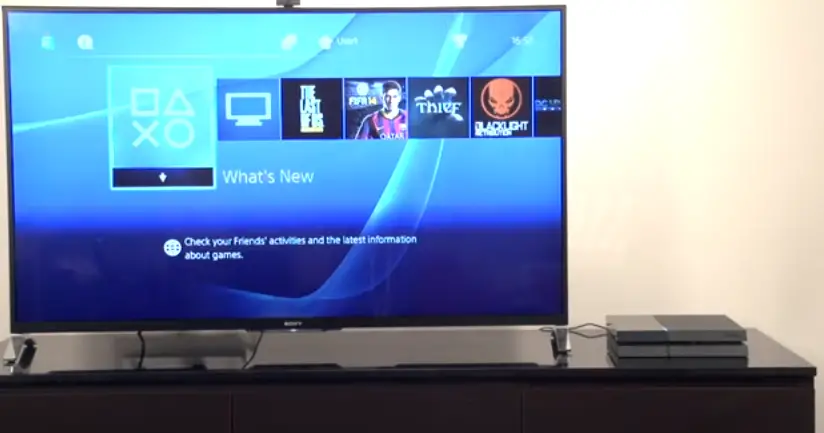
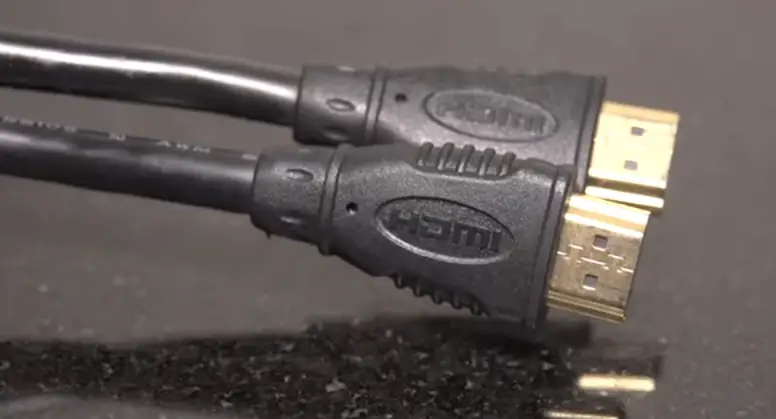
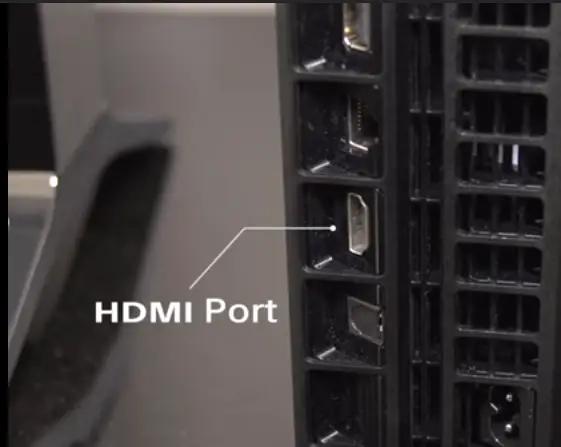
First up, we’ve got a PS4 that we want to hook up to the TV here this is actually amazingly simple what you need to do is get yourself a HDMI cable plug one end into the HDMI port of the PS4 and then plug the other end into one of the empty HDMI ports on your TV.
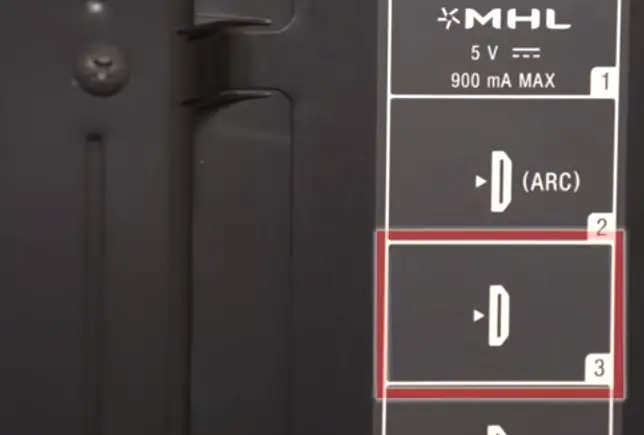
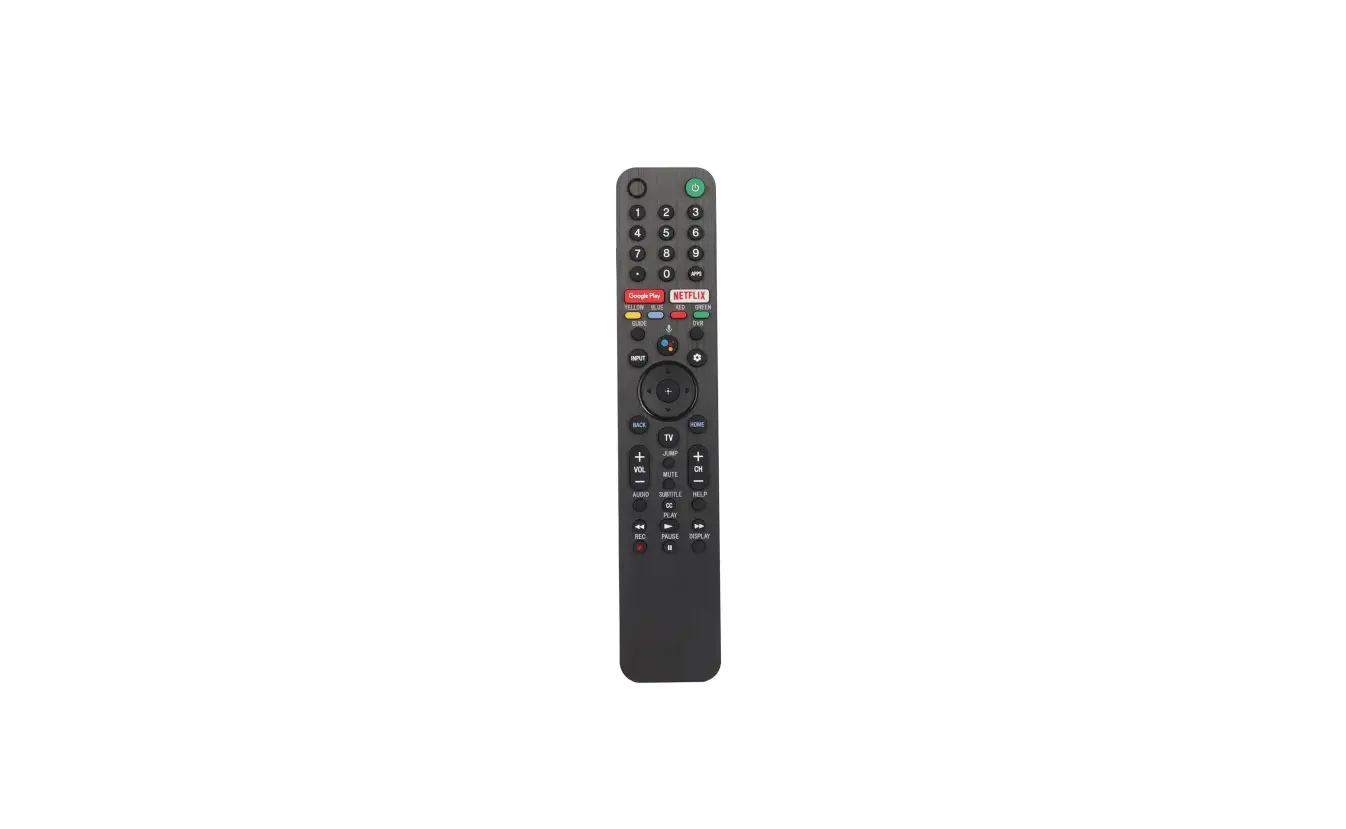
Then navigate to the correct input using the input button on your remote control.
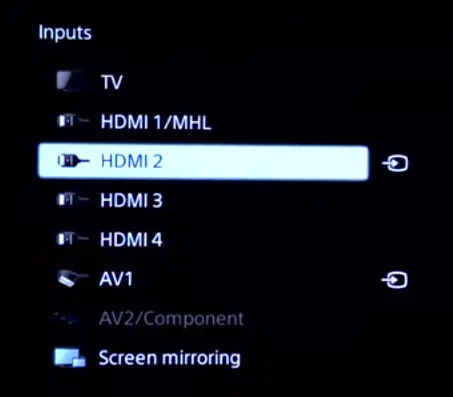
Turn on the PS4 and voila. You should now be able to see graphics from the PS4.
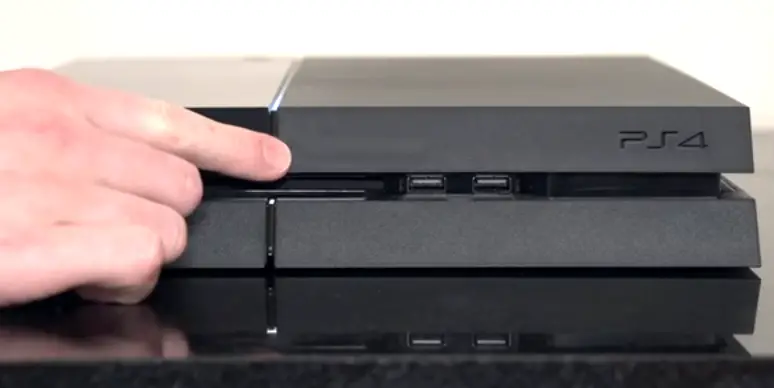
That really is all you need to do.
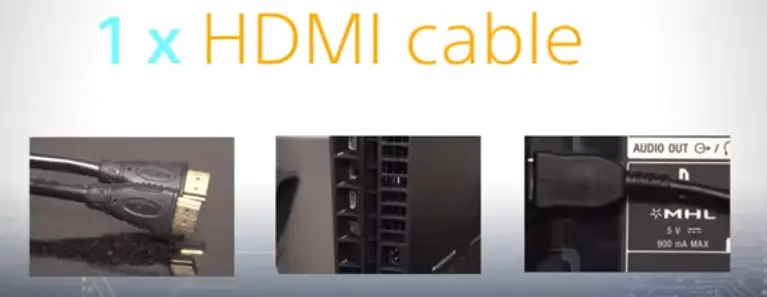
No more cables no more effort just plenty of time to play blu-ray players work in exactly the same way.
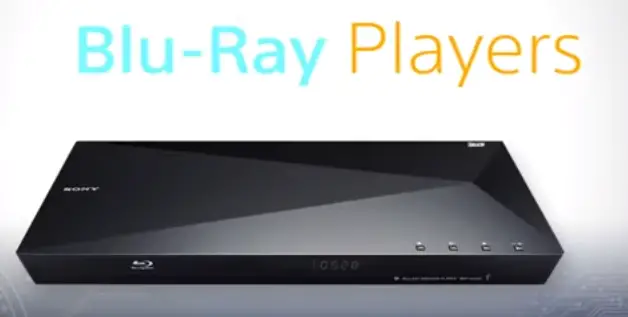
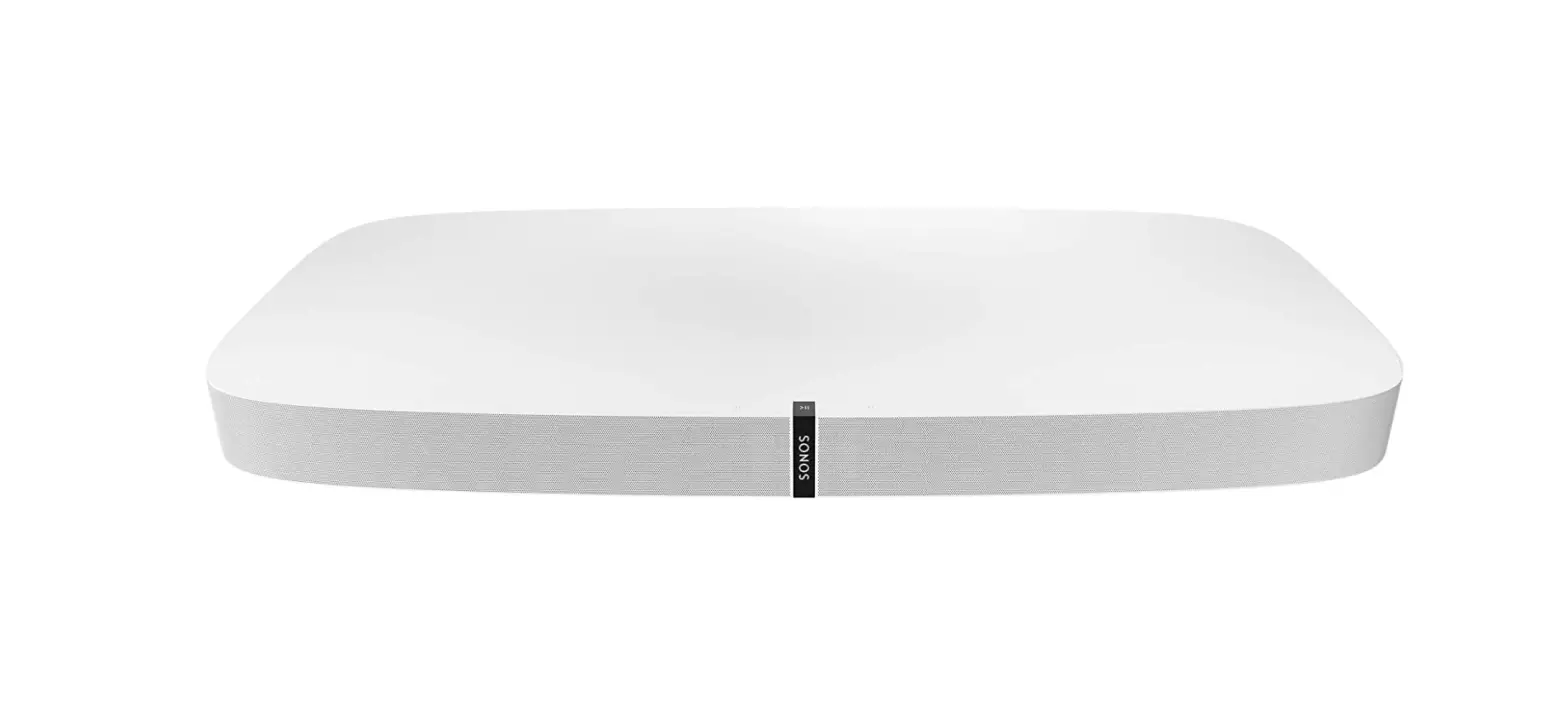
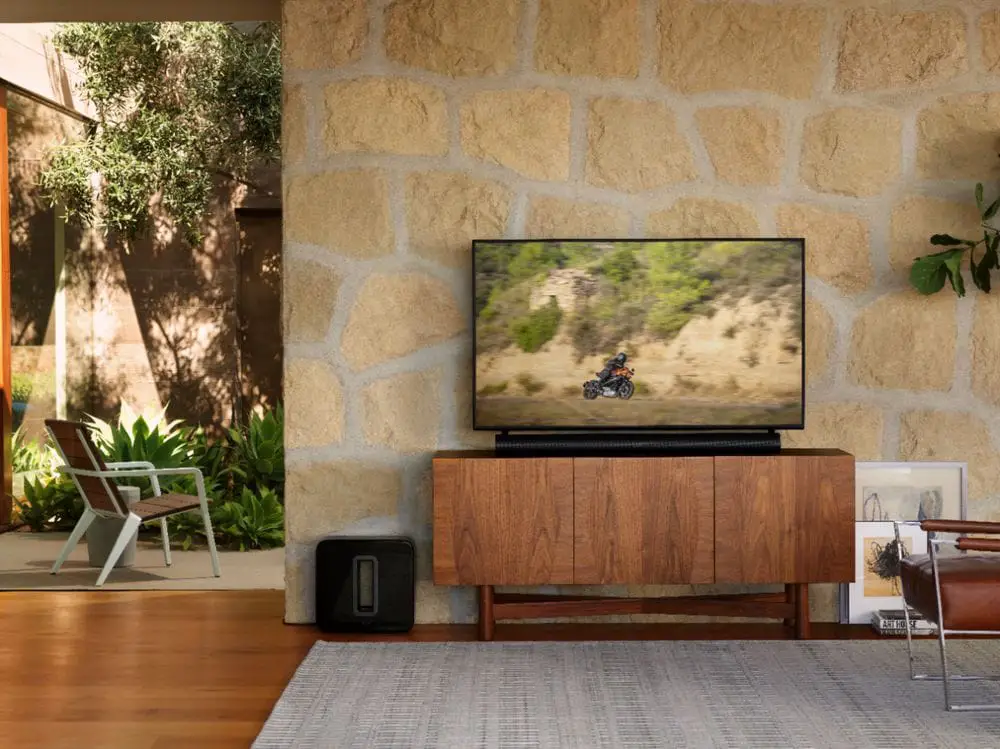
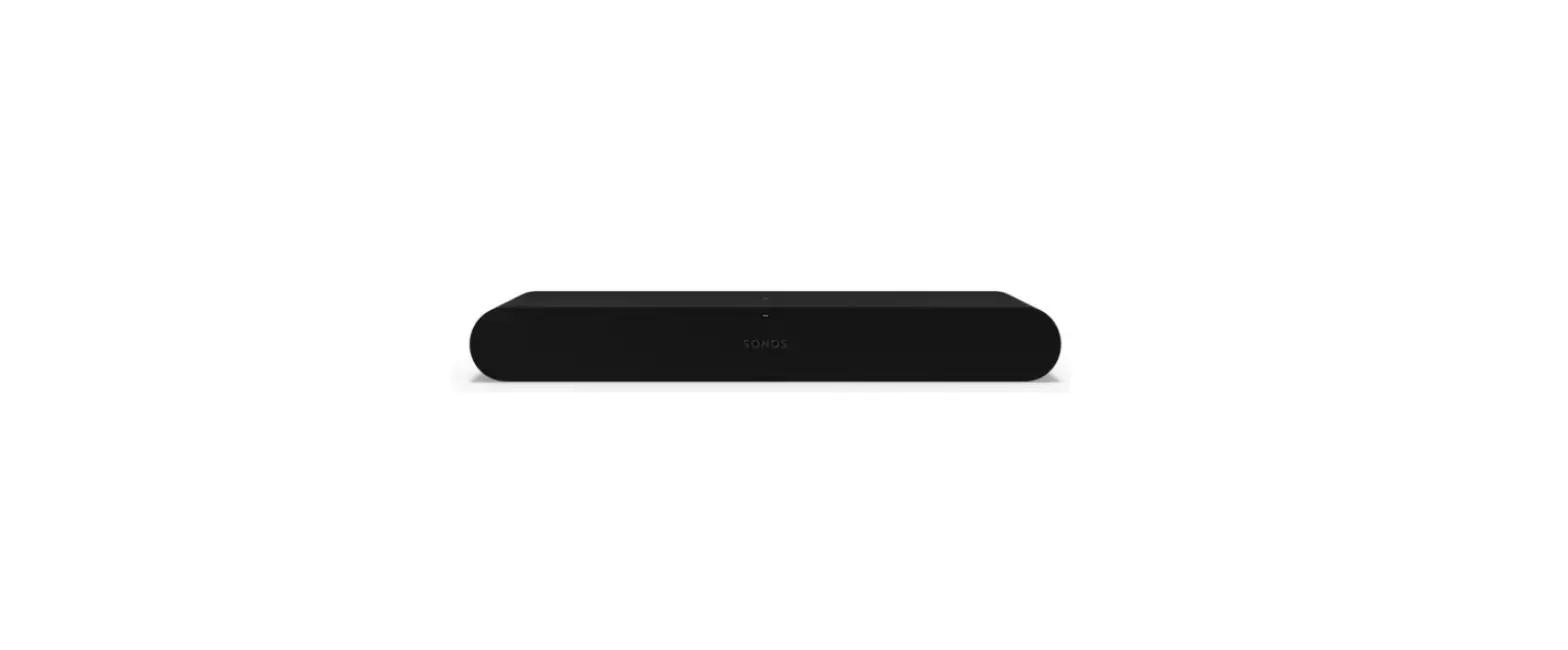
Just attach via HDMI switch to the correct TV input and you’re good to go next up we’ve got a sony sound bar that can be easily connected to any TV.
Now, bear in mind that it’s worth checking the connections available on your sound bar as there are various different options depending on the model you own.
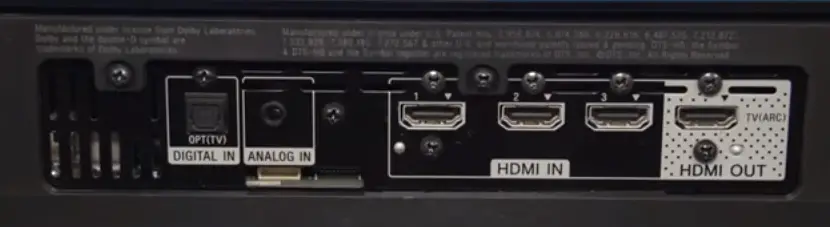
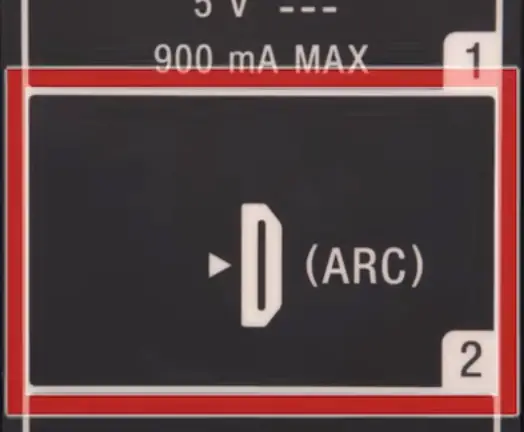
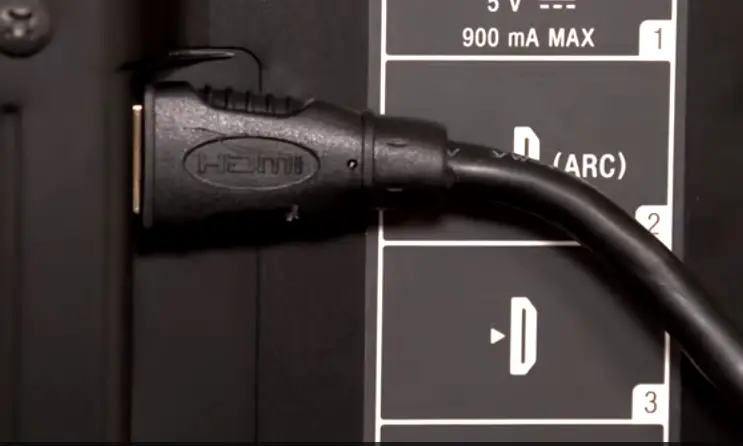
Most should have an HDMI port if so then simply plug into your TV using an HDMI port that supports AARC.
This should normally be HDMI 1 or 2 but you should be able to see the AARC sign.
Next to the correct HDMI port.
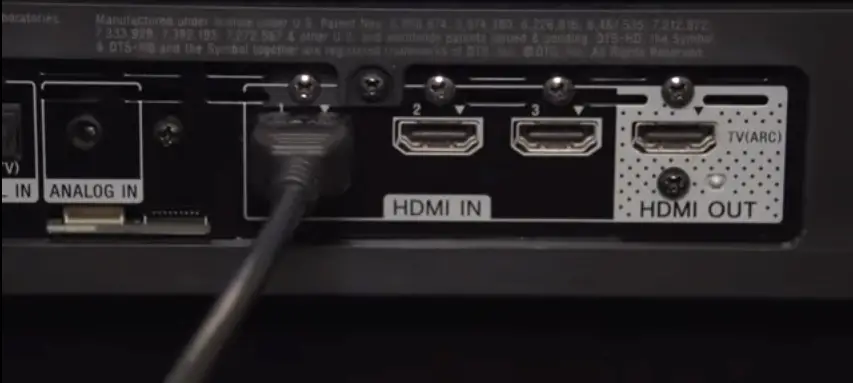
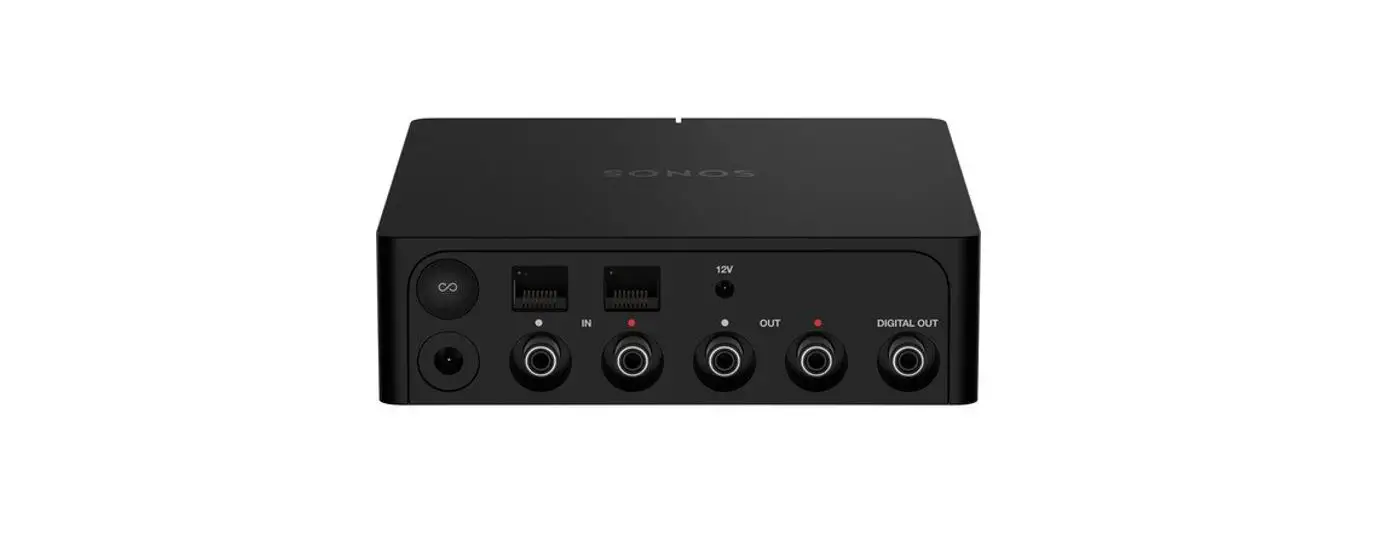
Other sound bars have something called an optical input.
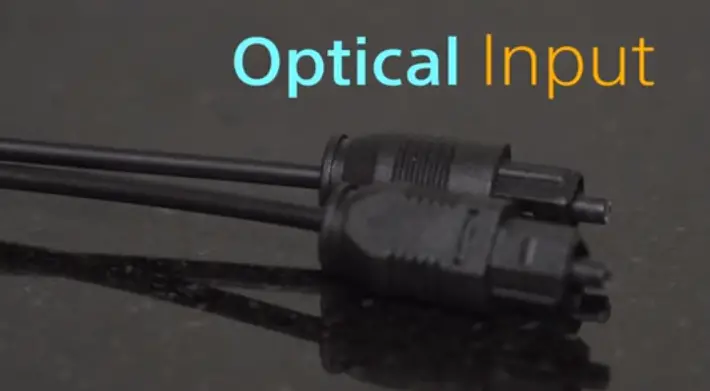
If so you simply need to plug the cable from the sound bar to the optical output on your TV.
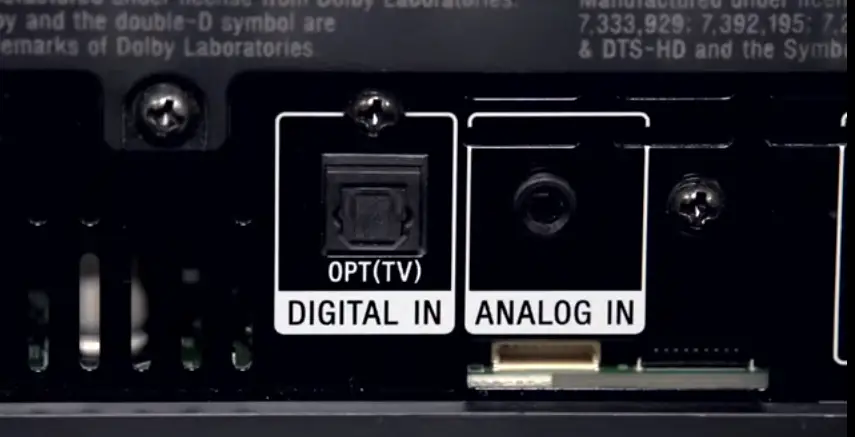
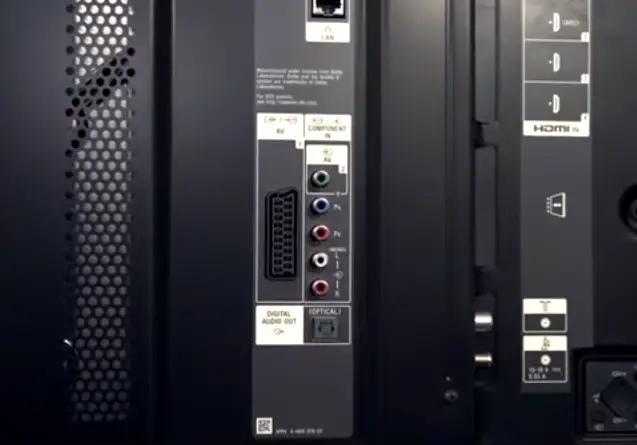
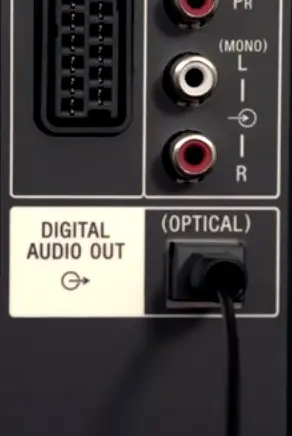
As soon as, This has been connected you should be able to hear sound coming out of the sound bar.
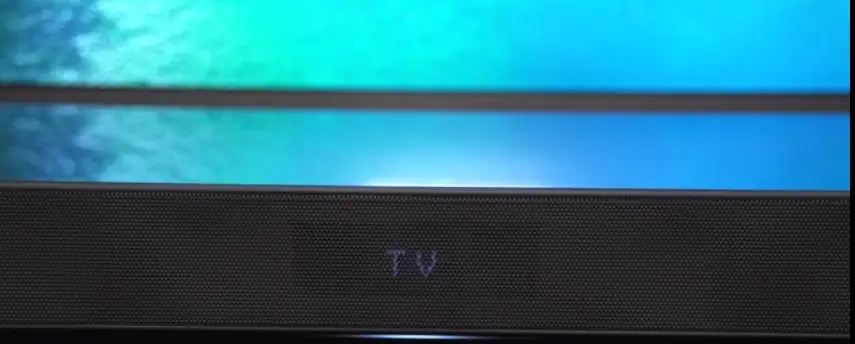
It’s not perhaps try turning the volume up or making sure the settings on your sambar are correct last but not least.
We know that a lot of you would like to connect your camera to your TV.
So you can view your precious photos in beautiful quality just like the three devices previously this is really simple to do all you need is a mini HDMI to HDMI cable find the mini HDMI port on your camera and plug the correct end.
Into the camera and then plug the HDMI end into an empty HDMI port on the TV.
Once again be sure that you’ve selected the correct input using the input button on your remote and then you should be able to view all of your favorite pictures on the display and there we are in just a few minutes we’ve easily been able to connect three different devices to our sony bravia television.
It really couldn’t be any easier if you found this video helpful or if you want to find out more about your beloved Sony product.
Be sure to visit the Sony community