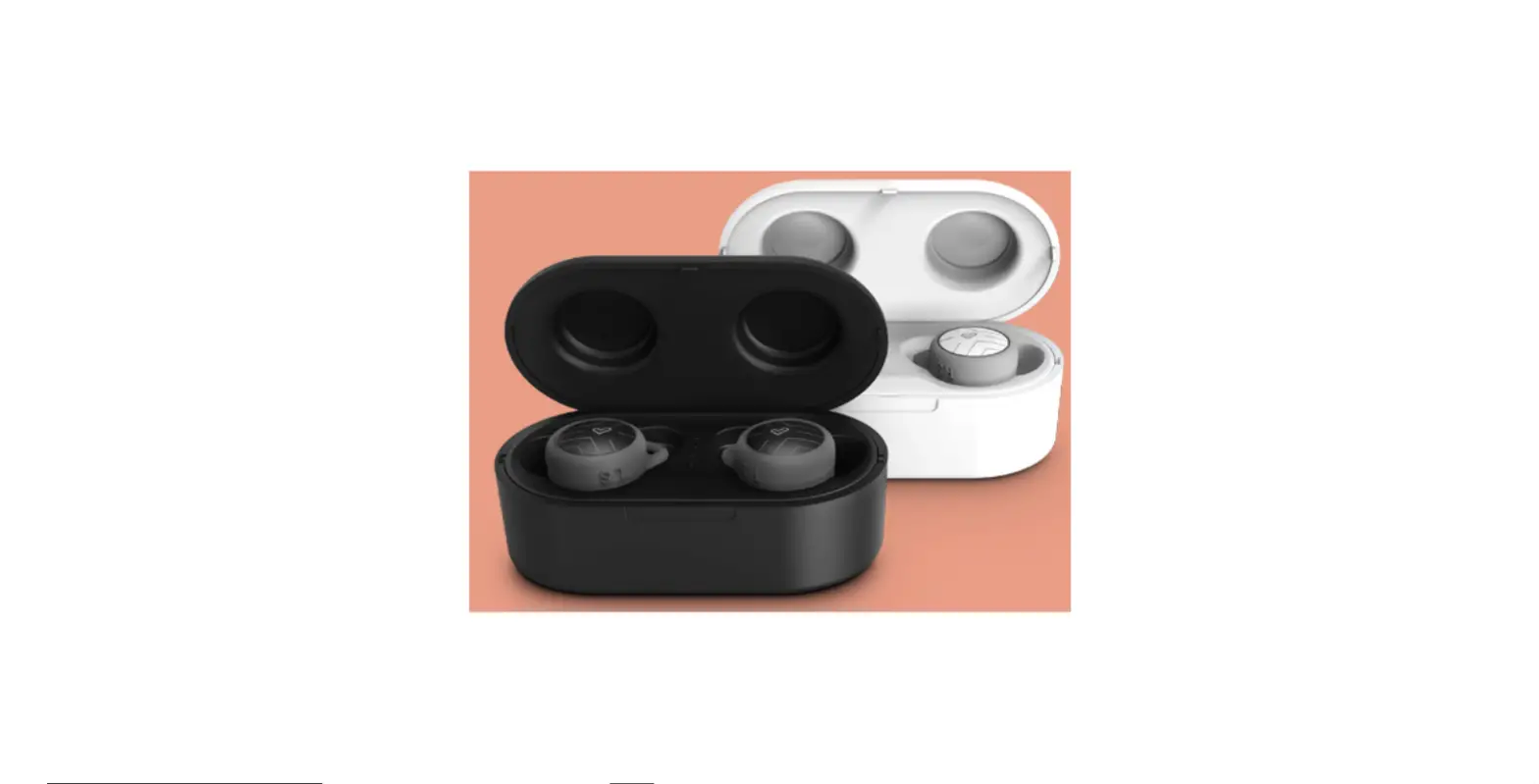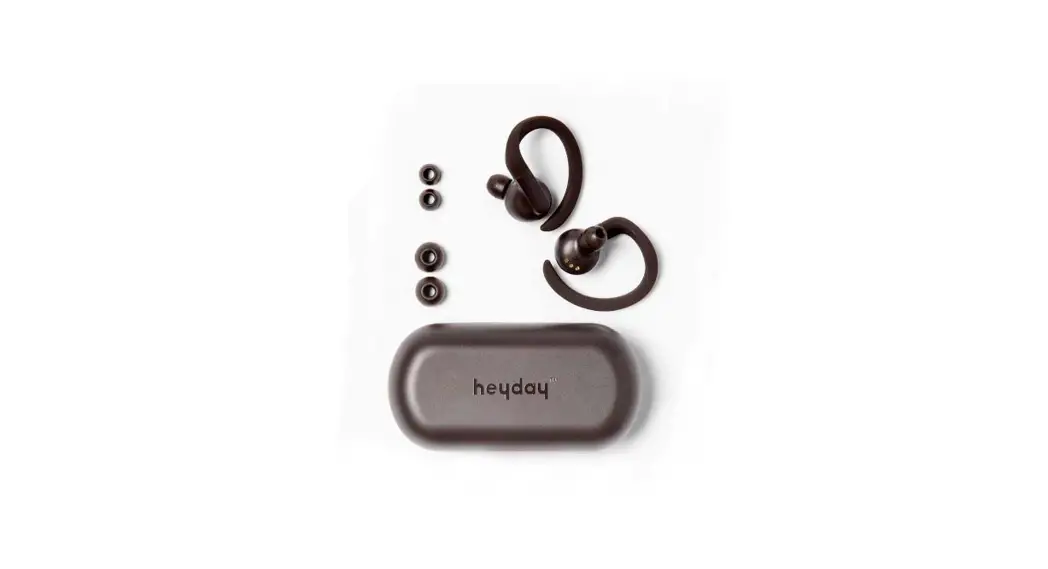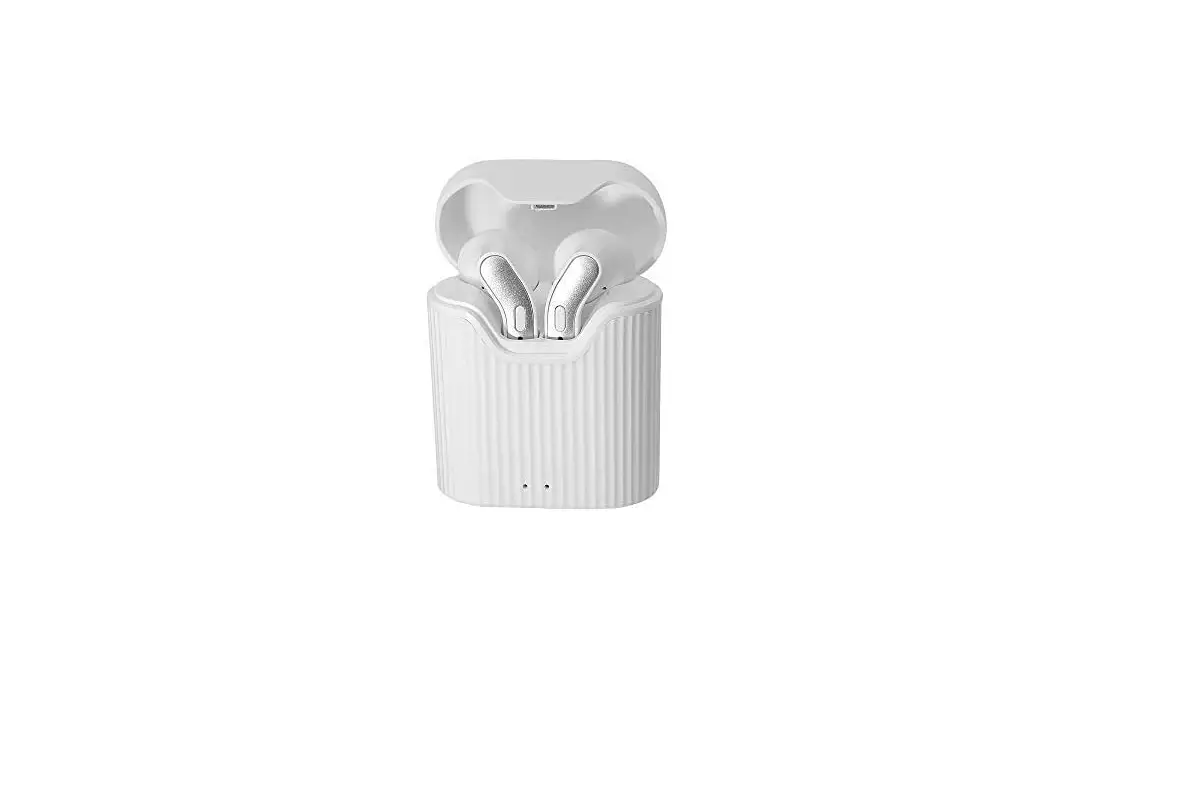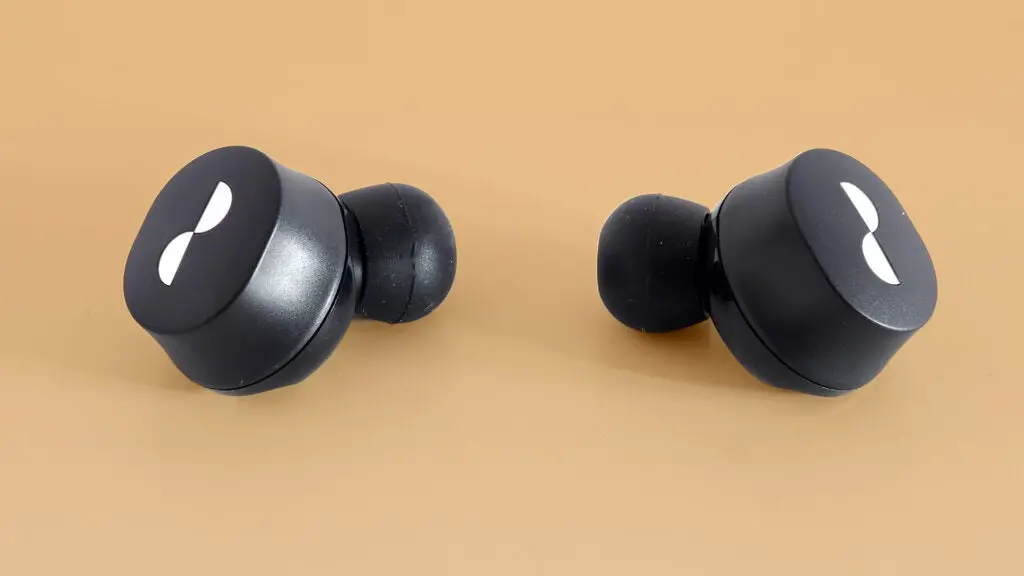
 CHIPS® ULTRA TRUE WIRELESS HELMET AUDIO
Instruction Manual
Chips Ultra True Wireless Helmet Audio
 Good call on picking up the Outdoor Tech® Chips® Ultra true wireless helmet audio. Your experience of the universe will soon be enhanced. This manual exists to help make sure that you use them correctly, so you’re definitely going to want to relax for a hot second and look through this.
Kisses,
WHAT’S INSIDE
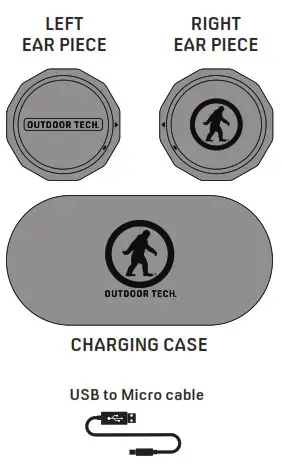
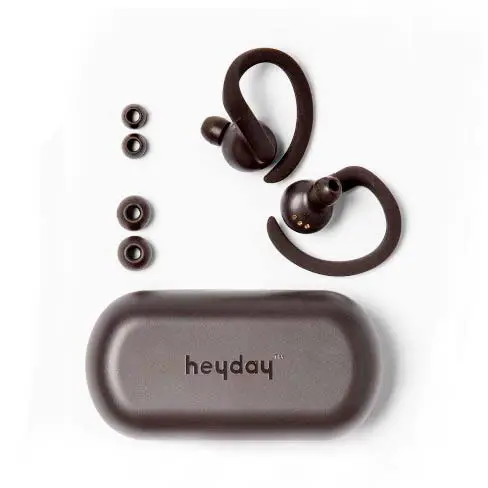
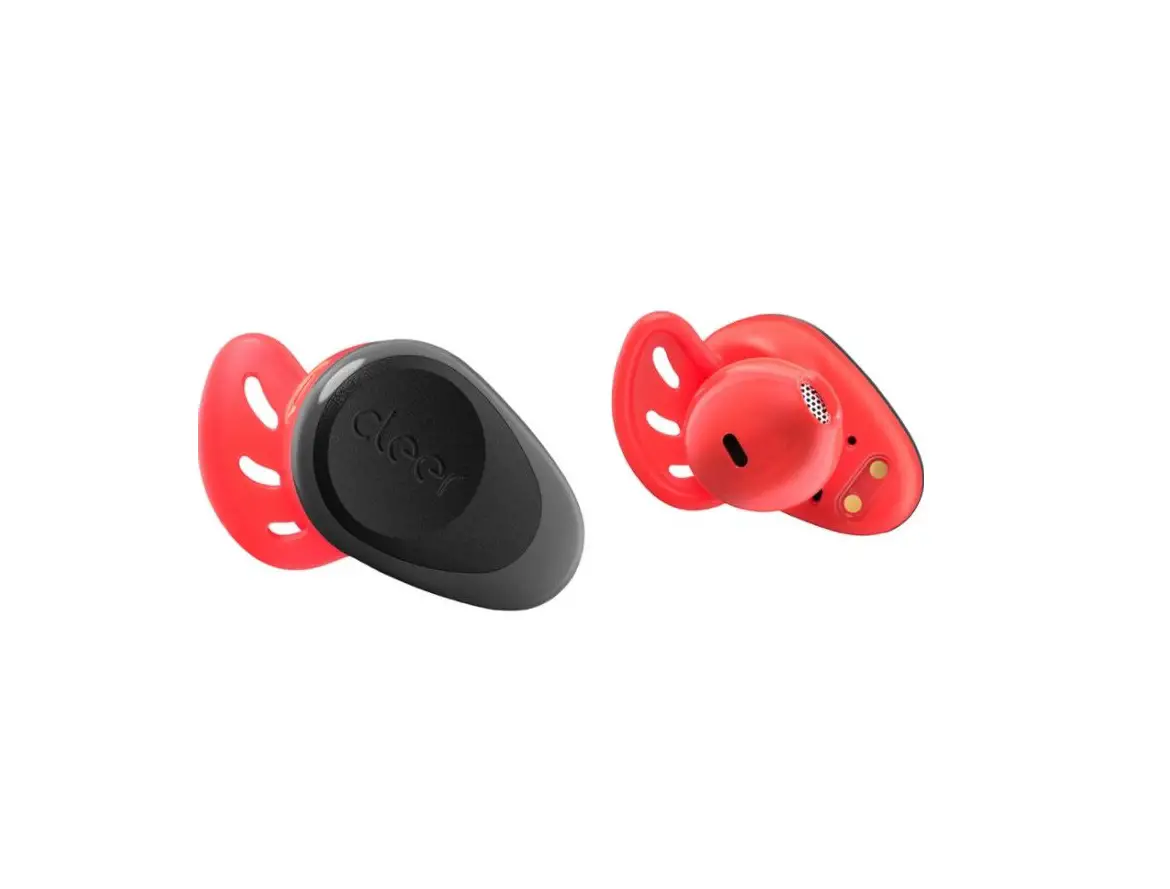
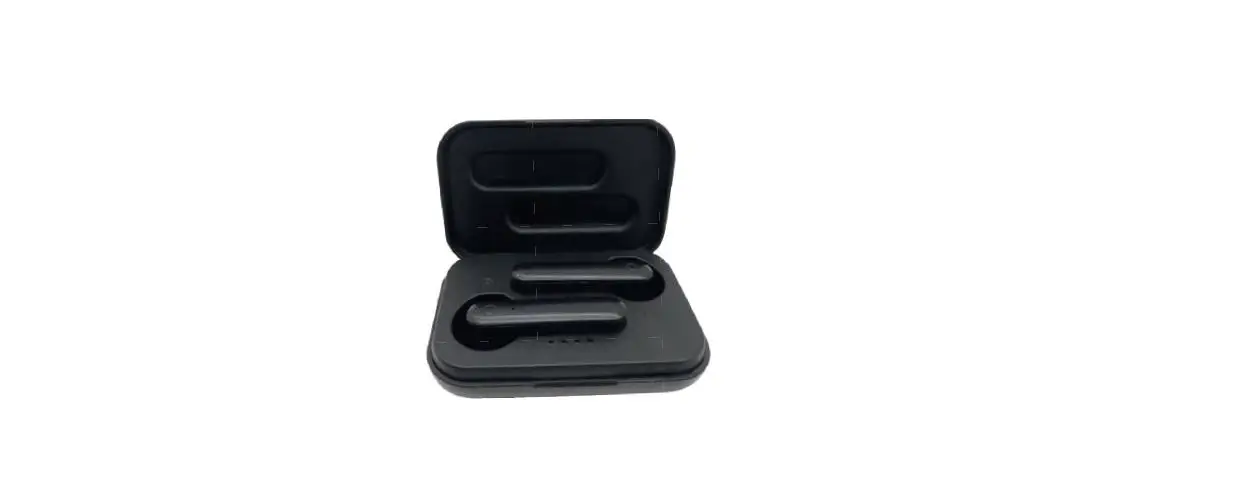
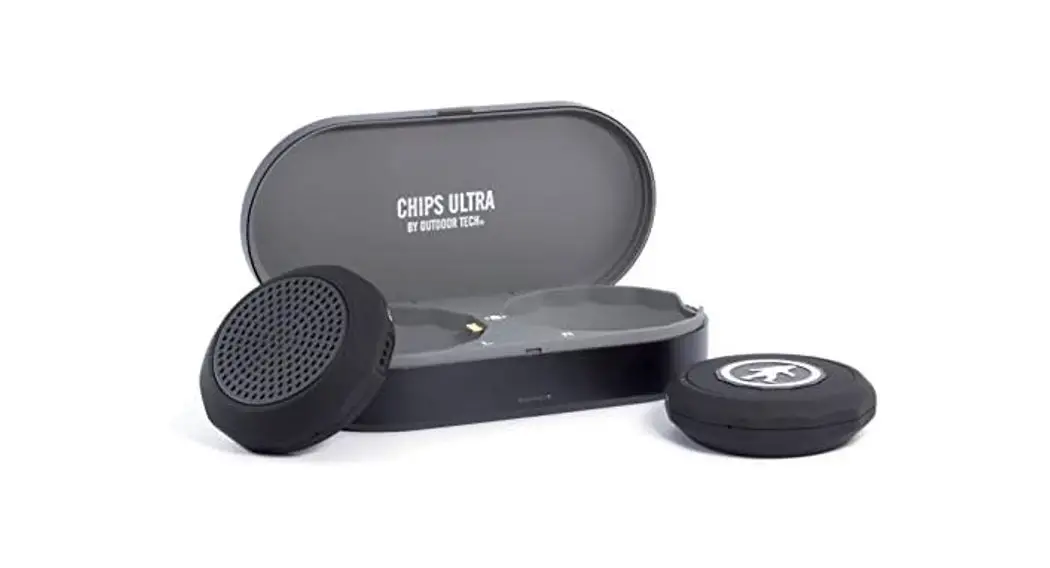
- Left and right helmet audio
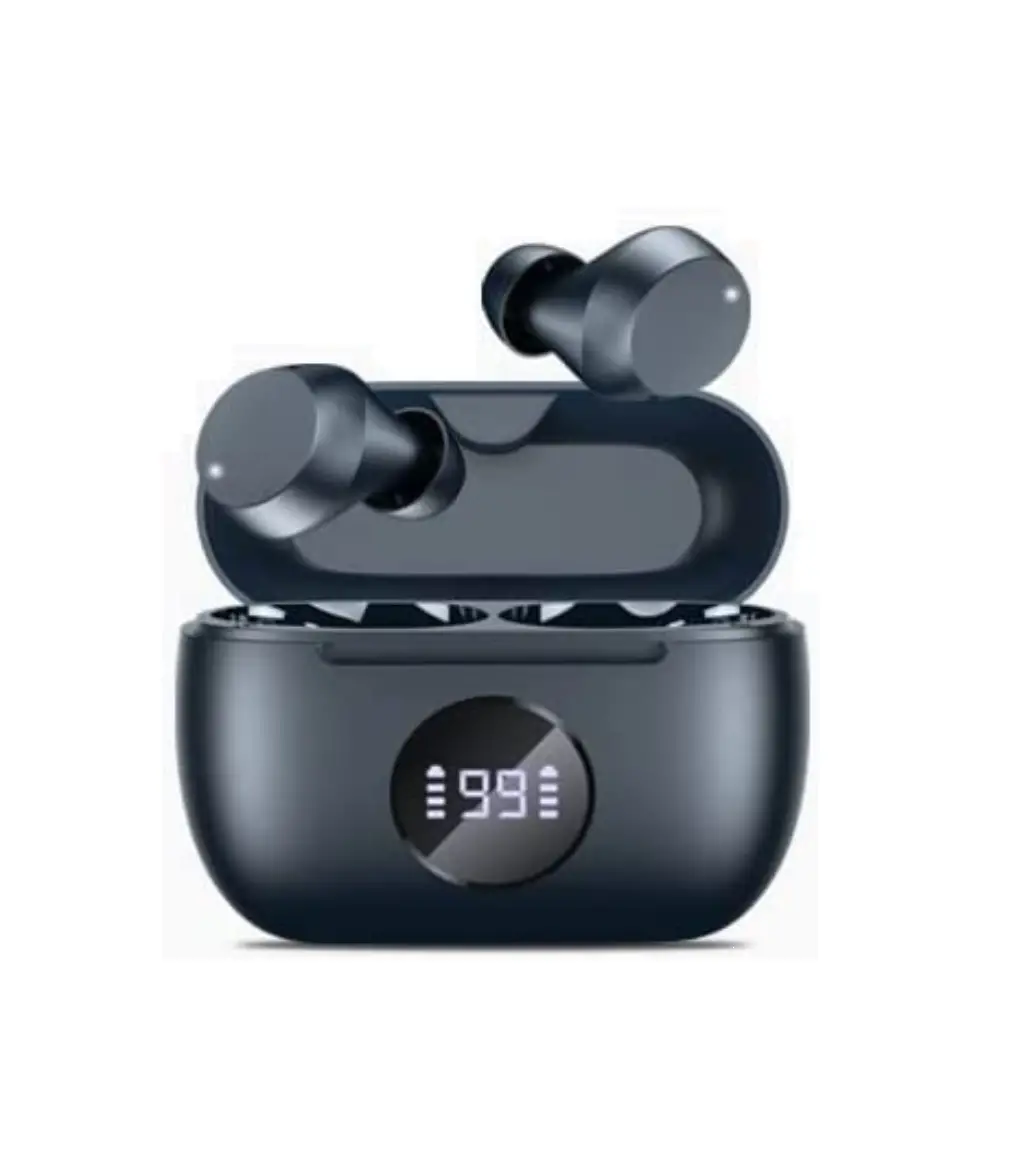
- Charging case
- Charging cable
- Instruction manual
- One ODT sticker
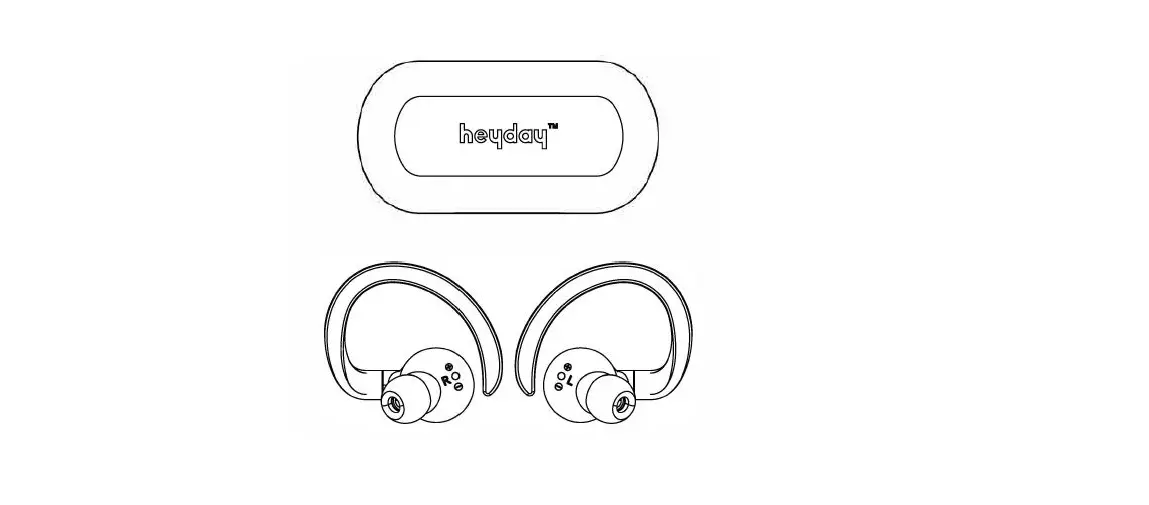
ANATOMY
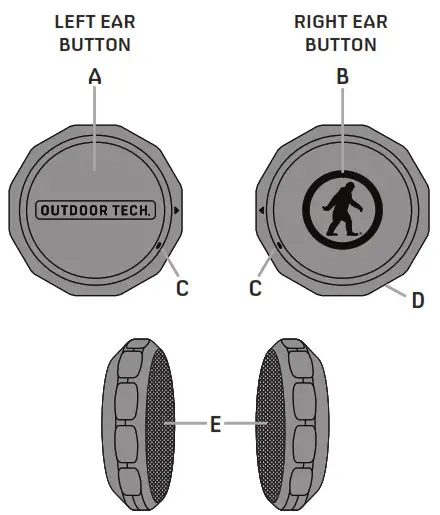
A. Left ear button
B. Right ear button
C. LED light
D. Microphone
E. Hi-Fi Speakers
FUNCTIONS
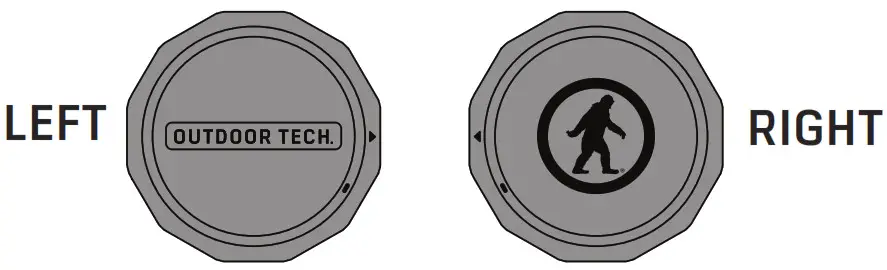
| FUNCTION | EARPIECE | ACTION |
| Power On | LEFT | 4 Long press for 3 sec |
| Power On | RIGHT | Long press for 3 sec |
| Power Off | LEFT | Press and hold for 4 sec |
| Power Off | RIGHT | Press and hold for 4 sec |
| Answer | RIGHT | Short press once |
| Reject | RIGHT | Long press for 2 sec |
| Hang Up | RIGHT | Short press once |
| Play | RIGHT | Short press once |
| Pause | RIGHT | Short press once |
| Skip Forward | RIGHT | Short press twice |
| Skip Backward | RIGHT | Short press three times |
| Raise Volume | LEFT | Short press once |
| Lower Volume | LEFT | Short press twice |
| Siri/Voice Activation | RIGHT | Long press 1 sec |
| Reset Chips Ultra/ Clear BT Memory | Refer to the paper insert in the box for instructions |
 CHARGING-THE CASE
 CHARGING-THE CASE
Charge up the case so you always have power for your Chips® Ultra on the go.
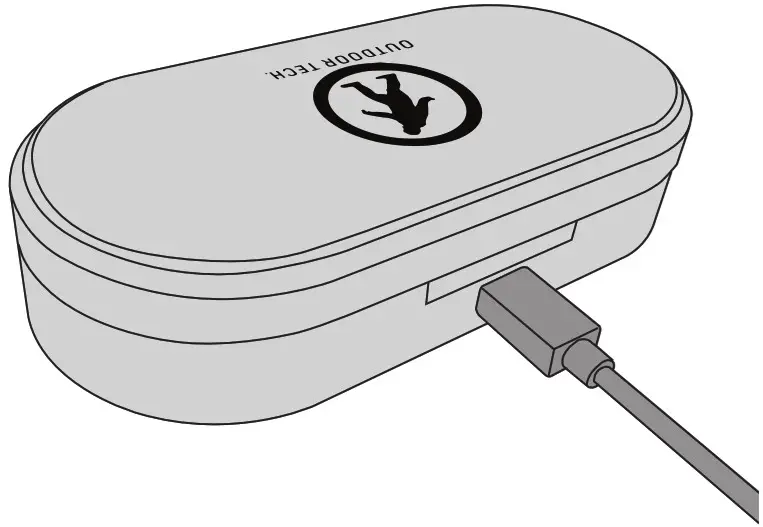
Once the charging case is plugged into the microUSB, the indicator light on the front will turn RED- (CHARGING). It will turn GREEN once the case is completely
charged.
Case total charging time: 2.5 hours to fully charge the case.
CHARGING-THE CHIPS
Charge your Chips® Ultra on the way to the hill, instead of having to plug them in the night before.
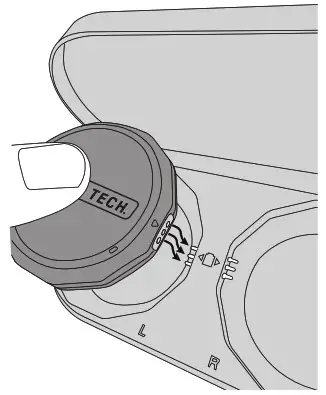
Gently plug the three holes on the side of the Chips® Ultra into the three prongs in the charging case.
Be sure to put the Left Chip in the Left side and the Right Chip in the Right side in the charging case.
The LED lights on both Chips will be RED – (CHARGING). Once both LEDs go off the Chips are fully charged.
Chips® Ultra total charging time: About 2 hours
 PAIRING
 PAIRING
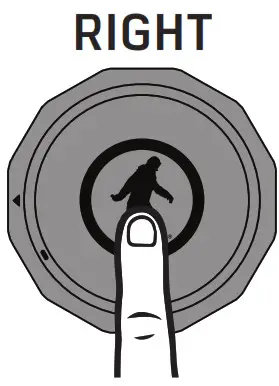
POWER ON THE RIGHT
(long press 3 seconds)
VOICE PROMPT: “power on >> battery level >> pairing”
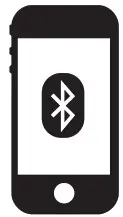
Choose: “ODT Chips Ultra” in your phone’s Bluetooth settings. VOICE PROMPT: “device connected”
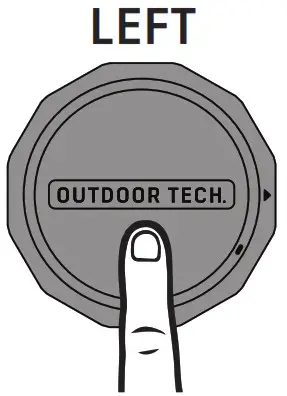
POWER ON THE LEFT (long press 3 seconds) VOICE PROMPT: “power on >> connected”
 MUSIC FUNCTIONS
 MUSIC FUNCTIONS
| FUNCTION | ACTION |
| POWER ON | long press 3 seconds |
| POWER OFF | Press and hold 4 seconds |
| PLAY | short press 1x |
| PAUSE | short press 1x |
| SKIP FORWARD | short press 2x |
| SKIP BACKWARD | short press 3x |
 PHONE FUNCTIONS
 PHONE FUNCTIONS
| FUNCTION | ACTION |
| ANSWER CALL | short press 1x |
| END CALL | short press 1x |
| REJECT CALL | long press 2 seconds |
| SIRI / VOICE ACTIVATION | long press 1x |
 VOLUME CONTROLS
 VOLUME CONTROLS
| FUNCTION | ACTION |
| POWER ON | long press 3 seconds |
| POWER OFF | Press and hold 4 seconds |
| VOLUME UP | short press 1x |
| VOLUME DOWN | short press 2x |
PUT THE CHIPS ULTRA IN YOUR HELMET
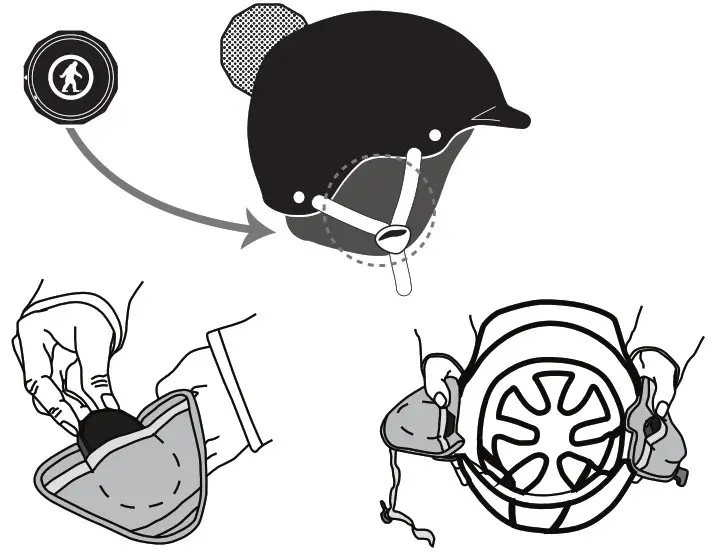
- Drop the CHIPS® Ultra into the slots inside your helmet liner.

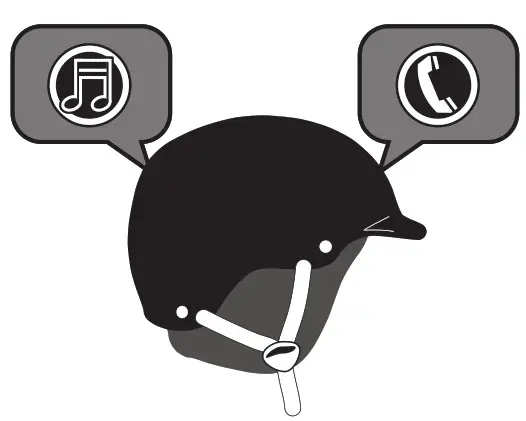
- Rock out, make calls, and, you know, ski and snowboard and whatnot.
 SPECS
SPECS
 SPECS
SPECSBluetooth version: Bluetooth 5.0+ EDR
Bluetooth profiles: A2DP, AVRCP, HSP, HFP
Driver units: 40mm Neodymium magnet
Frequency Response: 20~20,000 Hz
Impedance: 32 + 32 ohms
Sensitivity (1kHz): 110 dB
Range: Up to 10m/33ft
Microphone: Built-in microphone
Battery: 3.7V, 250 mAh
Charging time: About 2 hours
Play / Talk time: Up to 13 hours
CHARGING CASE
Charging time: 2.5 hours (DC 5V 1A)
Battery: 3.7V 2000 mAh
 CARE & MAINTENANCE
 CARE & MAINTENANCE
- Keep the Chips® Ultra away from direct sunlight or hot places. High temperatures will shorten the life of electronic devices, destroy the battery or distort certain plastic parts.
- Do not try to disassemble the CHIPS® Ultra.
- Do not let the Chips® Ultra fall onto the floor or other hard surfaces. The internal circuit board may get damaged.
- Do not use intensive chemical products or detergent to clean the product.
- Do not scratch the surface with sharp things.
WARNING: For safety reasons, some state and local laws prohibit the use of headsets when operating a bicycle. Use Chips® only for off-highway activities. Do not use Chips® at excessive volumes because it may cause permanent hearing damage.
Caution: The user is cautioned that changes or modifications not expressly approved by the party responsible for compliance could void the user’s authority to operate the equipment.
This device complies with Part 15 of the FCC Rules and Industry Canada licence-exempt RSS standard(s). Operation is subject to the following two conditions:
- this device may not cause harmful interference, and
- this device must accept any interference received, including interference that may cause undesired operation.
NOTE: This equipment has been tested and found to comply with the limits for a Class B digital device, pursuant to Part 15 of the FCC Rules. These limits are designed to provide reasonable protection against harmful interference in a residential installation. This equipment generates, uses and can radiate radio frequency energy and, if not installed and used in accordance with the instructions, may cause harmful interference to radio communications. However, there is no guarantee that interference will not occur in a particular installation. If this equipment does cause harmful interference to radio or television reception, which can be determined by turning the equipment off and on, the user is encouraged to try to correct the interference by one or more of the following measures:
- Reorient or relocate the receiving antenna.
- Increase the separation between the equipment and receiver.
- Connect the equipment into an outlet on a circuit different from that to which the receiver is connected.
- Consult the dealer or an experienced radio/TV technician for help.
FCC& IC Radiation Exposure Statement: This equipment complies with FCC and Canada radiation exposure limits set forth for an uncontrolled environment. This transmitter must not be co-located or operating in conjunction with any other antenna or transmitter.
DON’T BE SO ANTISOCIAL

Facebook.com/outdoortechnology
Twitter & Instagram: @outdoortech
Questions, comments, complaints, secret desires, or just to say what’s up: email [email protected]
K bye.

 Portable Bluetooth Wireless Speakers & Headphones | Outdoor Tech