
Quick Using Guide
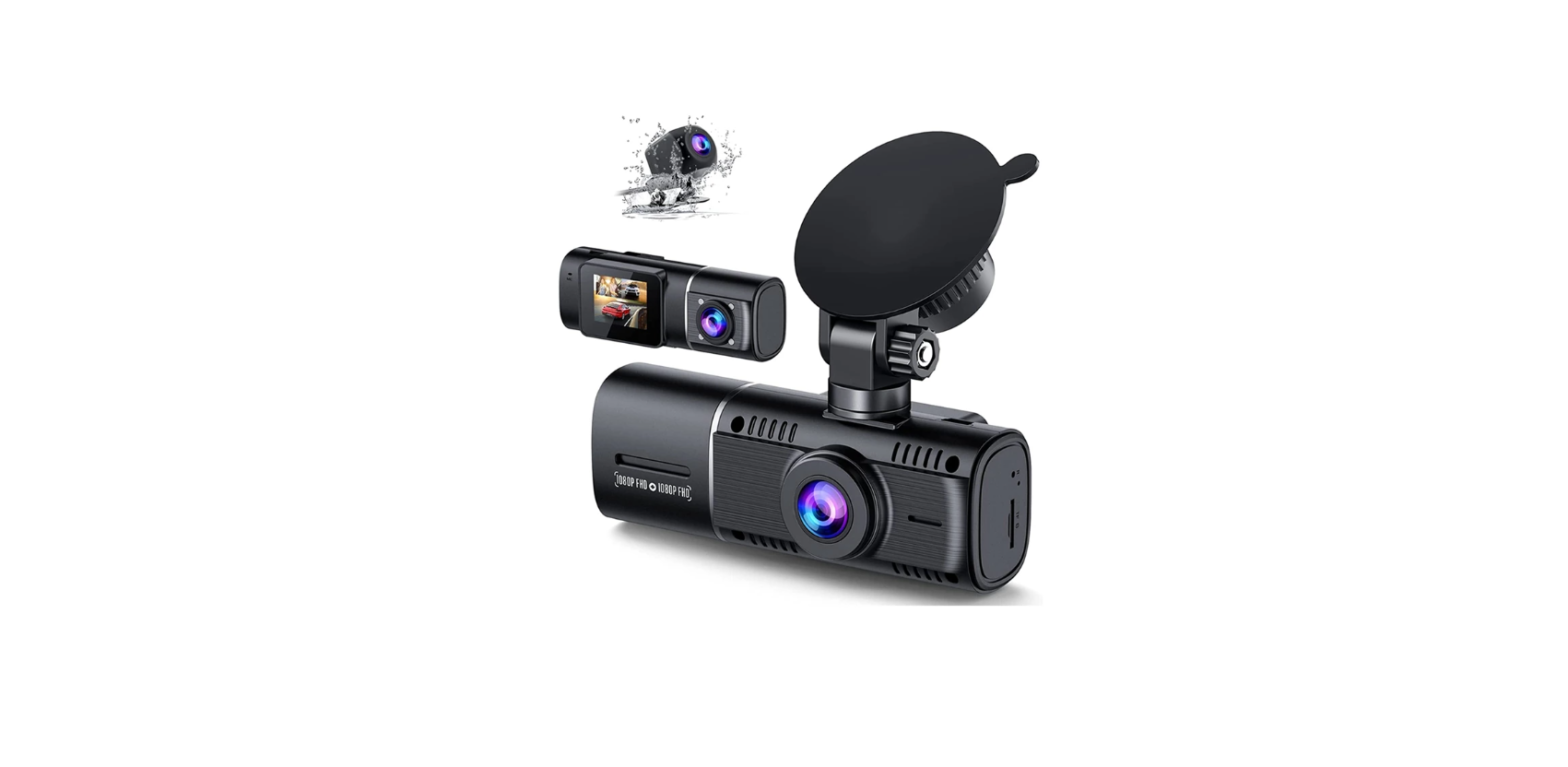
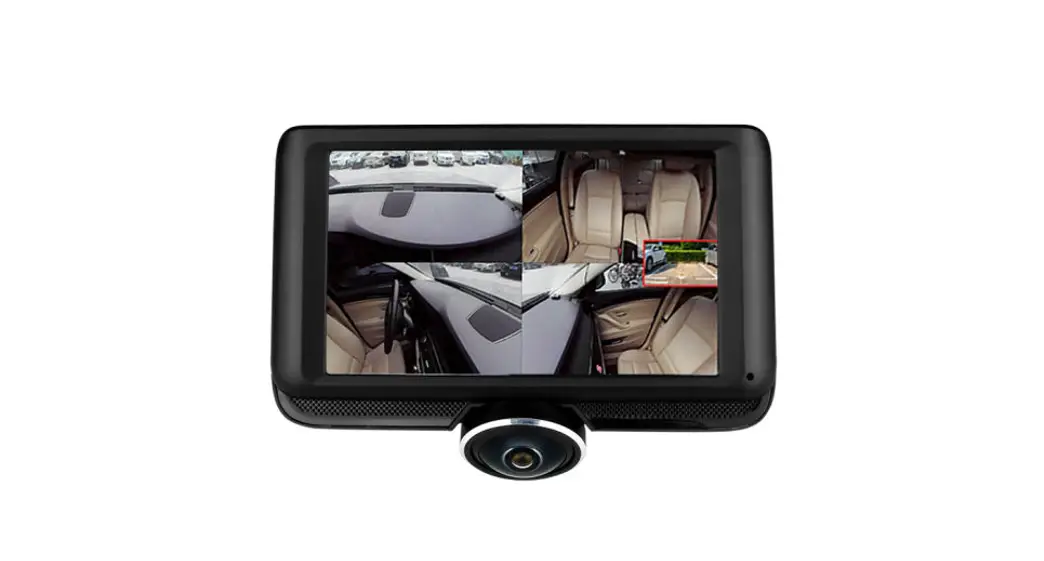
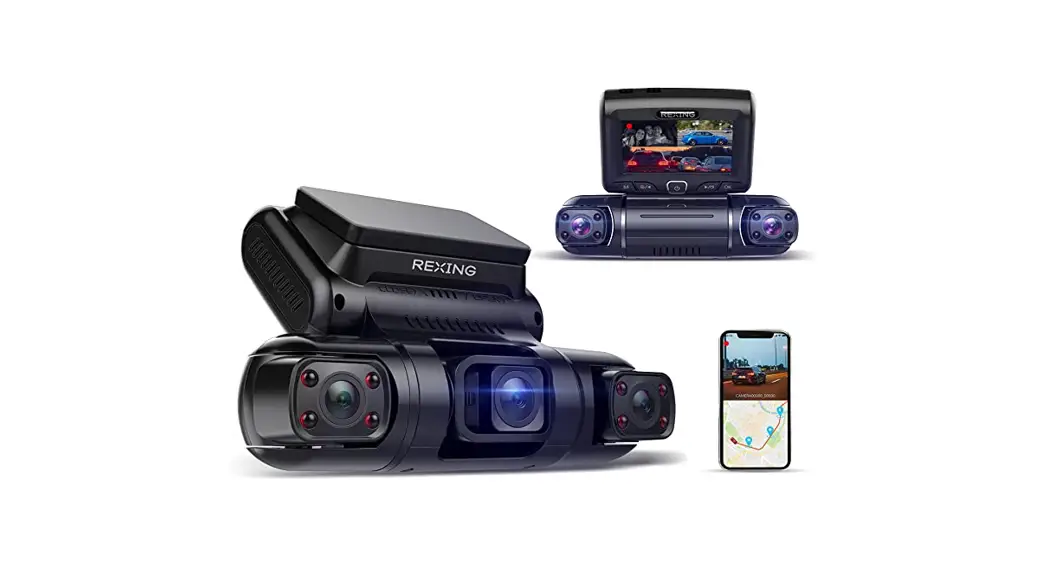
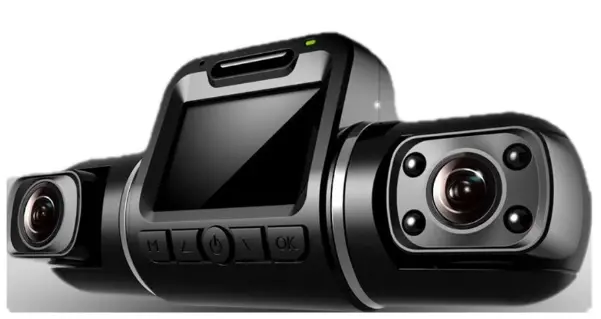
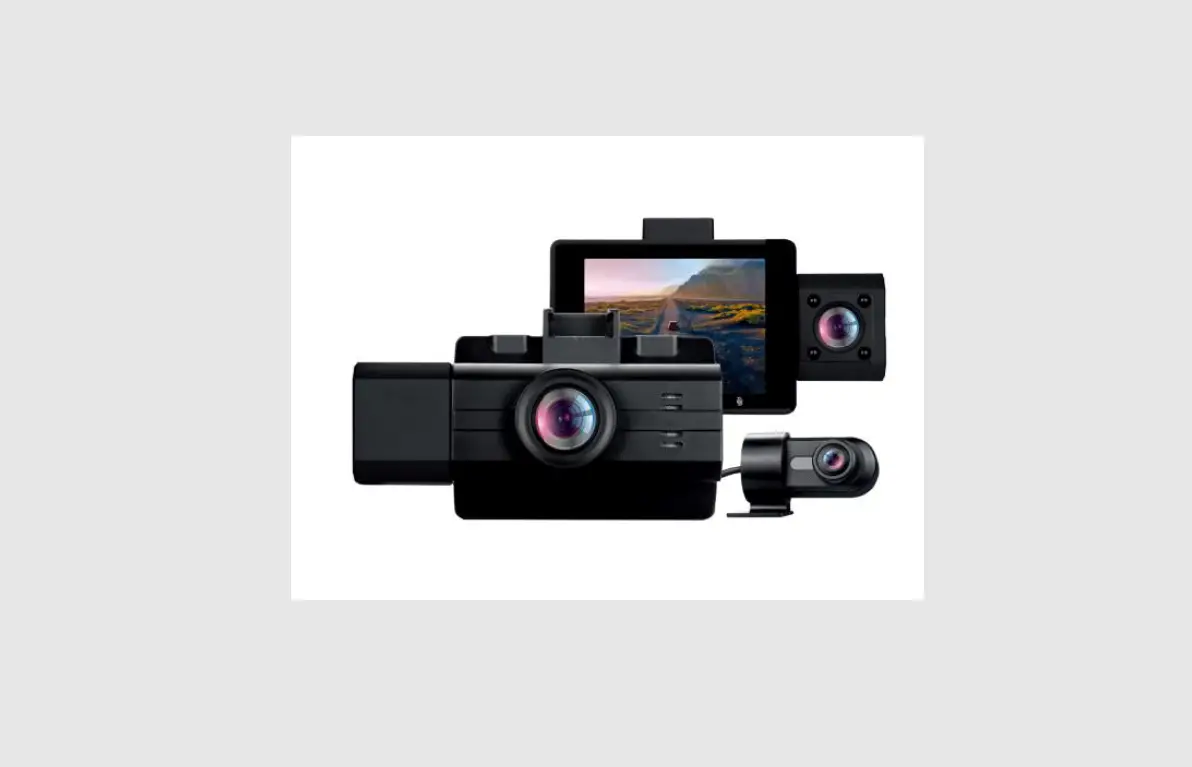
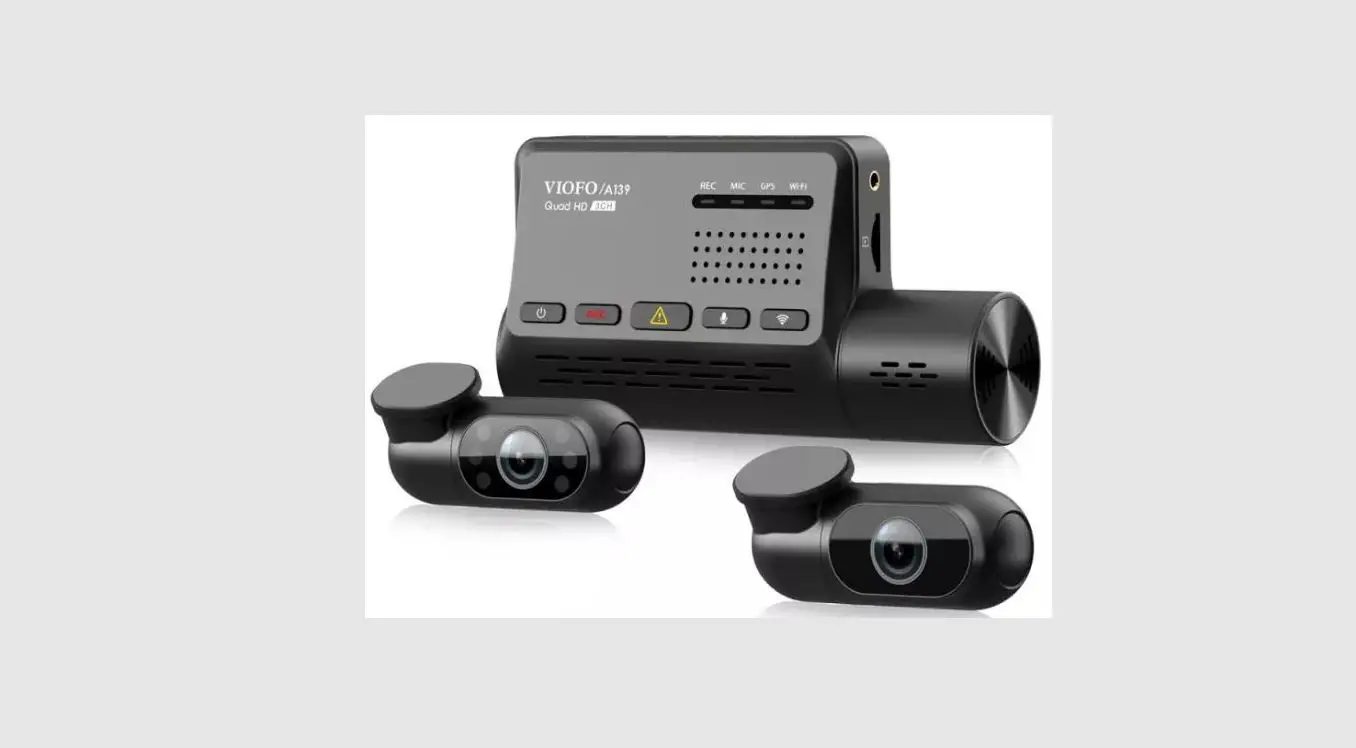
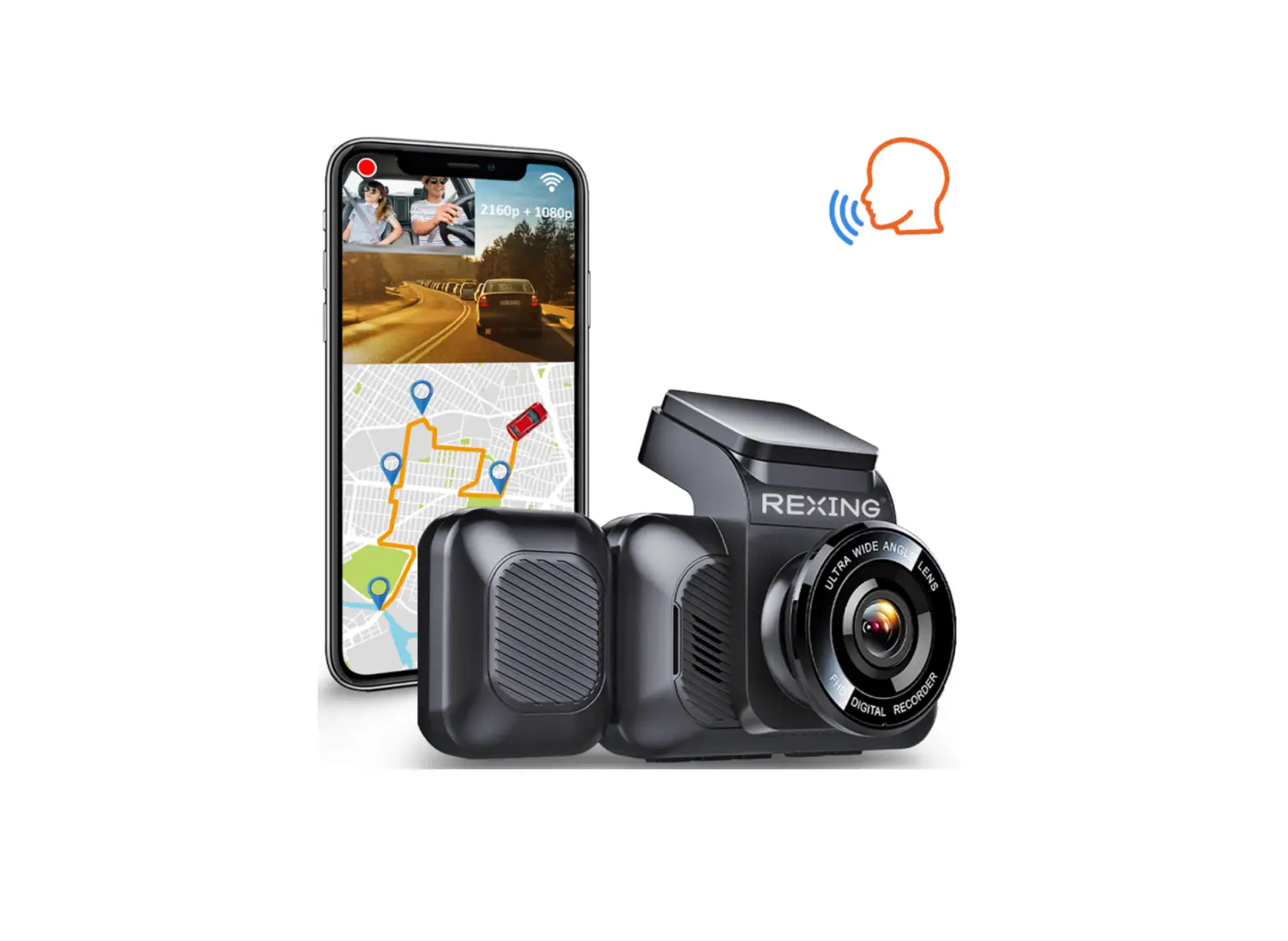
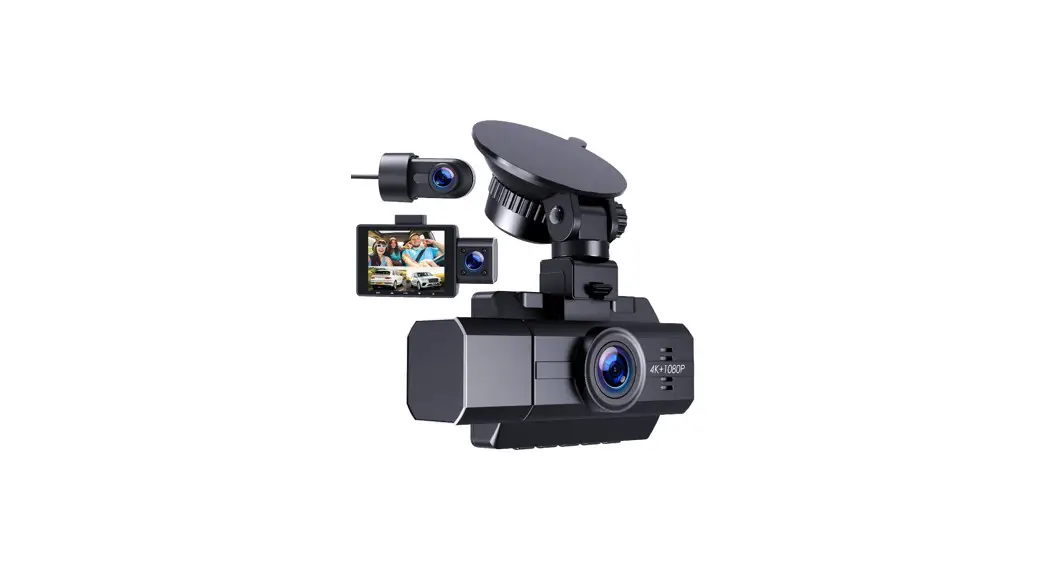
3 Channel Dash Cam
- Before turning on the camera, please insert a branded U3 high-speed Micro SD Card.
- Plug into the power using the car charger we provided and please make sure to keep the camera plugged into the power all the time.
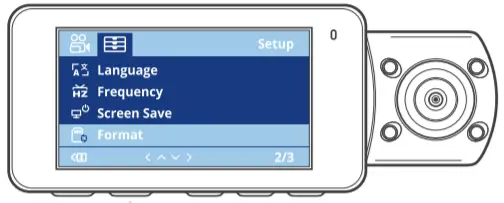
- After plugging, the camera will turn on to record automatically, however, we suggest you format the Micro SD Card on the camera before recording for the first time.
EMAIL ADDRESS: [email protected]

More Operation Questions Please Scan QR Code to Watch More Operation Videos
FQA
– A. Please make sure you used the branded U3 high-speed Micro SD card.
B. Please make sure to format the Micro SD card before recording.
C. Please format the Micro SD card to FAT32/exFAT on the computer.
– A. Please refer to the steps as the solution “Memory Error” first.
B. Please make sure the power supply is normal.
C. Please make sure Both functions “Motion Detection” and “Auto Power Off” are not enabled at the same time.
– Please stop the recording first, then access the Setup interface, otherwise, cannot access it.
– A. Please reset the camera manually.
B. Please re-format the Micro SD card on the camera.
.- A. Please make sure the WLAN and Album permission on the phone is turned on.
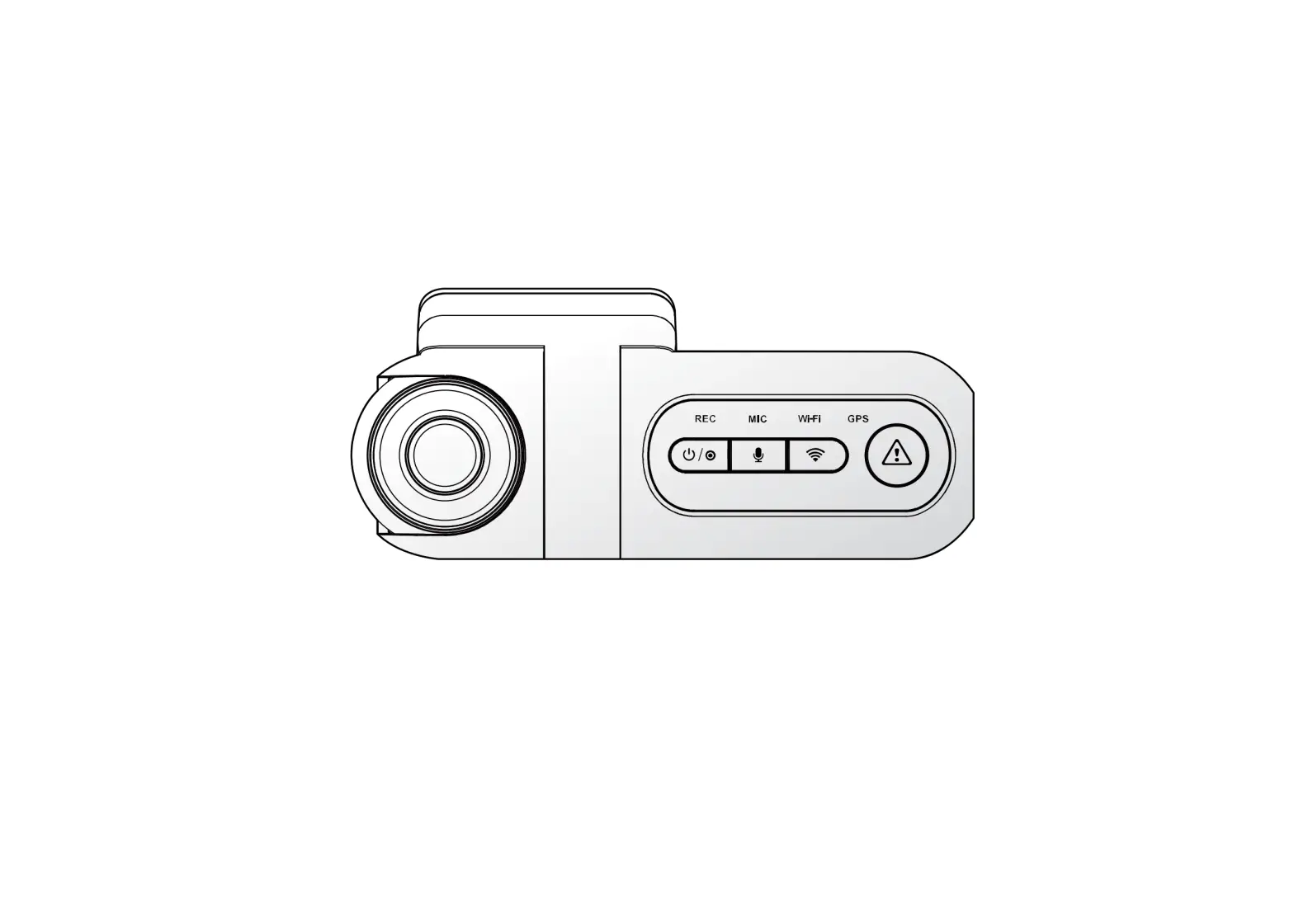
B. Please make sure to turn on WiFi on the camera.
C. Please keep the camera close to the phone.