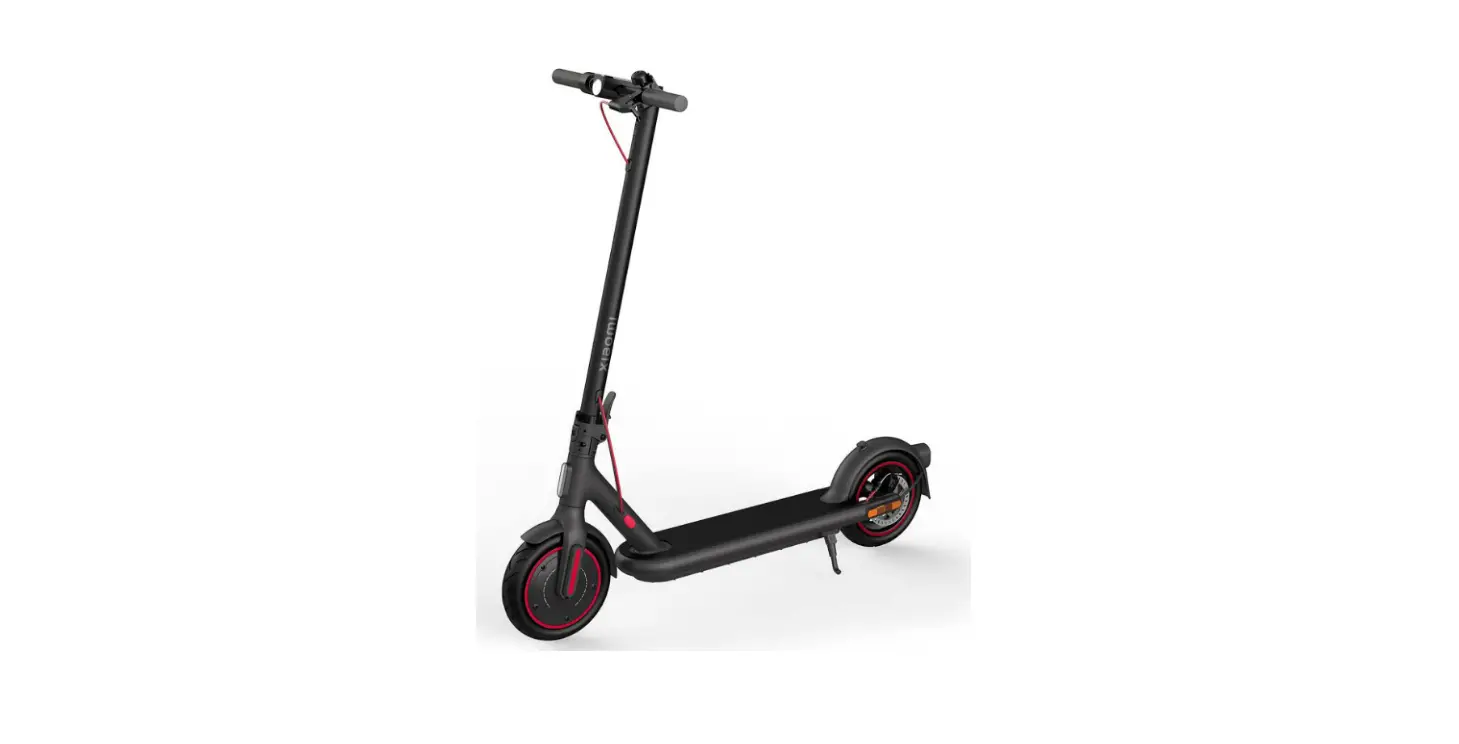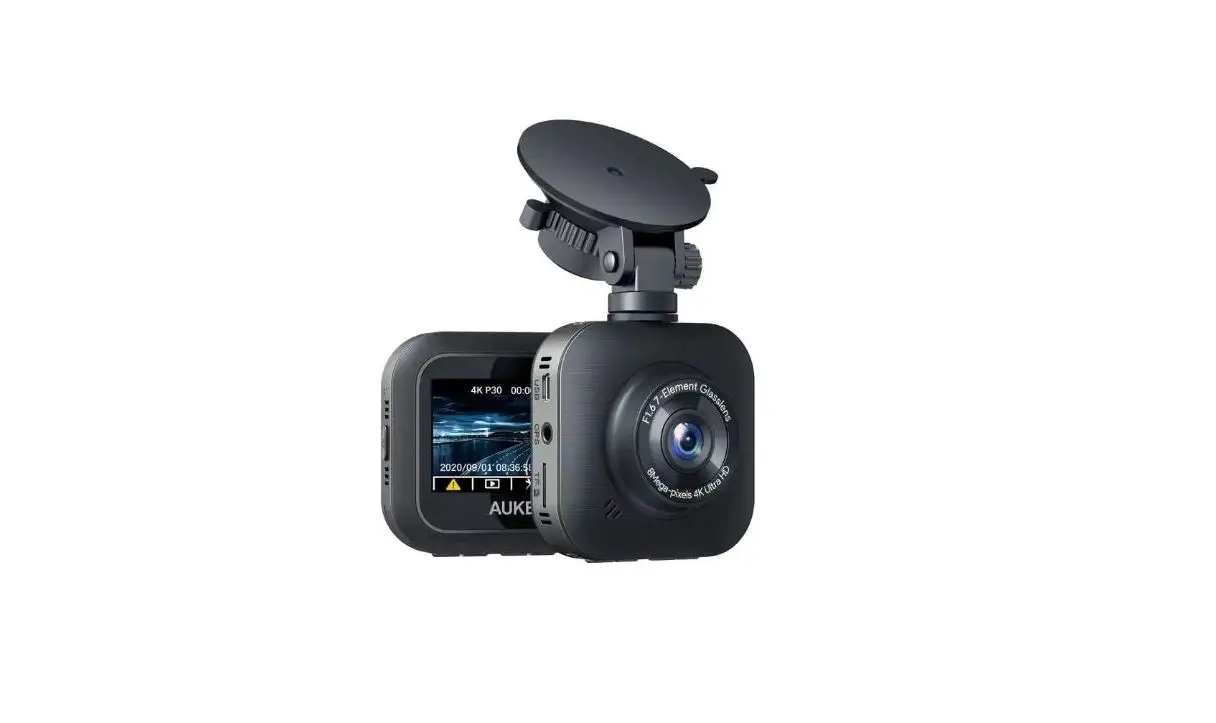

EVOLV QS-S4 Dashboard Settings For Pro And City Escooters
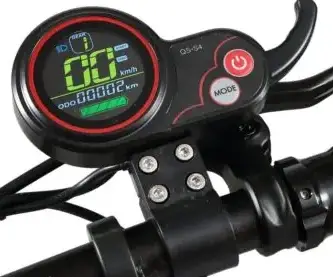
PRODUCT SPECIFICATION
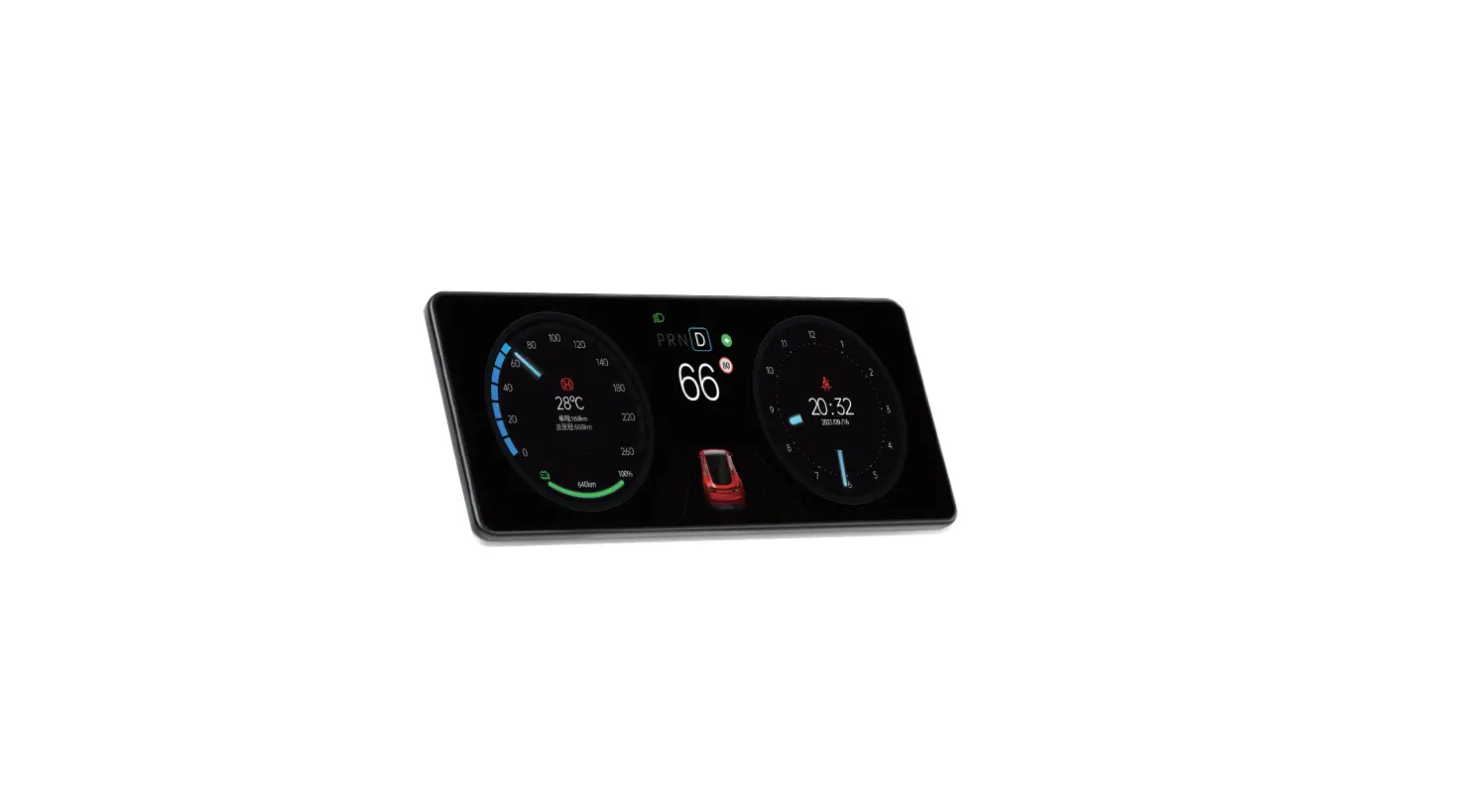
The throttle housing is made from ABS. The transparent display is made of high hardness acrylic, with a hardness value equivalent to toughened glass. The display comes with a protective film installed.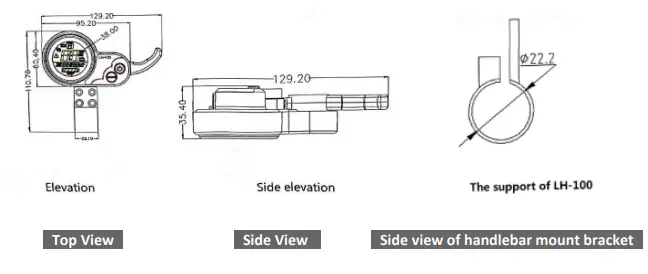
MODE CONNECTION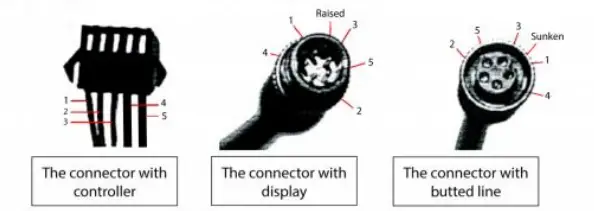
Standard connection
| The color of the line | Function | |
| 1 | Red ( VCC ) | The power of the display |
| 2 | Blue ( K ) | The power of the controller |
| 3 | Black ( GND ) | Ground line of display |
| 4 | Green ( RX ) | The data acceptance line of display |
| 5 | Yellow ( TX ) | The data transmission line of display |
FUNCTION
- Show Content:
- The content of Speed, Power, Hitch, Total mileage, Single mileage
- The Function of Control and Setting:
- Controller the switch power, Wheel diameter setting, Idle automatic sleep time setting, Back setting, Startup mode setting, Drive mode setting, Voltage level setting, Controller current limit setting, USB charging function
- Communicating Protocol: URAT
- All content on display (power on within 1 second)

- All content on display (power on within 1 second)
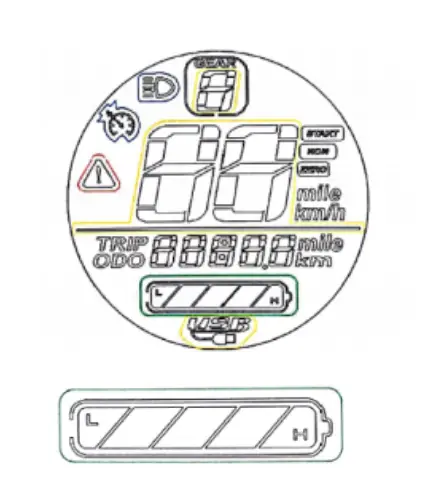
Voltage Level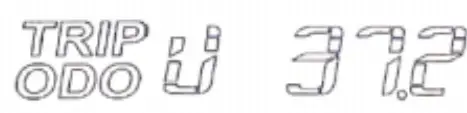
Multifunctional display area
| Total mileage | ODO |
| Single mileage | TRIP |
| Digital voltage display | VOL |
| Fault code | ERR |
| Fault Code (decimal system) | Fault Condition | Remarks |
| 0 | Normal status | |
| 1 | Keep | |
| 2 | Brake | |
| 3 | PAS sense hitch (Riding sign) | Not implemented here |
| 4 | 6 km/h cruise |
| 5 | Real-time cruise | |
| 6 | Battery undervoltage | |
| 7 | Motor fault | |
| 8 | Turnstile fault | |
| 9 | Controller fault | |
| 10 | Communication receiving fault | Accessing setting menu too quickly after turning on |
| 11 | Communication transmission failure | |
| 12 | BMS communication failure | |
| 13 | Headlamp failure |
Speed display area
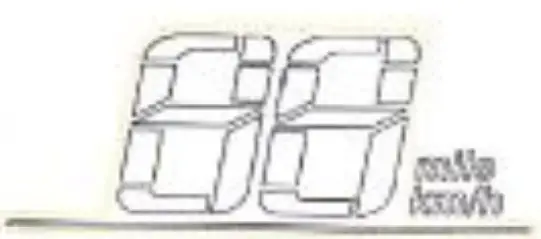
Unit: MPH, KM/H
The speed signal is taken from the Hall effect sensor inside the motor. Sent to controller by controller (Time of single Hall period, unit: 1MS). The display calculates the true speed based on wheel diameter and signal data. (The motor Holzer also needs to set the number of magnetic steel) The sensor creates data based on magnets in the motor. Default setting is 28.
Vehicle power gear adjustment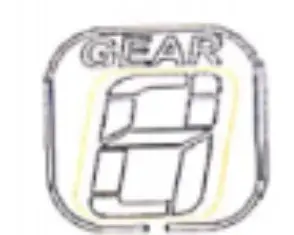
Vehicle status display area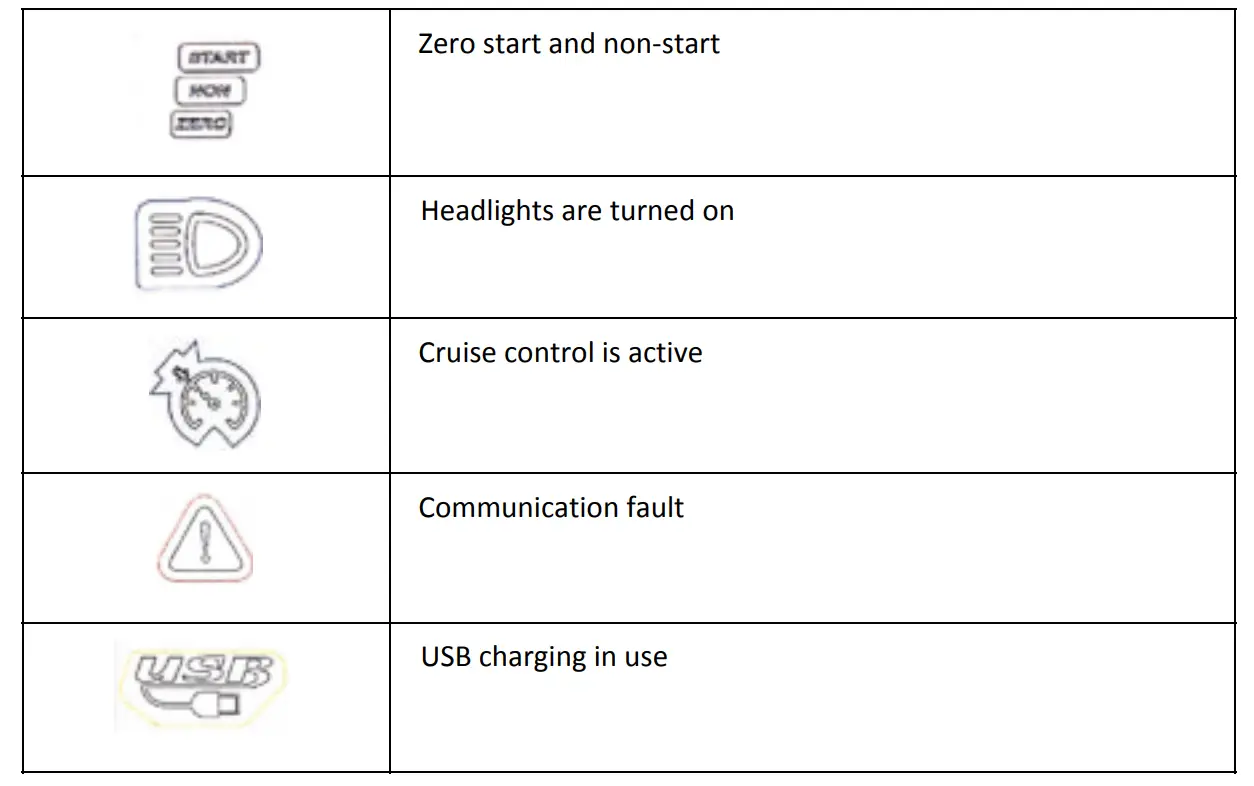
Setting
| Setting Page | Function |
| P01: Backlight brightness | Level 1: the darkest Level 3: the brightest Default: 3 |
| P02: Mileage: unit | 0 : KM 1 : MILE Default: KM |
| P03: Voltage level | EVOLV City: 36V EVOLV Tour: 48V EVOLV Pro: 52V |
| P04: Scooter/Display shut-off time | 0 : no automatic dormancy Other numbers: dormant times The range is 1 – 60 minute. Default: 5 min |
| P05: Unused | |
| P06: Wheel diameter | The unit is inch. The accuracy is 0.1 EVOLV City: 8.0 EVOLV Tour: 8.5 EVOLV Pro: 10.0 Default: 10.0 |
| P07: Speed measuring magnet number | The range is 0-255. Default: 28 |
| P08: Speed-limiter | The range is 0% – 100% (of scooter possible, top speed) Default: 100% |
| P09: Zero start (Kick start), Non zero start setting (No kick start) | 0 : zero start 1 : non zero start Default: 0 |
| P10: Unused | |
| P11: EABS switch strength | The range is 1 – 5.0. Factory setting: 1 1 : weakest 5 : strongest |
| P12: Acceleration | The range is 1 – 5 1 : softest 5 : hardest Default: 3 |
| P13: Unused | |
| P14: Unused |
| P15: Controller under-voltage | Leave at factory settings. Voltage cut-offs: EVOLV City: min. 29V EVOLV Tour: min. 38V EVOLV Pro: min. 41V |
| P16: ODO Zero setting | Keep pressing + for 5 seconds, ODO will reset to zero |
| P17: Cruise control setting | When it shows 0, cruise is “off”. When it shows 1, cruise is “on”. Default: 0 |
| P18: Unused | |
| P19: Unused | |
| P20: Communication protocol | Default: 4 It cannot be changed. |
- When the display is off, press and hold down [POWER] to turn it on. To turn the display off, press and hold down [POWER] to turn it off.
- Once the power is on, you can change the interface between displaying ODO, TRIP or VOL by pressing [POWER] for a short time. Short-term pressing [MODE] can change speed mode 1 – 3.
- Press and hold [POWER] and [MODE] to enter the setting menu and change the interface.
- Once into the setting menu, press [POWER] for a short-time to change parameter (P).
- Long pressing [POWER] adjusts the direction the numerical values are changed in. Use [MODE] to change numerical values. (A) adds to the value, (D) reduces.
- To exit setting menu, press and hold [POWER] and [MODE] down, or wait 8 seconds, it can save the numerical value and exit by itself.
THROTTLE SPEED CONTROL
The throttle finger hook regulates motor speed. Hold throttle down to increase speed; relax hand for it to return to zero.