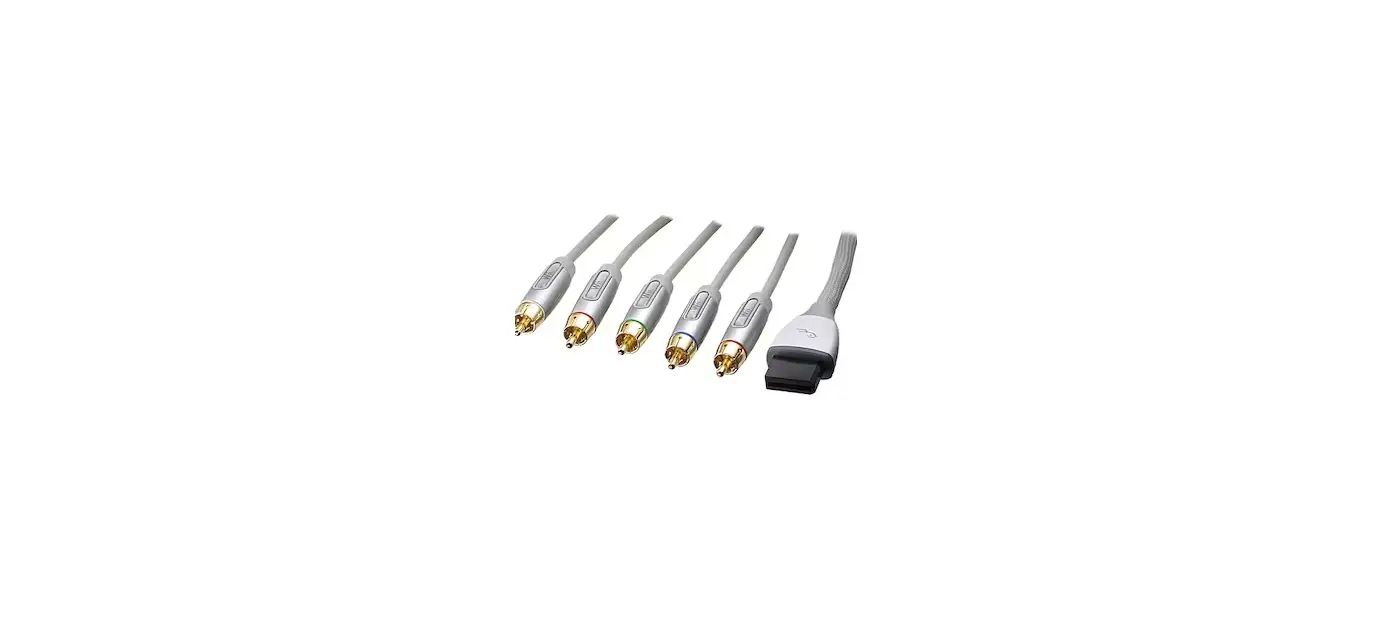

rocketfish ND-GWII1122 Nintendo Wii U and Wii
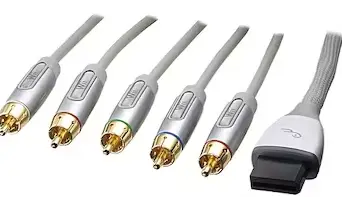
Component Cable for Nintendo Wii U™ and Wii™
The cable that came with your Wii U™ and Wii™ may have one yellow video connector. That type of cable connects the video using composite video. Your new cable has three video connectors (red, green, and blue). This type cable connects the video using component video. Component video provides better video quality than composite video.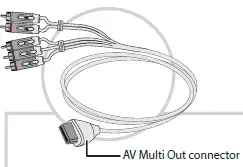
Video connectors
- The three video connectors (red, blue, and green) are bundled together with a band labeled Video and plug into the component video jacks on the TV.
- The two audio connectors (red and white) are bundled together with a band labeled Audio and plug into the audio jacks on the TV.

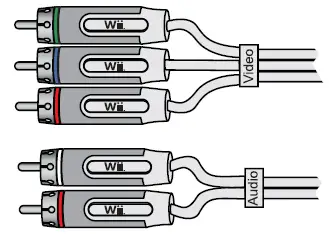
The jacks on most newer TVs are color-coded to match the colors on your cable. If the jacks on your TV are not color-coded, they probably have labels.
Video jacks:
- PR connects to the red video connector.
- PB connects to the blue video connector.
- Y connects to the green video connector.
Audio jacks:
- R connects to the red audio connector.
- L connects to the white audio connector

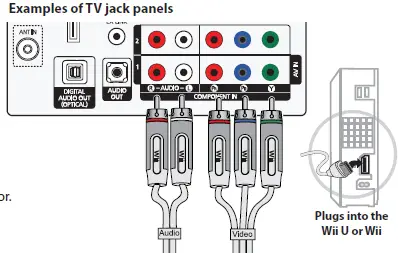
The above TV jack panel also has two sets of component video jacks, but the bottom set of jacks (labeled 1) has a video jack that is both green and yellow. This jack can be used as the green component video jack or yellow composite video jack. You can still use these jacks to connect your cable.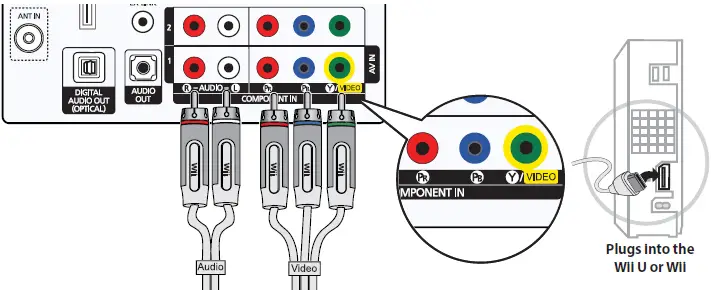
The above TV jack panel has one set of component video jacks. The Y/Video jack is the same as the Y-component video jack that the green video connector plugs into. If you have a device connected to this jack and the L and R audio jacks to the right, you would have to unplug the device in order to connect your cable to these jacks.
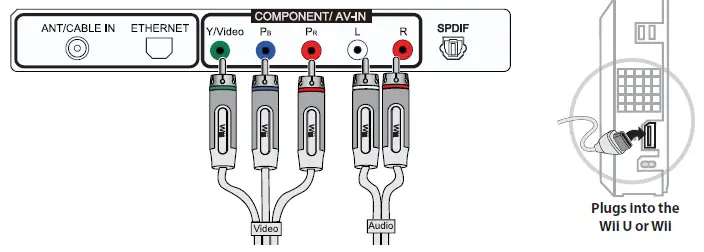
To connect your cable
- Plug the AV Multi Out connector on your cable into the AV Multi Out jack on the back of the Wii U or Wii console.
- Plug the video connectors on your cable into the component video jacks on your TV.
- Make sure that you plug the red video connector into the red PR jack and not into the red R audio jack.
- Plug the audio connectors on your cable into the L and R audio jacks on your TV. Make sure that you plug the red audio connector into the red R audio jack and not into the red PR jack.
TIP
The above TV jack panel has two sets of component video jacks, and each set has its own audio jacks. Make sure that you plug the cable connectors into the matching set of audio and video jacks. If you plug the video connectors into one set of jacks (in this example, 1) and the audio connectors into the other set of jacks (in this example, 2), you may not hear audio.
Contact Rocketfish:
For customer service call 1-800-620-2790 www.rocketfishproducts.com ™ and © 2012 Nintendo. Licensed by Nintendo. ROCKETFISH is a registered trademark of BBY Solutions, Inc. Registered in some countries. Distributed by Best Buy Purchasing, LLC, 7601 Penn Ave South, Richfield, MN 55423 U.S.A. ©2012 BBY Solutions, Inc. All Rights Reserved.