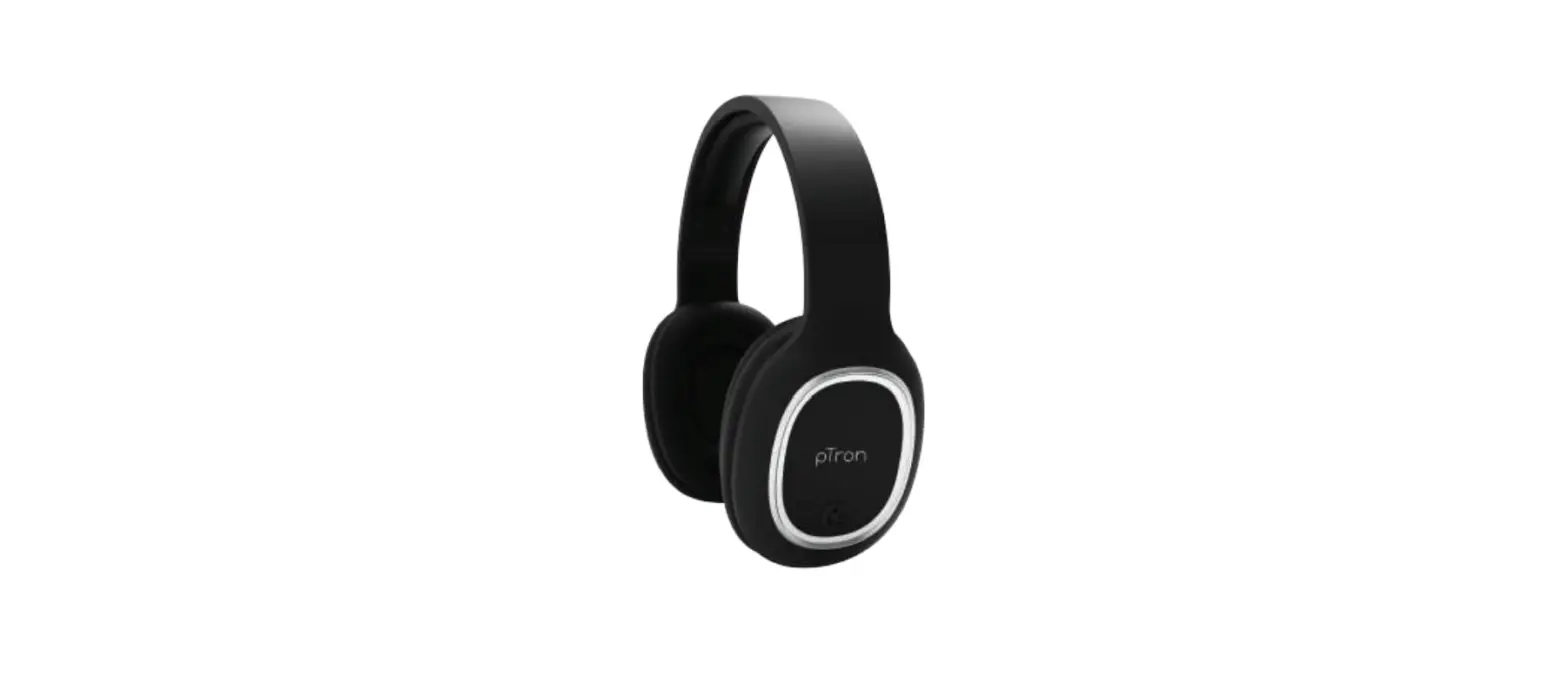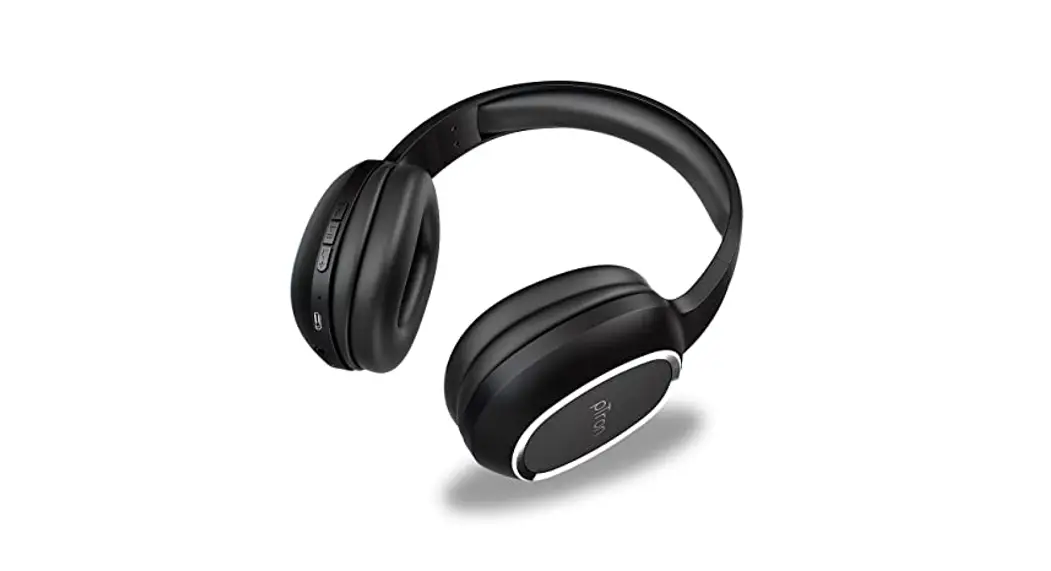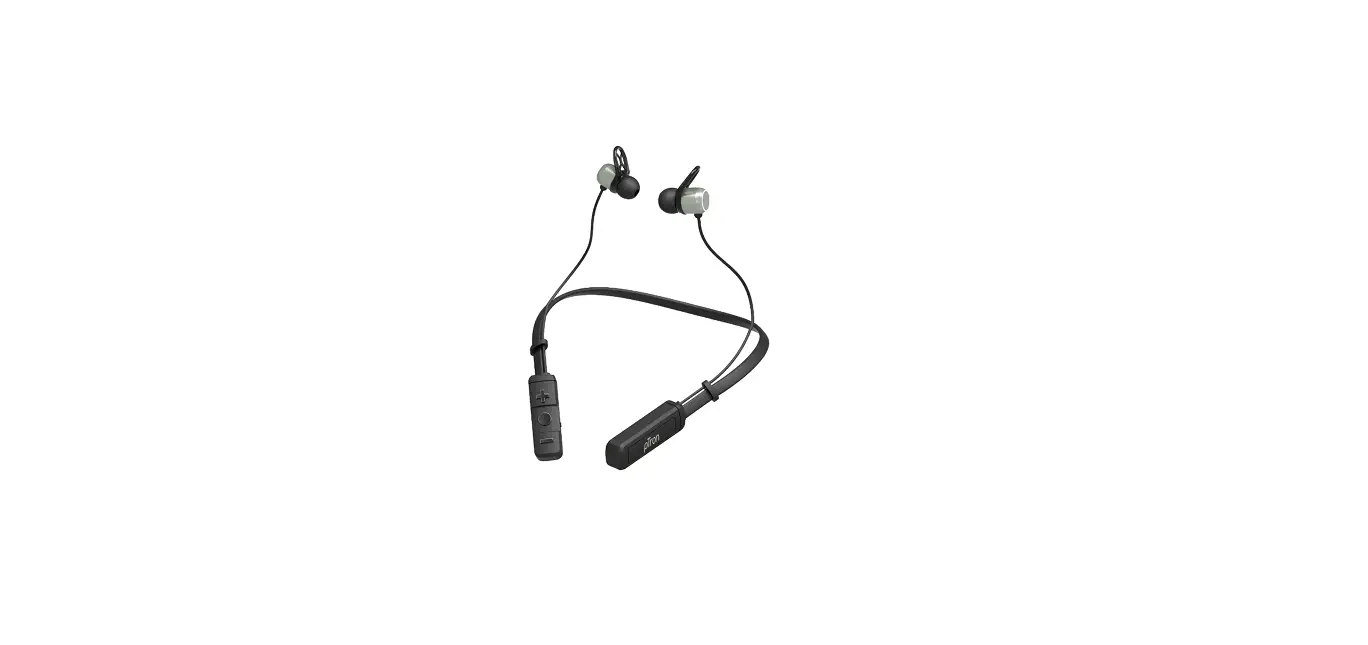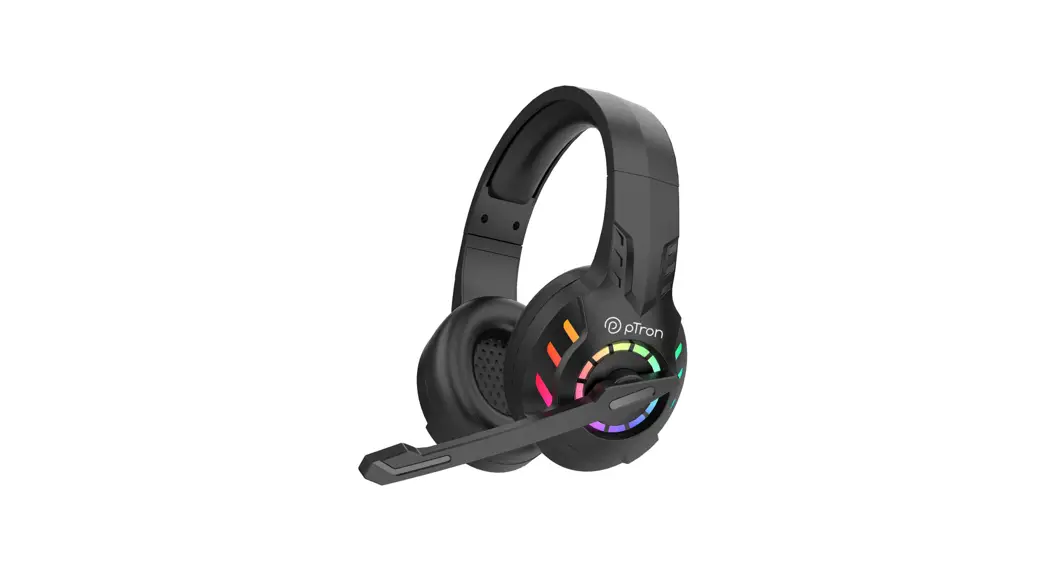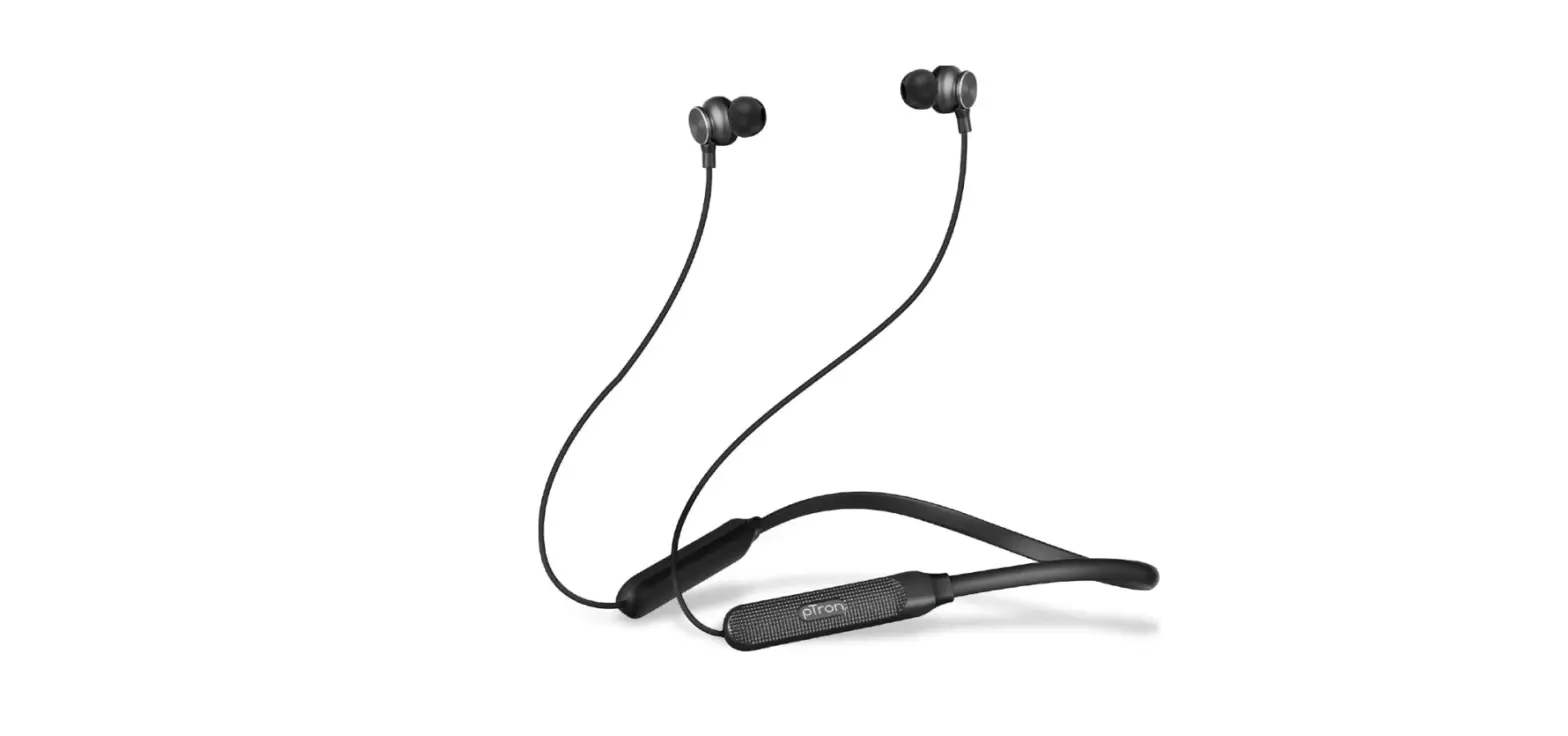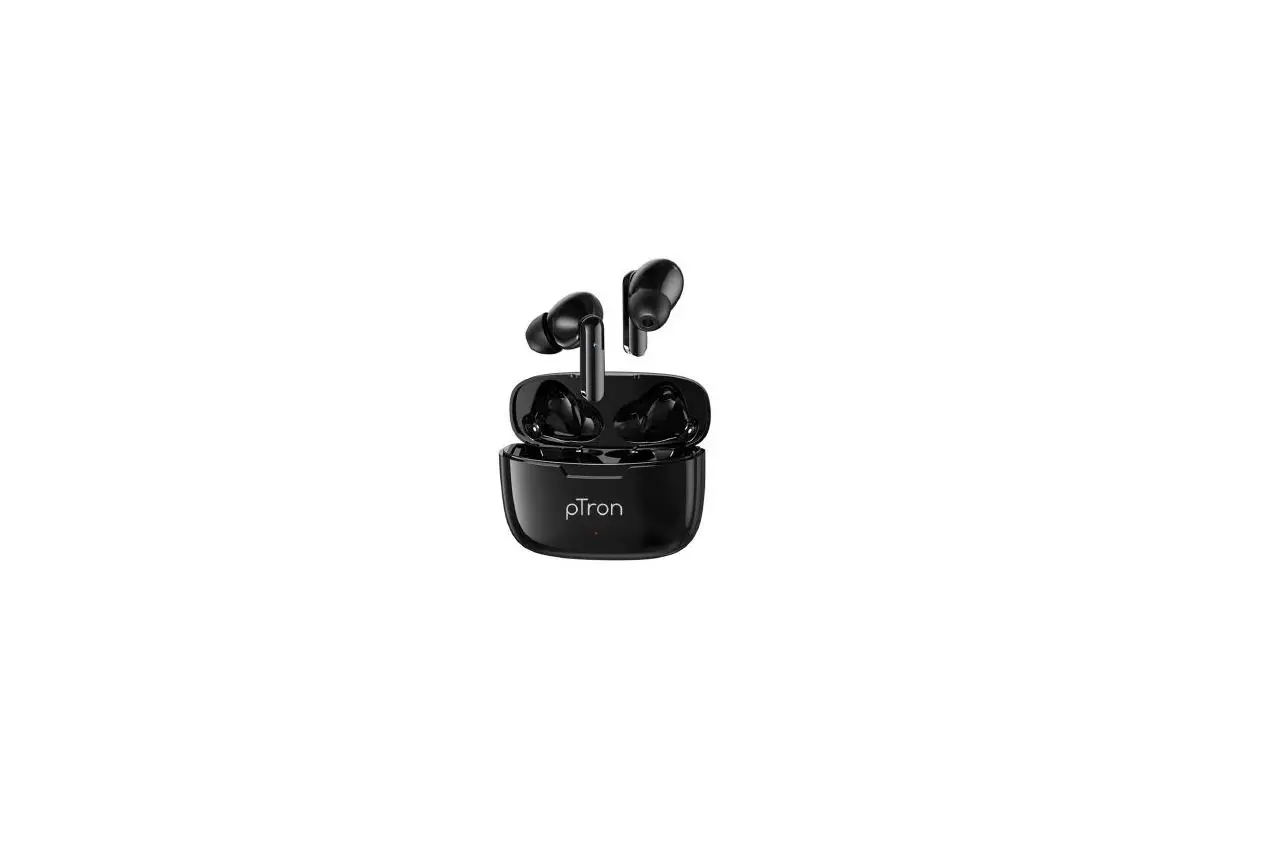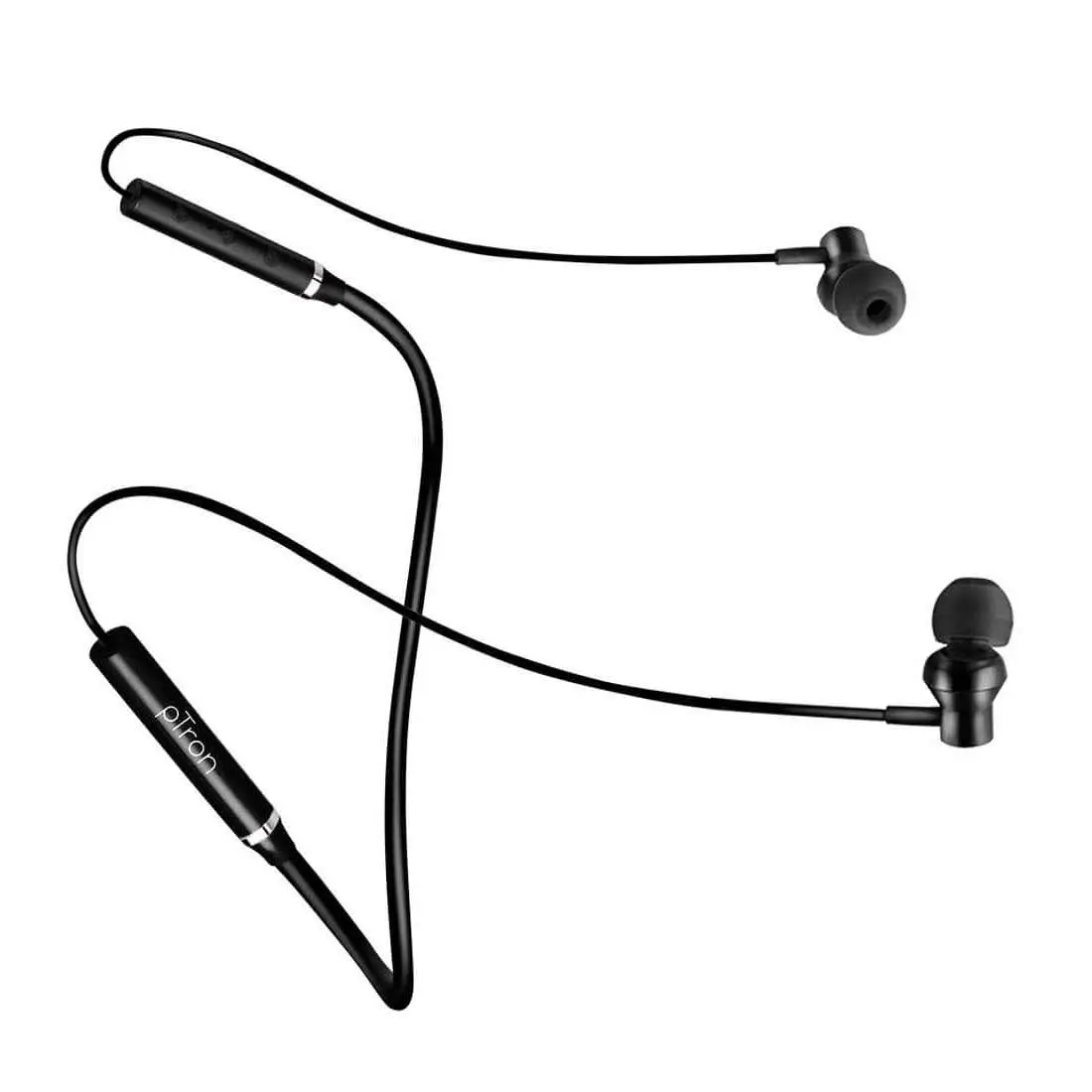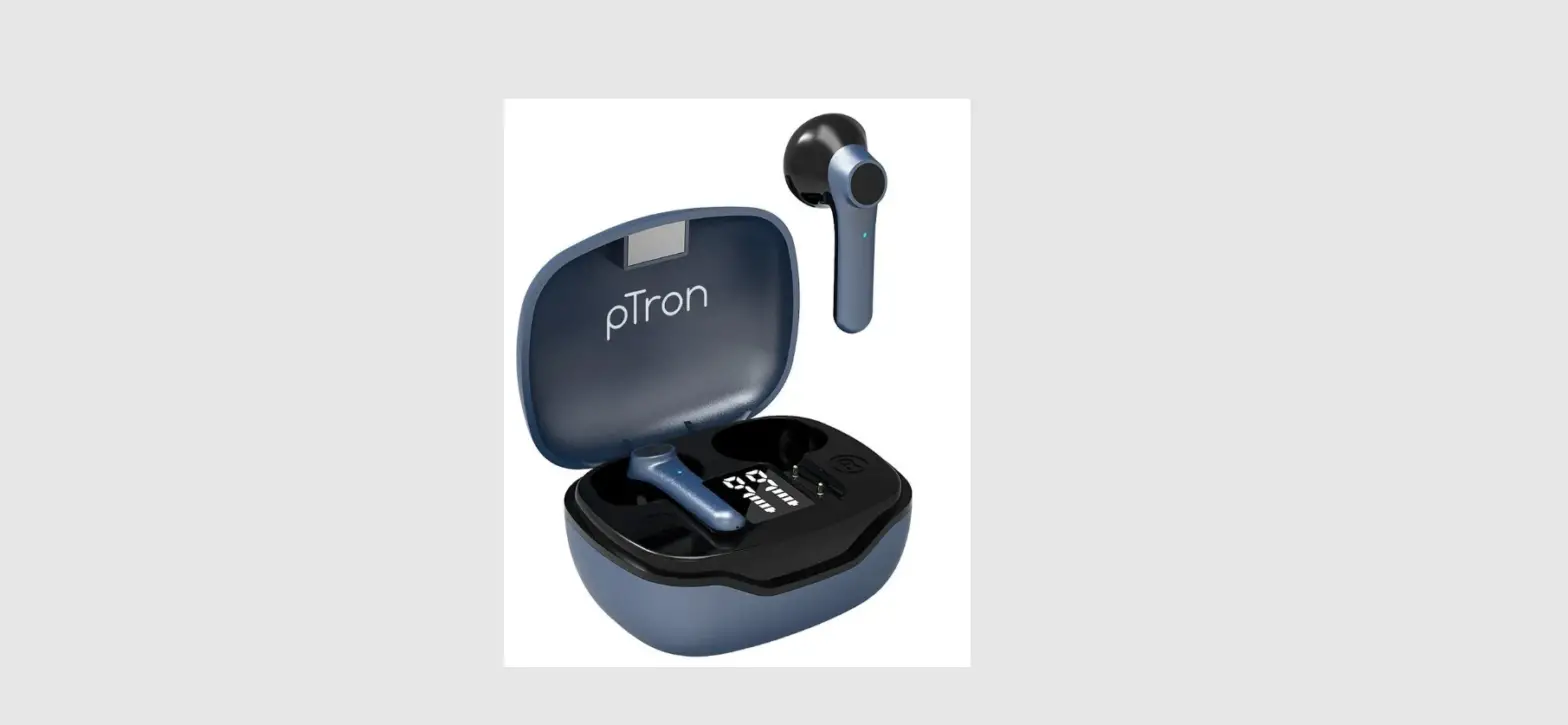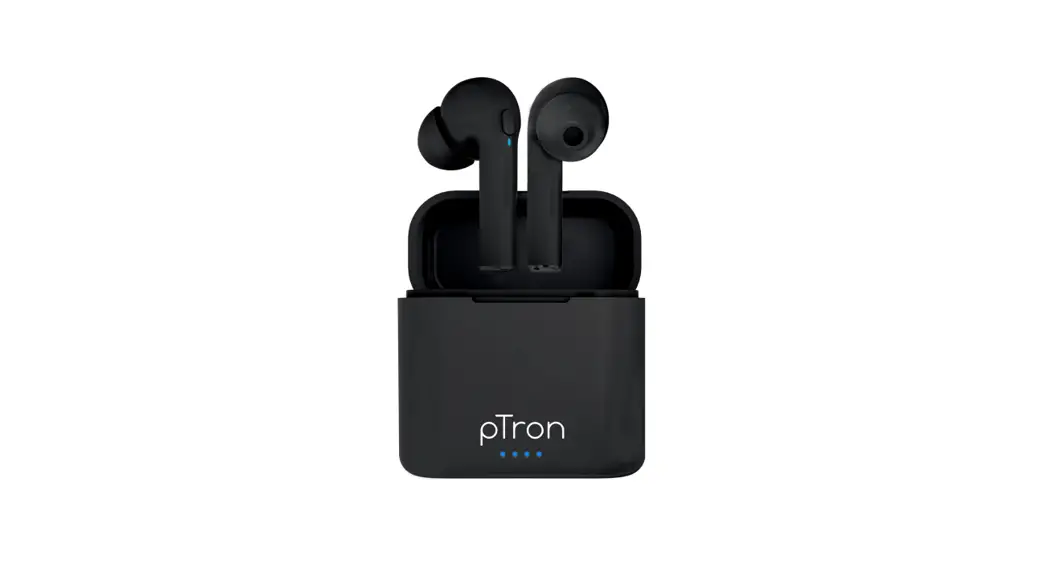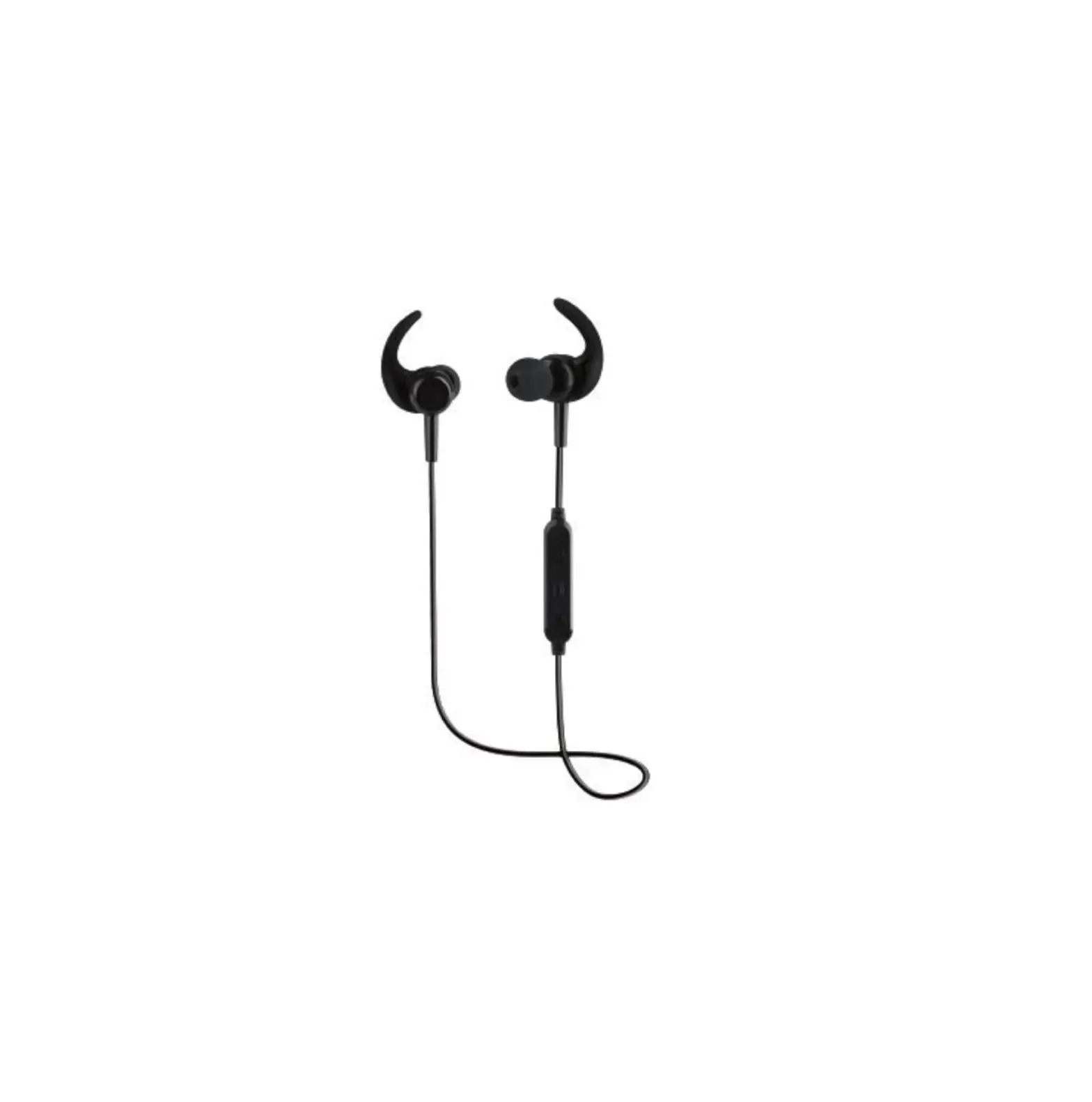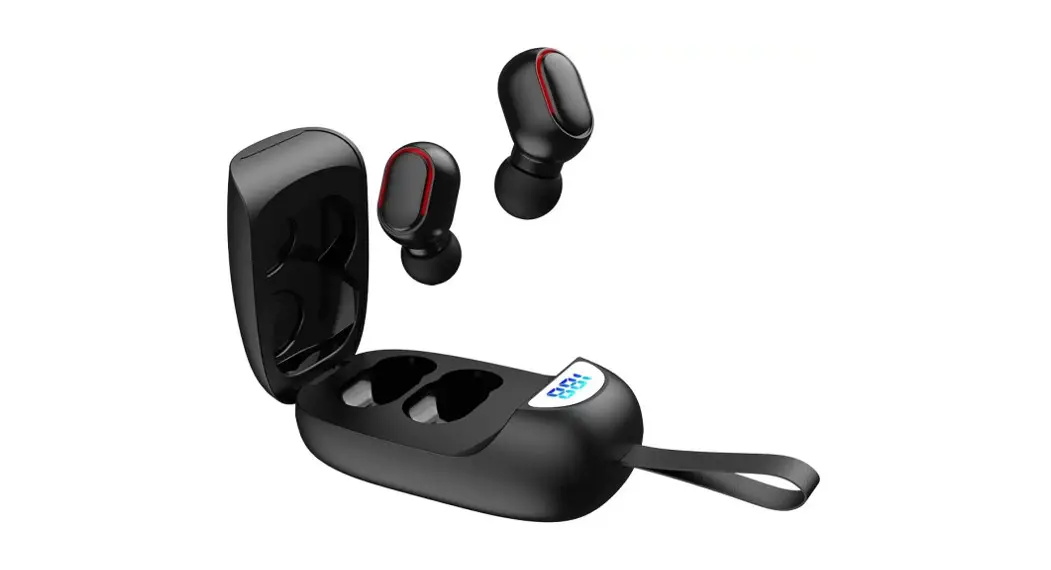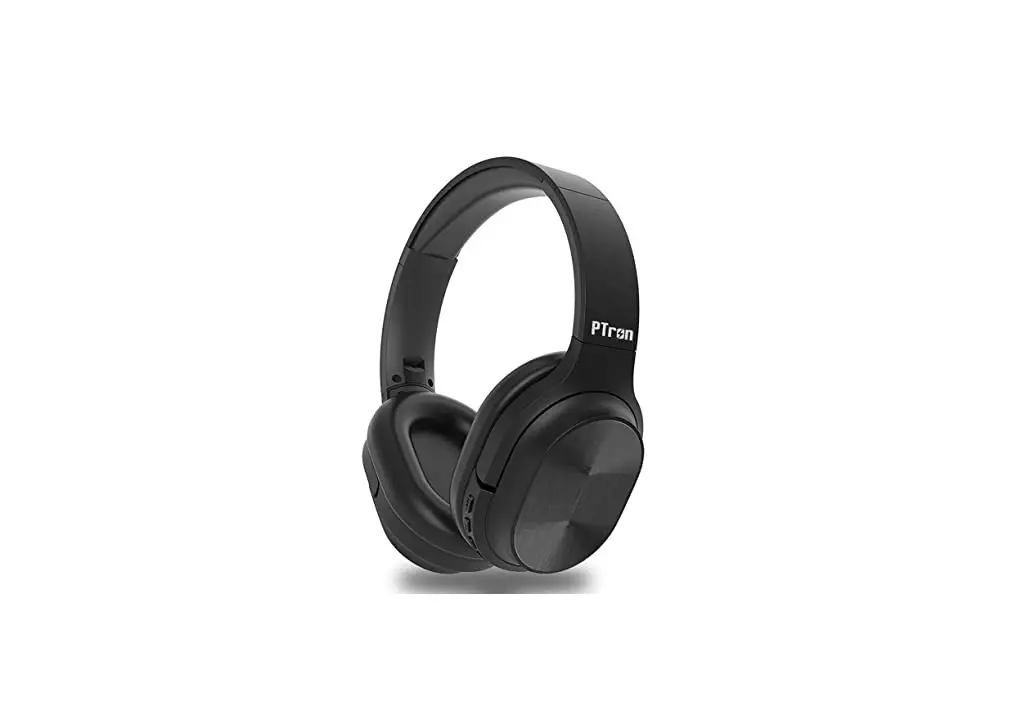
pTron Soundster Wireless Stereo Headphones User Manual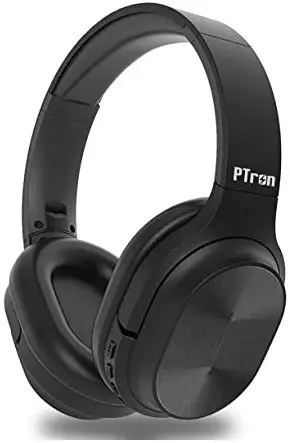
 : Power Button / Play or Pause
 : Mode/ Call Button
 : Volume Decrease / Previous song
 : Volume Increase / Next song
 : Power Button / Play or Pause
 : Volume Decrease / Previous song
 : Volume Increase / Next song
Function Description
- Startup:
Long press”“for more than 3 seconds, the headset will start up and enter’BT Mode’ automatically, LED indicator light turns to blue. - Shutdown:
Long press” “for more than 3 seconds, LED indicator light turns off.
- Answer / Hangup calls: Short press ” ” for incoming call
- Call Reject: Long press ” ” button
- Redial the last dialed number: Double-click” “.
- Music Play/ Pause: Short press the “” button
- Music Next: Short Press the “” button
- Music Previous: Short press the ” ” button
- Volume up: Long press the ” button
- Volume down: Long press the “ ” button
- Mode Switch: Short press ” ” button to switch Bluetooth Mode / Direct Music Play Mode
- Restart the music: It will stop playing when calls coming, short press “ ” to restart after hang up the call.
Mode
Wireless Mode
- Pairing Operation
a. For the first time pairing: Boot into “Wireless Mode automatically, voice prompts’pTron Bluetooth headset is Power On”, LED indicator light turns to blue. If can’t search and pair with the last connected smart device within 2 seconds, it will automatically enter pairing mode LED indicator light rapidly alternating flashes with blue and red colors. You will also hear “pairing’ voice prompt. Please open the smart device’s Bluetooth searching function, and select the pTron Headphones device name from the Bluetooth list, no password required, after successful pair ing, voice prompts ‘connected”, LED indicator light flash every second while playing music.
b. Re-pairing: Turn off the attached smart device’s Bluetooth function. It will automatic re-enter the pairing mode. LED indicator light rapidly alternating flashes with blue and red. Open another smart device’s BT searching function, and select the pTron Headphones device name from the Bluetooth list, no password required, after successful pairing, voice prompts “connected”. LED indicator light flash every second while playing music.
C. Follow-up paring: Automatically pair the last connected device in 3 seconds after boot. - Maximum volume warning voice prompts “volume maximum”
- Power Saving Function: If not successful match for 5 minutes, the headset will automatic shutdown; Insert Aux-in cable will cut off the power supply to save power.
- Supports MP3, WAV, WNA, FLAC format playback.
- Micro USB as common use charging port.
Music Play Mode
Direct Muisc Play Mode: Insert the Micro SD! TF card. It will automatically comes in Direct music play mode from SD! TF card else Press “ ” button to switch to the Music play mode.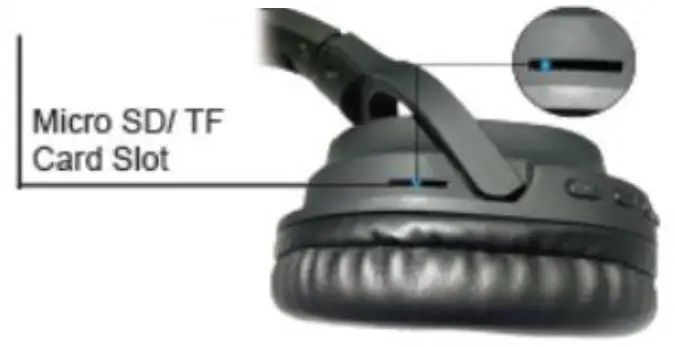
AUX-in Mode
When the headset is on, insert the AUX-in cable. Then it plays smart device’s media automatically.
LED STATUS
| Charge status | LED indicator light steady red_ When fully charged, it turns off_ |
| Power on Status | Blue LED indicator lights up |
| Power off Status | Red LED is off |
| Pairing Status | Red and Blue LED indicator lights rapidly alternating flash. |
| Standby Status | Blue LED indicator light turns on |
| Connected Status | Blue LED Indicator light Flash |
| Using Status | Bluetooth Mode, Blue LED indicator light Flash |
| Music Play Mode, Blue LED indicator light Flash | |
| AUX-in Mode, the headset automatically turns off, LED light turns off |
Note: If wireless headset is not in use, please turn off the headset for power saving. Do not perform other operations when searching Bluetooth vto prevent the program error.
Please select the appropriate volume in use to prevent damage to your ears.
Please note that a good environmental for using the wireless headset can avoid damage to the headphones.
Please charge the headset on regular basis.
Disclaimer
The colors and specifications shown/mentioned in the user manual may differ from the actual product. Images shown are for representation purpose only. Other product logos and company names mentioned here in may be trademarks or trade names of their respective owners.