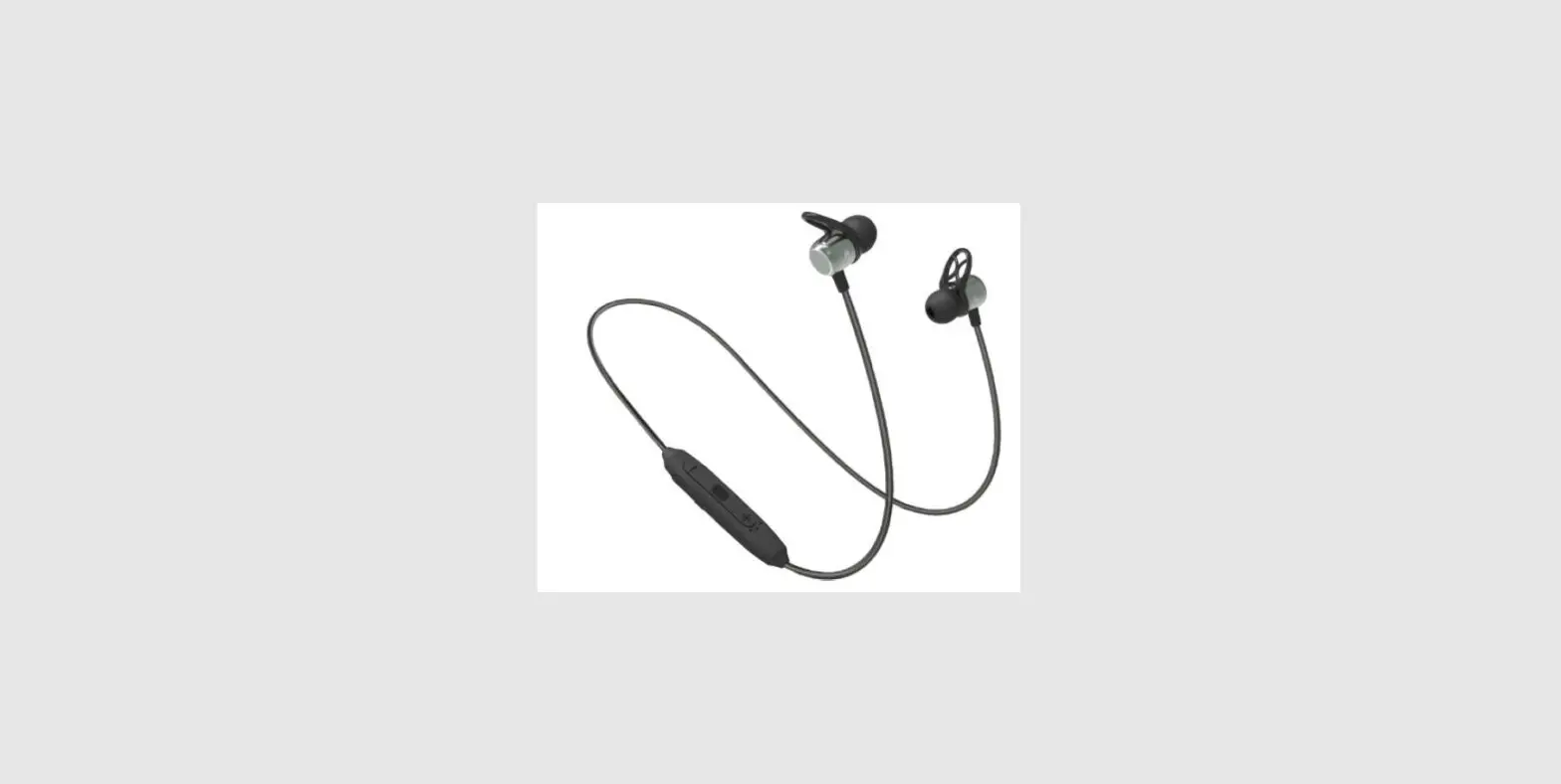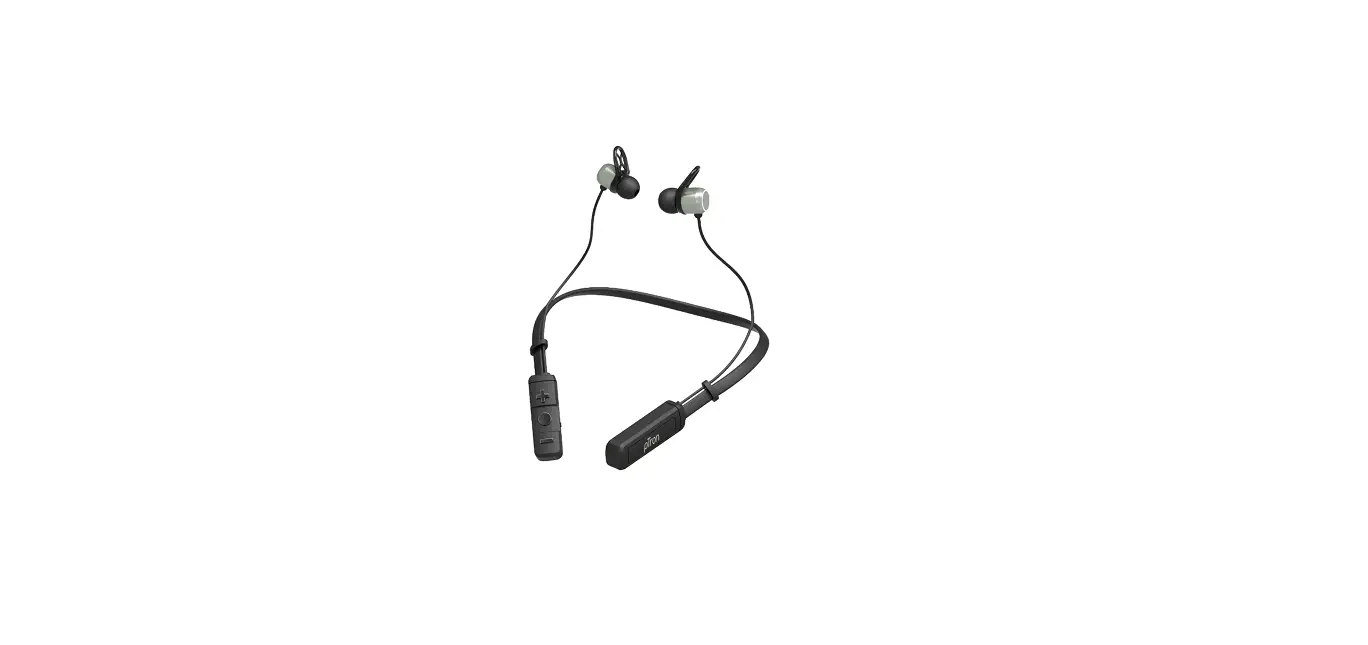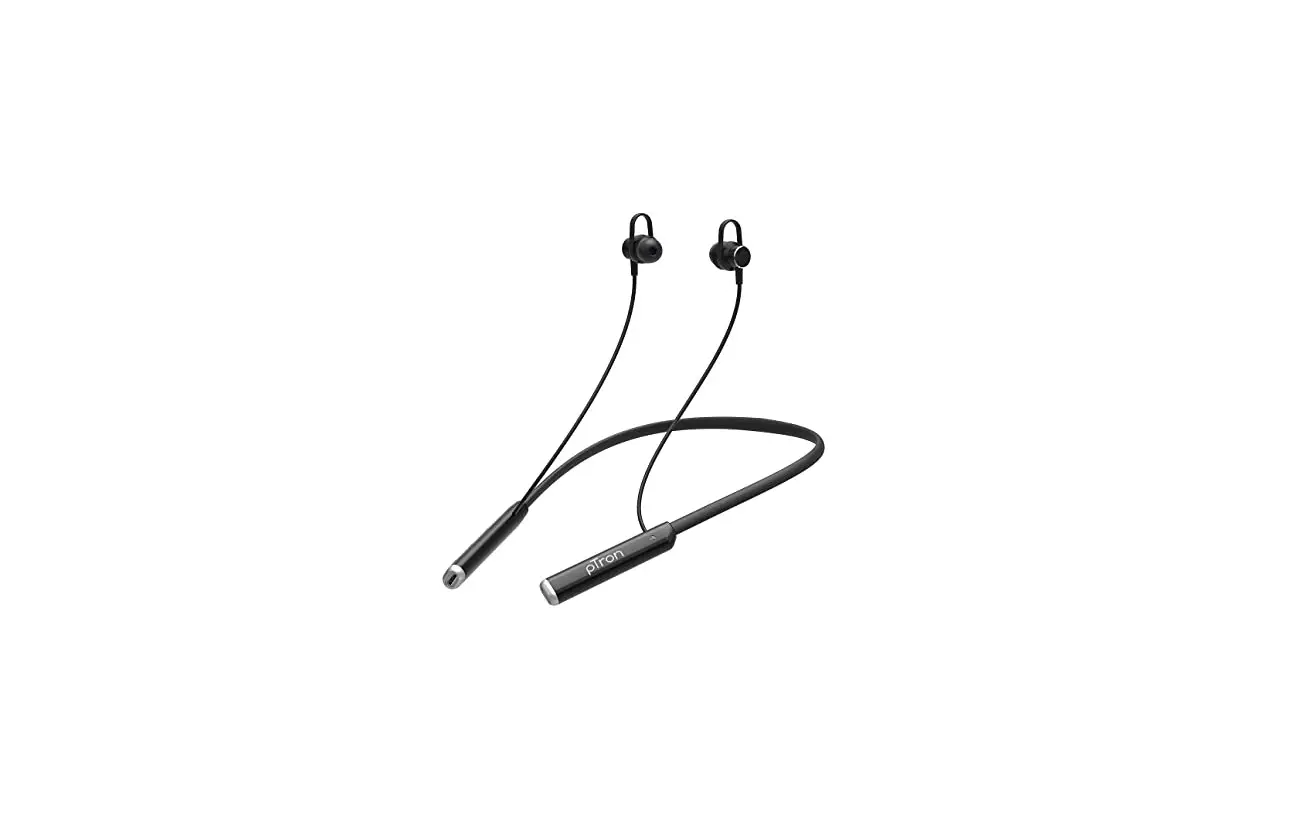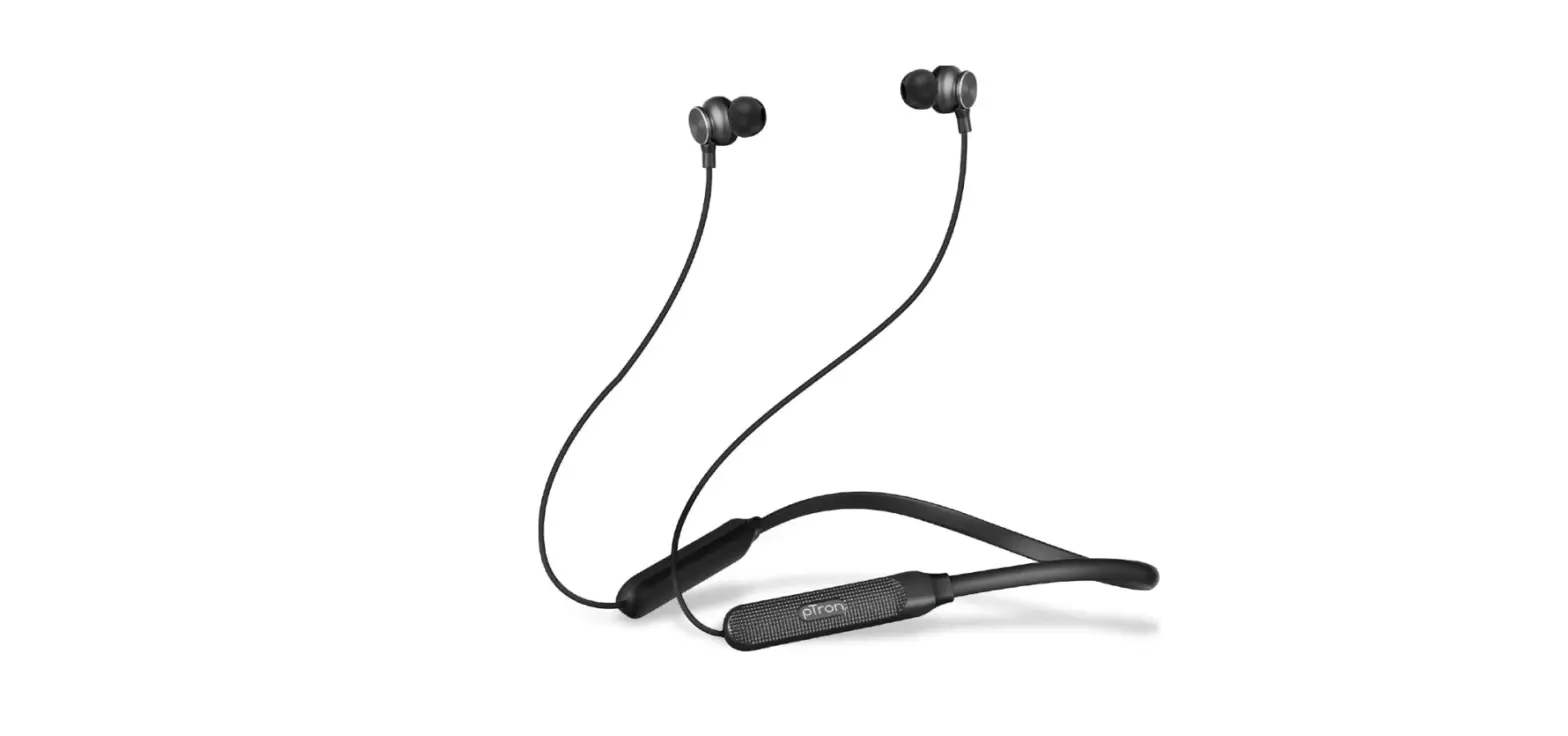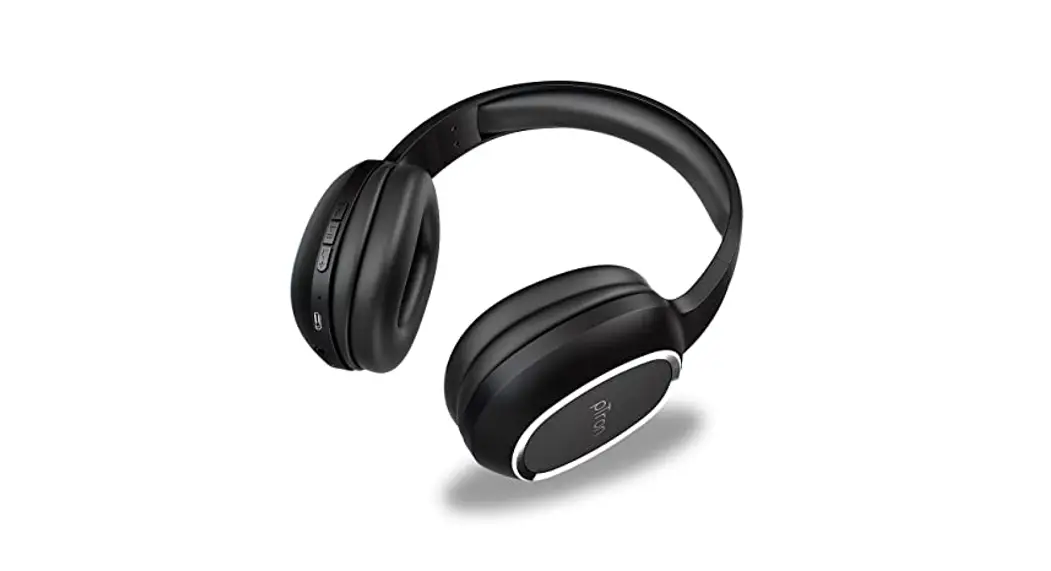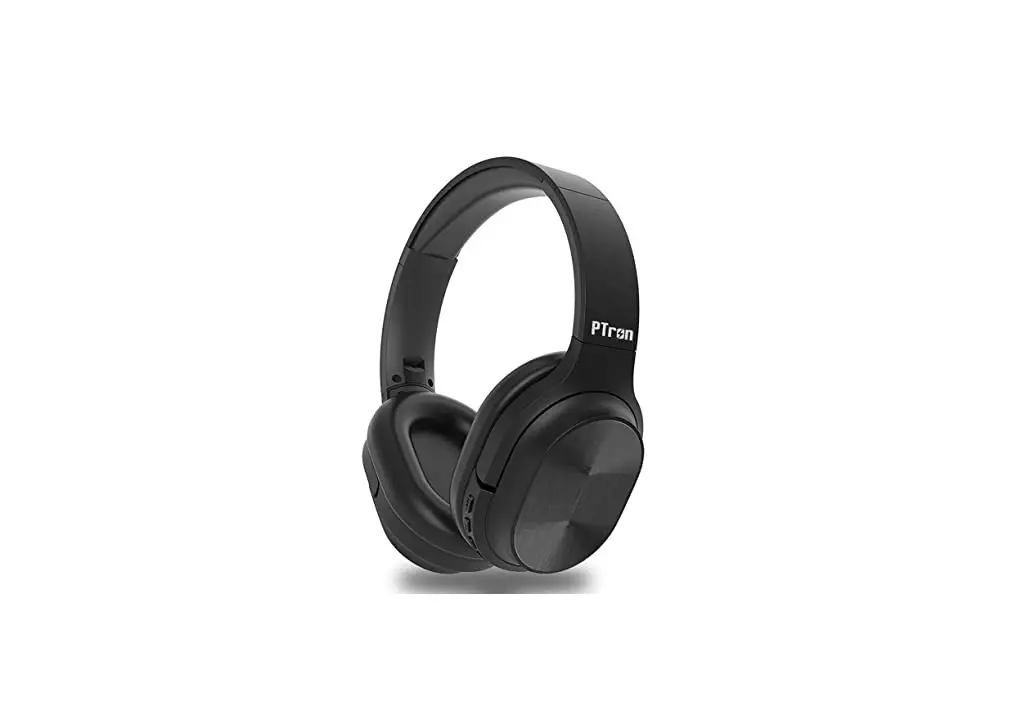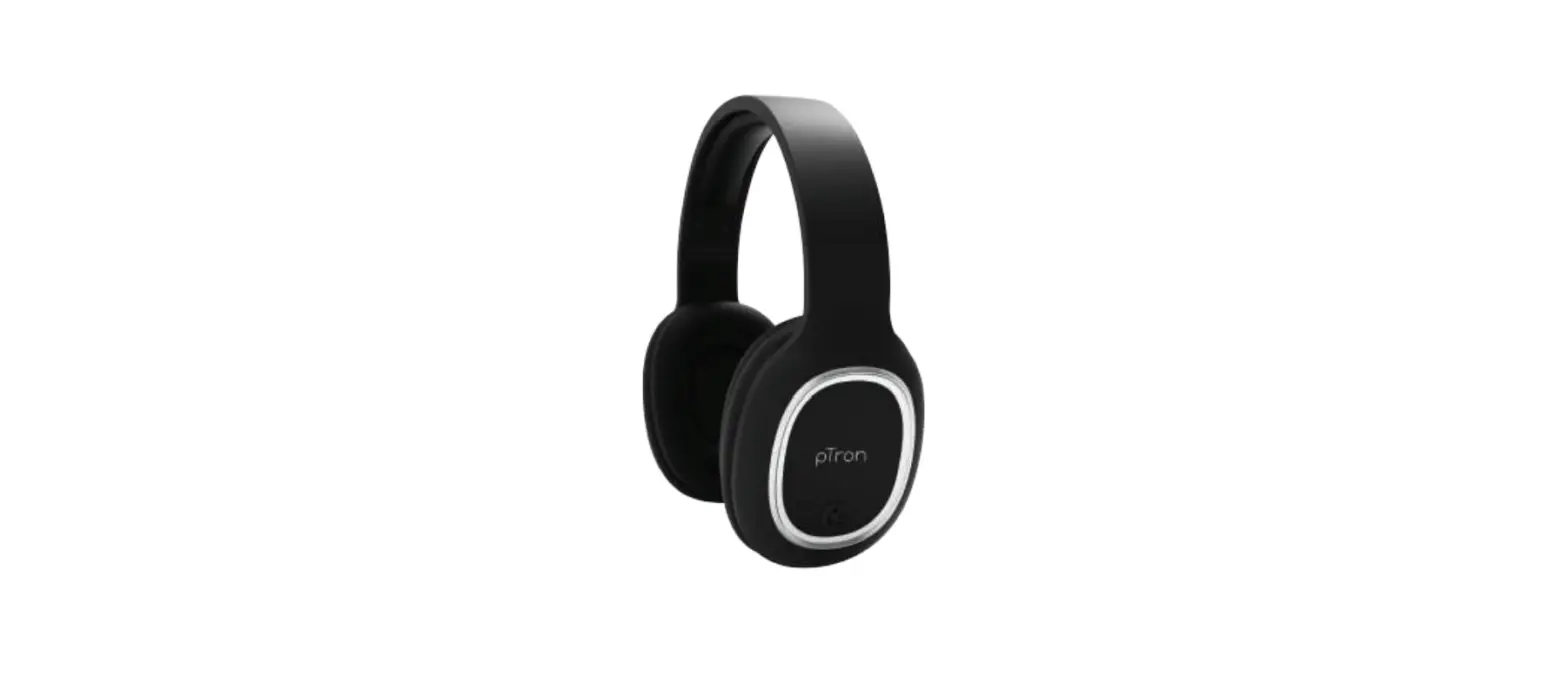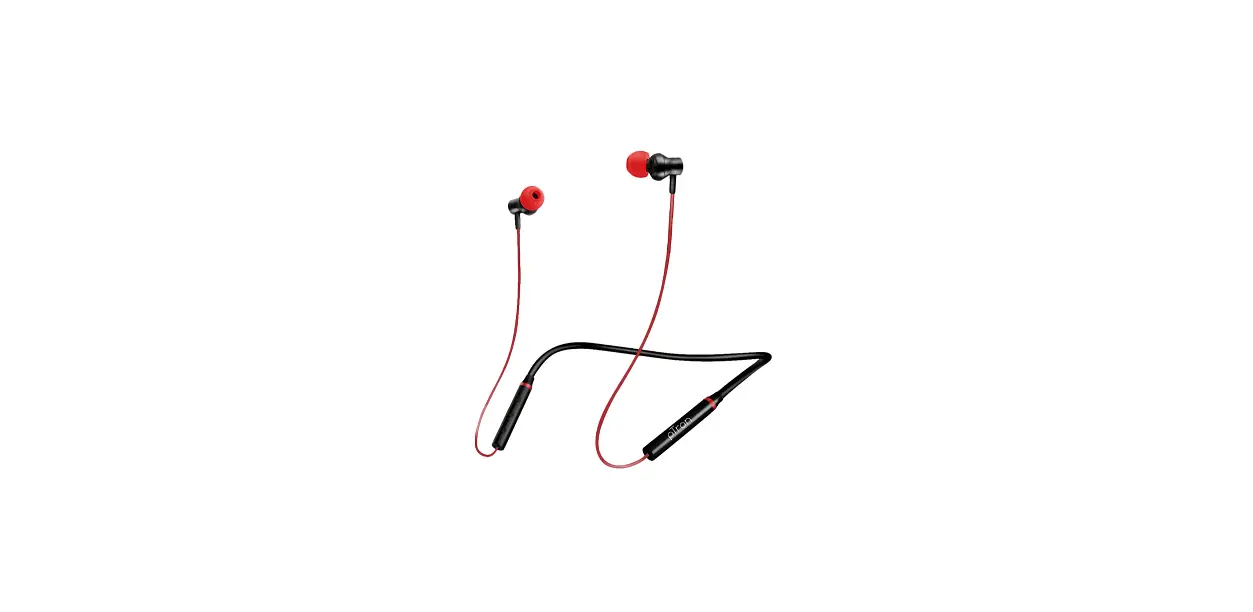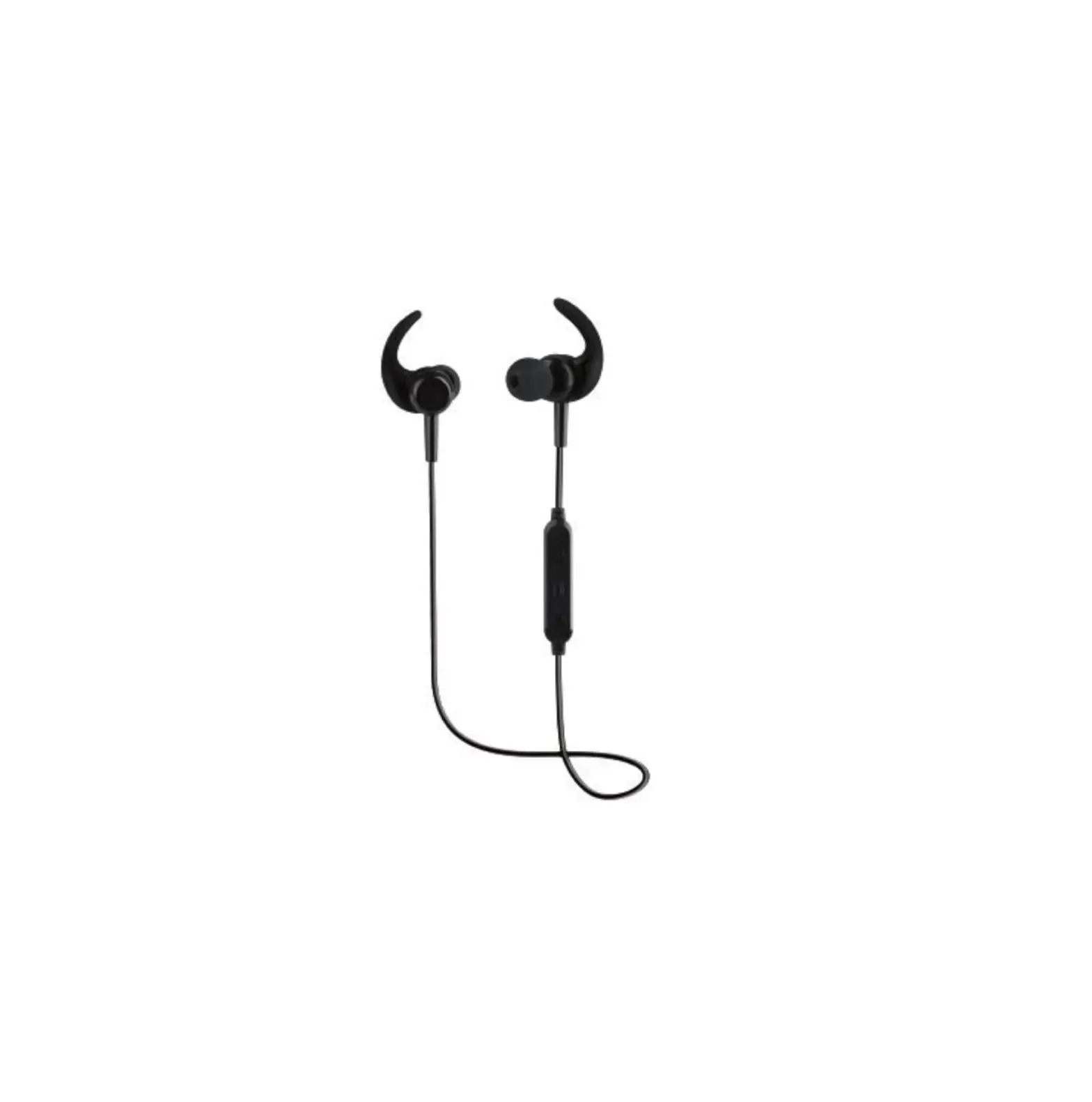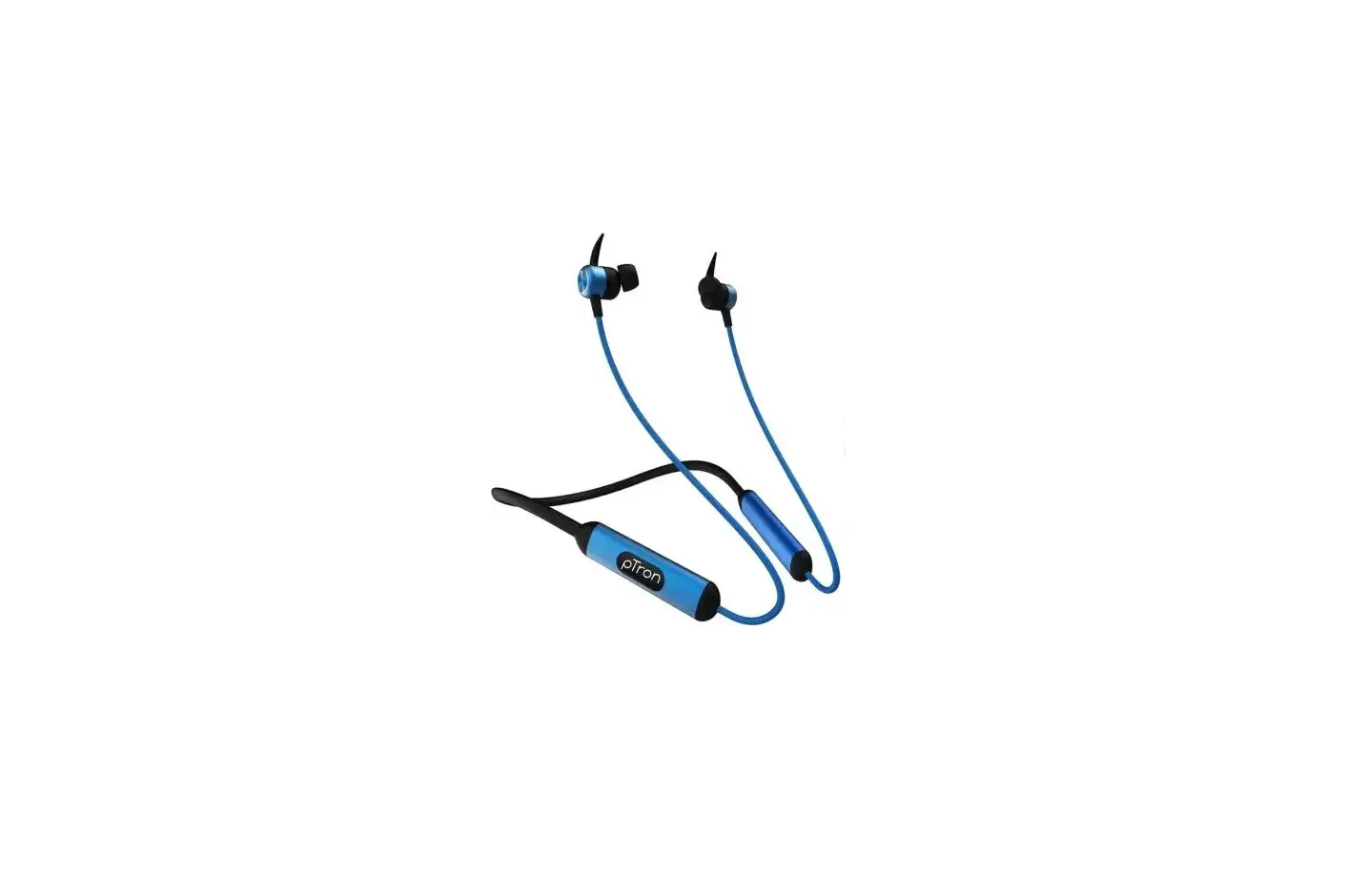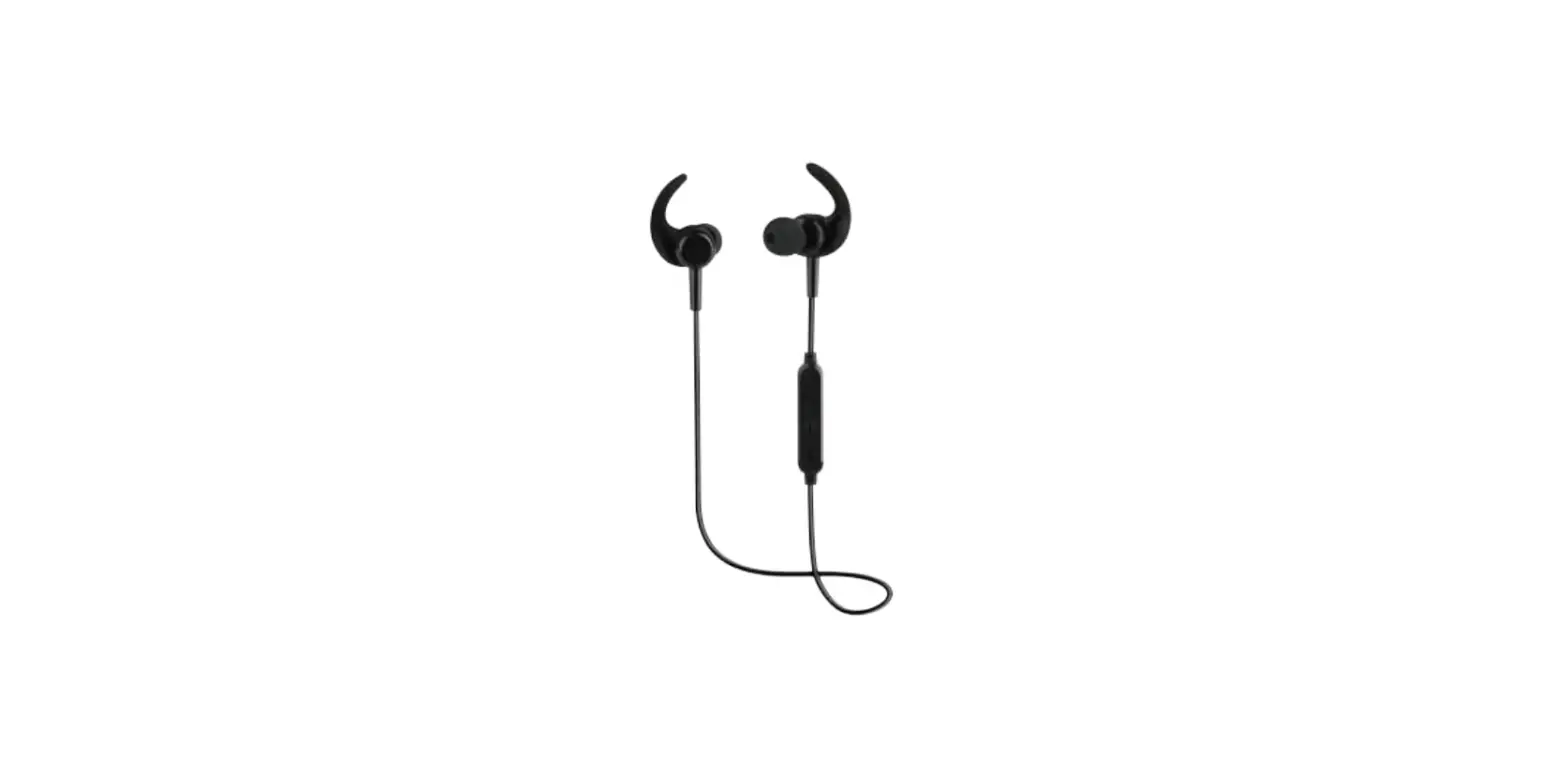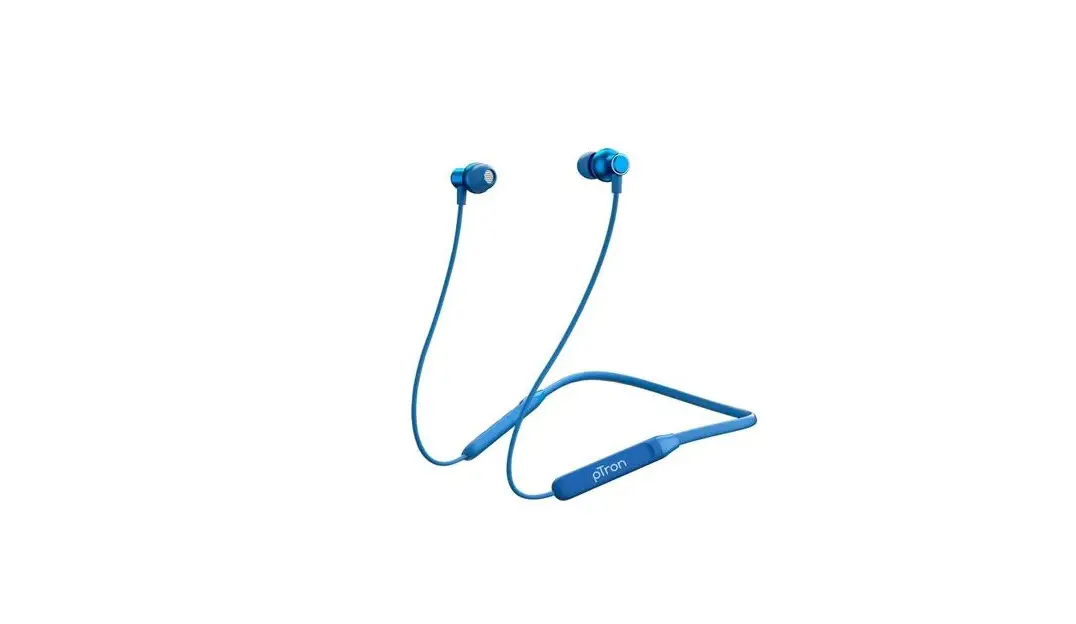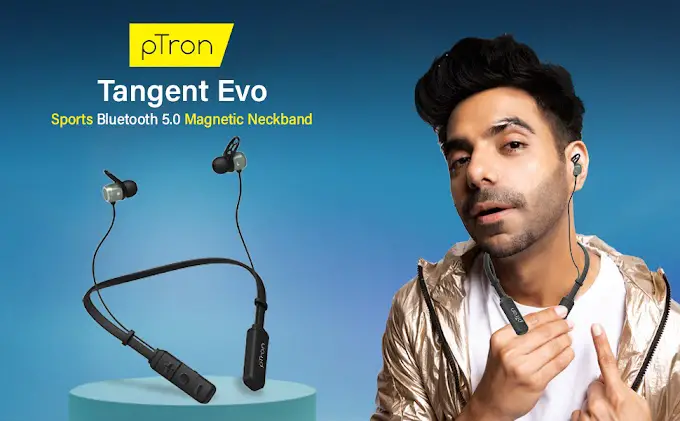

pTron Tangent Evo Bluetooth Headphones
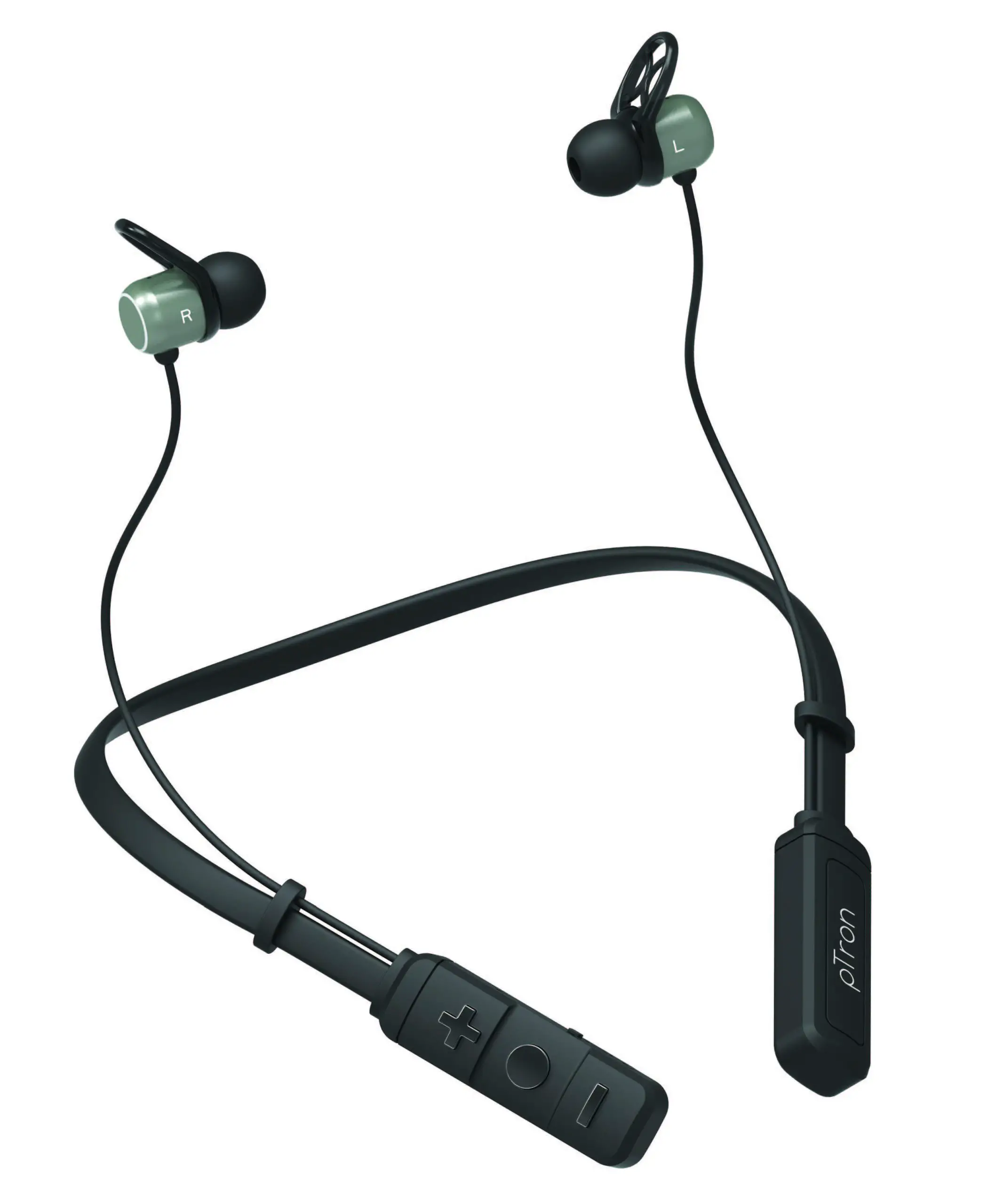
PAIRING
- Make sure your phone, computer or music device is turned on and within 1 meter of each other.
- Hold down the centre multifunction button for about 3 seconds until Blue & Red LED light starts flashing quickly.
- Activate the Bluetooth feature on your phone or device and set it to search for Bluetooth device (discoverable).
- Select PTron Tangent Evo from the list of found devices.
- If asked for, enter passcode”0000” to pair and connect the headphones to your device.
- Once successfully paired, the LED light will flash Blue once every few seconds.
PLAYBACK/CONTROLS
- Press multifunction button Play/Pause to start and pause audio.
- Long Press (Volume +) button to skip forward to next track. Short Press the (+) button to increase volume.
- Long Press (Volume -) button to go back to previous track.
Short Press the (-) button to decrease volume.
NOTE: The controls will not function when charging.
CHARGING THE HEADPHONES
Use the Micro USB cable and connect headphones to your computer or adaptor device made for USB charging. A red LED indicator will turn on when the headphones are charging. The red LED light will turn off when headphones are fully charged.
CAUTION
- Do not use abrasive cleaners to clean your headphones because this could cause scratches and damage.
- Do not bring your headphones in to contact with any sharp objects because this could cause scratches and damage.
- Do not insert anything into your headphones unless otherwise specified in the user instructions. This may damage the internal components.
- Do not attempt to repair,modify,or disassemble the headphones yourself, it does not contain any user-serviceable components.
- Do not attempt to replace the headphone battery, it is built-in and is not changeable.
- Observe all signs and displays that require an electrical device or RF radio product to be switched in designated area.
- Dispose of the headphones and the headphone battery in accordance with local regulations.
- Do not dispose of the battery with regular household waste.
CALLS
- To answer an incoming call, short press the centre multifunction button.
- To end call, press the centre multifunction button for about 1 second.
FIRE AND ELECTRIC SHOCK HAZARD
- Do not expose the headphones to extremely high or low temperatures.
- Do not leave the headphones in direct sunlight for extended periods of time.
- Do not leave the headphones near open flames such as cooking burners, candles, or fireplaces.
- Do not use the headphones in open while it is raining as it is water resistant, not waterproof.
- Do not put water or any other liquid on the headphones.
- Do not block any ventilation openings.
SAFETY INFORMATION WARNING
Please read these safety warnings and cautions carefully to ensure your personal safety and prevent property damage.