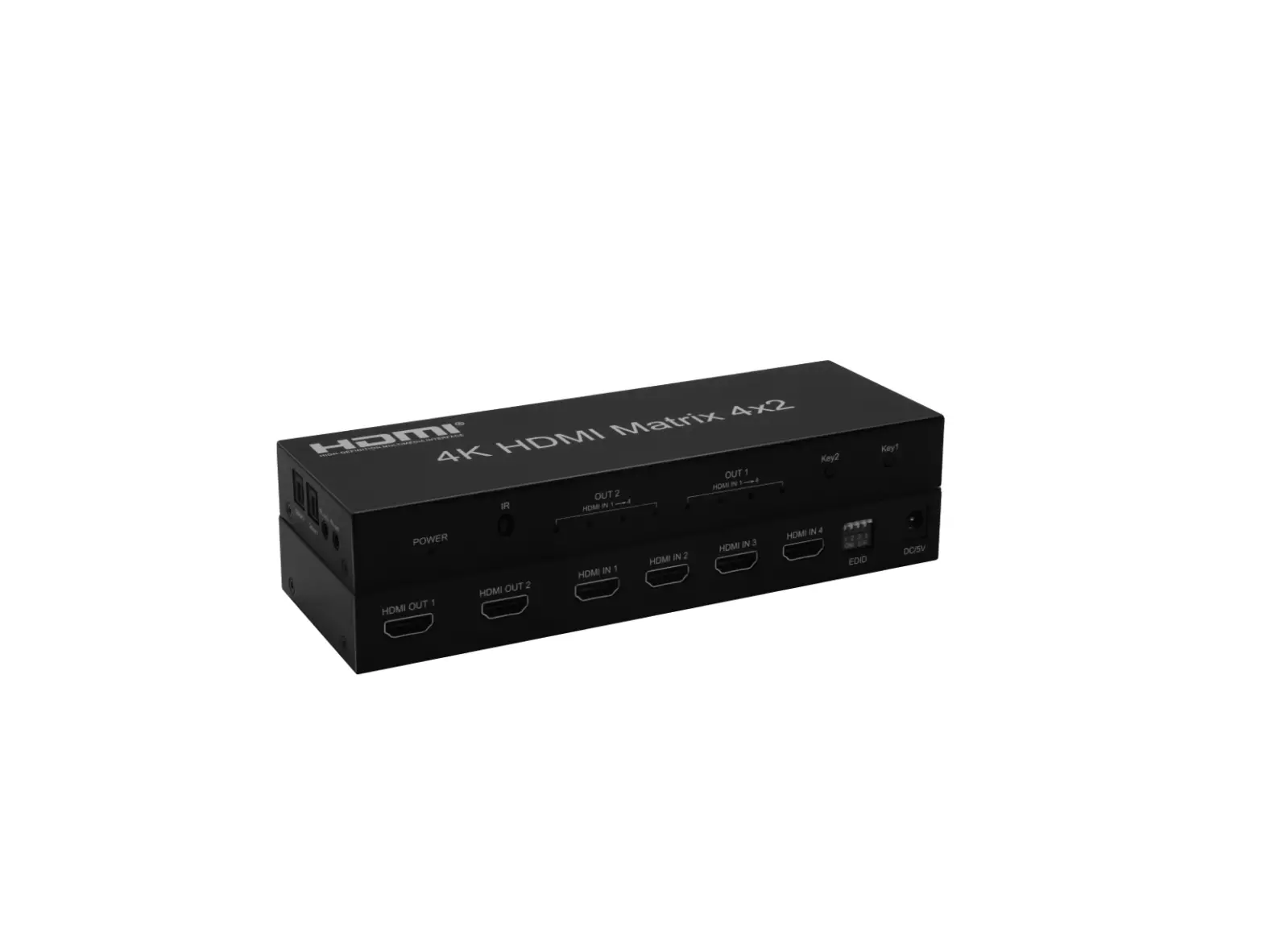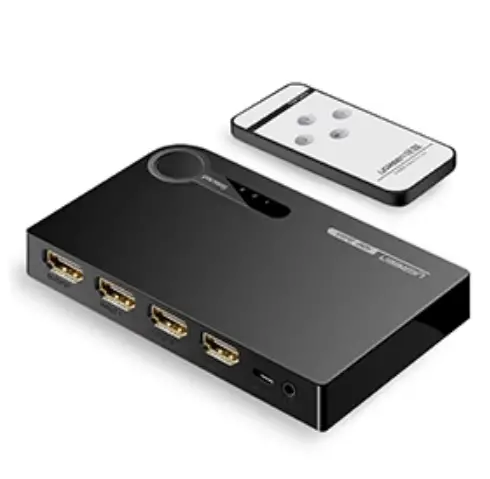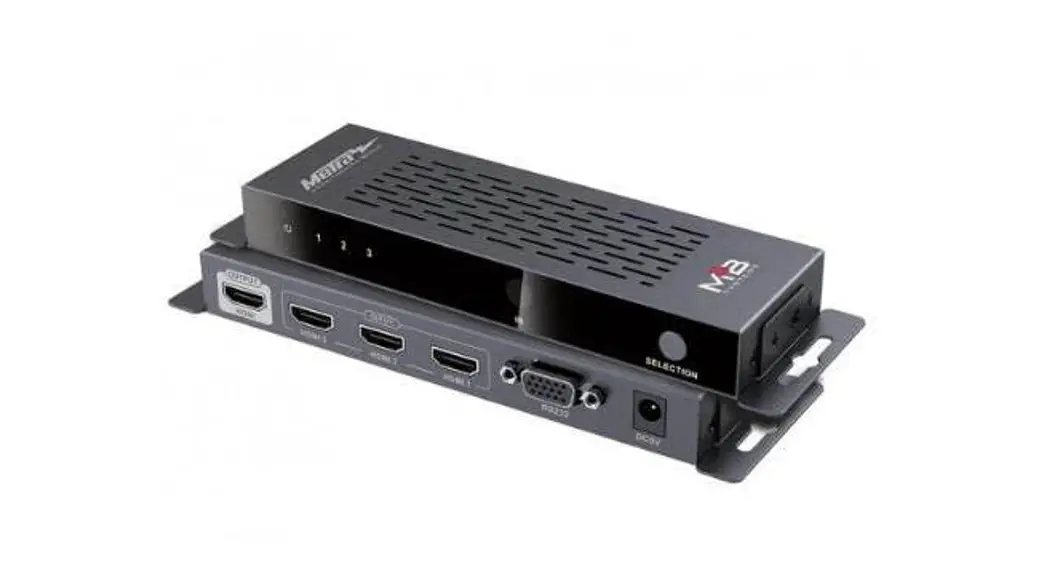

HDMSX1SW4 Sxl HDMI Switch
User Manual
CS-HDMSX1SW4 Sxl HDMI Switch
Thank you for purchasing this product. For optimum performance and safety, please read the instructions carefully and keep the manual for future reference.
IMPORTANT SAFETY NOTES:
Please read below safety instructions carefully before installation and operation: Please pay attention to all the warnings and hints on this device. Do not expose this unit to rain, moisture, and liquid. Do not put any stuff into the device. Do not repair or open this device without professional people’s guidance. Make sure good ventilation openings to avoid product overheating damage. Shut off the power and make sure the environment is safe before installation. Do not plug-in/out the connected cables when it is in use. Make sure the specification matched if using 3rd party DC adapters.
PRODUCT INTRODUCTION
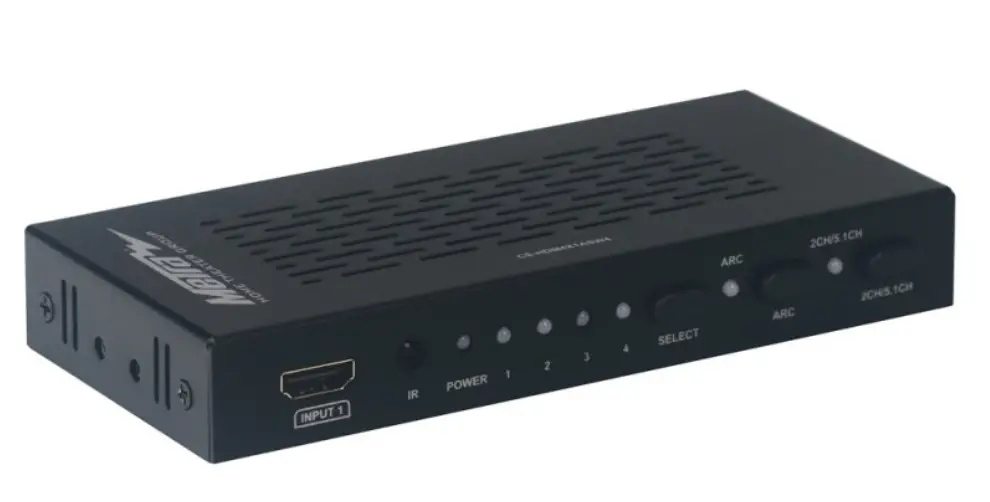
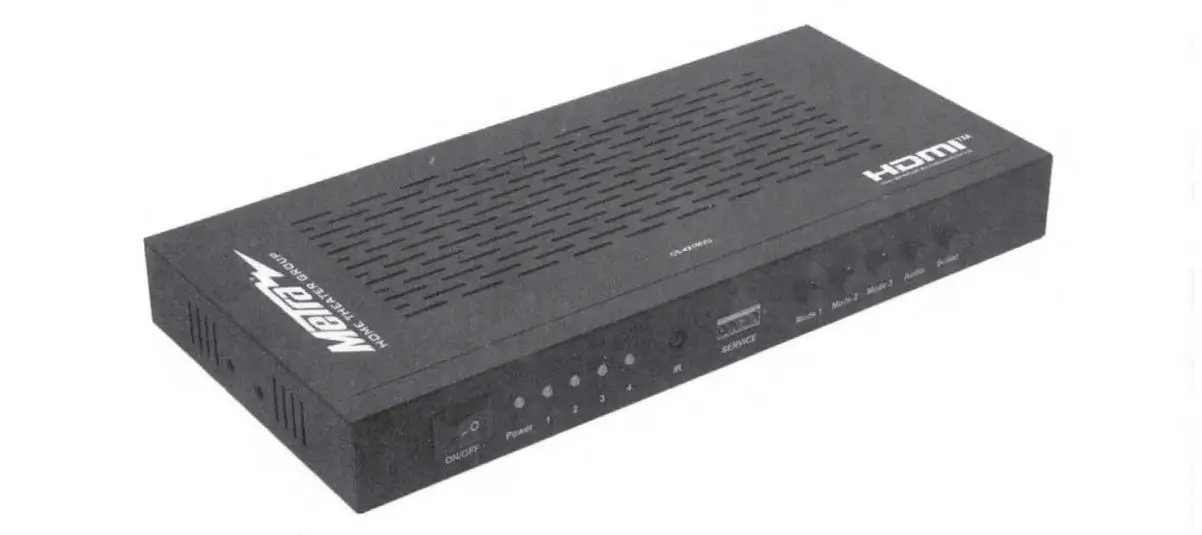
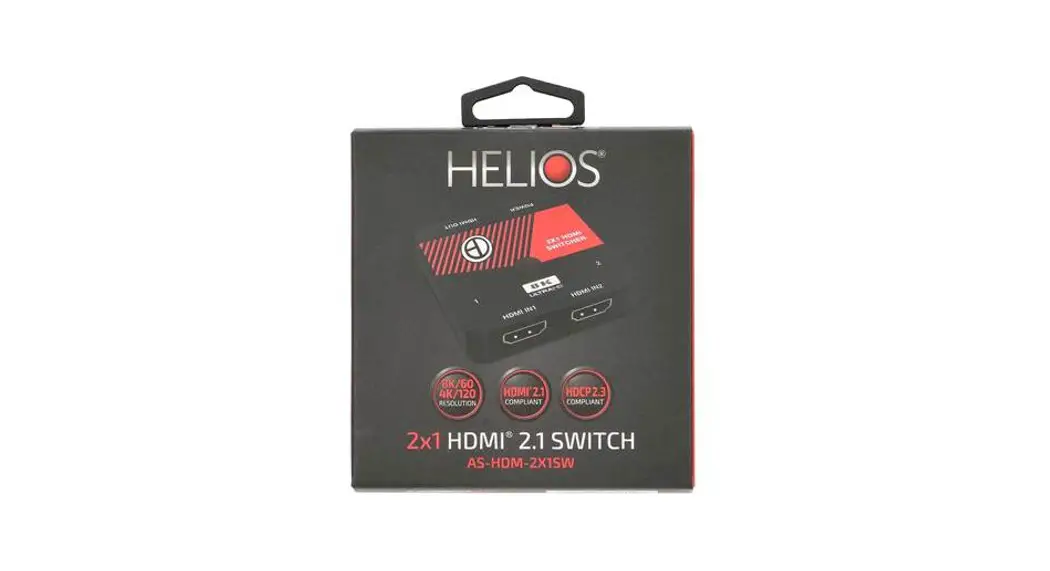
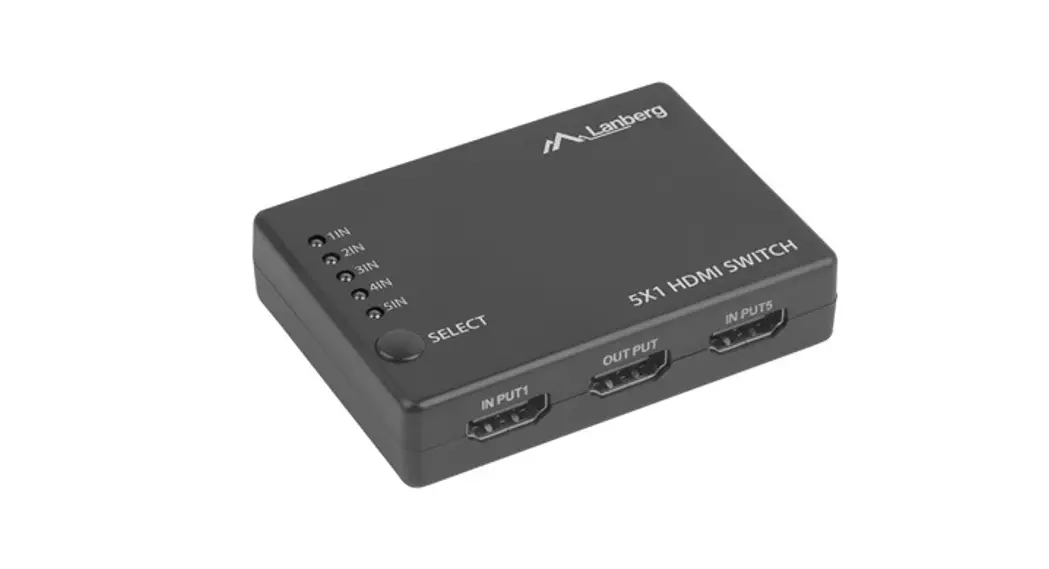
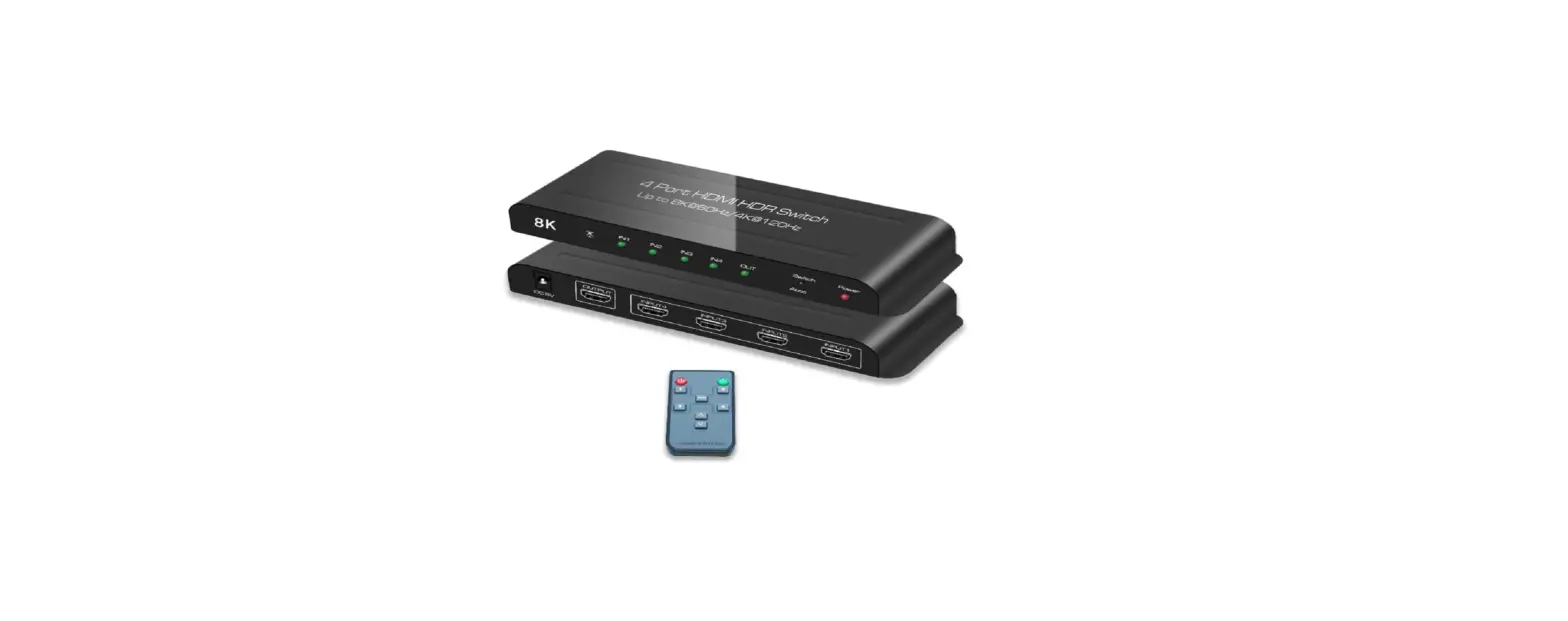
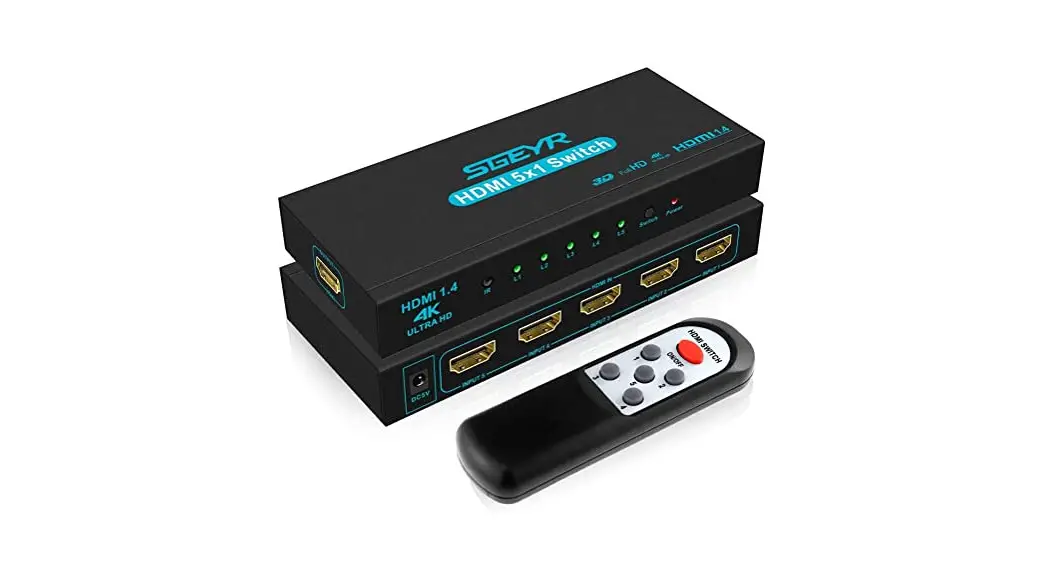
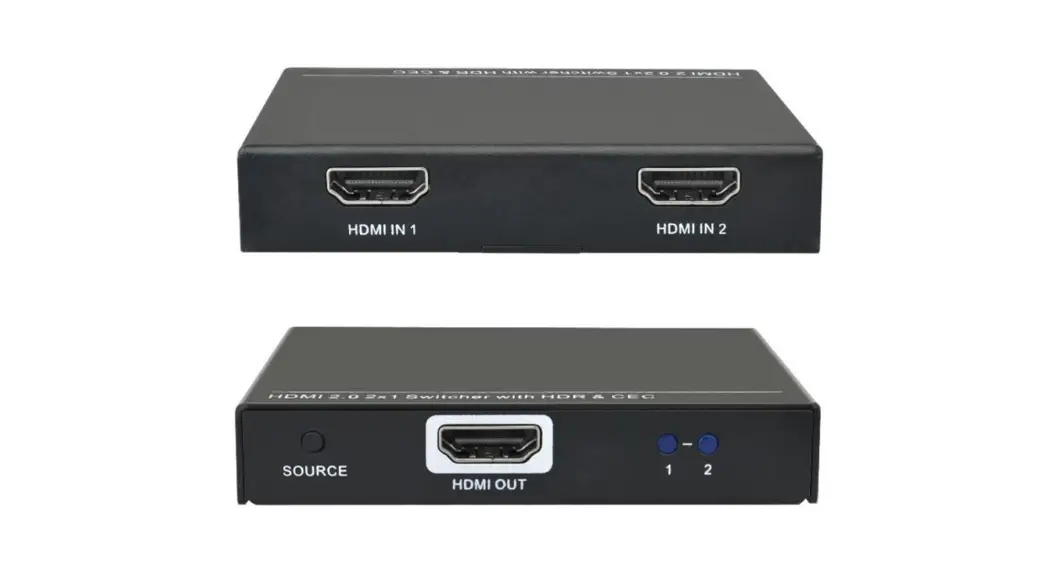
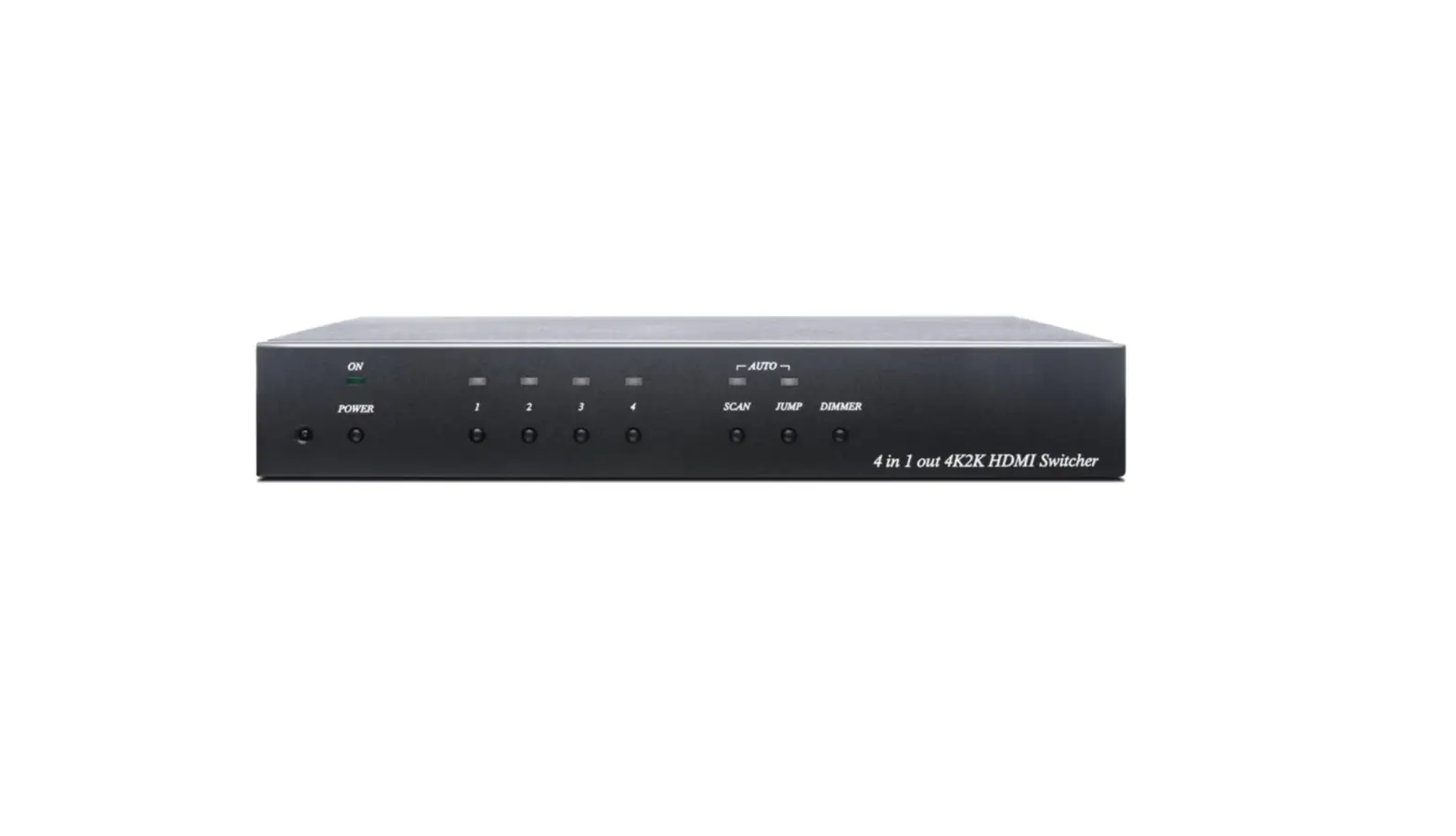
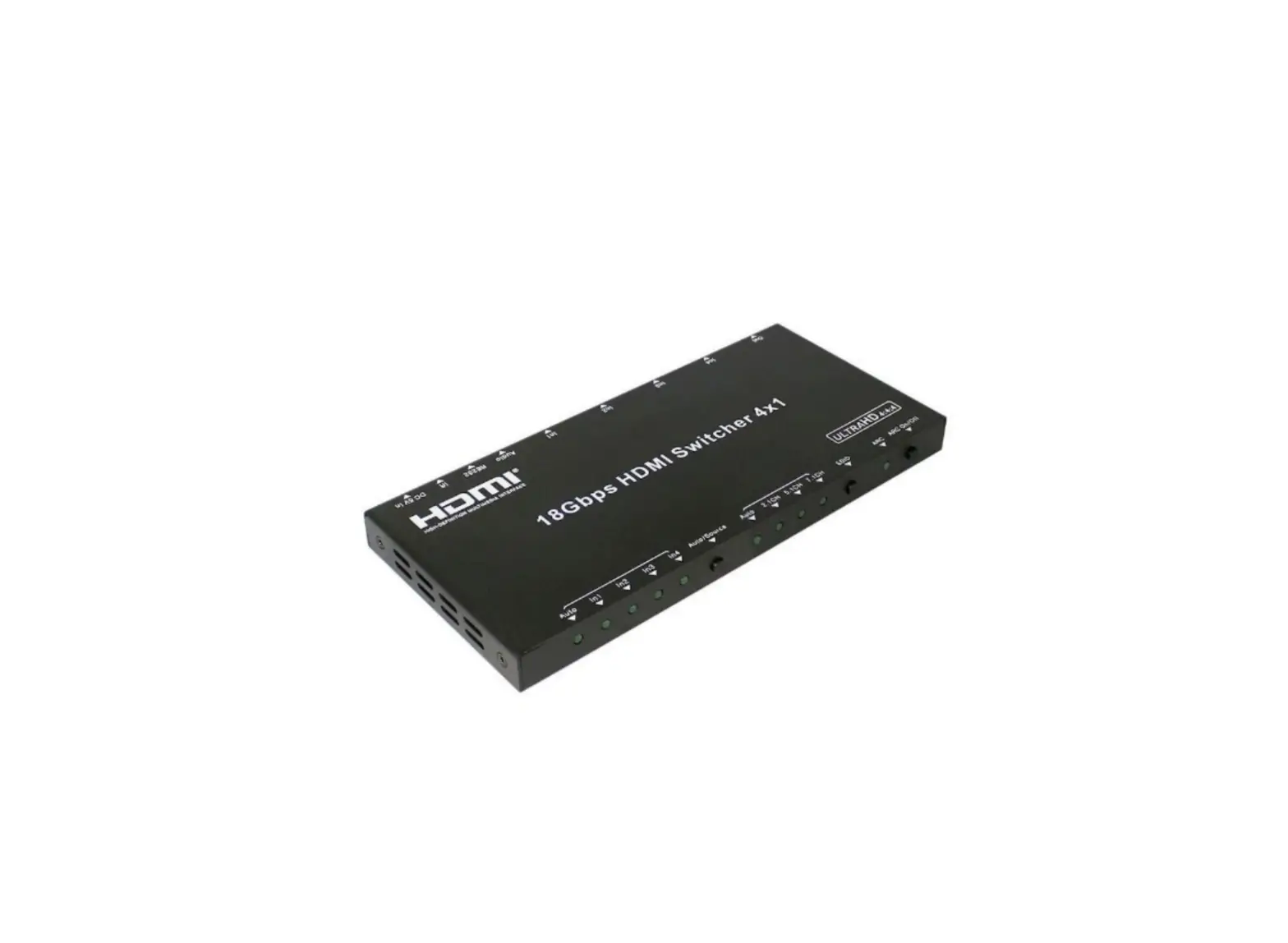
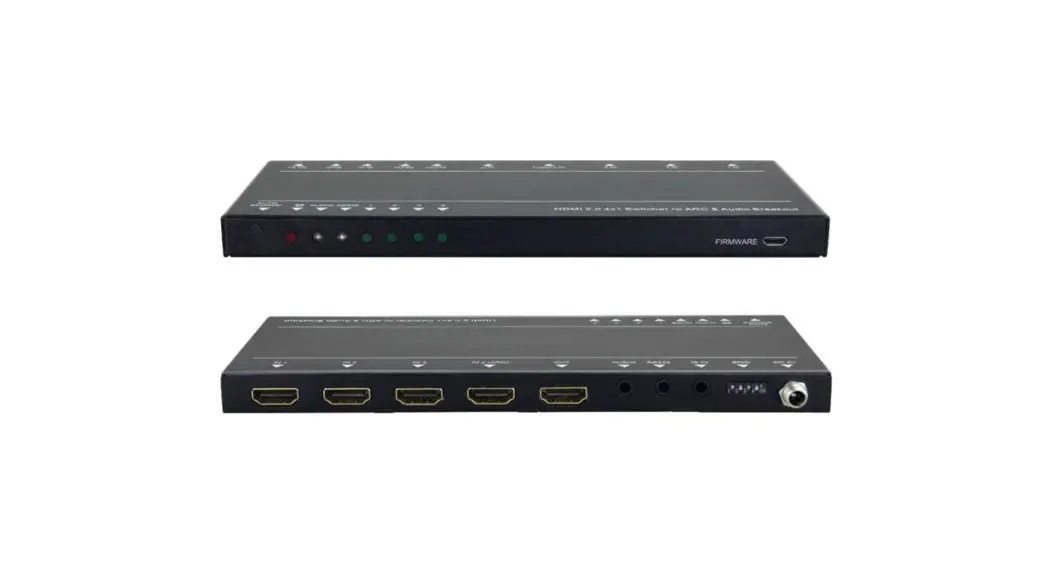
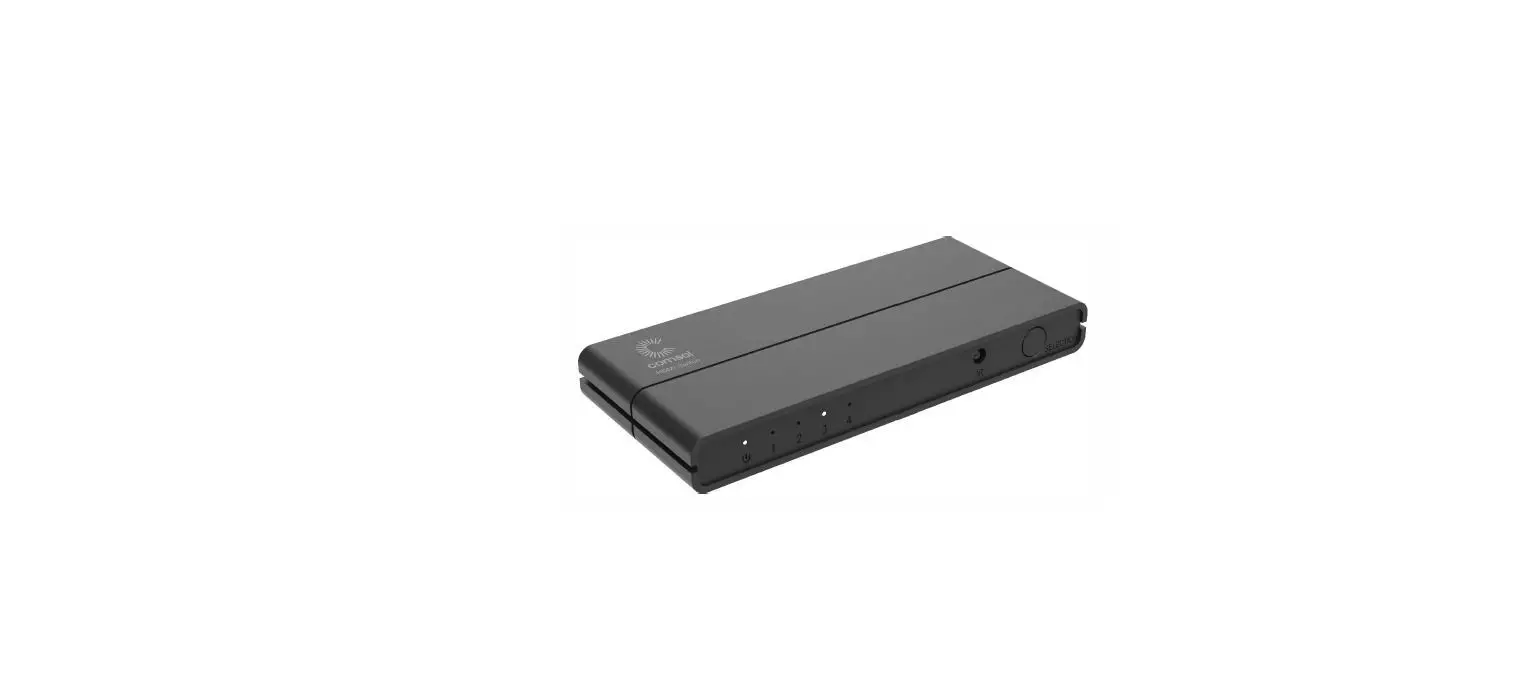
This Sxl switch routes 5 different sources at a resolution of up to 4Kx2K @60Hz ultra HD to an HDTV display. The unit with 5 HDMI inputs. which makes this unit ideal for simultaneous connection of multiple HDMI devices, such as HDTV, Set-top box, DVD, etc. In addition, this unit with JR receiving window and RS232 port, thus it is easy and flexible to control the input signal as you need. It is perfect for security systems, medium entertainment, conference exhibition center and digital monitoring system, etc.
PACKAGE CONTENTS
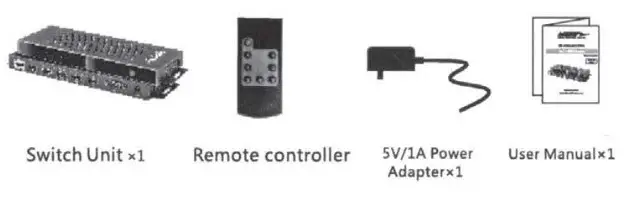
INSTALLATION REQUIREMENT
- H DMI source device(computer graphics card, DVD, PS3, HD monitoring equipment etc)
- HDMI display devices like SDTV, HDTV, and projectors with HDMI ports.
FEATURES
- Switch easily between any 5 HDMI sources
- Support resolution up to ultra HD 4K x2K@60Hz
- Support the highest bandwidth up to 18 Gbps
- Support HDMI HDR
- Support IR control and RS232 control
- Plug-and-play, easy to use
- Good Compatibility
- Metal heat sink design works more stable
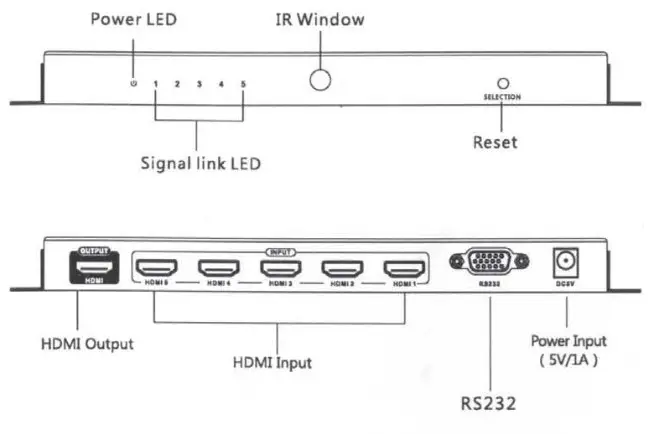
Panel Description
Remote controller
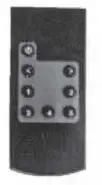
Batum is the power button, to power on/off the unit. <” and “> ” button, to choose channel forward or backward. 1-s number buttons. to choose any source device as you need.
INSTALLATION
- Connection

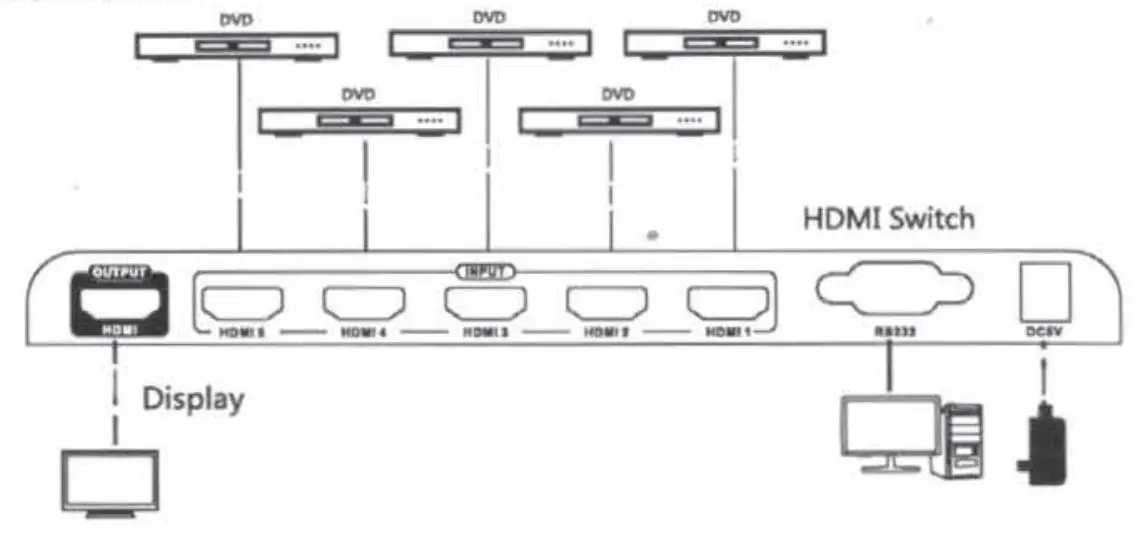
Connection illustration
- connect source devices and HDMI inputs of the unit
- Connect the display device and HDMI output of the unit
- Connect the power adapter, unit power on and works
- Choose your source signal via remote controller or RS232
FAQ
– A: 1) Check the power supply of the splitter, make sure the power light is on.
2) Check and make sure the HDMI cables are connected well.
3) Check and make sure the TV has been set up to the right channel.
4) While connecting with a PC or notebook via HDML please make sure the output mode is a mirror or extend.
-A: 1) Check and make sure all connections are good and correct
2) Try to directly connect the HDMI source to the display, if it is the same, please change the source device.
3) Use high-quality HDMI 1.4 and HDMI 2.0 cables for transmitting 4Kx2K UHD signals.
SPECIFICATION
| Items | Specifications |
| Input ports | 5 x HDMI |
| Output ports | 1 x HDMI |
| Power indicator led | 1 OLED |
| Signal indicator led | 5xLED |
| HDMI Version | Compatible with DVI1.0, HDM11.4 HDM12.0 |
| HDCP Version | Compatible with HDCP1.4, HDCP2.2 |
| Video form | Support 12-bit full HD video, 3D video, and 4Kx2K@30/60Hz ultra HD video |
| Input and output TMDS signal | 0.5-1.5Vp-p(TMDS) |
| Input and output DDC signal | Vp-p(TTL)5 |
| Audio | Support standard audio and DSD ( Direct Stream Digital ) and HD(HBR) audio |
| HDMI Resolution | 480i/480p1756i/756p/720p/10801/1080p/ 4K x2K@24/25/30/60Hz |
| Working temperature | 0°C -60°C |
| Power supply | DC5V/1A |
| Power consumption | <SW |
| Dimension | 218mm(L)x78.8mm(W)x20.5mm(H) |
| Weight | 420g |
| Color | Black |
Disclaimer
The product name and brand name may be registered trademarks of related manufacturers.TM and® may be omitted from the user manual. The pictures on the user manual are just for reference. and there may be some slight differences with the real products.
We reserve the right to make changes without further notice to a product or system described herein to improve reliability, function or design.
CS-HDM5X1SW4 HDMI SWITCH WITH 5 INPUTS AND 1 OUTPUT ®
- Supports HDMI 2.0 and HDCP 2.2 (and earlier versions)
- Supports 1080p, 3D, 4K/60Hz up to 18Gbps
- Supports all HDR formats
- Supports Control with IR & RS232
MetraAV 12-YEAR “2- STEP” LIMITED WARRANTY MetraAV offers an industry-leading, 12-year “2-STEP” warranty which protects the purchaser from any defects in materials or workmanship for twelve years from the date of purchase.
Who is covered? The original purchaser of the product from the date of purchase.
What is covered? Any defect in the design, construction, or workmanship of the product that causes it to fail to perform as represented at the time of sale.
What is not covered? Damage to the product caused by disassembly, accidents, abuse, misuse or modification of the product, and of course, an “act of God” such as a power surge, destructive storm or fire, etc. MetraAV will inspect the product upon return to determine whether any of these conditions are present and inform the purchaser of this fact.
Step 1
To participate in the 12-year warranty program, all you have to do as the purchaser is to register your product online with MetraAV. This is provided to you for product registration. Please note that proof of purchase is completed by providing a copy of the sales receipt from the MetraAV Re-seller or from MetraAV itself if a direct purchase. our warranty rights remain in place regardless of whether you return the card or not. Registration helps the process move more smoothly and quickly.
Step 2
If any problem with the product occurs, simply call MetraAV at the Warranty Hot Line Number listed below. A representative will discuss the issue with you and provide a ticket Number along with the RMA (Returned Merchandise Authorization) number for the return of the product along with instructions on how to use the enclosed return label, hich is good for use in the US for all states excluding Alaska and Hawaii.
Upon receipt of the returned product, MetraAV will examine the product and if defective for any reason as stated above, it will, at its option, either repair the product or provide a replacement product free of charge. If the product is no longer being manufactured or available, then MetraAV will attempt to replace the product with a similar product of like use and cost, if the product cannot be repaired. Note: Some products may be subject to changes in technology which makes replacement impossible. 460 Walker Street, Holly Hill, Florida 32117 (386) 257-1187
Still, Have Questions?
Any questions of regarding this warranty that could not be answered by a representative on our “hot line” should be addressed to: Warranty Department, MetraAV, 460 Walker t., Holly Hill, Florida, 32117. We promise a written answer to any question. Please provide an email address if you have one for ease of return response.
MetraAV WARRANTY HOT LINE: 386-257-2930 OR [email protected]
WARRANTY CARD
Mail this form with the product and proof of purchase to: HT Warranty Department, MetraAV, 460 Walker St., Holly Hill, Florida, 32117
Name: __________________________________________________
Address: ________________________________________________
City/ST/Zip: ____________________________________________
Telephone #: ____________________________________________
Email: _________________________________________________
Product Model Number: _________________________________
Date of Purchase: ______________________________________
My signature below acknowledges that I have read, fully understand, and accept the limited warranty agreement
Signature: ____________________________________________
Date: _________________________________________________
www.MetraHomeTheater.com 1-866-839-9187/386-257-1186
© COPYRIGHT 2018 METRA ELECTRONICS CORPORATION
 Metra Home Theater Group
 Metra Home Theater Group