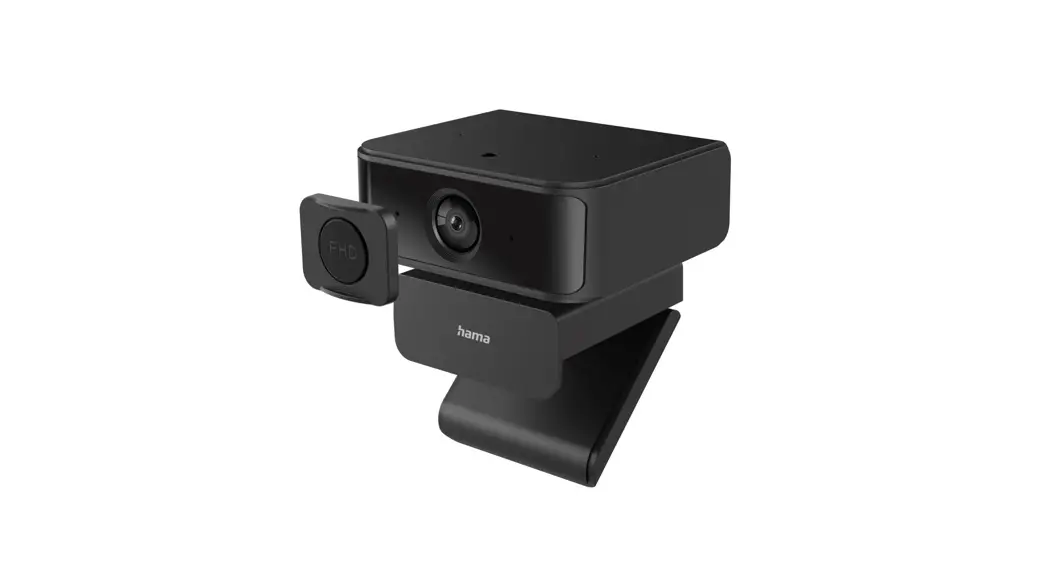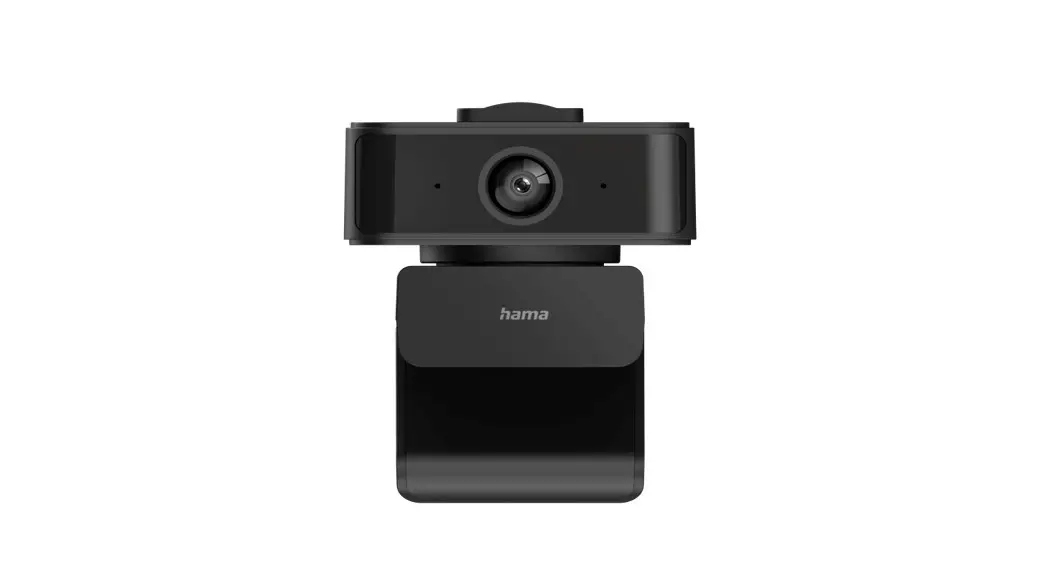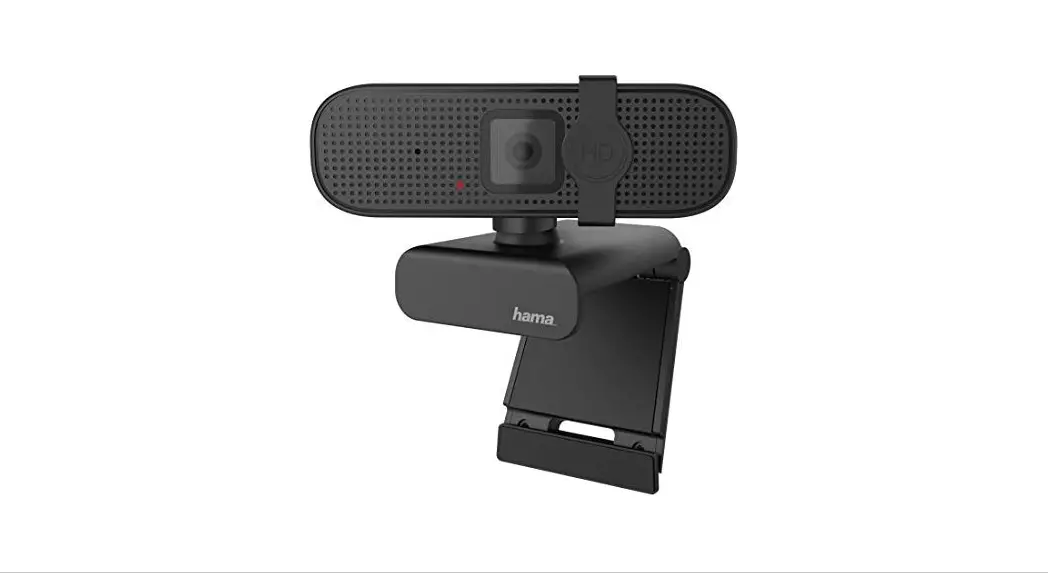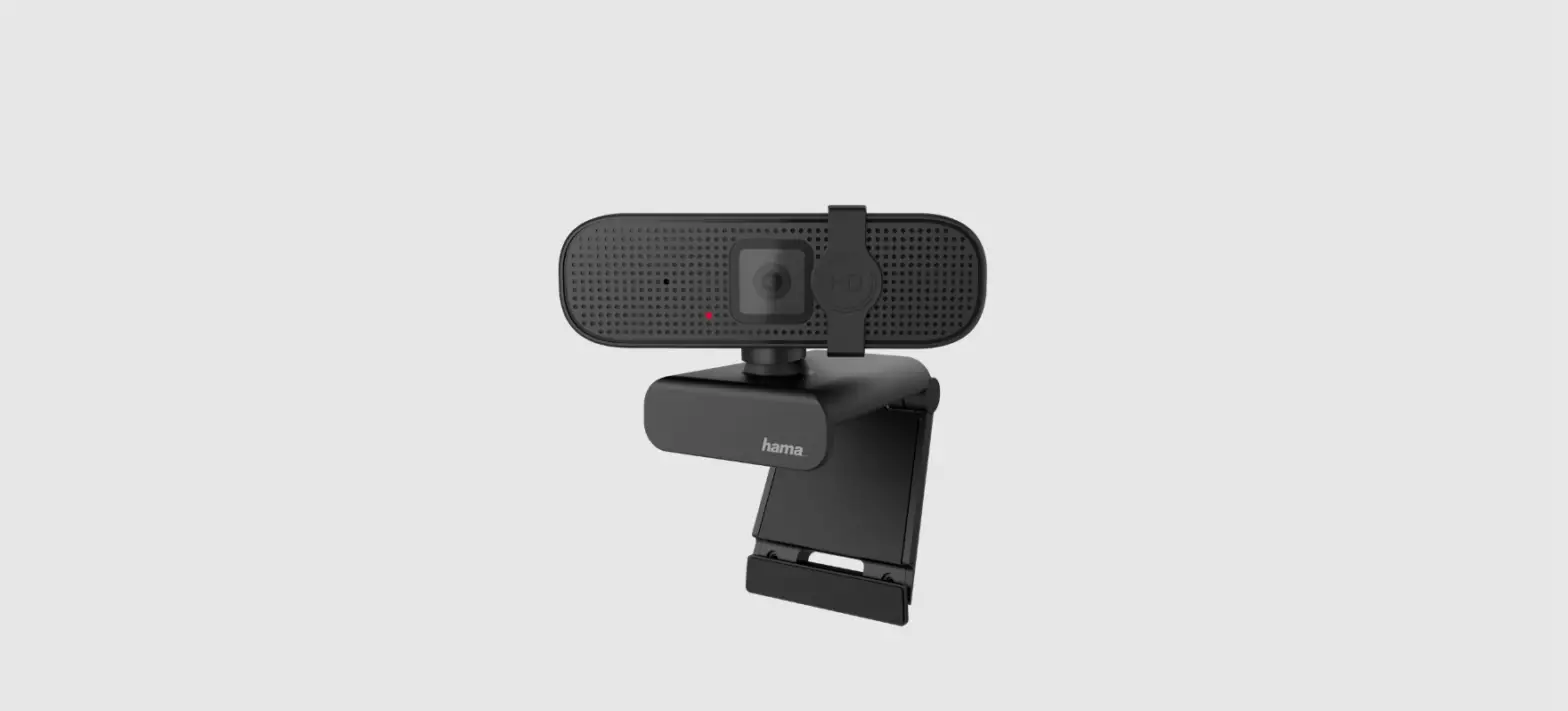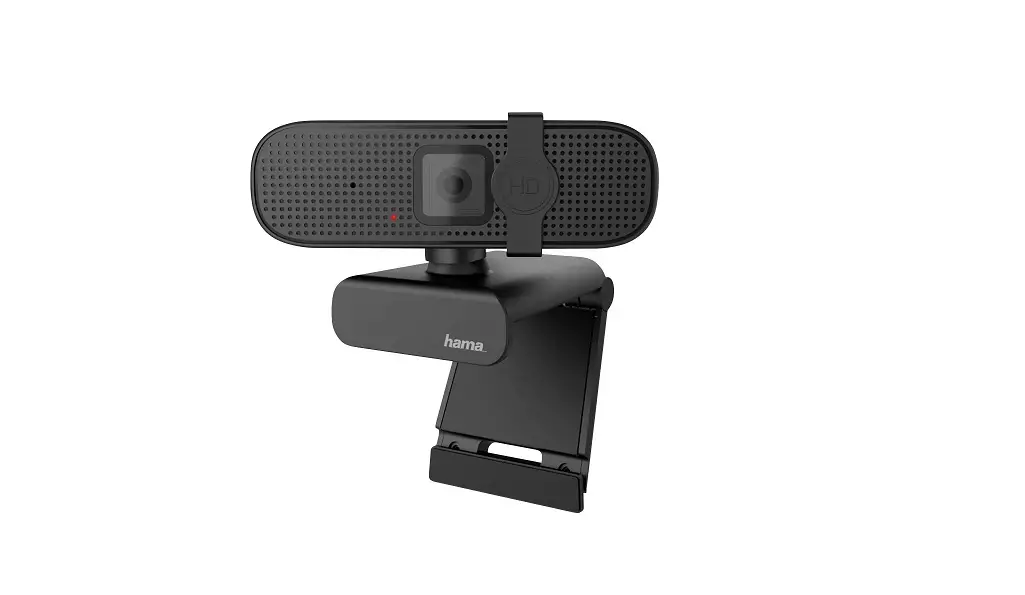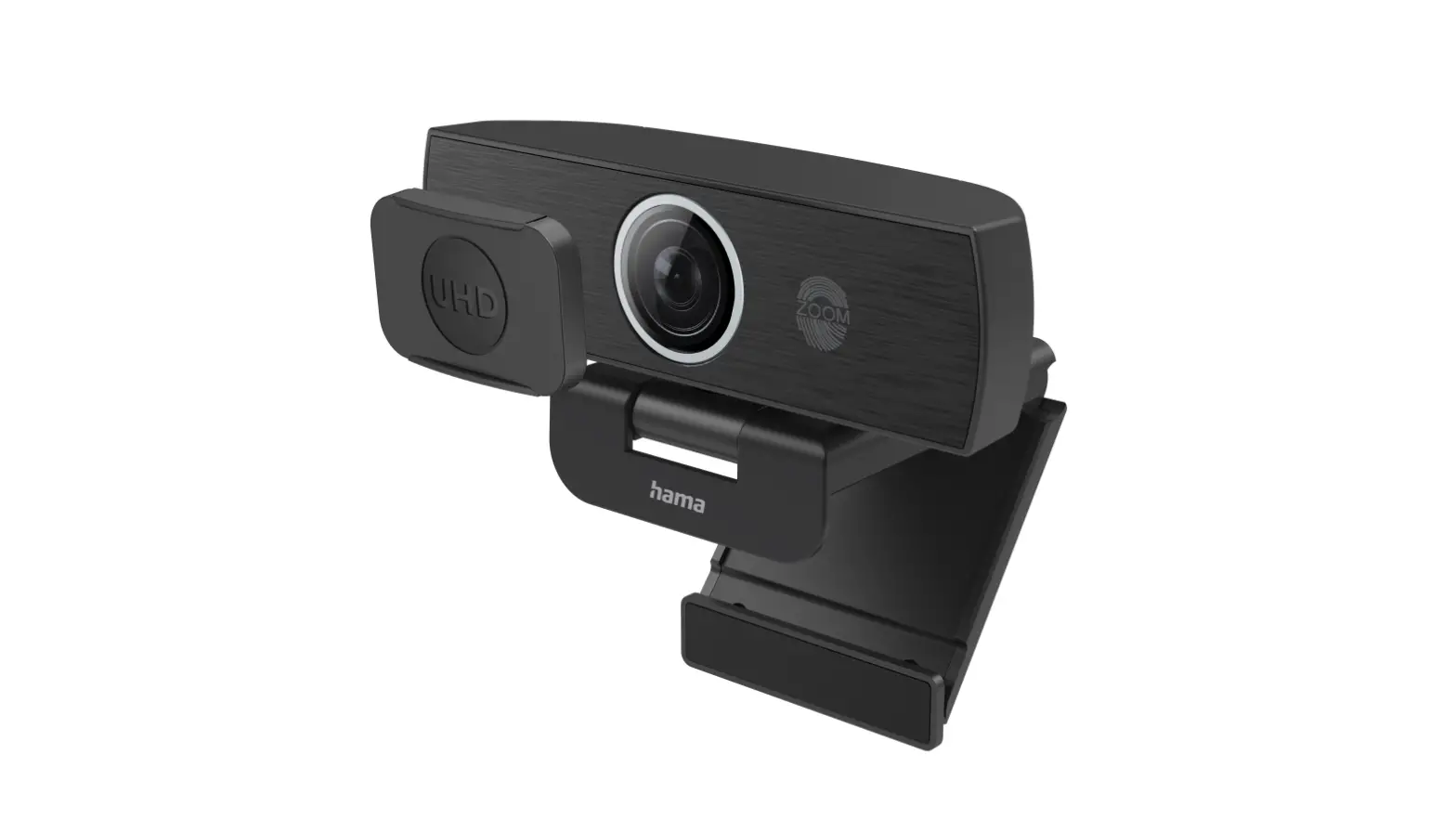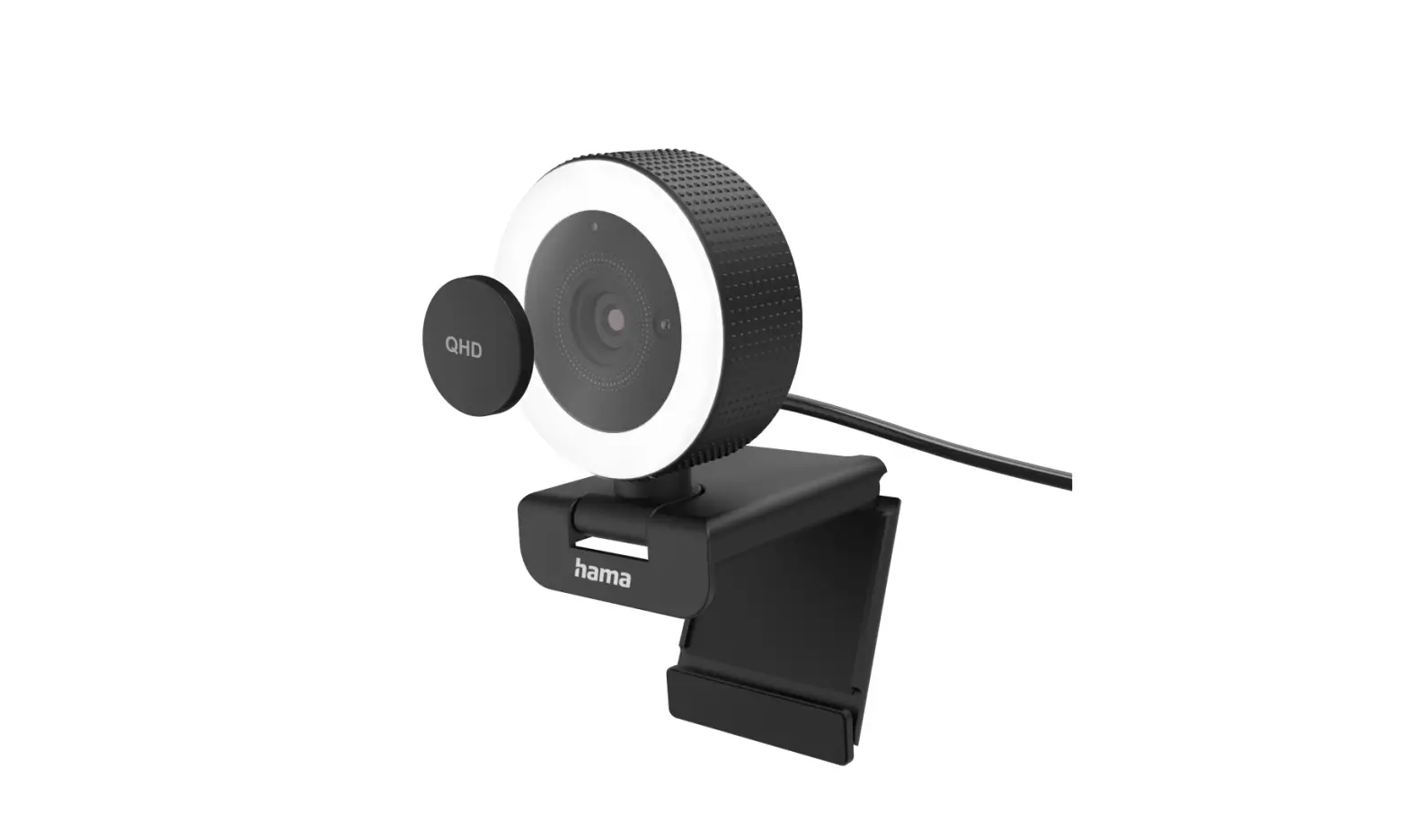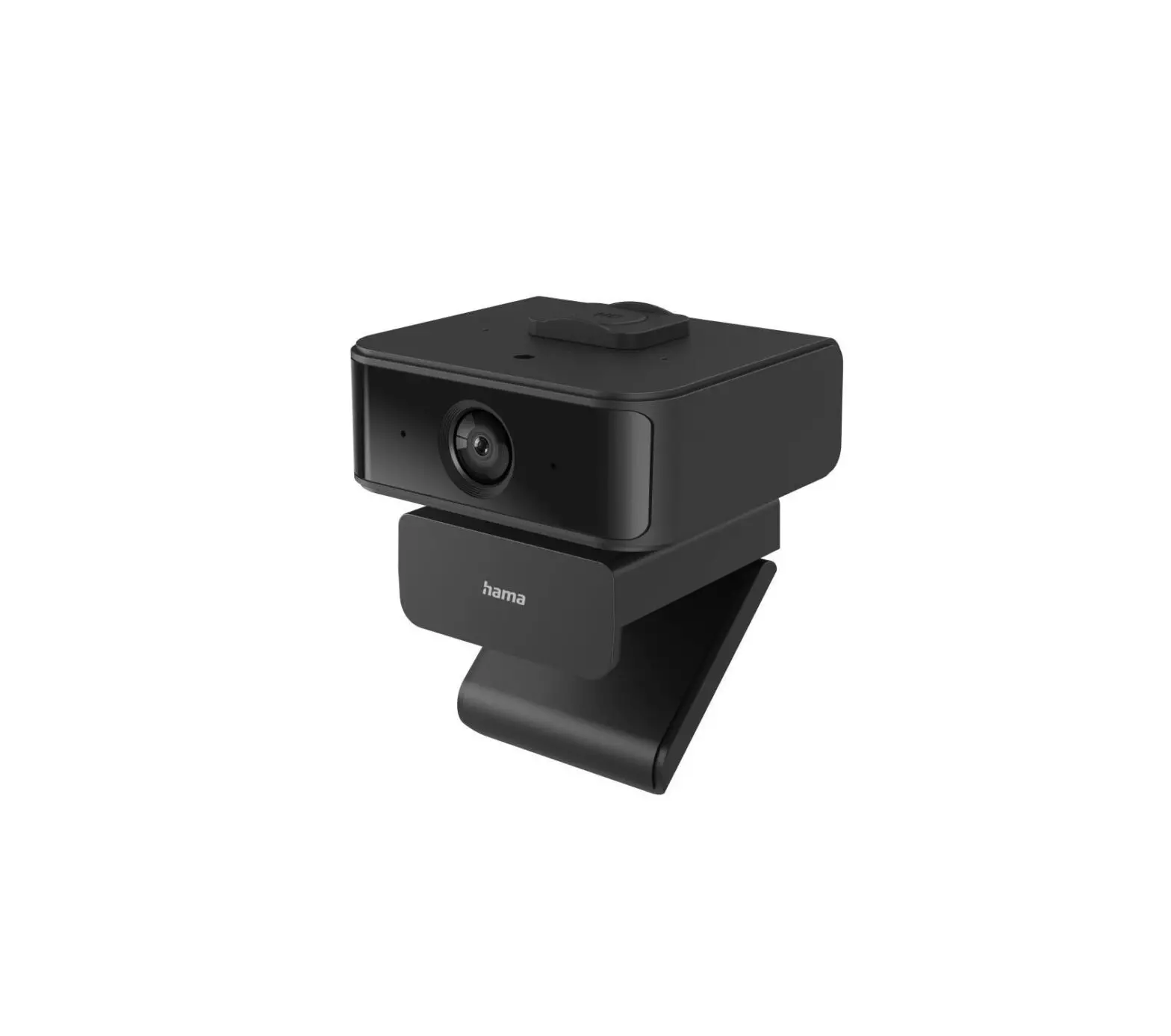
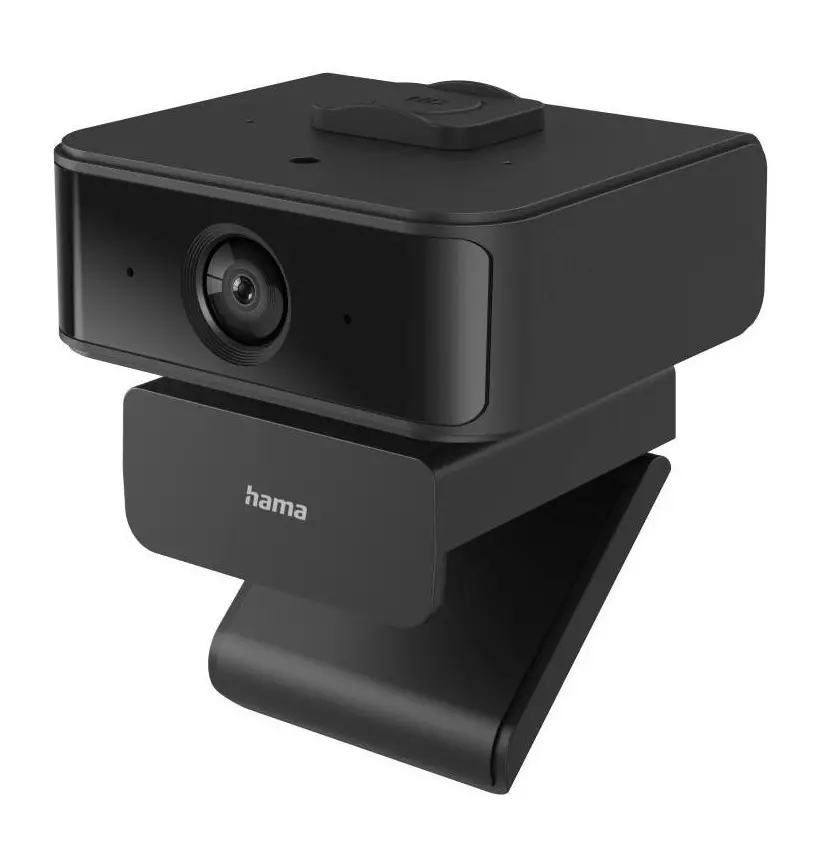
hama xx139994 C-650 Face Tracking Webcam
Instructions Softwareupdate
Improvements and new features are constantly being developed for our products to fix possible Instructions Softwareupdatebugs, extend the range of functions, etc.
We recommend you to install the provided updates on your product
 | Warning
|
 | Note The update is compatible with the following operating systems: Win 10 / 11 |
Performing the firmware update
For Windows 10:
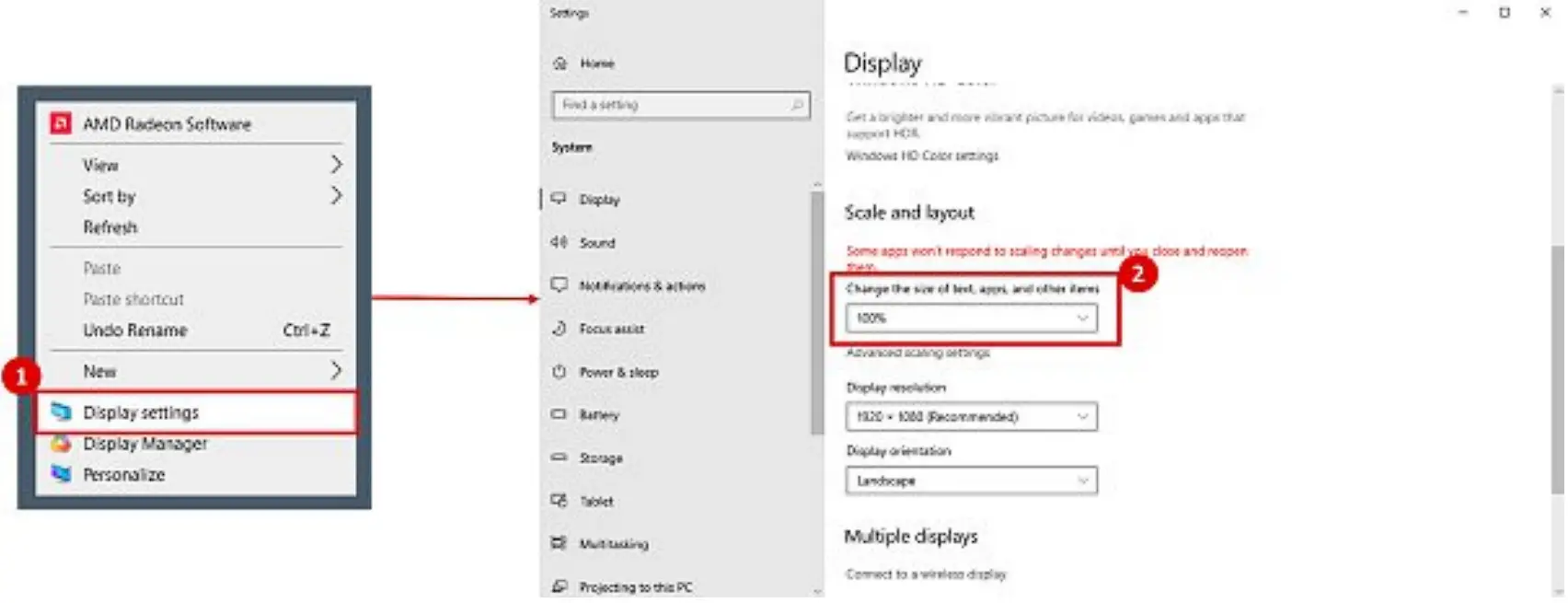
- Return to Desktop, with right click you can open “display settings”.

- Change scaling to 100%.
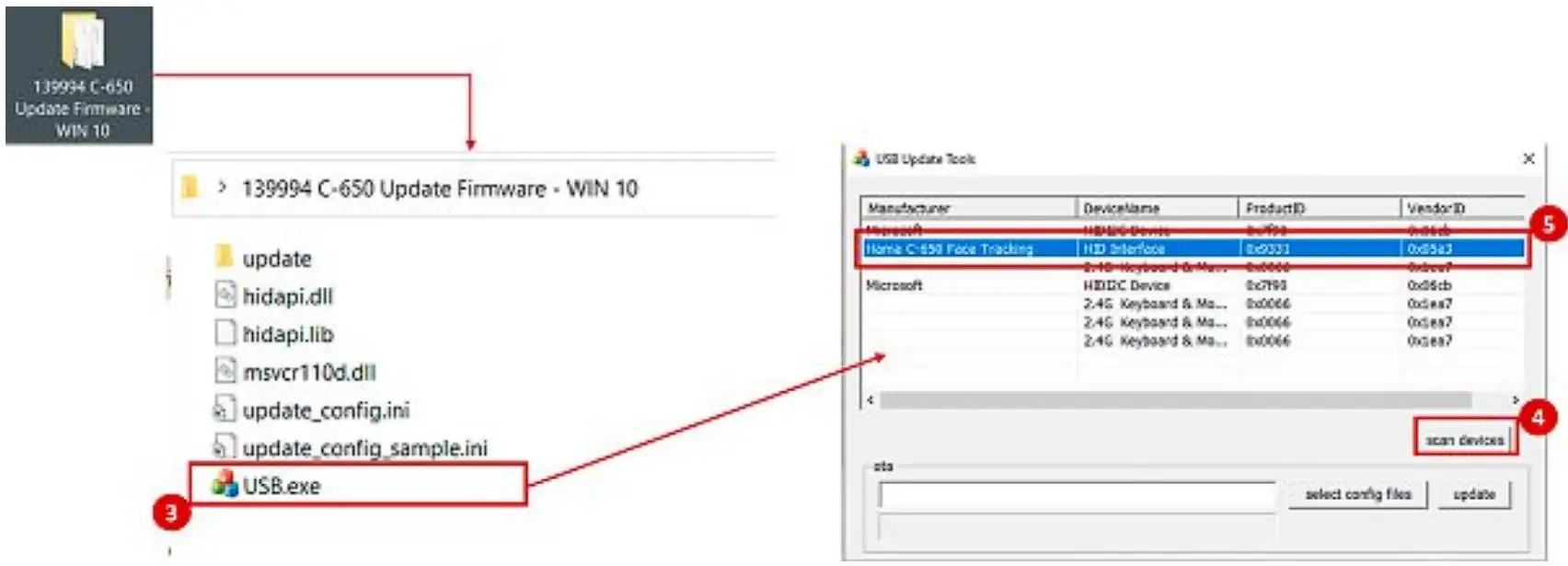
- Open application “USB.exe” in the folder “139994 C-650 Update Firmware – WIN 10”.
- Click “scan device”.
- Select the device “Hama C-650 Face Tracking”.

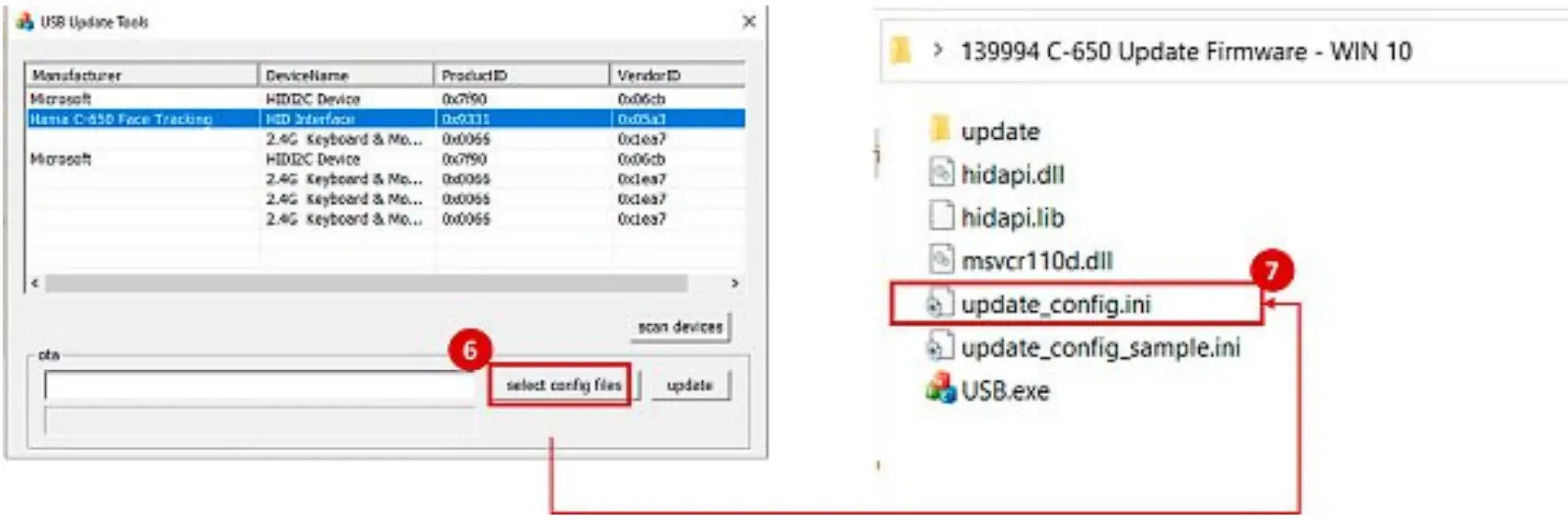
- Click “select config file”.
- Select file “update_config.ini”.

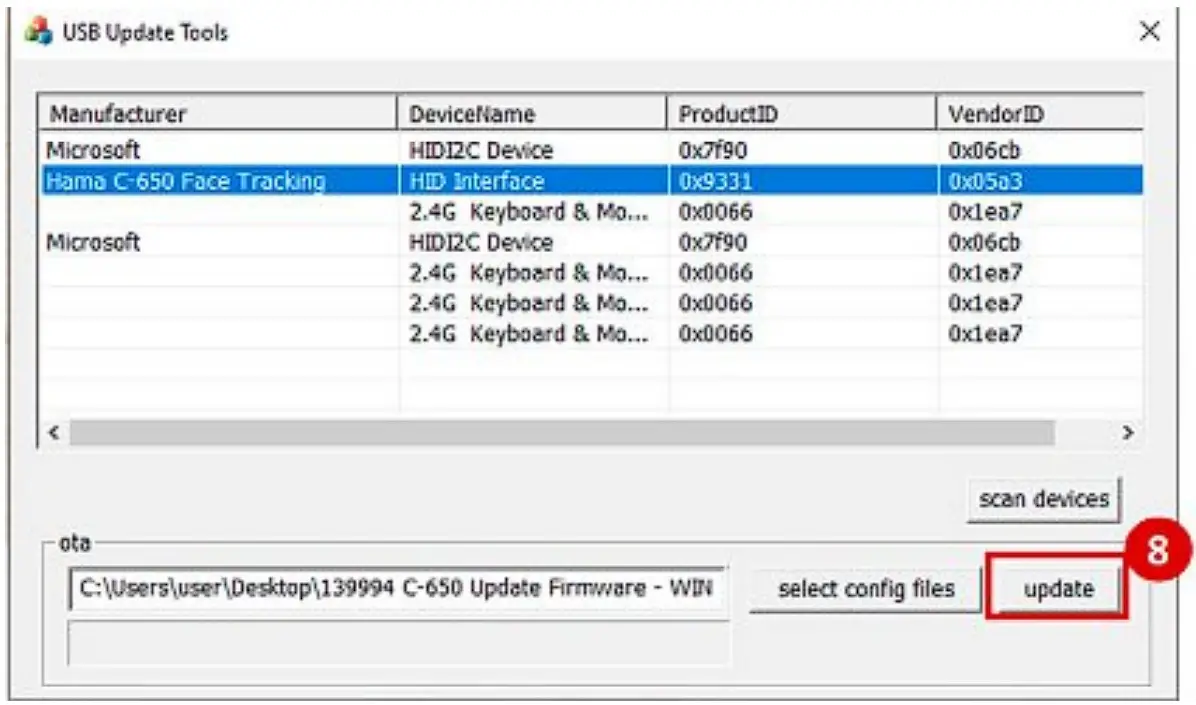
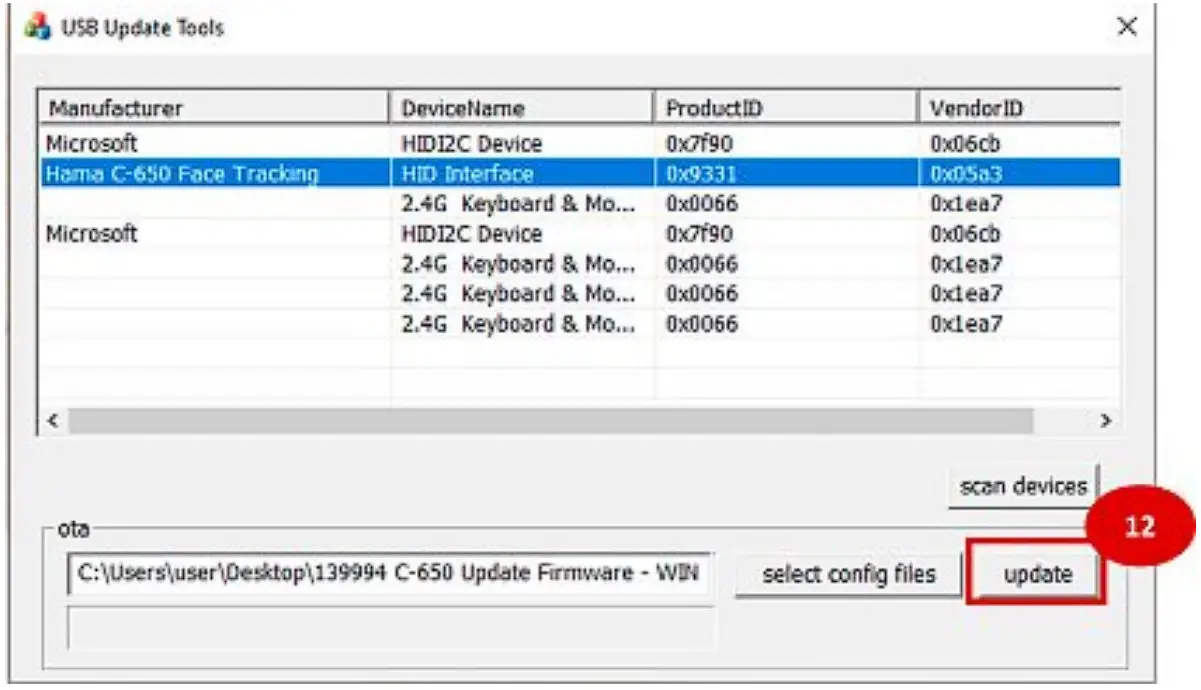
- Click “update” to start the firmware update.

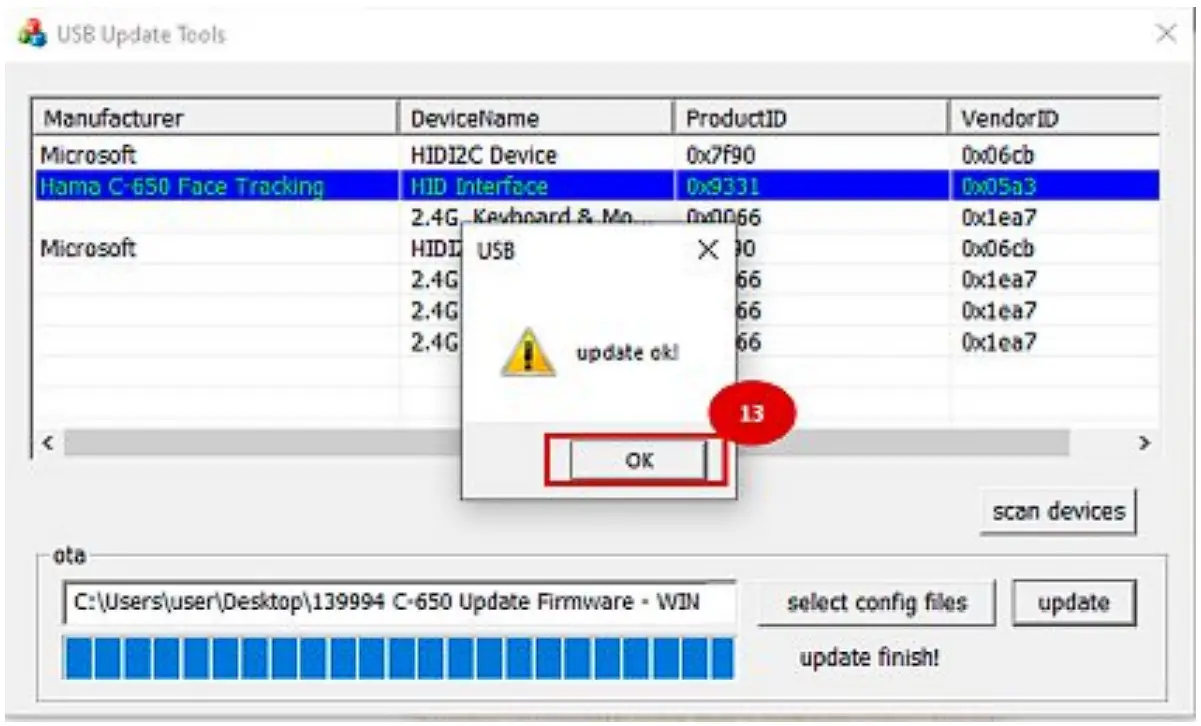
- Please wait until the update is finished, click “OK” and exit the application.
For Windows 11:
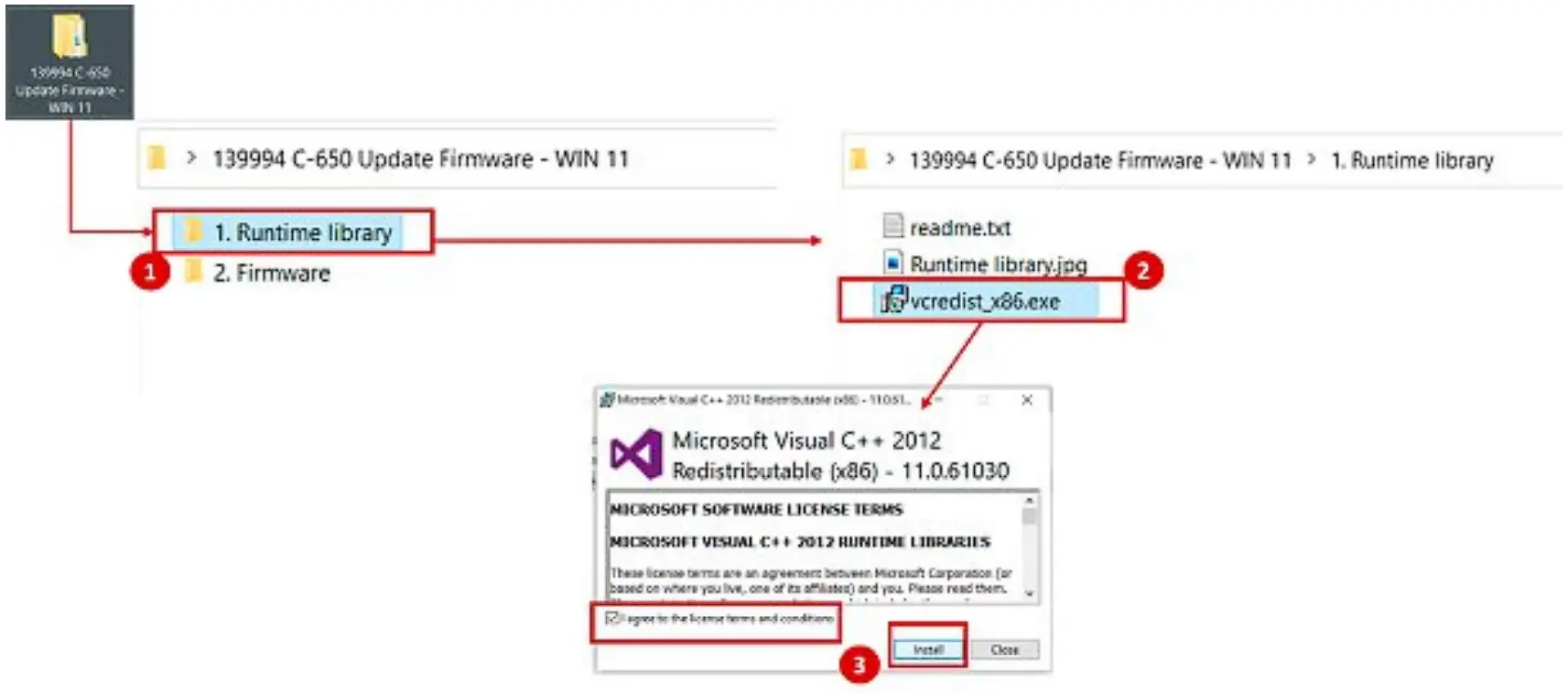
- Open folder “1. Runtime library” under folder “139994 C-650 Update Firmware – WIN 11”.
- Double click the application “vcredist_x86.exe”.
- Select “I agree to the license terms and conditions” and install the application.

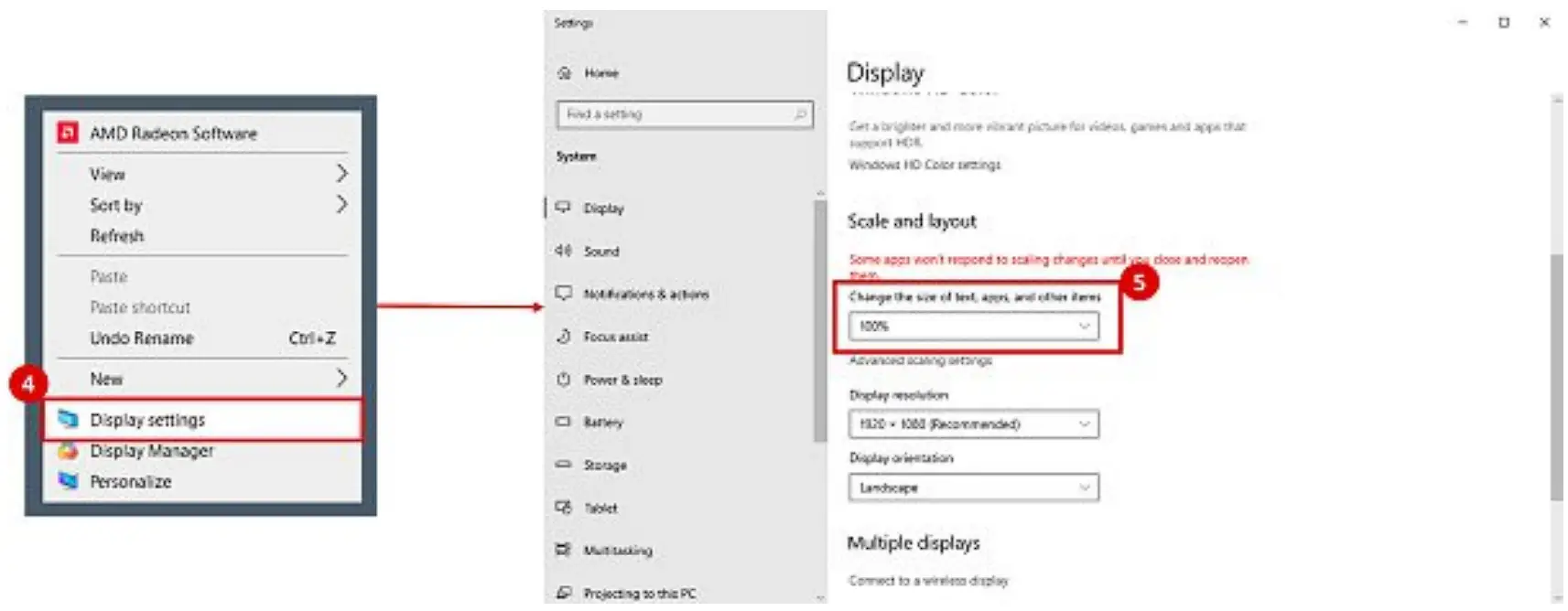
- Return to Desktop, with right click you can open “Display settings”.
- Change scaling to 100%.

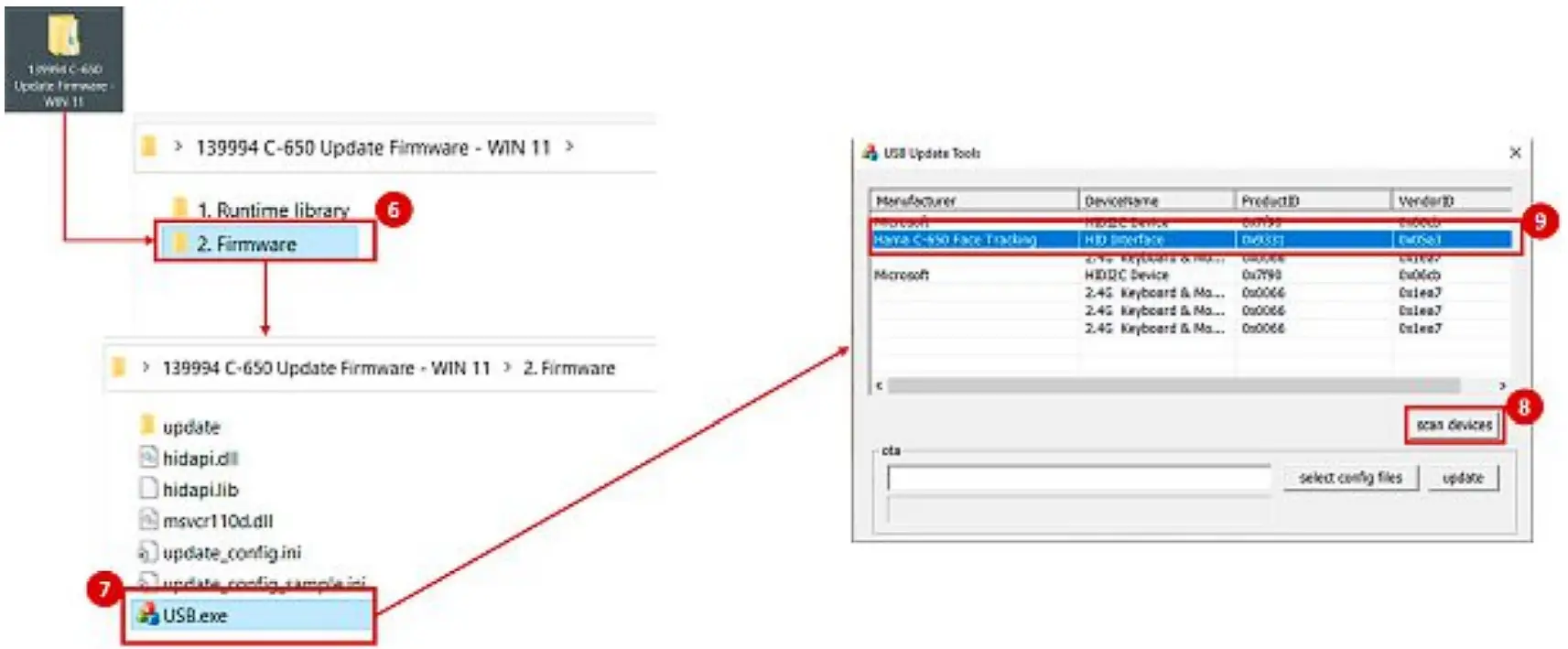
- Return to folder “139994 C-650 Update Firmware – WIN 11”. Open folder “2. Firmware”.
- Open application “USB.exe”.
- Click “scan devices”.
- Select the device “Hama C-650 Face Tracking”.

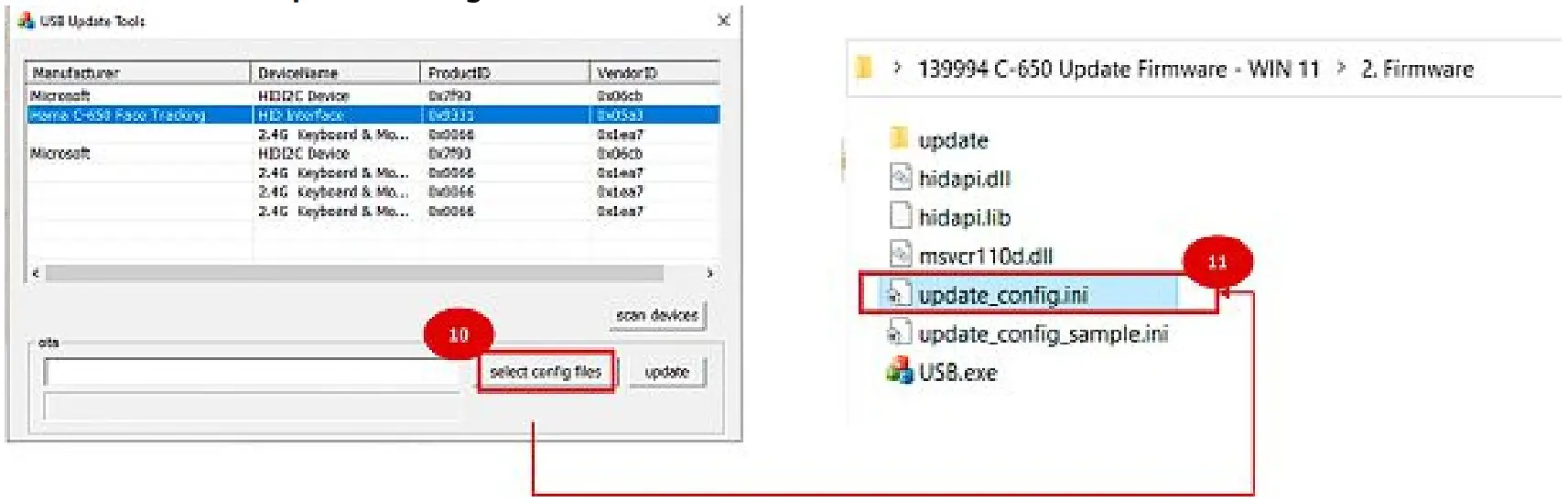
- Click on “select config file”.
- Select the file “update_config.ini”.

- Click “update” to start the firmware update.

- Please wait until the update is finished, click “OK” and exit the application.


Hama GmbH & Co KG
86652 Monheim/ Germany
Service & Support
 www.hama.com
 +49 9091 502-0