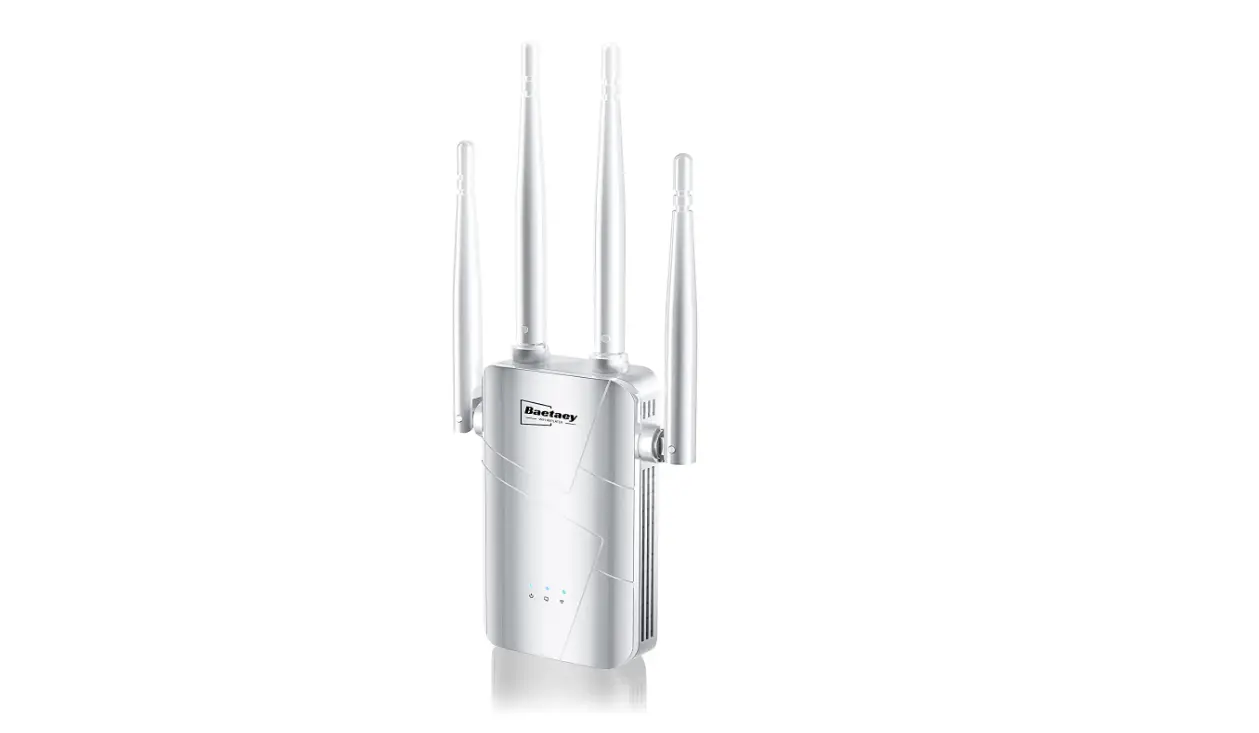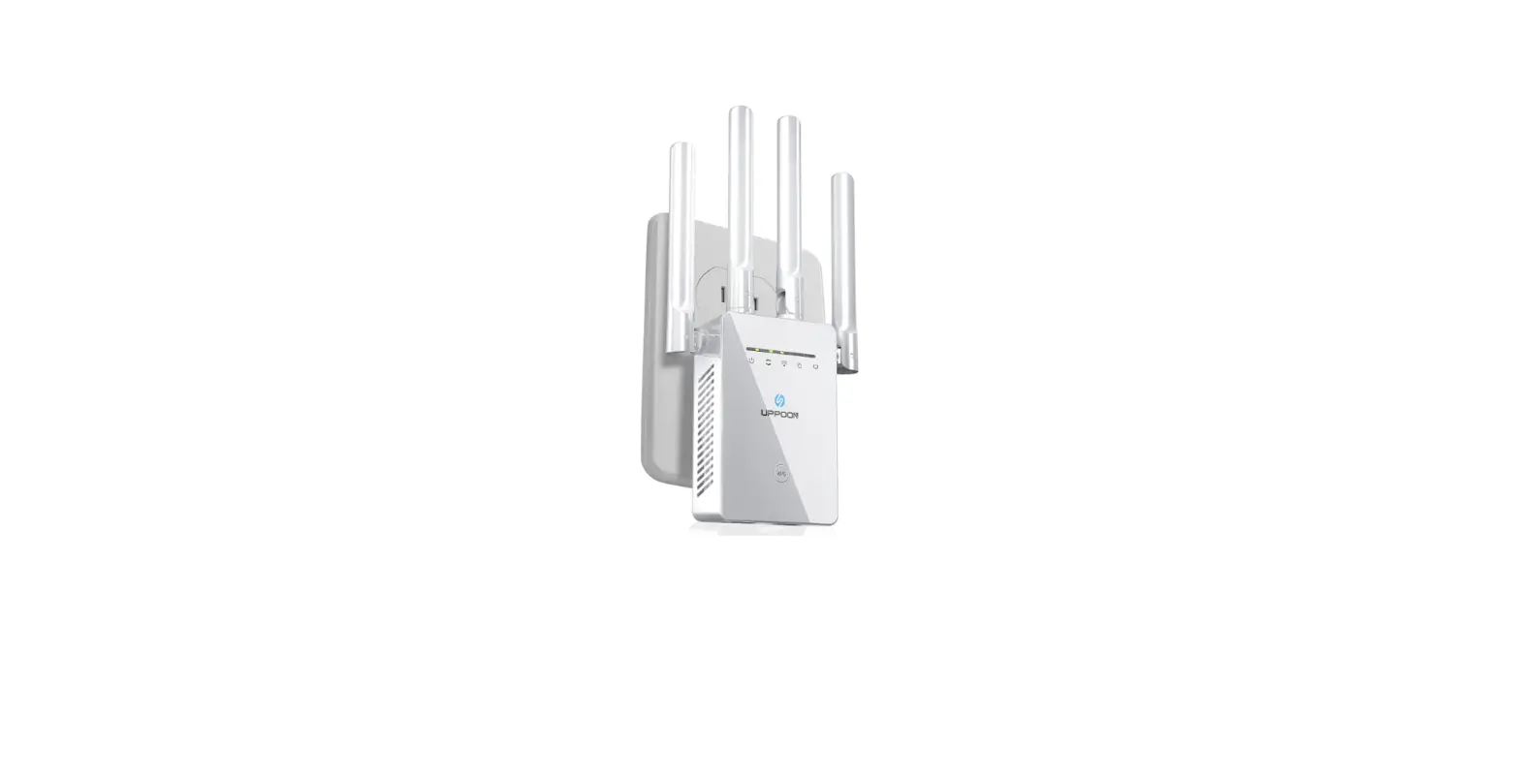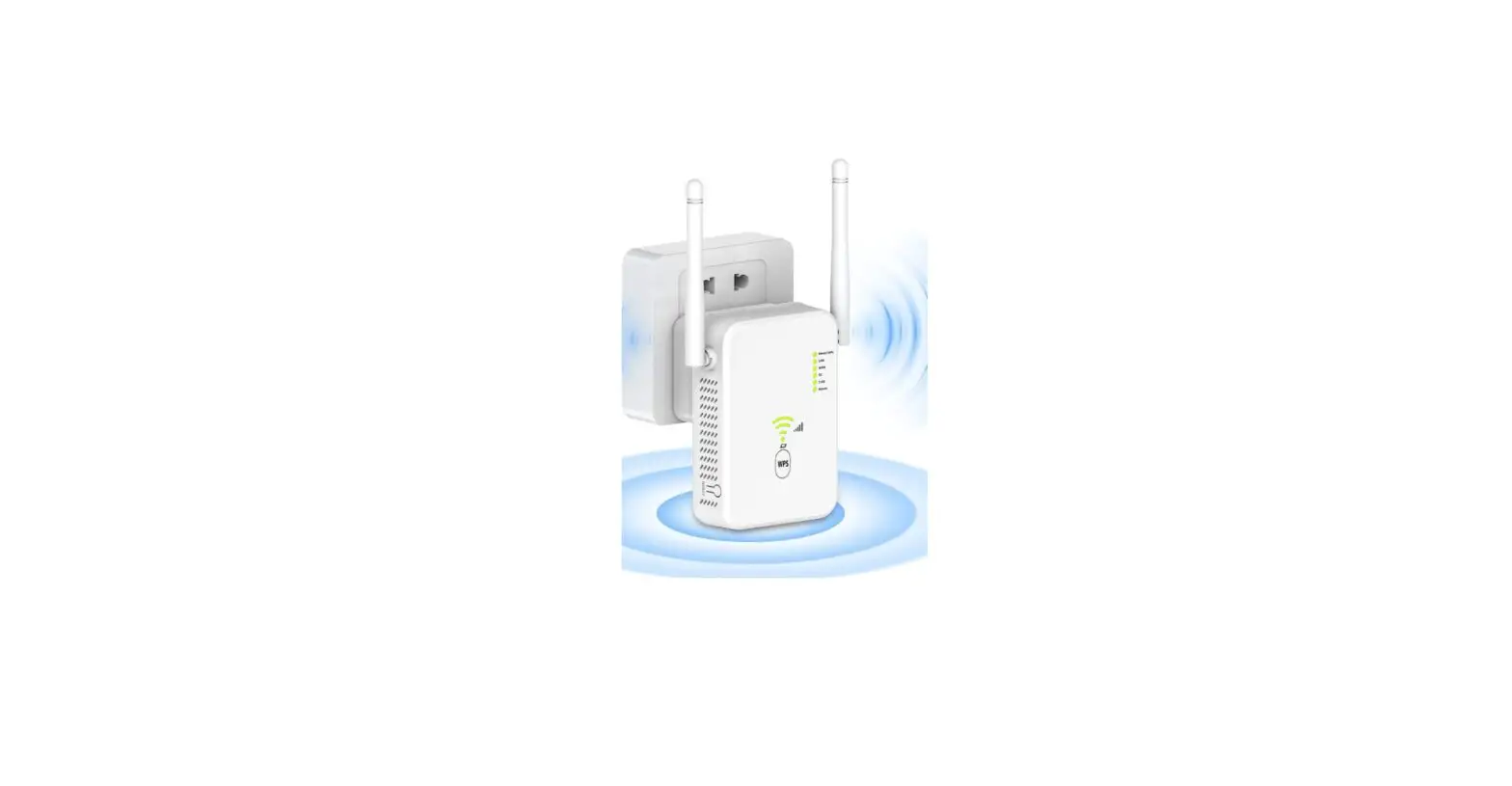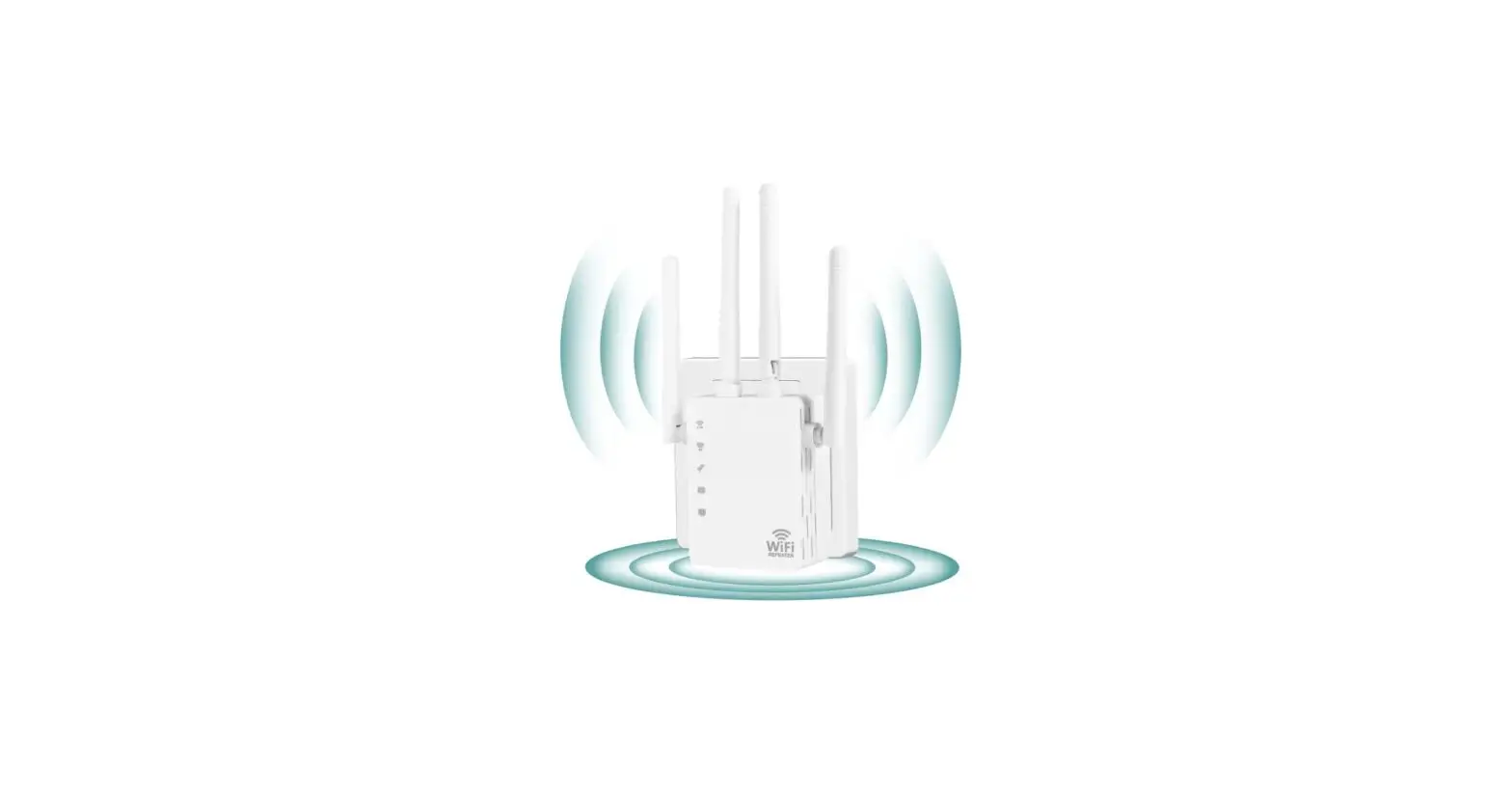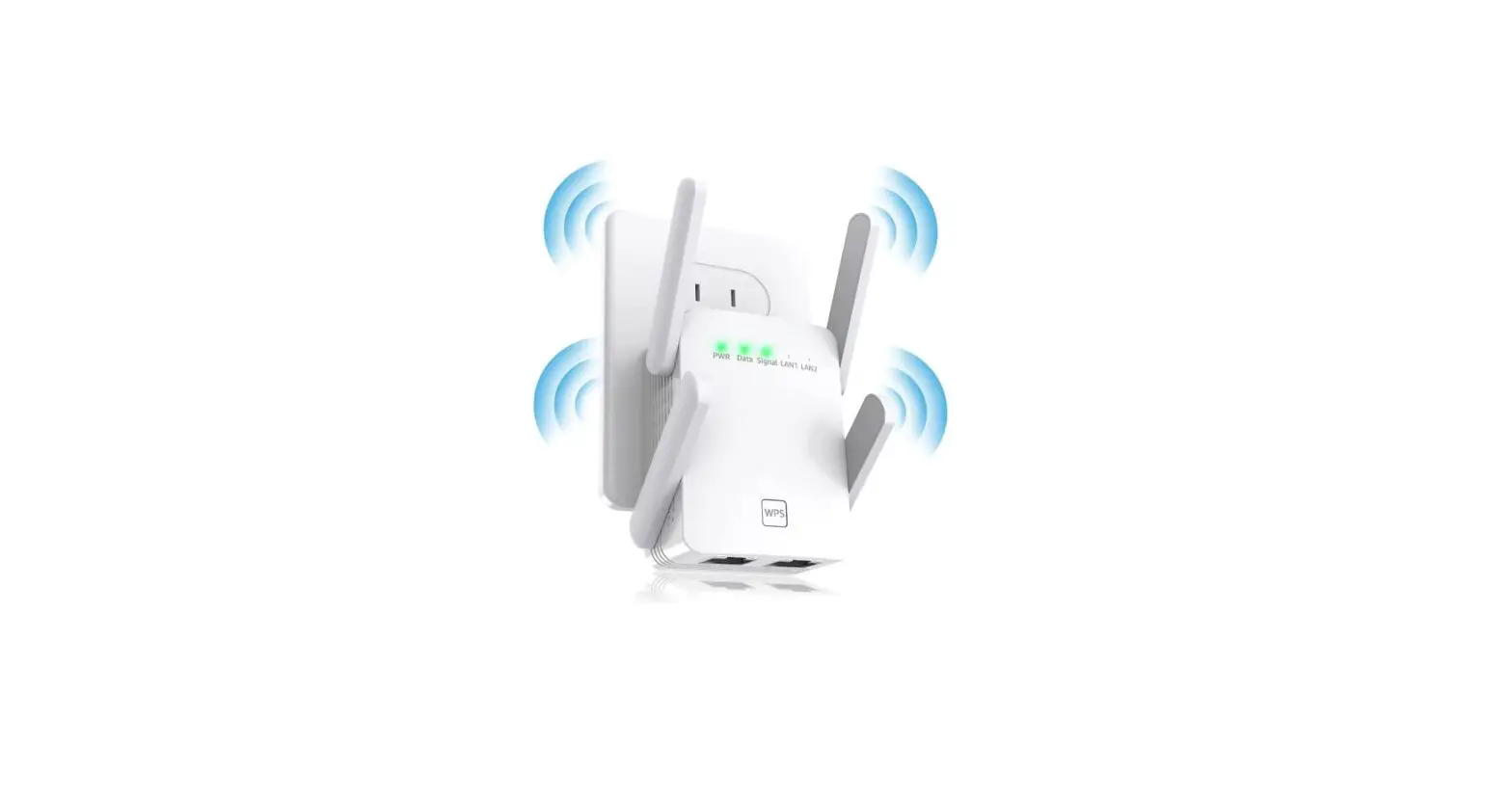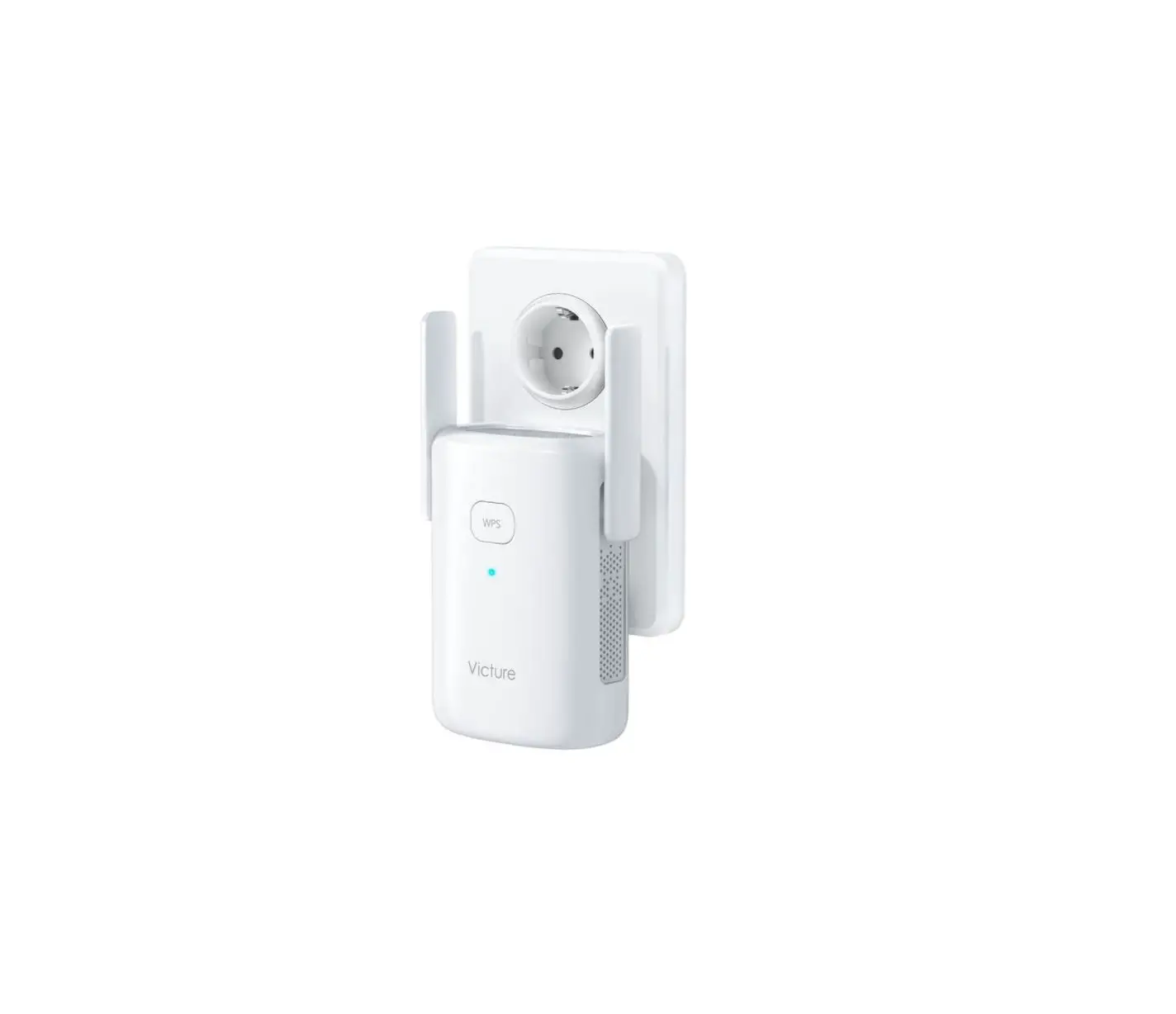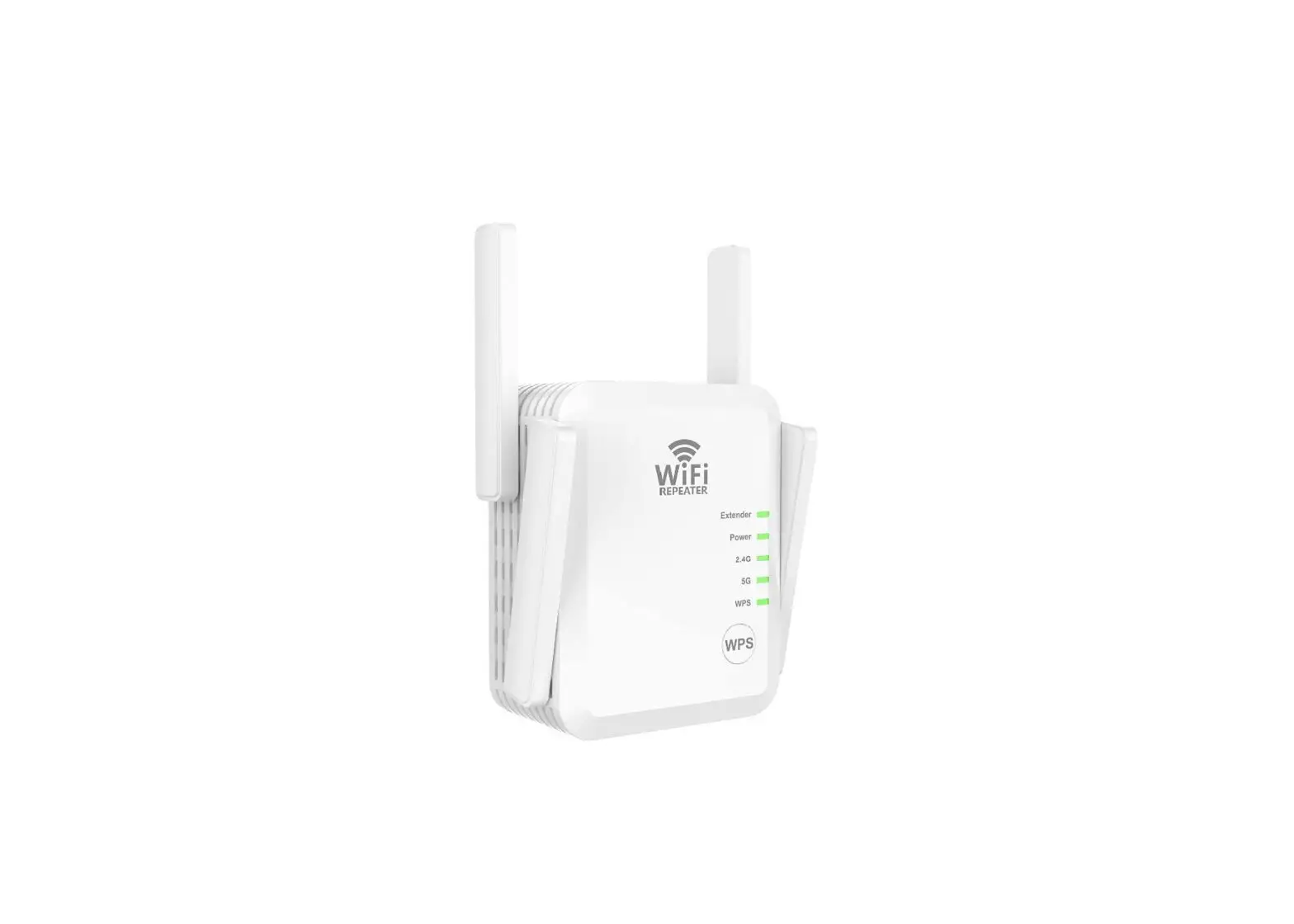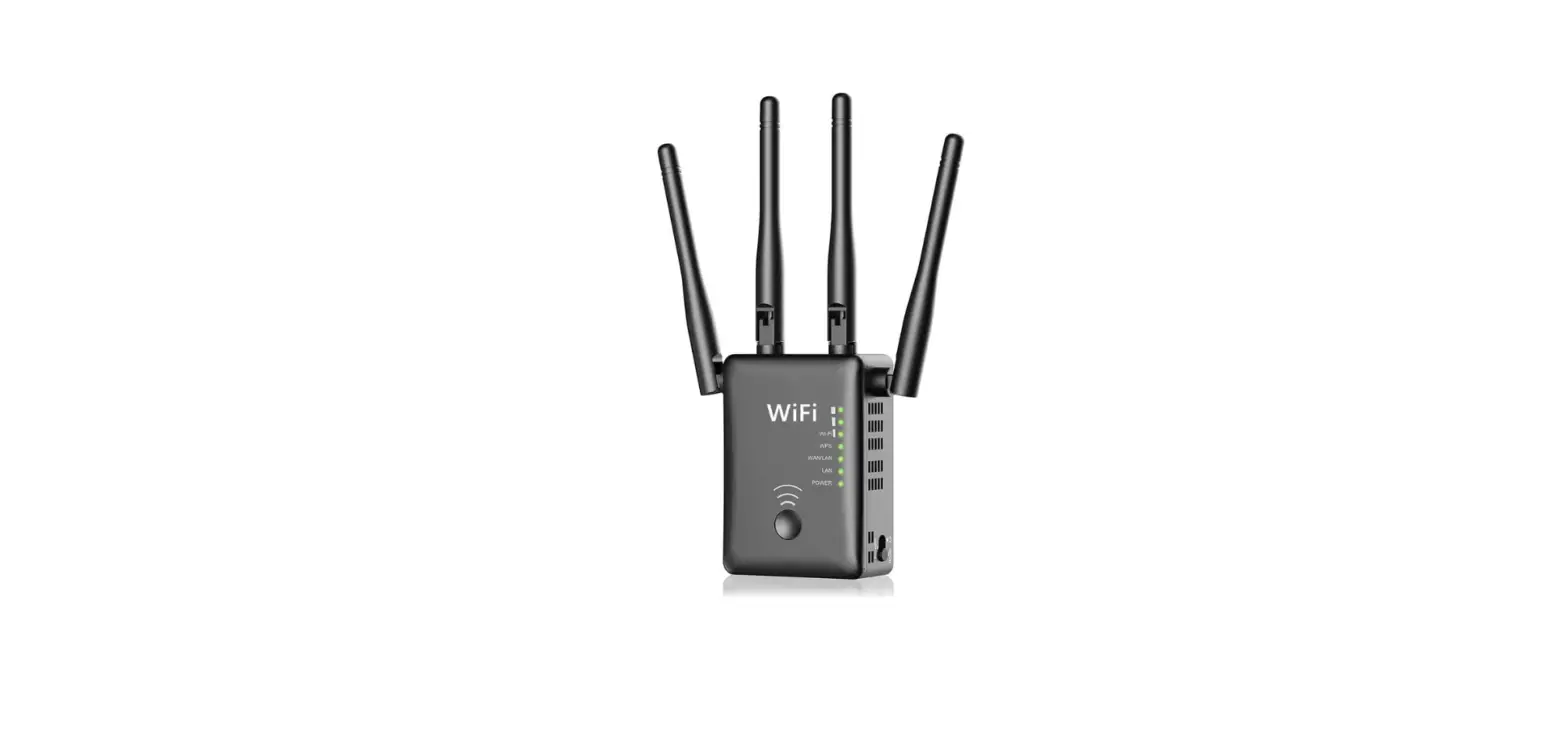

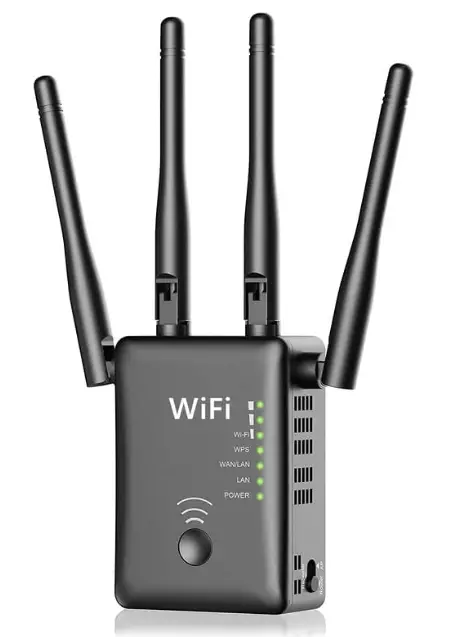
Aitour Ever JW-WR768AC WiFi Range Extender Signal Booster for Home
Specifications
- Package Dimensions
16.7 x 6.2 x 5.6 inches - Item Weight
13.2 ounces - Wireless Communication Standard
802.11n - Data Transfer Rate
1200 Megabits Per Second - Compatible Devices
Router - Range
5000 Square Feet - Brand
Aitour Ever
Introduction
The WA1200 Dual Band WiFi Range Extender uses 802.11 ac technology to increase the signal strength of an existing wireless network, expand its coverage, and get rid of dead spots. The 2.4GHz signal has a greater range, more obstacle throughput, and wider coverage. It is suitable for everyday tasks like emailing, downloading, and online browsing. The 5GHz signal experiences less interference and transmits data at a higher rate over a shorter distance. It is preferable for tasks demanding high data transfer and quick responses, such as HD video streaming, HD online gaming, and other activities.
What’s In the Box?
- 1x Dual Band Wireless WA1200 Range Extender
- 1x Quick Installation Guide
- 1x RJ-45 Ethernet Cable
High Transmission Rate of 1200Mbps
A powerful, dependable Wi-Fi signal is created throughout your home by dual wireless bands that operate at 2.4 GHz and 5 GHz and can transport data at up to 1200 Mbps, which minimizes lag or buffering whether streaming HD videos on a laptop or using the Internet.
How to set up
- Plug in the extension and turn it on. Wait for around two minutes until the red indicator light goes out. Connect to Wi-Fi “XXX 2 G” or “XXX 5 G” by going to “WLAN Setting.”
- Launch Google or Safari and log in to “192.168.10.1”, enter “admin” as the default password, and then click “SET PASSWORD.”
- Scan and choose your WiFi. Click “Save Setting” after entering your WiFi password.
- The final step is to reconnect your new WiFi using “XXX-2G” or “XXX-5G.”
Frequently Asked Questions
I plugged mine into the back of an Ultra HD TV as I only have internet now. I am not getting any buffering issues. I am not sure, but I do know the signal in a long ranch is very good from one end to the other.
Don’t know the wattage, but I can tell you it gets surprisingly hot. I would not feel safe having it next to anything flammable nor would I install it where it might be accessible to small children.
Wi-Fi repeaters are the easiest method of connecting wirelessly to structures (range extender). Any data received by a Wi-Fi repeater is retransmitted when it establishes a connection with your home’s Wi-Fi router and Wi-Fi devices. Only a Wi-Fi repeater with a strong enough signal to connect to your home’s Wi-Fi router will function.
If so, there’s a good chance you can utilise your outdated router as an extender. Avoid using routers from the 802.11b and g eras because their lower maximum bandwidth will cause bottlenecks in your network and cause them to perform poorly.
The extender should be placed halfway between your wireless router and your PC, but it MUST be inside the wireless router’s coverage area. Reposition the Extender closer to the device while still within the router’s wireless range if you must utilize a different location.
Don’t know the distance it covers, but I ordered this a long time ago and still haven’t gotten it. Originally they said it was lost in the mail and now they are saying it’s back-ordered. Be prepared to wait a while for it!
Yes, the lights on the front of the extender should stay on. If the lights are off, it means that you have entered the wrong password and you need to reset the extender.
We would like to tell you that all the extenders in the market extend the WiFi coverage to far-reaching places, we suggest you compare the signal in the dark place, but the WiFi speed may be affected by distance, interior/exterior walls, or other factors while WiFi coverage has been extended . Signals may be affected by household appliances, such as microwave ovens, refrigerators, etc. The WiFi extender only extends the WiFi coverage range, BUT please know that it couldn’t boost the speed of your original router or hold the same speed as the original router. It means that its WiFi speed may be weakened compared with your router.
A device that operates without a cable is a range extender. It receives and amplifies the wifi signal from the base station before transmitting it again. An Ethernet dock may occasionally be included with a real range extender. This added functionality enables you to connect a device without the wireless capability to your LAN.
Wi-Fi signals may quite easily flow through walls and other obstructions. In actuality, some barriers are thicker or made of reinforced concrete, which could prevent some signals from passing through. Wireless signals can easily pass through drywall, plywood, various types of wood, and glass.
Your customized settings will be erased if your router is reset. The username and password for the router will be changed to their factory defaults, as displayed on the router label. All customized Wi-Fi settings, including the Wi-Fi name and password you set up, will be erased.
Your router’s password will be changed if you reset your router to its factory default settings. The username box should be left empty, and the router’s default password is “admin”.