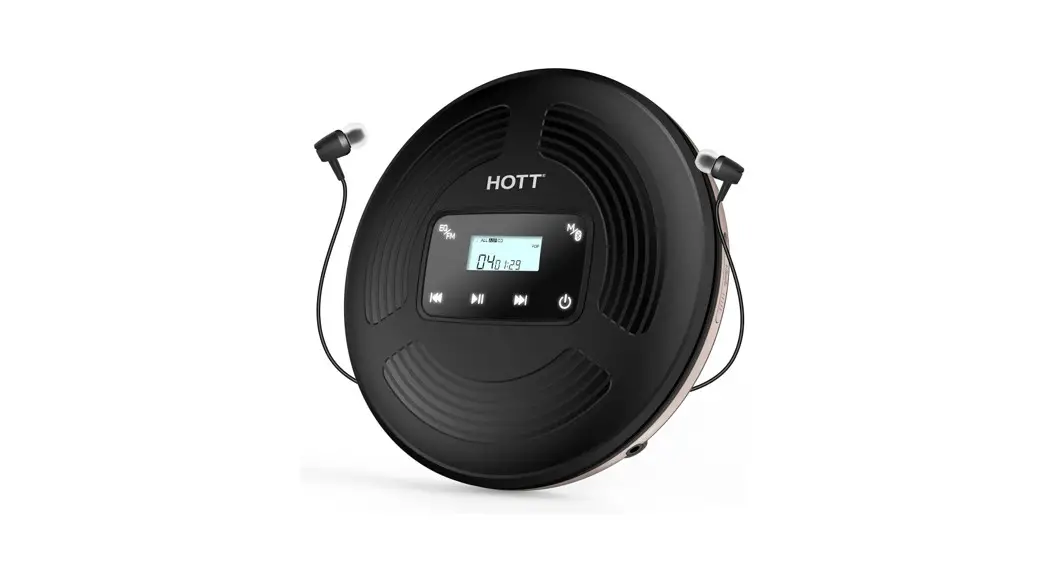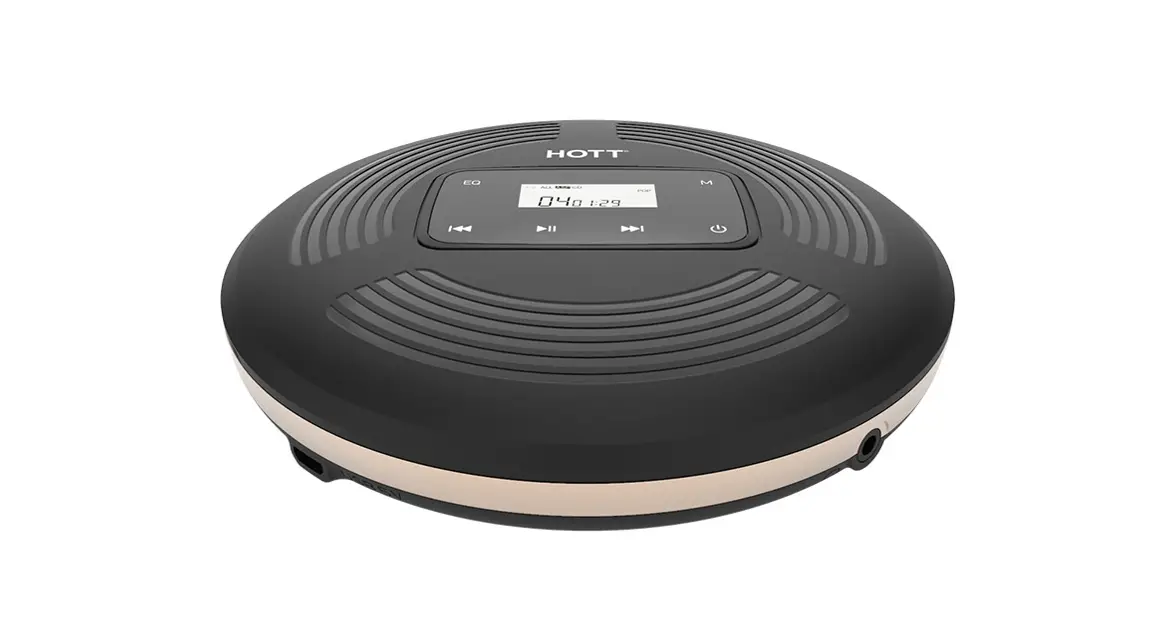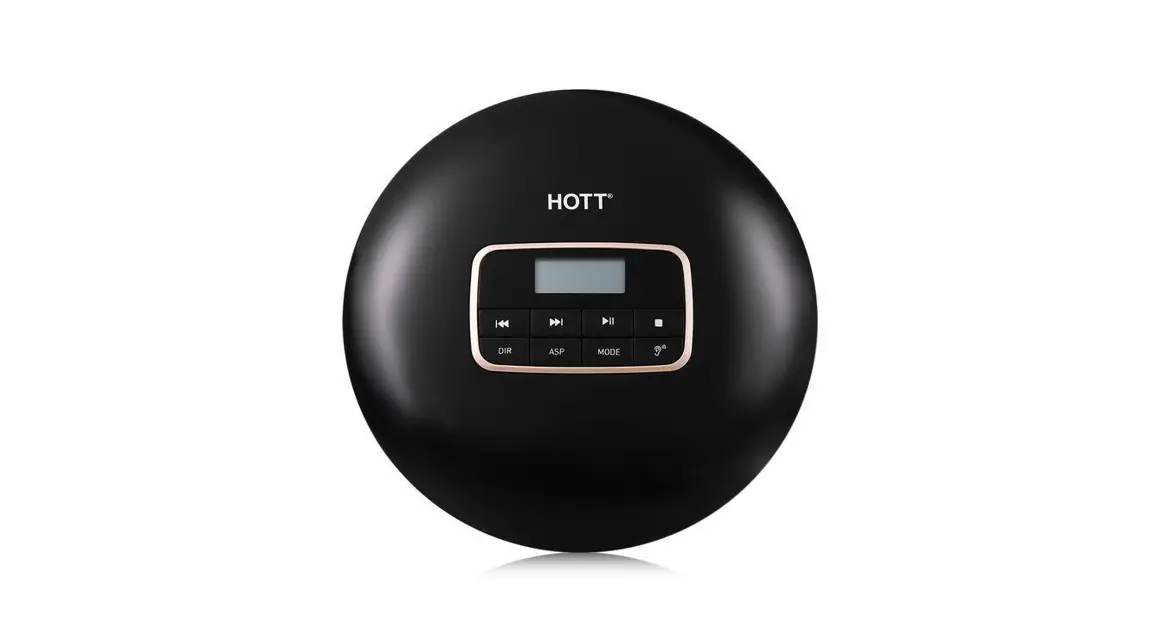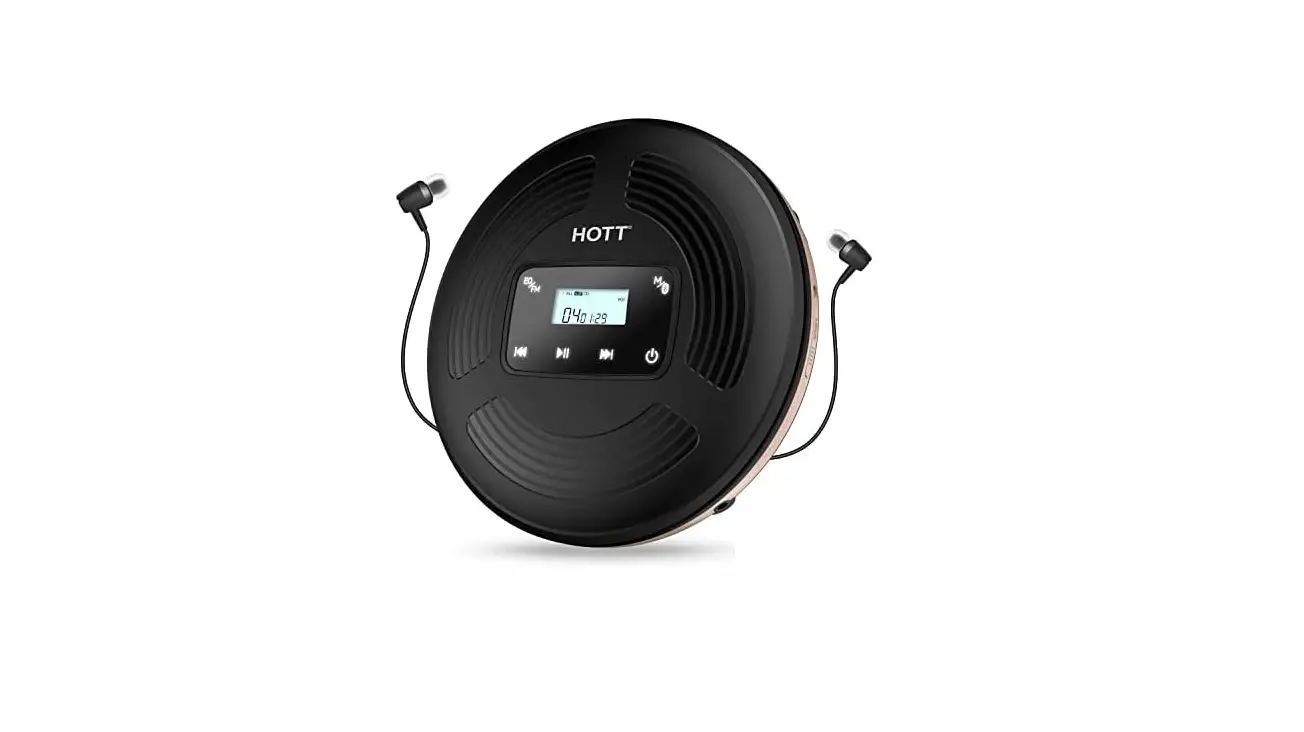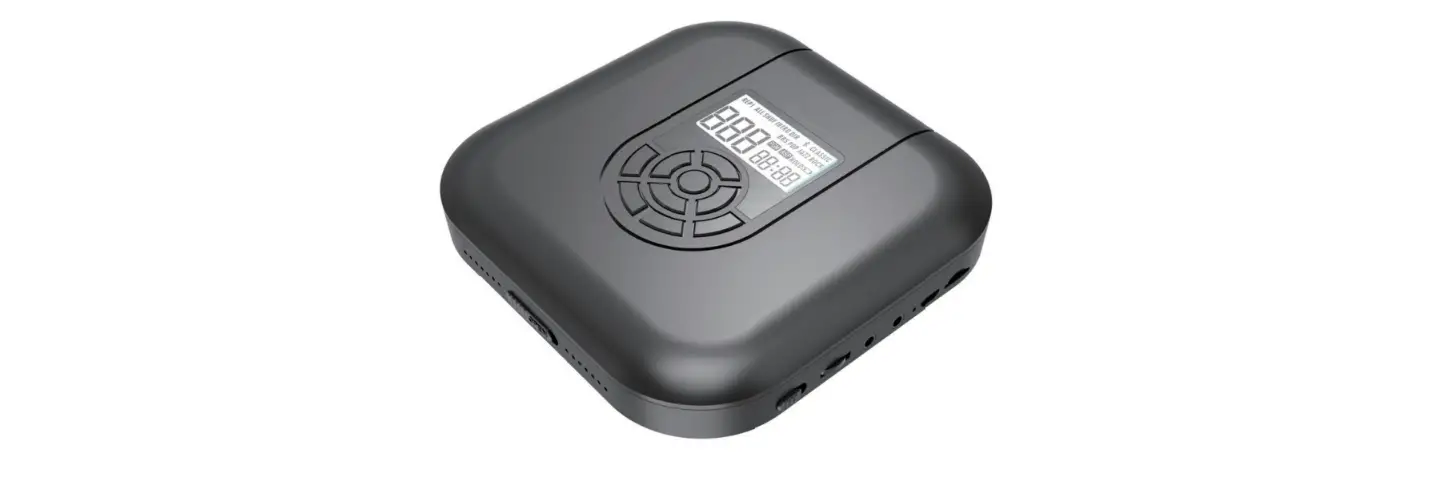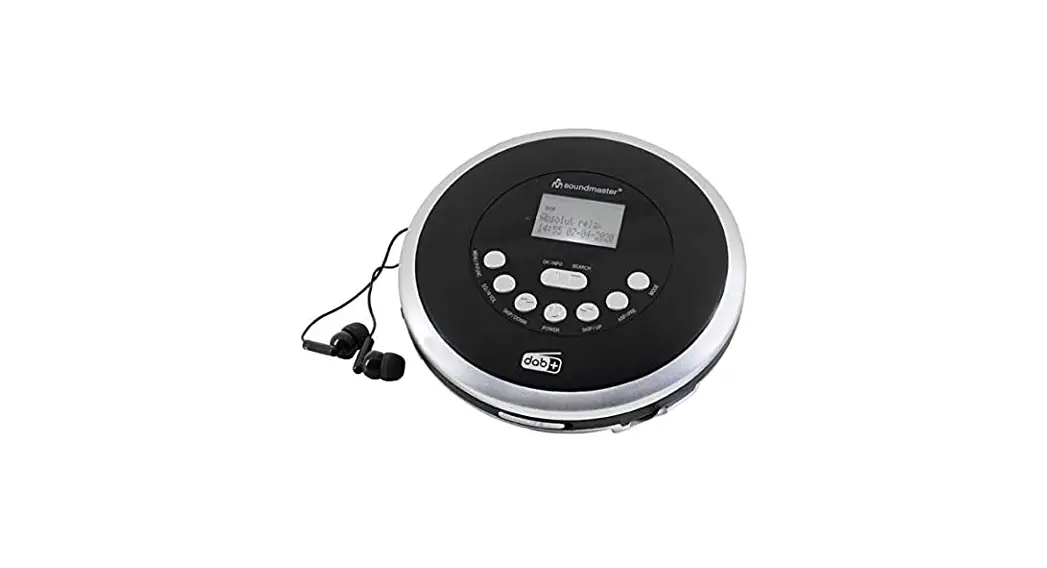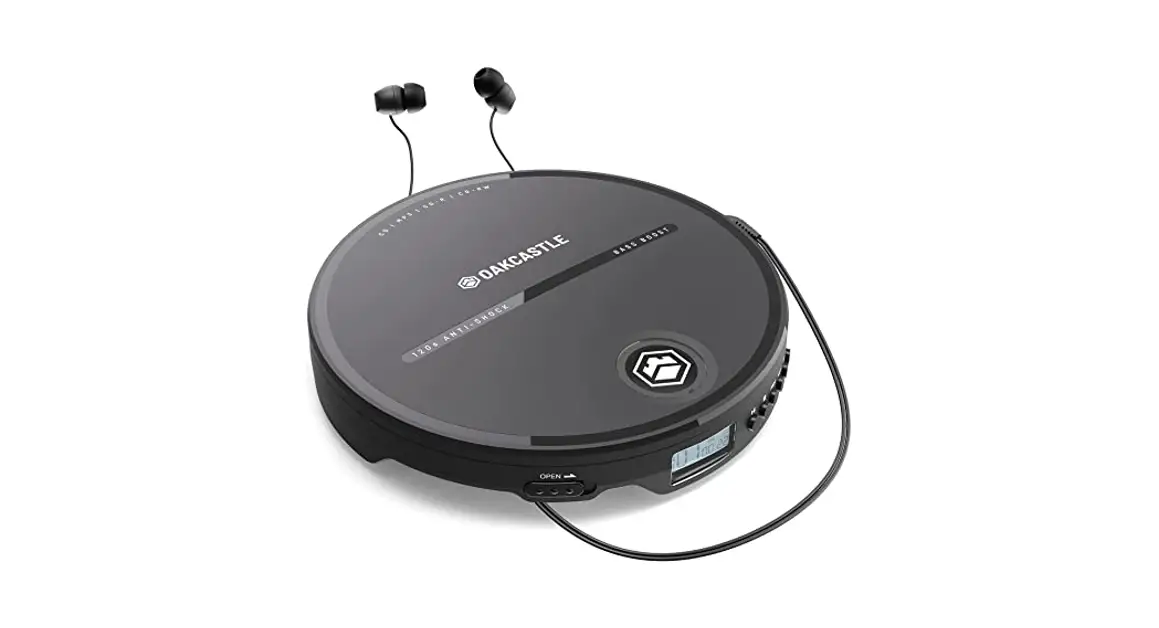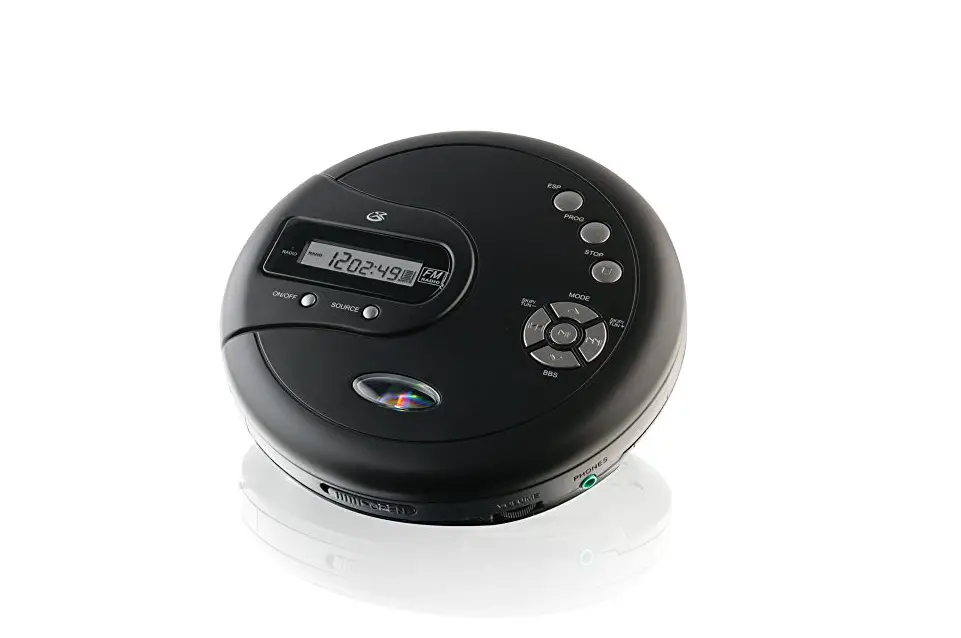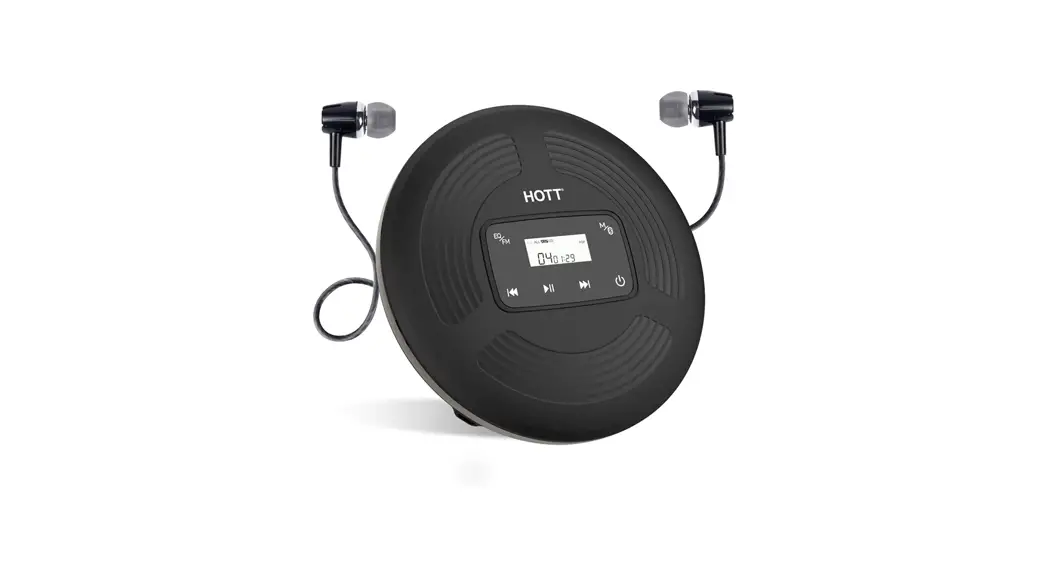

CD Player User Manual
Model: CD903TF
Dear user:
Thank you for choosing a portable CD player from HOTT. We wish you a happy experience, please read this manual carefully before use and keep this manual in a safe place for your use.
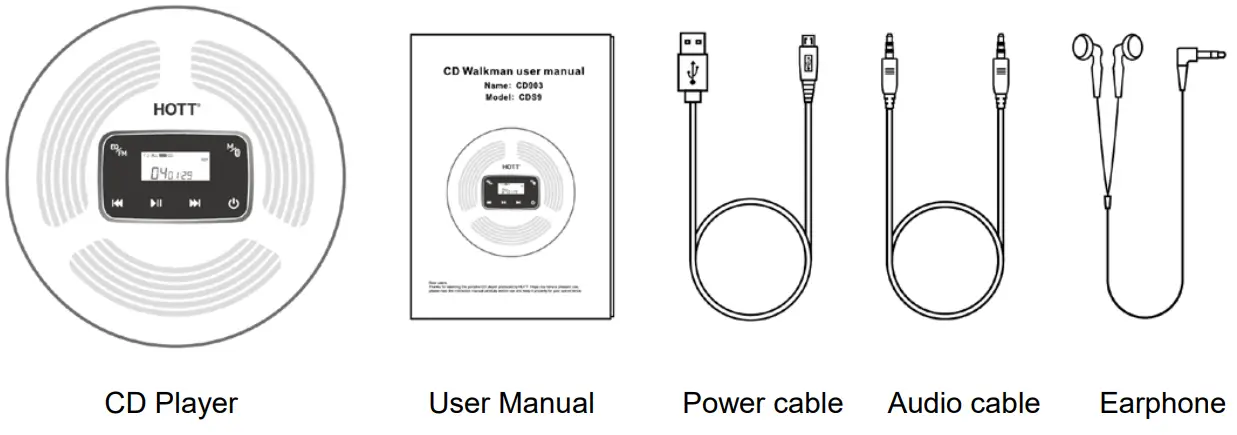
Accessories
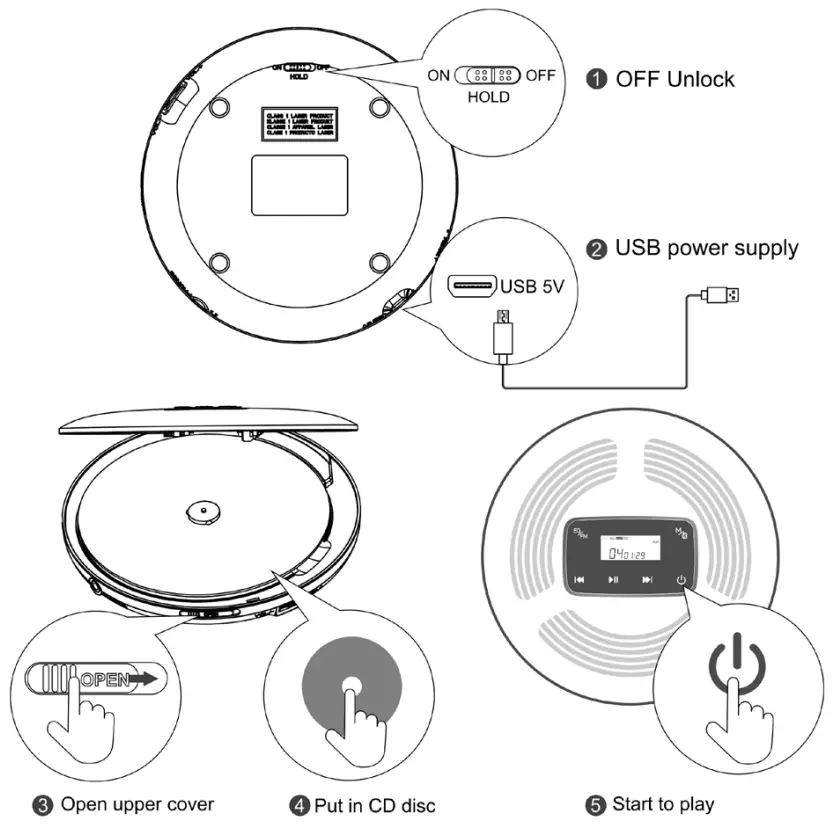
Start-up Steps
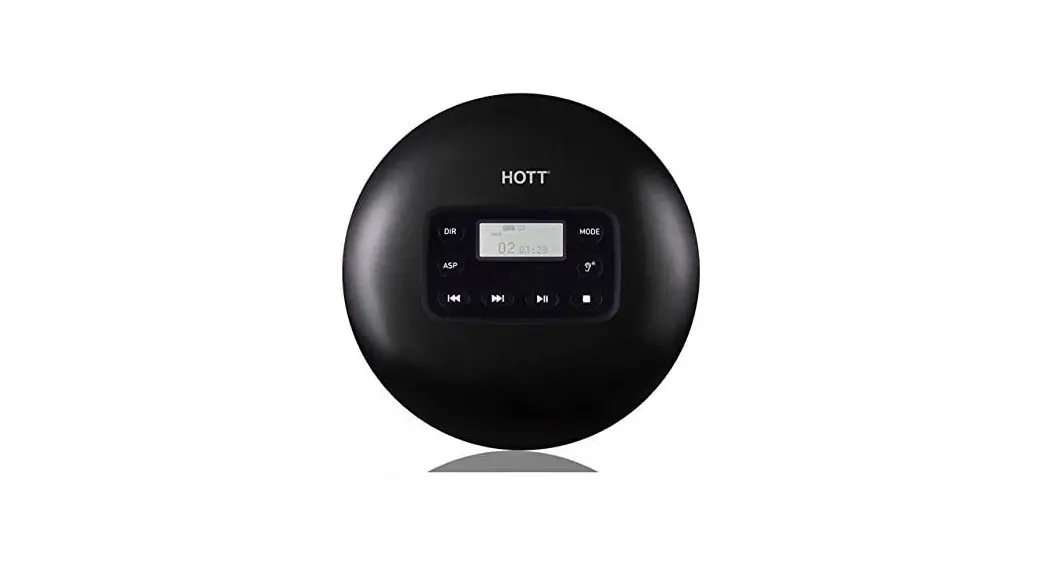
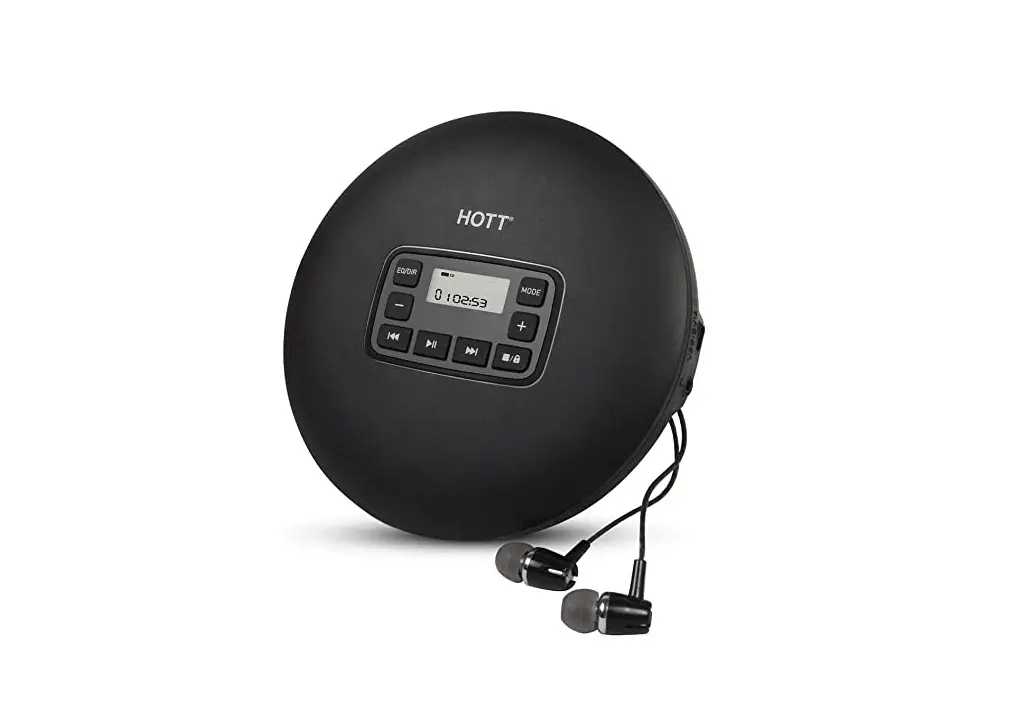
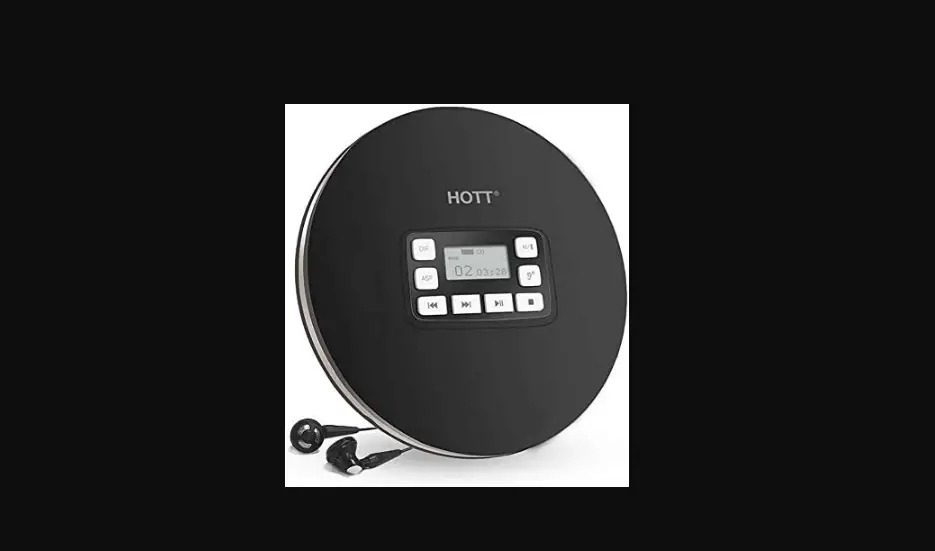
Key Function Description
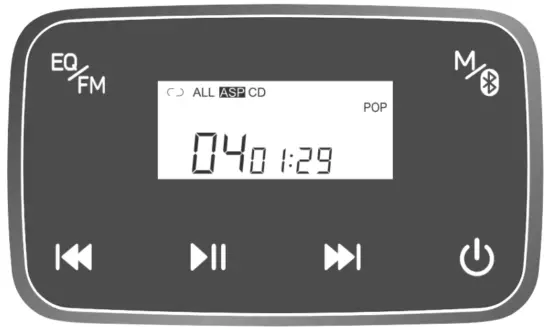
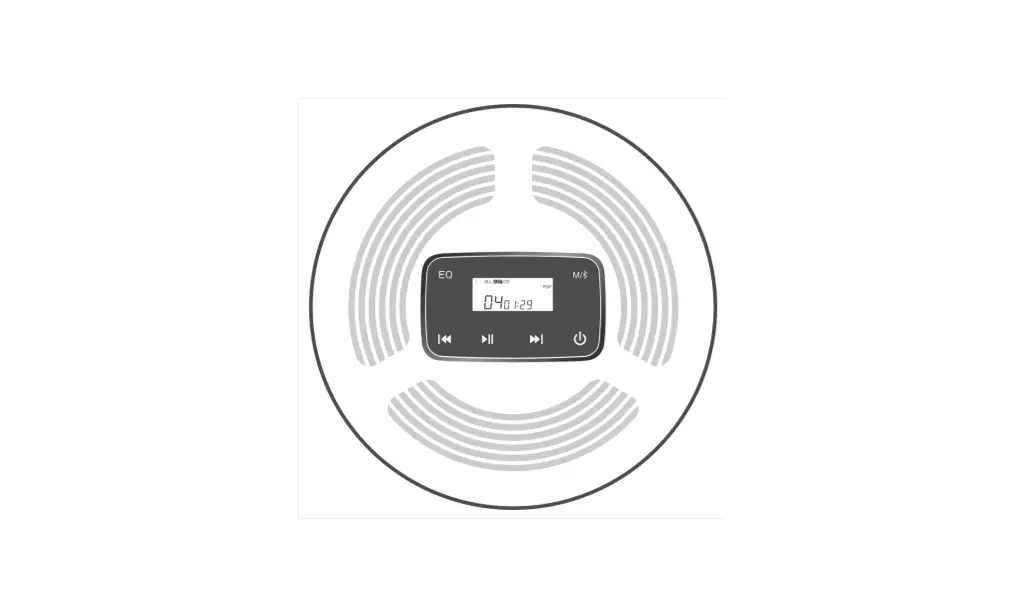
 : Turn on / Turn off
Long press 3s to start and play. Under backlight starting state, long press 3s above to shut down. : Play/Pause
Short-press to pause/play when playing. : Prev song/Fast Rewind
Short-press for once to replay the song when playing, and short-press for twice to skip to the previous track, long-press to fast backward : Next song/Fast forward
In the playing state, press short to play the next song, and press long to fast forward : EQ Sound mode /MP3 disk tracklist selecting play
Short-press sequence(BBS)→(POP)→(JAZZ)→(ROCK)→(CLASSIC)→(Back to the original state.
In the playing state, double-click, skip to the DIR track area, and select play. CD has no track function. Double-clicking has no effect. : Play mode
In the playing state, short press to skip to Single-cycle play; ALL: All songs are played in a loop; DIR Select to play in the track area; INTRO: INTROSCAN; SHUF: Play in any order, and un play the mode. (Note: MP3 disc has full play mode. Except for “select play” in the DIR track area, the CD has all other play modes.)
Bluetooth Function
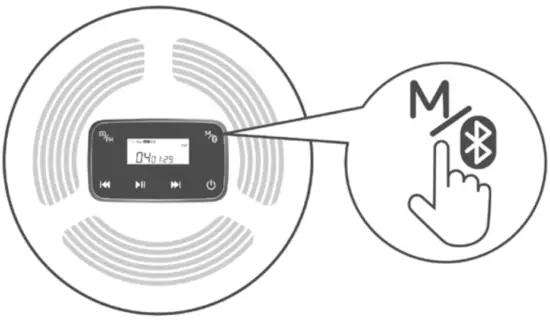
In the playing state, long press to open the Bluetooth device. The  icon flashes to enter the pairing mode. It will automatically connect to an open Bluetooth headset or Bluetooth speaker nearby in the 50s. Long press again to switch to reconnect or disconnect Bluetooth transmit function, The paired device can be reconnected automatically after starting up.
FM Function
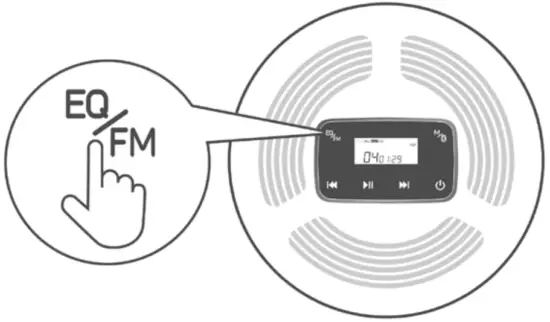
In the playing state, long press the key to enter the FM transmission state. Short press  adjust the frequency band (frequency band range: 87.5HZ-108.0Hz). Long-press adjust the previous song or next song. Short press the key to pause/play the song. Then, long press to normally exit the FM transmission state and return to the song playing interface.
Note: When the CD player is in an FM transmitting state, use the equipment with FM receiving function and adjust to the same frequency band as the CD player to normally listen to songs.
Bluetooth and FM can only be operated in a single, and can not run at the same time.
Back Function Introduction
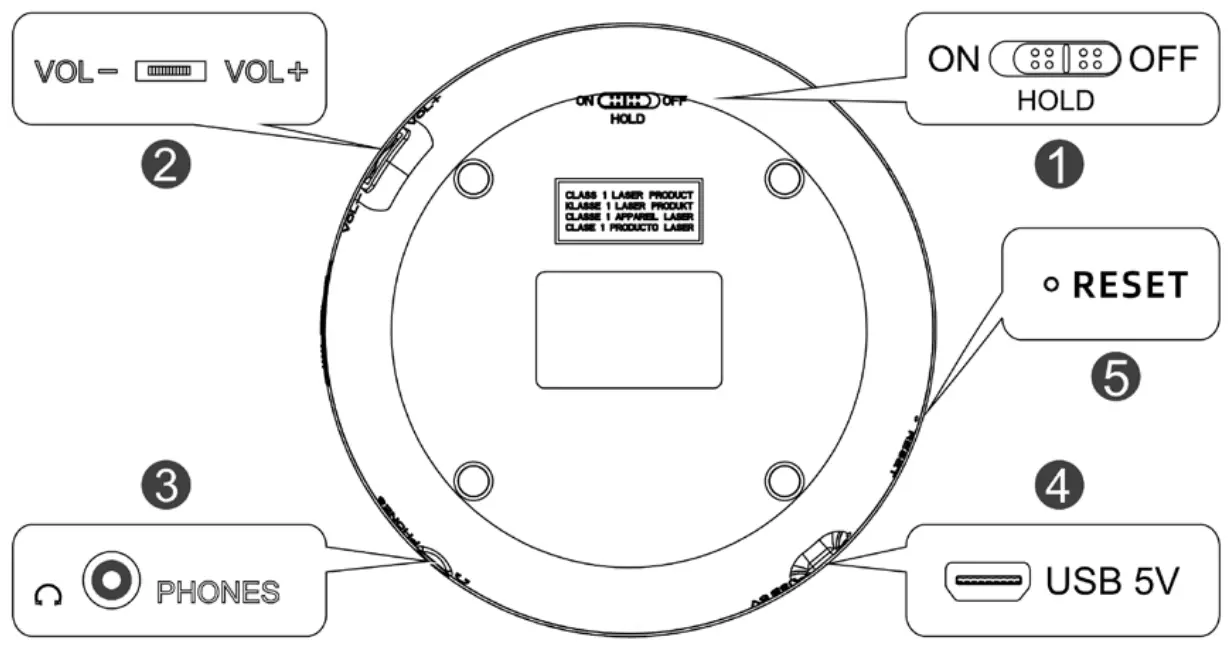
- HOLD( ON / OFF): Lock/unlock switch control (you need to unplug the button to the OFF position before starting it). -ON: key lock -OFF: Unlock
- Volume -/ Volume +: The volume control switch can adjust the volume under the playing state.
- Earphone hole: Earphone jack.
- USB 5V: power input
- Reset hole: Short press to shutdown
Charging Instructions
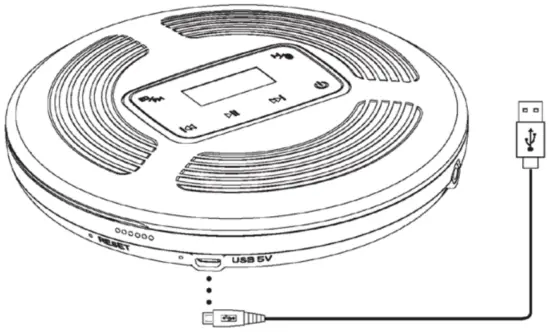
Check if the supply voltage on the power adapter type board corresponds to the local power supply.
- Plug the power adapter cable into the >>USB 5V<< socket.
- Plug the power adapter into the power socket.
– The red indicator lights up when charging. The blue indicator lights up when fully charged.
It can be fully charged in 3-4 hours.
– If >> << flashes on the display, which means that the CD player is about to run out of power.
 << flashes on the display, which means that the CD player is about to run out of power.
Specification
Power input: USB —-5V 1A
Support disc format: Original CD disc, MP3 disc, CD-R, CD-RW ;
Support music formats: CD-DA, MP3, WMA
Charge Time:3-4 hours
Play Time:>10 hours
Overall Dimension: ∮142X28mm
Bluetooth range:10 m
 His device complies with Part 15 of the FCC Rules.
Operation is subject to the following two conditions:
(1) this device may not cause harmful interference, and (2) this device must accept any interference received, including interference that may cause undesired operation. Any changes or modifications not expressly approved by the party responsible for compliance could void the user’s authority to operate the equipment.
FCC ID: YB2-CD903
Safety Caution
Be careful when setting the volume to prevent excessive output power from damaging your hearing.
Avoid the system contact with moisture, rain, sand, or all kinds of heat sources, and do not place vases or other liquid containers on the equipment.
When cleaning, please use a slightly damp soft cloth to clean the device, and never use alcohol or benzene solvent to clean it.
Please turn off the main power switch of the equipment when not in use for a long time.
Do not repair the equipment by yourself. The user will be responsible for the damage to the equipment caused by self-repair.
| Warning |
|
There’s an electrical danger. | ||
Do not open Warning: To avoid the risk of clicks, non-professionals should not open. | ||

Matters Need Attention
In order to use the player correctly, please read it carefully and comply with it.
Do not severely hit the host.
Do not contact benzene, diluent, and other chemicals.
Please keep away from strong magnetic and electric fields.
Avoid direct light or heaters.
Never heat or throw the battery into fire
Do not disassemble, repair or transform by yourself.
Do not use the player and earphones when riding a bicycle, driving a car, or a motorcycle to avoid danger.
Do not listen at a high volume to avoid harmful effects on hearing.
Please sort and dispose of waste packaging, batteries, and old electronic products properly.
Important tip:
A cracked disc may cause the player failure, please do not use it. If there are serious scratches, fingerprints, and dirt on the signal surface of the optical disc, it may cause equipment failure or shorten the service life of the laser head to read the disc.
U.S.A Service Center
To ll-free: 1-866-468-8280(09:00-17:30)
E-mail: [email protected]
HOTT Corp: 13620 Benson Ave, Suite B Chino, CA 91710-5201
Germany Service Center
Toll-free:+49 7171 8707105(8:00-17:00)
E-mail: [email protected]
Address: Rolf-Michael Pohl Klarenbergstraẞe 36 73525 Schwäbisch Gmünd
 阿里云企航_万网域名_工商财税_知识产权_资质备案_智能设计_网站建设-阿里云