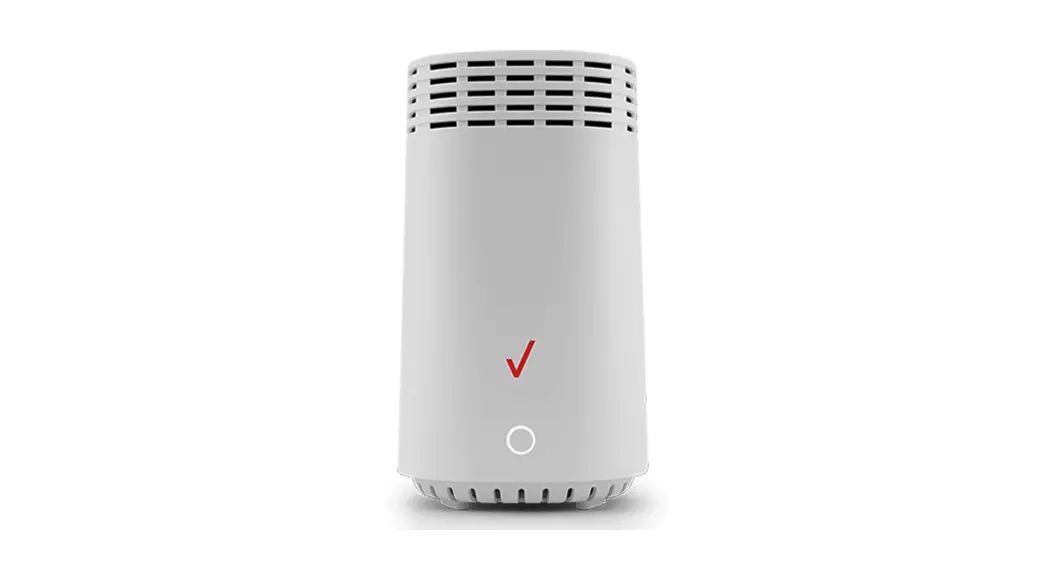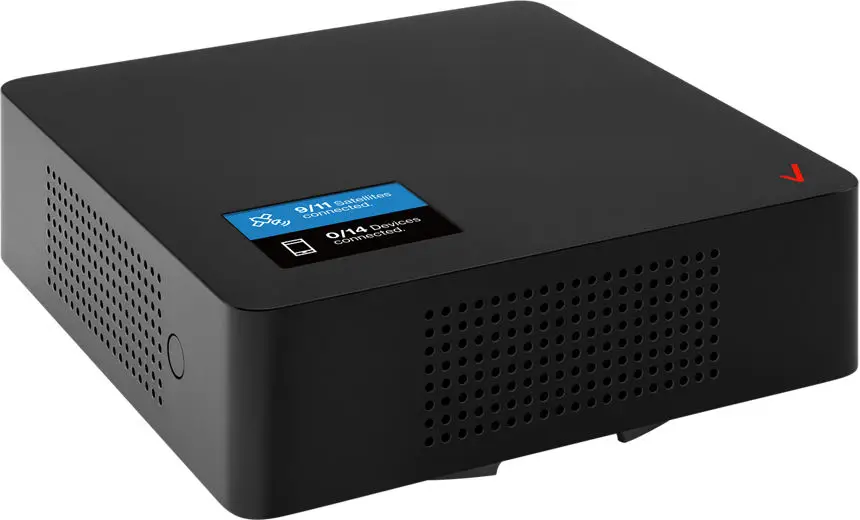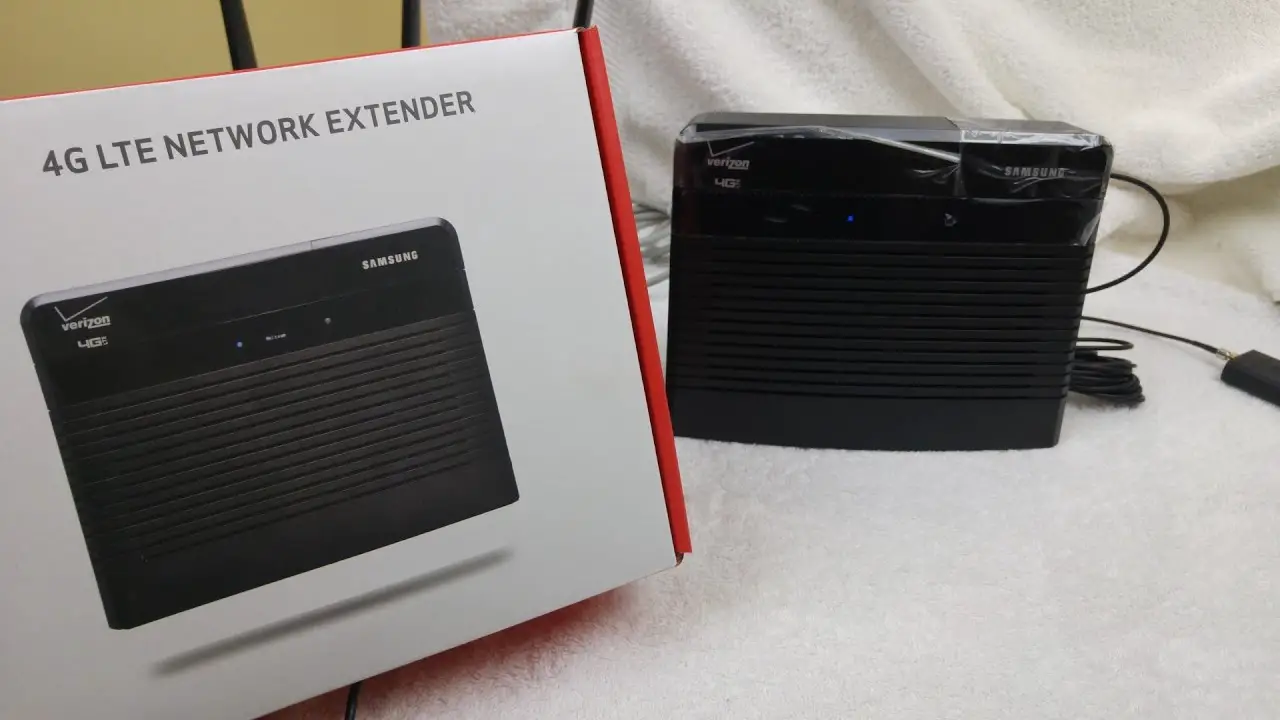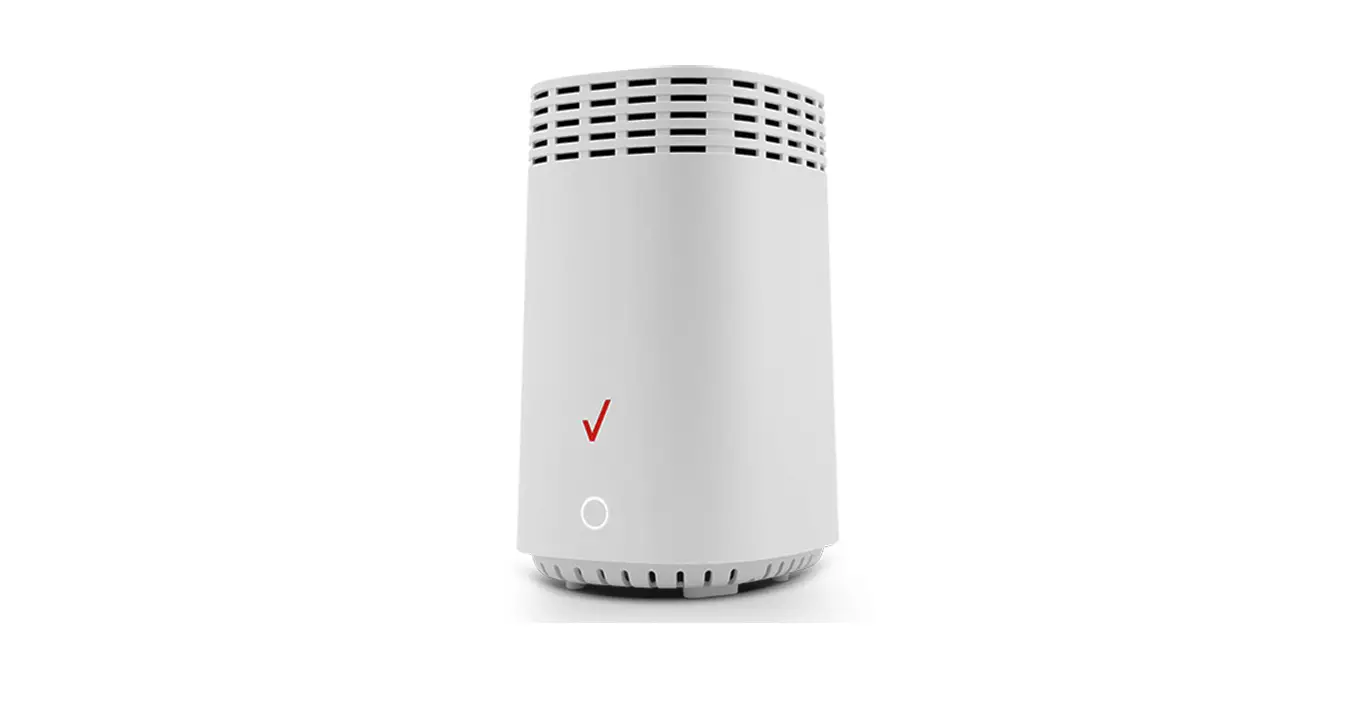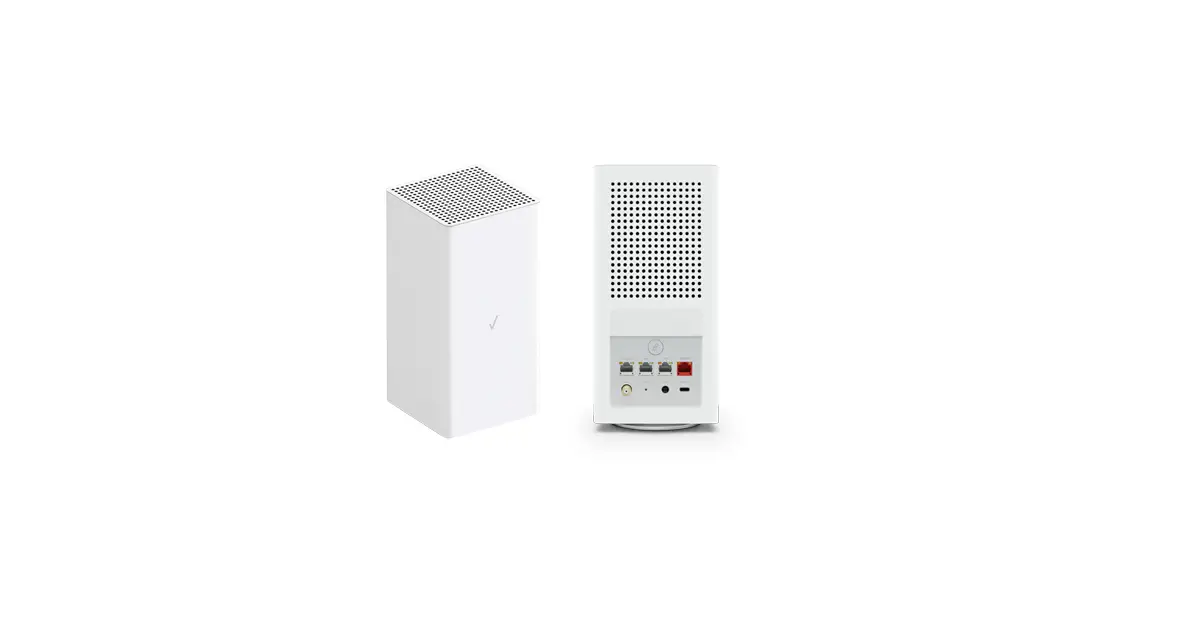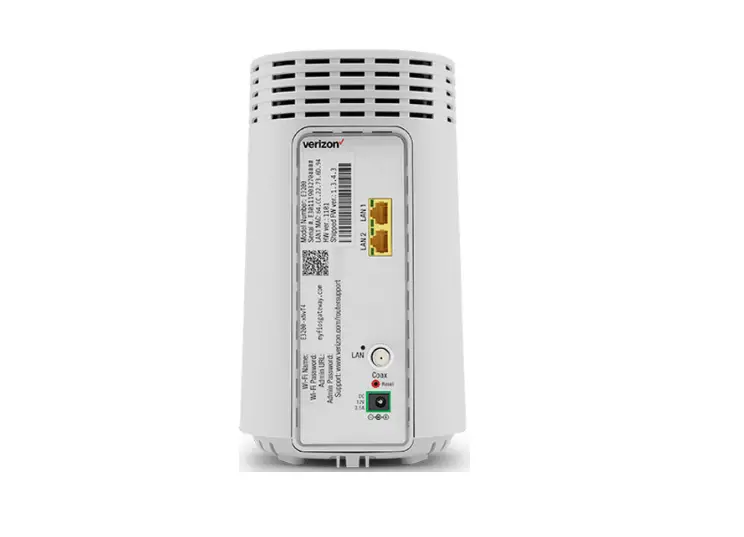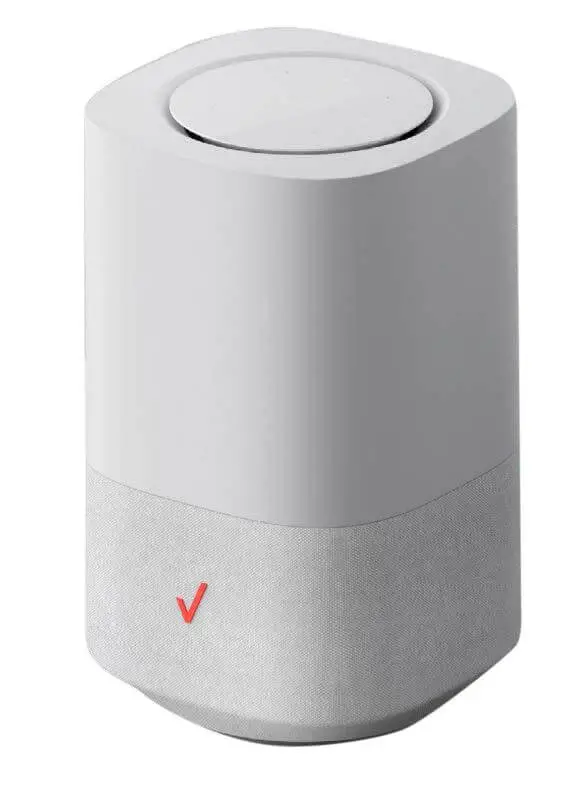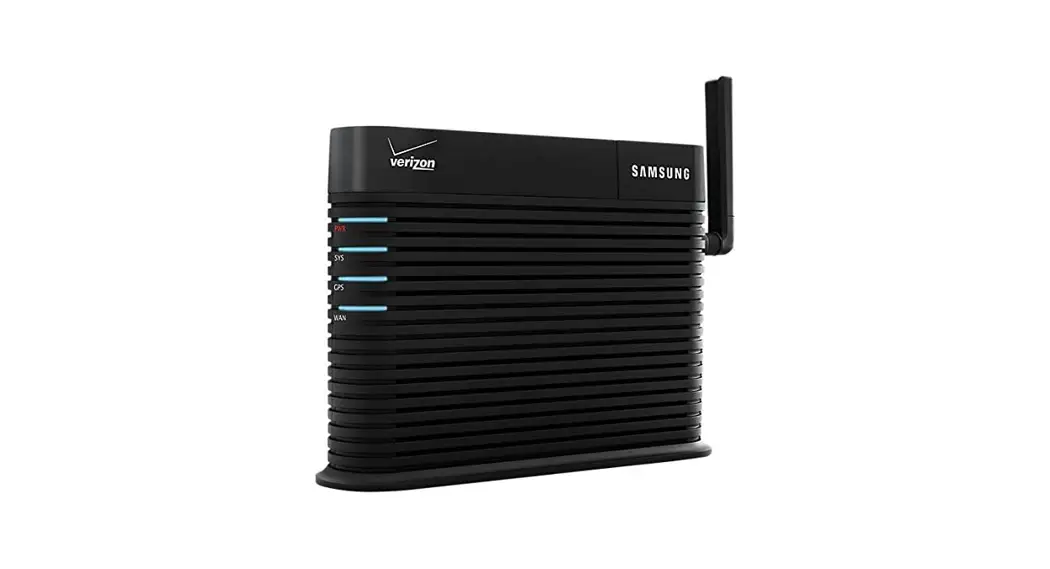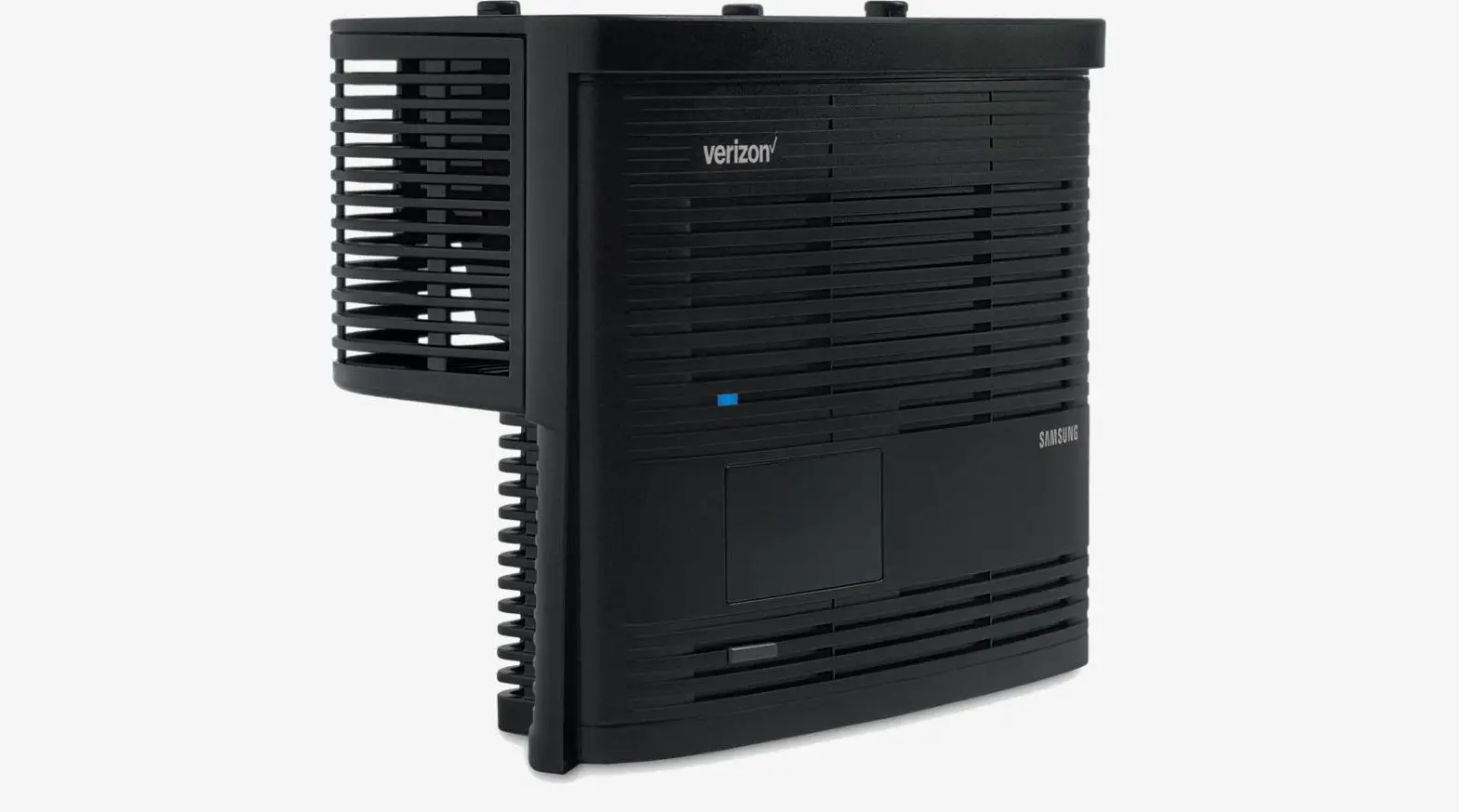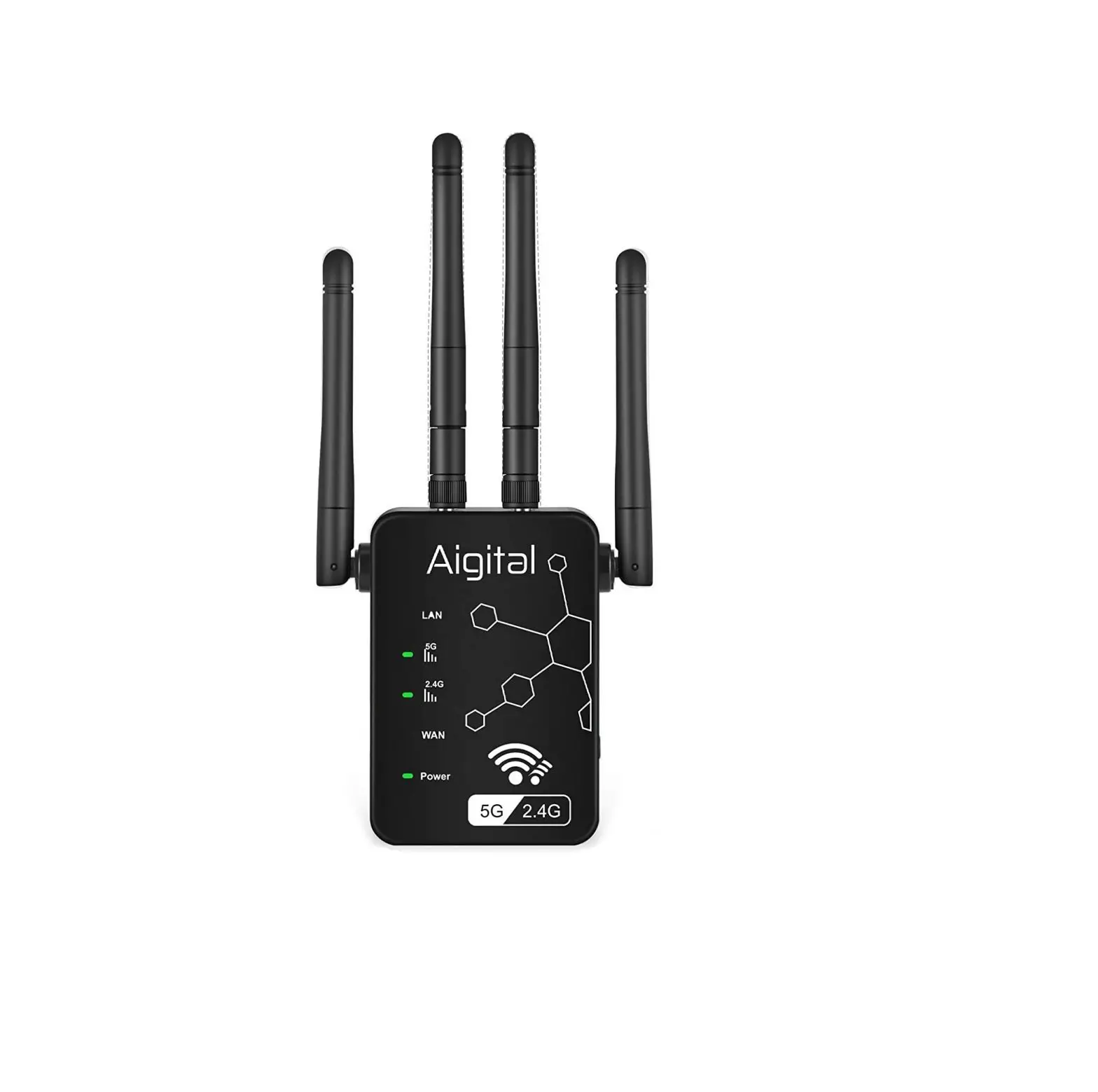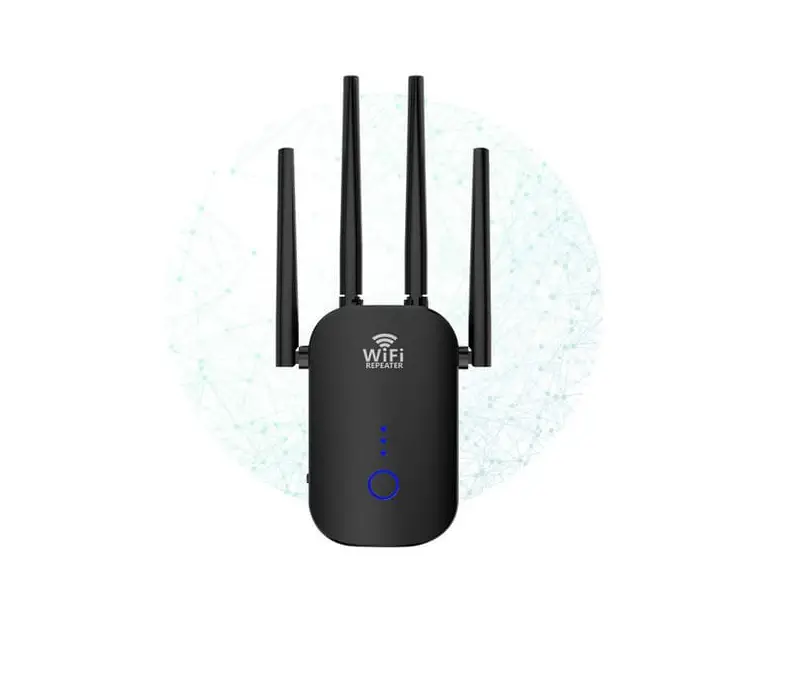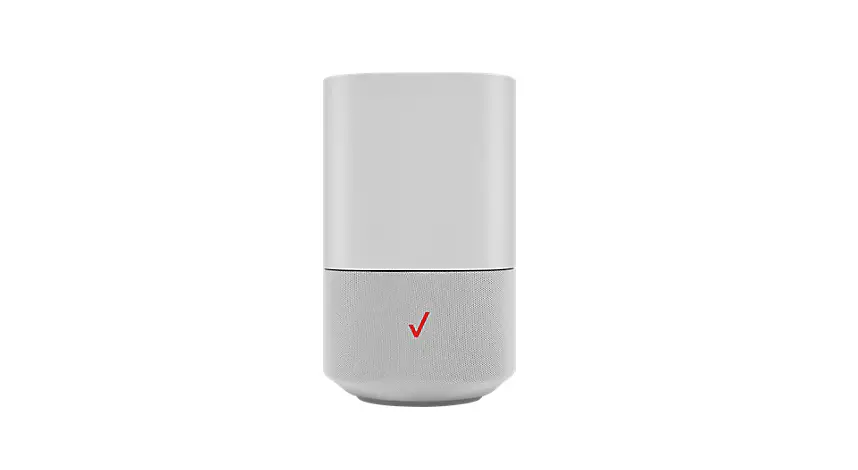
verizon WiFi Extender Mini 5G Home Internet Instructions
Instruction
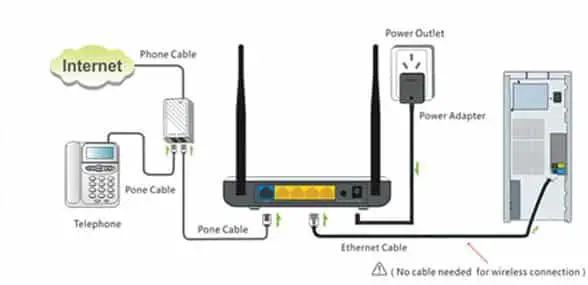
Make sure your router has an internet connection before setting up the Wi-Fi Extender Mini
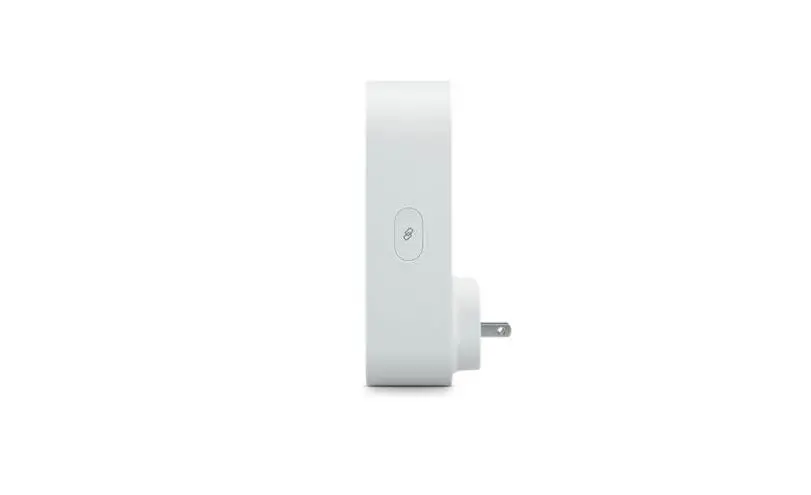
- Plug the Wi-Fi Extender Mini into a power outlet next to the router.
- When the light on front is solid yellow, press the
 pair button on the router and the Wi-Fi Extender Mini. Both devices will blink blue while pairing.
 - Wait until you see a blinking yellow light then unplug the Wi-Fi Extender Mini.
- Move it to an area between the router and the weak Wi-Fi coverage, then plug it in.
- Once the light turns solid white, your setup is complete.
 pair button on the router and the Wi-Fi Extender Mini. Both devices will blink blue while pairing.
For step-by-step instructions, visit setup.verizon.com/wifiextendermini or scan the QR code below

setup.verizon.com/wifiextendermini
For information about our privacy practices, visit
verizon.com/about/privacy
 Privacy Policy Home Page | About Verizon