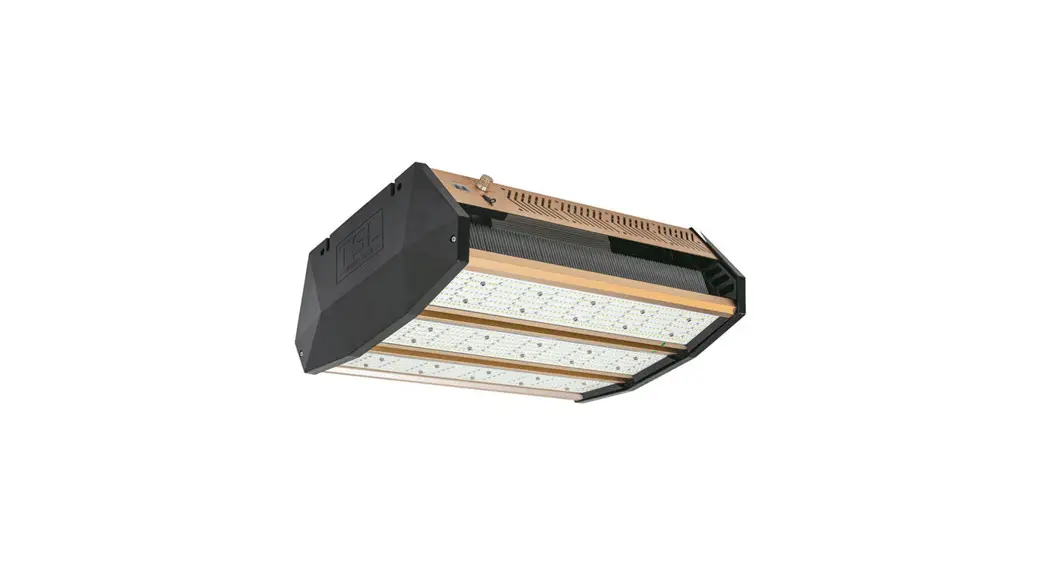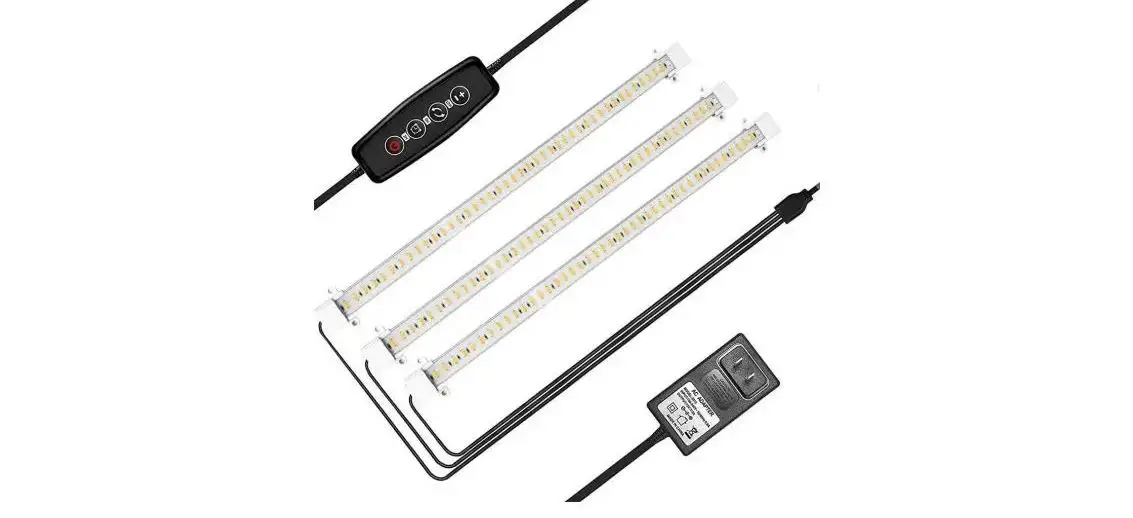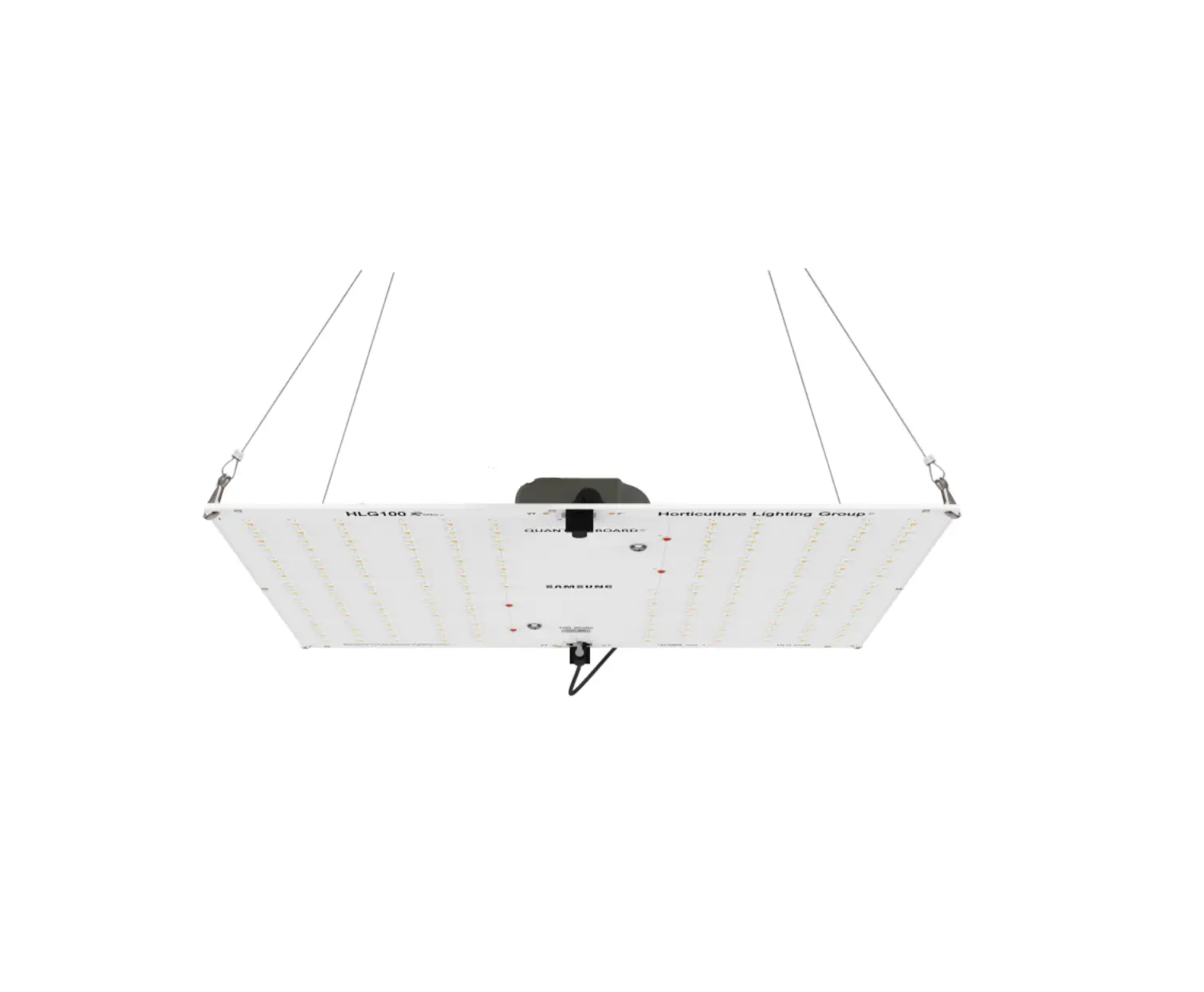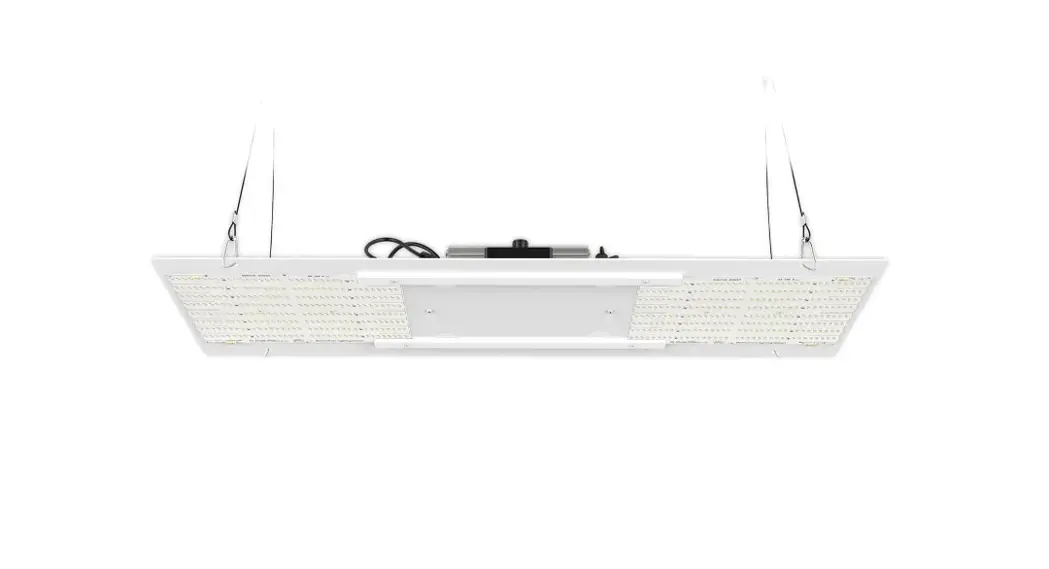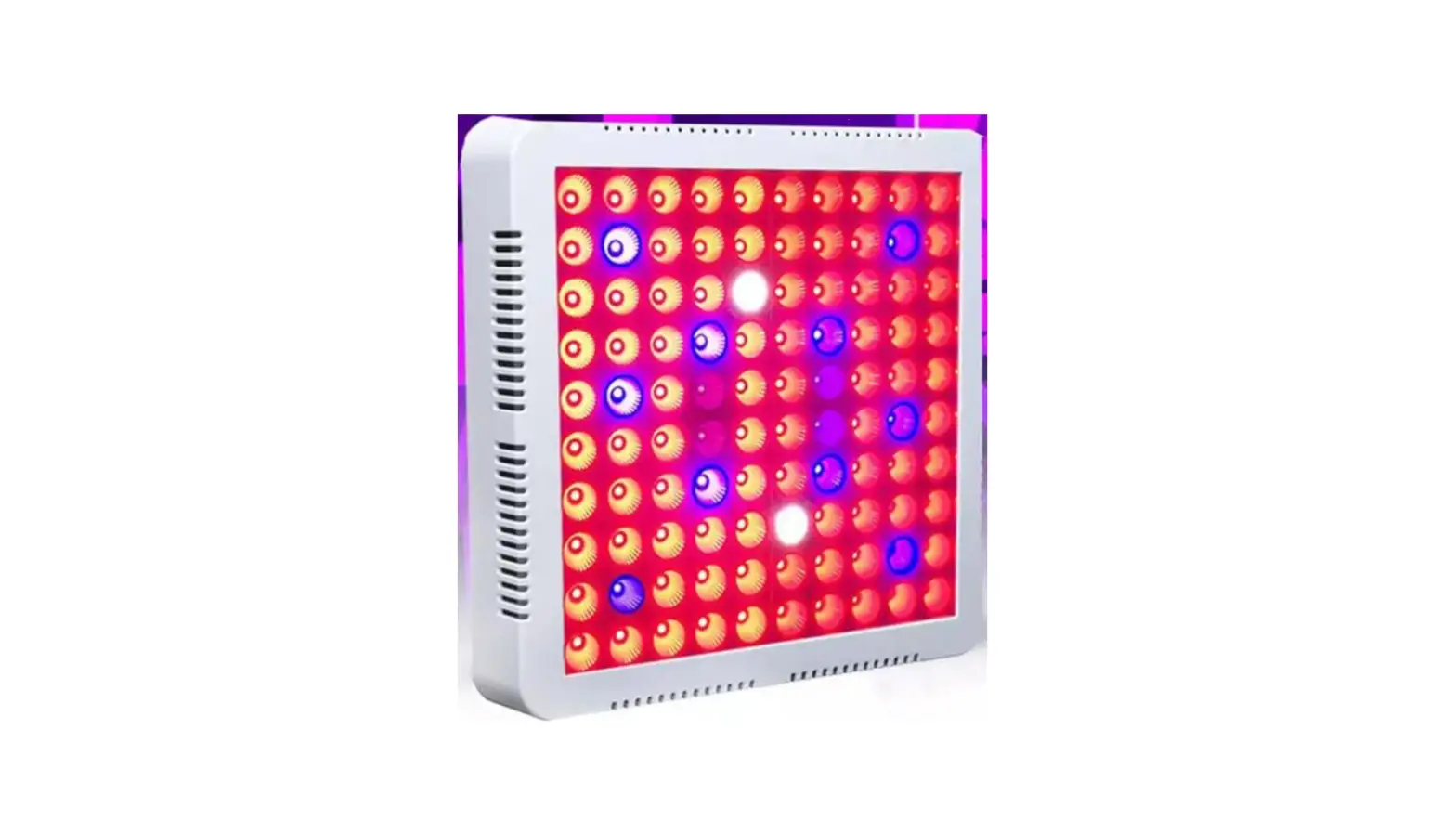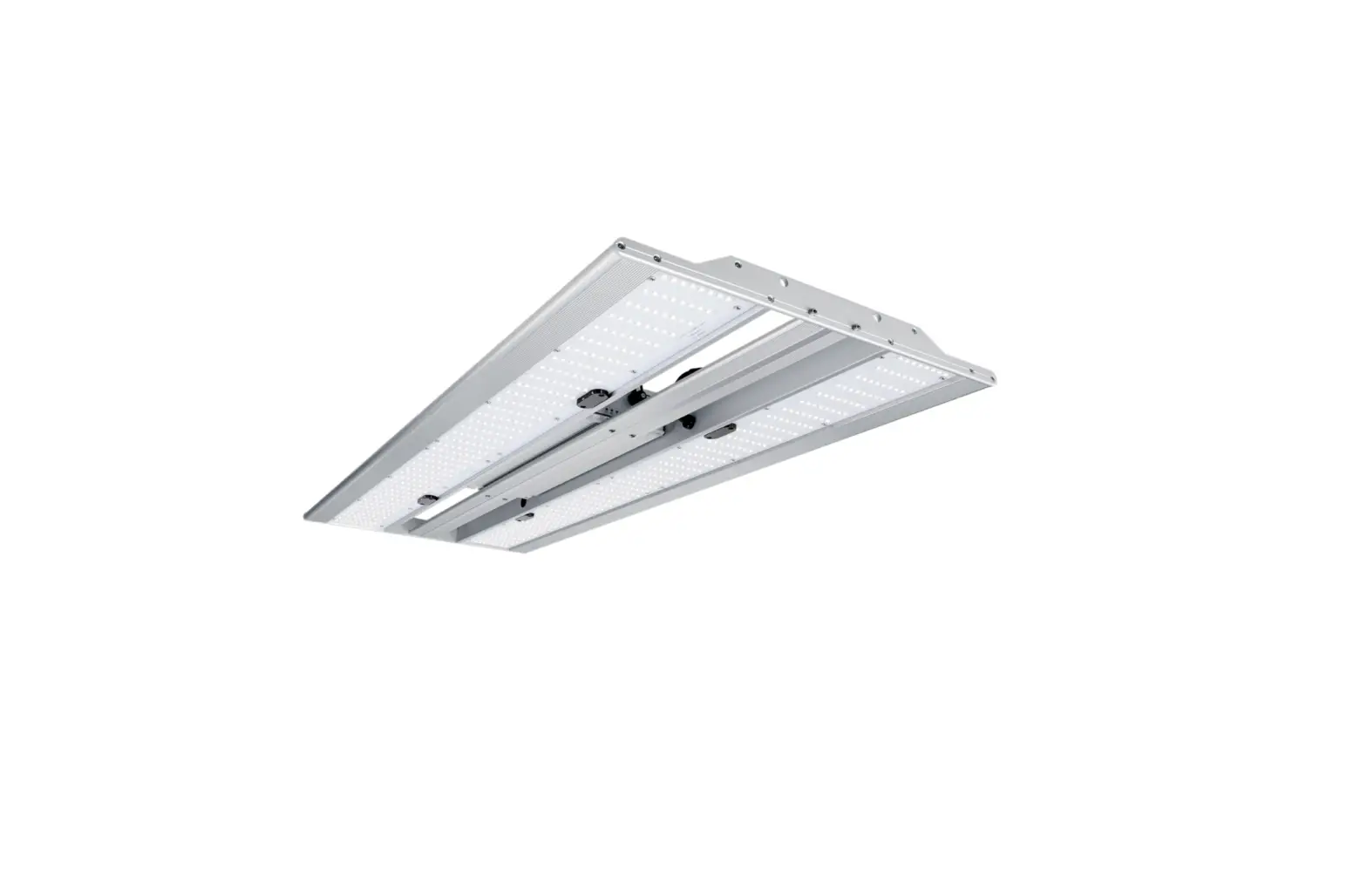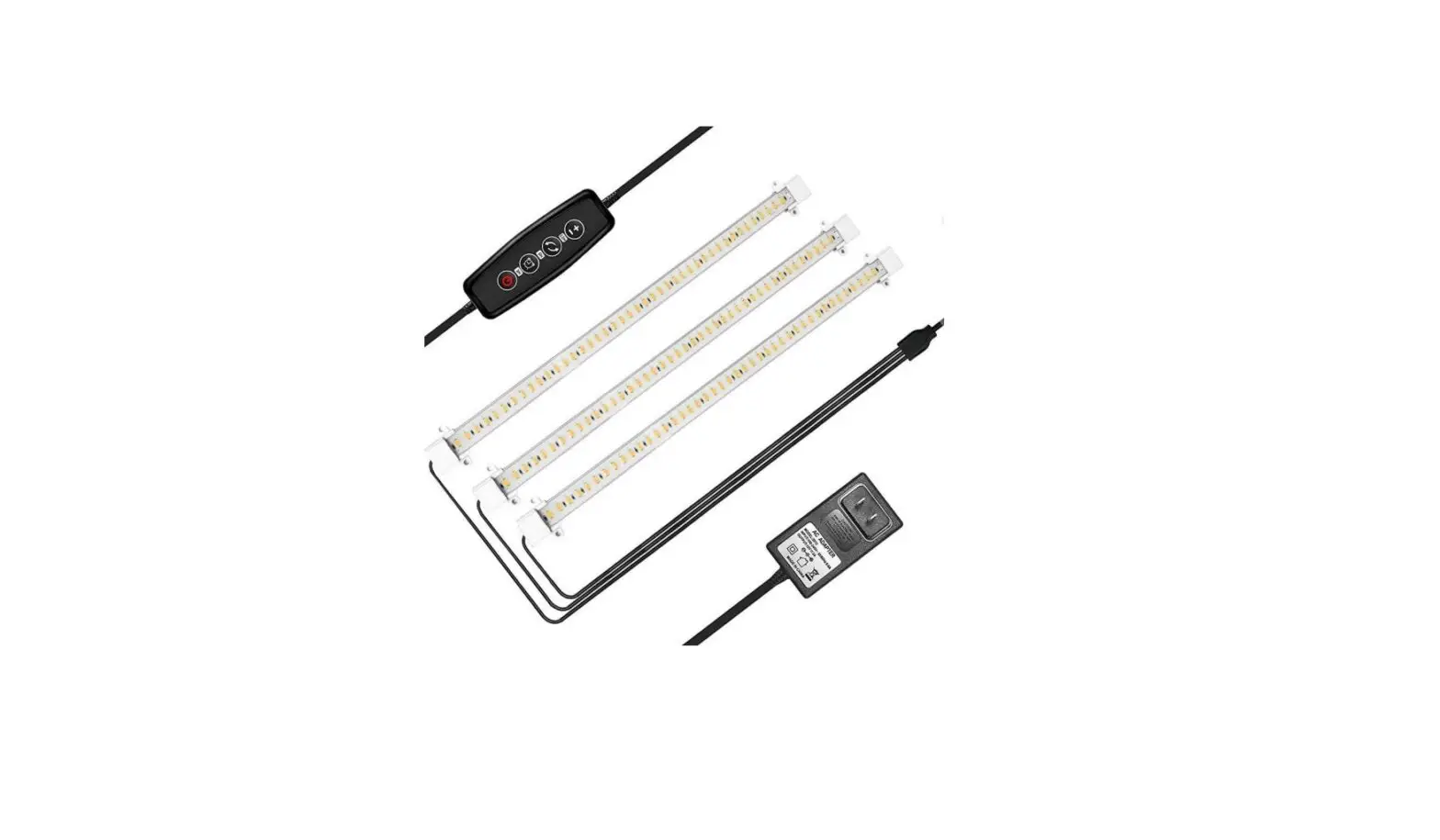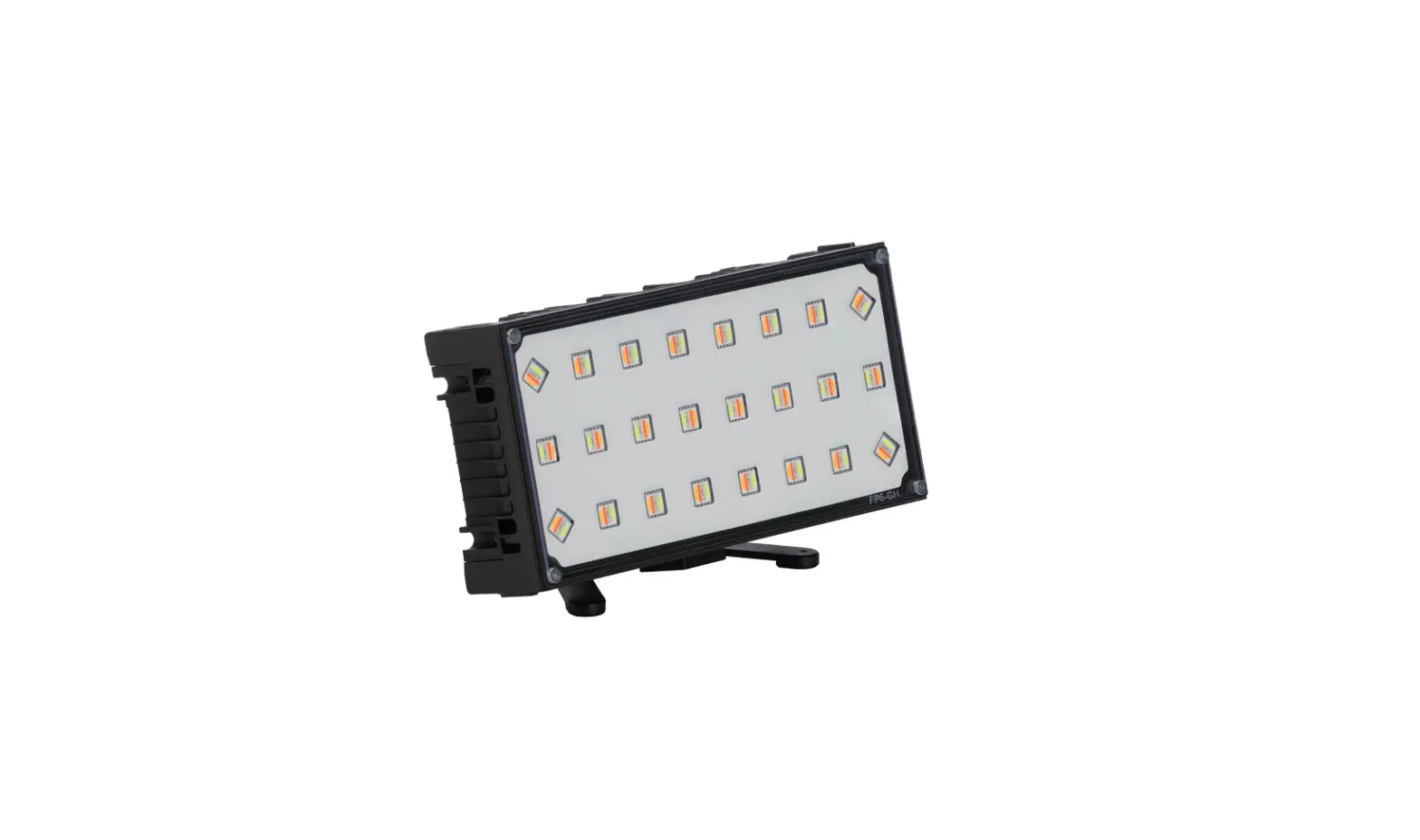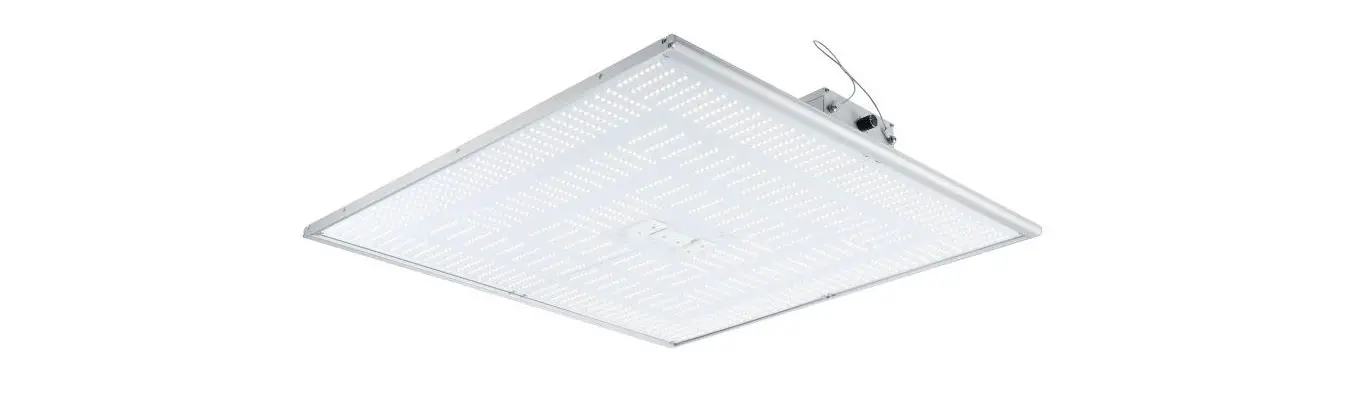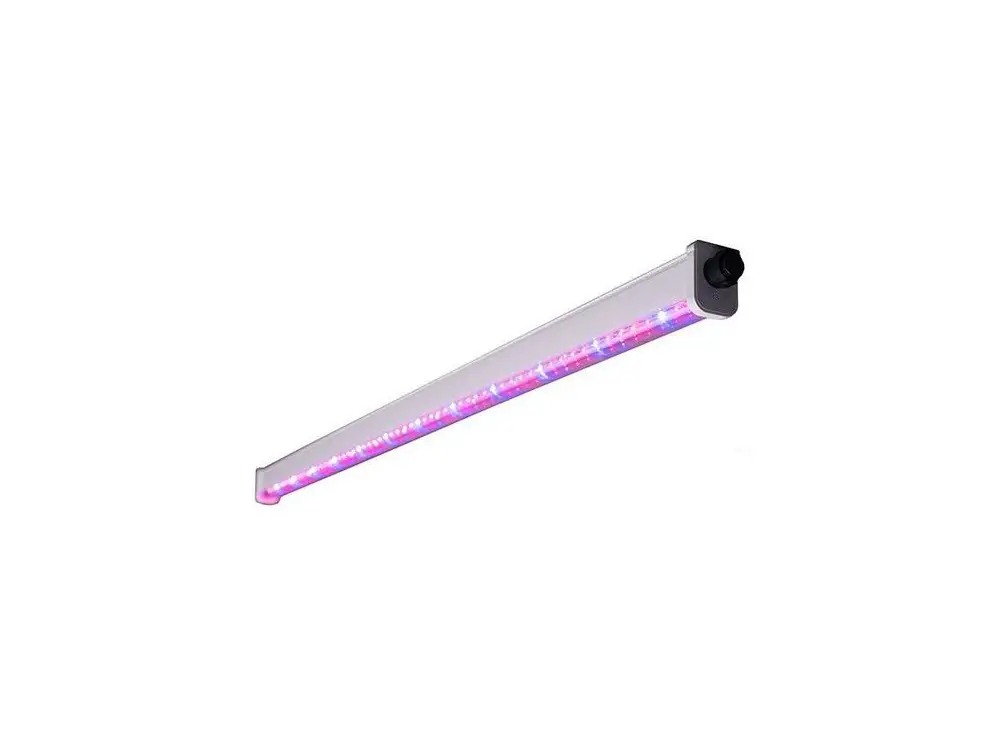
HYDRA-3200
GROW LIGHT
USER MANUAL

https://atreumlighting.com/products/hydra-3200-led-grow-light-320w?
SAFETY PRECAUTIONS
Please read the manual thoroughly before attempting to install or operate any
Atrium Lighting HYDRA Series system.
Connect the system only to the power sources of the appropriate voltage using the AC plug type received. Protect power cables from being pinched or damaged.
HYDRA Series systems are high-performance lighting solutions and operate at elevated temperatures. Do not touch while in operation.
You should seek service for your system by qualified service personnel if any of the following occurs:
- The power-supply cord or the plug has been damaged
- The unit has been exposed to rain or water submersion
- The unit exhibits a marked change in performance
- The unit has been dropped, or its enclosure or chassis is damaged
GENERAL CARE
Atrium Lighting HYDRA Series systems are passively cooled with zero moving components. They are designed for years of maintenance-free performance. Some basic
care will keep your system operating at peak performance cycle after cycle.
In order for the system to properly cool itself, at least one inch of space is required between the top of the fixture and the roof of your grow area. Failure to do so may shorten the fixture lifespan.
To achieve the optimal lifespan and performance of your fixtures, routinely check for and remove excess dust, debris, and mineral build-up from the heatsink and LED array.
Cleaning should always be done with the fixture unplugged from its power source using low-pressure compressed air.
Never use a cloth to clean the diode array. Doing so can scratch or compromise the integrity of the silicon seal, or dislodge diodes entirely.
To limit degradation, avoid touching the diodes with your hands, even in a powered of state.
SPECIFICATIONS
| Model | Input Power | Input Voltage (AC) | Amps |
| HYDRA-3200 | 320W +/- 5% | 100-277VAC | 2.67A @ 120V 1.54A @ 208V 1.33A @ 240V 1.16A @ 277V |
DIMENSIONS & WEIGHT
Model | Weight | Dimensions |
| HYDRA-3200 | 6.0kg (13.2lbs) | 1033mm x 580mm x 78mm 40.7in x 22.8in x 3.1in |
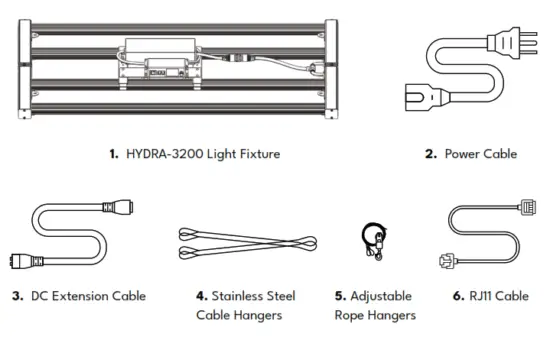
SYSTEM HARDWARE & ACCESSORIES
ASSEMBLY INSTRUCTIONS
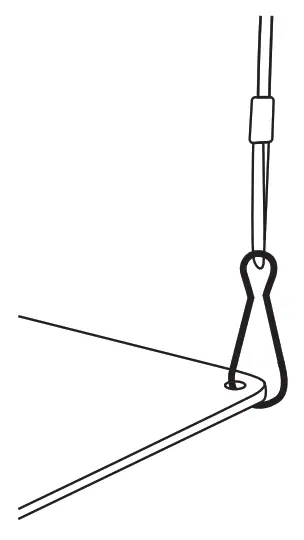
- Attach 4 adjustable rope hangers, one at each attachment point. Hang the light at the appropriate height.

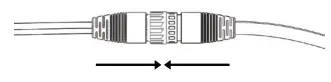
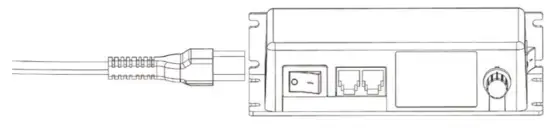
- Connect the power supply to fixture power cable

- Plug the power cord into the control box.

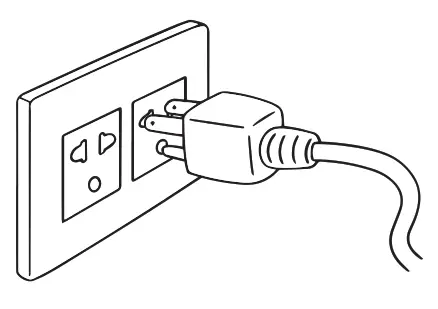
- Plug the power cord into the wall socket.

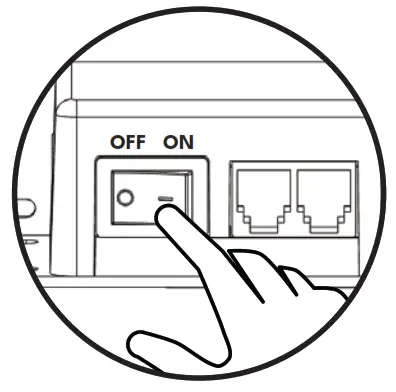
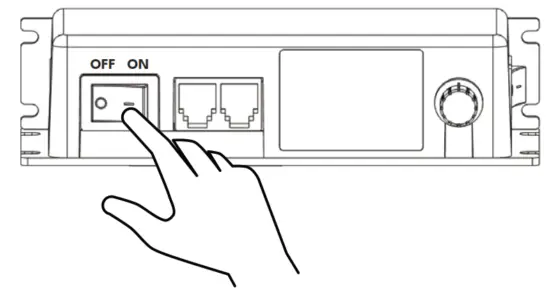
- Turn on the light switch.

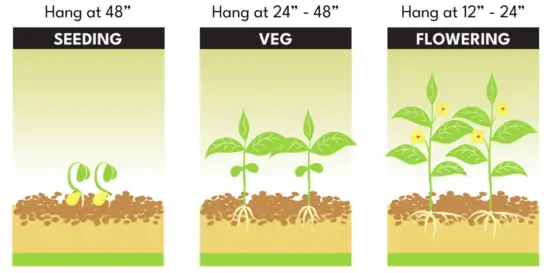
RECOMMENDED HANGING HEIGHT
FUNCTION OVERVIEW
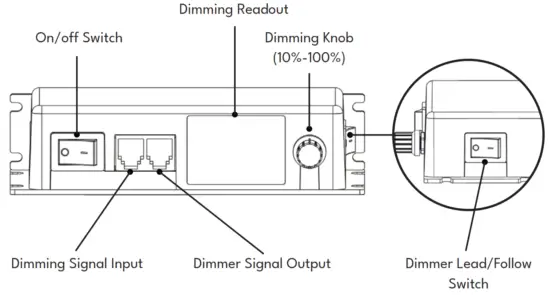
SINGLE LIGHT DIMMING OPERATION
- Turn on a light switch

- Set dimmer switch to Lead

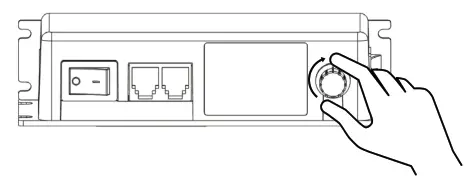
- Adjust light using Dimming Knob

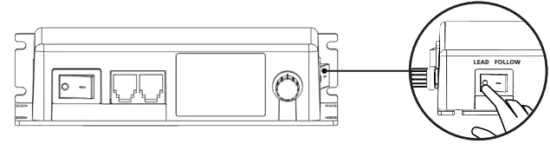
MULTI-LIGHT DIMMING OPERATION
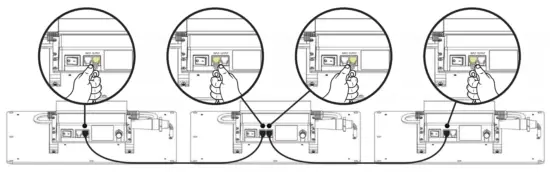
- Connect multiple lights using the RJ11 cable, from the DIM Output of one unit to the DIM input of the next unit.

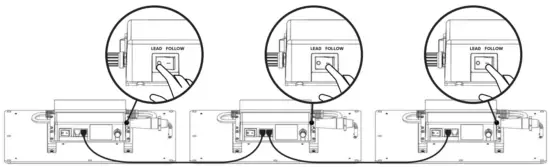
- Set one light as the primary by switching the dimmer switch to LEAD. Set all subsequent lights to FOLLOW.

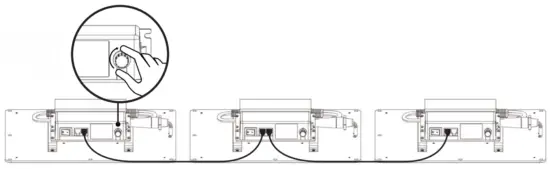
- Turning the dimming knob of the LEAD light controls the brightness of all connected FOLLOW lights.

LIGHTING
Review our products, share your growth, and stay update-to-date on Atrium Lighting news and products.
 Advanced Full Spectrum Horticulture LED Grow Lights - Atreum Lighting