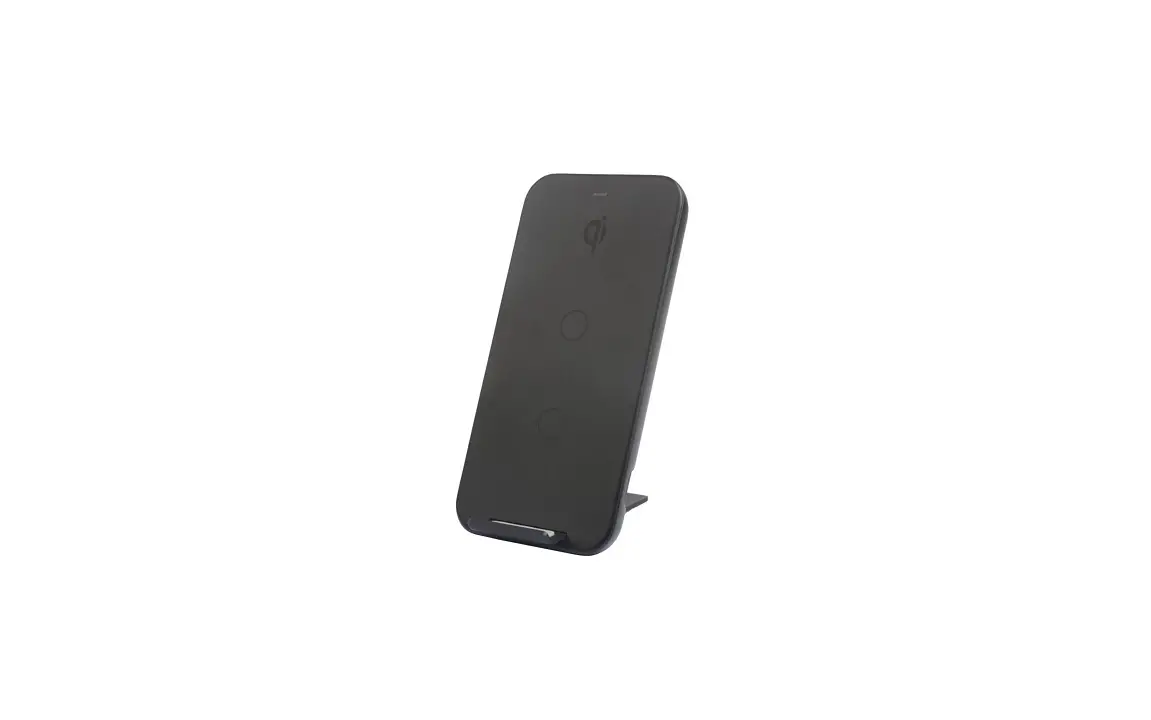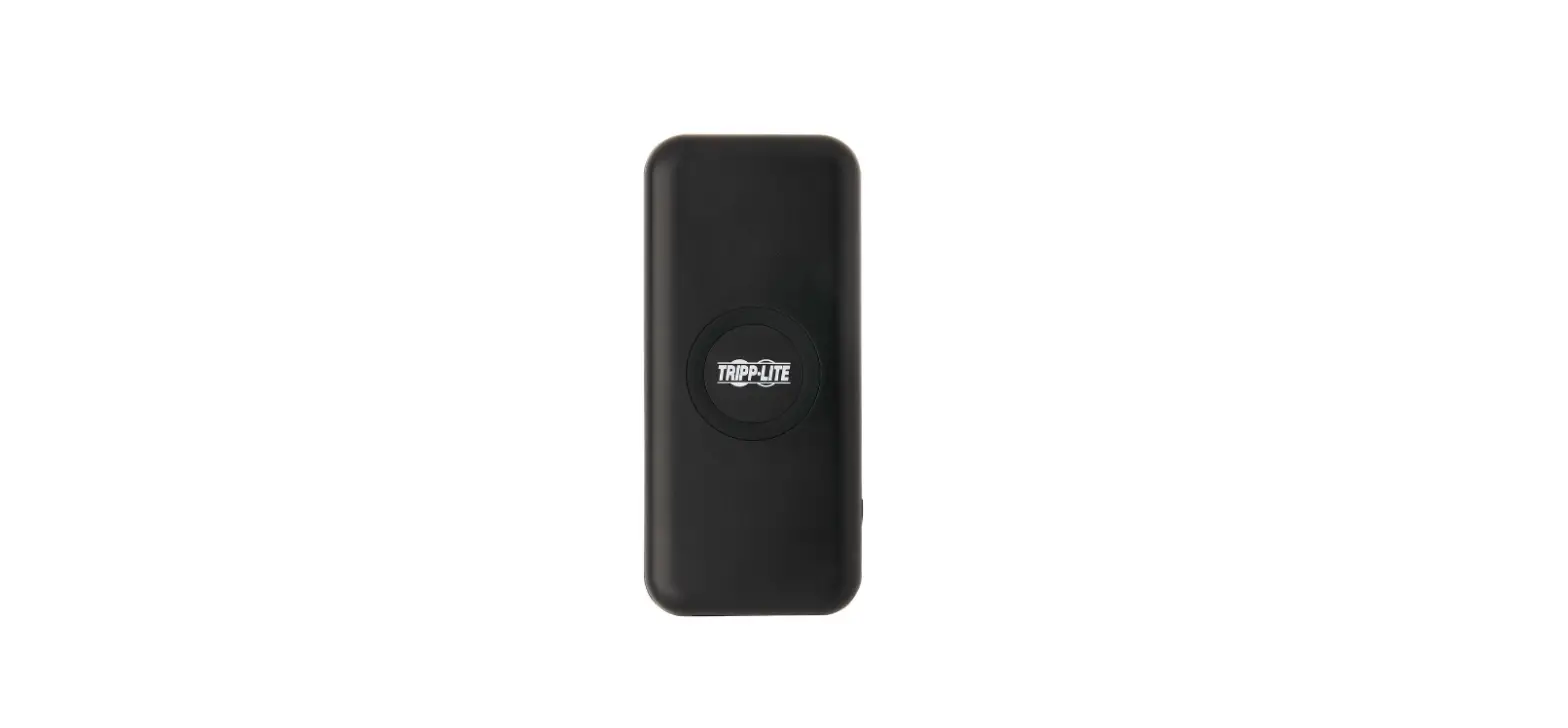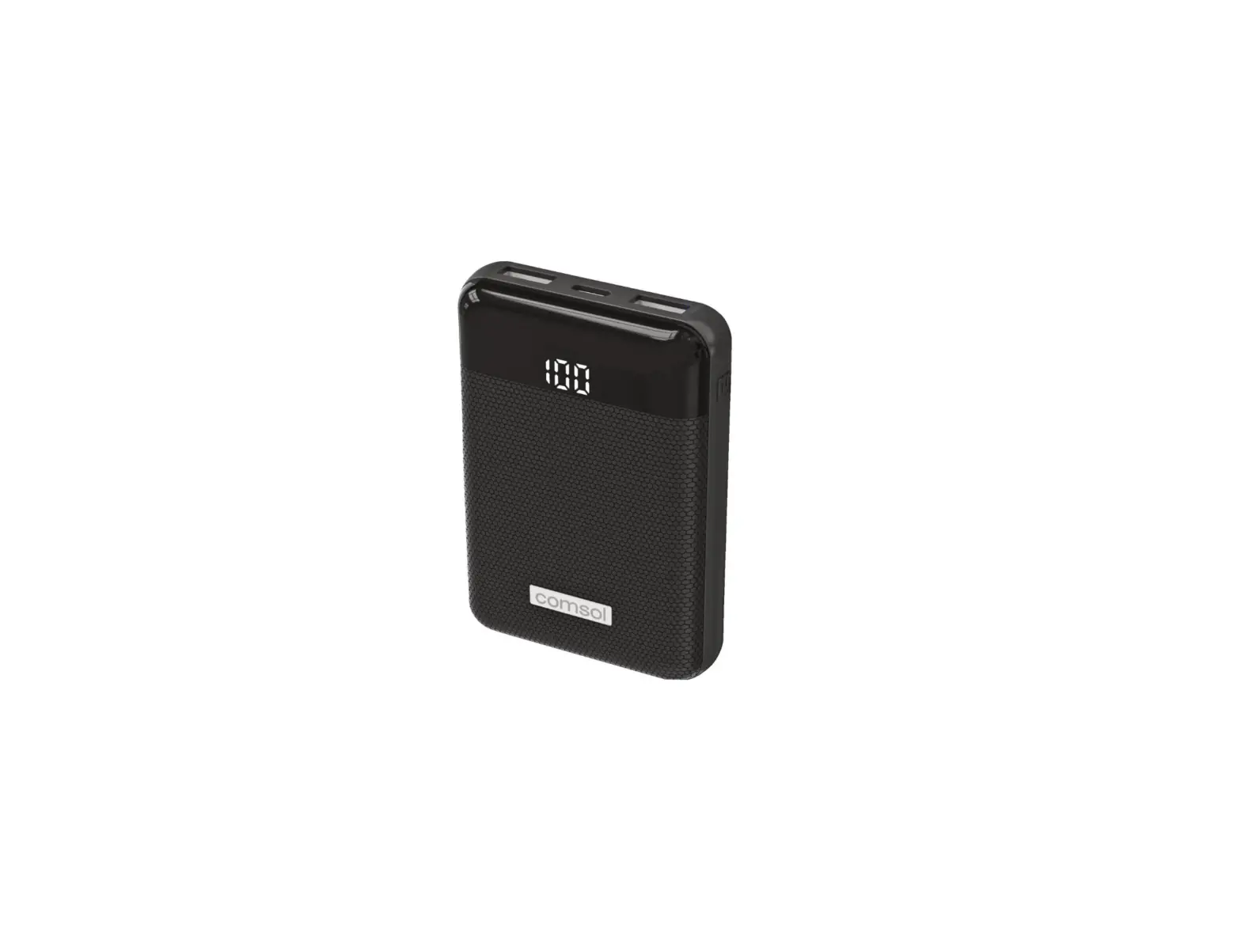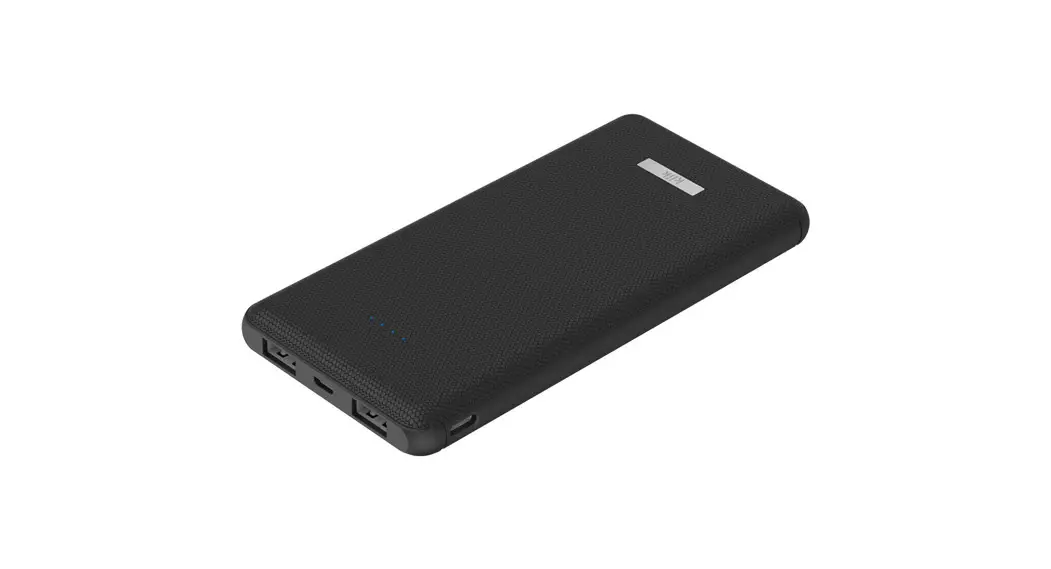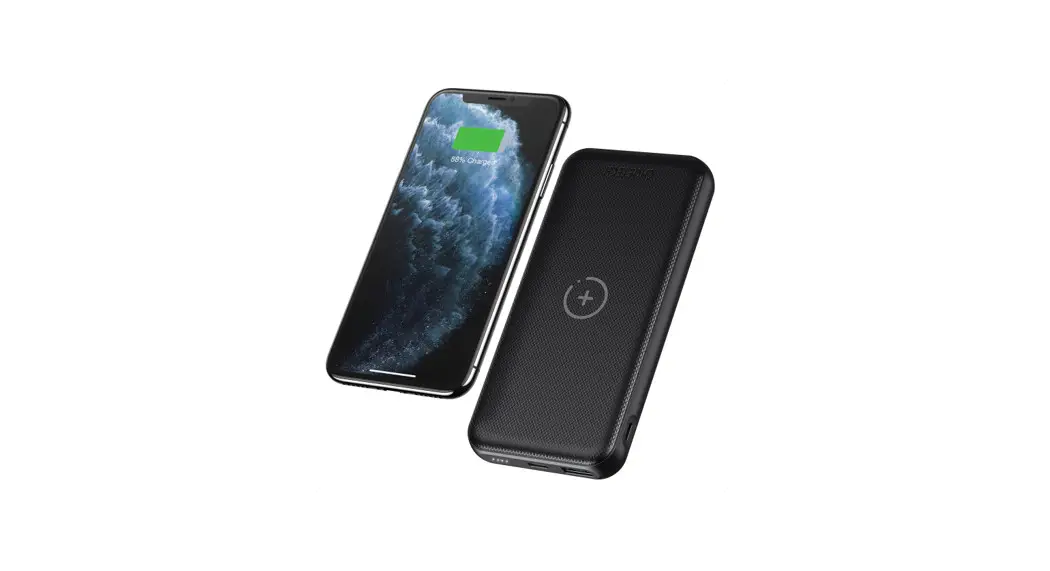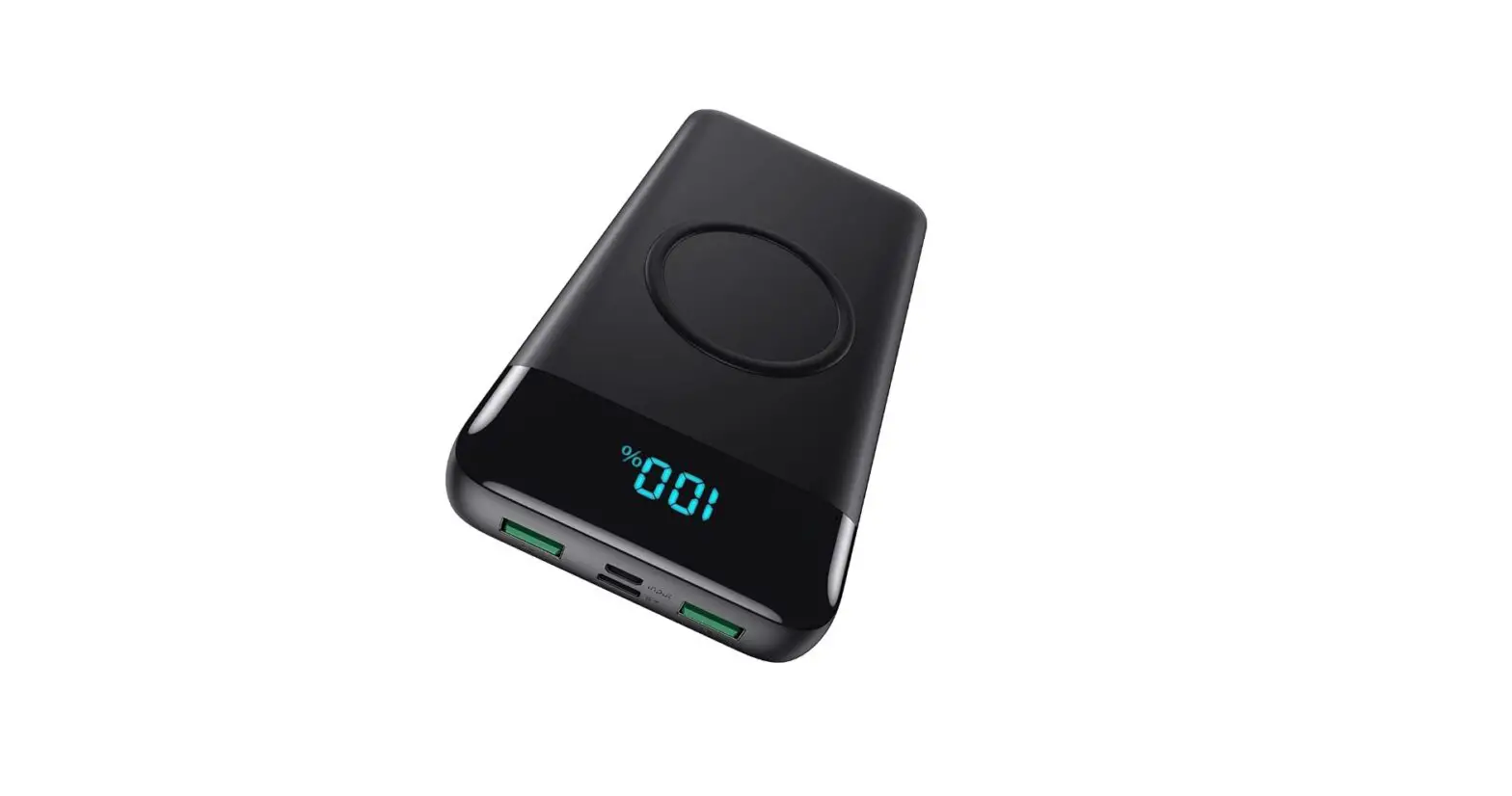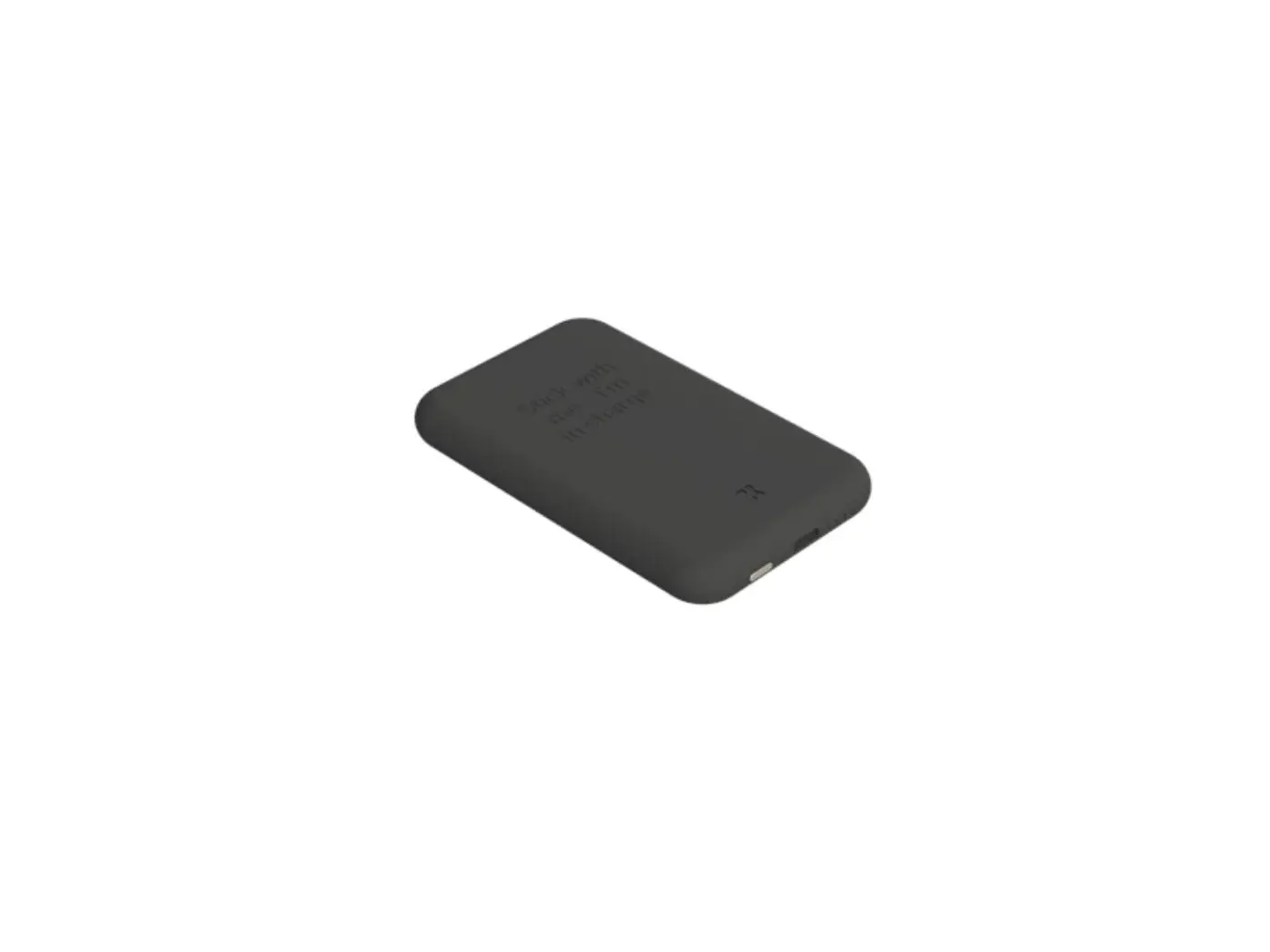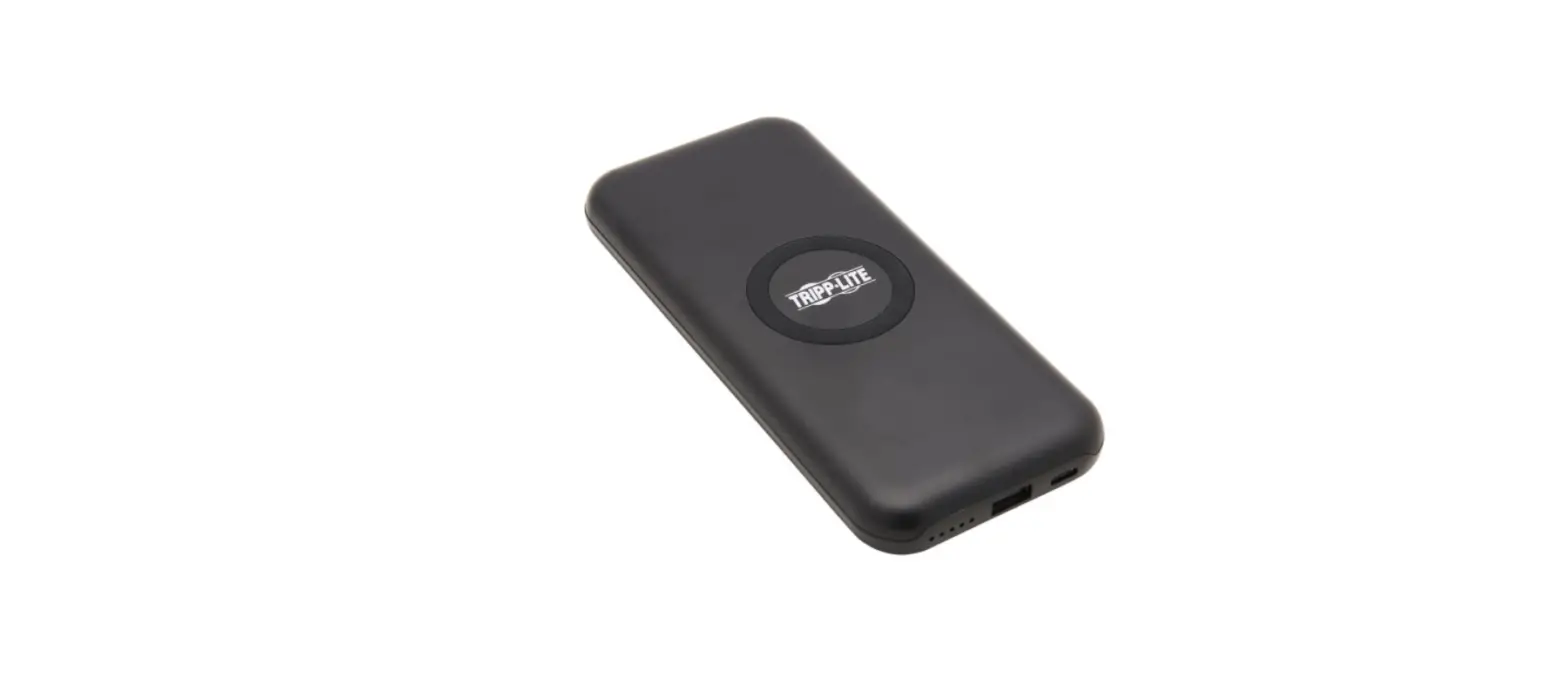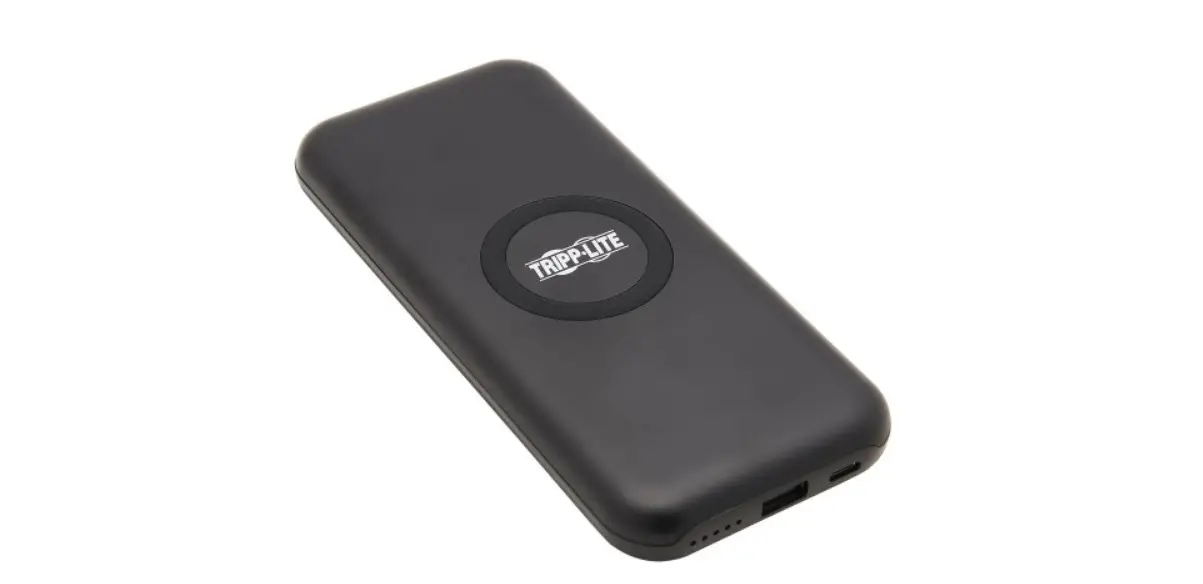

Trippe Manufacturing UPB-10K0 Power Bank Wireless Charger 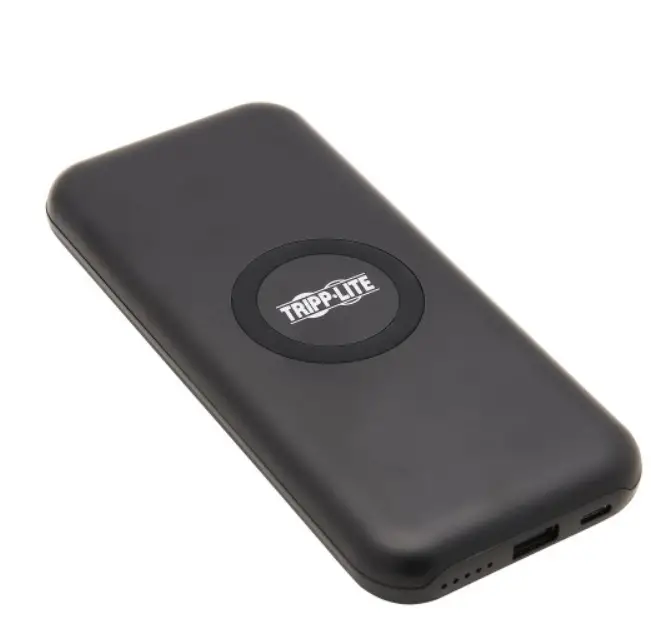
DEAR CUSTOMER
Thank you for purchasing this product. For optimum performance and safety, please read these instructions carefully before connecting, operating or using this product. Please keep this manual for future reference.
INTRODUCTION
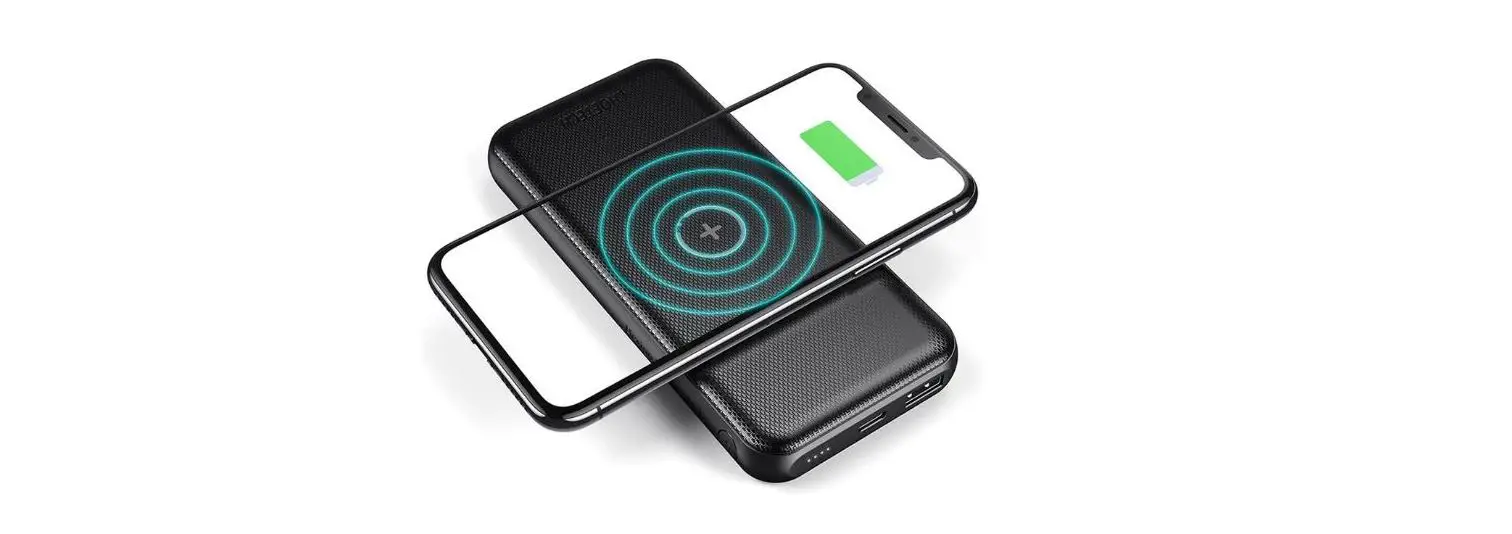
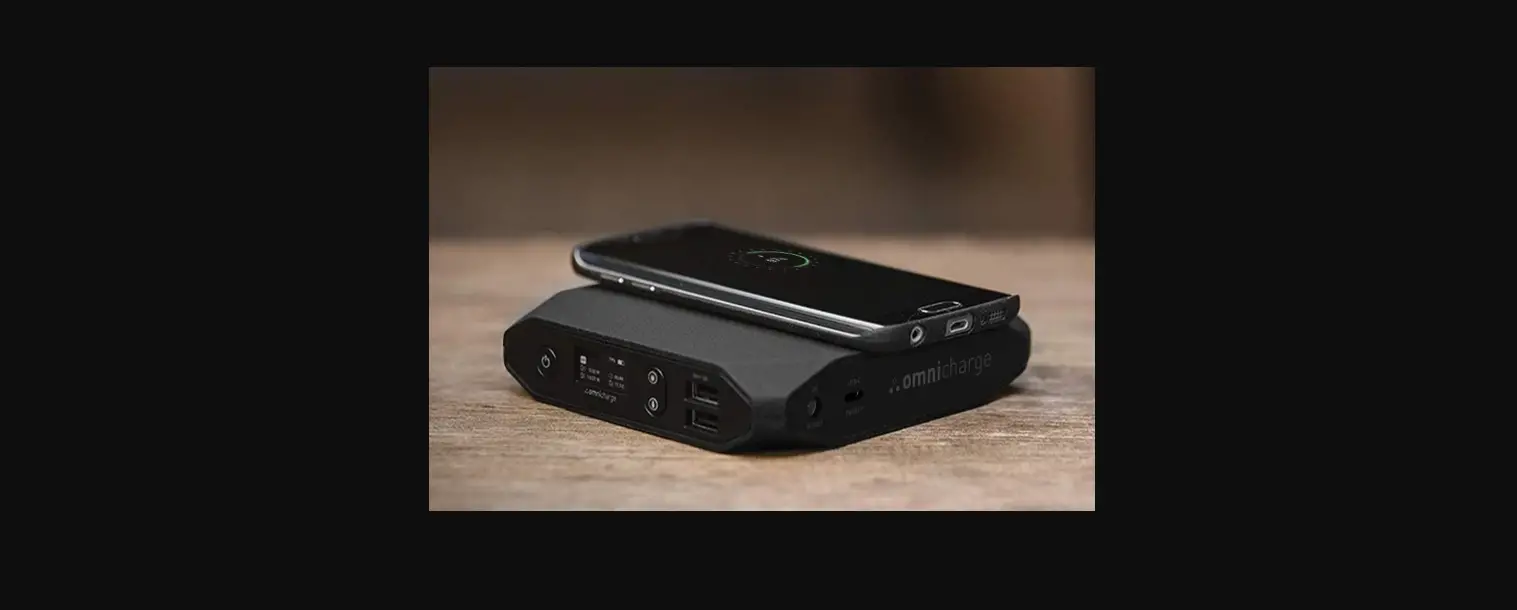
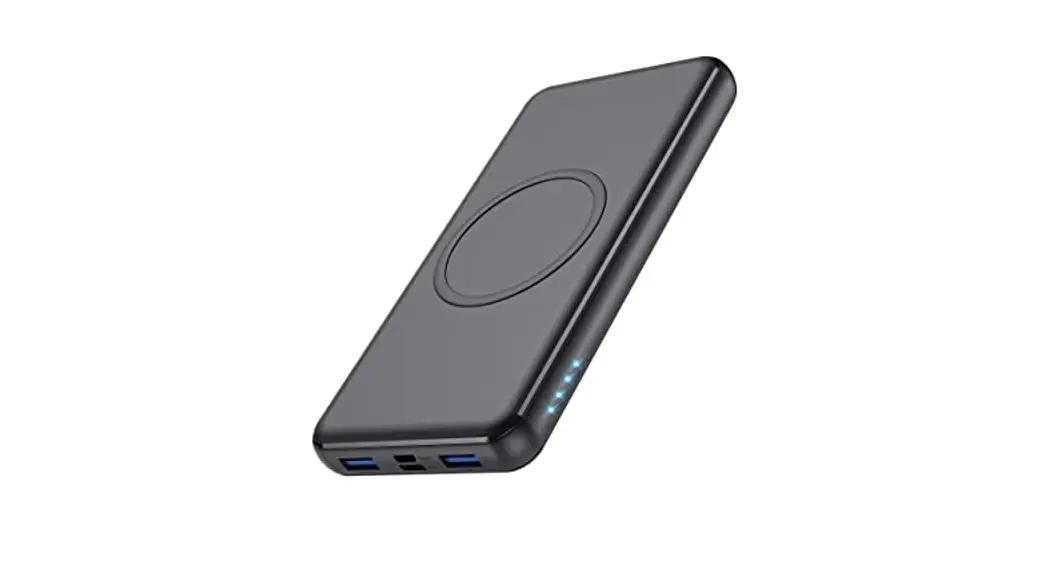
This product is a high-performance wireless charger. This product is suitable for mobile phones, MP3, MP4, digital productions, and other productions based on wireless charging 5W or 10W. Connect the power bank wireless to a power charger, and Or then you can charge your device supported wireless charging (mobile phones, etc) by put it on the charger directly. It is helpful in long time journey and convenient for business!
FEATURES
- 10000mAh large capacity
- Polymer battery
- Type-C charger : 5V/2A,or9V/1.1A
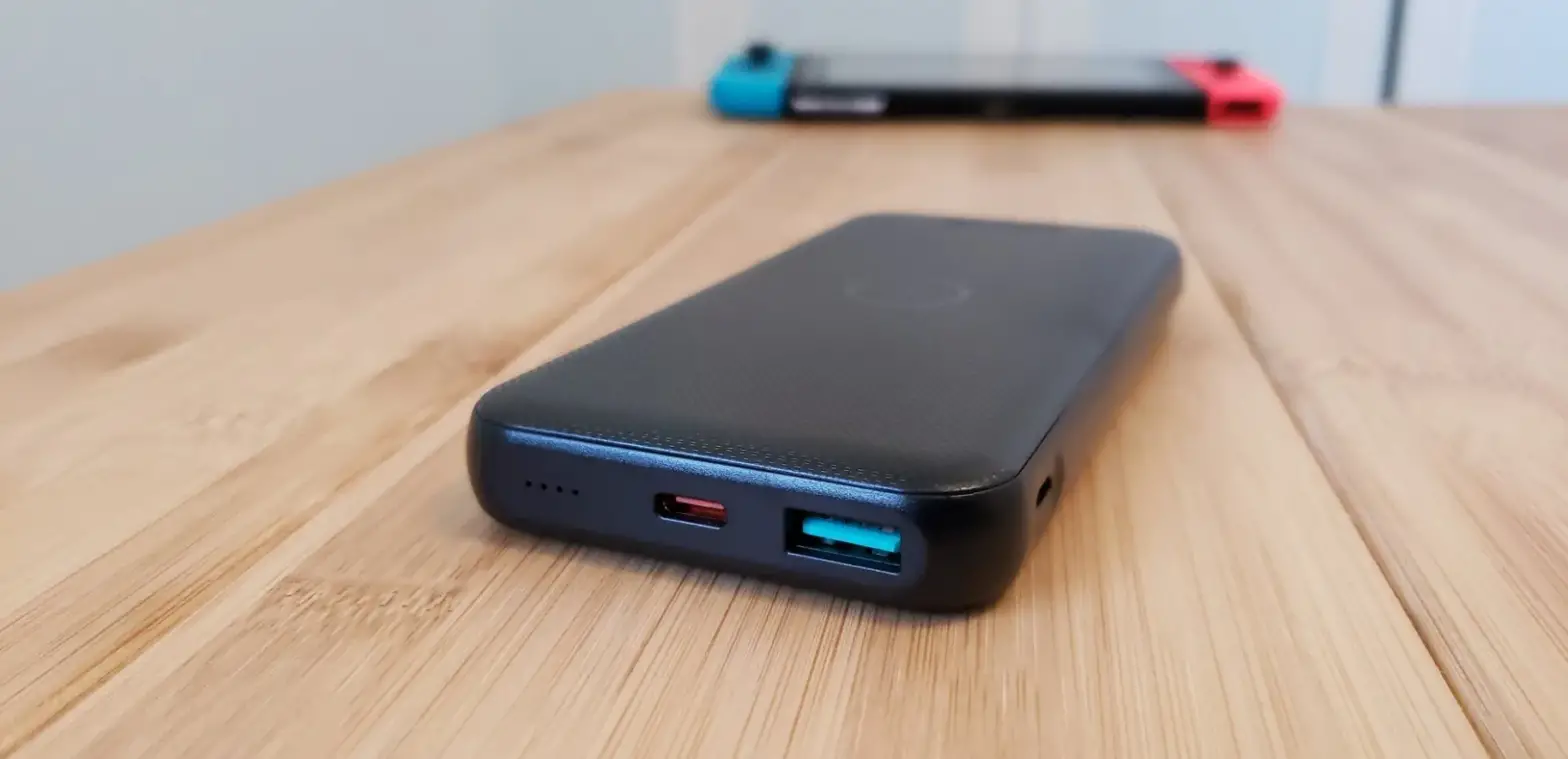
- Dual USB ports with different outputs:
- USB-C: 5V/3A
- USB-A: 5V/2A,
- Total:5V3A(max)
- Type-C wireless input:10W
- Overcharge and over-discharge protection
- Output over current protection and short circuit protection
- Over temperature protection with auto-recovery
- Automatic power-off
- Intelligent LED battery indicators
- Compliant with FCC,CE,UN38.3 standards
- It is light, smart and convenient to use
- Suitable for smart phone, iPod, Camera etc.
SPECIFICATIONS
| Input/output | |
| Type-C charger : | 5V/2A,or9V/1.1A |
| Output | Dual USB ports with different outputs: USB-C: 5V/3A USB-A: 5V/2A,
Total:5V3A(max)
wireless charging 5W/7.5W/10W |
| Port | 2 USB Ports |
| Protection | |
| Overload protection | Yes |
| Over-current Protection | Yes |
| Over Temperature Protection | Yes |
| Short circuit protection | Yes |
| Performance | |
| Ripple And Noise | ≤200mVp-p |
| Standby Power Dissipation | ≤700uA |
| Power bank Efficiency | ≥89% |
| wireless Switch Frequency | 110-205K |
| Mechanical | |
| Color | black |
| Size(L*W*H) | 167.7*75.7*18.2mm |
| Weight | 275±10 g |
| Environmental | |
| Operating Temperature Range | 0~30°C |
| Storage Temperature Range | -20 ~ 70°C |
| Operating Humidity | <85%RH |
| Storage Humidity | <95%RH |
| Certification | FCC,CE,UN38.3 QI 1.2.4(BPP) |
| User Manual | English Version |
| Size | 167.7(L)*75.7 (W)* 18.2(H)mm |
PACKAGE CONTENTS
Before attempting to use this unit, please check the packaging and make sure the following items are contained in the shipping carton:
- Main unit×1
- User Manual×1
OPERATION
Operation Procedures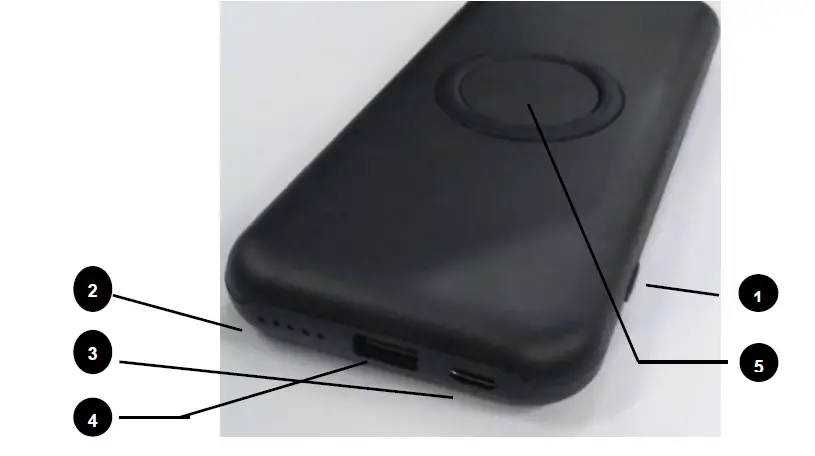
- Power button: push to turn on the power bank wireless charger
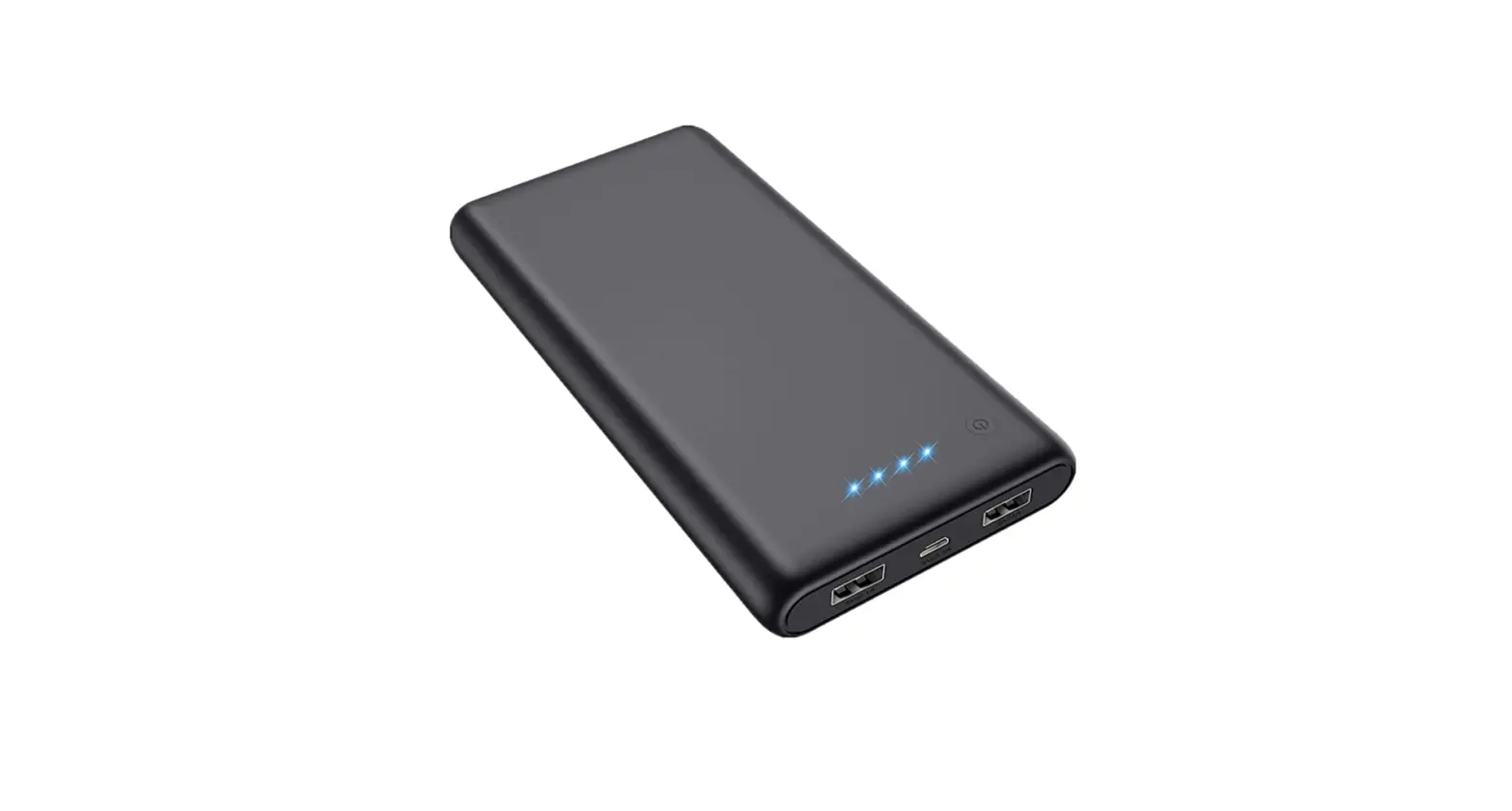
- LED indicator lights
During charging:
| LED indicator status | Battery Percentage | Remark |
| ◎○○○¤ | 1%——24% | The current LED indicator light flashing |
| ●◎○○¤ | 25% —— 49% | The current LED indicator light flashing |
| ●●◎○¤ | 50% —— 74% | The current LED indicator light flashing |
| ●●●◎¤ | 75% —–99% | The current LED indicator light flashing |
| ●●●●¤ | 100% | ALL LEDS Bright |
| LED indicator status | Battery Percentage | Remark |
| ●●●●¤ | 75% —— 100% | 4 LED lights on |
| ●●●○¤ | 50% —— 74% | 3 LED lights on |
| ●●○○¤ | 25%——49% | 2 LED light on |
| ●○○○¤ | 1% —— 24% | 1 LED light on |
| ○○○○¤ | 0 | All LED lights off |
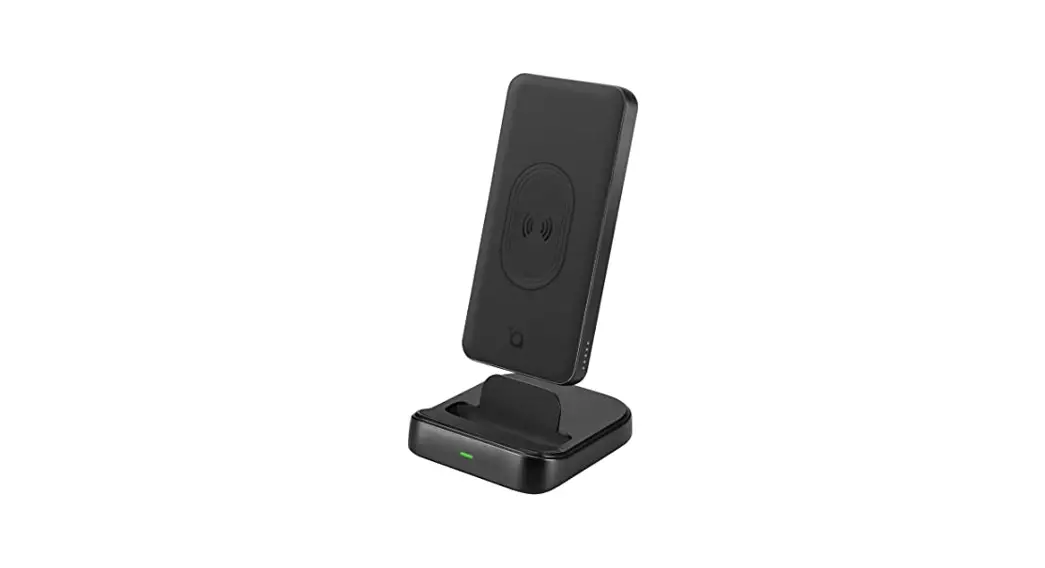
Put your device (supported wireless charging) on the charger, the light will turn Blue light breath .When finished charging, the light will trun red. The fault turns red light flashing
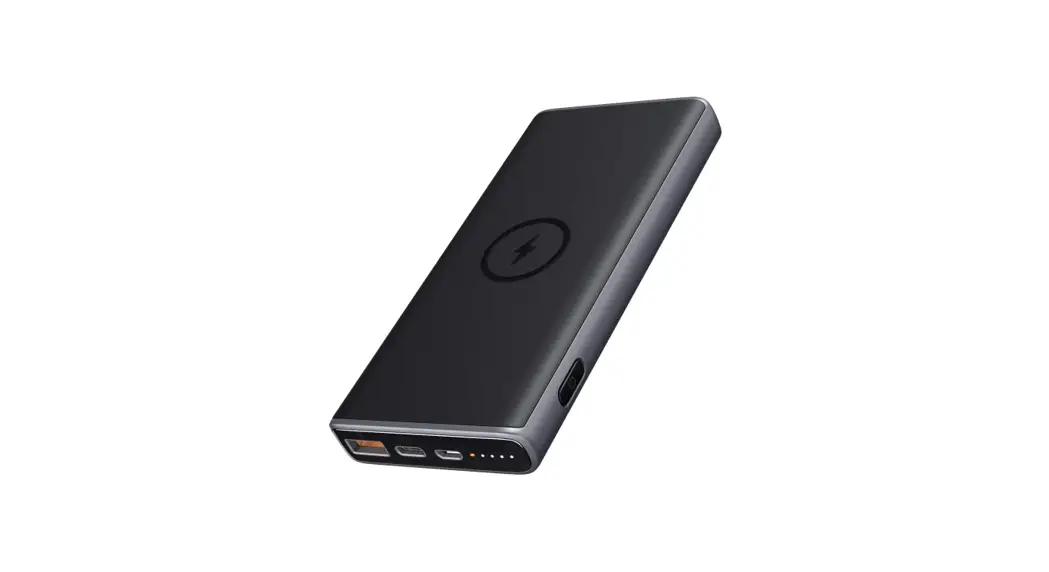
- USB-C port: connect a charger for charging or connect a device for discharging;
- Input charging: 5V/2A, 9V/1.1A
- Output discharging: 5V/3A(max)
- Wireless input 10W
- USB-A port: to connect digital devices for discharging
- output: 5V/2A
- wireless charging
Operation Notes
- For optimum performance, please use the wireless charger according to this user manual.
- Please connect the wireless charger to a power adapter which output should be QC3.0 standards A to C 56K line
- Please unplug the wireless charger after using.
- Do not use the wireless charger with an electronic product which is not in conformity with the specifications, so as to avoid any problem caused by specification mismatching.
- It’s normal that wireless charger will be a little overheated in the use process.
- When the wireless charger stops working under some accidents occurs, you need to check whether the device is compatible with this charger.
- Do not let the wireless charger close to fire, such as stove, candles and etc.
- Do not let the wireless charger soak into liquid, such as swimming pool, bathtub, etc.
- do not wash the wireless charger with corrosive cleaner.
- If the wireless charger cannot work properly, please contact the store or distributor in your area.
FCC Radiation Exposure Statement:
This equipment complies with FCC radiation exposure limits set forth for an uncontrolled environment. This equipment should be installed and operated with minimum distance 20cm between the radiator & your body.
FCC Warning
This device complies with Part 15 and Part 18 of the FCC Rules. Operation is subject to the following two conditions:This device may not cause harmful interference, and this device must accept any interference received, including interference that may cause undesired operation.
NOTE 1:
This equipment has been tested and found to comply with the limits for a Class B digital device, pursuant to part 15 of the FCC Rules. These limits are designed to provide reasonable protection against harmful interference in a residential installation. This equipment generates uses and can radiate radio frequency energy and, if not installed and used in accordance with the instructions, may cause harmful interference to radio communications. However, there is no guarantee that interference will not occur in a particular installation. If this equipment does cause harmful interference to radio or television reception, which can be determined by turning the equipment off and on, the user is encouraged to try to correct the interference by one or more of the following measures:
- Reorient or relocate the receiving antenna.
- Increase the separation between the equipment and receiver.
- Connect the equipment into an outlet on a circuit different from that to which the receiver is connected.
- Consult the dealer or an experienced radio/TV technician for help.
NOTE 2:
Any changes or modifications to this unit not expressly approved by the party responsible for compliance could void the user’s authority to operate the equipment.
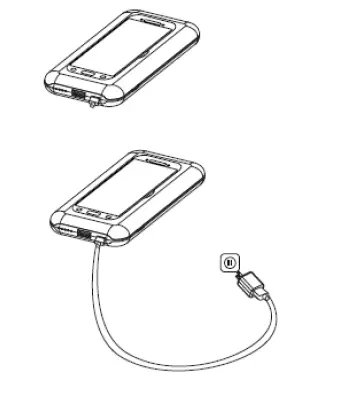
CONNECTION DIAGRAM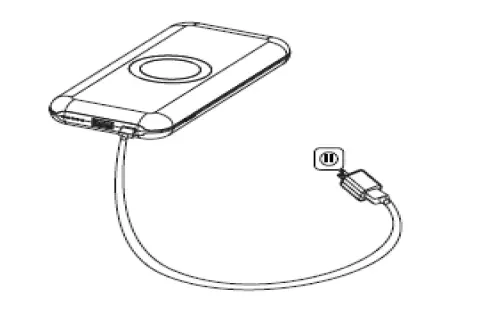
- Charge the power bank
- Charge the devices
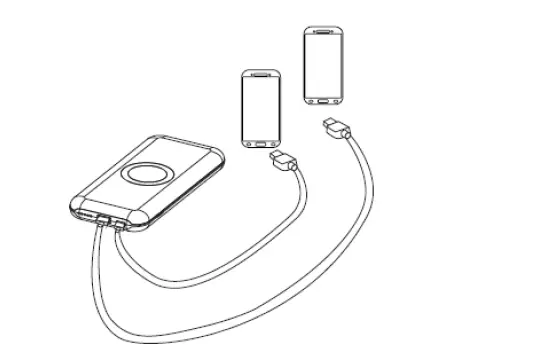
- wireless charger the devices