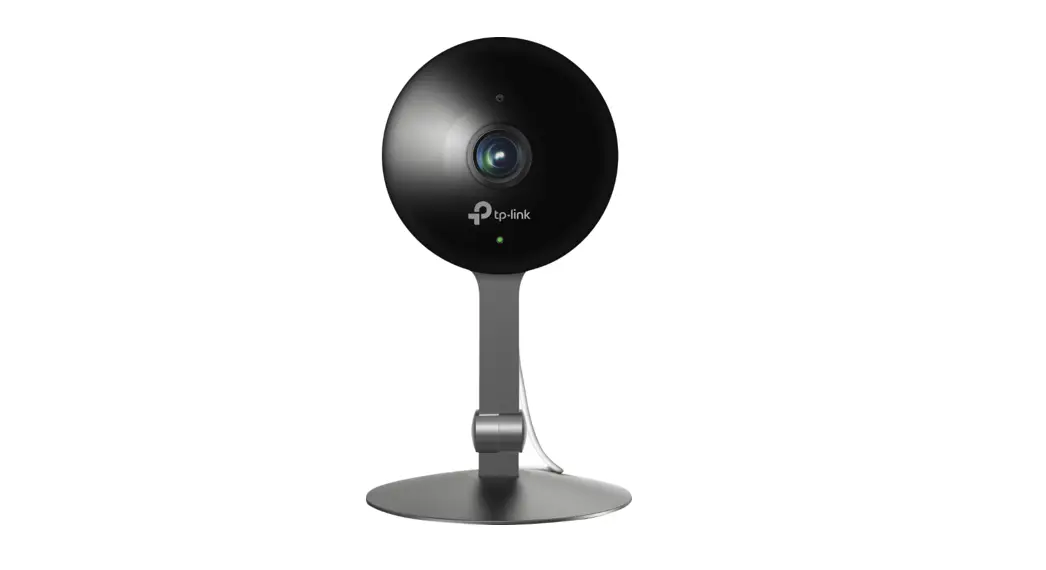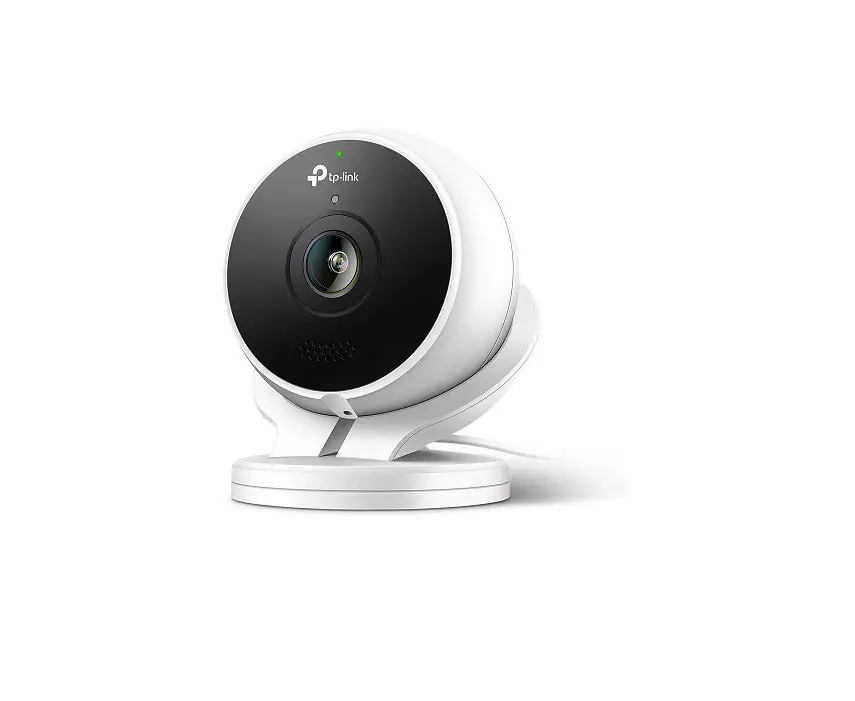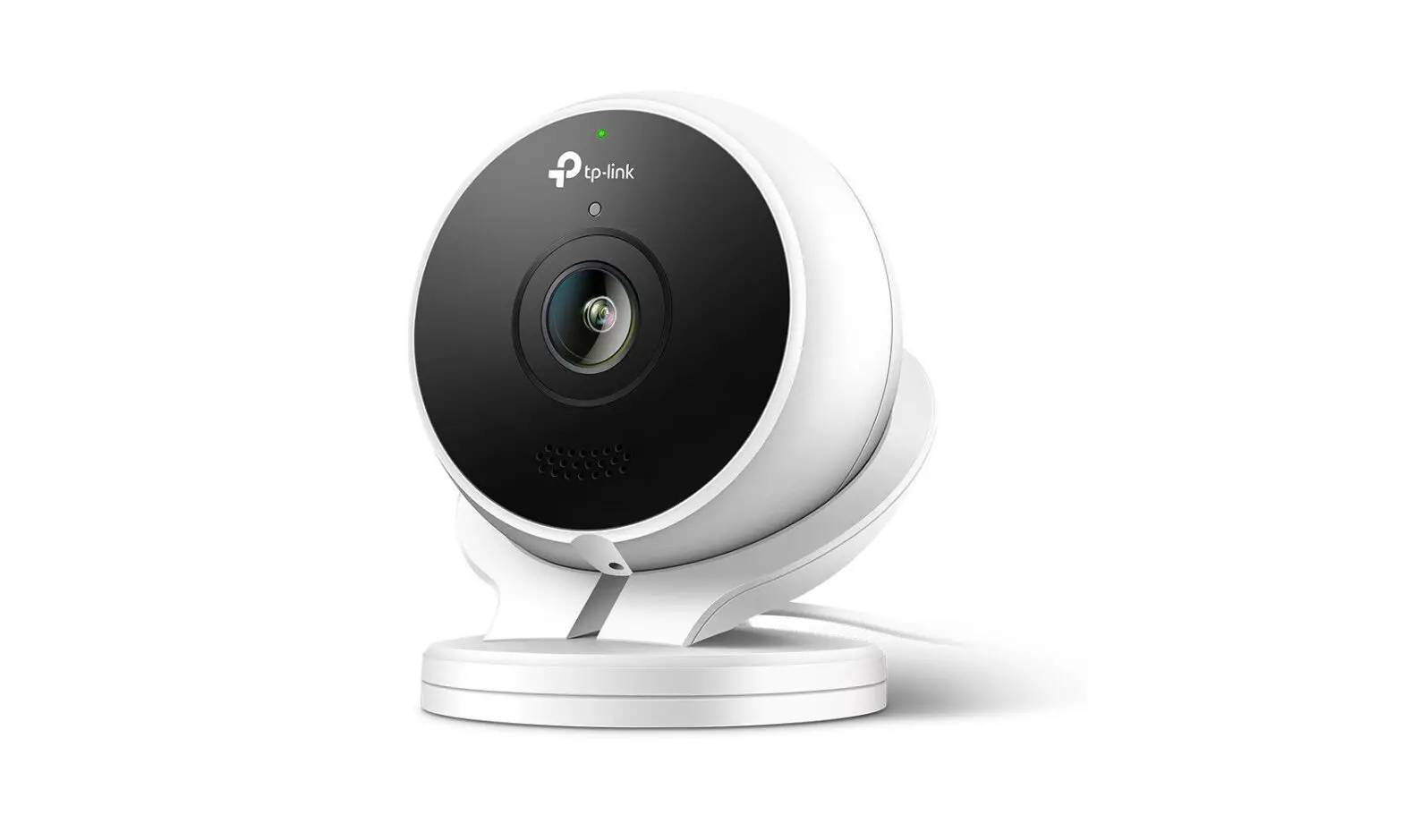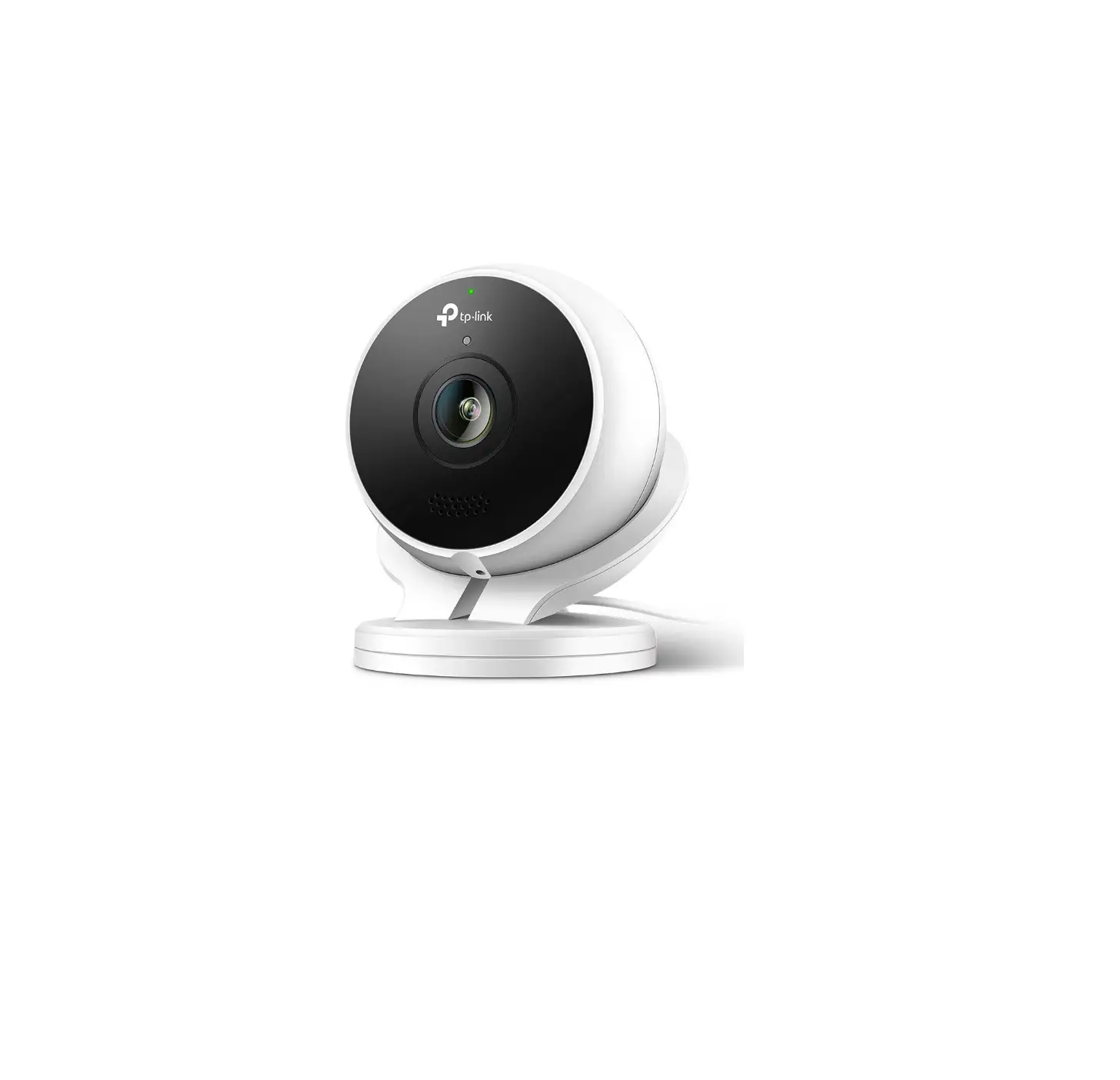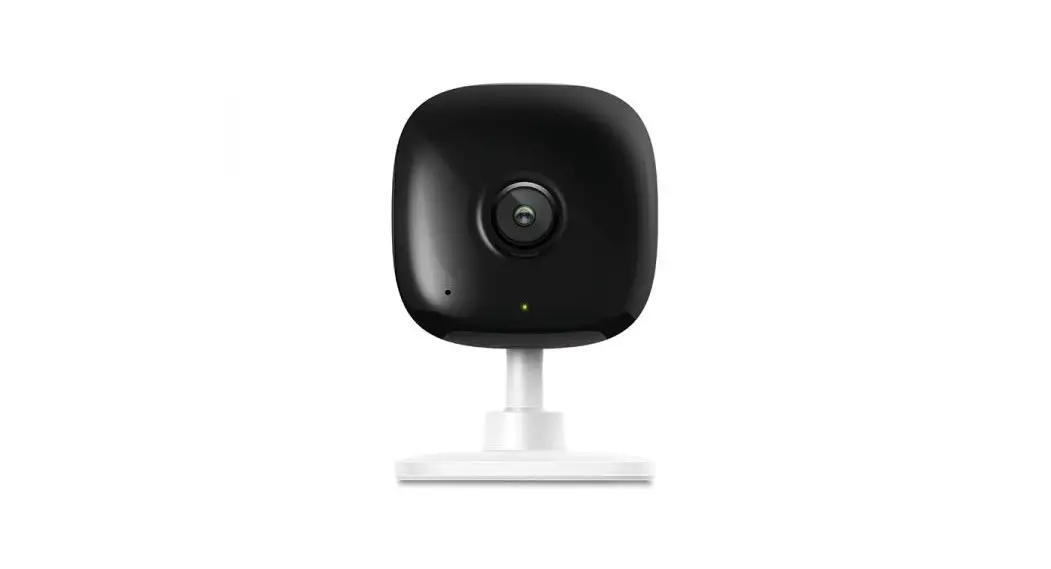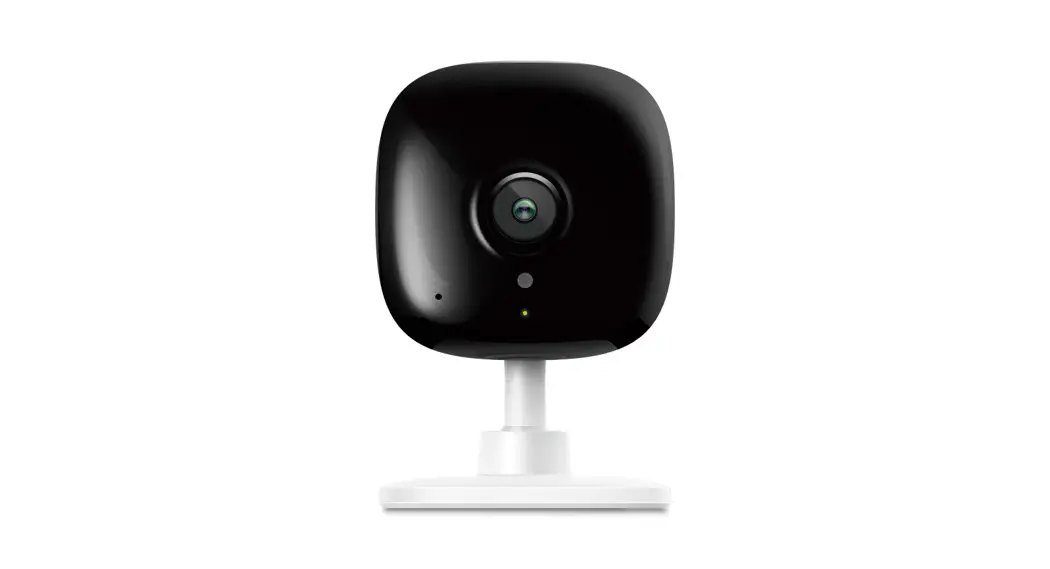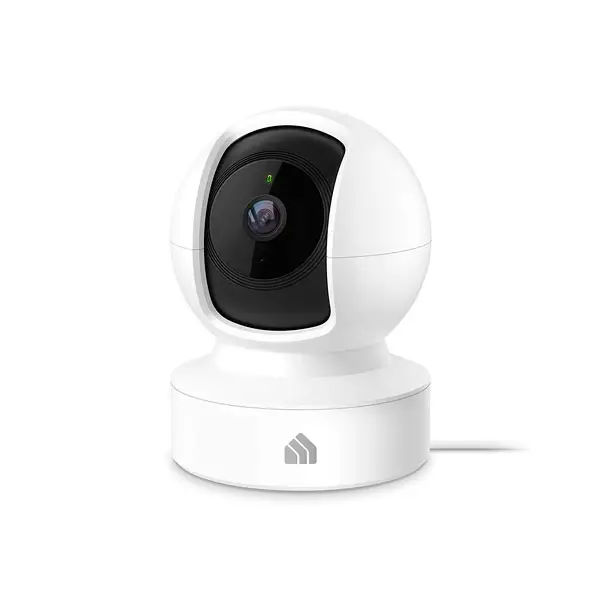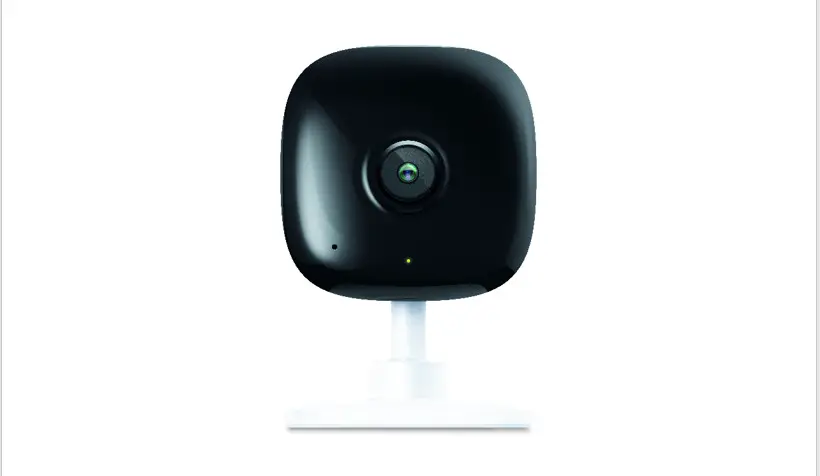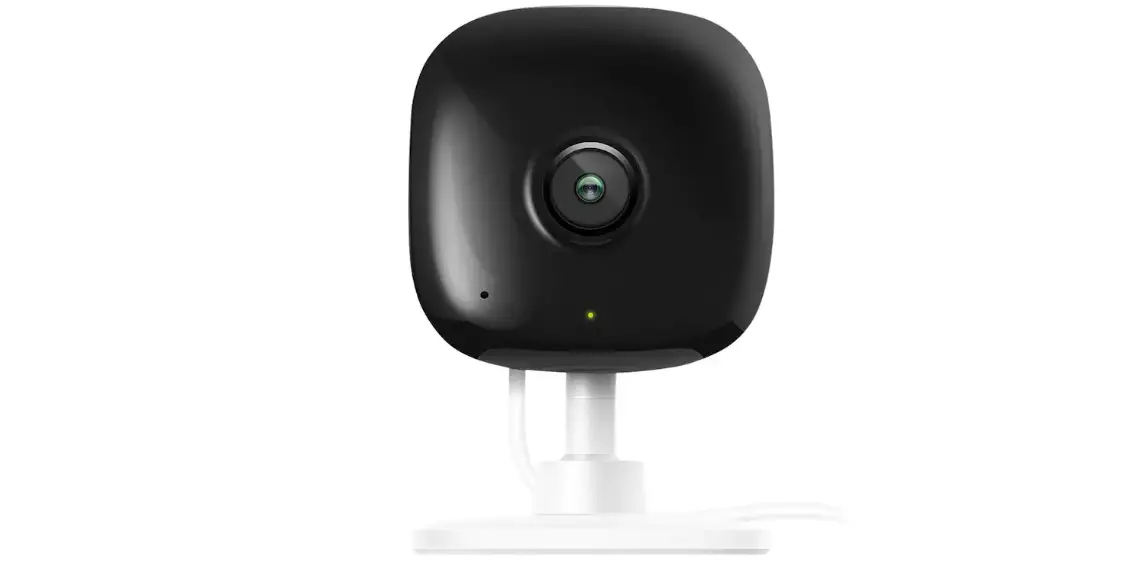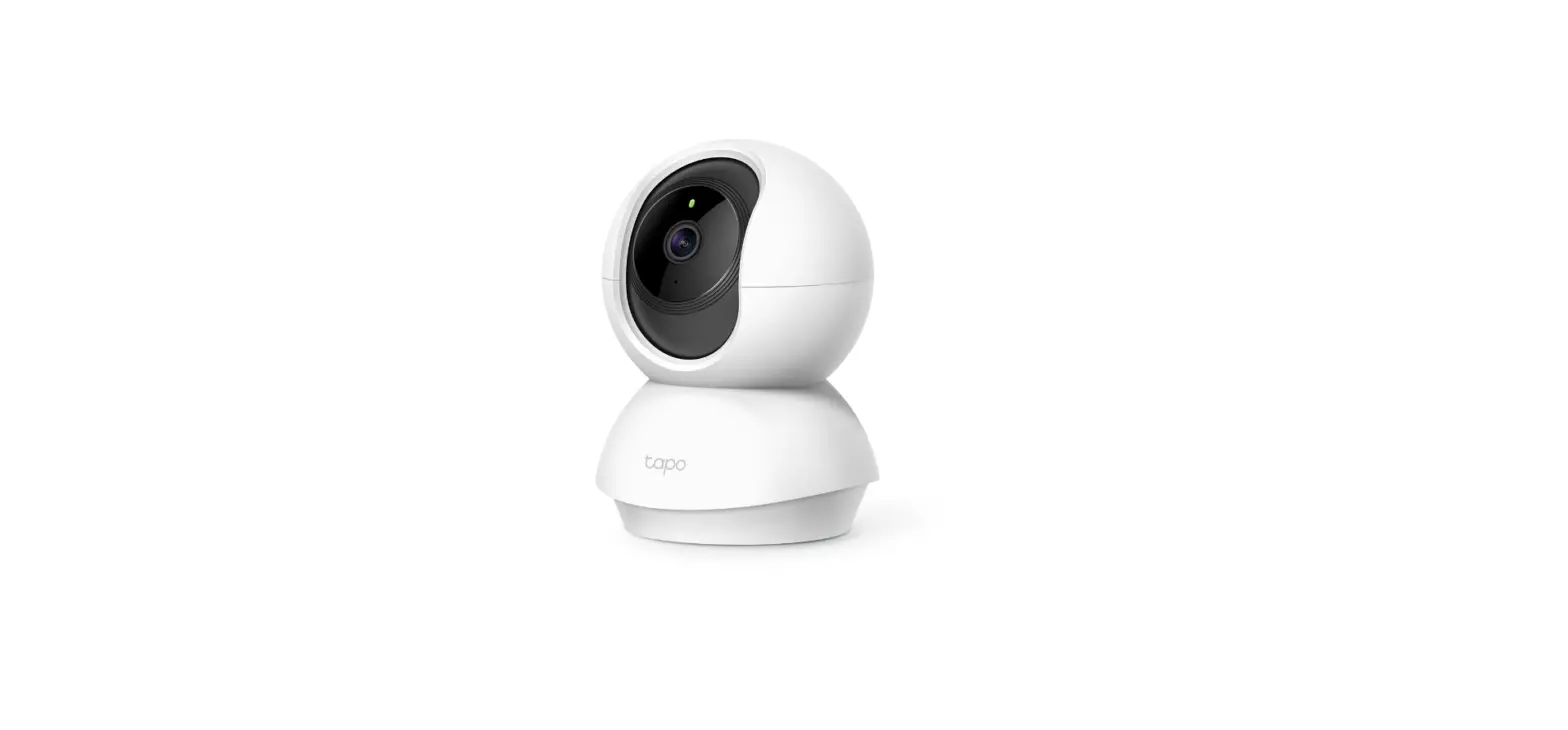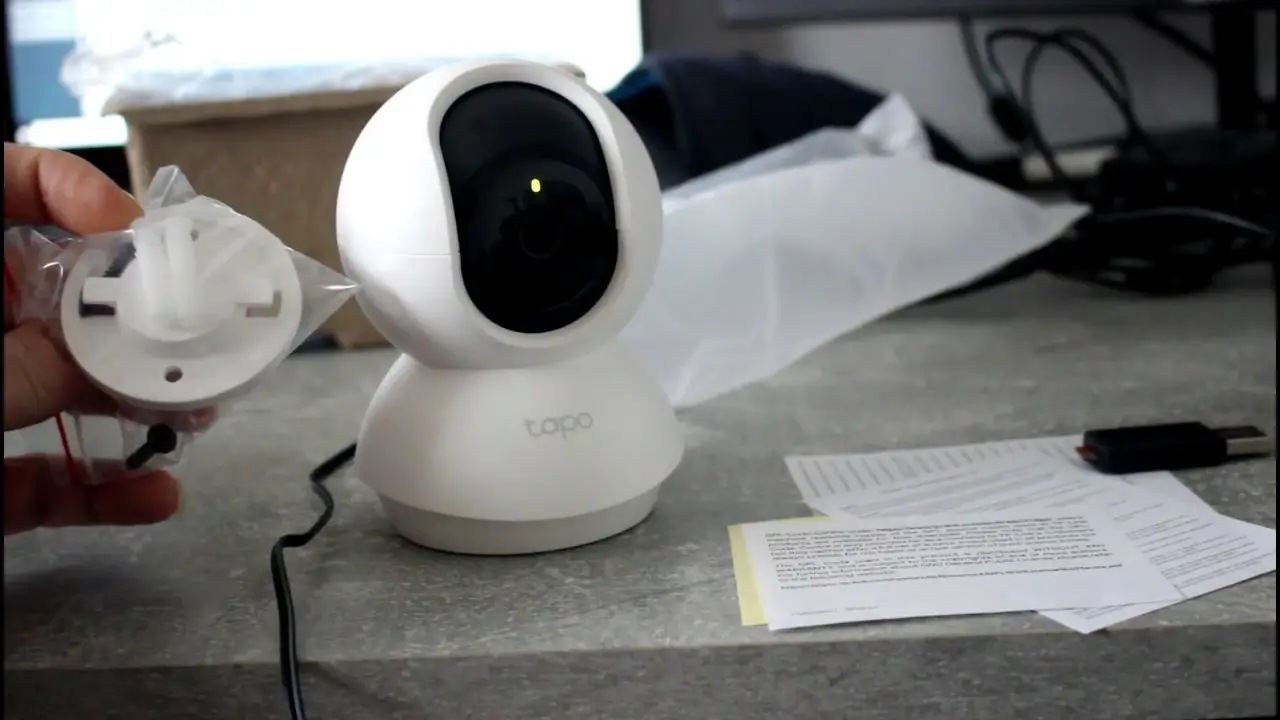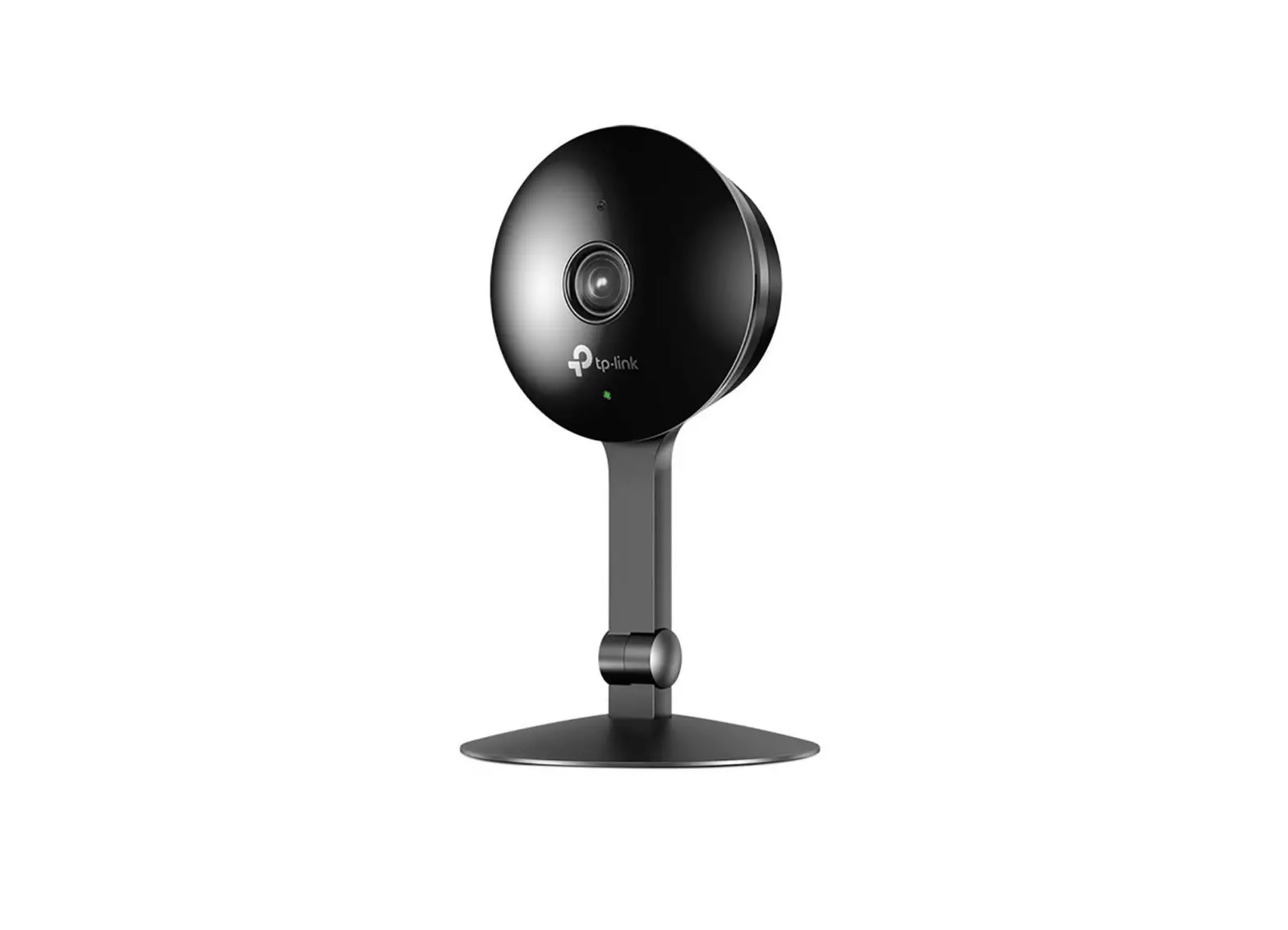
tp-link Kasa Cam Instructions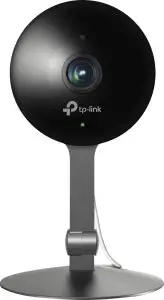
STEP 1: DOWNLOAD KASA
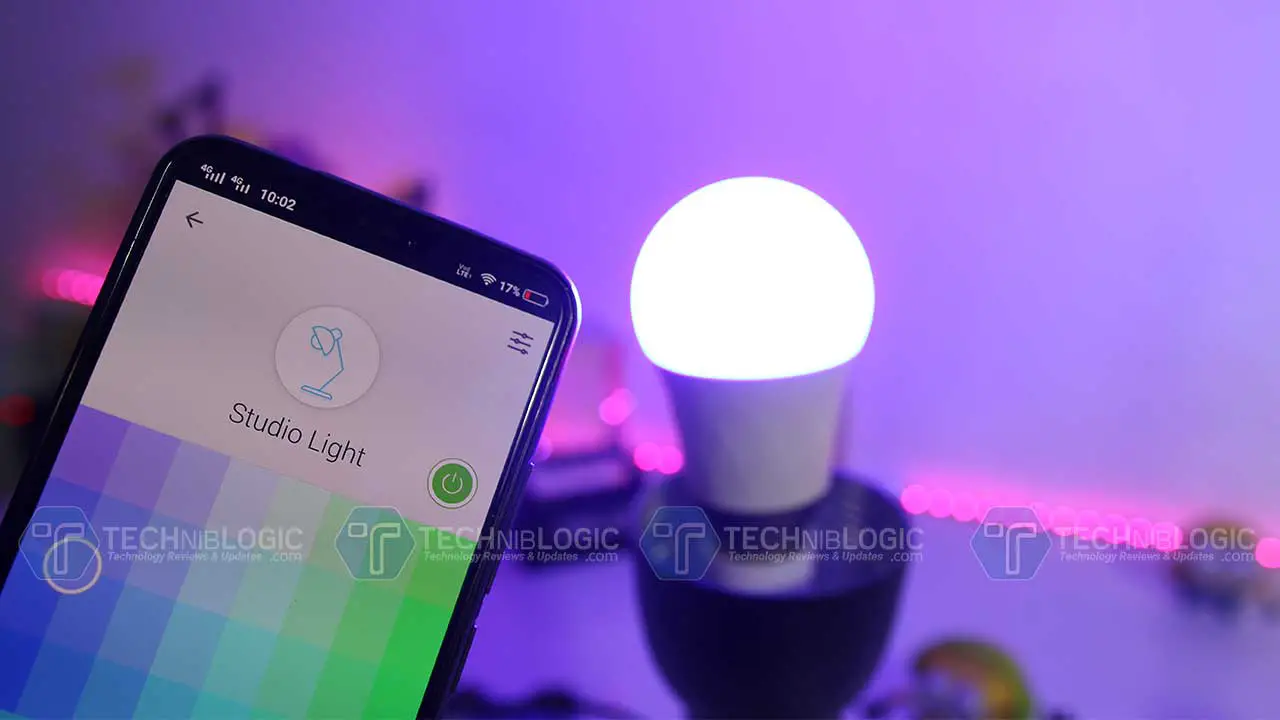
Get the Kasa Smart app from the Apple App Store or Google Play.


STEP 2: POWER UP
While Kasa app downloads, plug in your Kasa Cam.
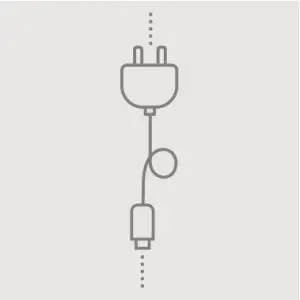
STEP 3: ADD TO KASA
Tap the  button in the Kasa app and select Cameras. Follow app instructions to complete setup.
Support
Need some help?
Visit: www.tp-link.com/support/ for User Guides, FAQs, Warranty & more
Kasa Cam: www.tp-link.com
 WiFi Networking Equipment for Home & Business | TP-Link