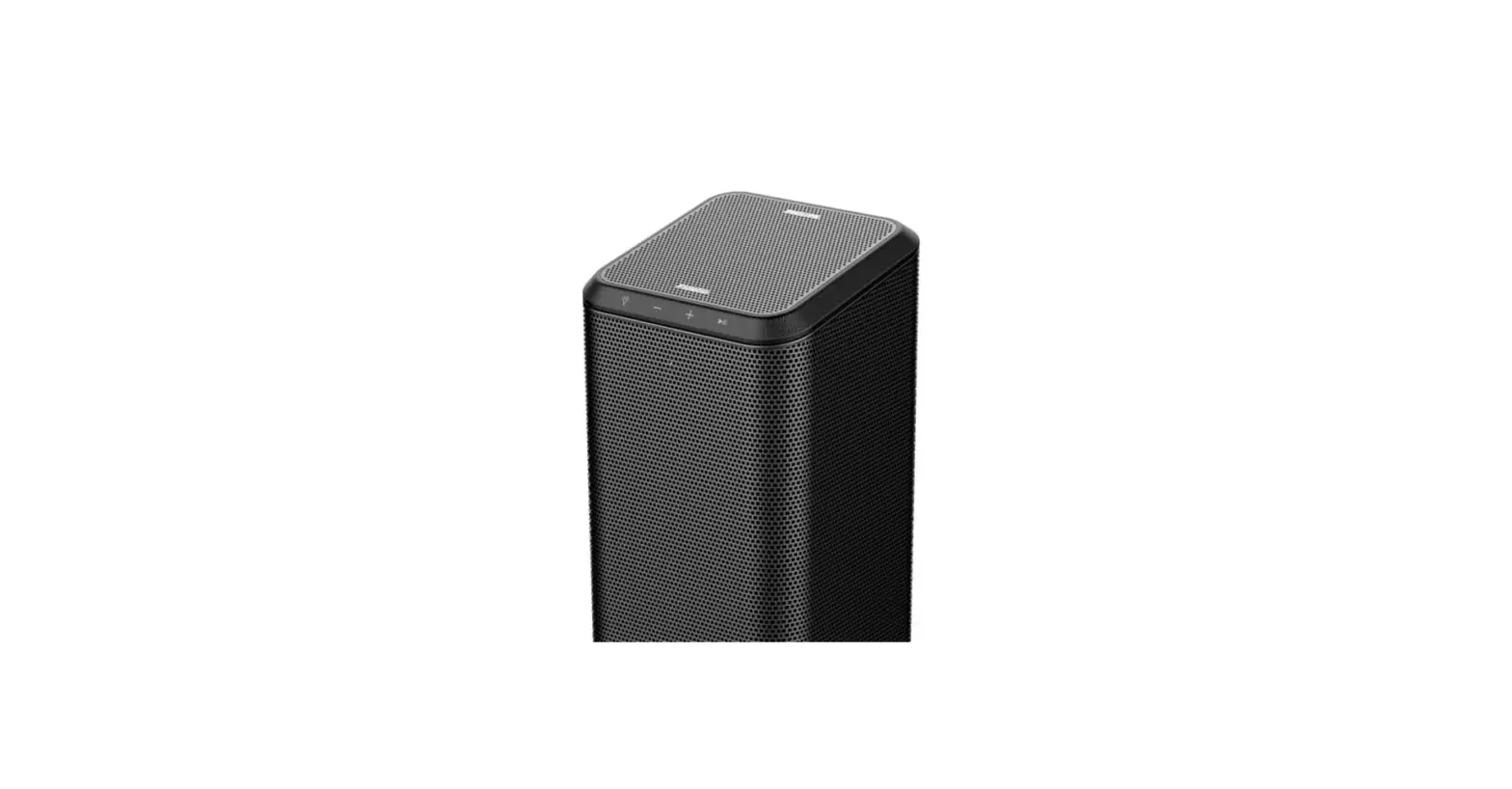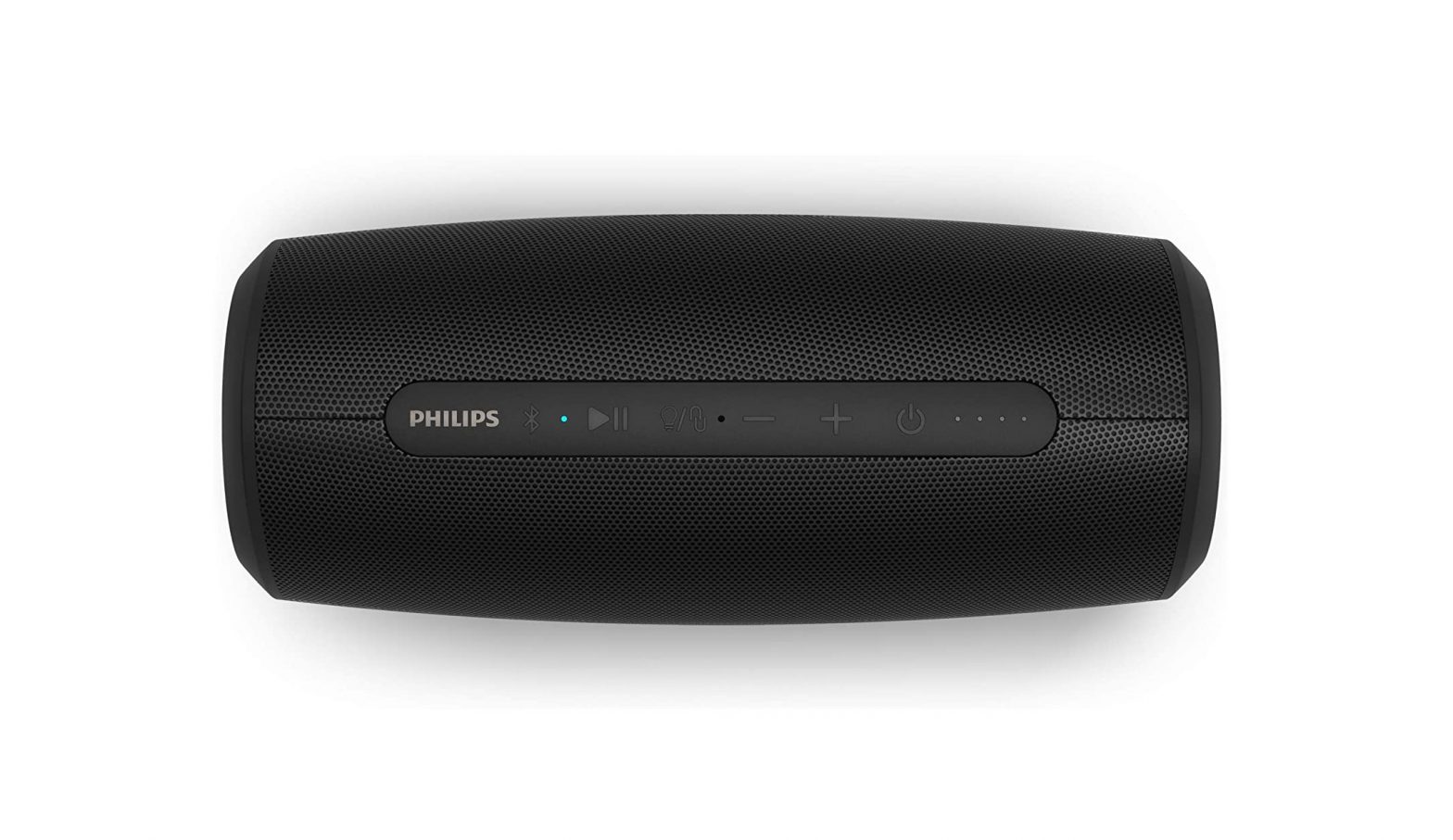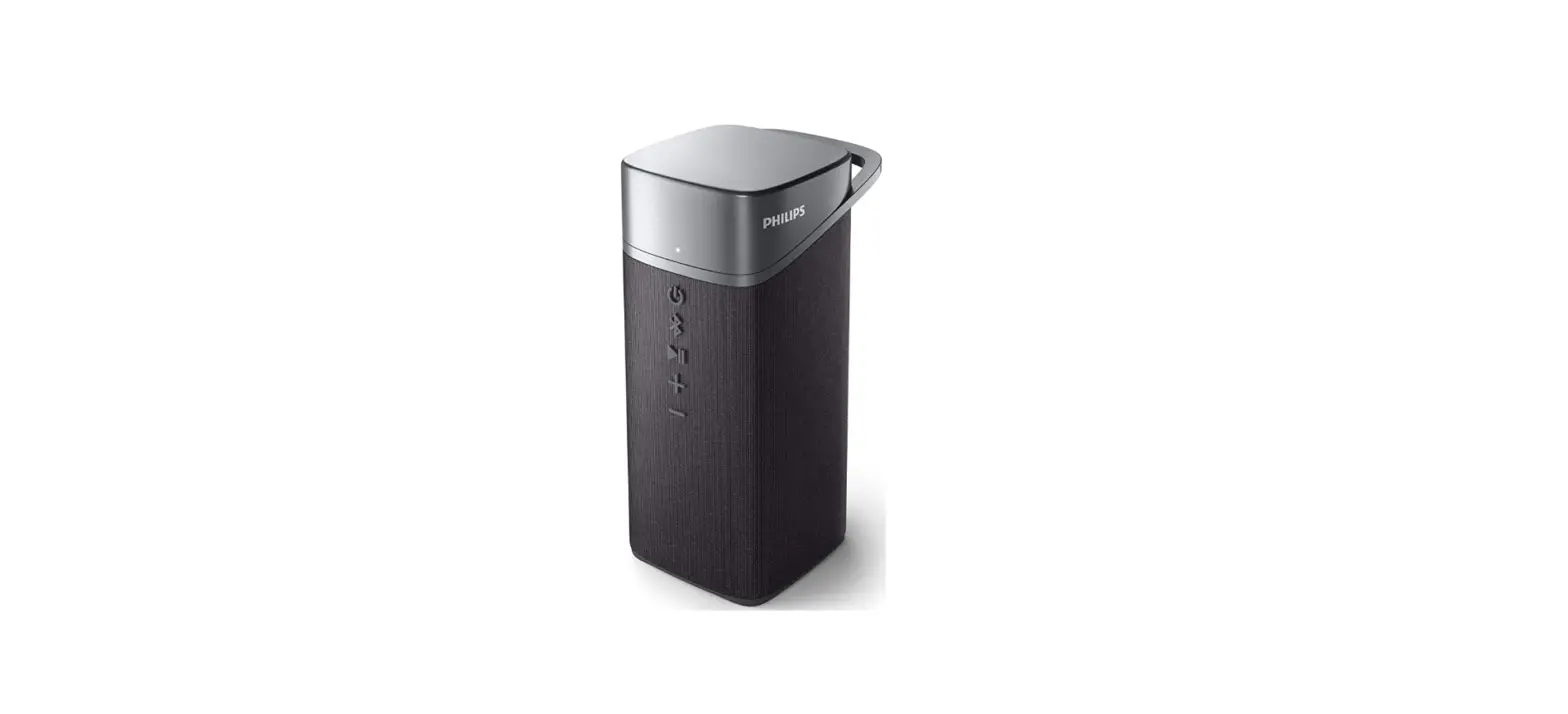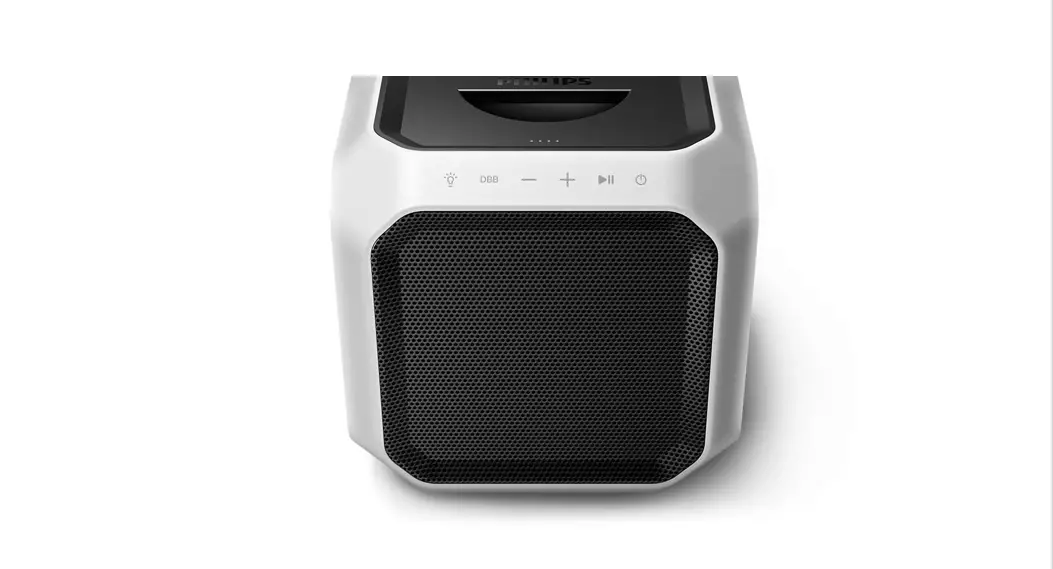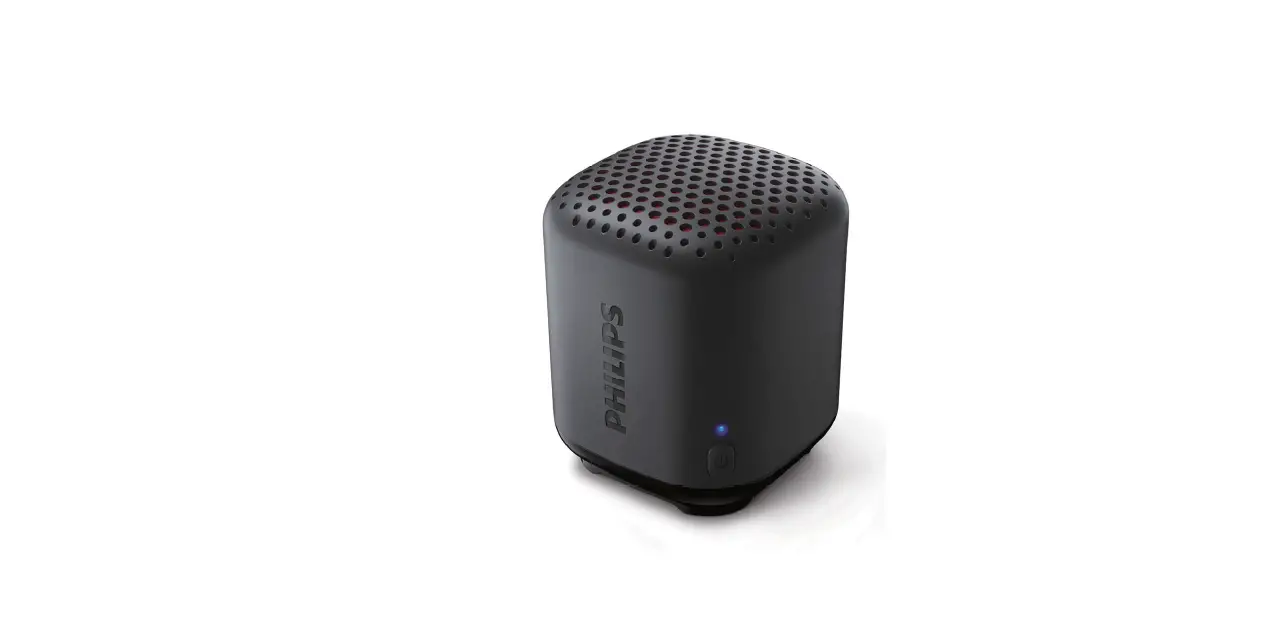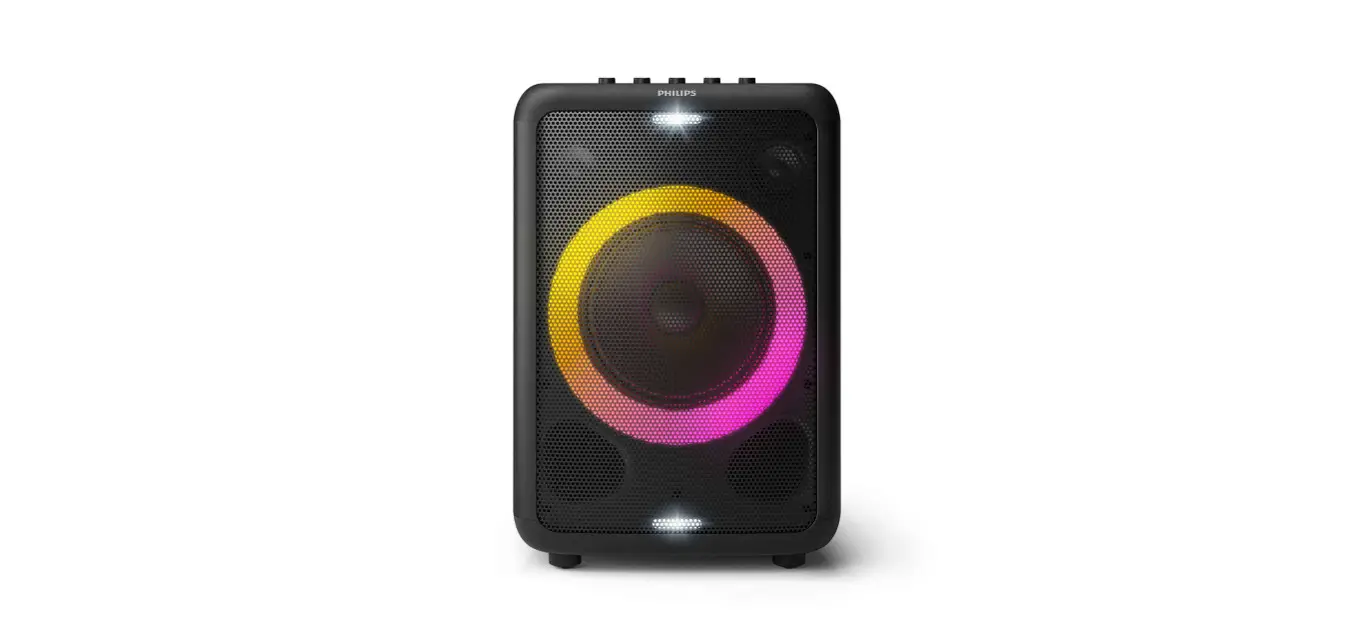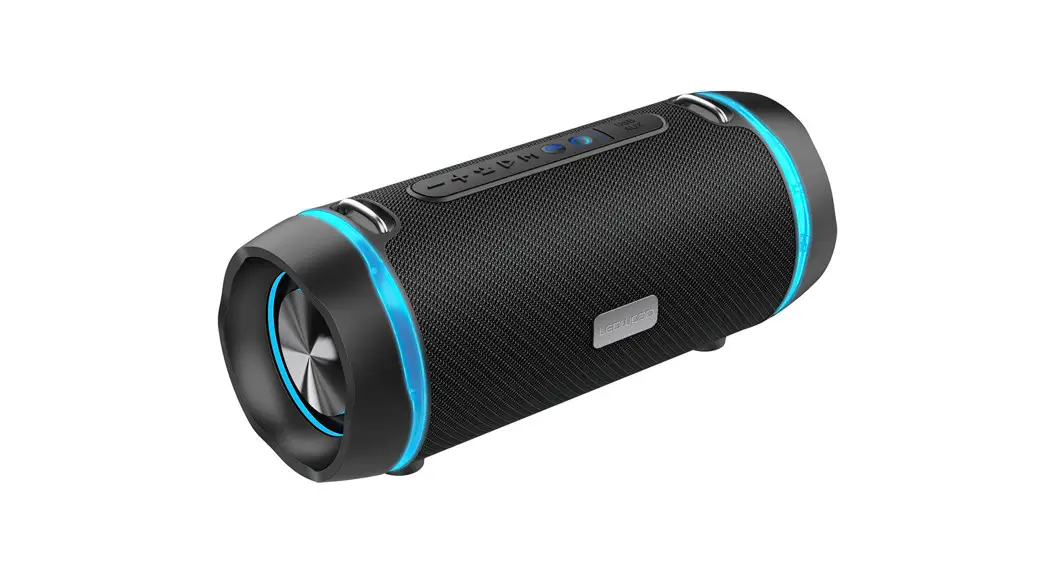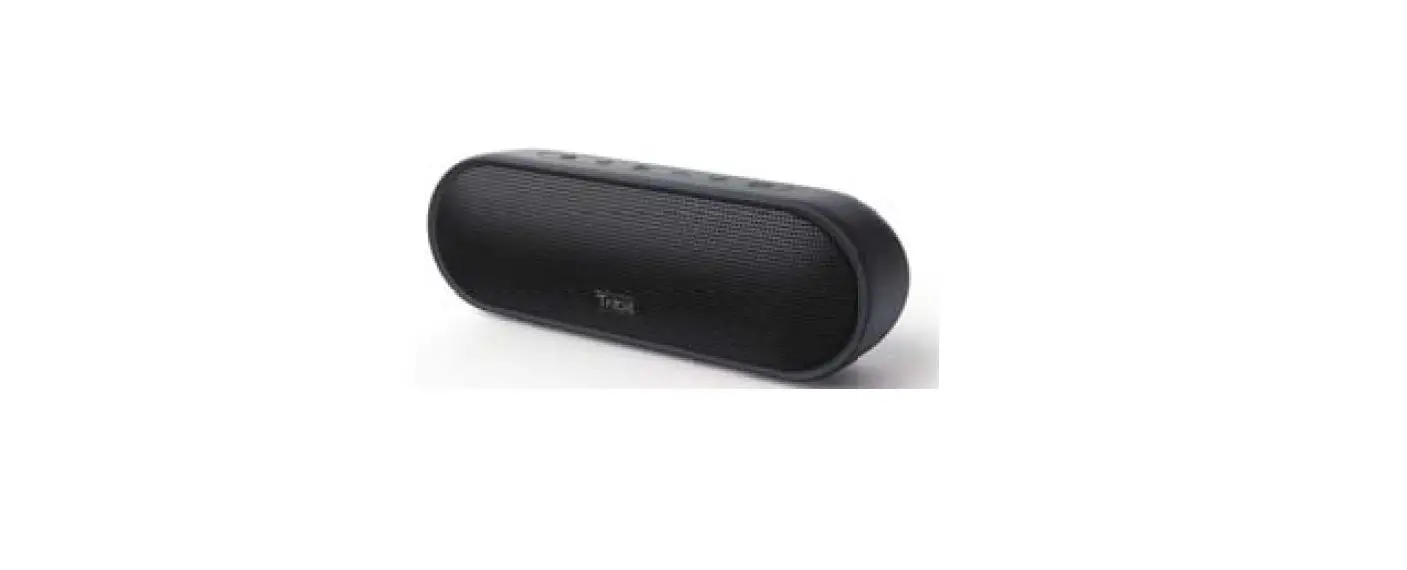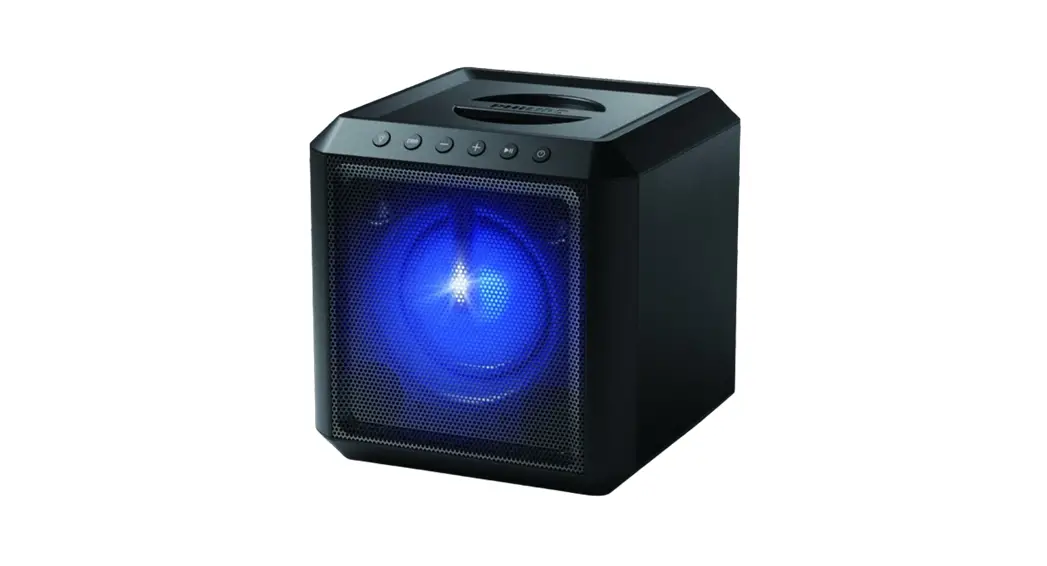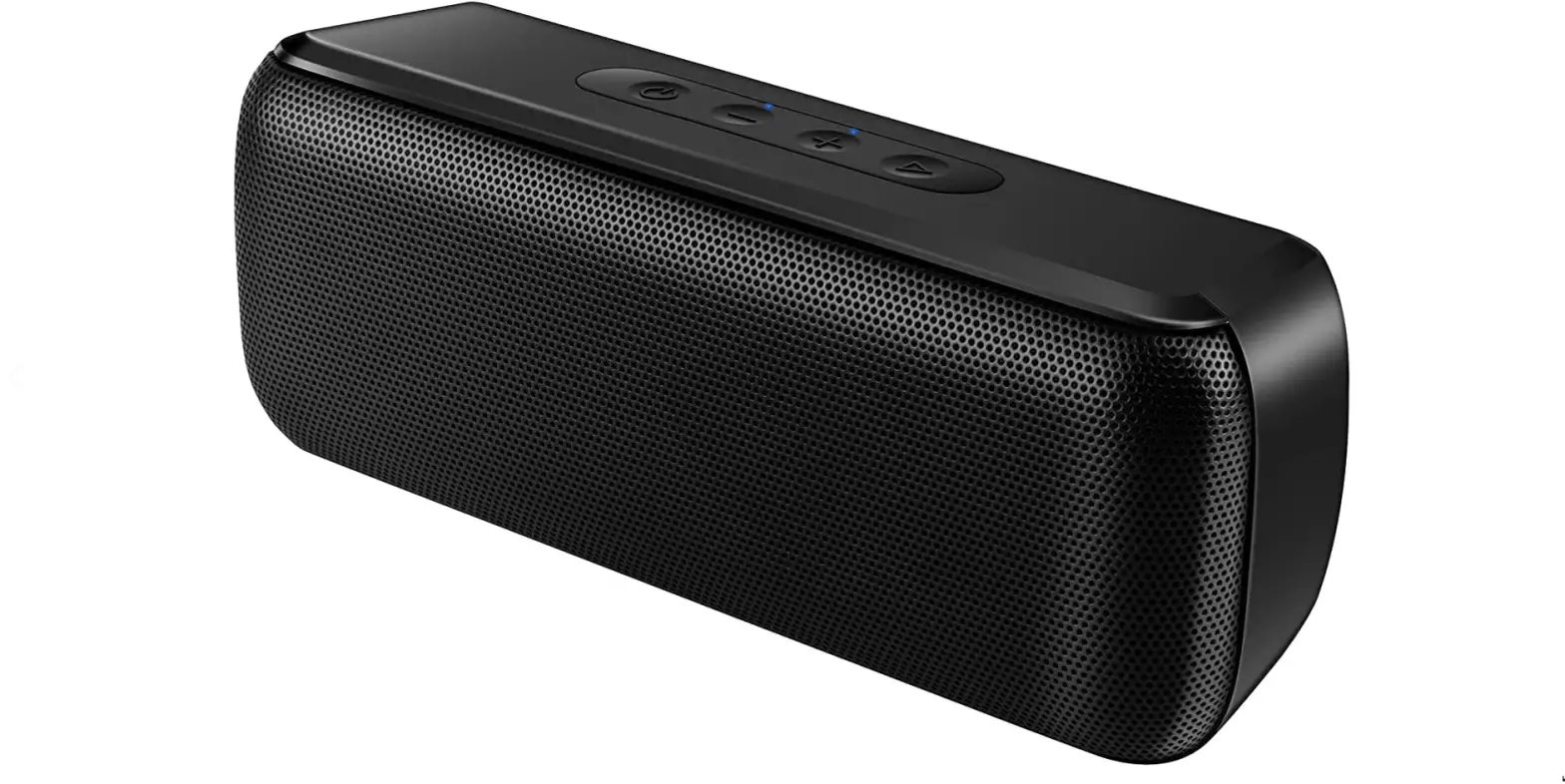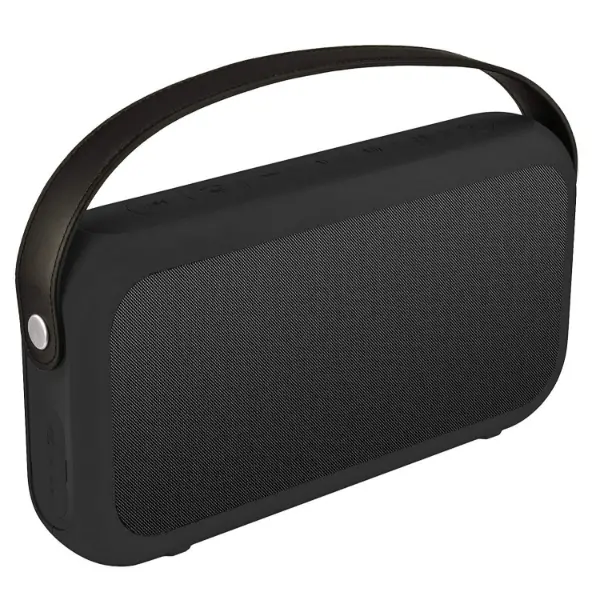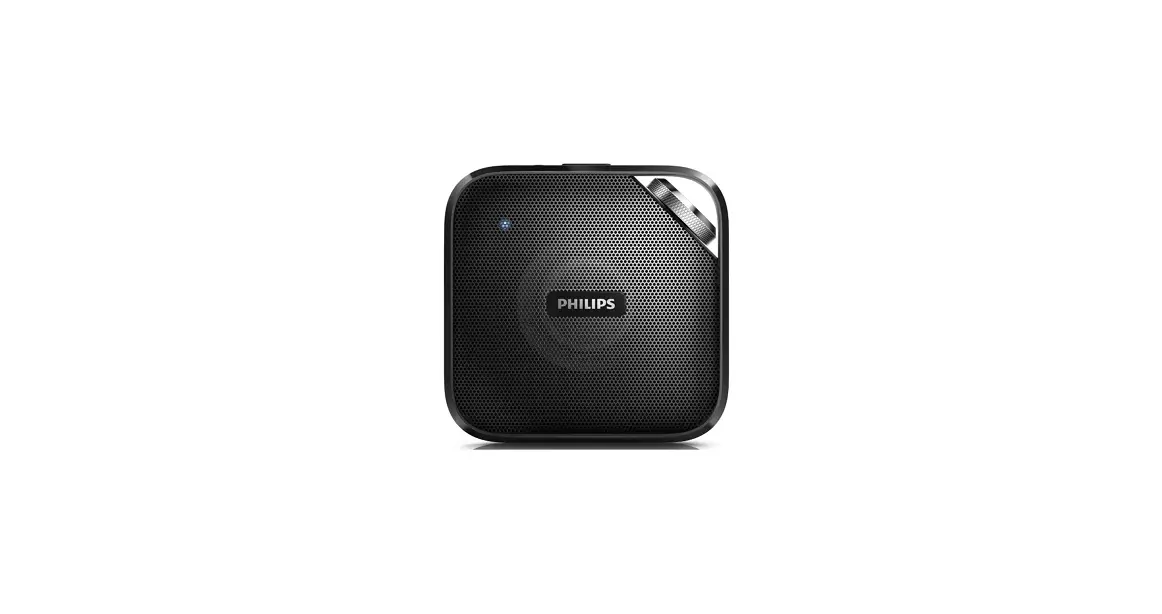

Philips BT2500B/37 Wireless Portable Speaker
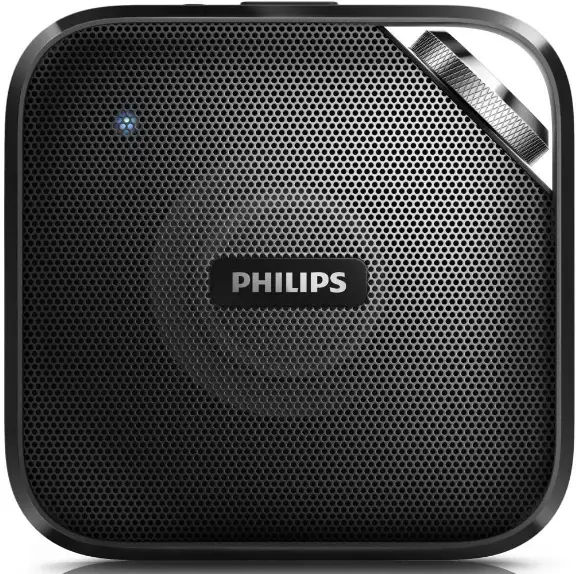
Make your move with your music
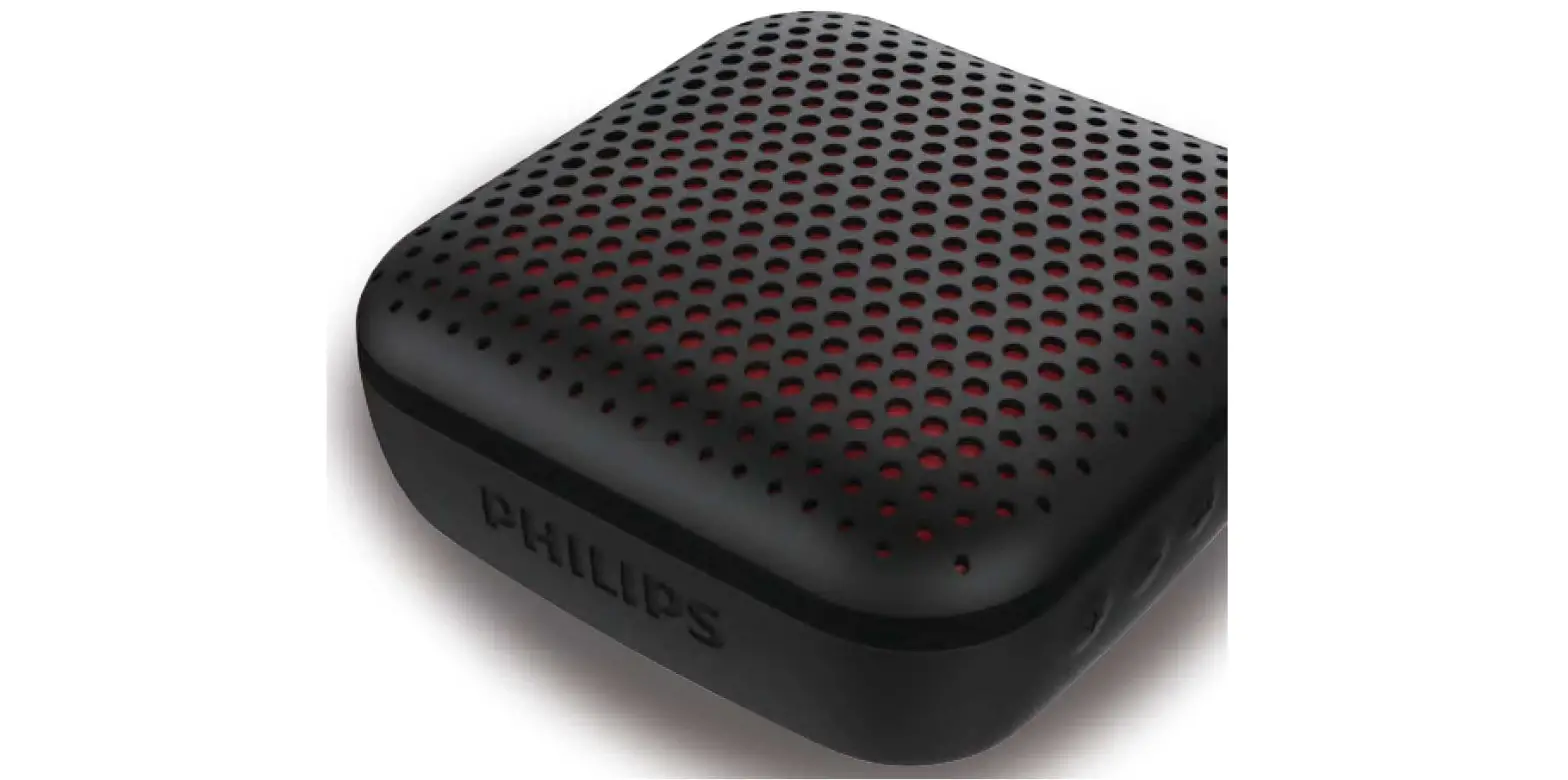
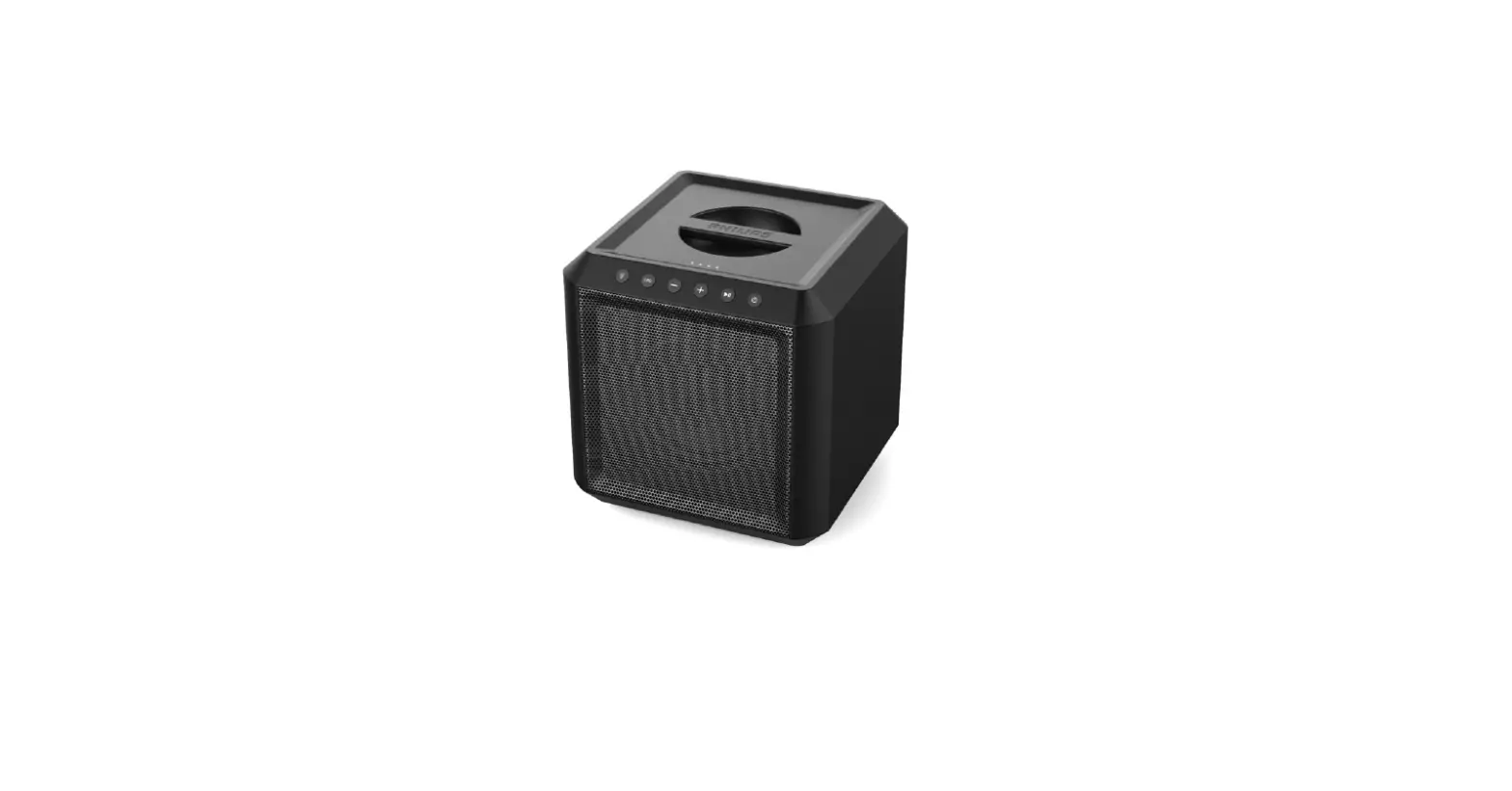
Brilliant sound in a slim body that slips in anywhere. Coupled with a stylish design and a aluminium knob for a touch of quality.
Impressive sound
- Advanced audio performance with a slim design
- Anti-clipping function for loud, distortion free music
Simplicity in use
- Wireless music streaming via Bluetooth
- Built-in microphone for hands-free phone calls
- Audio-in for easy connection to almost any electronic device
Designed for grab and go
- Built-in rechargeable battery for music playback anywhere
- Use your own strap to carry it anywhere
Highlights
Wireless music streaming
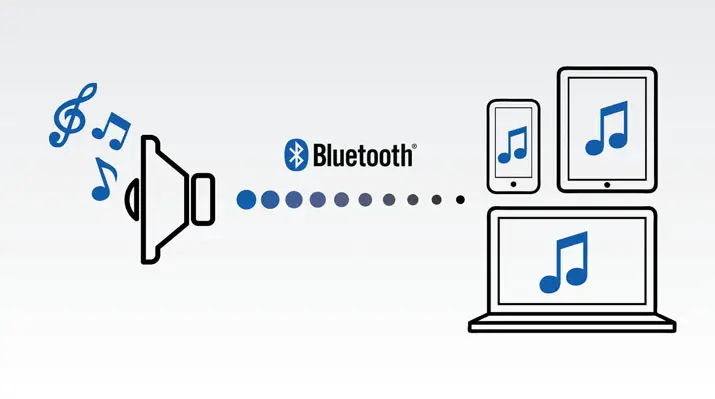
Bluetooth is a short range wireless communication technology that is both robust and energy-efficient. The technology allows easy wireless connection to iPod/iPhone/iPad or other Bluetooth devices, such as smartphones, tablets or even laptops. So you can enjoy your favorite music, sound from video or game wireless on this speaker easily.
Anti-clipping function
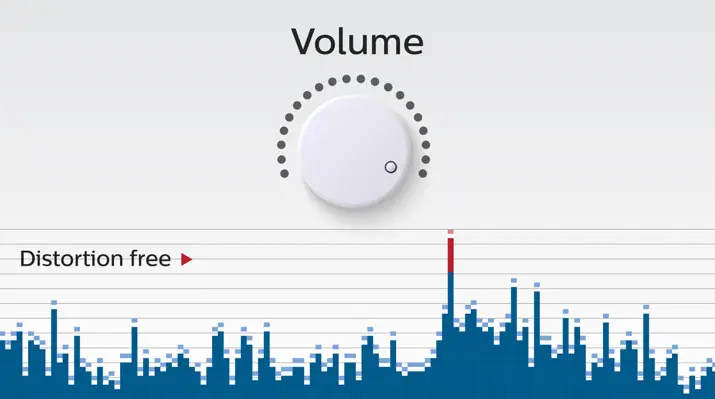
Anti-Clipping lets you play music louder and keeps it high quality, even when the battery is low. It accepts the input signals from 300mV to 1000mV and keeps your speakers safe from damage by distortion. This speaker handles anti-clipping through a dedicated audio limiter IC. This monitors the musical signal as it goes through the amplifier and keeps peaks within the amp’s range, preventing the audio distortion caused by clipping without affecting loudness. A speaker’s ability to reproduce musical peaks decreases along with battery power, yet anti-clipping reduces peaks caused by low battery.
Built-in microphone
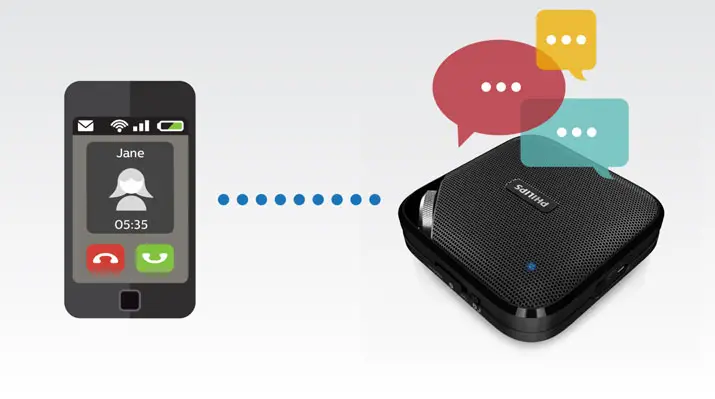
With its built-in microphone, this speaker also works as a speaker phone. When a call comes in, the music is put on pause and you can talk via the speaker. Call for a business meeting. Or, call your friend from a party. Either way, it works great.
Audio-in
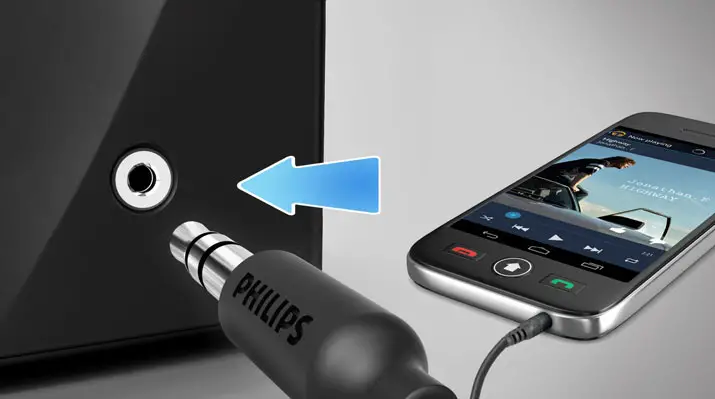
Audio-in for easy connection to almost any electronic device
Specifications
Compatibility
- iPad: iPad 1, iPad 2, new iPad, iPad mini, iPad with Retina display
- iPhone: iPhone 3, iPhone 3GS, iPhone 4, iPhone 4S, iPhone 5, iPhone 5C, iPhone 5S
- iPod touch: 3rd generation or later
- Android tablets & smartphones: with Android 2.1 and Bluetooth 2.1 or above
- work with: Bluetooth 4.0 or below
- another Bluetooth-enabled device
Connectivity
- Bluetooth profiles: A2DP, AVRCP, HFP
- Bluetooth range: Line of sight, 10M or 30FT
- Audio in (3.5mm)
- USB charging
Convenience
- Built-in microphone: for speaker conference
Sound
- Output power (RMS): 3W
- Sound System: Mono
Loudspeakers
- Speaker drivers: 1 x 2″
Power
- Operating time on battery: 5 hr
- Battery type: lithium polymer (built-in)
Accessories
Included accessories: USB cable for PC charging, World Wide Warranty leaflet, Quick install guide
Dimensions
- Product dimensions (WxDxH): 101 x 101 x 34 mm
- Packaging dimensions (WxDxH): 151 x 45 x 151
- Product weight:22 kg
- Weight incl. Packaging:28 kg
Issue date 2017-05-04 © 2017 Koninklijke Philips N.V. All Rights reserved.
Version: 4.0.9 Specifications are subject to change without notice. Trademarks are the property of Koninklijke Philips N.V. or their respective owners. 12 NC: 8670 001 13468 UPC: 6 09585 24230 2 www.philips.com
Frequently Asked Questions
Make sure the Phillips slide switch is set to the “Bluetooth or wireless” position in the middle.
Turn the speaker’s switch in the direction of the Bluetooth icon. The blue Bluetooth indicator is flashing. Turn on the Bluetooth feature on your Bluetooth device (such as a cell phone). Choose your Bluetooth speaker from Philips on your mobile device.
Try the following if you are having trouble pairing or connecting your Philips Bluetooth speaker to your smartphone. Ensure that the smartphone and speaker are both charged. Verify if the speaker has previously established a Bluetooth connection with another device.
A row of LED lights on the front of your speaker will turn on once it is plugged in and remain on until charging is finished.
A rechargeable battery that is incorporated into the speaker provides power. The built-in battery must be completely charged before use. The micro USB port is only used for charging. Connect the USB cord to the USB port on your computer and the micro USB port on the speaker.
Check to see if your speaker has enough power. Ensure the speaker and the wall outlet are firmly linked to the USB AC adapter (not loose). Hold down the power button while waiting for the speaker to start up.
Modern batteries have sophisticated sensors that prevent overcharging, but this does not guarantee that leaving the battery hooked into the charger won’t harm it. One charging cycle is completed when the battery is charged to 100%; the battery can only be charged so many times before it is irreparably harmed.
It is completely safe to use your Bluetooth speaker while it is charging if your speaker has a built-in battery. It is not advised to use your Bluetooth speaker while it is charging if the battery is removable.
The Bluetooth® speaker’s internal battery needs three (3) hours to fully recharge from a dead battery.
The problem arises if you do it frequently. A lithium-ion battery may suffer long-term consequences of this. Therefore, you should refrain from doing that to protect battery life. This means that it is not a good idea to leave a wireless speaker charging over the course of every day of the week.
Use an RCA audio cable (1) and attach one end to the TV’s ‘AUDIO OUT/DIGITAL’ coaxial output. Connect the other end to the audio device’s digital coaxial input. Select a show on the TV after turning it on. Turn on the audio equipment, then choose the TV’s linked input.
Make sure your computer’s volume is not muted. Restart the audio playback app after closing it. Your computer’s Bluetooth® feature should be turned off, then back on. Remove the speaker from the list of Bluetooth devices that are currently paired, then pair it once more.
When the speaker is turned on, hold down the – and + keys simultaneously for 7 seconds to turn it off. Wait for the speaker to automatically restart after being reset.
Go to Network Settings on your television and choose Bluetooth. Next, check the list of discoverable devices for your speaker. Hopefully, this straightforward connection approach worked.
The red light will come on when you connect it in (the power button). It’s charged when the red light goes off.
Turn on the apparatus. Utilize the audio input plug to connect the item to the PC. Navigate your computer’s audio content while adjusting the loudness.