soundcandy
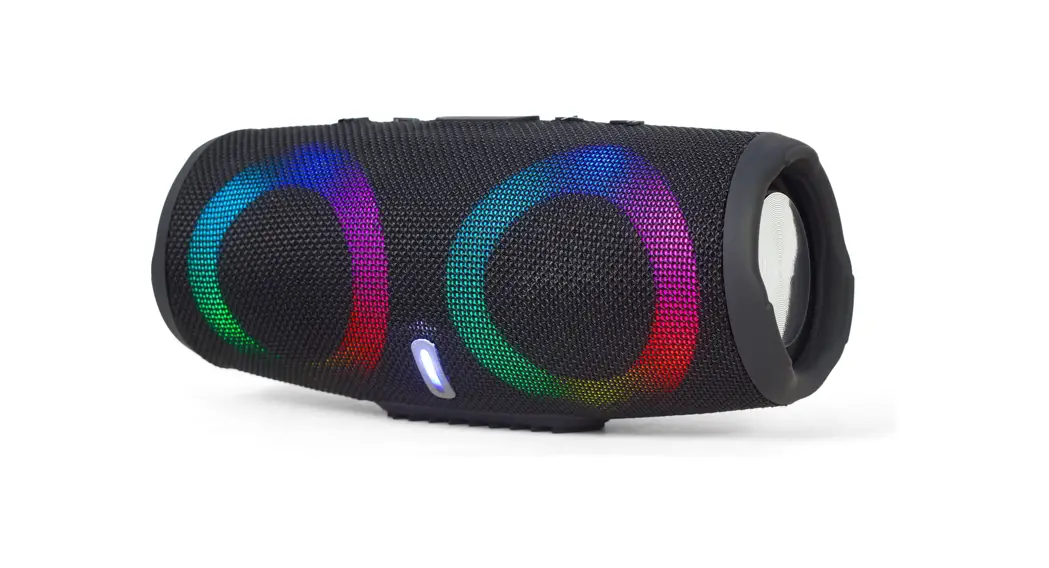
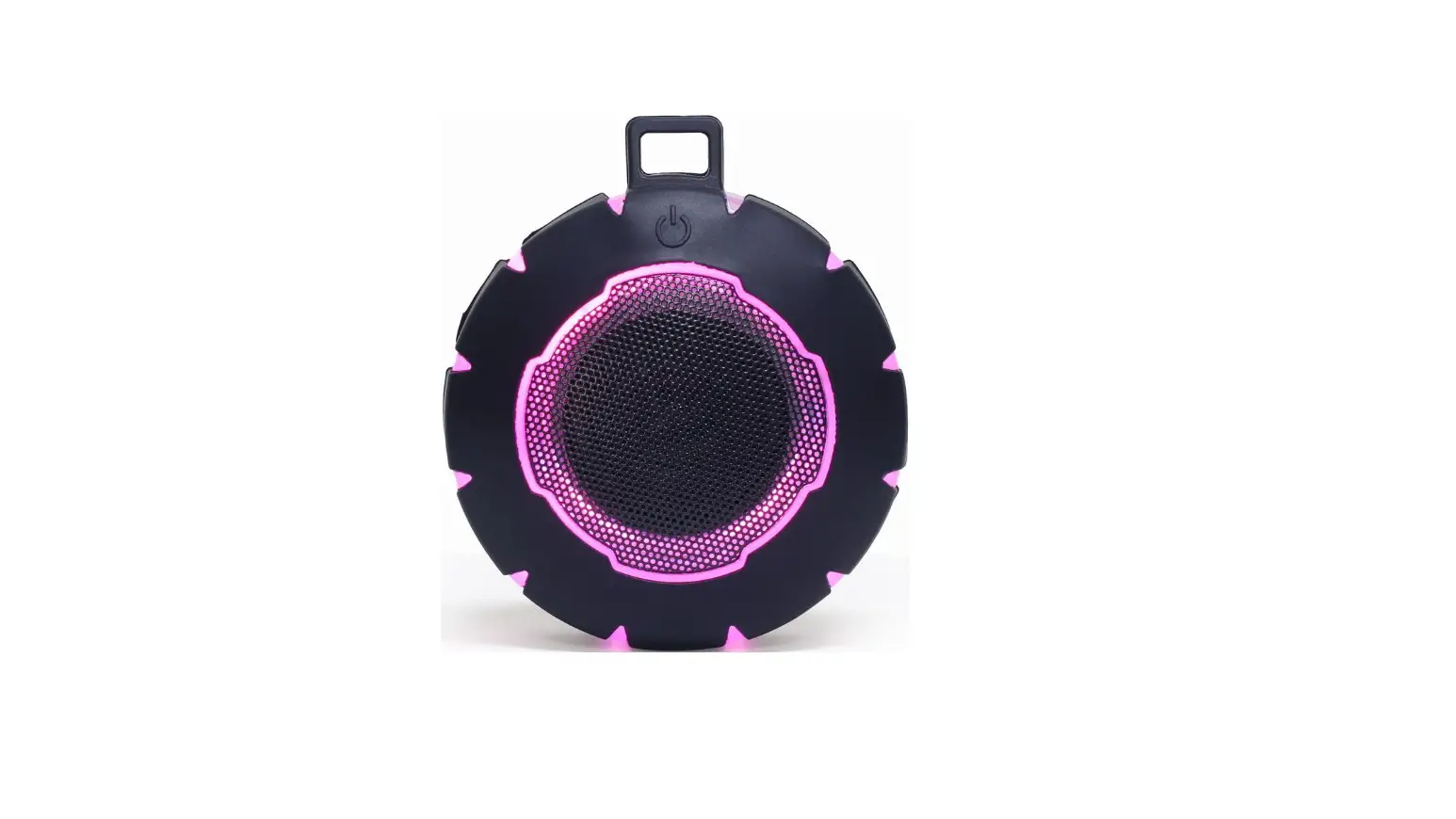
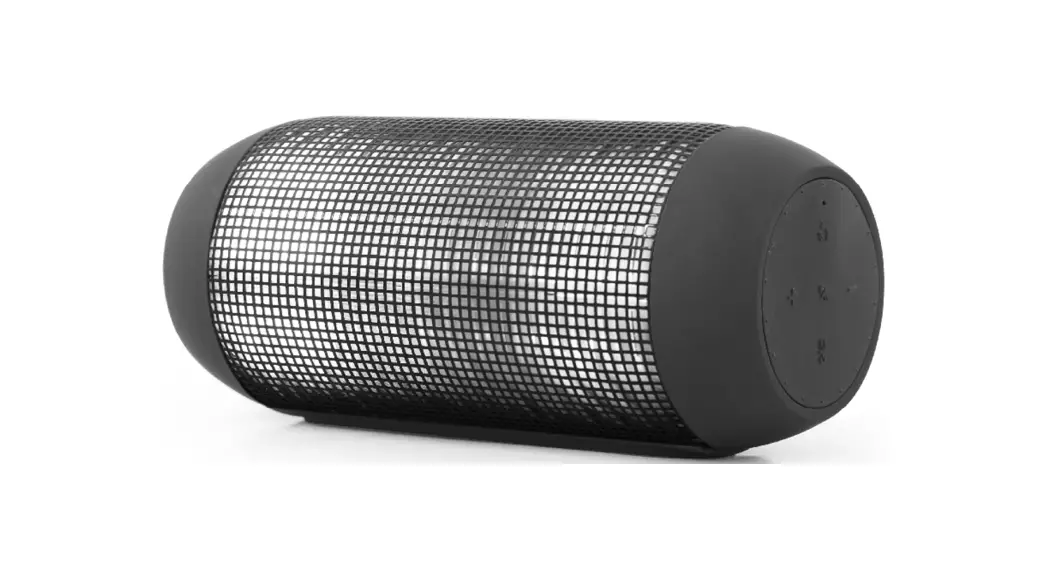
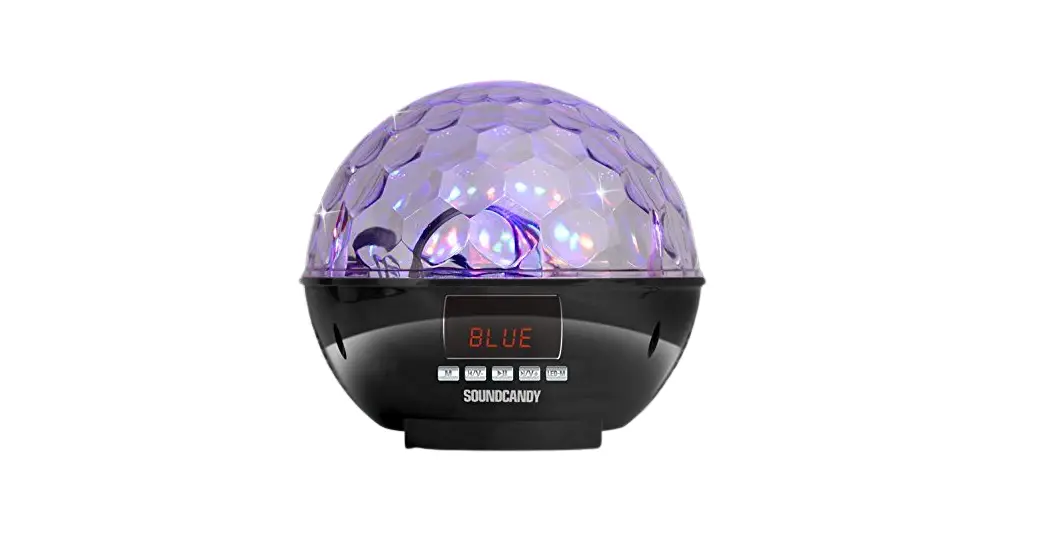
soundcandy SC3002BKB-BT Ball Light Show Bluetooth Speaker
Specifications
- Connectivity Technology: Bluetooth, Auxiliary, USB
- Special Feature: Radio
- Recommended Uses for Product: Music
- Mounting Type: Plug Mount
What’s in the box?
Rave Ball Speaker
Product Descriptions
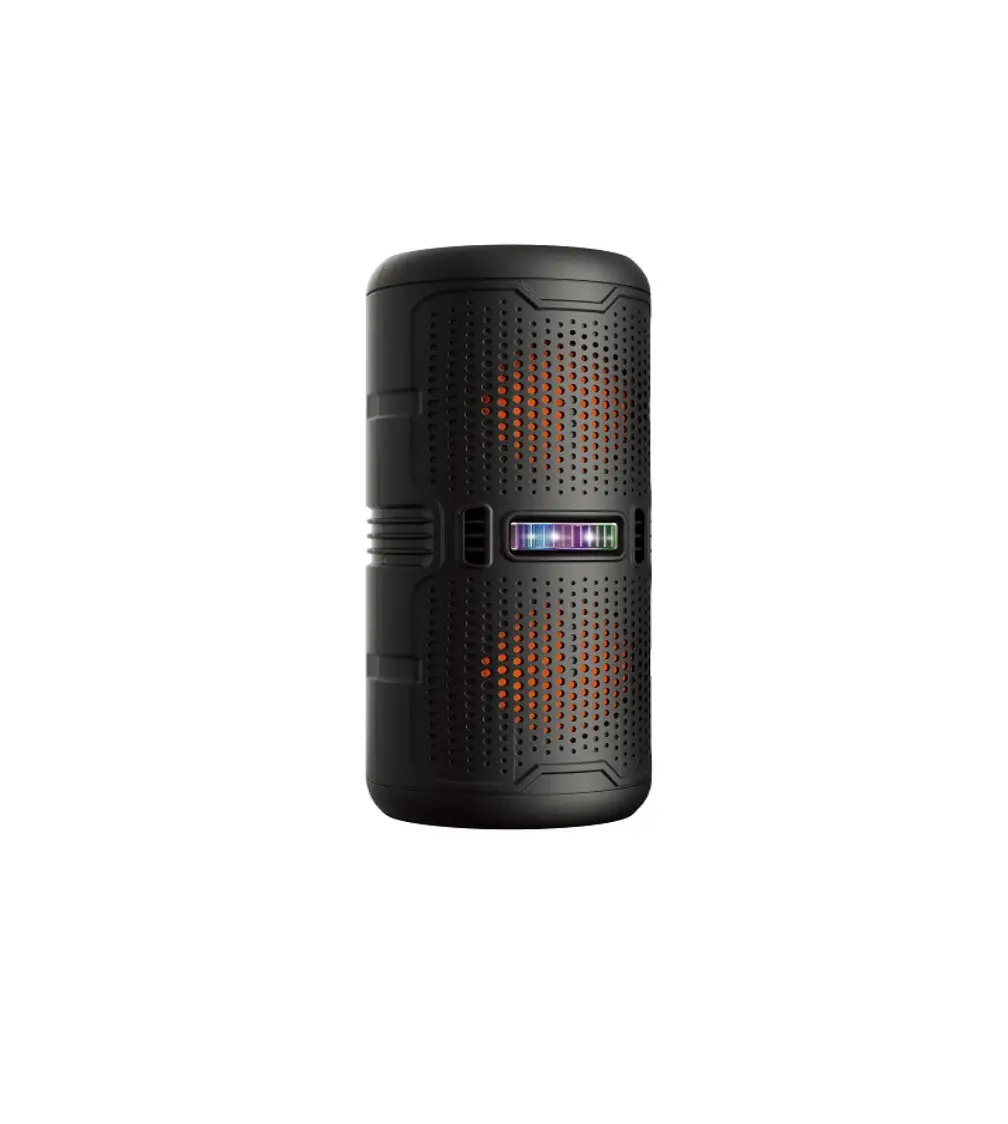
With this instant party speaker, enjoy your music like never before! All it takes to fill any size room with dancing lights is to turn on, connect, and play. An impromptu DJ dance party has begun! For your upcoming house party, the Sound Candy Rave Ball powered by LiveLights Technology is the greatest Bluetooth speaker. Even your neighbours will be curious about the source of the lights! A unique built-in rotating motor in this Bluetooth Lightshow Speaker creates the spinning effect of a real disco ball.
Powerful enough to produce lighting effects that cover the entire 2,000 square foot space. The built-in MP3 player of the Rave Ball allows you to listen to your favourite music that is located on a USB drive or Micro SD card. Additionally, there is an Aux-in cable that you may use to connect directly to your radio, smartphone, or any other device that has a headphone jack. With various spinning lighting effects and colors, there are 4 different light modes. Additionally, an FM radio with a digital LCD display to view the stations is available. up to 4 hours of play per charge.
Features
- The SoundCandy Rave Ball starts parties right away!
- A unique built-in rotating motor provides this Bluetooth lightshow speaker a spinning effect that makes it look like a real disco ball. powerful enough to produce lighting effects that cover the entire 2,000 square foot space.
- The built-in MP3 player of the Rave Ball allows you to listen to your favourite music that is located on a USB drive or Micro SD card.
- Additionally, there is an Aux-in cable that you may use to connect directly to your radio, smartphone, or any other device that has a headphone jack.
- With various spinning lighting effects and colours, there are four different light modes.
Frequently Asked Questions
Bluetooth Headphones The majority of portable speakers transmit music wirelessly from another device, like a laptop or smartphone, using Bluetooth technology. Advantages: The technology is compatible with a variety of mobile devices, including smartphones running Android and the Apple iPhone. Additionally, Bluetooth speakers frequently cost less than WiFi speakers.
A strong connection may be indicated by a blue light that blinks continuously. The headphones may be in pairing mode if they have a slow blue light that pulses. Blinking red and blue lights are the most typical pairing mode light pattern.
Pair a Bluetooth device in the first step.
• From the top of the screen, swipe downward.
• Touch Bluetooth and hold it.
• To pair a new device, tap. If Pair new device isn’t there, go under “Available devices” or hit more. Refresh.
• Select the Bluetooth device you want to associate with your device by tapping its name.
• Observe any directions displayed on the screen.
You can reset a Bluetooth device on your Android phone or tablet by following these steps:
• Select System under Settings.
• Select Advanced.
• Choose the Reset option.
• Select Reset Bluetooth, cellphone, and Wi-Fi.
• Select Reset settings. Afterward, if prompted, enter your phone’s PIN.
The source of electricity for Bluetooth speakers
Yes, the majority of wireless speakers plug into standard power outlets or power strips using AC adaptors. While some systems can be “totally wireless” thanks to rechargeable batteries, this feature necessitates routine maintenance tasks like repositioning and charging.
30 to 35 ft The ranges at which Bluetooth speakers connect vary. Depending on the size and type you select, the majority may reach distances of approximately 30 feet (9 metres) all the way up to 100 feet (30 metres).
Instead of an internet connection, short-range radio waves are how Bluetooth operates. This means you don’t need a data plan or even a cellular connection for Bluetooth to function anywhere you has two compatible devices.
When Android Bluetooth stops working, you may occasionally only need to restart the device; this is especially true if it has been on for a while. So, all you have to do is toggle the Bluetooth connection on and off. The Bluetooth symbol will be visible; tap it to turn it off. To turn it on, tap it once more.
Android gadgets If the Bluetooth device only supports A2DP, it is unable to capture audio, making it unusable for taking phone calls. Only if the Android handset enables the usage of SCO for off-call use cases can audio be routed to a Bluetooth device.
Active loudspeakers need a power source because they feature built-in amplifiers. There are two types of loudspeakers: active and passive. Active loudspeakers have an integrated amplifier that is powered and matched to the speaker driver units suitably.
• On an Android device, enable Bluetooth.
• On your device, look for the Settings app, then choose it.
• Select Bluetooth or the Bluetooth icon by scrolling down and clicking.
• Turn Bluetooth on.
Make sure Bluetooth is turned on your smartphone before attempting to locate an active Bluetooth device. Launch Wunderfind after downloading it to your iPhone or Android device. Your smartphone will immediately display a list of Bluetooth items that it has successfully detected using its in-built Bluetooth radio.
The built-in lithium ion battery is fully charged if the CHARGE indication remains off when the speaker power is off and connected to an AC outlet. Even if the speaker is kept plugged into an AC outlet, the battery won’t be able to be charged any further after it has reached its maximum capacity.
It is completely safe to use your Bluetooth speaker while it is charging if your speaker has a built-in battery. It is not advised to use your Bluetooth speaker while charging though if the battery is replaceable.
Make sure your computer’s volume is not muted. Restart the audio playback app after closing it. Your computer’s Bluetooth® feature should be turned off, then back on. Remove the speaker from the list of Bluetooth devices that are currently paired, then pair it once more.