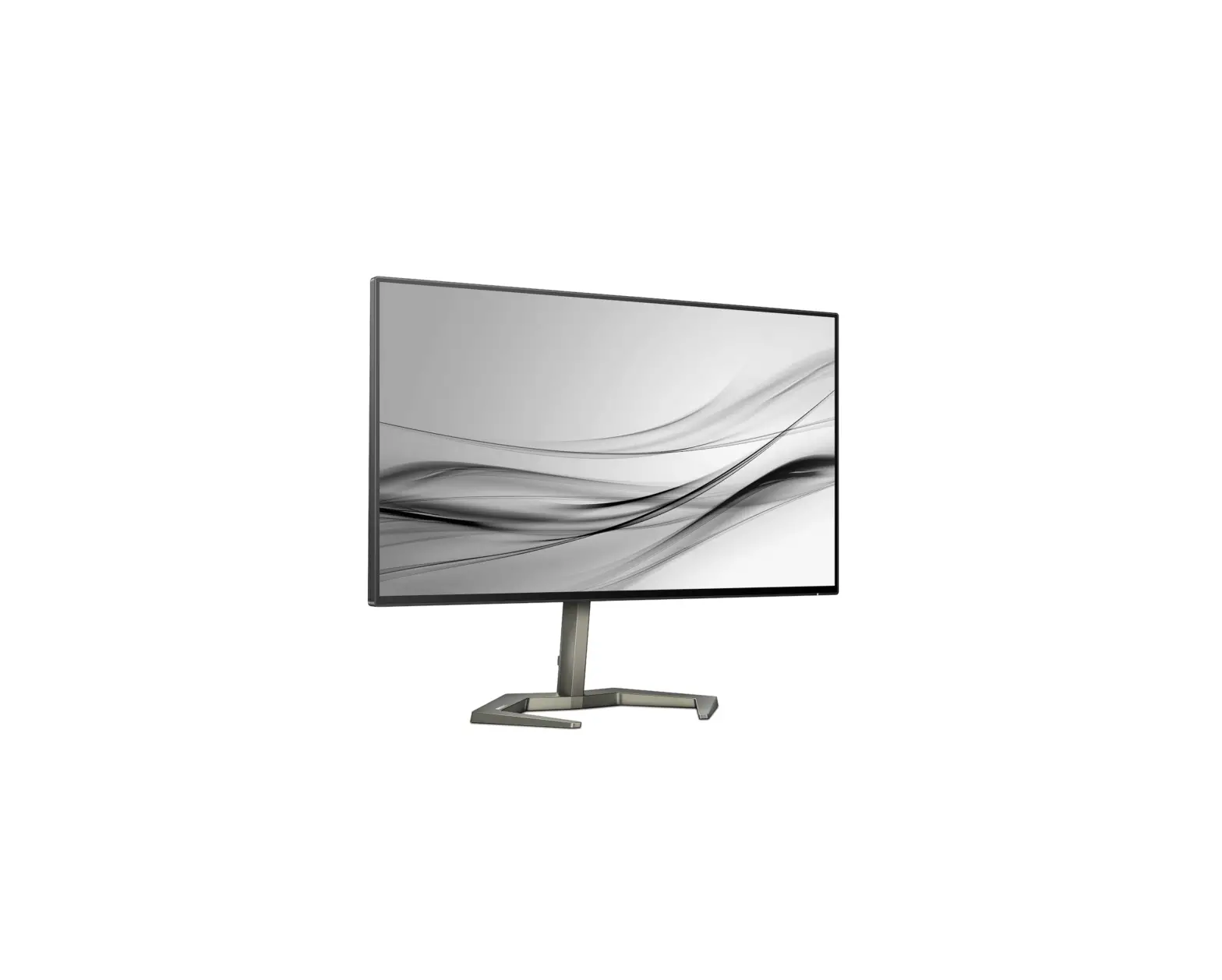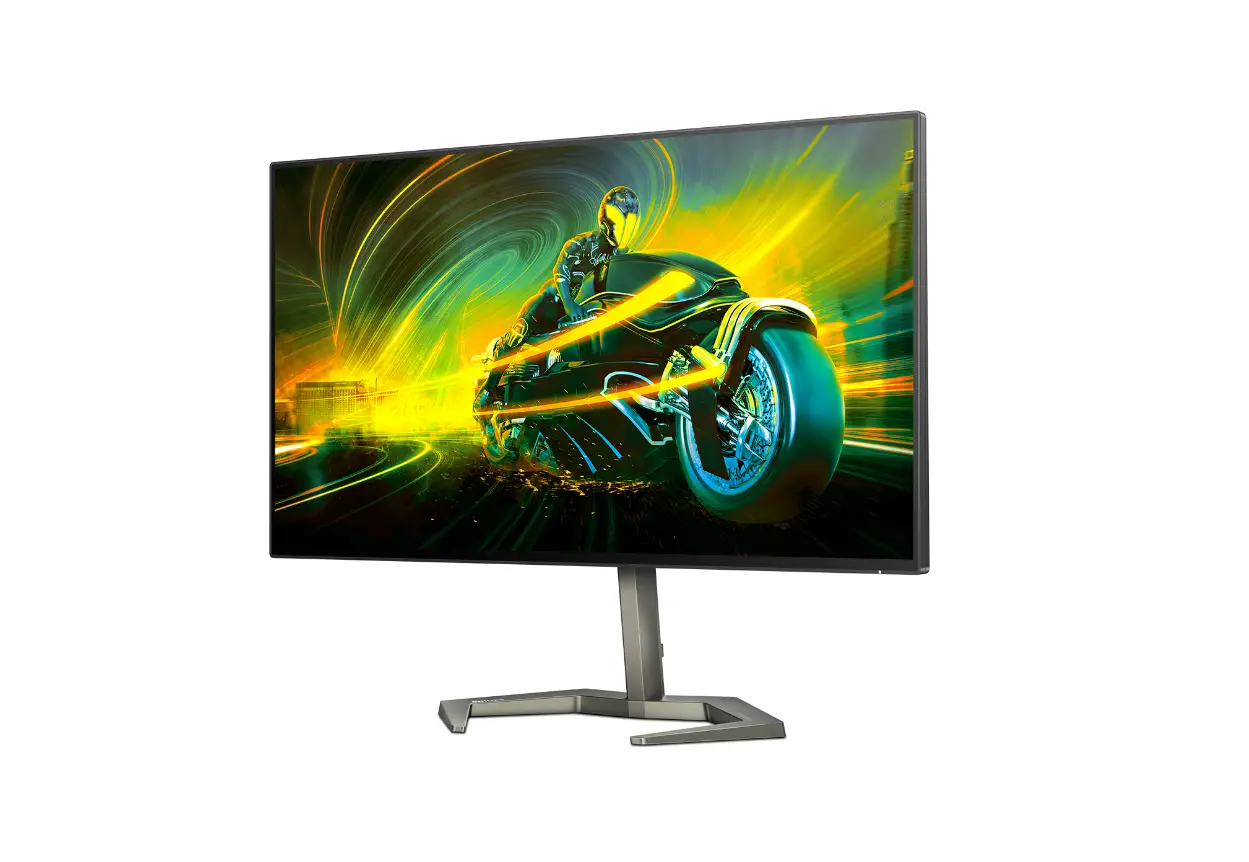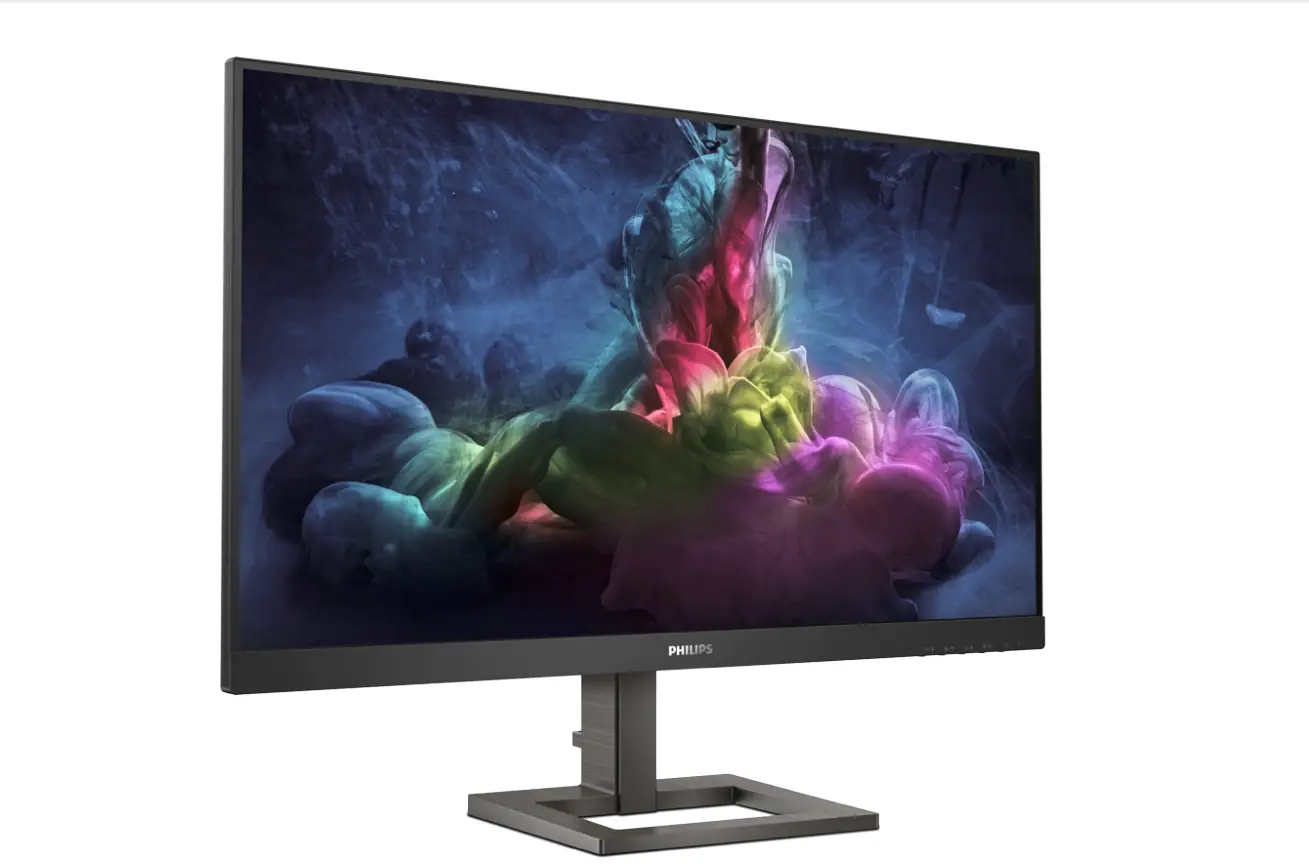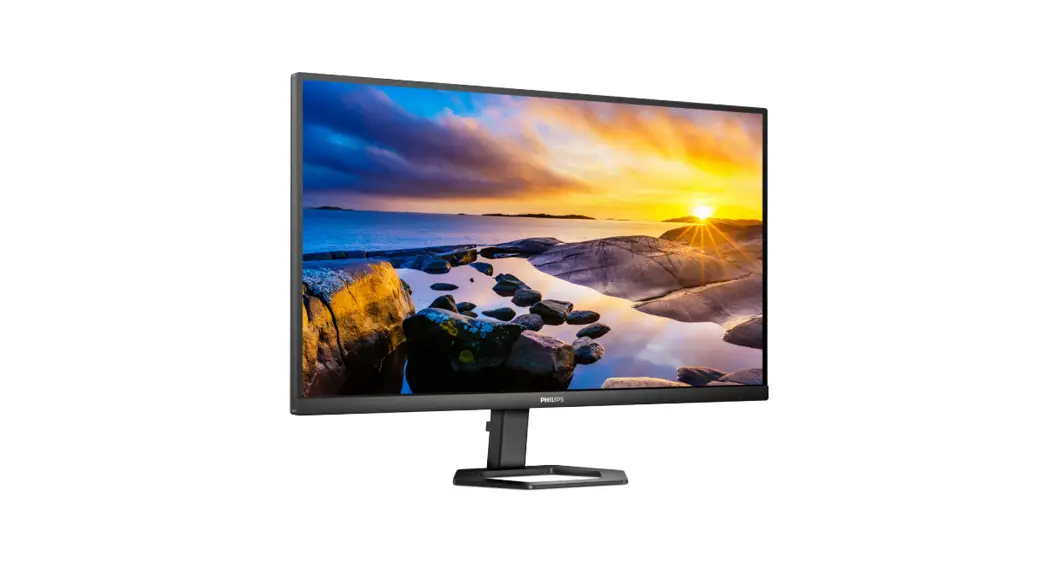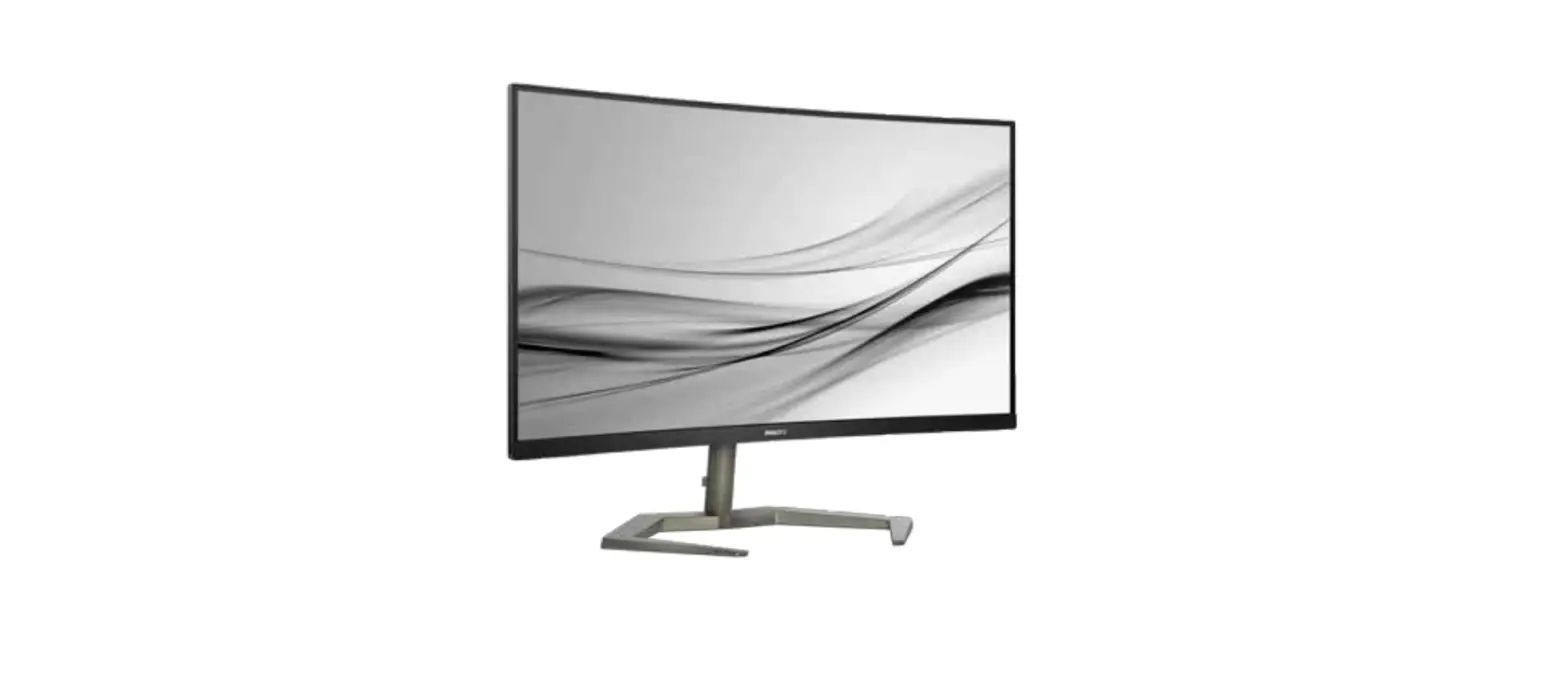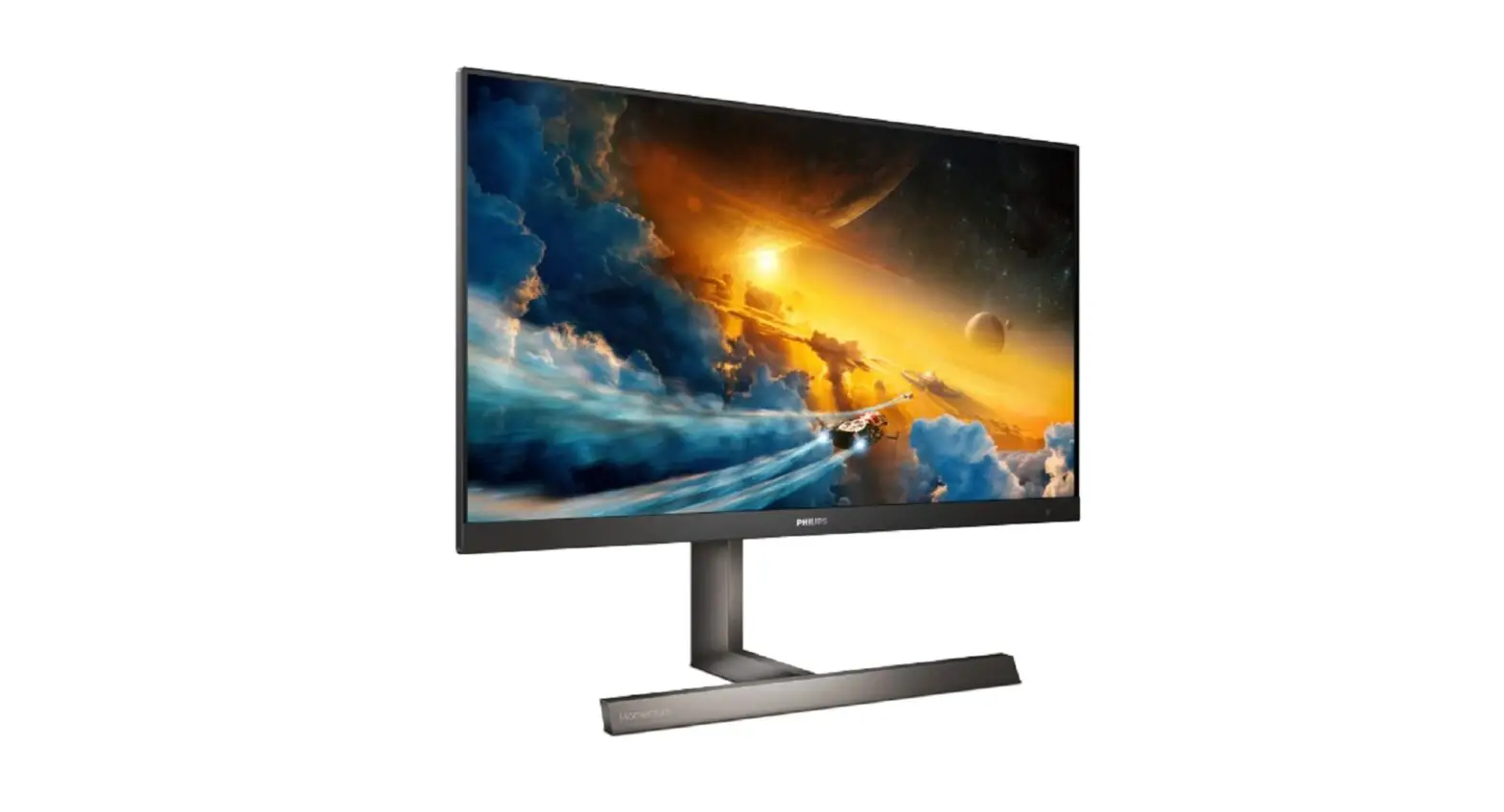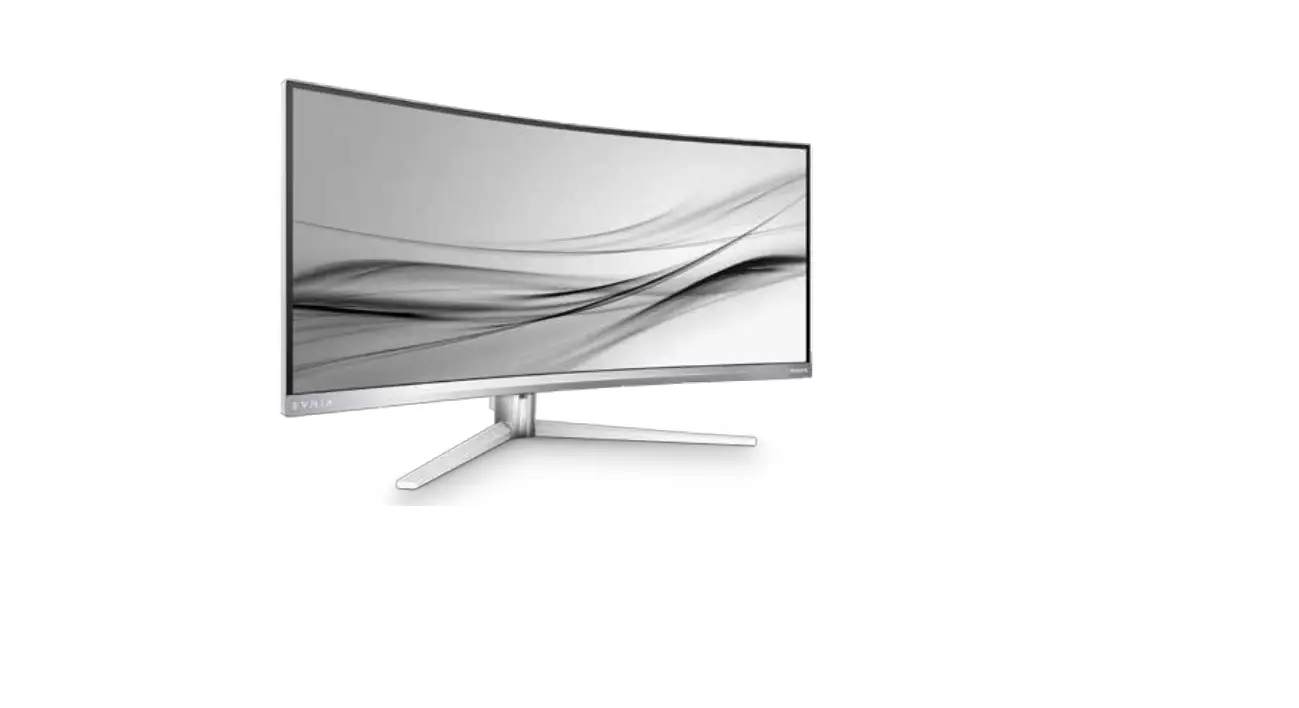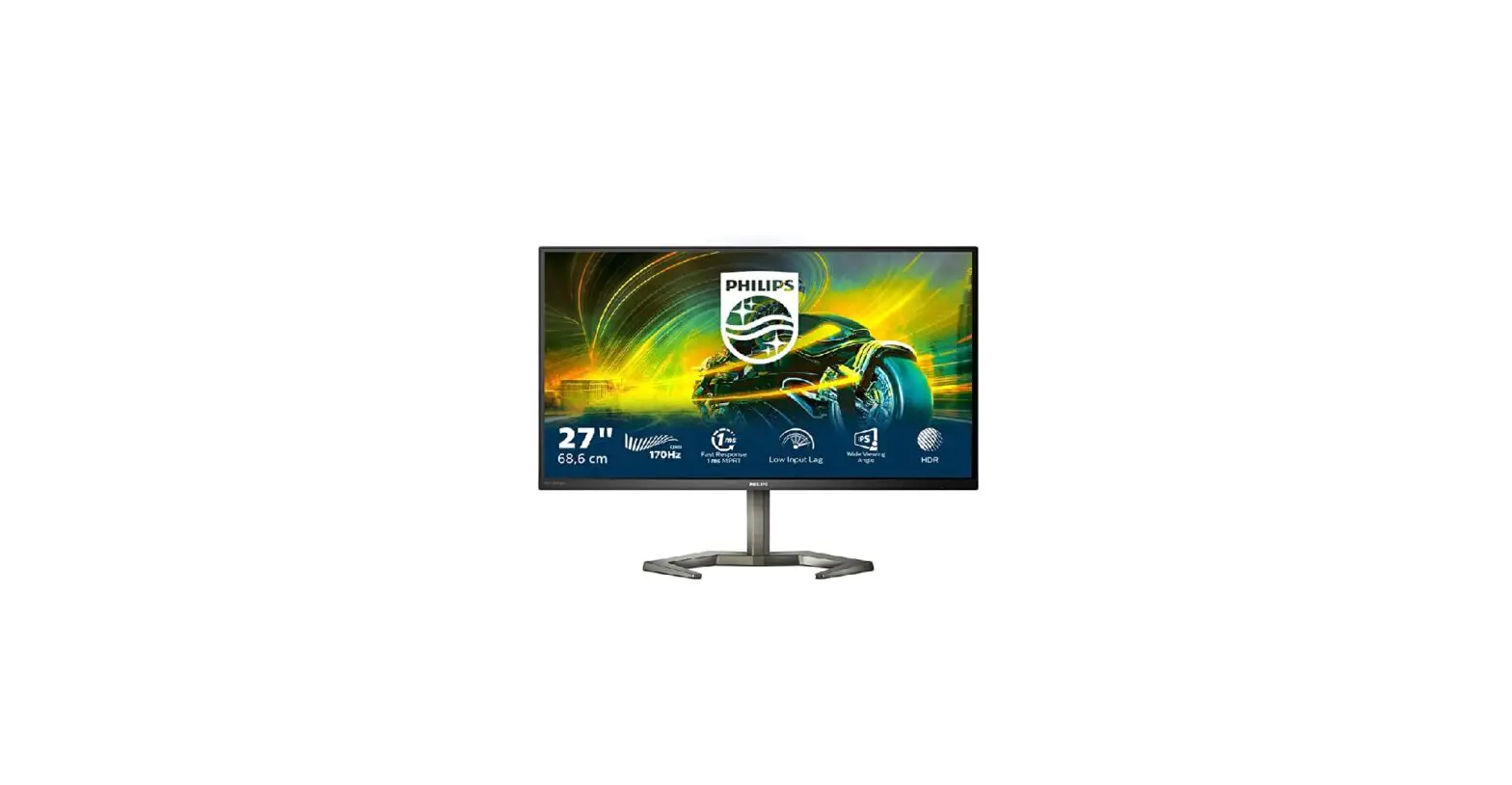

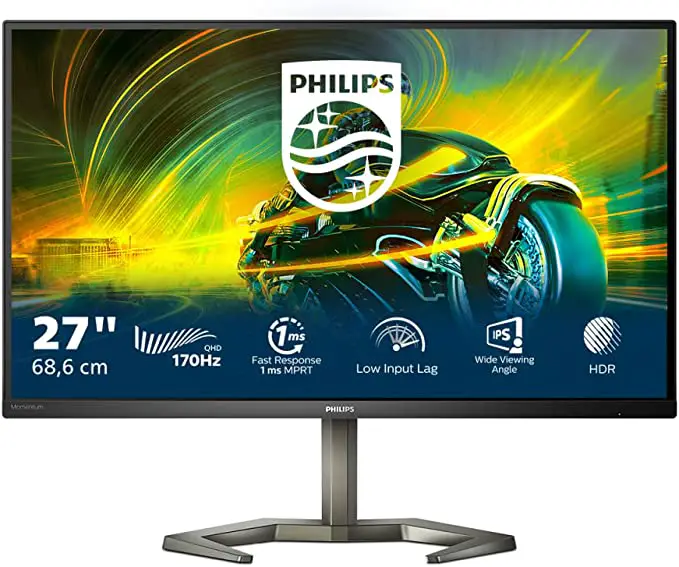
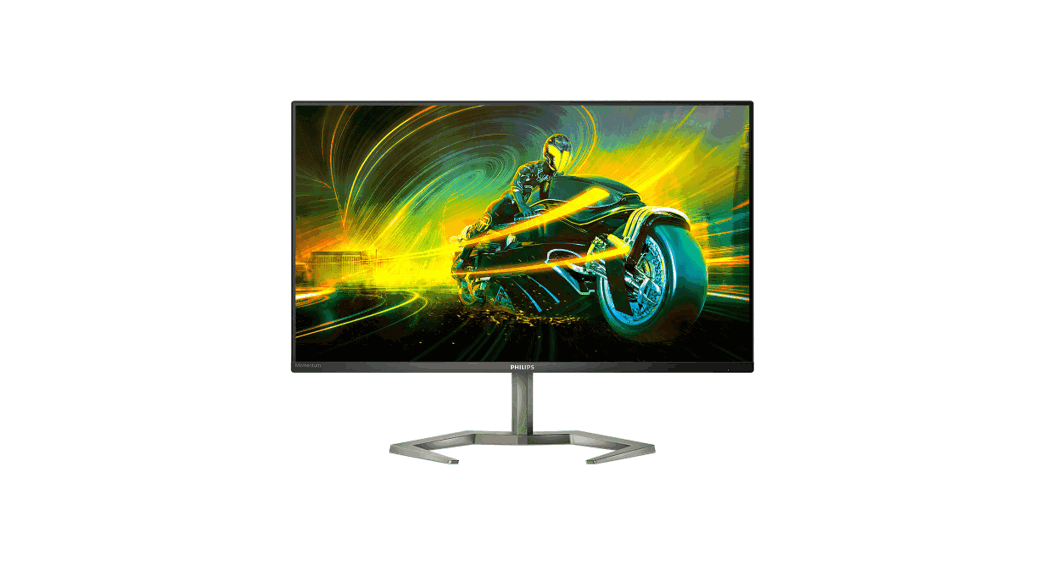
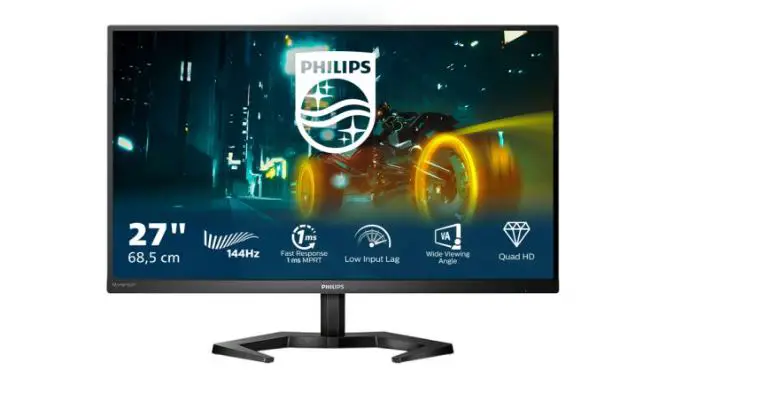
PHILIPS 27M1N5500U Momentum 5000 Gaming Monitor
What’s in the box
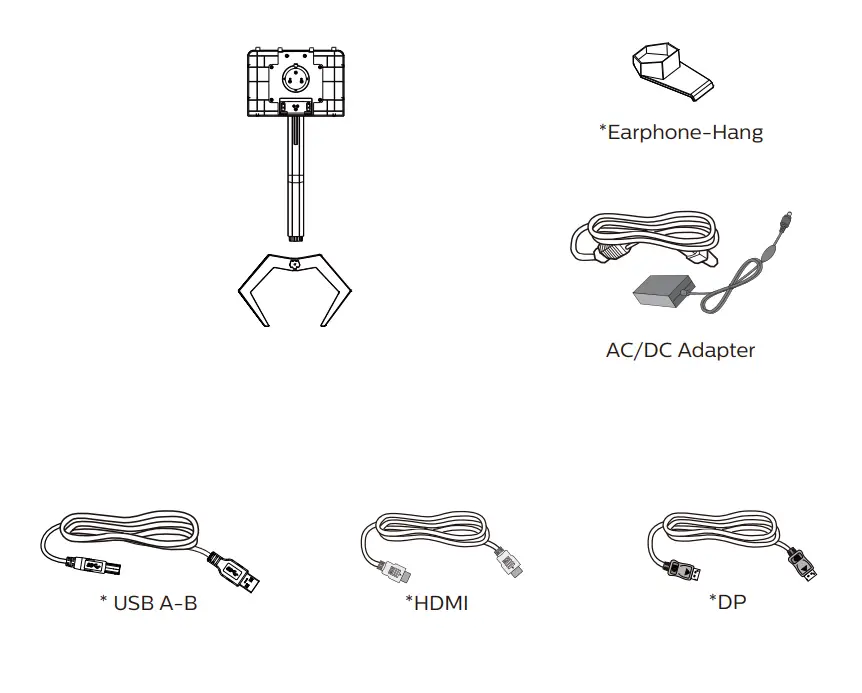
*Different according to region.
Display design may differ from that illustrated
Installations Instructions
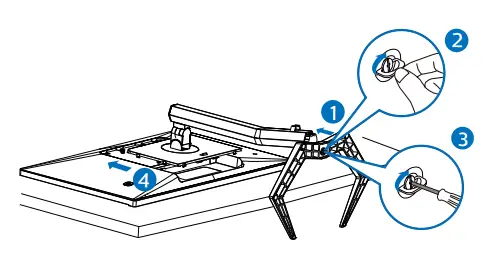
CAUTION: Place the monitor face down on a smooth surface.
Pay attention not to scrath or damage the screen.
Earphone-Hang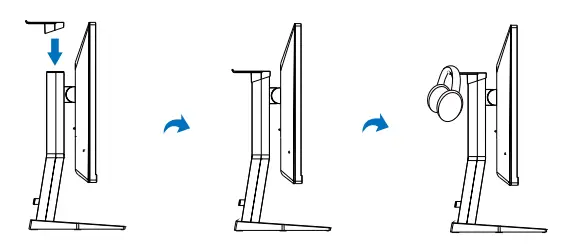
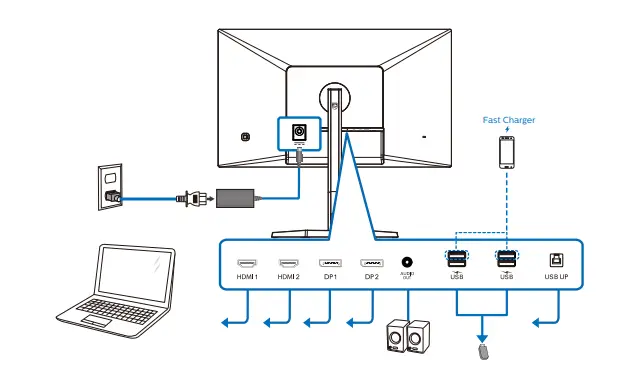
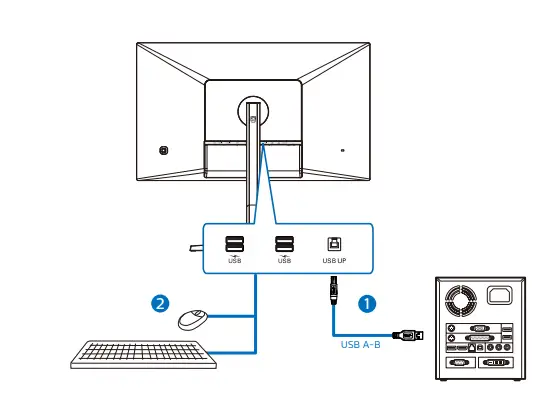
USB hub
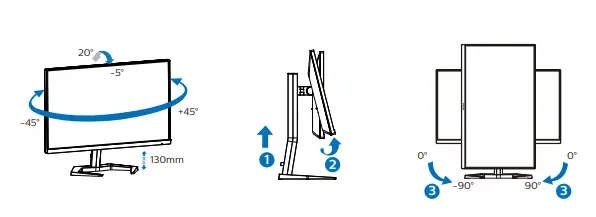
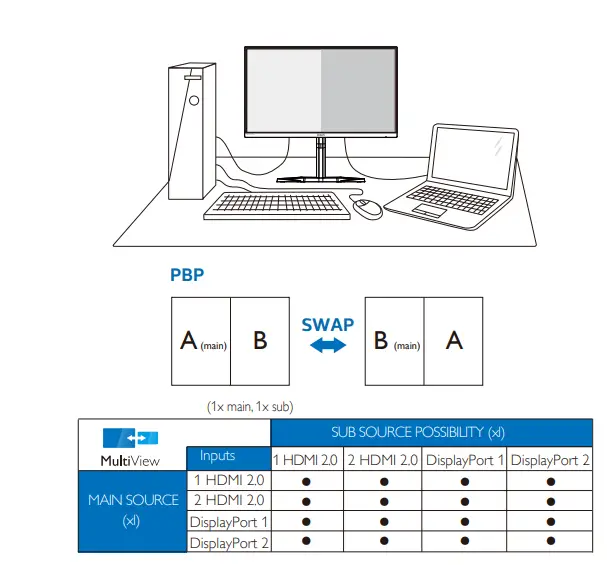
 Register your product and get support at http://www.philips.com/support
 Philips - United States | Philips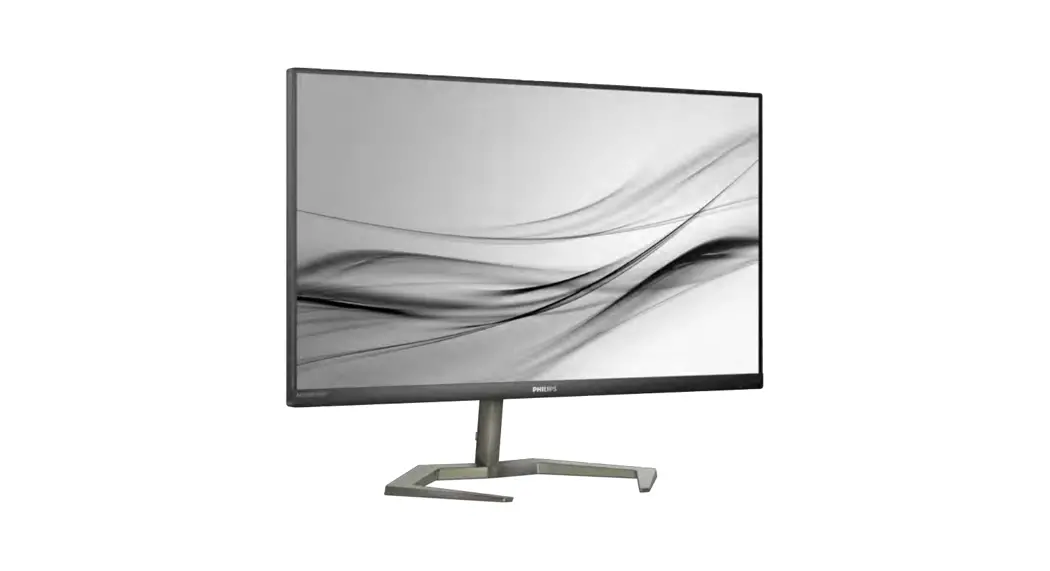

![Philips Gaming Monitor [272e1] User Manual](https://static-data1.manualsee.com/1/img/407/16107/2020/12/Philips-Gaming-Monitor-272E1.jpg "Philips Gaming Monitor [272e1] User Manual")