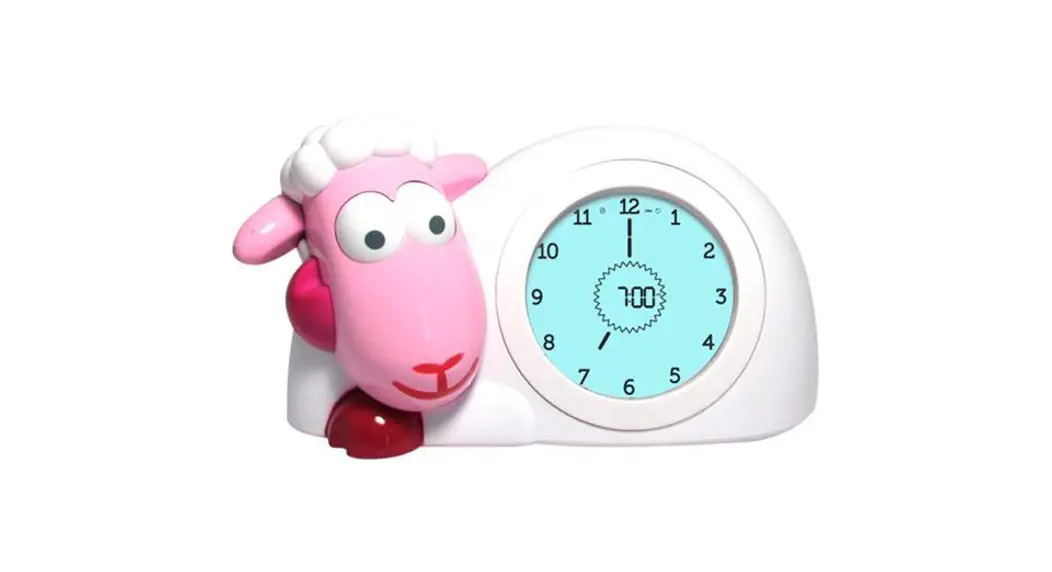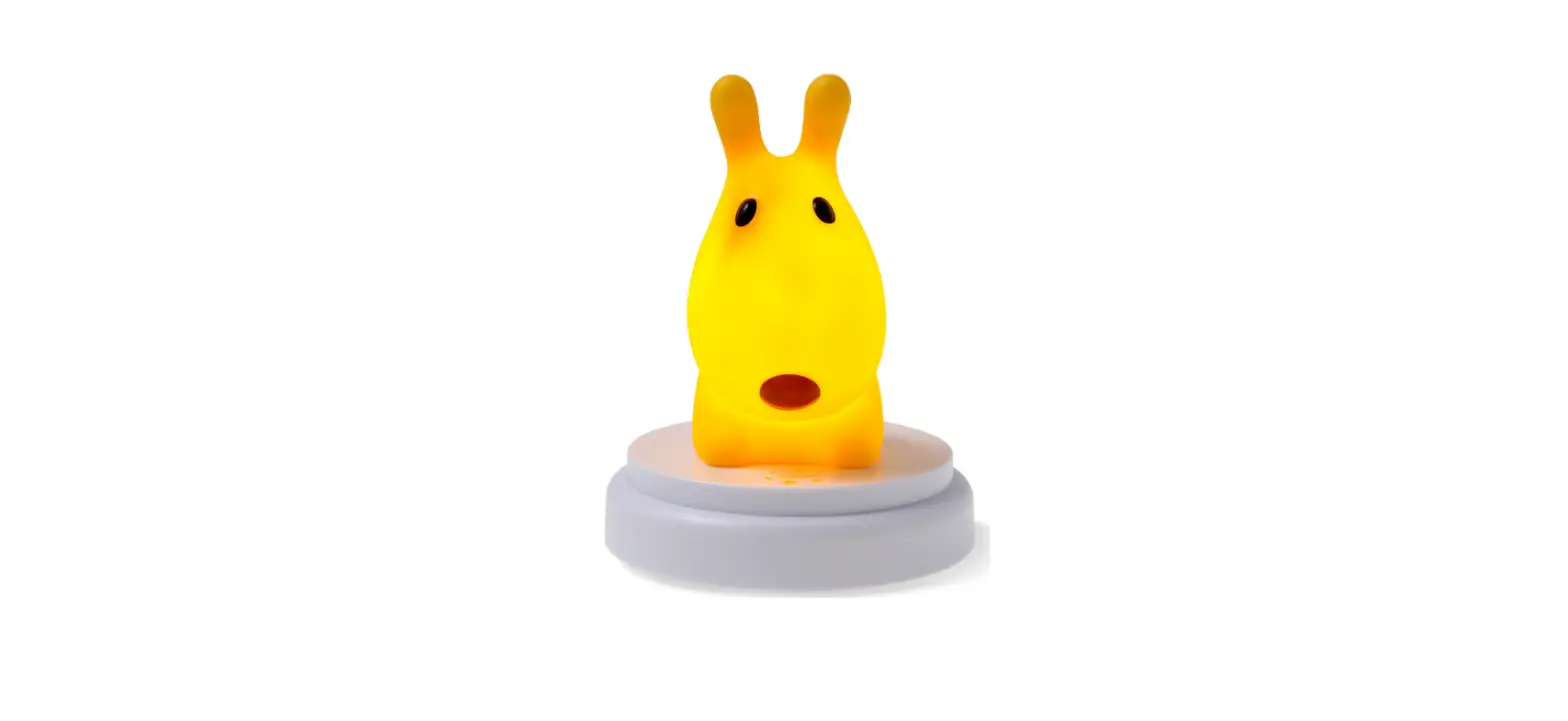
ZAZU Davy the Dog Slaaptrainer with Nightlight User Manual
TIME TO SLEEP
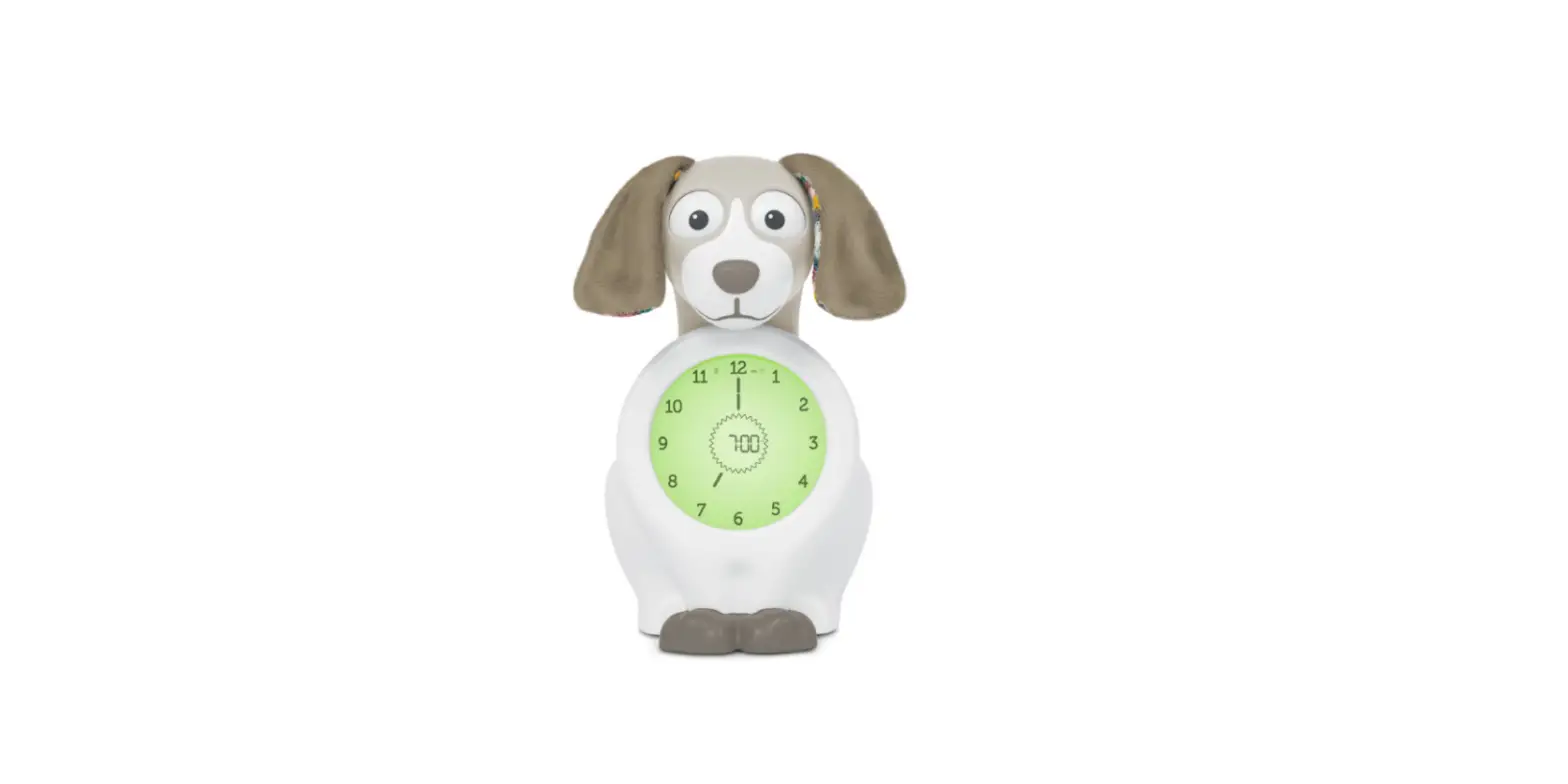
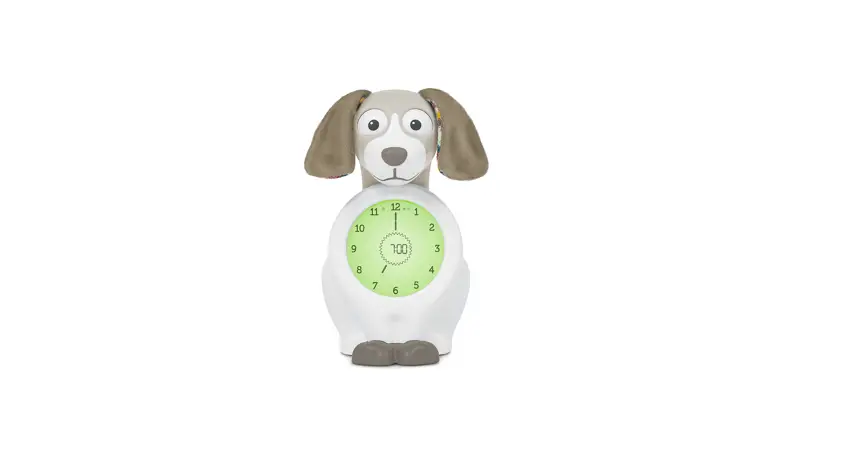
At bedtime, Davy will automatically close his eyes, showing your child it is time to sleep.
The display will light up red and can stay lit the entire night or automatically shut off.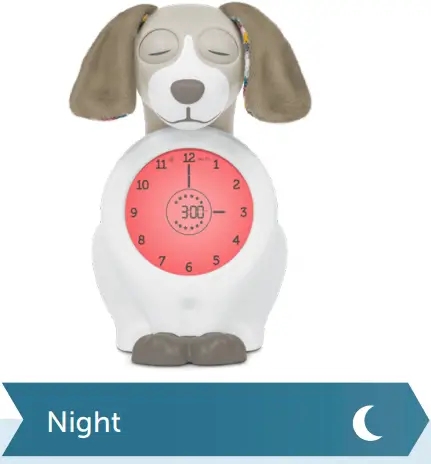
JUST A LITTLE LONGER
30 minutes before the OK to get up time, the display will light up and change to orange colour, indicating that it is almost time to get up.
12 Stars count down the end of bedtime.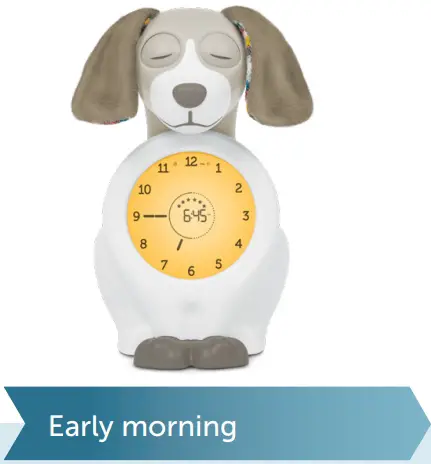
OK TO GET UP
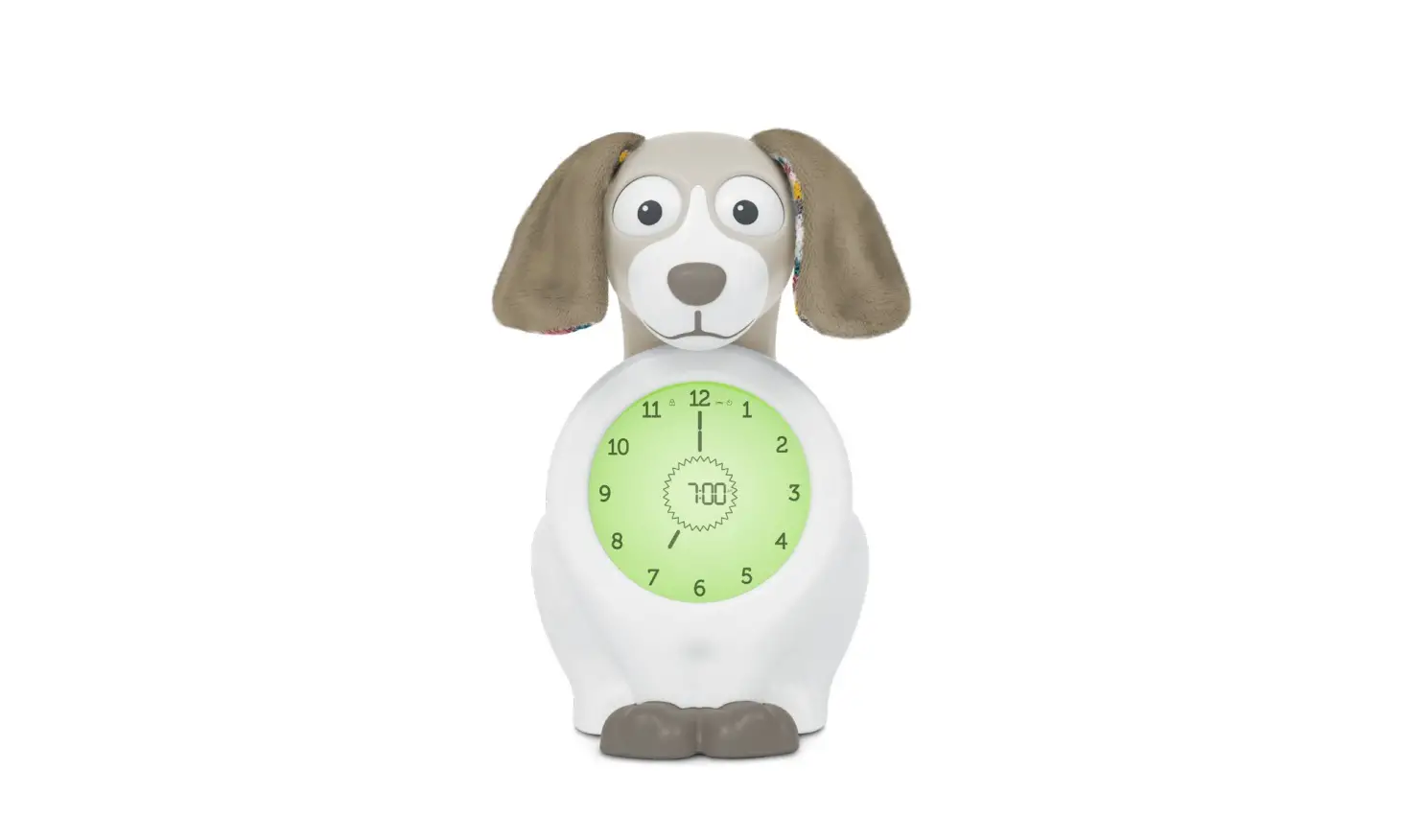
At the preset OK to get up time Davy’s eyes will open and the display changes to green: OK to get up.
Alarm sound is optional.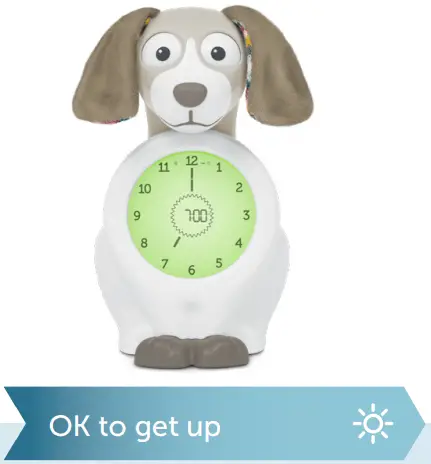
FIRST SET UP
CONNECT POWER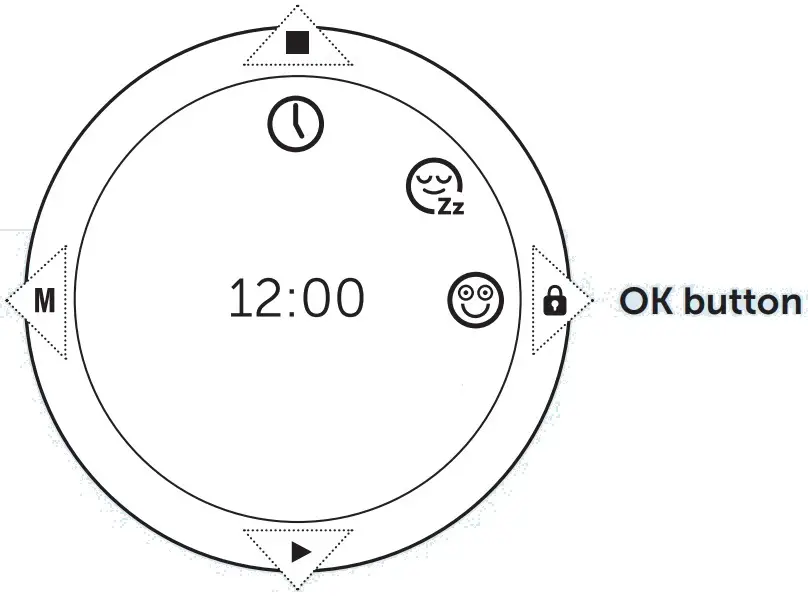
- Remove the plastic foil from the display.
- Place batteries (4x 1.5 V AA) in the compartment and/or plug in the USB cable.
Important: Do not use zinc-carbon batteries, they do not have enough capacity to operate the eye mechanism. Use new A-brand alkaline batteries only.
Note: We advise you to insert batteries even though you will use the USB cable, so that in the event of loss of power you will not lose the clock settings.
The menu will now automatically guide you through the necessary items to get Davy up and running:
Note: When setting the hours you will first pass by the 24hrs setting and then AM/PM.
 SET TIME
- Set the hours with the UP/DOWN button and confirm with OK.
- Set the minutes with the UP/DOWN button and confirm with OK.
 SET BEDTIME
- Set the hours with the UP/DOWN button and confirm with OK.
- Set the minutes with the UP/DOWN button and confirm with OK.
 SET ‘OK TO GET UP’ TIME
- Set the hours with the UP/DOWN button and confirm with OK.
- Set the minutes with the UP/DOWN button and confirm with OK.
 READY FOR USE
Davy will now show a circle of stars, indicating that Davy is ready for use.
Every night Davy will:
- close his eyes at the set bedtime with 15 minutes nightlight.
- open his eyes at the OK-to-get-up time without sound alarm.
Note: These are the standard settings for nightlight and sound alarm. They can be changed in the setting-menu.
GOOD TO KNOW
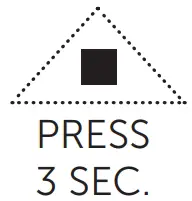 OPEN DAVY’S EYES
Switch off keylock, press the UP button for 3 seconds to open Davy’s eyes.
 RESTART THE NIGHTLIGHT / CLOSE DAVY’S EYES MANUALLY
Every night at set bedtime, Davy will automatically close his eyes and switch ON nightlight according to menu settings. In case nightlight has already switched off when you bring your child to bed, you can manually restart the timer of the nightlight.
Press the DOWN button for 3 seconds to restart timer/ close eyes. Display will flash 2 times.
CHANGE SETTINGS
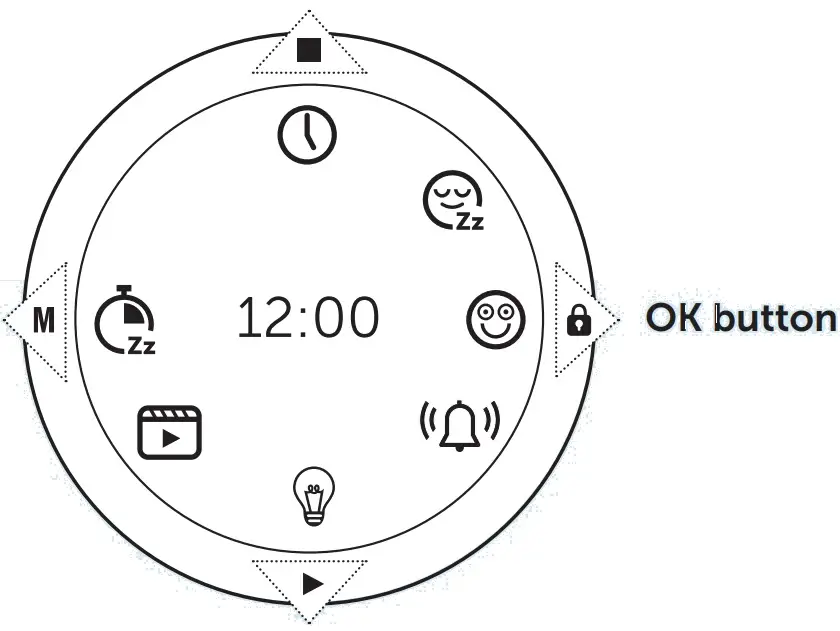
- To unlock the keylock press the keylock button for 3 seconds. The lock symbol will disappear from the screen, when succesful.
- Enter the settings menu by pressing the M button.
- Select the icon of which you want to change the settings with the UP/DOWN button.
- Confirm with OK.
CHANGE THE TIME CHANGE THE BEDTIME CHANGE ‘OK TO GET UP’ TIME
- Hours will blink: Change with UP/DOWN button and confirm with OK.
- Minutes will blink: Change with UP/DOWN button and confirm with OK.
Note When setting the hours you will first pass by the 24hrs setting and then AM/PM.
 SET SOUND ALARM
- Press OK to enter the sound alarm sub-menu
- Either the alarm time is displayed, meaning the sound alarm is ON, or OFF is displayed, meaning it is currently switched OFF.
- To switch ON the sound alarm select ON with the UP/DOWN button.
- Press OK.
- You can now change the alarm time, melody or volume or leave the menu leave the menu by pressing the M-button.
Note When a small alarm bell is displayed in the centre of the screen, the sound alarm is ON.
 ALARM TIME
- Hours will blink: Change with UP/DOWN button and confirm with OK.
- Minutes will blink: Change with UP/DOWN button and confirm with OK.
- Leave the menu by pressing the M button 2x.
 WAKE UP MELODY
- Press OK to enter change setting.
- Select the preferred melody with UP/DOWN and confirm with OK.
- Leave the menu by pressing the M button 2x.
 VOLUME
- Press OK to enter change setting.
- Select the preferred volume with UP/DOWN and confirm with OK.
- Leave the menu by pressing the M button 2x
 CHANGE NIGHTLIGHT SETTINGS
When you have selected the nightlight icon, press OK to enter the nightlight menu.
 BRIGHTNESS
- Press OK to change the brightness setting.
- Select the preferred brightness with UP/DOWN and confirm with OK.
Note Low brightness will lengthen the battery life when using batteries only.
 AUTO SHUT-OFF
- Press OK to change the timer.
- Select the preferred timer with UP/DOWN (5-15-30-60 minutes or CONT for the entire night) and confirm with OK.
Note Short timer will lengthen the battery life when using batteries only.
 PLAY DEMO-FUNCTION
- Press OK to enter the demo function mode.
- Press OK to start the demo.
- Davy will now show a sample night from bedtime to OK to get up in the morning.
Note The demo function is a sample night and bedand wake-up time might not correspond your settings.
 SET NAPTIMER
Press OK to enter the naptimer menu.
- Select the # minutes you want Davy to sleep (30-180 minutes).
- Press OK to confirm.
- Davy will now go to sleep and wake up after the specified # minutes.
 Note To manually open Davy’s eyes: unlock keylock and press the UP button for 3 seconds.
GOOD TO KNOW
POWER SUPPLY
- Davy operates both on USB-cable (included) and batteries (4x 1.5 V, not included)
- When using both USB and batteries, Davy will first use the USB and not drain the batteries.
- Please use high quality, high power batteries.
Davy might not work well on low quality and/or low power batteries. - Do not mix old and new batteries.
- Do not mix alkaline, standard (zinc-carbon), or rechargeable (Ni MH) batteries
- When using the nightlight for a longer period, we advise to use the USB cable.
- The batteries will NOT be charged by the USB-cable. You can use rechargeable batteries you charge yourself.
- We advise you to insert batteries even though you will use the USB cable, so that in the event of loss of power you will not lose the clock settings.
BATTERY EMPTY
When using batteries, in the centre of the LCD screen the battery empty icon appears when batteries are low. You are advised to either recharge or renew the batteries within due time.
When batteries are nearly empty, it is possible that Davy loses some of his functionalities or even completely shuts down/resets.
RESET
If for any reason Davy is not working properly, push the reset button on the bottom. Or insert new batteries. It might be a battery issue
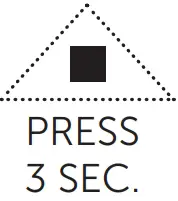 OPEN DAVY’S EYES
Switch off keylock, press the UP button for 3 seconds to open Davy’s eyes.
 RESTART THE NIGHTLIGHT / CLOSE DAVY’S EYES MANUALLY
Every night at set bedtime, Davy will automatically close his eyes and switch ON nightlight according to menu settings. In case nightlight has already switched off when you bring your child to bed, you can manually restart the timer of the nightlight.
Press the DOWN button for 3 seconds to restart timer/ close eyes. Display will flash 2 times.
THE BASICS
Scroll through the menu by pressing the UP or DOWN button.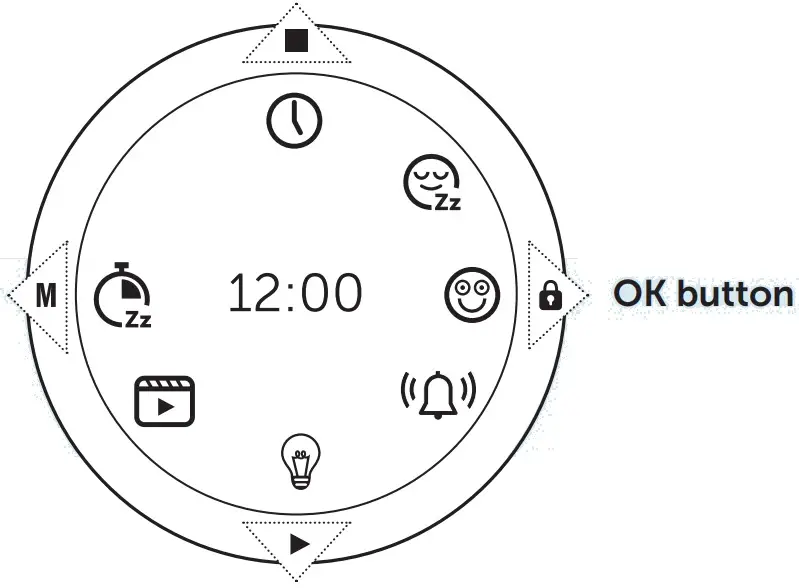
SETTINGS MENU
TIME
The current time.
BEDTIME
The time Davy will close his eyes.
‘OK TO GET UP’ TIME
The time Davy will open his eyes.
SOUND ALARM
- Alarm time
- Volume
- Melody
NIGHTLIGHT
Brightness
Auto shut-off: 5-15-30-60 minutes after bedtime or the entire night (CONT).
NAPTIMER
Close Davy’s eyes for a specified period: 30-180 minutes.
DEMO FUNCTION
Run a sample night from closing of the eyes to opening of the eyes in only 20 seconds.
BUTTONS
 MENU / STEP BACK
Settings menu/1 step back in menu.
 (RE)START SLEEPTRAINING / DOWN
Press 3 seconds to manually close the eyes and/or restart the timer of the night light.
 STOP BEDTIME / UP
Press 3 seconds (keylock off) to open the eyes.
 KEYLOCK / OK
Press to confirm choice in menu.
Press 3 seconds to (un)lock keylock.
 Exit menu Leave the menu by pressing the M button.
Keylock The keylock will automatically activate after 30 seconds. This to prevent children changing the settings. To unlock the keylock press the keylock button for 3 seconds. The lock symbol will disappear from the screen, when succesful.
WARNING! SAFETY GUIDELINES
 IMPORTANT! keep for future reference.
- This ZAZU product is fully compliant with the EU, CA, AU, NZ, CN and USA legislation.
- Keep the packaging out of reach of children.
- Never allow your child to play with either the power unit, the connecting lead or the batteries.
- This product works with 4x AA 1.5 V batteries (not included). Only use the specified batteries. Remove empty batteries from the product. Batteries should only be placed by adults. Do not mix old and new batteries. Do not mix alkaline, standard (zinc-carbon), or rechargeable (Ni MH) batteries.
- For use only with the power supply that came with the sleeptrainer.
- This product is intended for indoor use and is not water resistant. Please keep dry. For cleaning do not immerse in water, but wipe with a damp cloth.
- Do not try to disassemble the product if it stops working. Please contact customer service.
- The connecting lead is low voltage only, but for reliability reasons it should be treated with care.
- This product is not a toy.
- Warning. Long cable strangulation hazard.
 IMPORTANT! keep for future reference.
Support
Manufactured and distributed by ZAZU
PO Box 299 | 3740 AG Baarn
The Netherlands
[email protected]

 KidsKonnect