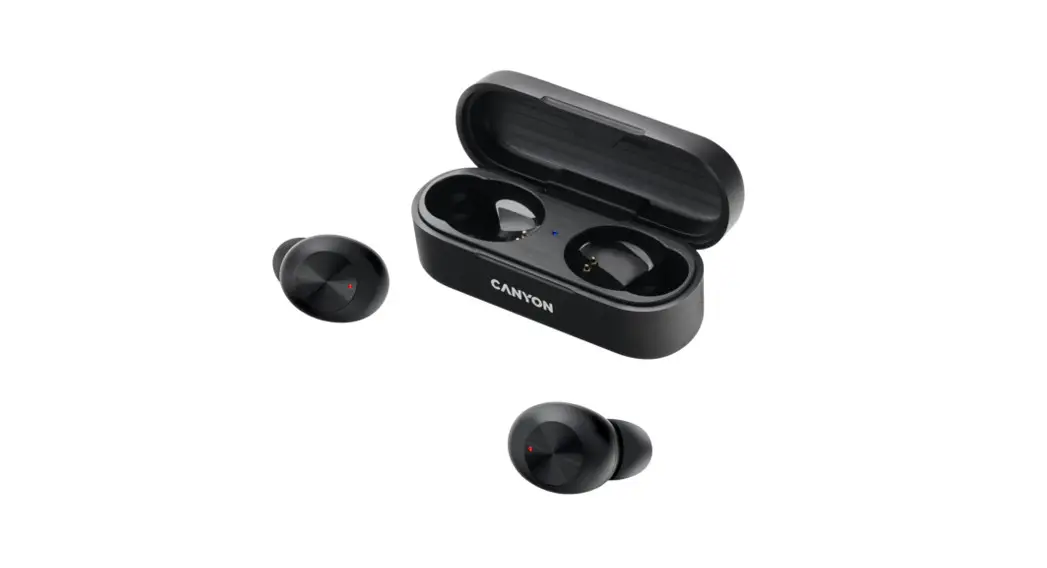
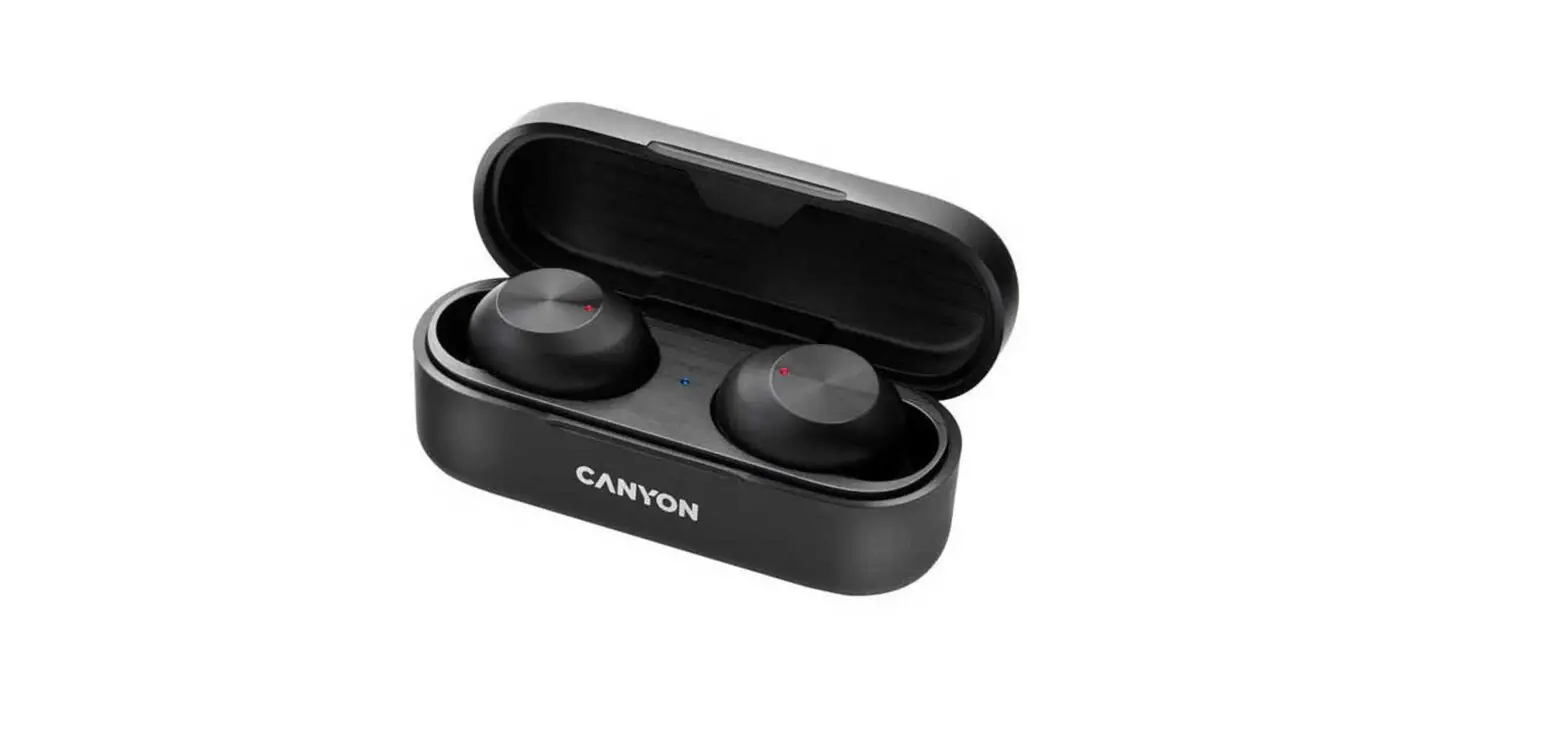
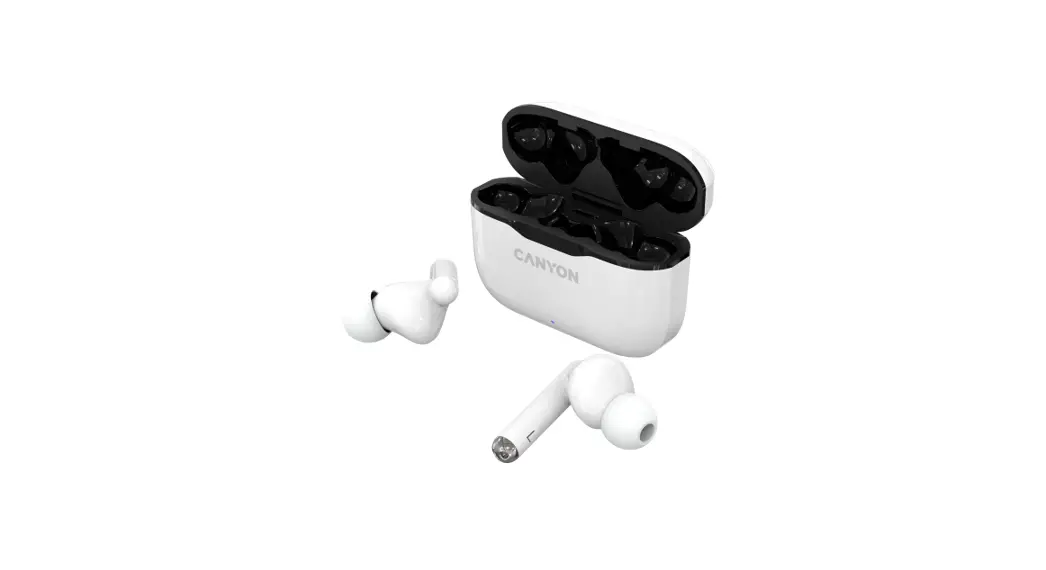
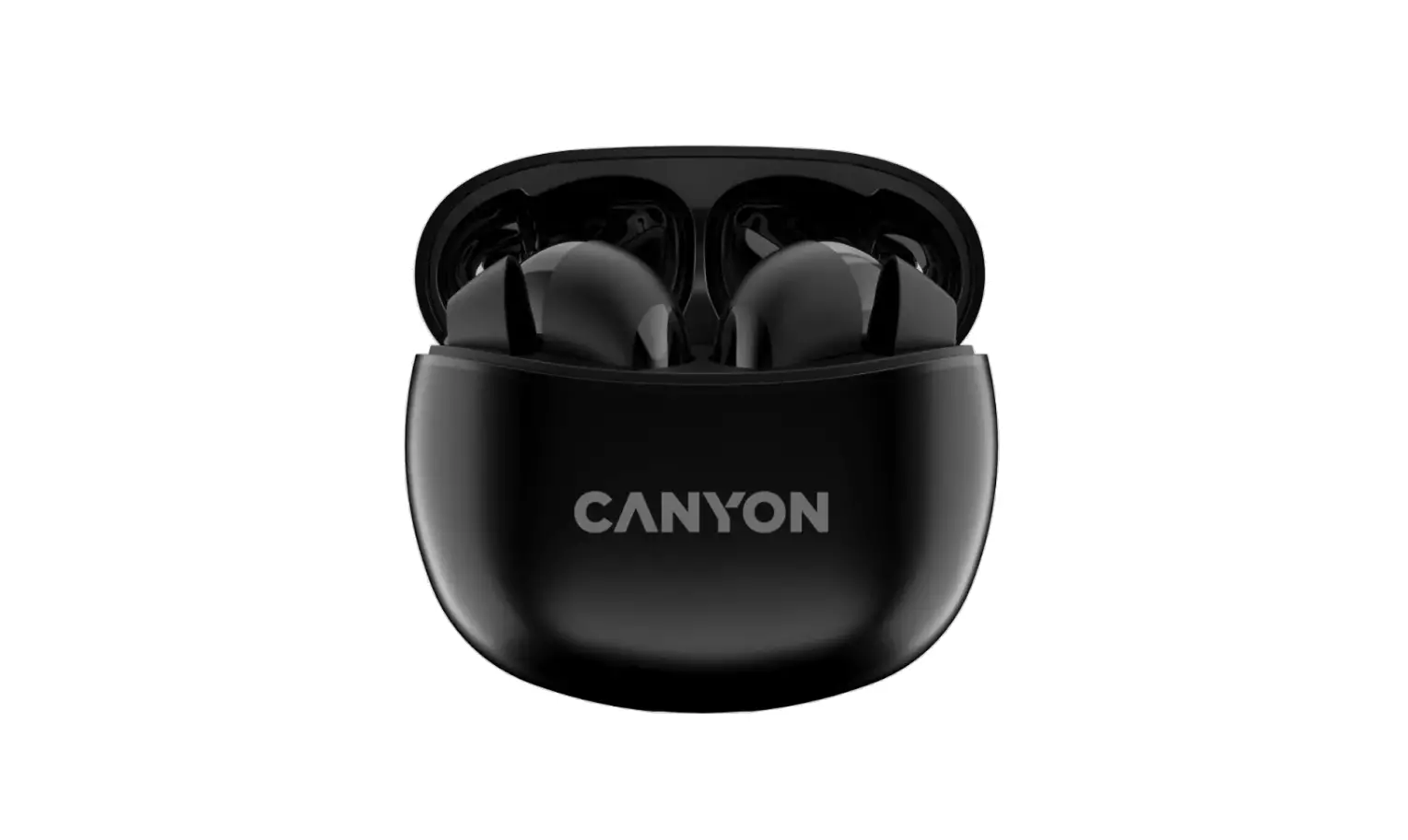
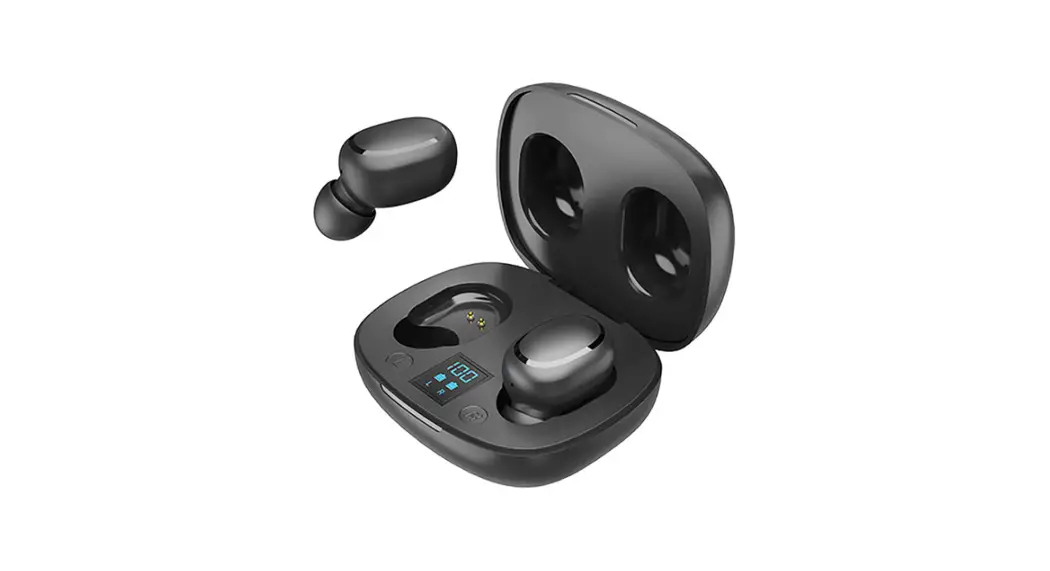
TWE2021 True Wireless Stereo Headset
Product Information:
The TWE2021 is a True Wireless Stereo Headset manufactured by
Sinox Europe A/S. It has a Bluetooth version of 5.0 and supports
music playback for up to 3-4 hours with a standby time of
approximately 30 hours. The earbuds have a battery capacity of 3.7V
40mAh x 2, while the charging case has a battery capacity of 3.7V
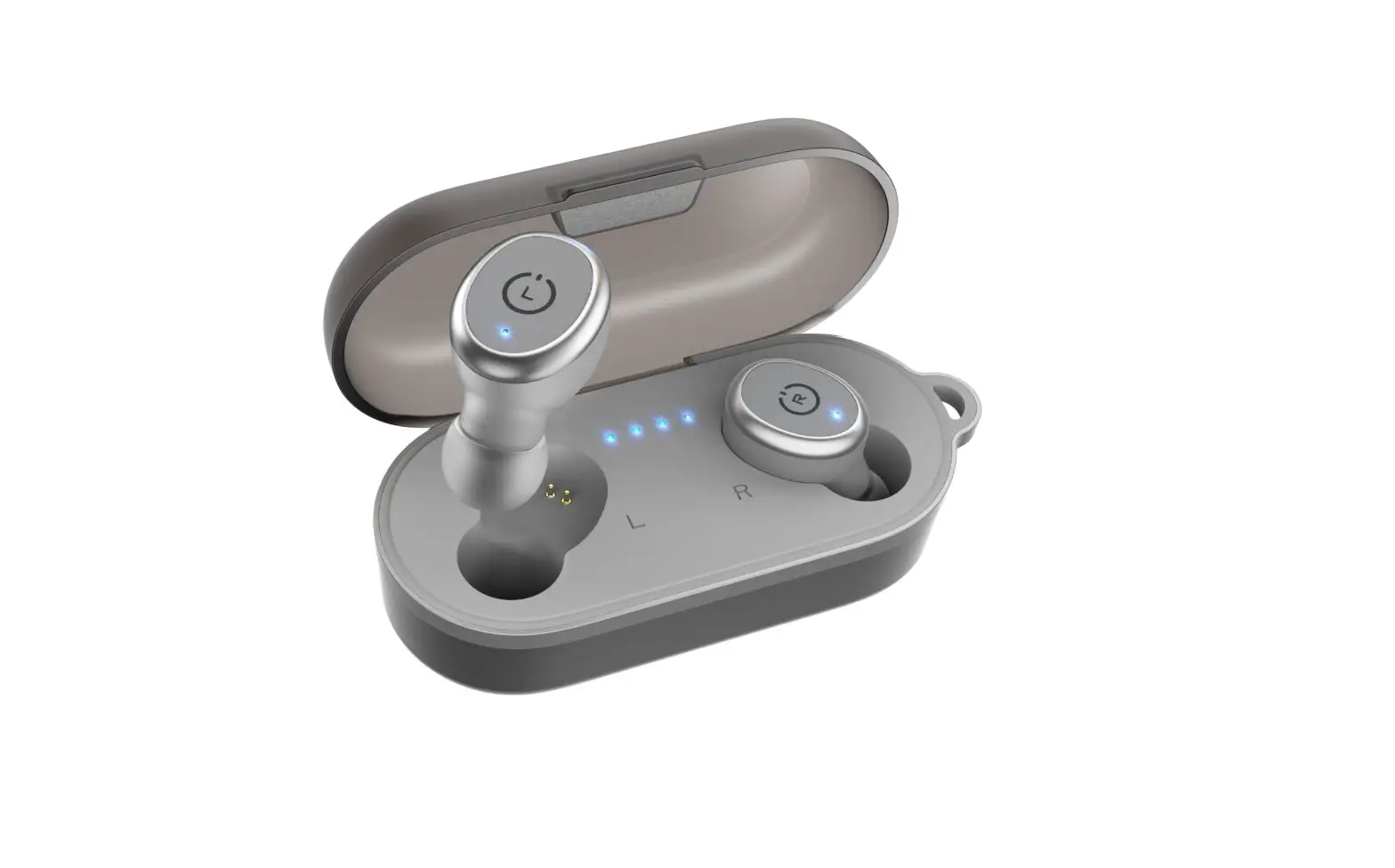
200mAh. The product comes with a charging case LED indicator,
earbud indicator, touch panel, microphone, USB-C charging port, and
eartips.
Product Usage Instructions:
1. Charging and Maintenance
- Charge the earbuds at least once every 3 months
- Do not store the earbuds in extreme temperatures
2. Pairing the Earbuds with Your Smartphone
- The earbuds automatically turn on once they are taken out from
the charging case, or long press the touch panels of both earbuds
to turn on. - RED and BLUE LED would start blinking on both earbuds. Both
earbuds automatically pair with each other in 5 seconds. Once they
are paired with each other, one of the earbuds would show a RED and
BLUE LED blinking alternatively, which means they are ready to pair
with your smartphone. - Switch on Bluetooth in your smartphone and search for nearby
devices and pair with the name: TWE2021, with voice prompt
`Connected’ after the pairing succeed. Enter `0000′ if prompted for
password. The earbuds would re-connect with smartphone
automatically after first pairing.
3. During Music Playback
- Touch either of earbuds ONCE to Play/Pause the track.
- Touch either of earbuds TWICE to skip to Next track.
- Touch either of earbuds THREE TIMES to skip to the Prev
track. - Long press either of earbuds for 3 seconds to trigger Siri or
Google Assistant.
4. During Calls
- Touch either of earbuds ONCE to attend the incoming call / end
the call. - Long press either of earbuds for 2 seconds to reject the
incoming call.
5. Charging the Earbuds & Charging Case
- Put the earbuds in the charging case, and they will power off
and start charging automatically. When the earbuds are charging,
the earbuds LED glows RED, and RED LED goes OFF when they are fully
charged. - When the charging case is charging, the case LED indicator
blinks, and LED indicator glows when the case is fully
charged.
TWE2021 Manual:275*65mm Front Side
TWE2021
Sinox Europe A/S
Troensevej 11. DK-9220 Aalborg
Care and Maintenance 1. Charge the earbuds at least once every 3 months. 2. Do not store the earbuds in extreme temperatures
(<0°C or >45°C). 3. Do not use chemicals or detergents to clean the earbuds. 4. Do not drop or knock your earbuds on hard surfaces. 5. Do not scrape the surface with sharp objects. 6. Do not try to dismantle the earbuds.
True Wireless Stereo Headset
Please read the instructions carefully before using the product and keep it properly
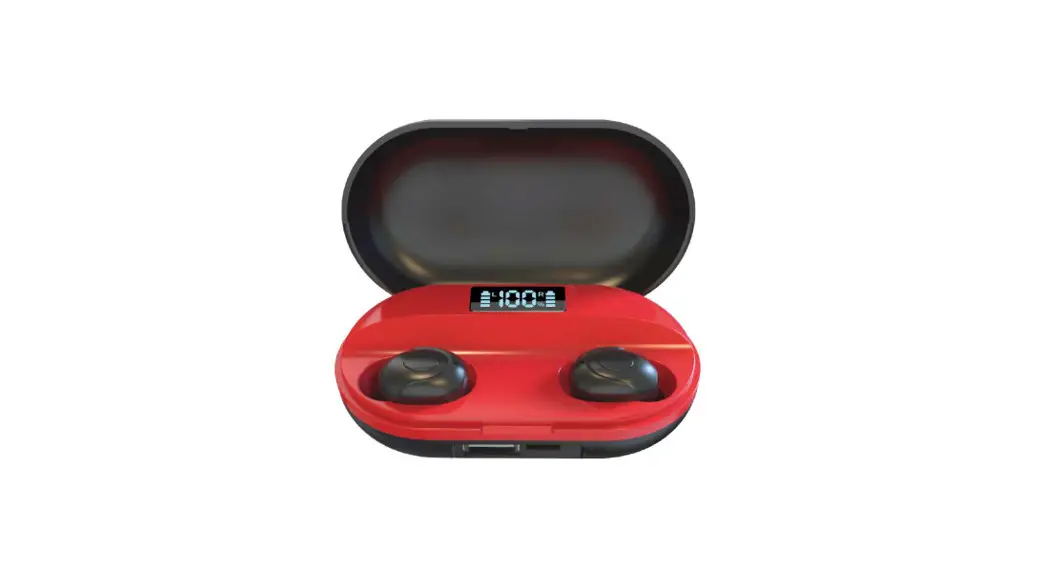
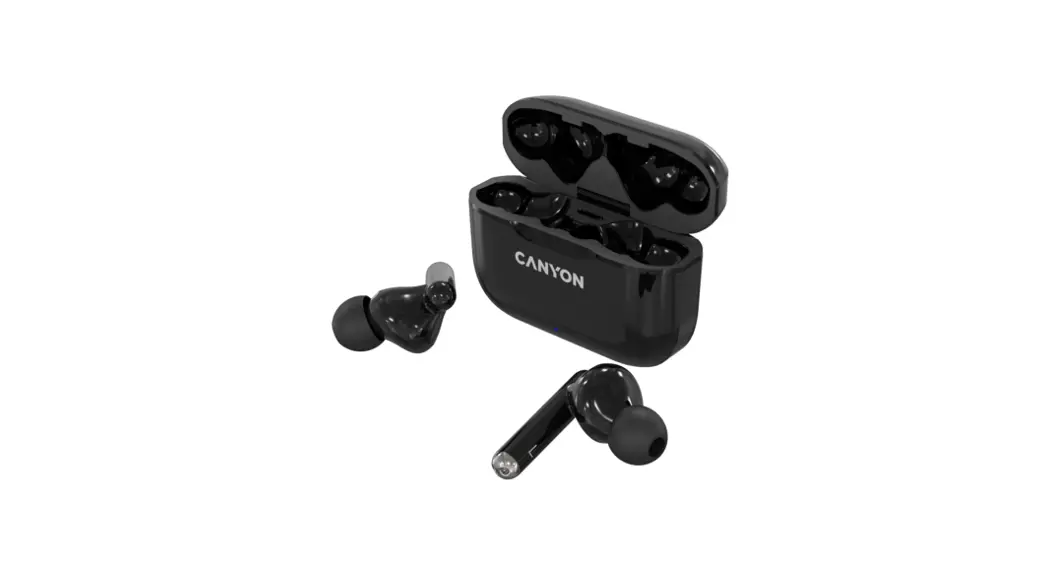
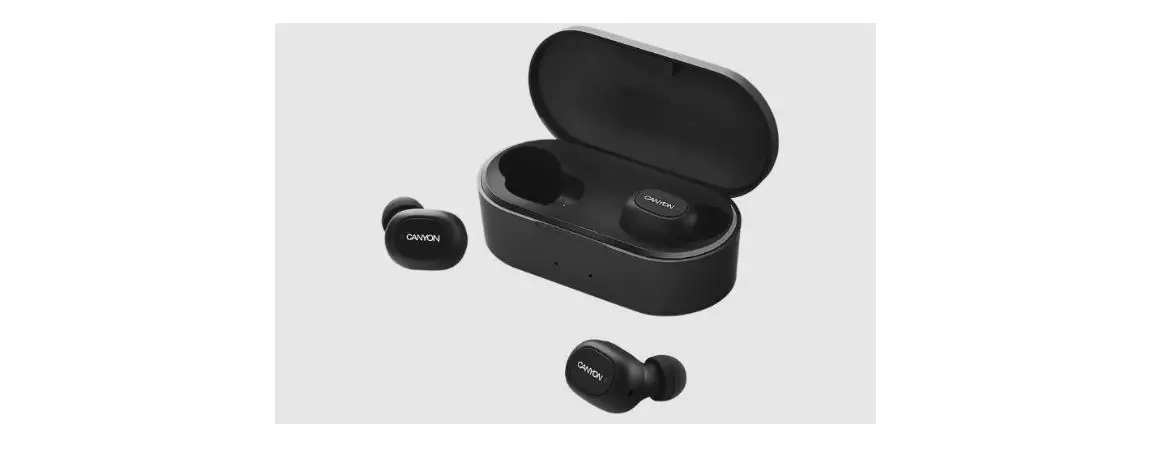
1. Charging case LED indicator 3. Earbud indicator 5. Microphone
2. USB-C charging port 4. Touch panel 6. Eartips
Usage Instruction 1. Pairing the earbuds with your smartphone Step 1: The earbuds would turn on once they are taken out from the charging case, or long press the touch panels of both earbuds to turn on.
Step 2: RED and BLUE LED would start blinking on both the earbuds. Both of the earbuds would automatically pair with each other in 5 seconds.
Once they are paired with each other, one of the earbuds would show a RED and BLUE LED blinking alternatively, which means they are ready to pair with your smartphone.
Step 3: Now switch on Bluetooth in your smartphone and search for nearby devices and pair with the name: TWE2021, with voice prompt `Connected’ after the pairing succeed. Enter `0000′ if prompted for password.
The earbuds would re-connect with smartphone automatically after first pairing.
2. During Music Playback a. Touch either of earbuds ONCE to Play/Pause the track. b. Touch either of earbuds TWICE to skip to Next track. c. Touch either of earbuds THREE TIMES to skip to the Prev track. d. Long press either of earbuds for 3 seconds to trigger the Siri or Google Assistant.
3. During Calls e. Touch either of earbuds ONCE to attend the incoming call / end the call. f. Long press either of earbuds for 2 seconds to reject the incoming call.
4. Charging the Earbuds & Charging Case 4.1 Put the earbuds in the charging case, the earbuds power off and start charging automatically. When the earbuds are charging, the earbuds LED glows RED, and RED LED goes OFF when they are fully charged. 4.2 When the Case is charging, the case LED indicator blinks, and LED indicator glows when the case is fully charged.
5. Product Specification Model name: TWE2021 Bluetooth version: 5.0 Bluetooth name: TWE2021 Music time: 3-4 hours Standby time: Approx. 30 hours Earbuds battery capacity: 3.7V 40mAh x 2 Charging case battery capacity: 3.7V 200mAh
TWE2021 Manual:275*65mm Back Side
TWE2021
Sinox Europe A/S
Troensevej 11. DK-9220 Aalborg
Pleje og vedligeholdelse
1.Oplad headsettet mindst en gang hver 3. måned. 2. Udsæt ikke headsettet for ekstreme temperaturer.
(under 0°C eller over 45°C). 3. Brug ikke kemikalier eller rengøringsmidler til rengøring. 4. Undgå at tabe/støde headsettet mod hårde overflader. 5. Undgå at skrabe eller ridse overfladen. 6. Forsøg ikke at skille headsettet ad.
True Wireless Stereo Headset
Læs venligst instruktionerne grundigt inden du bruger produktet og gem manualen til senere brug
1. Oplader etui LED indikator 3. Headsettet indikator 5. Mikrofon
2. USB-C opladerport 4. Betjeningspanel 6. Ørepropper
Brugsfunktion 1. Parring af headsettet med din smartphone Trin 1: Headsettet vil tænde når de taget ud af opladeretuiet eller ved langt tryk på betjeningenspanelet på hver af dem.
Trin 2: RØD og BLÅ LED lampe vil starte med at blinke på begge enheder. Begge enheder blive parret indenfor 5 sekunder.
Når headsettet er parret med hinanden, vil en af øretelefonerne blinke RØD og BLÅ LED, hvilket betyder, at de er klar til at blive parret med din smartphone.
Trin 3: Aktiver Bluetooth på din smartphone og søg efter headsettet og par med enheden ved navn TWE2021. Når du hører lyden `Connected’ er dit headset blevet parret med din smartphone. Brug `0000′ hvis du bliver spurgt efter et kodeord.
Headsettet vil fremover automatisk blive tilsluttet til din smartphone når de er blevet parret første gang.
2. Styring af musik a. Tryk EN gang på en af dem for Start/Pause af musik. b. Tryk TO gange på en af dem for at skifte sang c. Tryk TRE gange på en af dem for at skifte til forrige sang. d. Hold fingeren inde på en af dem i 2 sekunder for at aktivere
Siri eller Google Assistant.
3. Foretag opkald e. Tryk EN gang på en enhed for at modtage et indkomende
opkald eller afslutte et igangværende opkald. f. Hold fingeren inde i 2 sekunder på en af dem for at afvise
et indkommende opkald.
5. Produkt Specifikation Model navn: TWE2021 Bluetooth version: 5.0 Bluetooth navn: TWE2021 Batteri ved afspilning: 3-4 timer Standby tid: Omkring 30 timer Headset batteri kapacitet: 3.7V 40mAh x 2 Opladeretui batteri kapacitet: 3.7V 200mAh
4. Opladning af headset etui 4.1 Når du putter dine høretelefoner i opladeretuiet, vil de automatisk slukke og påbegynde opladning. Når dine høretelefoner oplader lyser den RØDE LED lampe. Den RØDE LED lampe slukker når dine earbuds er fuldt opladt.
4.2 Når etuiet oplader vil LED indikatoren blinke. LED indikatoren vil lyse konstant når etuiet er fuldt opladt.