
USER
MANUAL

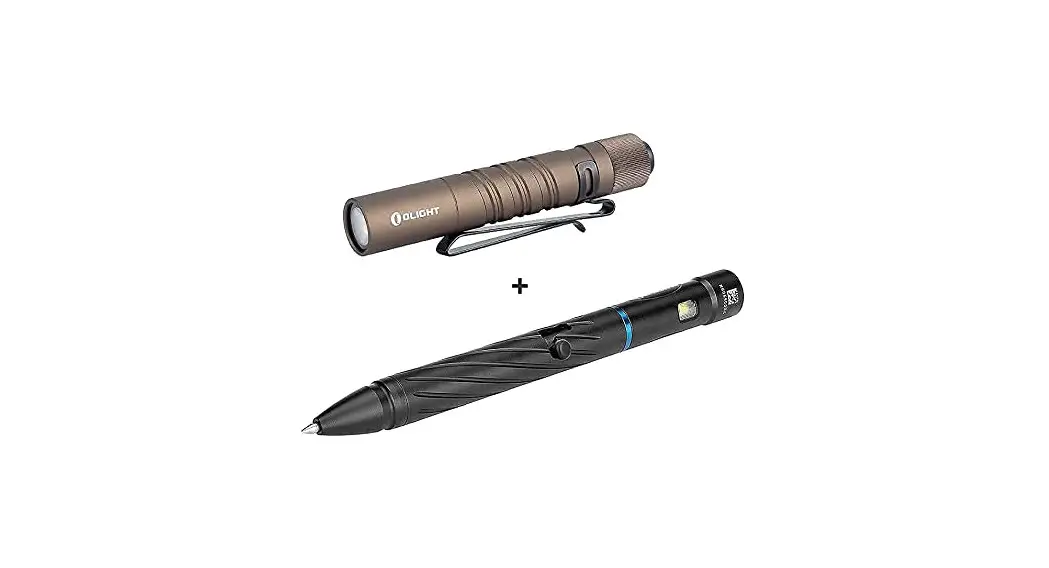
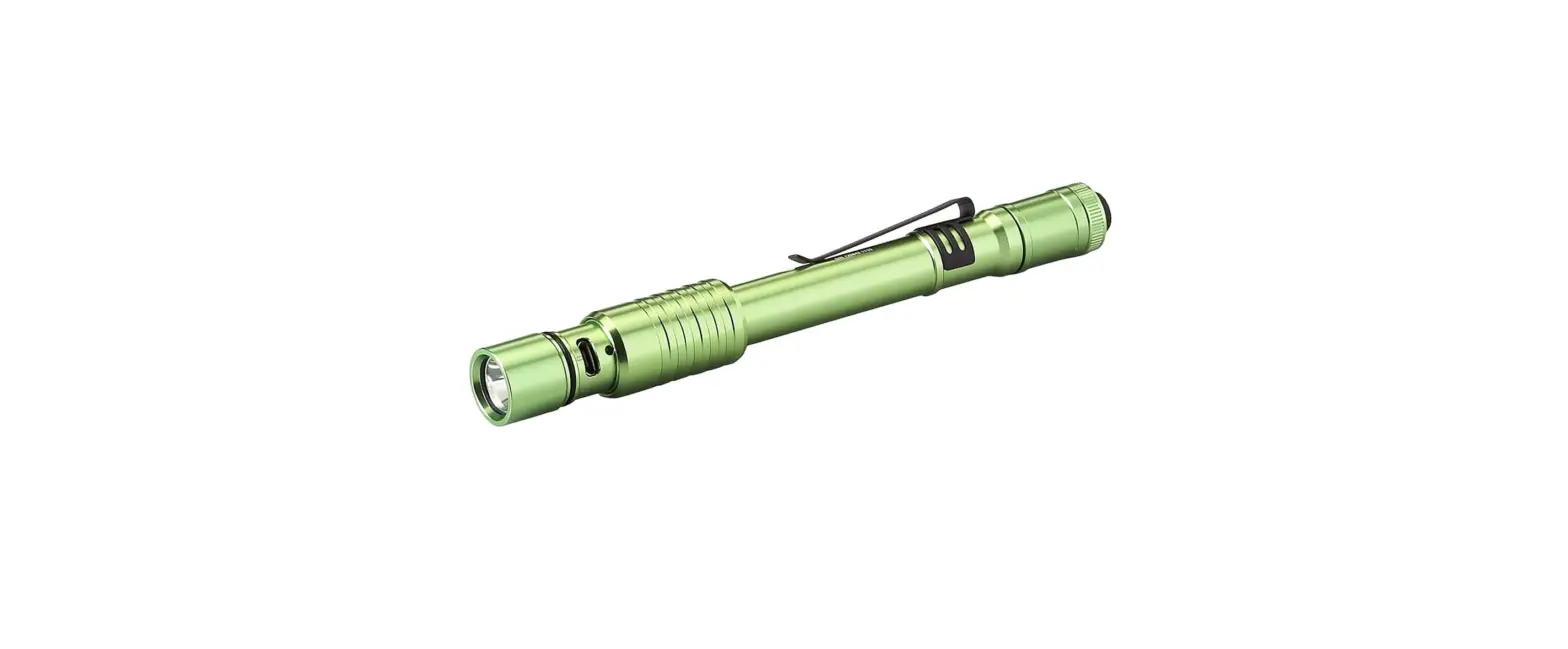
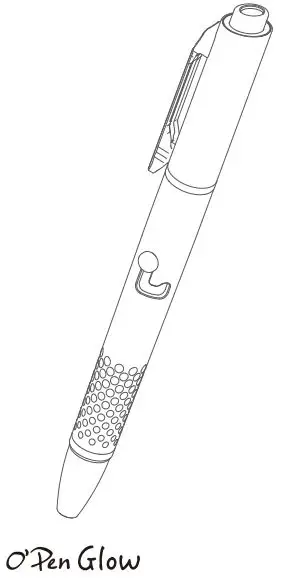
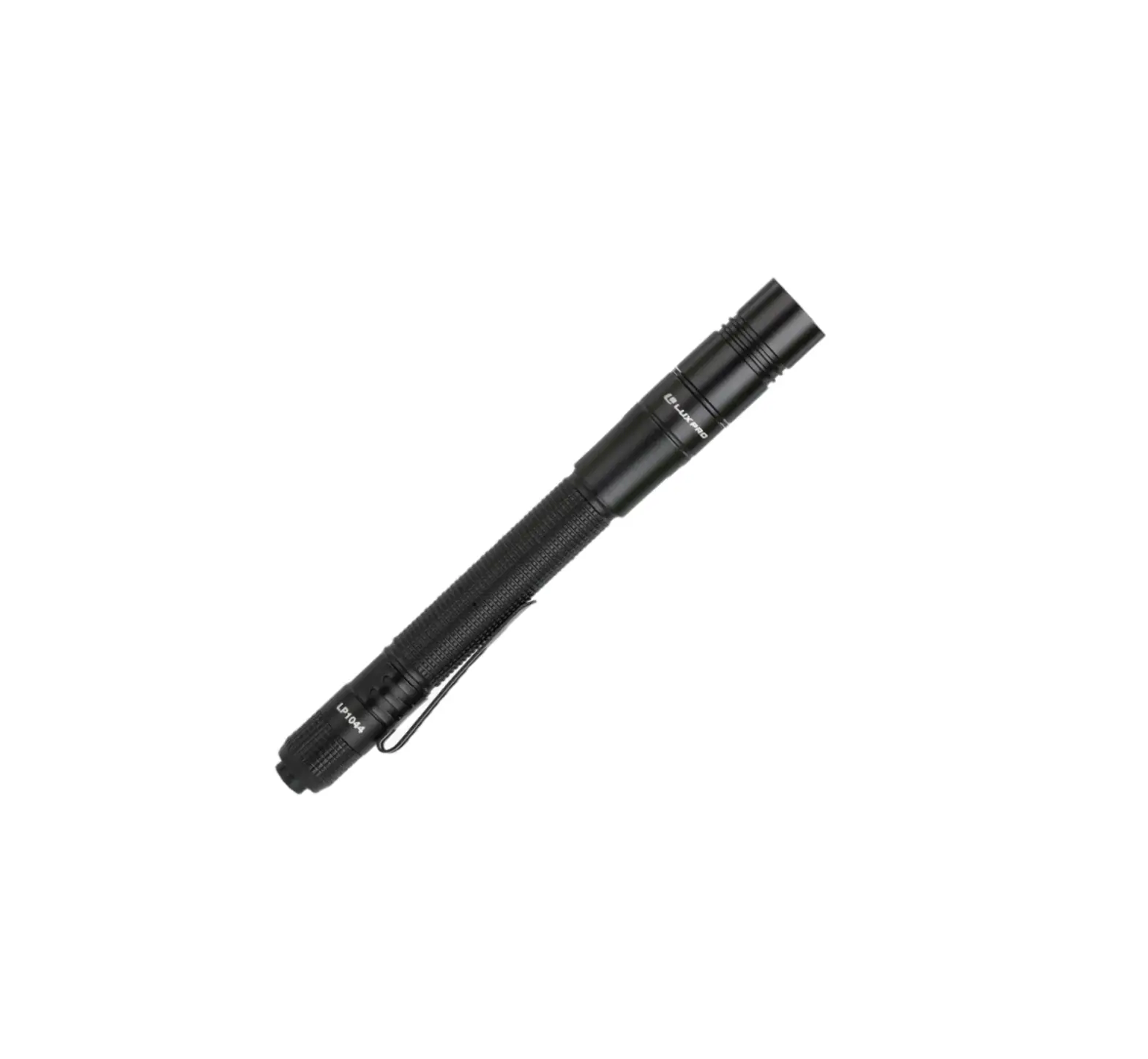
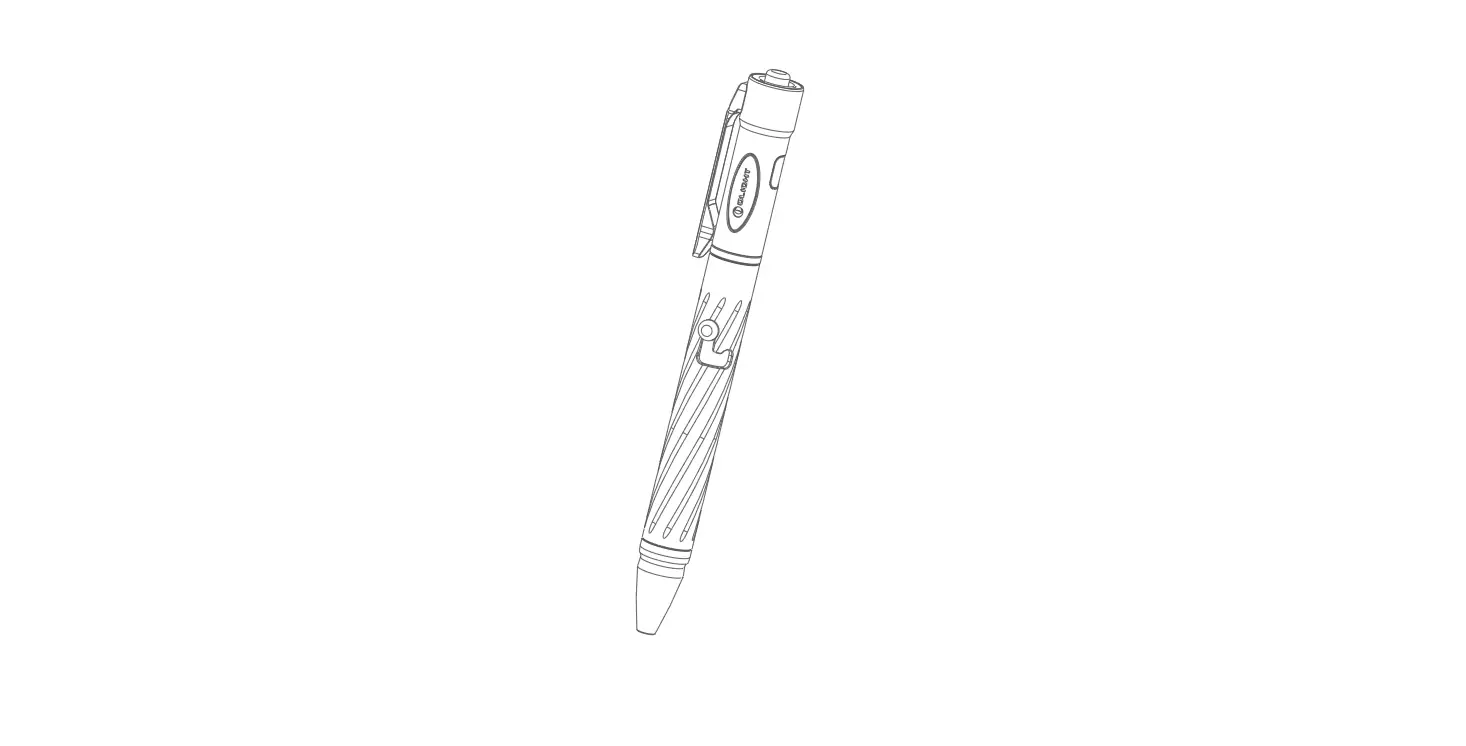
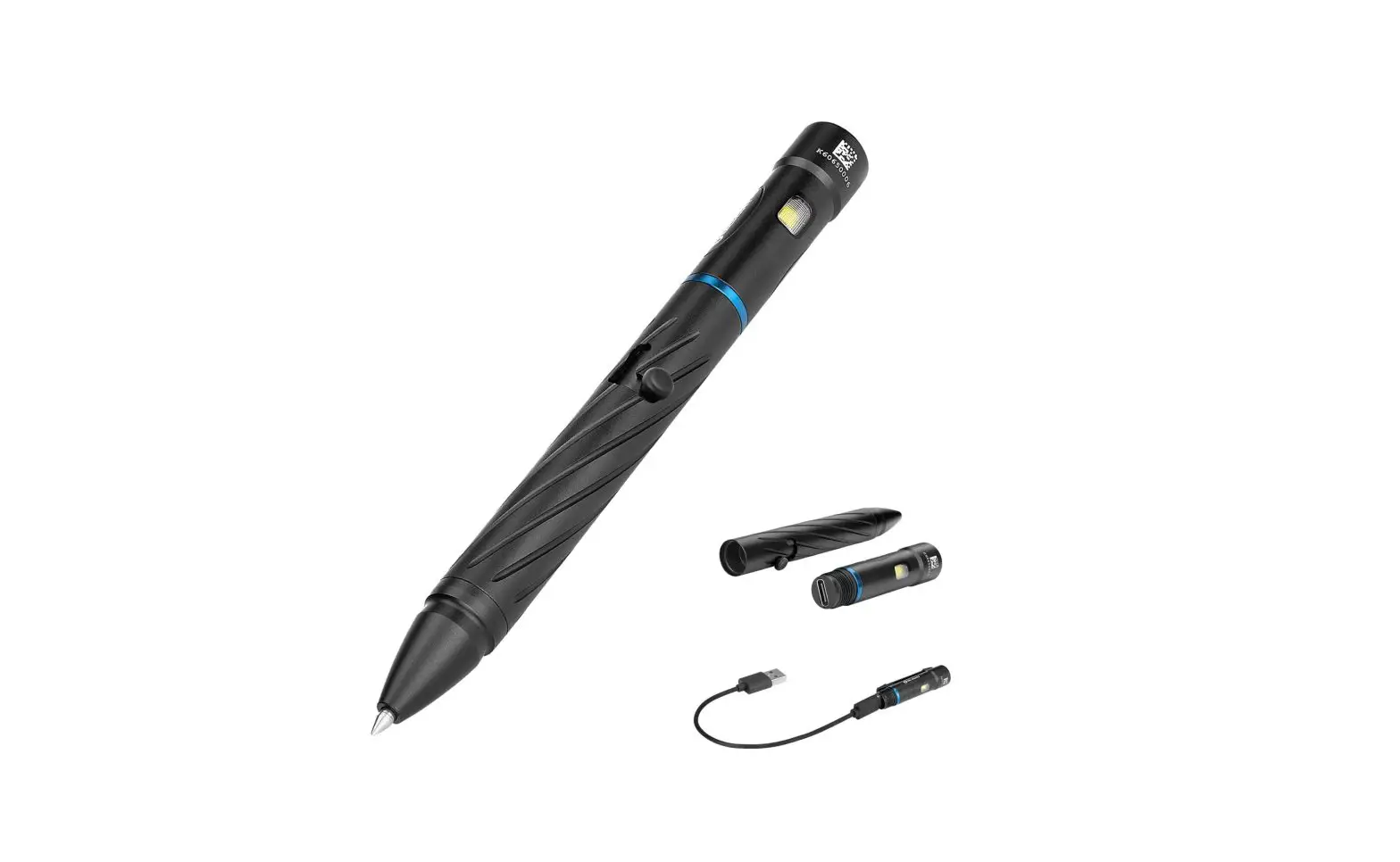
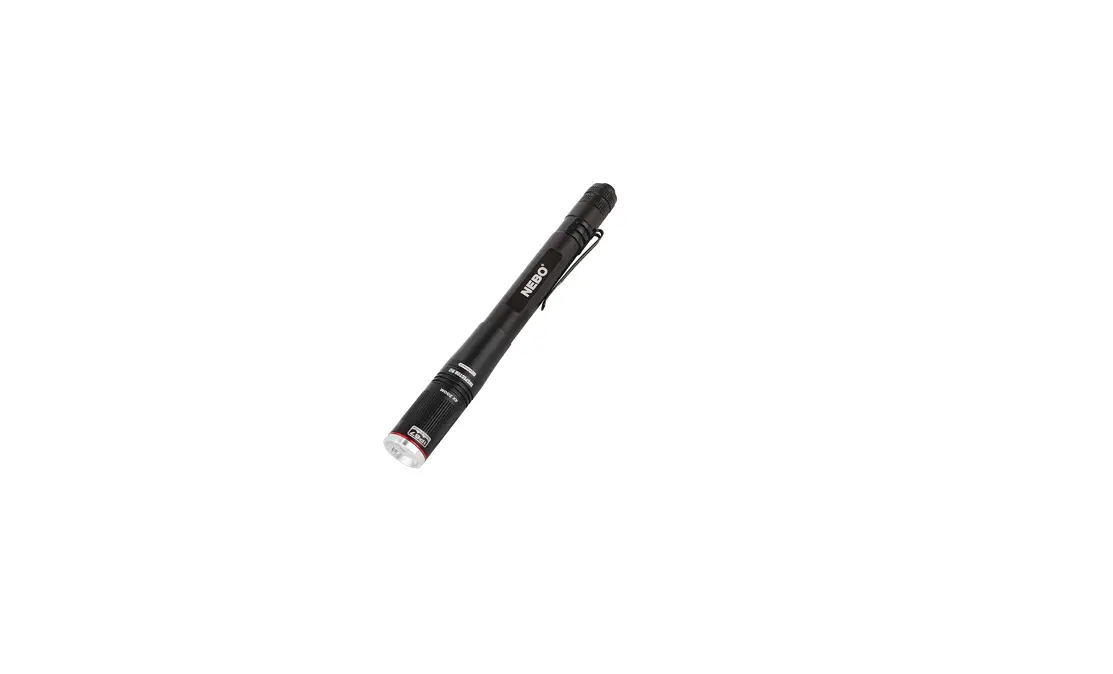
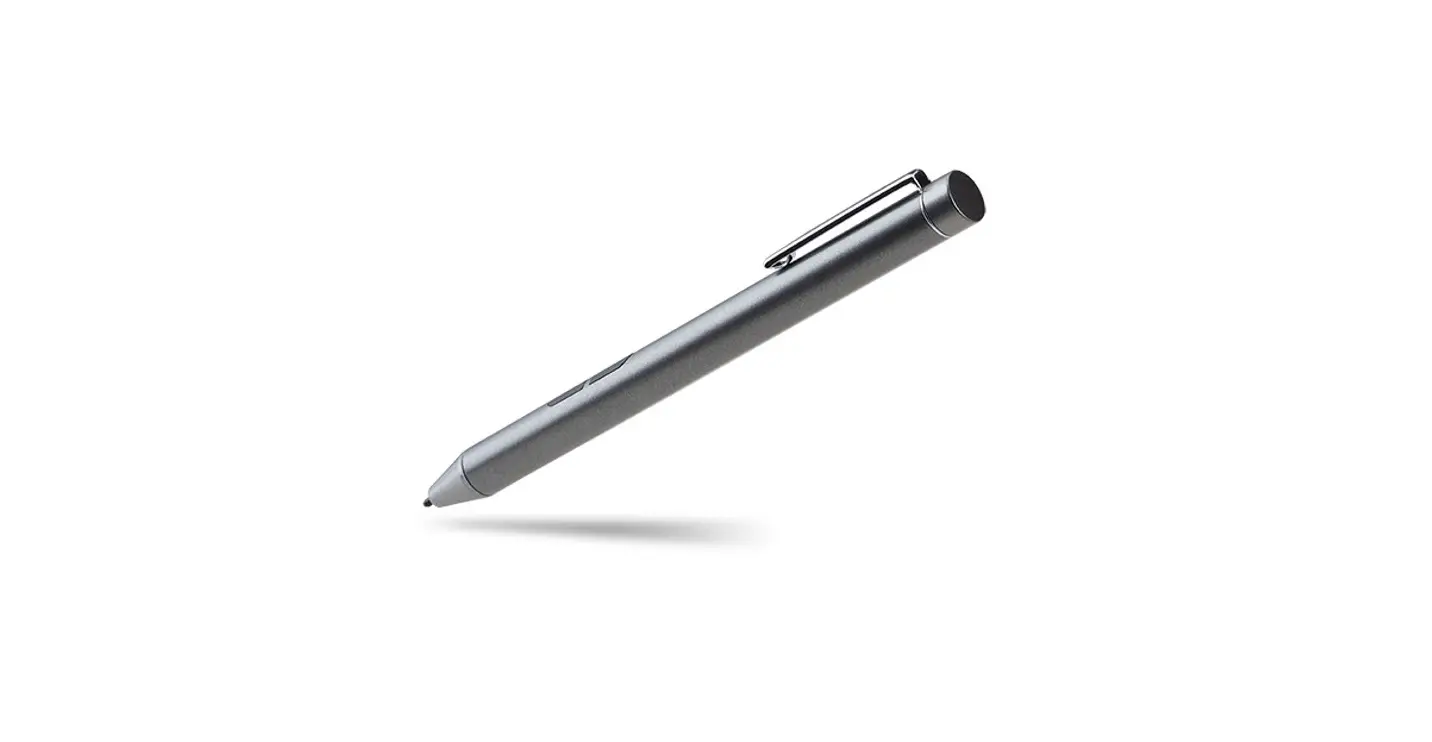
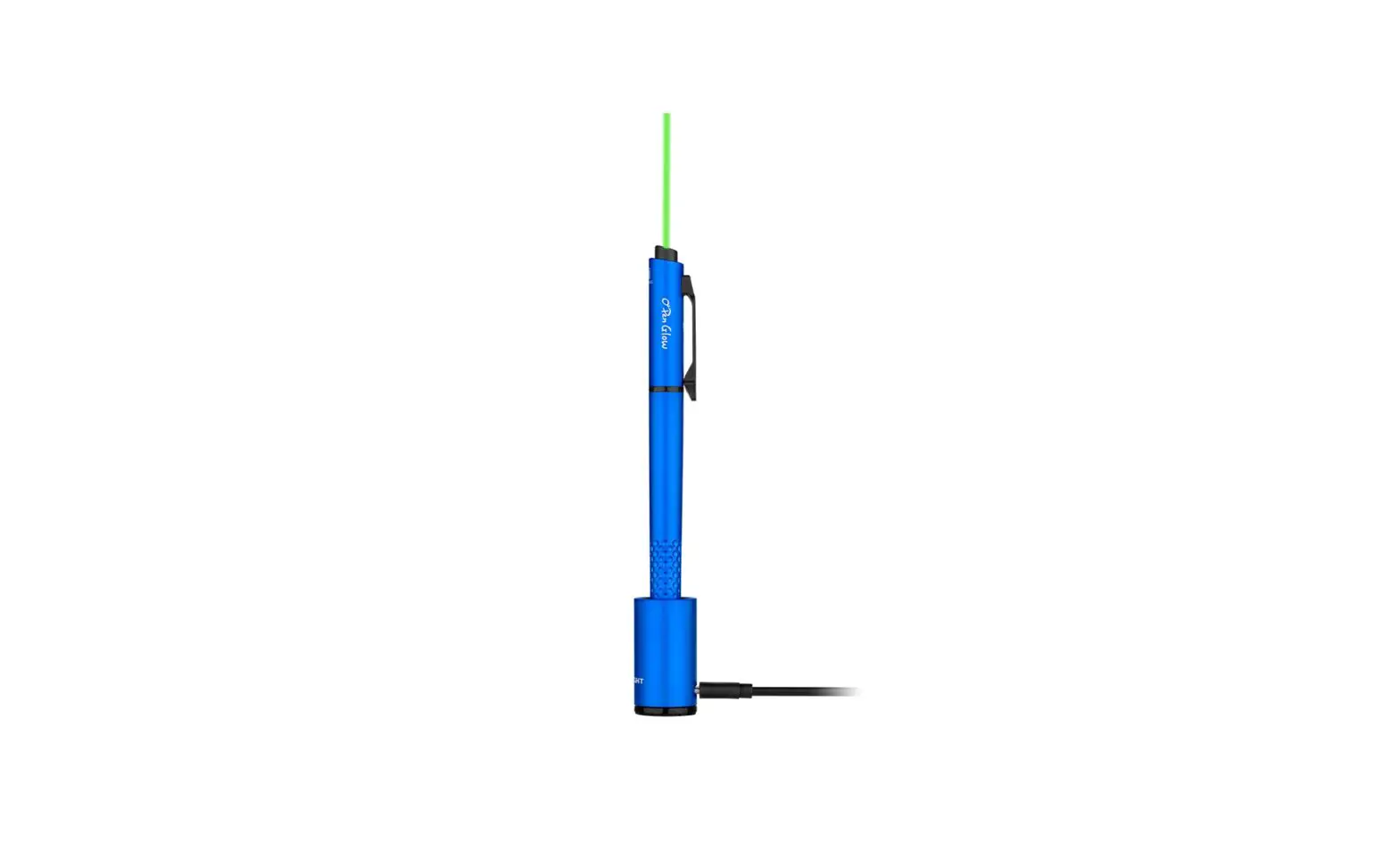
A Rechargeable Penlight with the Charging Base.
IN THE BOX


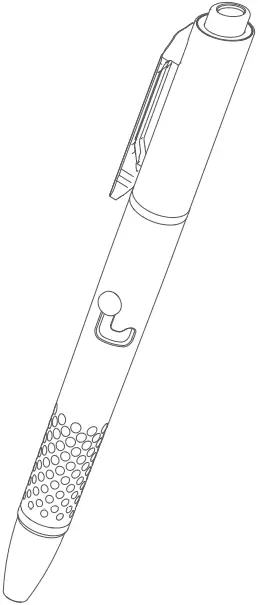
Penlight Pen ink
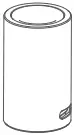

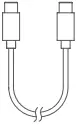
Charging base Magnetic clamp TYPE-C charging cable
Table 1:
Penlight
WHITE (PEN CLIP LIGHT): CCT: 5700K
WHITE (PEN TIP LIGHT): CCT: 4000K
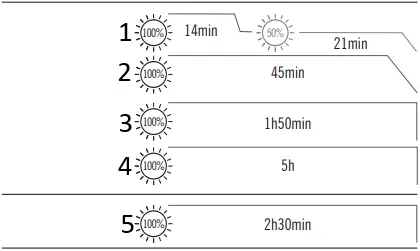
- HIGH 120lumens
- MEDIUM 60lumens
- LOW 20lumens
- MOON 5lumens
- *PEN TIP LED 0.2lumens
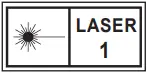
Max Output: 0.39mW (Class 1)
Max Runtime: 6h
Laser Wavelength: 510-530nm


48cd 14m


0.8m 38g / 1.34oz Working Temperature 0~40°C

(L)155*(D)12.7mm (L)6.10*(D)0.5in

Lithium Polymer Batteries 0.407Wh (110mAh / 3.7V)
* Above data are tested per ANSI/NEMA FL 1-2009 standard in Olight’s labs for reference. The tests are performed indoors under a room temperature of 25 degrees celsius with windless conditions. The runtime may vary depending on the external temperature and ventilation conditions, and these biases may affect the results of testing.
* In order to ensure an even light when writing, the pen tip adopts a soft light design; a certain amount of light loss exists, so the running time is shortened.
Table 2:
| Charging Method | Retract the pen ink, then insert the pen directly into the charging base to recharge. |
| Input | Type-C (5V) |
| Output | CC&CV |
| Max. Charging Current | 200mA |
| Time to Fully Charge | About 55 mins |
Figure 1
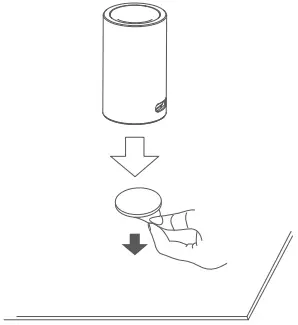 Adhesive Metal Badge Application
Figure 2
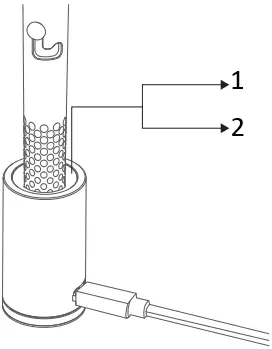
1. Red Charging
2. Green Charging Completed
Figure 3

Press and hold
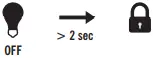
Figure 4
 Press and hold

Figure 5
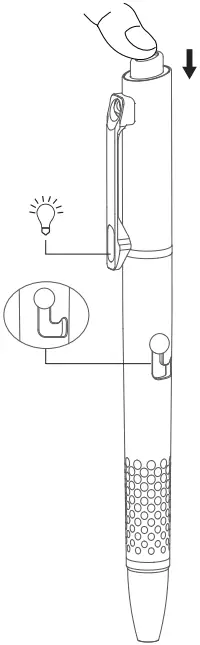 Press
Press
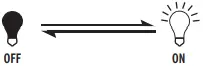
Figure 6
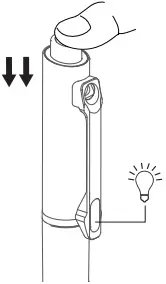 Double press
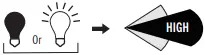
Figure 7
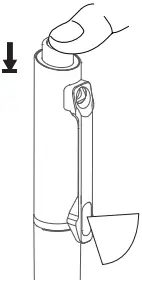 Press and hold
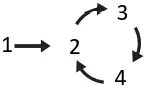
- Moonlight
- Low
- Medium
- High
Figure 8
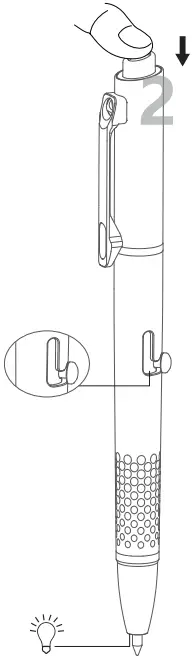 Extend the pen ink
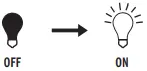
Figure 9
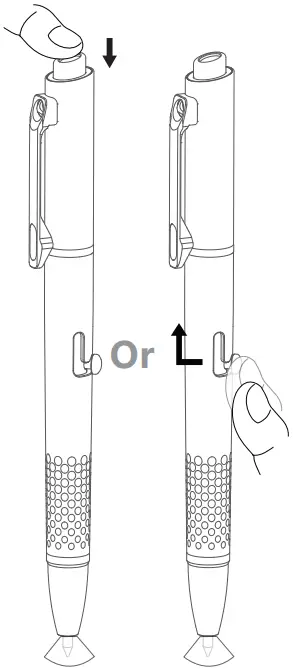 Press Retract the pen ink
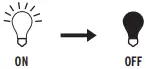
Figure 10
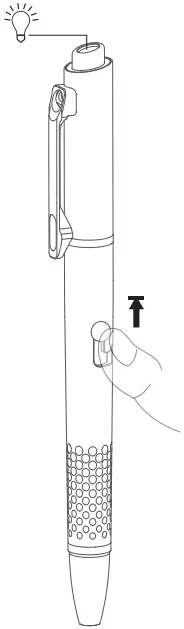 Push and hold
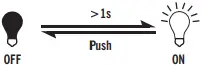
Figure 11
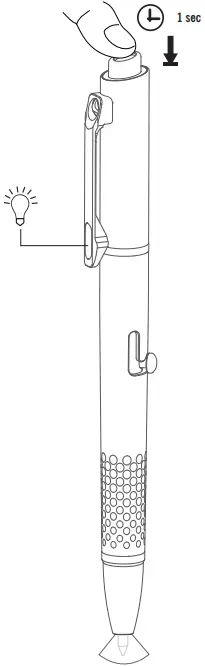 Press and hold
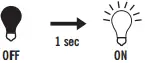
Figure 12
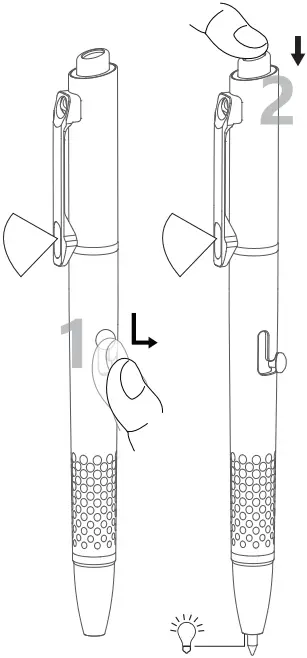
Extend the pen ink Press
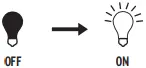
Figure 13
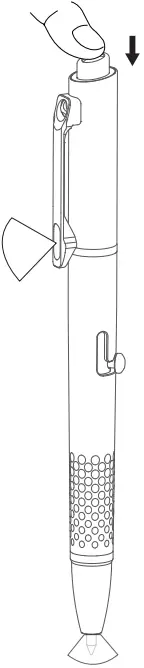 Press
Press
Figure 14
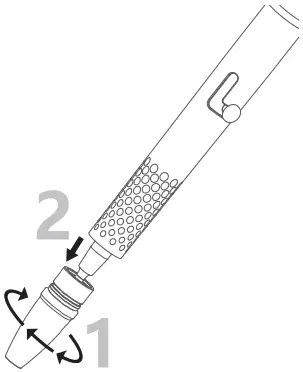
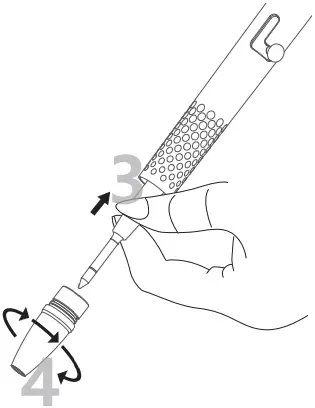
Multi-language dictionary, see Table 3;
1. Product specification, see Table 1 and Table 2;
2. Operating instructions below:
2.1 Charging base charging, see Figure 1 and Figure 2;
2.2 Lockout, see Figure 3;
2.3 Unlock, see Figure 4;
2.4 Pen clip light ON/OFF, see Figure 5;
2.5 High mode, see Figure 6;
2.6 Change brightness, see Figure 7;
2.7 Pen tip light ON, see Figure 8;
2.8 Pen tip light OFF, see Figure 9;
2.9 Laser light ON/OFF, see Figure 10;
2.10 Turn on the pen clip light when the pen tip light is on, see Figure 11;
2.11 Turn on the pen tip light when the pen clip light is on, see Figure 12;
2.12 Turn off both the pen tip light and the pen clip light simultaneously, see Figure 13;
2.13 Replace the pen ink, see Figure 14;
Note:
- When the product is inserted into the charging base for recharging, the pen ink needs to be retracted.
- When the product is fully charged, the green light will be on, it will turn off after 10 minutes of continuous lighting. The light will not turn on if no pen is inserted into the charging base.
- When the lock mode is on, a quick press on the tail button will cause the pen clip light to instantly turn on and alert the user.
- As the pen ink is a conductive part, it is tightly fixed at the tail end. When replacing the pen ink, please insert the new pen ink forcefully into the guide sleeve of the pen body and ensure that it is inserted into the bottom.
- If the pen plunger does not move smoothly after replacing the pen ink, please check whether the pen ink is installed properly.
- If the product gets wet, please take out the pen ink quickly and dry the water on the pen ink to prevent it from rusting and affecting the pen tip light and the charging function.
- Laser and white light cannot be used simultaneously
Table 3
Multi-language dictionary
Press
Double press
Press and hold
Push
Push and hold
Retract the pen ink
Extend the pen ink
WARRANTY
Within 30 days of purchase: Contact the original seller for repair or replacement.
Within 2 years of purchase: Contact Olight for repair or replacement.
Warranty for the charging base: 2 years
For any of the fragile or low-value fittings not covered above, like lanyard and clip, you can contact the post-sale within 30 days of the purchase, if it has any quality drawback or damage under normal use condition. If such drawback or damage occurs after 30 days of the purchase or under abnormal use condition, we will only offer conditional quality assurance as appropriate.
USA Customer Support: [email protected]
Global Customer Support: [email protected]
Visit www.olightworld.com to see our complete product line of portable illumination tools.

Dongguan Olight E-Commerce Technology Co., Ltd
4th Floor, Building 4, Kegu Industrial Park, No 6 Zhongnan Road,
Changan Town, Dongguan City, Guangdong, China.
Made in China

3.4000.0524 A 03, 07, 2023
 Olightworld.com.Olight Flashlights, Tactical Light, Outdoor Light, Weapon Light