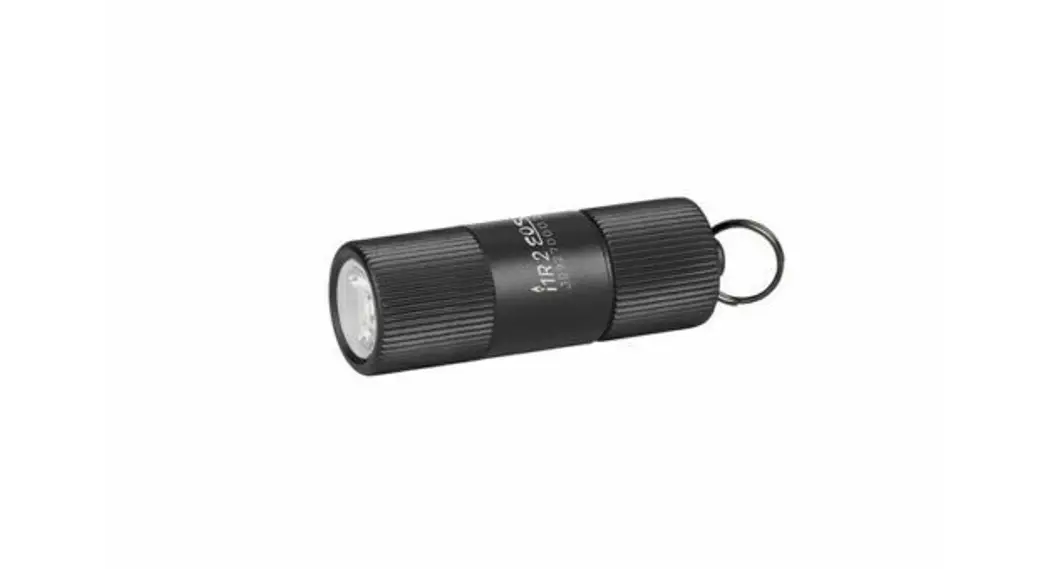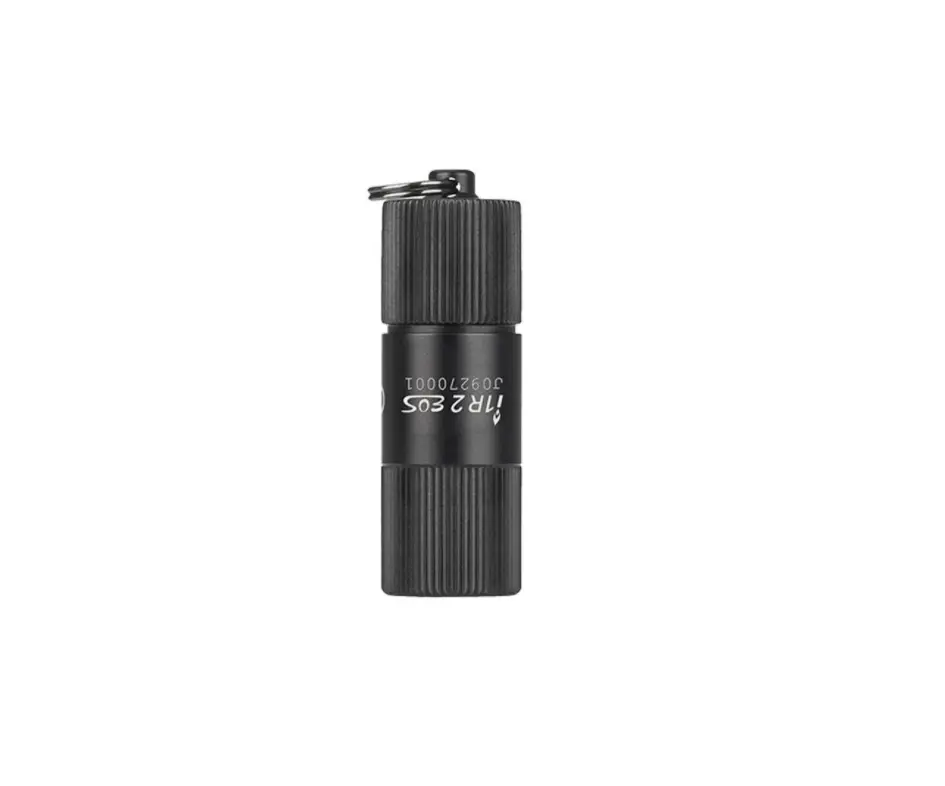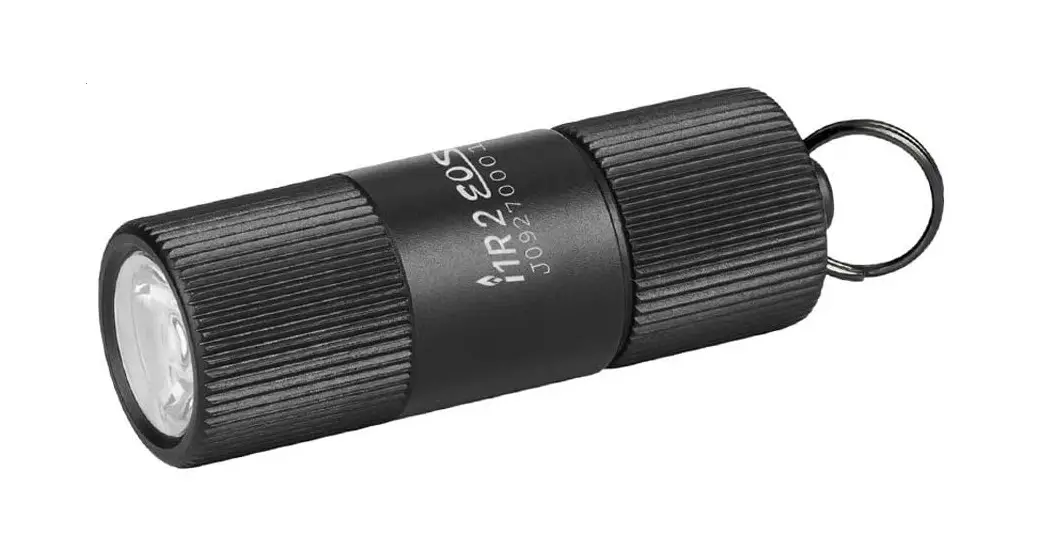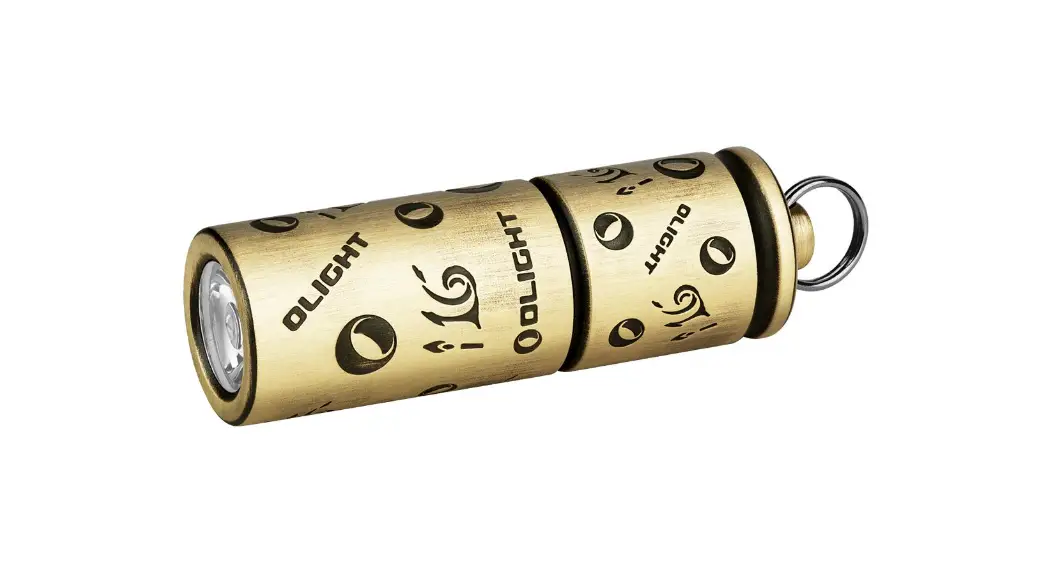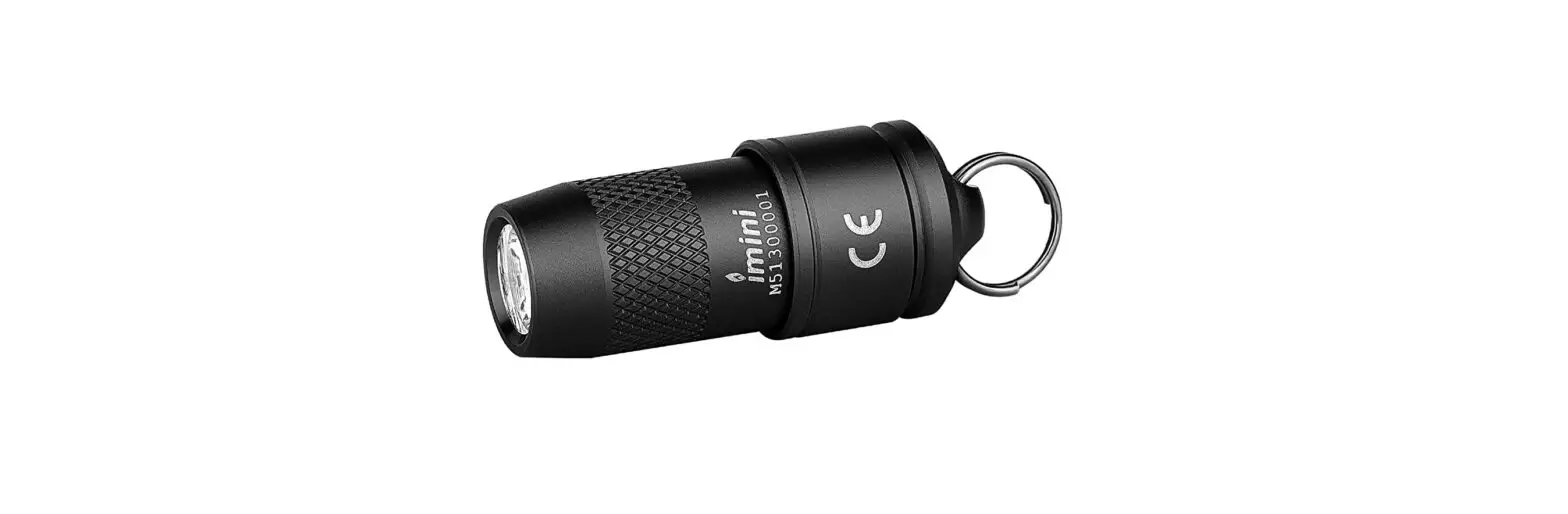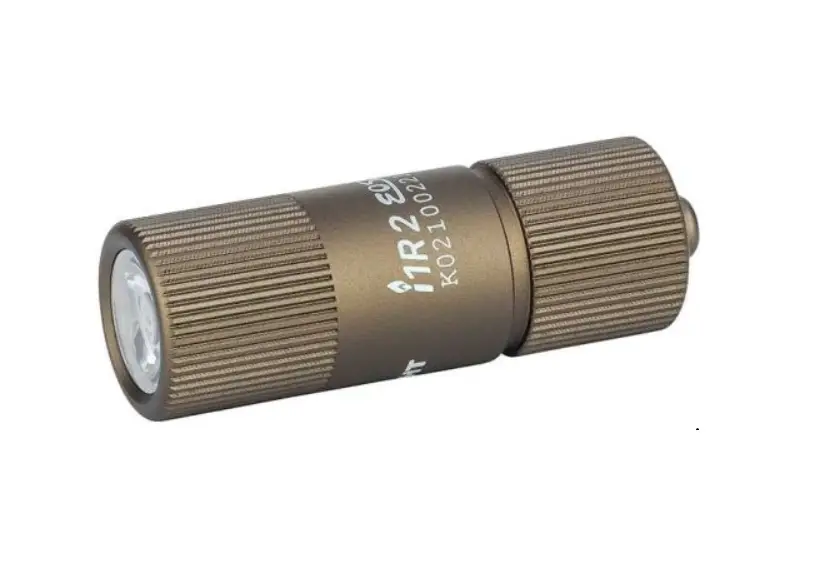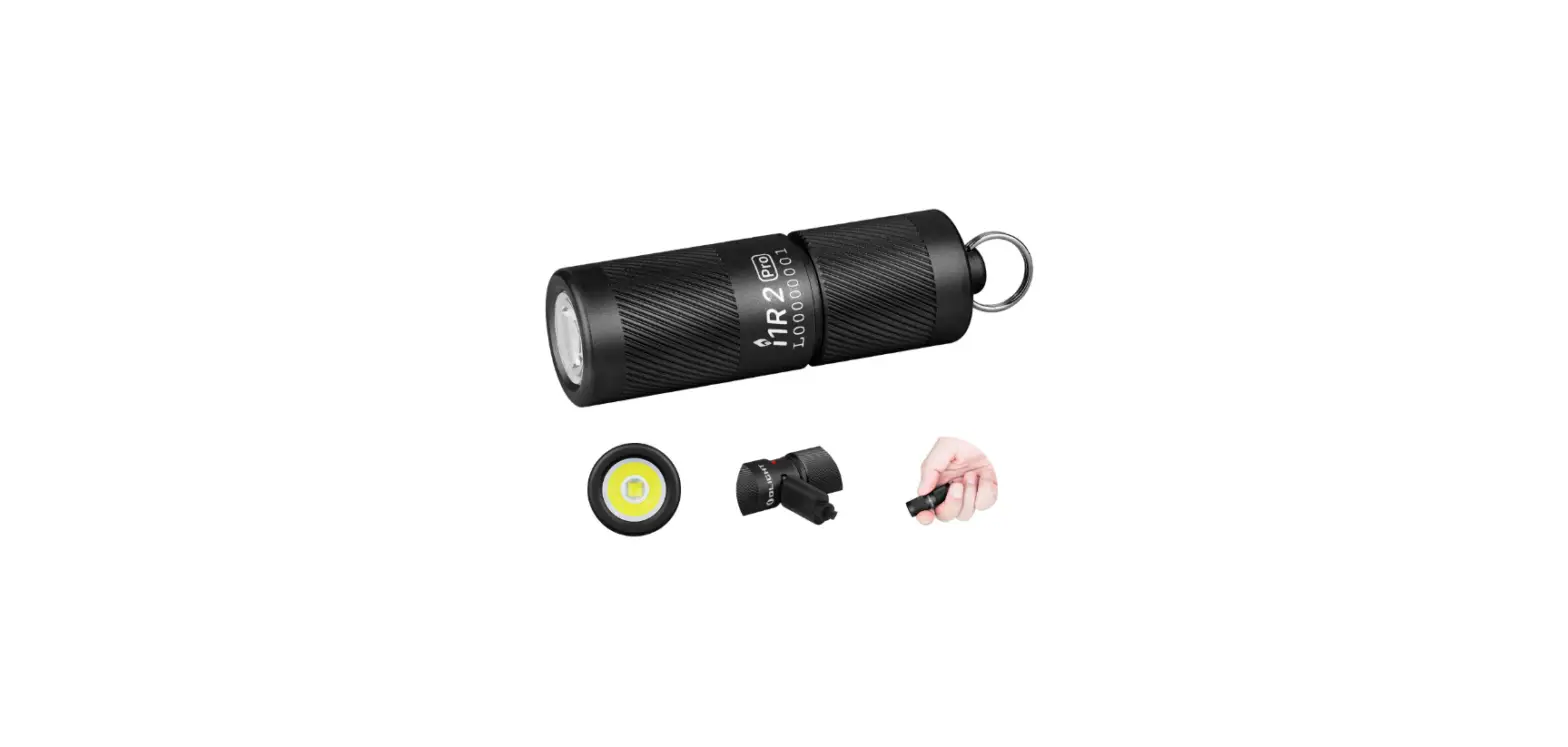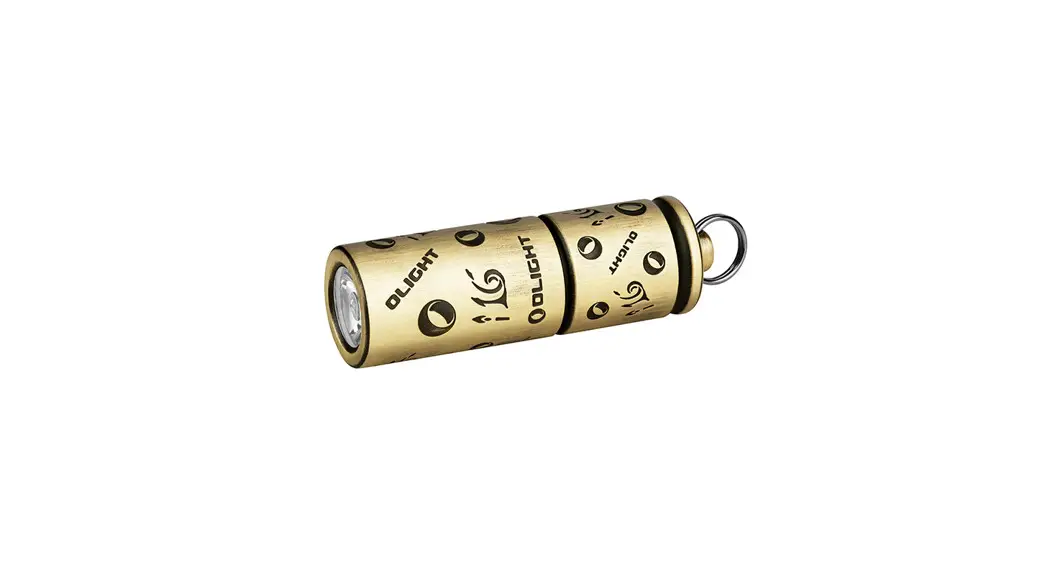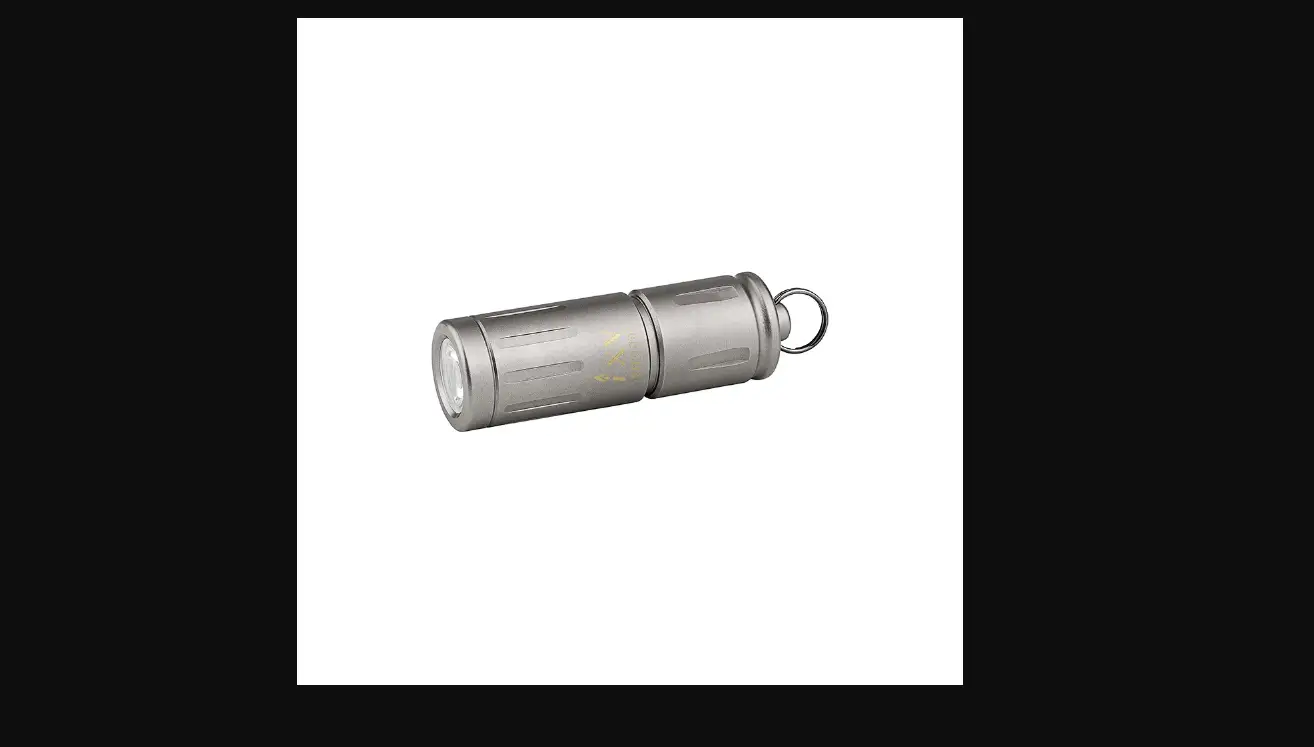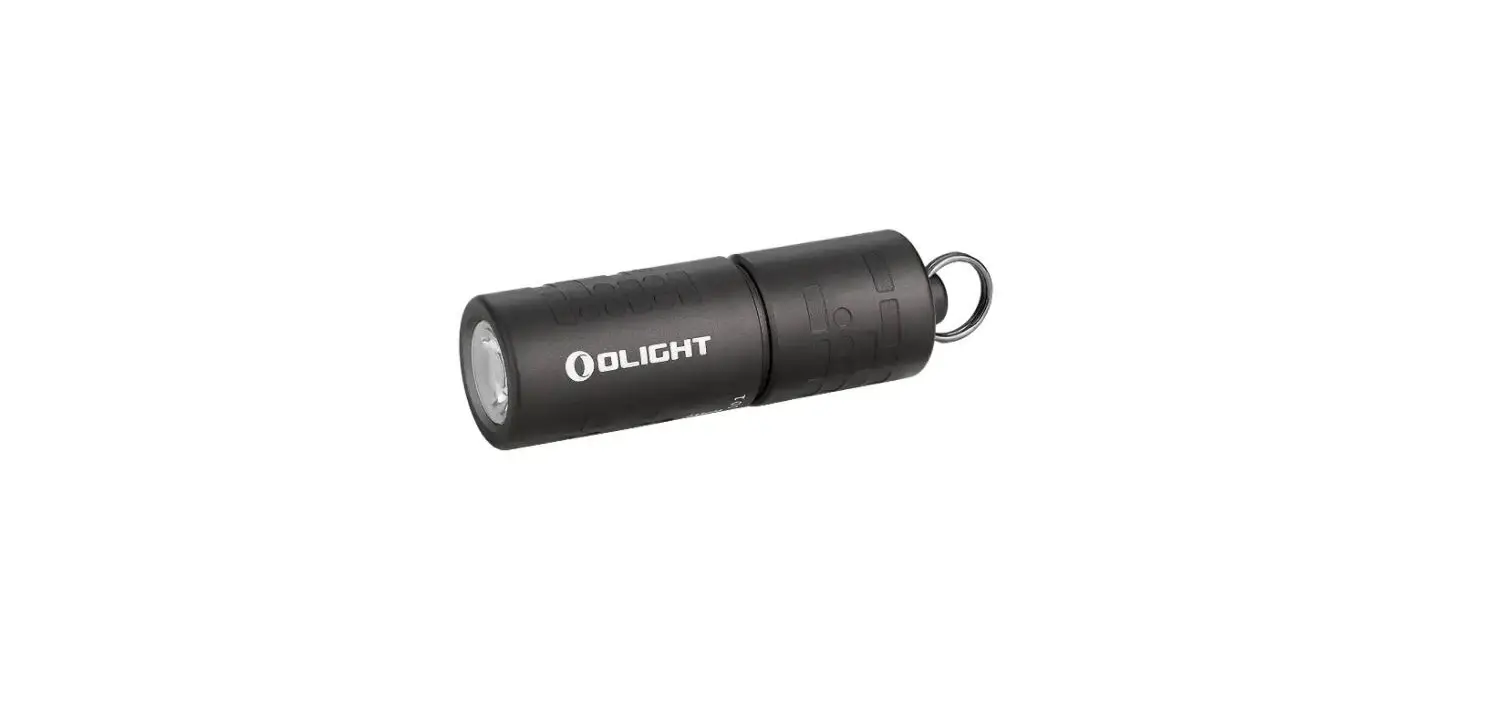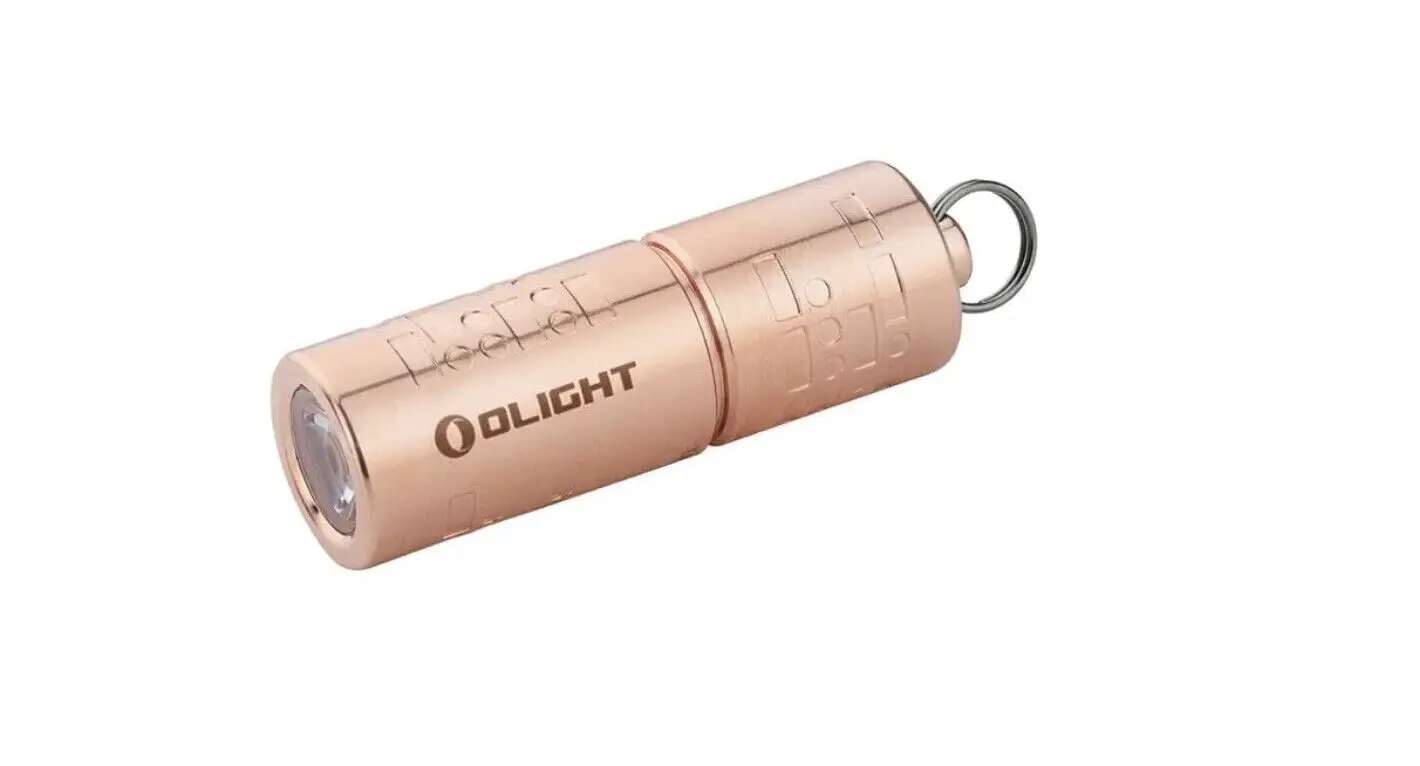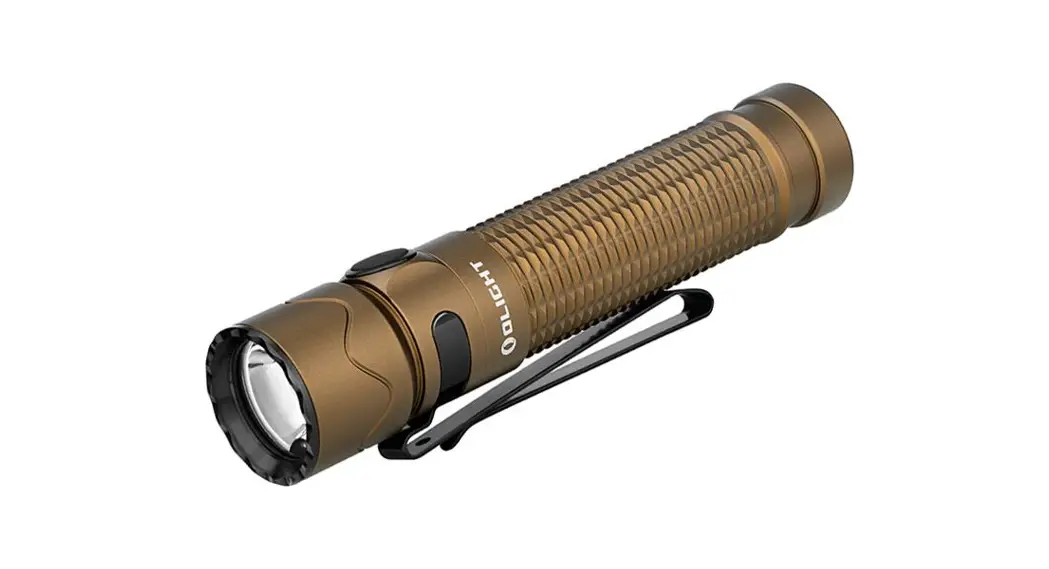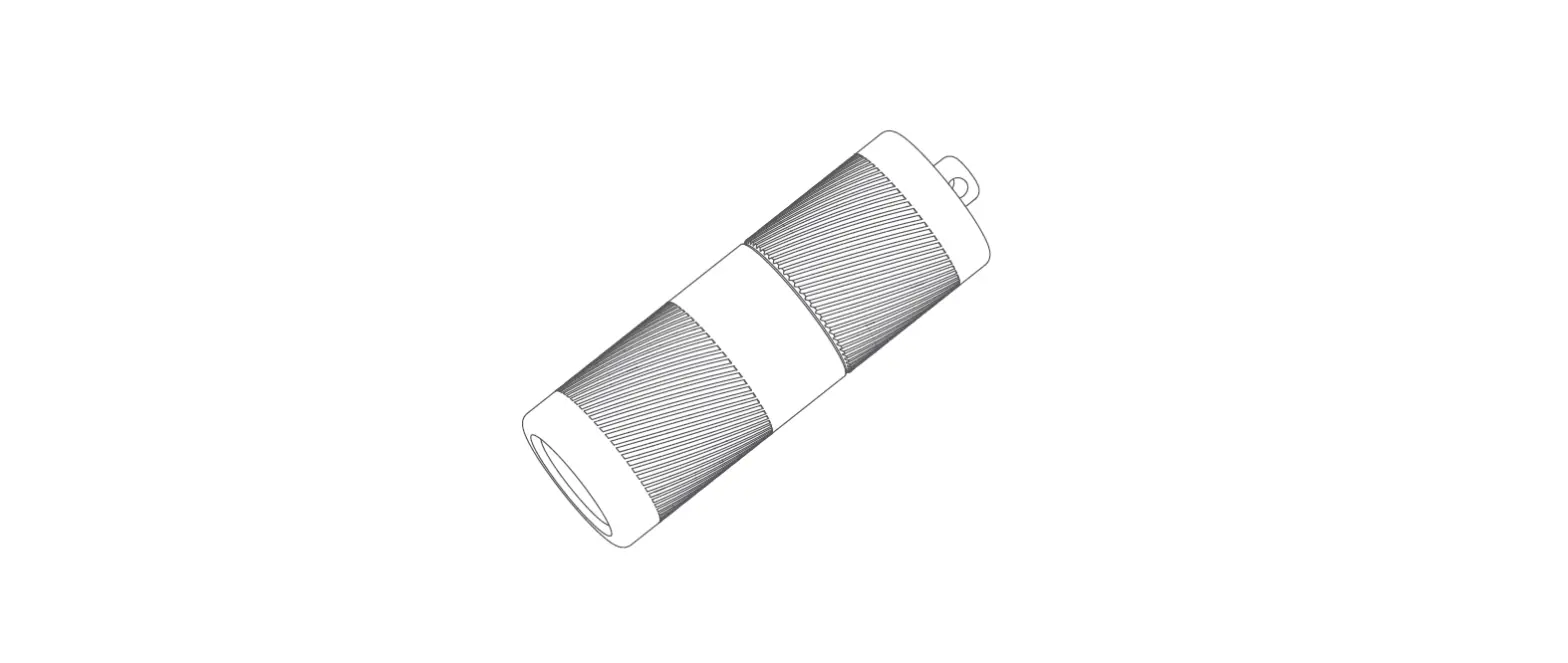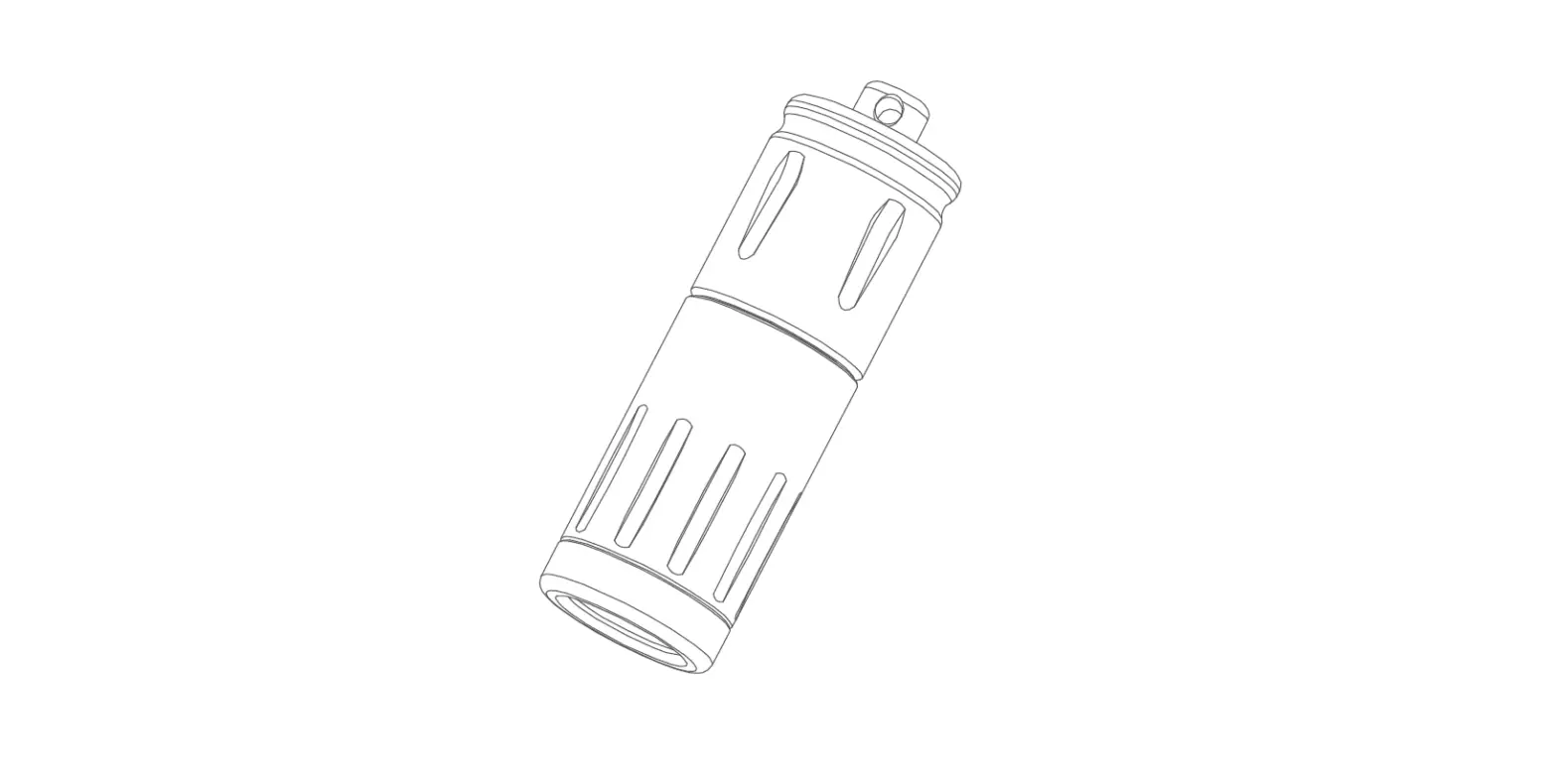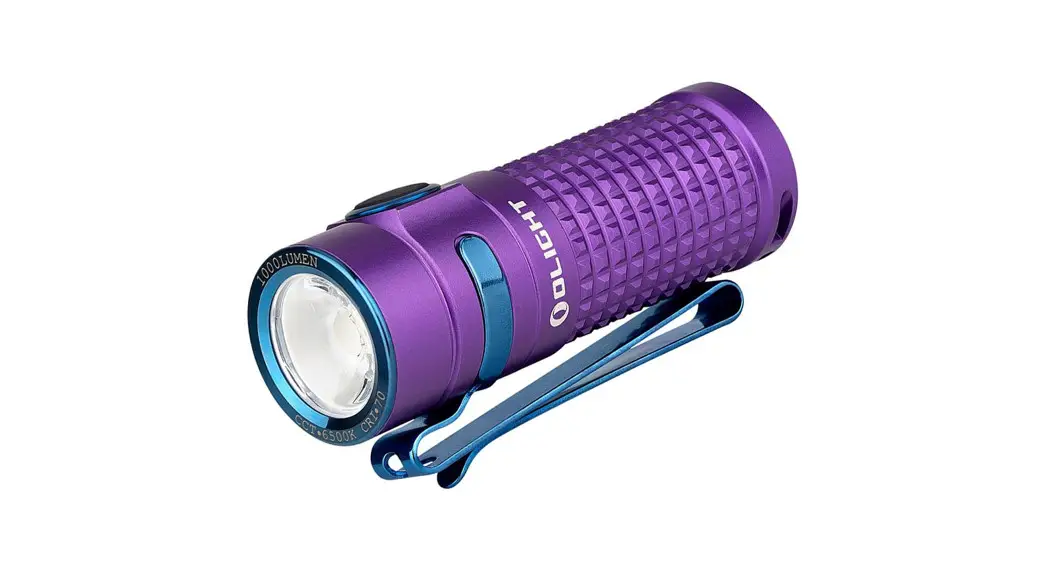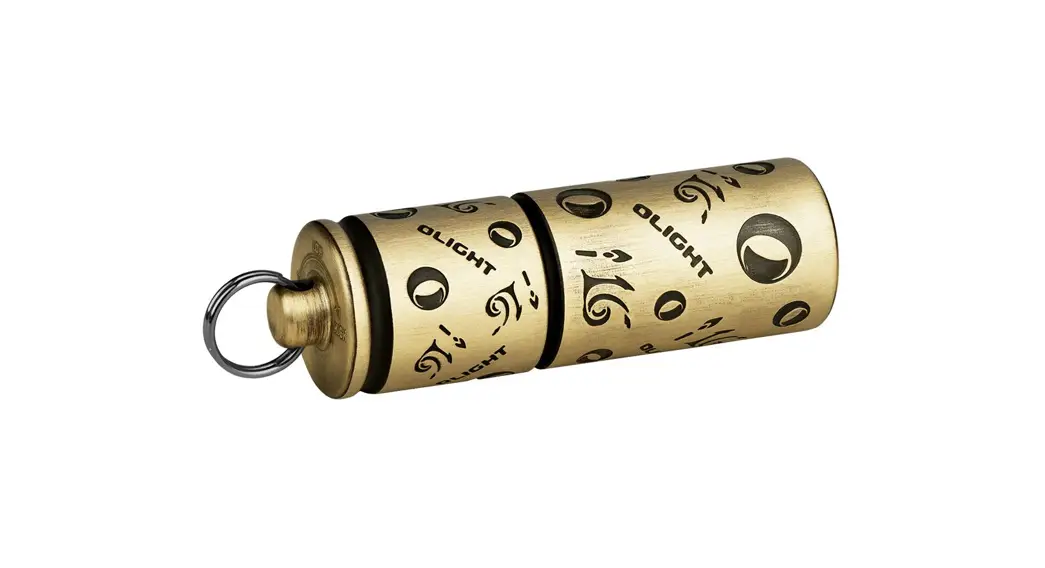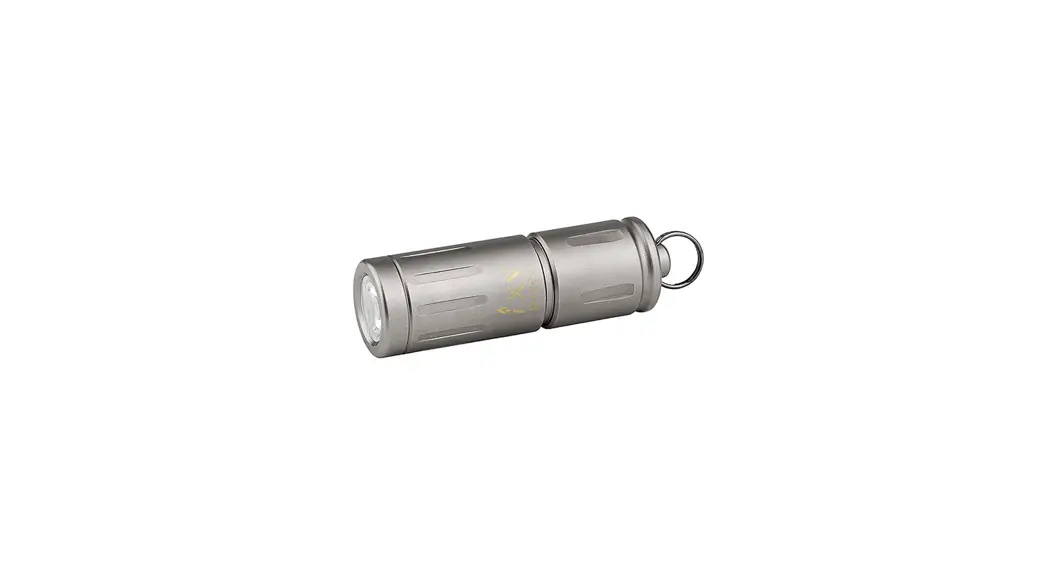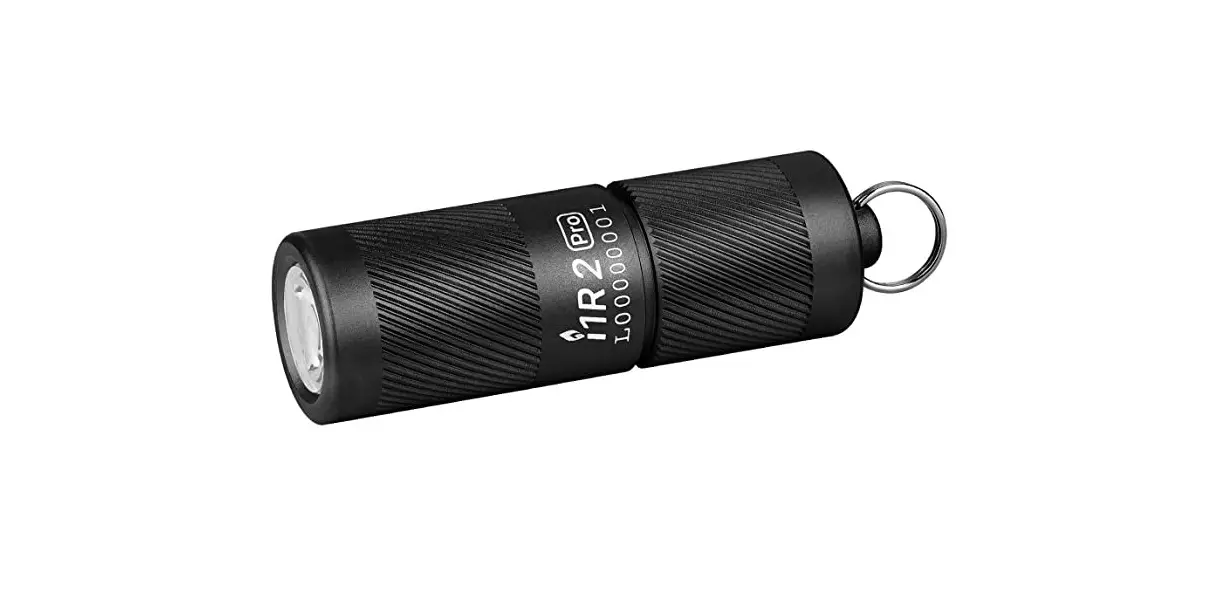
OLIGHT I1R 2 Pro Tiny Rechargeable LED Keychain Flashlight User Manual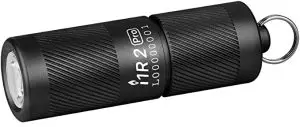
IN THE BOX
- i1R 2 PRO

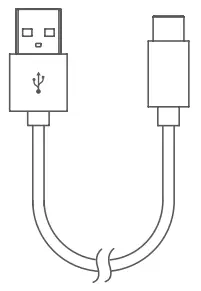
- USB A-C Charging Cable

SPECIFICATIONS
- HIGH

- LOW
- 580cd

- 48m
- IPX8

- 1.5m
- (L)51.3 x (D)16.2mm
(L)2.02 x (D)0.64in
- 22g / 0.78oz









The output brightness will decrease as the battery power decreases.
The running time is the time when the brightness attenuates to 50% of the initial value after the battery is fully charged.
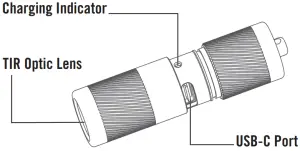
PRODUCT OVERVIEW
CHARGING
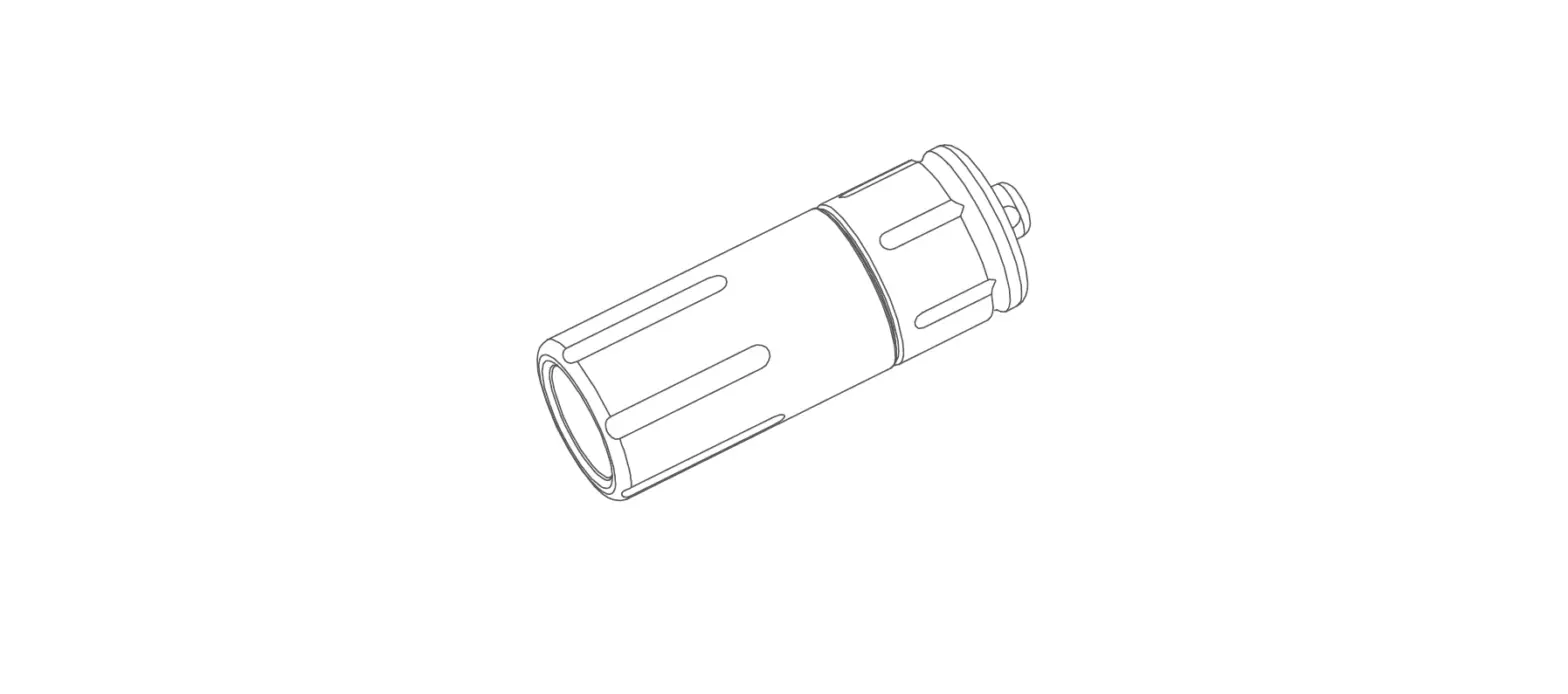
Before first use, please fully charge the battery. Unscrew the flashlight tail from the head till the charging port is revealed. Connect the flashlight to an external USB power source via the provided USB A-C charging cable. The red indicator means charging, while the green indicator means charging completed.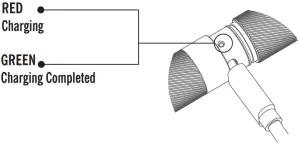
 Max time to reach a full charge: 100min
DANGER
- DO NOT shine the light directly into human eyes. This may cause temporary blindness, or permanent damage to the eyes.
- DO NOT throw the flashlight into the fire. This may cause the battery to explode or incur unexpected hazards.
 WARNING
- DO NOT try to pull apart the flashlight. This may cause malfunction or make it unusable.
EXCLUSION CLAUSE
Olight is not liable for damages or injuries sustained resulting from the usage of the product inconsistent with the warnings in the manual.
WARRANTY
Within 30 days of purchase: Contact the original seller for repair or replacement.
Within 2 years of purchase: Contact Olight for repair or replacement.
This warranty does not cover normal wear and tear, modifications, misuse, disintegrations, negligence, accidents, improper maintenance, or repair by anyone other than an Authorized retailer or Olight itself.
USA Customer Support: [email protected]
Global Customer Support:
[email protected]
Visit www.olightworld.com to see our complete product line of portable illumination tools.
Dongguan Olight E-Commerce Technology Co., Ltd
4th Floor, Building 4, Kegu Industrial Park, No 6 Zhongnan Road, Changan Town, Dongguan City, Guangdong, China.
EU-DECLARATION OF CONFORMITY